Technical Specifications
Browse by application:
Final Cut Studio System Requirements
Requirements to install all Final Cut Studio applications
- Mac computer with an Intel processor
- 1GB of RAM (2GB of RAM recommended when working with compressed HD and uncompressed SD sources; 4GB of RAM recommended when working with uncompressed HD sources)
- ATI or NVIDIA graphics processor (integrated Intel graphics processors not supported)
- 128MB of VRAM
- Display with 1280-by-800 resolution or higher
- Mac OS X 10.5.6 or later
- QuickTime 7.6 or later
- DVD drive for installation
- 4GB of disk space required to install all applications (Final Cut Pro, Color, DVD Studio Pro, Soundtrack Pro, Motion, Cinema Tools, Compressor, and Apple Qmaster)
- 46GB of disk space required for optional content
- 9GB for DVD Studio Pro content
- 7GB for Motion templates
- 22GB for audio content
- 8GB for LiveFonts
Application-specific requirements
- Soundtrack Pro
- For 5.1 surround monitoring of multichannel audio content: an audio interface with a minimum of six outputs
- For multitrack recording: an audio interface with multiple inputs
- Color
- Display with 1680-by-1050 resolution or higher; dual displays are highly recommended
- For rendering of 4K files and DPX: a graphics card with at least 512MB of VRAM
- For 32-bit rendering: a graphics card with at least 256MB of VRAM
- Three-button mouse for full functionality
- DVD Studio Pro
- For writing finished projects to disc: an Apple SuperDrive or other DVD recorder
- For writing finished projects to a double-layer disc: a double-layer-compatible recorder and double-layer media
- For transporting projects that contain copy-protection or dual-layer features to a replicator: a DLT drive, external drive, or Internet transfer of the project’s disk image
Blu-ray-specific requirements
- For burning Blu-ray Discs: a Blu-ray recorder
Final Cut Pro 7
Editing and Timeline
- Mix frame sizes, frame rates, and formats in the same Timeline in real-time
- Edit at 23.976, true 24, 25, 29.97, 30, 50, or 60 fps
- Automatic Sequence Conform creates correct sequence settings with first edit
- Multicam editing of up to 128 sources with real-time playback of up to 16 angles
- Source/Record three-point editing model
- Insert and overwrite with or without transitions
- Replace, fit to fill, and superimpose edits
- Edit overlay for drag-and-drop editing
- Blade and Blade All tools for adding edits
- Extend and split edits
- A/V Sync indicators in Timeline
- Adjacent (through edit) indicators in Timeline
- Dupe detection in Timeline
- Keyframe graphs
- Track targeting
- Track locking
- Auto Select tools
- Multi-coloured markers for sequences and clips
- Ripple sequence markers
- Matchframe for masterclips, subclips and subclip parent clips
- Multi-touch Gesture support
- Colour-coded, drag-and-drop reorder of tabs in the Timeline
- Close Other Tabs shortcut in Timeline and Browser
Trimming
- Ripple
- Roll
- Slip and slide
- Lift and ripple delete
- Asymmetric, multitrack trimming
- Dynamic trimming
- JKL trimming
- Trim window
- Timeline trimming
- Keyboard and numeric moving and trimming
- Close Gap
Effects
- FxPlug support
- Alpha Channel Matte Transitions
- Global Transitions adds effects between in and out points
- Direct access and modify Motion Templates
- RT Extreme for scalable software-based, multistream real-time effects in SD and HD formats
- Dynamic RT for automatically adjusting playback quality and/or frame rate based on hardware capabilities
- Motion integration for advanced motion graphics work
- 8-bit, 10-bit, and HDR (32-bit floating point) image processing
- Speed Tool for speed changes in the Timeline
- Change Speed interface with speed ramping presets
- Keyframe graphs and editing in Viewer or Timeline
- More than 200 transitions, effects, and filters
- Unlimited effects favorites
- Copy and paste motion and effect attributes to multiple clips
- Unlimited layers with support for nesting
- Bezier curves with movable motion paths
- Numeric control and keyframe capabilities for precise animation and effects
- Advanced 2D and 3D titles with Boris Calligraphy included
- Composite and transfer modes
- Import multilayered Photoshop files with layers and alpha channel support
- FXScript and FXBuilder for designing custom filters and effects
- Safe Area Display for positioning titles and effects for SD inside HD frame
Tools
- Large Timecode Viewer with additional display for metadata
- iChat Theater Preview for real-time collaboration
- High-quality, real-time video vectorscopes and waveform monitors
- Multitrack Audio Mixer
- Keyboard and user interface customization tool
- Voice Over tool for adding narration directly to Timeline
- Frame Viewer for split screen shot comparisons
- Source timecode and film footage overlays in Viewer and Canvas
- QuickView for RAM-based previews of complex multilayered sequences
Audio
- Subframe audio keyframing to 1/100th of a frame
- Real-Time audio filter adjustments during playback
- Up to 24 channels in and out
- 5.1 surround sound monitoring
- OMF audio export with pan and volume levels
- Real-time, software-based audio normalization
- Onscreen multitrack mixing console
- External control surface support
- Soundtrack Pro roundtrip for advanced audio mixing and sound design
- Real-Time fader automation
- Variable keyframe thinning
- Real-Time audio filters and effects
- Sampling up to 96kHz and 24 bits
- Audio level meters per track
- Mac OS X Audio Units plug-in support
- Pan controls
- Mute and solo controls
- Audio waveform display in Viewer and Timeline
- Logarithmic audio fades
- More than 30 audio filters
Colour Correction
- Send to Color
- Primary (three-way) colour corrector
- Secondary (two-way) colour corrector
- Image control filters
- 4- and 8-point garbage mattes
- Real-Time, hardware-accurate waveform monitor and vectorscopes
- Broadcast-safe filter
- Range-checking zebra stripe overlays
Application
- Digital Cinema Desktop for full-screen, real-time SD, HD and 2K preview playback on main screen or an attached Apple Cinema or LED Display
- SD, HD and 2K monitor full-screen playback with Apple-certified third-party PCI card or device
- Mode-free interface for workflow efficiency
- Multiple sequences and projects open simultaneously
- Up to 99 levels of undo
- 99 audio and 99 video tracks with support for nesting sequences together
- User preferences that can be moved from system to system
- Easy Setups for quick configuration
- Dynamic and customizable window resizing and arrangements
- Customizable keyboard and user interface buttons
- Customizable real-time effects settings
- Customizable render settings
- Customizable Customizable Browser layouts
- Customizable track layouts
- External editor support (helper applications)
- Create Support Profile command for improved AppleCare support
- Full Unicode support
Film
- Cinema Tools 4.5 included
- Comprehensive, integrated film management tools
- Create PDF, text and XML film lists for asset tracking
- Drag and drop files to create new or add into existing CInema Tools databases
- Import RED media, DPX image sequences directly into Cinema Tools
- Create change lists from 2 XML exports from Final Cut Pro
- Use Cinema Tools databases for relinking of EDL’s with 2K and 4K media in Color
- Include timecode and keycode in the same list
- Support for 35mm 3-perf, 35mm 4-perf, and 16mm-20 and mixed film formats
- View feet and frames in Timeline
- View keycode and ink number overlays on video in Final Cut Pro
- Film data information in Final Cut Pro Browser
- 24-fps EDL import and export
- 24-fps EDL conversion to and from 29.97 fps
- Import ALE, ATN, FLX, and FTL files in both Cinema Tools and Final Cut Pro
- Track key numbers, ink numbers, video and audio timecode
- Output the following lists:
- Cut list
- Change list
- Optical list
- Pull list
- Dupe list
- Missing elements list
- Audio EDL
- Synchronize Cinema Tools database with Final Cut Pro
- Poster frame capability
- Conform clips to specified frame rate
- Reverse telecine function in either Cinema Tools or Final Cut Pro
- Export ALE files
- Import and export Final Cut Pro batch capture lists
Supported Formats and I/O*
- Apple ProRes family, a 10-bit, full-width VBR codec that supports all major frame sizes and frame rates at target bit rates from 10 Mbps to 754 Mbps
- DVCPro HD (P2), XDCAM EX, AVC-Intra, AVCHD, RED (with additional software from RED) import through Log and Transfer with automatic logging, custom naming, browse, mark, and background ingest
- Easy Export supports presets for background export to Apple TV, MobileMe, iPhone, iPod, YouTube, DVD, Blu-Ray disc.
- Apple designed menus for DVD and animated menus for Blu-Ray discs.
- Broadcast Wave Format with drop and non-drop frame timecode options
- Native editing for DV, DVCAM, DVCPRO, DVCPRO 50, and DVCPRO HD
- Native editing for HDV including 1080i 50/60, 1080p 24/25/30, 720p 24/25/30/50/60
- Native AVC-Intra playback for both AVC-Intra 100 and AVC-Intra 50 at 1080p 24/25/30, 1080i 50/60, 720p 24/25/30/50/60
- Sony XDCAM HD at 25-Mbps CBR, 18- and 35-Mbps VBR at 1080i 50/60 and 1080p 24/25/30/VFR with free Sony software
- Sony XDCAM HD422 1080i 50/60, 1080p 24/25/30, 720p 50/60 with free Sony software
- Sony XDCAM EX 1080p 24/25/30, 1080i 50/60, 720p 24/25/30/50/60 with free Sony plug-in
- JVC created, Apple QuickTime-wrapped XDCAM EX media imported with drag and drop to a Final Cut Pro bin
- AVCHD editing support using Apple ProRes codecs
- Sony IMX playback support at 30, 40, and 50 Mbps for SD
- Sony IMX ingest and output supported with free Sony software
- Panasonic P2 playback support at 1080p 24/25/30, 1080i 50/60 and 720p 24/24N/25/25N/30/50/60/VFR from P2 cards
- 1080pA 24 (Advanced Pulldown) supported via FireWire from Panasonic AJ- HD1200A and AJ-HD1400
- Uncompressed 8- and 10-bit HD (4:2:2 YUV) via Apple-certified third-party PCI card/ device
- Uncompressed 8- and 10-bit SD (4:2:2 YUV) via FireWire or Apple-certified third-party PCI card/ device
- Apple Intermediate Codec
- OffineRT Photo-JPEG codec
- Telecine 29.97i to 24p pulldown removal
- 25 fps @24 fps conversion for editing film in PAL
- Frame-accurate log and captures
- Frame-accurate insert and assemble edit-to-tape
- Serial device control (RS-422, RS-232)
- FireWire device control
- Log and capture tool with support for batch, clip, and on-the-fly capturing
- Still images: PSD, BMP, JPEG, PICT, PNG, SGI, TARGA, TIFF
- Automatic Transfer ingests file based media with custom clip naming
- Closed Captioning preserved for capture and output to tape.
Media Management
- Export OMF with volume and pan levels
- Media management tools for moving, copying and consolidation media at sequence or project level
- Render file manager
- Extensive search, sort, and sift capabilities in Browser
- Rename Clips to match media and vice versa
- Maintain Master clips across multiple projects
- Master and affiliate clips
- Reveal Clip or Project in Finder
- Clip label colours
- Custom comment fields
- Integrated film database with Cinema Tools 4.5
- Automatic reconnect to high resolution media
- EDL import for batch capture or export for basic metadata exchange
- Autosave Vault
- XML interchange format for custom integration work
- Background rendering, compressing and transcoding to multiple formats with Easy Export
- Batch export
- Send to Compressor integration
*Some features require additional hardware and software. Capturing HD resolution video using the Apple ProRes format requires a Mac Pro with an Intel processor and an Apple-qualified third-party capture card or device. DV, DVCPRO 50, and DVCPRO HD output requires a FireWire-enabled camera or deck. SD output via FireWire requires an AJA Io. Please contact your Apple Authorized Reseller for more information.
Back to topMotion 4
User Interface
- Unlimited tracks of movie clips, graphics, text, and particles
- Project sizes up to 4K (4K resolution requires a graphics card with 256MB of VRAM or more)
- Colour bits-per-channel: 8-bit, 16-bit float, and 32-bit float (float processing requires a graphics card with 128MB of VRAM; 256MB or more recommended)
- Customizable nonsquare-pixel support
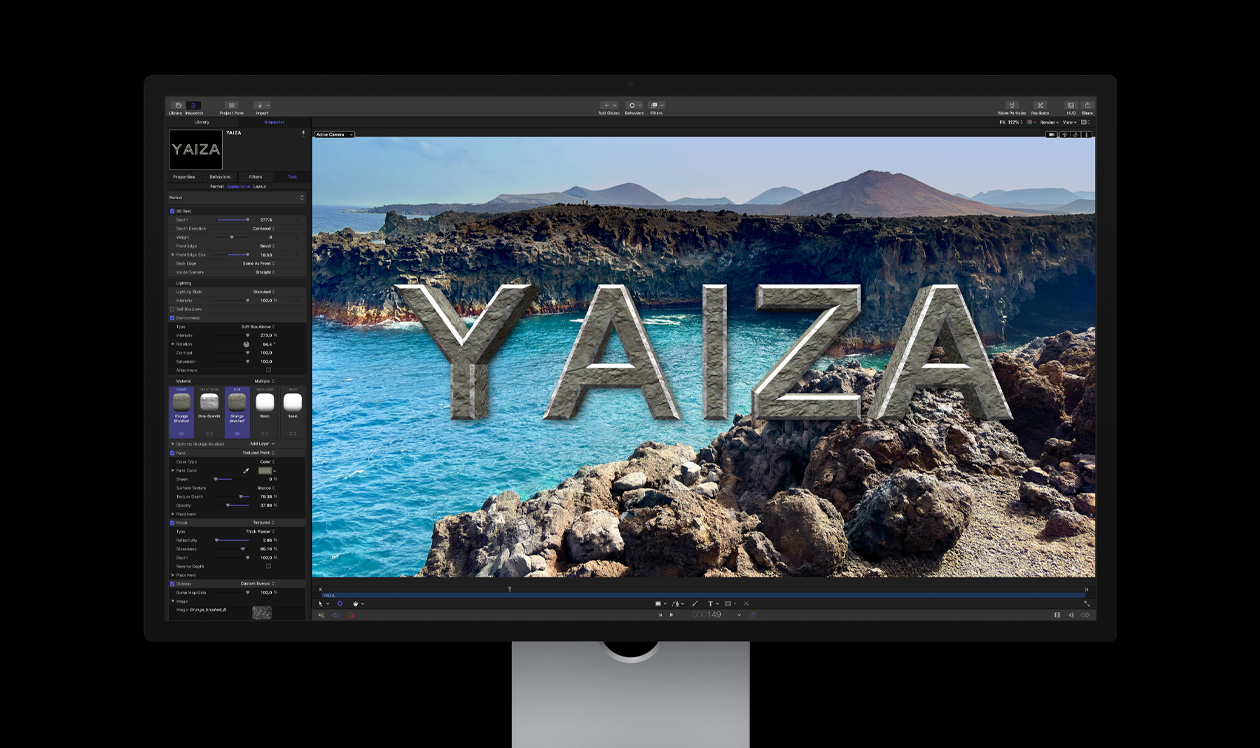
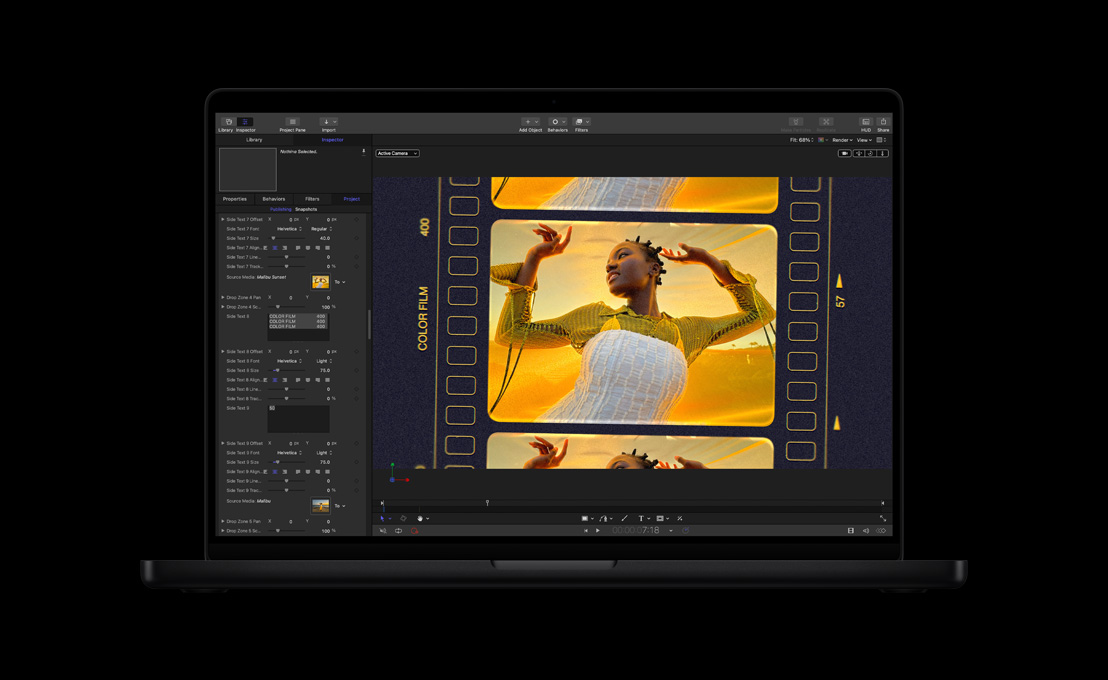
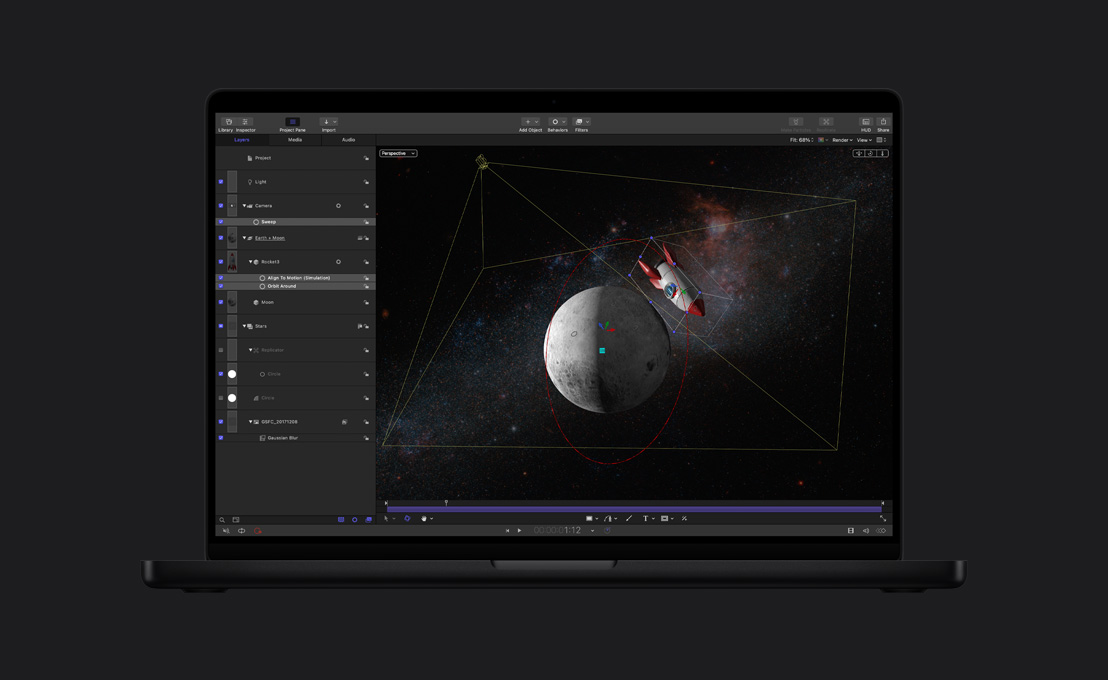
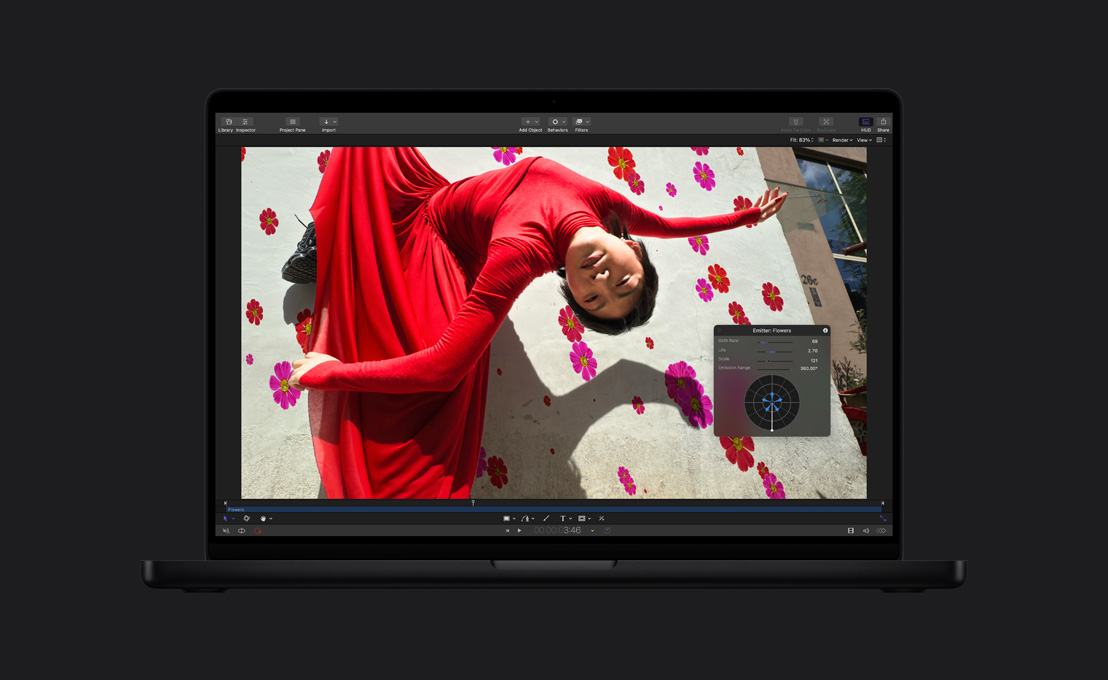
- Semitransparent heads-up display with onscreen controls for layers, behaviors, and filters
- Onscreen controls for 3D position, 3D rotation, 3D anchor point, skew, four corner pin, crop and text glyph manipulations
- Enable/Disable float bit-depth viewing independent of project setting
- Enable/Disable viewing and rendering of Lighting, Shadows, Reflections and Depth of Field
- View colour channels and alpha channels independently
- Canvas alignment tools including dynamic alignment guides, 3D grid, and rulers
- Pen-and-tablet gesture-based interface
- 3-D Mouse support
- Integrated File Browser for fast access to Finder content
- RAM Previews for viewing complex animations at full frame rate
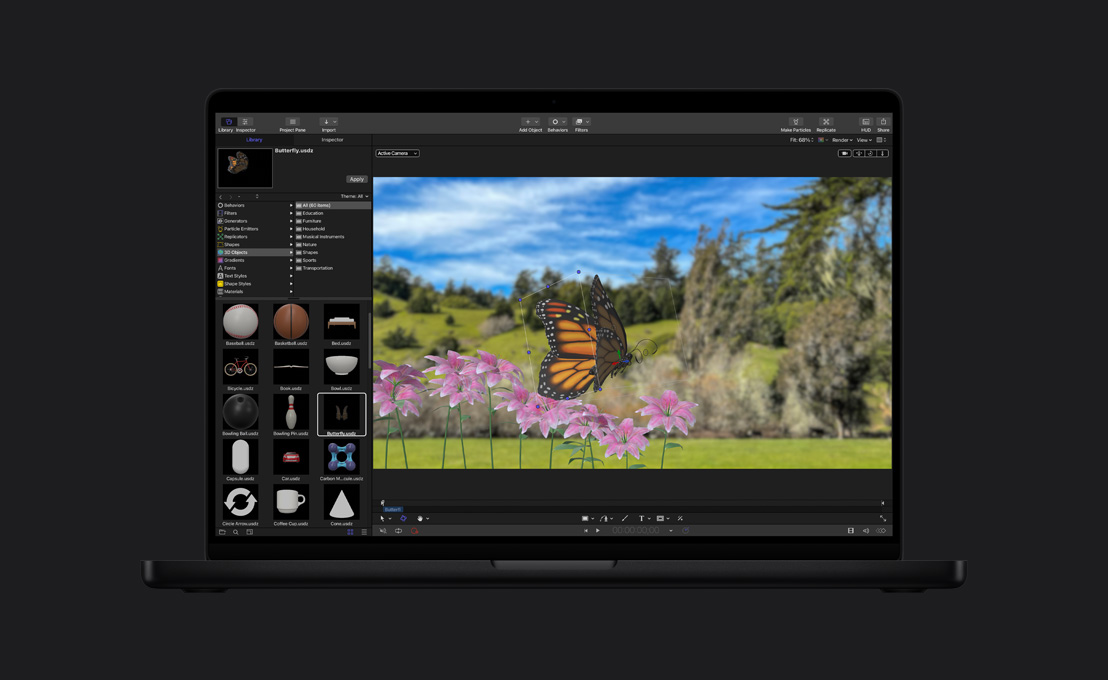
- Save favorite settings, customized effects, gradients, text styles, and more in the Library
- Over 1400 pieces of Apple-designed, royalty-free vector artwork, high-resolution images, and animated design elements
- Instantly display and access all layers in the project using a single keystroke, similar to Exposé in Mac OS X
- Customizable toolbar that places your favorite tools at your fingertips
- Create, save, and remap custom keyboard shortcuts
- Show images outside the visible frame boundary for easily adjusting off-screen objects
- Automatically collect media used in a project for easy backup or moving to other locations
- Use Spotlight in Mac OS X to locate Motion projects by searching on any layer name or text string created in the project
3D Compositing Environment
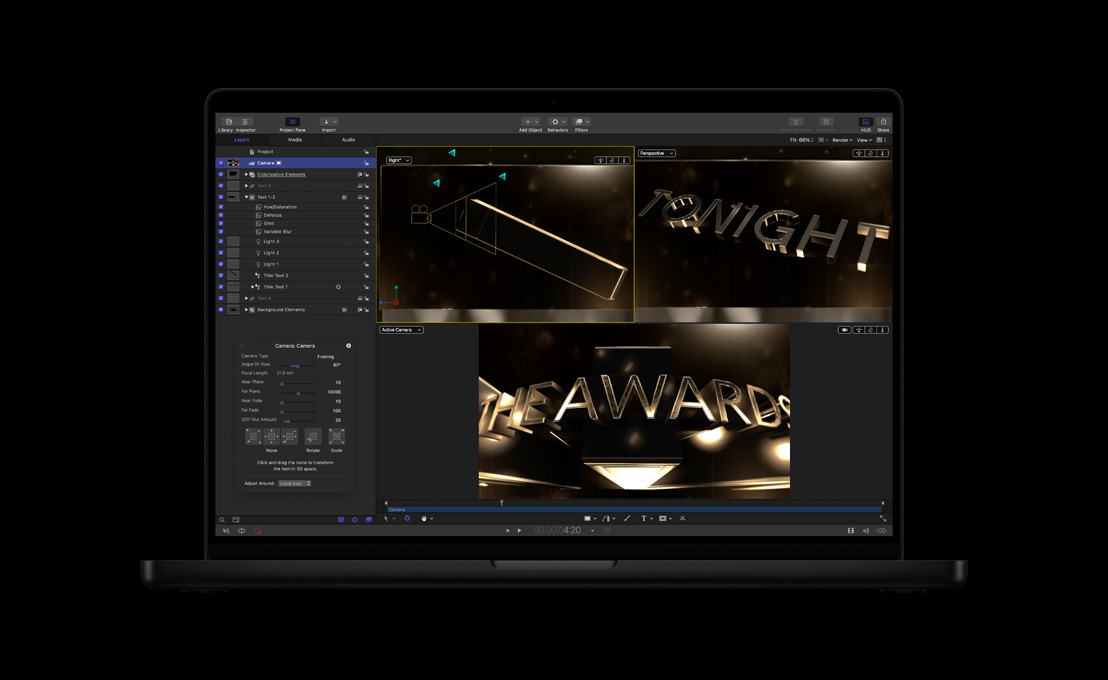
- Position, rotate, and intersect multiple layers in 3D space
- Combine multiple layers into 3D groups for hierarchical 3D animations
- Add, animate, and cut between multiple cameras
- Unique Walk-Camera intuitively operates like a first-person video game
- Adjust the camera's near and far soft clipping planes to avoid object "popping"
- Apply Camera behaviors for easily creating and modifying complex camera moves
- Quad split view for displaying multiple orthographic and perspective views
- Inset viewer for quickly checking alternative views while making adjustments
- Multiple light sources including ambient, directional, point, and spot
- Enable shadows for selected point or spot lights, define objects to receive or cast shadows and control the shadow colours and softness
- Enable Reflectivity on most objects, movies, paint strokes and more
- Activate depth of field to enhance realism and control focus
- Enable particles, Replicator elements, and paint strokes to animate in 3D space
- Create 3D text behaviors for character-by-character animations with full 3D position and rotation control
- Create 3D motion paths for layers, cameras, and light sources
- Apply behaviors like throw, orbit, and vortex with 3D attributes
- Isolate any layer to a Front view for easily modifying masks or editing text
Timeline Editing and Layering
- Layer list view makes it easy to change the stacking order of any layer, group, filter, or animation behavior
- Grouping for applying compound transformations and filters
- Common “bring to front” and “send to back” functions
- Opacity and blend mode display for quick access on every layer and group
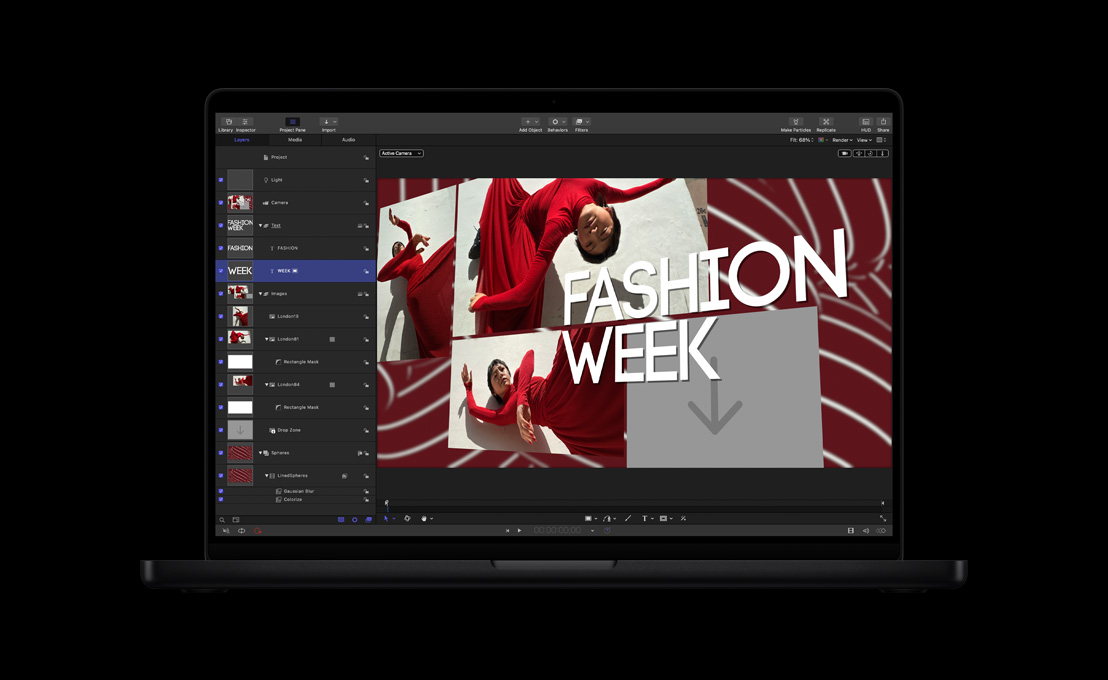
- Create drop zones for easy drag-and-drop image replacement
- Clone layers for linking instances of images that inherit properties automatically
- Solo tracks for easier viewing and refinements
- Isolate selection for temporary framing and solo of an object to facilitate editing of an object in a 3D composition
- Composite with premultiplied or non-premultiplied alpha channels
- Mini-Timeline built into the Canvas that displays a single track for the currently selected layer, group, filter, or behavior
- Trim, slip, slide, and retime audio and video clips via the mini-Timeline
- Retime clips using frame blending, motion blur blending, or optical flow
- Cache optical flow retiming analysis to change speed at any time without reanalyzing
- Full Timeline with drag-and-drop editing to choose between compositing and assembling multiple clips
- Insert and overwrite editing directly into the Timeline
- Display and edit audio tracks in the Timeline or in the Audio Editor
- Markers that can be placed in the Timeline or on a specific clip with notes
Animation
- Unique behavior animations for creating natural phenomena like wind, gravity, and vortex
- Sophisticated simulations like attract, repel, and orbit, which create multilayered 3D animations
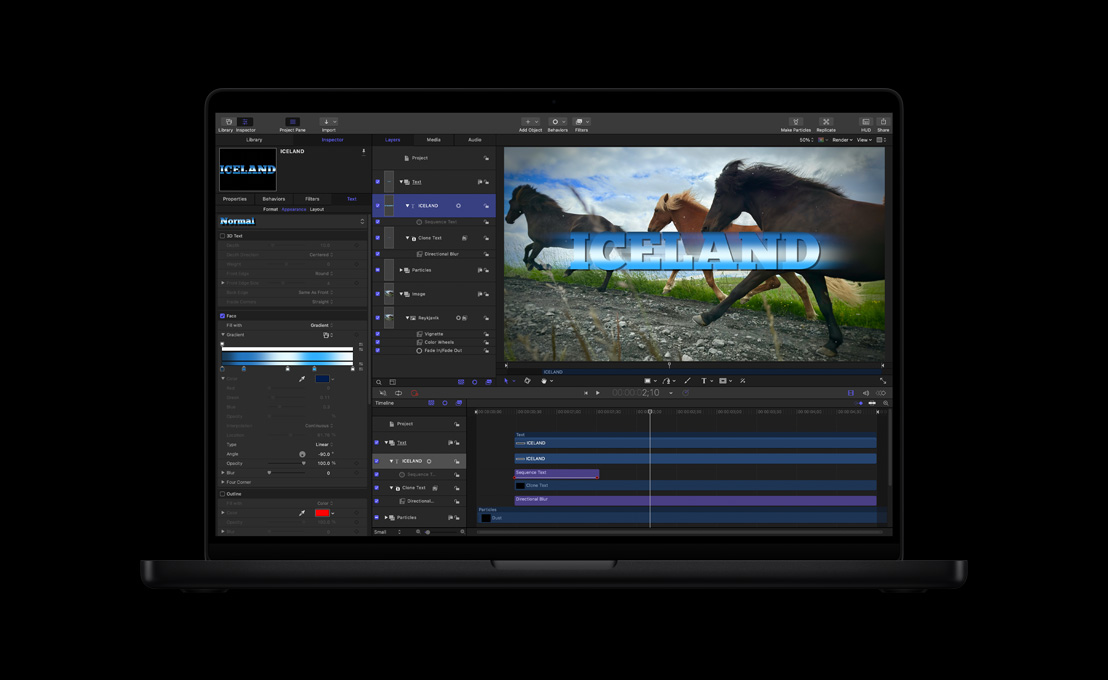
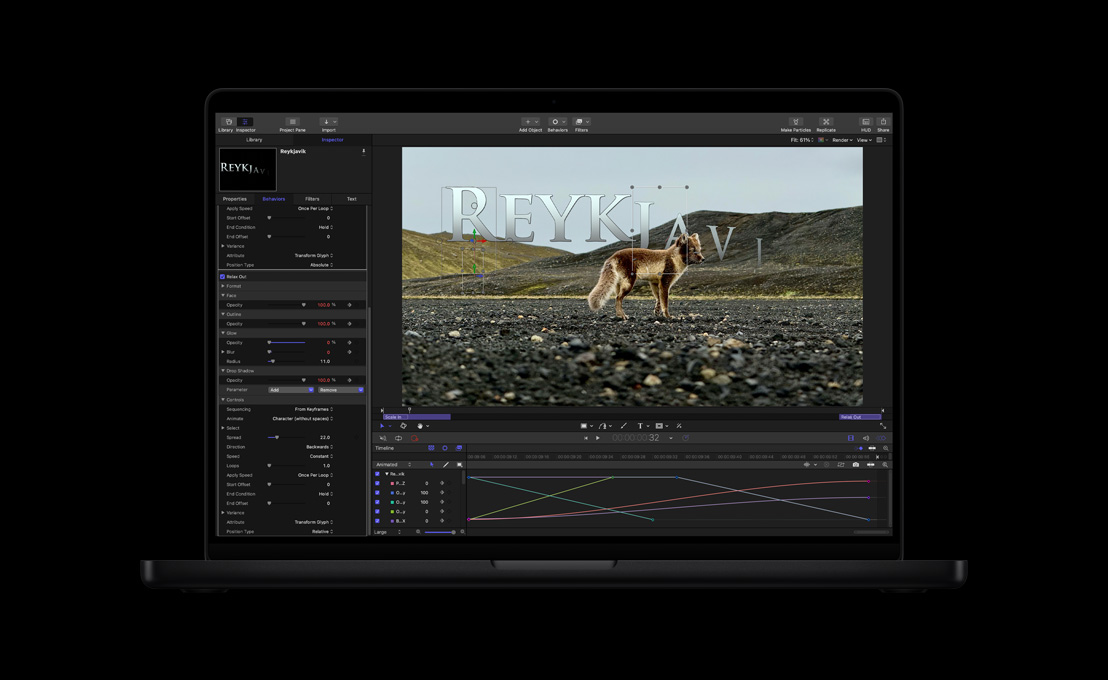
- Text sequencing for automating complex title animations in 3D space
- Auto-animated Parameter control like oscillate, wiggle, and more
- Parameter linking for driving secondary animations
- Retiming behaviors automate ramping in and out of speed changes
- Audio behavior for syncing animations with audio tracks
- MIDI behavior for triggering parameter changes via any MIDI device
- Shape behaviors allow for tracking points on a shape or creating random wiggling animated shapes
- Complete keyframe-based animation tools
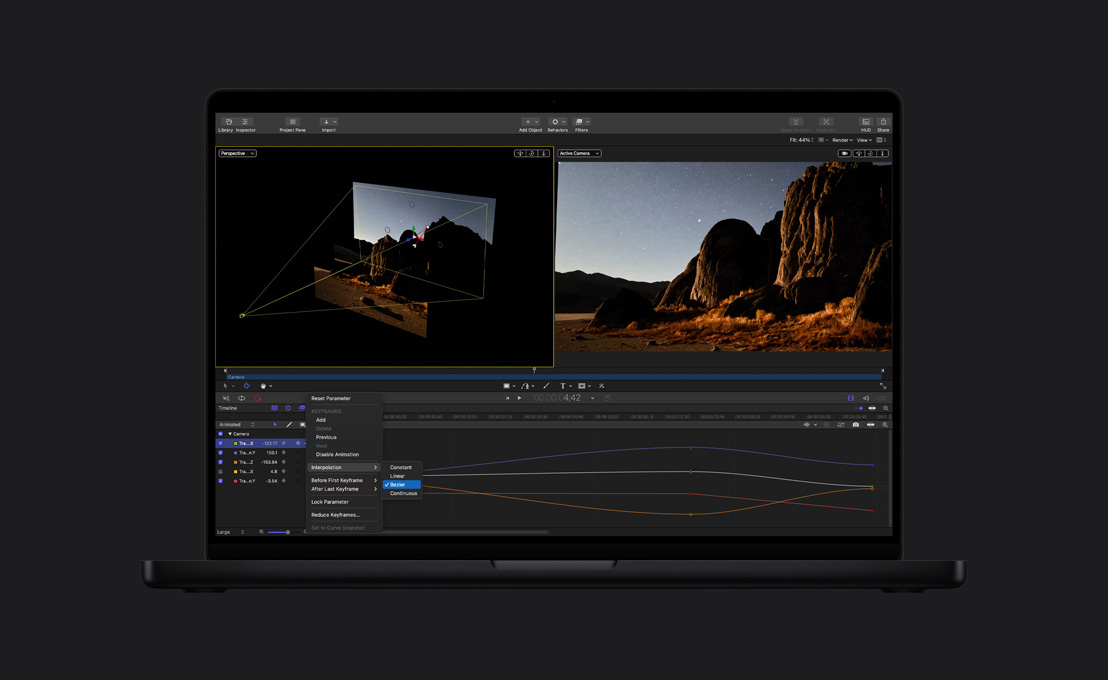
- Keyframe Editor with Bezier, Linear, Constant, and Ease In/Ease Out curve interpolations
- Keyframe Editor with a keyframe edit tool, keyframe sketch tool as well as a keyframe box manipulation tool
- Copy and paste keyframes from different tracks and parameters
- Keyframe settings for ping pong, repeat, and progressive
- Record Animation feature with keyframe thinning for recording animations in real-time
- Draw keyframes in the Keyframe Editor using freehand pen tool
- Squish, stretch, and move groups of keyframes using a transform box
- Save curve sets for quick access to common parameters
- View animated curves for easier navigation
- View keyframes in the Timeline for quick positioning
- Enable/Disable keyframe and behavior-based animations to easily compare different results
Particle Engine
- Sprite-based particle engine with accelerated performance
- Over 200 particle presets for easy access to sparkles, fire, smoke, and more
- Animate particles in 3D space with “Face-Camera” control
- Apply multiple objects or video clips as emitters
- Apply additive blend mode for intense glowing results
- Animate emitters and cells independently
- Save newly created particles in the Library for reuse in other projects
- Choose between point, line, rectangle, circle, box, sphere, and more for emitter shapes
- Control birth rate, life, speed, angle, spin, scale, and gradient colours for particle cells
- Scale particles over their life or add behaviors like orbit and vortex for amazing 3D results with little effort
Paint Effects
- Paint with pressure-sensitive vector-based brush strokes
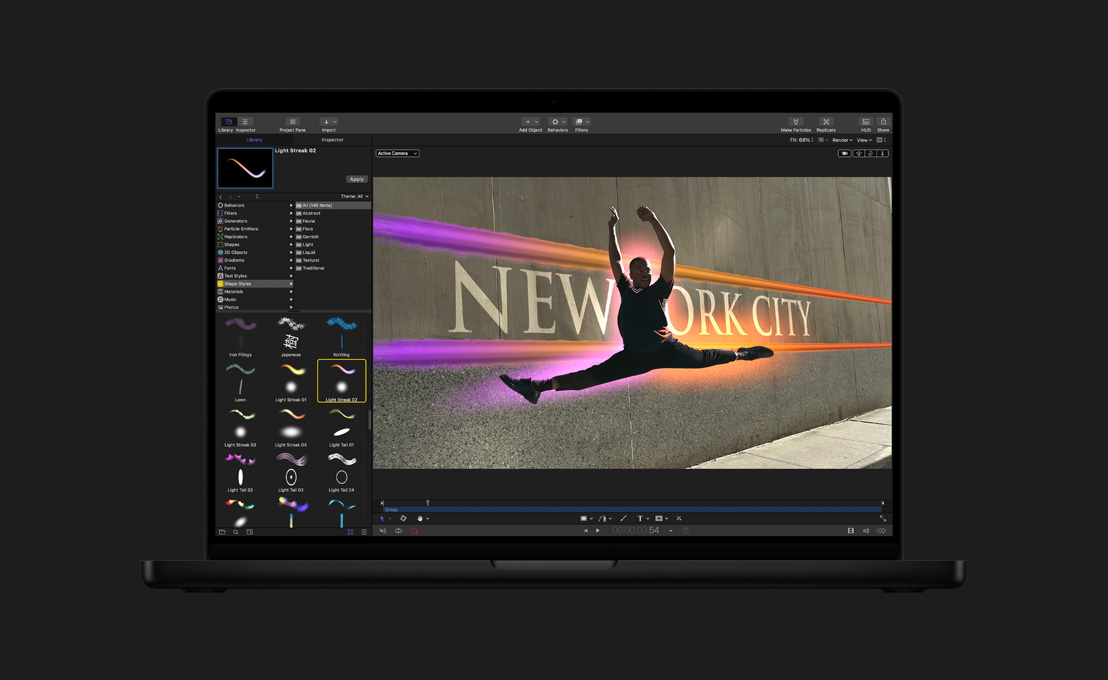
- Select from over 100 customizable brush styles from traditional to abstract
- Modify brush width, colour, opacity, and jitter over the stroke path
- Automatically draw on and draw off with full customization
- Edit brush strokes as Bezier or advanced B-spline paths
- Rotate the stroke in 3D space with “Face-Camera” control for volumetric 3D strokes
- Assign pressure and speed to brush properties when using a pen and tablet
- Enable dynamics on paint dabs for particle paint type effects
- Apply Replicator-like sequencing animations that can cause the paint stroke to ripple through 3D space
Replicator Tool
- Automatic replication of any graphic, text object, or movie file along defined patterns
- Over 200 Replicator presets that can be completely customized and re-saved
- Animate replicated patterns in 3D space with “Face-Camera” control
- Save newly created Replicators in the Library for reuse in other projects
- Choose between line, rectangle, circle, burst, spiral, wave, box, sphere, and more for Replicator patterns
- Define the number of rows, columns, and 3D ranks that fill or outline the pattern
- Control pattern size, cell size, angle, scale, and gradient colours for Replicator cells
- Change the offset for rows and columns, causing them to shift position across the defined pattern
- Control origin of animation from various points of the pattern
- Add random scale and angle setting for more natural replications
- Apply additive blend mode for intense glowing results
- Set colour of replicated objects from a single tint to a user-defined range
- Add Replicator Sequence behavior for wavelike animations over various patterns
Title Design
- Vector-based text engine for creating clean type at any size
- Import capability supporting Text and RTF files to create Motion text objects
- Format text using size, rotation, slant, tracking, kerning, and more
- Animate individual text characters in 3D space using customizable text behaviors
- Transform single characters with the Adjust Glyph Tool
- Select from common set of blend modes, including normal, multiply, screen, and add
- Customize text styles with control over the face, outline, glow, and drop shadow
- Type-on and text on a path layout/animation options
- Scroll and Crawl layouts/animation options that support large amounts of text
- Text field parameter in Inspector makes it easy to edit text even if text is obscured in the Canvas
- Fill text with solid or multipoint gradients
- Apply static images or video clips as textures to text faces
- Control textures using hold frame, offset, wrap modes, and opacity
- Support for Asian, Cyrillic, and other Unicode system fonts
- Support for Apple LiveFonts for unique font styles and animations
Tracking and Stabilization
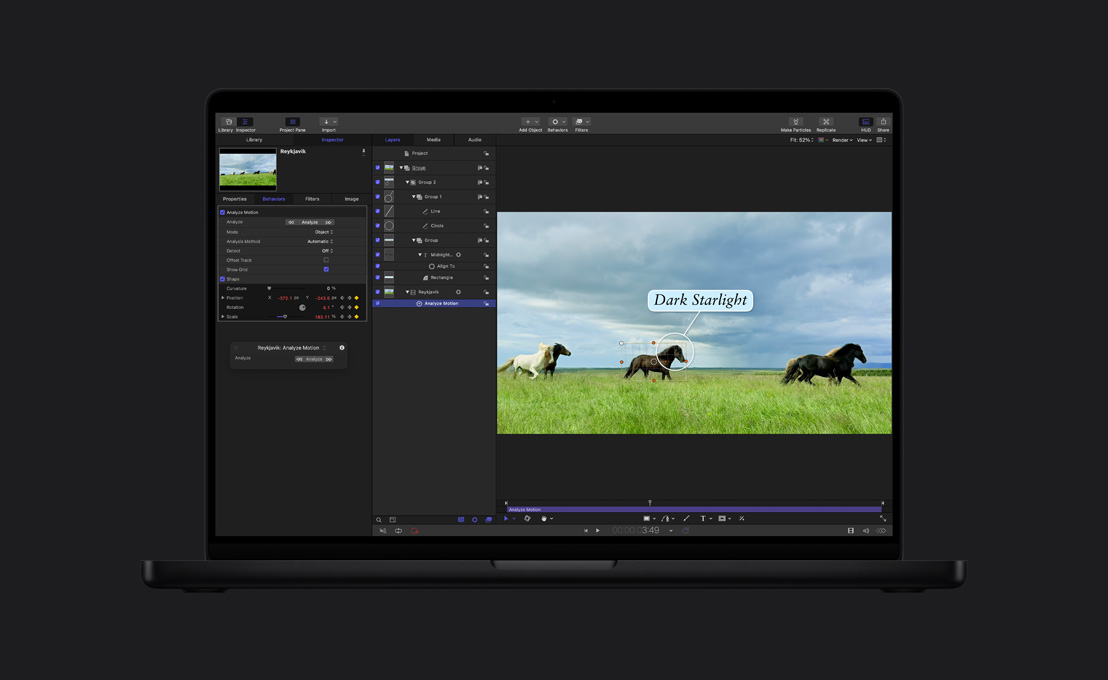
- Match move using single-point tracking or four corner pinning
- Create tracking data that can be referenced by multiple objects
- Track a filter’s onscreen position controls
- Offset tracking for creating a single track from multiple offsets
- Tracking behavior highlights best potential tracking points, eliminating guesswork
- Advanced tracking algorithm maintains accurate analysis when patterns rotate or skew
- Smart retry resets search region automatically for less user intervention
- Provide directional hints for fast-moving regions by using Look-ahead feature
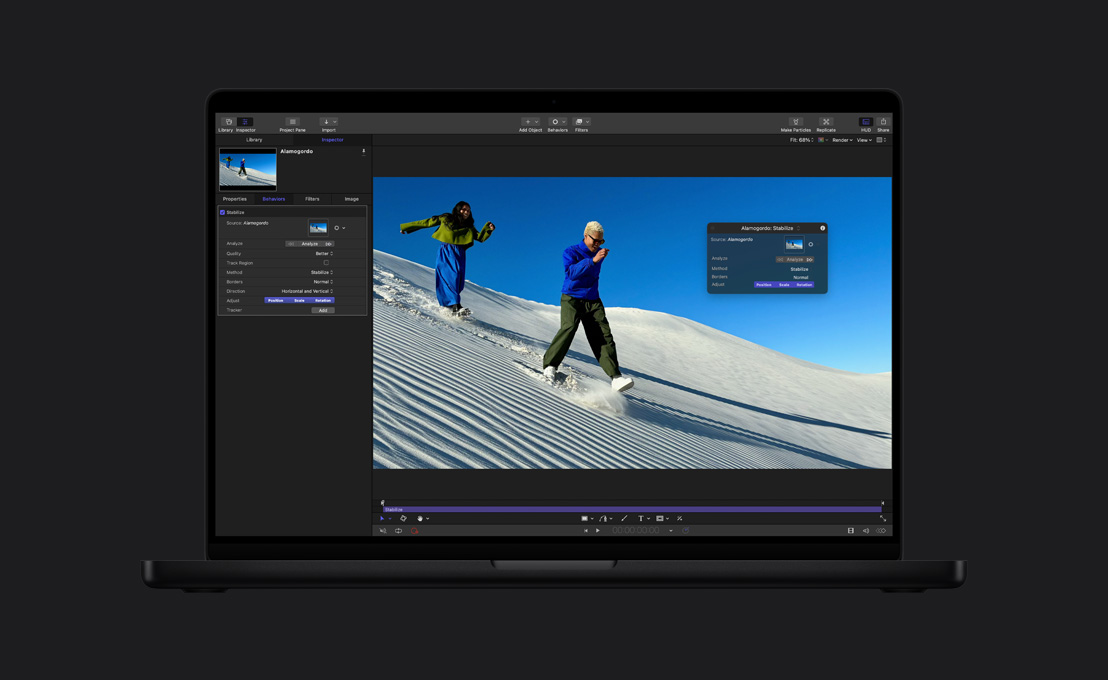
- Stabilize using traditional point stabilizer or optical flow analysis
- Automated optical flow stabilizer bypasses selecting points and time-consuming setup
- SmoothCam optical flow analysis removes jitter and rocking from handheld shots while retaining overall camera moves
- Adjust amount of smoothing applied to transforms, rotation, and scaling in real time
Accelerated Filters and Effects
- Over 120 accelerated filters for real-time interactivity
- More than 10 blur filters, including Gaussian, Channel Blur, Radial Blur, and Defocus
- Simple and bevel borders
- More than 20 colour correction filters, including Color Balance, Gradient Colorize, Color Reduce, and Threshold
- More than 25 distortion filters, including Basic 3D, Refraction, Insect Eye, Glass Distortion, Ripple, Scrape, and Polar
- Stunning glow effects for Light Rays, Bloom, Aura, and more
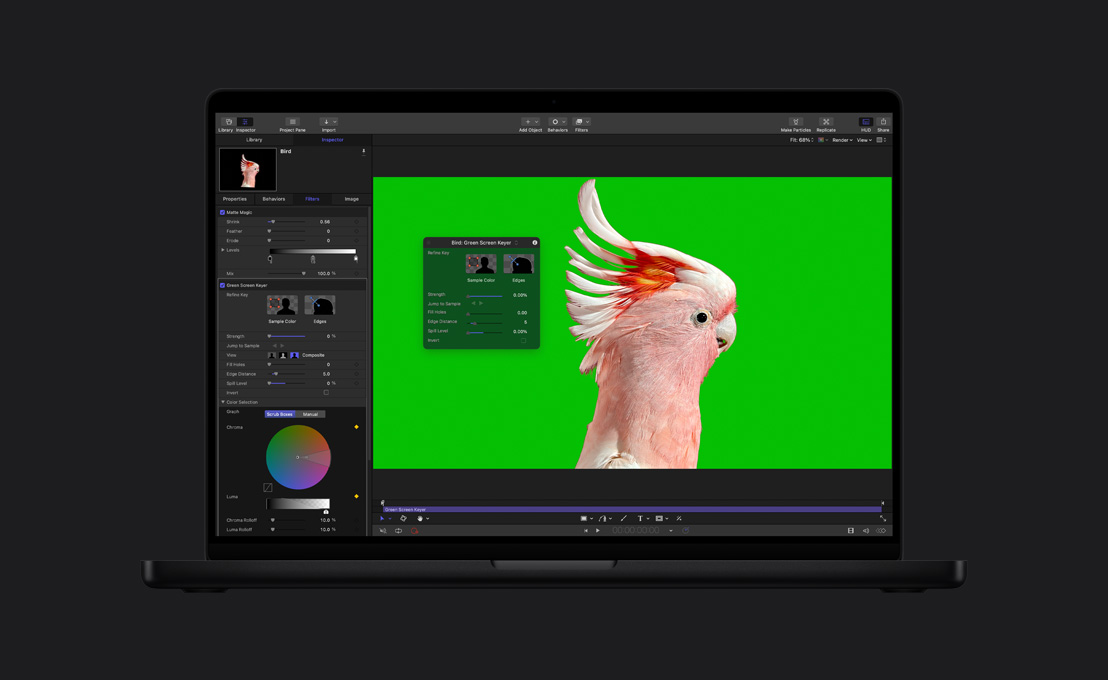
- PrimatteRT chroma keyer
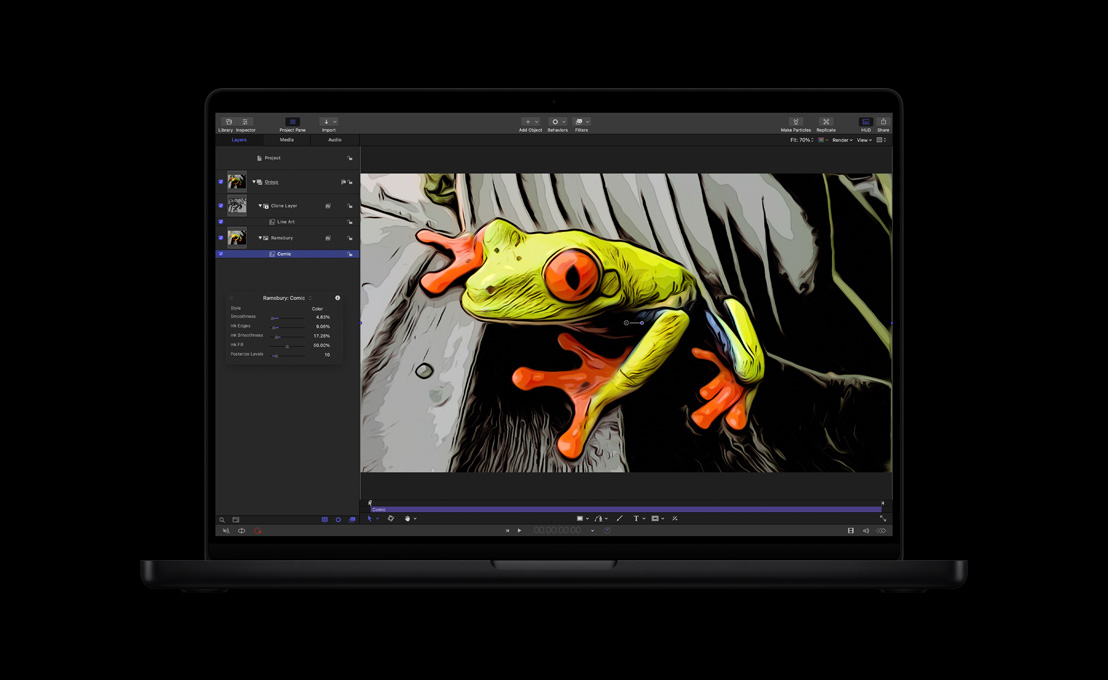
- Stylize filters like Vignette, Bad TV, Bad Film, Color Emboss, Half Tone, Line Art, and Slit Tunnel
- Unique kaleidoscope and tiling filters
- Time-based filters for echo and strobe effects
- Video filters for deinterlacing and broadcast-safe colours and luminance
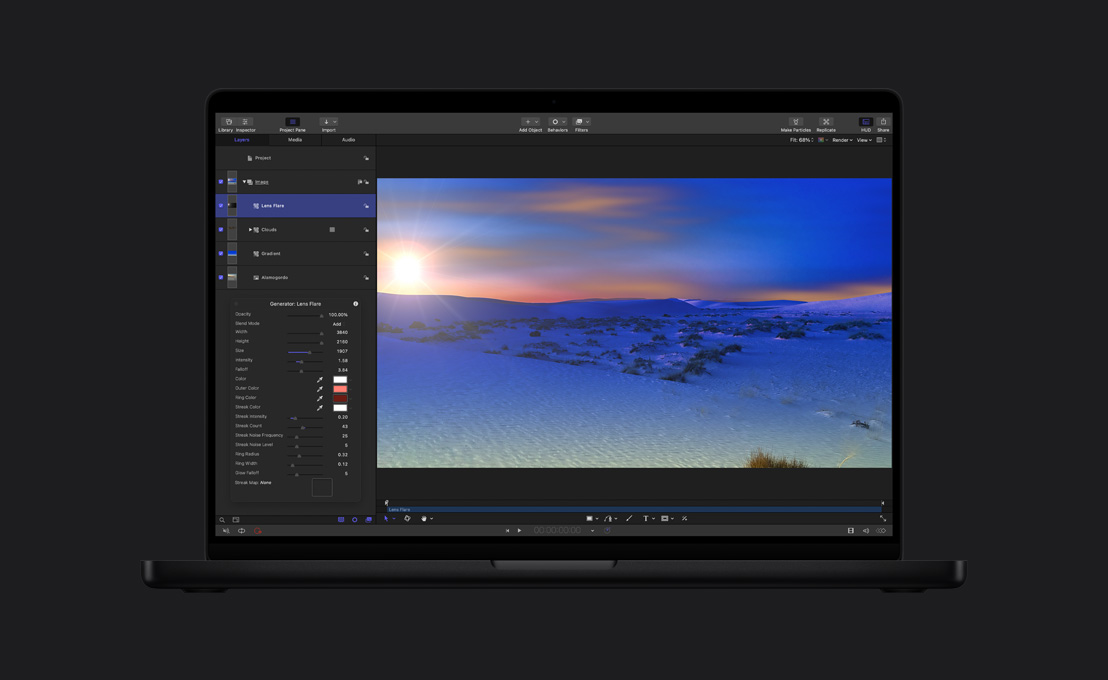
- Generators that automatically generate patterns, noise, colours, caustics, and concentric shapes and spirals
- Text generators that create and animate text elements like numbers, currency, dates, timecode or can generate text using the contents of a text file
- Support for wide array of GPU-accelerated third-party FxPlug filters
Masking Tools
- Bezier or advanced B-spline masking tools
- Create ovals, rectangles, and arbitrary freehand shapes
- Control opacity, rounding and edge feathering
- Combine masks using mathematical operations
- Track entire shapes or control points using tracking behaviors
- Create image masks from alpha, luminance, or RGB values of a second image
Audio
- Support for AIFF, WAV, MP3, VBR MP3, and AAC (MPEG-4 Audio)
- Edit audio tracks in the Timeline with trim, slip, and move
- Retime audio tracks with pitch change
- Scrub audio tracks for frame-accurate positioning
- Control balance, gain, mute, and solo individually
- Use master audio controls for global audio adjustments
- Keyframe audio volume in Audio Editor
- Trigger parameter changes based on audio frequencies or transient hits
Integration and Third-Party Support
- Open Timeline data from Final Cut Pro, including cuts, layers, transforms, and retiming data
- Open Motion directly from the Final Cut Pro Timeline, bypassing import/export steps
- Create master templates in Motion that retain editable text and drop zones in Final Cut Pro
- Animations from Motion automatically update in the Final Cut Pro Timeline when changes are made in Motion
- Round-trip editing between DVD Studio Pro and Motion, making it simple to create and modify Motion menus without intermediate rendering
- Send audio from Motion to Soundtrack Pro Waveform Editor; sound design changes in Soundtrack Pro automatically update in Motion
- Drag and drop Motion 4 native project files into Adobe After Effects 6.5 or 7.0, without rendering
- Preview projects on a broadcast monitor using AJA I/O, Matrox or Blackmagic devices
- Import vector PDF graphics or Photoshop layered documents
- Import OpenEXR files (Float processing requires a graphics card with 128MB of VRAM; 256MB or more recommended)
- Support for third-party FxPlug plug-ins
- Support for Core Image Unit plug-ins
Export
- Share feature can export and deliver content automatically to devices like iPods and Apple TVs or services like MobileMe or YouTube in a couple of clicks
- Export to ProRes, H.264, MPEG-4, and other QuickTime-supported codecs
- Export as movies or image sequences
- Export as 16-bit or 32-bit floating-point OpenEXR format (Float processing requires a graphics card with 128MB of VRAM; 256MB or more recommended)
- Support for progressive and field-based rendering
- Accelerated motion blur with customizable shutter
- Save custom export settings for easier selection
- Export Selection can render out selected objects and even automatically re-import the render back to the Motion Timeline
Soundtrack Pro 3
Precise Audio Control
- Nondestructive, sample-accurate editing of audio files
- Support for up to 24-channel files, including mono, stereo, and surround
- Action-based editing to modify, reorder, suspend, or delete any audio edit, plug-in, or process
- Audio Effects and Audio Units plug-ins can be applied to supported audio files as Actions
- Audio Effects and Audio Units plug-ins can be applied to supported audio files as real-time effect chains
- Real-time effects applied to audio files can be rendered to Actions
- Normalize function with Peak, RMS analysis and processing
- Integrated multichannel file editor
- Intelligent analysis, repair, and restoration functions for:
- Clicks and pops
- Power line hum
- DC offset
- Phase
- Clipped signal
- Audio time stretching without affecting pitch
- Included time stretch algorithms:
- Apple Time Stretch Universal
- Apple Time Stretch Complex
- Apple Time Stretch Percussive
- Integrated support for third-party time stretch algorithms (sold separately):
- Serato Pitch ‘n Time LE
- SoundToys Speed
- iZotope Radius
- Ambient Noise Print to quickly replace unwanted noises from location recordings
- Background Noise Removal including noise print
- Sample ruler units in sample value, normalized, percent, and decibel view
- Snapping to ruler ticks, seconds, frames, markers, and edit points
- Selectable nudge values: 1 subframe, 1/4 frame, 1 frame, 10 frames, 1 second
- Support for bit depths up to 32-bit float
- Support for sample rates from 2kHz to 192kHz
- Support for AIFF, WAV, MP3, AAC, CAF, BWF, SDII, NeXT, QuickTime, and STAP (Soundtrack Audio Project) file playback
- Saves files nondestructively as STAP files or destructively as AIFF, WAV, SDII, QuickTime, CAF, or NeXT
- Export mixes as AIFF, WAV, NeXT, SDII, MP3, AAC/Podcast, Dolby Digital Professional (AC-3), or use Compressor for additional file support
- Selection history
- Waveform and customizable Frequency Spectrum views with linear and logarithmic display
- Frequency selection and editing in Frequency Spectrum view
- Animated waveform feedback
- Mini-waveform view
Advanced Sound Design
- Processes including:
- Fade in/Fade out
- Normalize
- Amplitude adjust
- Silence
- Invert
- Add, delete, reorder channels
- Mono conversion
- Resample
- Generate silence, white noise, pink noise, sine wave, sawtooth wave, square wave, or triangle wave
- Support for Audio Units plug-ins
- Audio Units presets available to all Audio Units-compatible applications
- More than 6000 sound effects, music beds, and music loops, including over 1000 in surround
- Powerful media search engine
- Support for Apple Loops, AIFF, WAV, MP3, AAC, CAF, and ACID sound and music libraries
Advanced Take Management
- Multitake management with take recording and editing directly in Multitake Editor
- Multitake Editor allows comps of multitake recordings and other audio files
- Combine individual phrases from different takes
- Automatic customizable crossfade between phrases
- Single-click take selection
- Adjustable transition boundaries for multitake comps
- Final comp functions as stand-alone clip while retaining access to all takes
- Slide phrases within edit boundaries
Professional Multitrack Audio Editing
- Single window with customizable tab panes
- Customizable window layouts
- Dynamic tab panes with quick show/hide functionality
- Resizable video window tab
- Multitrack Timeline with tracks, busses, submixes, and master in mono, stereo, or surround
- Multiple multitrack and audio file projects open at once
- Mixed sample rates, bit depth and file formats supported in multitrack projects
- Time- or beat-based tracks
- Ruler in HH:MM:SS, seconds, samples, frames, drop frame, non-drop frame, beats
- Waveform zoom in the timeline
- Find and replace related files in the timeline
- Adjustable playhead auto-scrolling: on, off, centered
- Loop clip transposition
- Loop clip speed adjustments (quadruple, double, normal, half, quarter)
- Adjustable automatic and manual crossfades
- Fade selector for customizing fade in, fade out, and crossfades
- Tape style and sample repeat scrubbing
- Rolling edit tool
- Native and custom timecode spotting
- Multitrack recording of mono, stereo, and multichannel files
- Lift and Stamp tools to selectively copy voice level, process effects, and equalization print from one clip to another
- Lifted Data sets can be saved as presets
- Equalization Matching aligns the EQ characteristics of two selections
- Automation parameters can move with clips or lock to absolute time
- Pull up/pull down of audio and video to all common standards
- Customizable clip and track colours
- Clip locking in multitrack
- Clip disabling in multitrack
- Momentary mono switch
- Automatable master tempo, master volume, master effects, and key
- Automation of most mix and effect parameters with read, touch, and latch modes
- Pre- and post-fader send busses for application of common effect plug-ins to multiple tracks
- Output bussing for single fader control of multiple tracks
- Support for multichannel audio output devices
- Time, duration, podcast, beat, and end-of-project markers
- Powerful browser for locating content quickly
- Multipoint Video HUD
- Tool HUD
- Timecode HUD
- Numeric Clip offset
- Bin with access to multiple projects, media files, markers, and clips
- Spotlight-style searching in Bin
- Support for Multi-Touch trackpad gestures
Surround and Stereo Mixing
- Discrete 5.1 mixing, bussing, and routing
- Console-style Mixer with full stereo and surround meters on every track, buss, submix, and master
- Mono, stereo, and surround files can be combined on same track
- Support for multichannel surround files
- Surround Panner enables panning of mono, stereo, and surround audio files
- Surround Panner HUD with automatable controls for rotation, width, collapse, center bias, LFE balance, and individual speaker disabling
- Surround and stereo panner automation data simultaneously available on each track
- Automatic surround to stereo Dolby-standard downmix
- Support for true surround and multi-mono effects
- Over 1000 royalty-free surround sound effects and music tracks
- Control surface support for the following protocols:
- EuCon
- Mackie Control
- Logic Control
Integrated Workflow
- AppleScript scriptable (executable from Soundtrack Pro, Final Cut Pro 7, or as AppleScript droplets for batch processing)
- Automator actions for creation of complex multi-application workflows
- Support for QuickTime video formats up to HD resolutions
- Quick Look support for Soundtrack Pro Audio File Project (STAP) files
- Integrated video tab
- Output to SD and HD video monitors (via FireWire or PCI card)
- HD or SD output using Digital Cinema Desktop to second Apple Cinema Display
- Send and receive MIDI timecode and beat clock for synchronization with hardware and software
- Integration with Final Cut Pro 7, Motion 4, DVD Studio Pro 4
- Non-destructive, round-trip audio file editing with Final Cut Pro 7, Motion 4, and Logic Pro 9
- Support for Final Cut Pro 7 scoring markers
- Conform tab to conform audio edit to new Final Cut Pro 7 edits
- Conform visual interface for highlighting changed areas
- Accept or reject changes across entire project or selectively on a change-by-change basis
- Podcast track to create audio-only, enhanced audio, or video podcasts
- Support for chapter, artwork, and URL markers in video and audio podcasts
- Export presets and customizable post-export scripts
- View iXML metadata
- OMF import
- AAF import and export
Included Effects
TS = True surround
- Dynamics
- Adaptive Limiter
- Compressor
- DeEsser
- Expander
- Limiter TS
- Multichannel Gain TS
- Multipressor
- Noise Gate
- Surround Compressor TS
- Distortion
- Bitcrusher
- Clip Distortion
- Distortion
- Distortion II
- Exciter
- Overdrive
- Phase Distortion
- EQ and Filter
- AutoFilter
- Channel EQ
- Fat EQ
- High Cut
- High Pass Filter
- High Shelving EQ
- Linear Phase EQ
- Low Cut
- Low Pass Filter
- Low Shelving EQ
- Match EQ TS
- Parametric EQ
- Soundtrack Pro AutoFilter
- Modulation
- Chorus
- Ensemble TS
- Flanger
- Modulation Delay
- Phaser
- Scanner Vibrato
- Tremolo TS
- Reverb/Delay
- PlatinumVerb
- Soundtrack Pro Reverb
- Space Designer TS
- Stereo Delay
- Tape Delay
- Metrics and Diagnostics
- Correlation Meter
- Multi Meter TS
- Test Oscillator
- Tuner TS
- Miscellaneous
- Denoiser
- Direction Mixer
- Enveloper
- Gain
- Pitch Shifter II
- Ringshifter
- Spectral Gate
- Stereo Spread
- SubBass
- Vocal Transformer
Color 1.5
Colour Grading
- Real-time grading controls for SD, HD, 2K and 4K without proxies
- Preview full-screen playback of SD, HD and 2K on an attached Apple Cinema or LED Display or Apple-certified third-party video card
- Workflow-oriented interface divides controls into eight separate rooms
- Primary, Secondary, and Primary Out grading functions
- Colour wheels with hue, saturation, and luminance controls for highlights, midtones, and shadows
- Curves for individual adjustment to R,G,B and Luminance channels with B-spline control points
- Advanced RGB and Printer Points controls for precise film printing
- Switch between four live grades or disable grade per shot
- Copy grades to all selected shots
- Autobalance correction available in Primary room
- ASC-style Lift, Gamma, Gain controls
- Eight secondaries per shot with custom mattes, key blur, and motion tracking
- Animated circle, rectangle, and user shape Vignettes with inner and outer softness
- Keyframing with interpolation for most controls
- Color FX with node trees for compositing control
- Still Store for saving and comparing reference images
- Pan and Scan with preset aspect ratios
- Real-time waveform monitor in mV and IRE, vectorscopes and histograms
- 3D Color Space scopes for RGB, HSL, Y’CbCr, and IPT display
- Broadcast-safe limiting
- Support for 3D LUTs for display calibration and output simulation
- Multiple video tracks
- Support for third-party control surfaces with trackballs and knobs
- EDL support for linking to DPX and Cineon files
- Render directly to DPX or Cineon file formats for film out
- Use EDL’s for notching QuickTime movies or sequences without XML metadata
- Render Log displays stop, start time, speed and amount of rendering
- Relinking to RED and DPX databases with Cinema Tools and EDL’s.
Integration with Final Cut Pro 7
- Round-trip feature film length projects between Color and Final Cut Pro 7 with Send to Color and Send to Final Cut Pro
- Round-trip support for freeze frames, still graphics, multi-cam and variable speed change effect from Final Cut Pro
- Color projects configured automatically to match Final Cut Pro sequence settings
- 2K and 4K Digital Intermediate workflow from Final Cut Pro sequences
- Play back all standard frame rates and frame sizes in Color
- Display dissolves and fades in the Timeline and renders for 2K/4K DPX and Cineon output
- Round-trip Pan and Scan metadata sent from Final Cut Pro as Motion effect
Effects
- Over 40 Color FX and over 20 pre-made “looks”
- Over 90 additional downloadable Color FX “looks”
- Renders at 8-bit, 10-bit, and 32-bit floating point (dependent on GPU)
- Customizable node tree for effects creation
- Copy and paste nodes in Color FX room.
- Save and reuse favorite effects
Supported Formats
- Apple ProRes Family of 10-bit, full-width VBR codecs
- 4:4:4 2K and 4K as DPX or Cineon files
- Apple Uncompressed 8-bit 4:2:2
- Apple Uncompressed 10-bit 4:2:2
- TIFF, JPEG, and JPEG 2000 image sequences
- All still graphics formats supported by QuickTime 7
- Optional viewing or grading proxy creation for DPX and Cineon files
- Third-party codecs from AJA and Blackmagic Design
- RED, AVC-Intra, IMX, HDV, XDCAM HD and XDCAM HD 422 can be graded, but must be rendered using Apple ProRes or Uncompressed codecs
Trimming for 2K Output
- Trimming controls when rendering directly to DPX or Cineon files
- Ripple
- Roll
- Slip
- Splice
- Merge edits
Compressor 3.5
High-Performance Encoding
- H.264 multi-pass encoding for Blu-ray discs and files
- Support for red laser burning of AVCHD discs for playback in compatible Blu-ray players.
- H.264 for Apple devices, web, mobile devices,
- HD DVD encoding for DVD Studio Pro authoring
- Support for image sequence sources - Tiff, Targa, DPX, Jpeg, and OpenExr
- Support for encoding to Tiff, Targa, DPX, Jpeg and OpenEXR image sequences
- Full QuickTime support
- MPEG-2 encoding
- MPEG-1 encoding
- MPEG-4 encoding
- Distributed encoding with segmentation options
- Two-pass VBR encoding for MPEG-2
- Provides Dolby-certified encoding to Dolby Digital Professional AC-3 format
- Accepts QuickTime (single-channel or multichannel), AIFF, Sound Designer, and WAV files
- Advanced chaptering for AppleTV and podcasting
- Closed caption support for Apple Devices, QuickTime and MPEG-2
- Batch templates with job actions for automating workflows from encoding to delivery including :-
- Add to iTunes Library
- Create DVD
- Create Blu-ray Disc
- Create Web Reference Movie
- Open with Application
- Publish to MobileMe
- Run Automator Workflow
- Publish to YouTube
- Automatic setting creation via drag and drop of a QT file
- Scaling and down-converting
- Standards conversions
- Retiming
- Preview with split-screen comparison
- High-quality image processing
- More than 100 presets included
- Automated encoding with droplets
- Automatic and custom cropping
- Automatic and custom padding
- Automatic copying of source media for reference media to encoding nodes
- Four audio filters: dynamic range; peak limiter; Apple: AUGraphicEQ and fade in/out
- Automatic post to iDisk or FTP
- Reverse Telecine
- Deinterlacing
- Enhanced Droplets for easy desktop encoding
Dolby Digital Professional Encoding
- Dolby-certified encoding to Dolby Digital Professional AC-3 format
- Accepts QuickTime (single-channel or multichannel), AIFF, Sound Designer, and WAV format sound files for encoding
- Support for all channel formats from mono to 5.1 surround sound
- Automatically creates 2.0 or 5.1 based on number of channels in the source media file
- Confidence decoding for preview of AC-3 files
Video Filters
- BlackWhite Restore
- Brightness and Contrast
- Color Correct Highlights
- Color Correct Midtones
- Color Correct Shadows
- Deinterlacing
- Fade In/Out
- Gamma Correction
- Letterbox
- Noise Removal
- Sharpen Edge
- Text Overlay
- Timecode Generator
- Watermark (Image, animated with QuickTime or Motion files)
Audio Filters
- Dynamic Range
- Peak Limiter
- Apple: AUGraphicEQ
- Fade In/Out
DVD Studio Pro 4
Graphical View
- View flow of DVD graphically
- Print or save to PDF
- Use Macro view to navigate easily through large projects
- Flag elements for more attention
- Fit all elements in window, zoom in/out
- Organize tiles with Auto layout command
Transitions
- Add transitions to menus, menu buttons, slideshows, and timeline-based stills
- Choose from more than 30 prebuilt transitions such as Blur, Dissolve, Droplet, Fade through Color, Melt, Motion Dissolve, Rotate, Rotation Blur, and Zoom
- Create additional Alpha transitions
Jacket Picture
- Shows picture of choice when user stops playback of DVD on supported DVD players
- Creates all necessary files for jacket picture from any popular image formats
Automatic MPEG-2 Encoding
- Encode video in the background while you work or while building the DVD
- One- and two-pass variable bit rate (VBR) encoding for MPEG-2
- Three levels of motion estimation
- Support for PAL and NTSC formats
- Support for 4:3 and 16:9 aspect ratios
- DVD-compliant MPEG-2 streams from other encoders accepted
- More advanced encoding options provided via Compressor (included)
Asset Management
- Organize assets with folders
- Open in Editor
- View status of background encoding
- View information on imported assets such as type, timestamps, length, encoding progress, bit rate, and more
- Reveal the location of the asset in the Finder
- Sort by name and information
- Refresh assets that may have been updated with other applications
- Re-encode source assets
- Reconnect assets
Advanced Interactivity
- Multistory feature for creating alternative versions (up to 98 stories)
- DVD-ROM functionality using DVD@CCESS (for computer playback only); DVD-ROM input includes the ability to add photos, PDFs, or direct links to websites
- Control actions for remote control buttons, including number offset
- Enable/Disable user operations
- Specify actions for First Play, Title button, Menu button, end jumps, pre-scripts, pre-script targets, Angle button, Chapter button, Audio button, Subtitle, and Return
Pre-mastering Options
- Region encoding
- Industry-standard analog and digital copyright management with Macrovision (Types 1, 2, and 3) and CSS for SD projects1
- Test functionality with built-in Simulator
- Test built projects with Apple DVD Player software
- Allows burning first layer of DVD-9 project to DVD-5 media for testing
- Supports 12- and 8-cm discs, single and double layer
- Dual-layer options:
- Choose between Parallel Track Path (PTP) and Opposite Track Path (OTP)
- Specify the dual-layer break point
- Specify a non-seamless or seamless dual-layer break point
- Format existing builds to DVD-R and DLT
- Burn DVD-9 projects to double-layer media for testing
- Replication to red laser media
- Replication to blue laser media (for HD DVD)
Import
- Maintains named chapter markers from Final Cut Pro, Final Cut Express, and iMovie
- DVD Studio Pro 2 and 3 projects
- iDVD 3 and 4 projects
- AIFF
- AVI
- BMP
- DV
- JPEG
- Macromedia Flash 5
- MPEG-1
- MP3 (MPEG-1 Layer 3)
- MPEG-2
- M4A, M4P (iTunes 4 audio)
- PDF (Mac OS X)
- Photoshop (with layers)
- PICT
- PNG
- TARGA
- TIFF
- WAV
- Aspect ratios: 4:3 and 16:9
- TV systems: PAL and NTSC
- Frame rates: 29.97 fps (NTSC) and 25 fps (PAL)
- Maximum GOP sizes: 18 frames (NTSC), 15 frames (PAL)
- All QuickTime supported codecs – encoded to MPEG-2 (SD or HD DVD)
- H.264 and HDV (supported natively in HD DVD projects)
Audio Formats
- STAP (Soundtrack audio file) support
- MPEG-1 Layer 2 (64 to 384 Kbps)
- Dolby Digital AC-3 (mono to 5.1 surround using 64 to 448 Kbps)
- DTS — mono to 5.1 surround at 48kHz; DTS ES — 6.1 at 96kHz at 754 Kbps or 1509 Kbps
- Stereo PCM (16 bit/48kHz at 1536 Kbps)
- Stereo PCM (24 bit/96kHz at 4608 Kbps)
- Other QuickTime audio formats automatically transcoded to AIFF/PCM
DVD Standards
- Author traditional DVDs using SD assets
- Author HD DVDs using SD and HD assets
Output Formats
- DVD-R, DVD-RW, DVD+R, DVD+RW, double-layer media
- Double-layer media support
- DLT drive (required for DVD-9 projects)
- DDP 2.0 and 2.1
- CMF 1.0
- CMF 2.0
- DDP 3.0
- Disk Image
- Video_TS to hard drive
- HVDVD_TS to hard drive
Menus
- Choose from a wide variety of automatic transitions
- Create your own transitions
- Includes several theme-based royalty-free Apple-designed templates that can be user-customized
- Supports up to 36 buttons per menu (18 for 16:9 aspect ratio)
- Templates in both NTSC and PAL formats
- Allows still menus and buttons to be made from layered Photoshop files
- Allows motion menus to be made from video streams
- Set the loop point on motion menus to avoid replaying intro transition
- Add effects to menus and buttons with shapes and drop zones
- Built-in action-safe and title-safe areas
- View menus with rectangular or square pixels
- Use grayscale and chroma colour mapping
- Create language-localized versions of the same menu
Connections
- Automatically assign functionality to assets with one click using over 60 combinations of context-sensitive drop palettes
- Automatically create movie scene indexes based on chapter markers
User Interface
- Mode-free interface for workflow efficiency
- Rearrange interface tabs to different quadrants to create different workflows
- Save user-defined workspace configurations (three preset configurations)
- Customizable toolbar
Timeline
- Manage up to 9 video angles, 8 audio streams, and 32 subtitle streams per track
- Add, modify, and delete chapter markers in the Timeline
- Trim audio and video clips interactively or with timecode
- Combine multiple video clips and slides into one track
- Stills in Timeline are added to DVD as space-saving stills, not generated video
- Add up to 99 tracks in a project
- Import Line 21 files for closed caption support, for NTSC SD projects only
- Two types of angles:
- Multiple angles add another full-length segment to track
- Mixed angles add only video that is different from the first video angle
Subtitling
- Integrated subtitler
- Add up to 32 subtitle streams per track
- Set position, font, size, style and colour, fade in and fade out
- Enter timecode or drag in Timeline to set start, stop, and duration
- View built-in title-safe and action-safe areas
- Use graphics in subtitles
- Import subtitles in .son, .stl, .txt, and .scr formats
- Use buttons over video
Slideshows
- Choose from a wide variety of automatic transitions
- Create your own transitions
- Fit slideshow to audio
- Apply audio to individual slides
- Convert slideshow to a track
- Set a slide duration or choose manual advance
- Use PSD (8-bit RGB), TIFF, JPEG, BMP, TARGA, PICT, and any other QuickTime-based image format
VTS Editor
- Automatic allocation of projects’s assets to VTS folders
- Automatic placement of menu’s assets into VTS folders
- Manually move elements between multiple VTS folders
- Up to 99 VTS folders per project
Scripting
- Jump to motion menu loop point
- Advanced scripting controls to program the DVD to play back from the correct location on the disc; switch audio, video, and subtitle streams depending on context; and temporarily change parental controls
- Access to 8 GPRMs with partition options to 112
- Add pre-script commands to menus, tracks, and slideshows
- Use up to 124 commands per script
- 10 scripting commands, including Jump, Set GPRM, Goto Set System Stream, Resume, GPRM mode, Exit, Exit Pre-script, and Jump Indirect
- Machine-level control
- View values of GPRM and SPRM registers in Simulator
- Bit-wise operations
- Copy protection requires that you output your project to a replicator. Macrovision requires that users work with a Macrovision-certified replication facility or execute a Macrovision usage agreement. Check with your replicator for costs and minimum quantities