
Final Cut Pro
L’intelligence au premier plan.
Avec Final Cut Pro, c’est tout simple de créer des vidéos de qualité professionnelle sur Mac et iPad. Découvrez une puissante panoplie de fonctionnalités intelligentes. Et rendez chaque plan inoubliable.
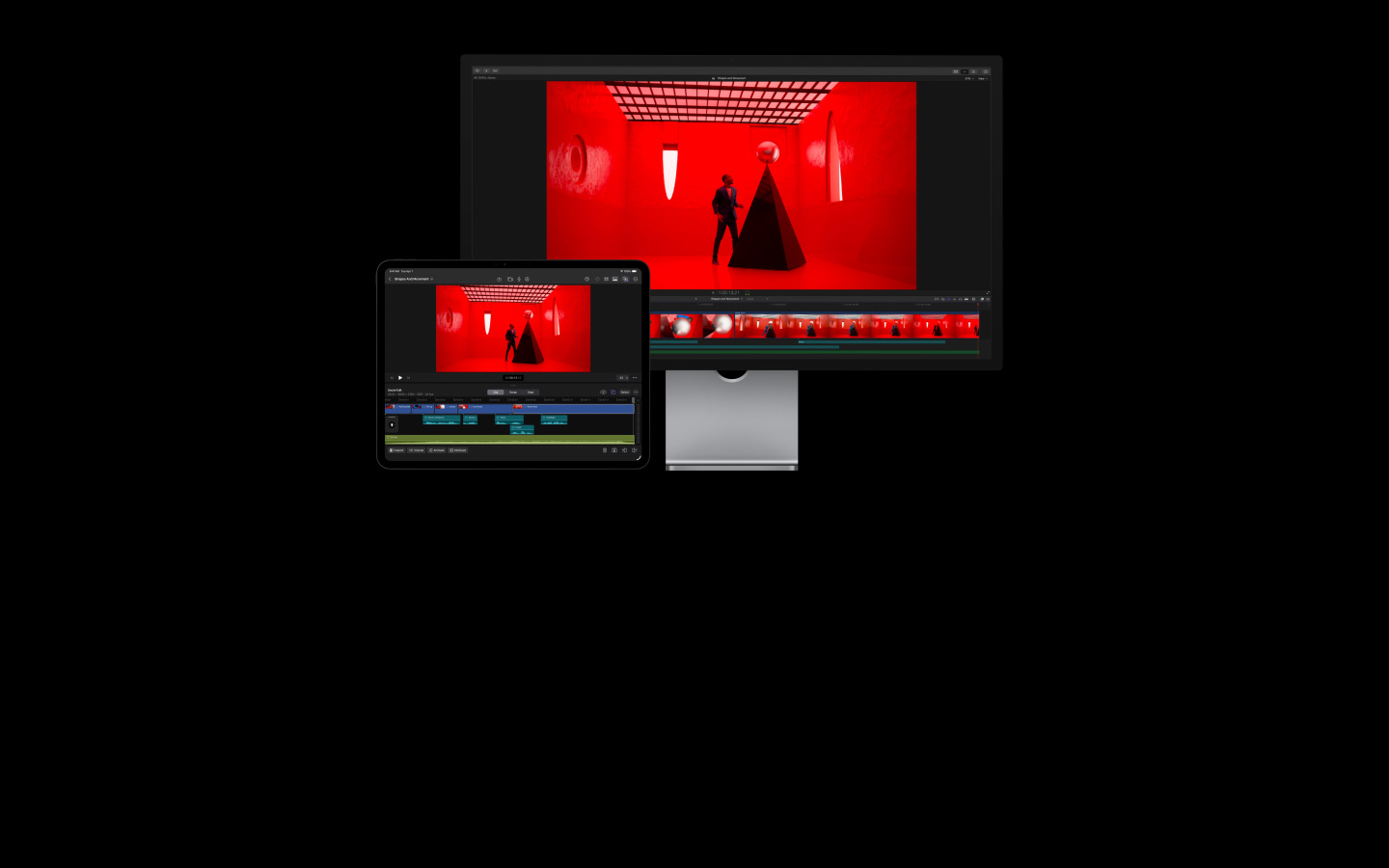
-
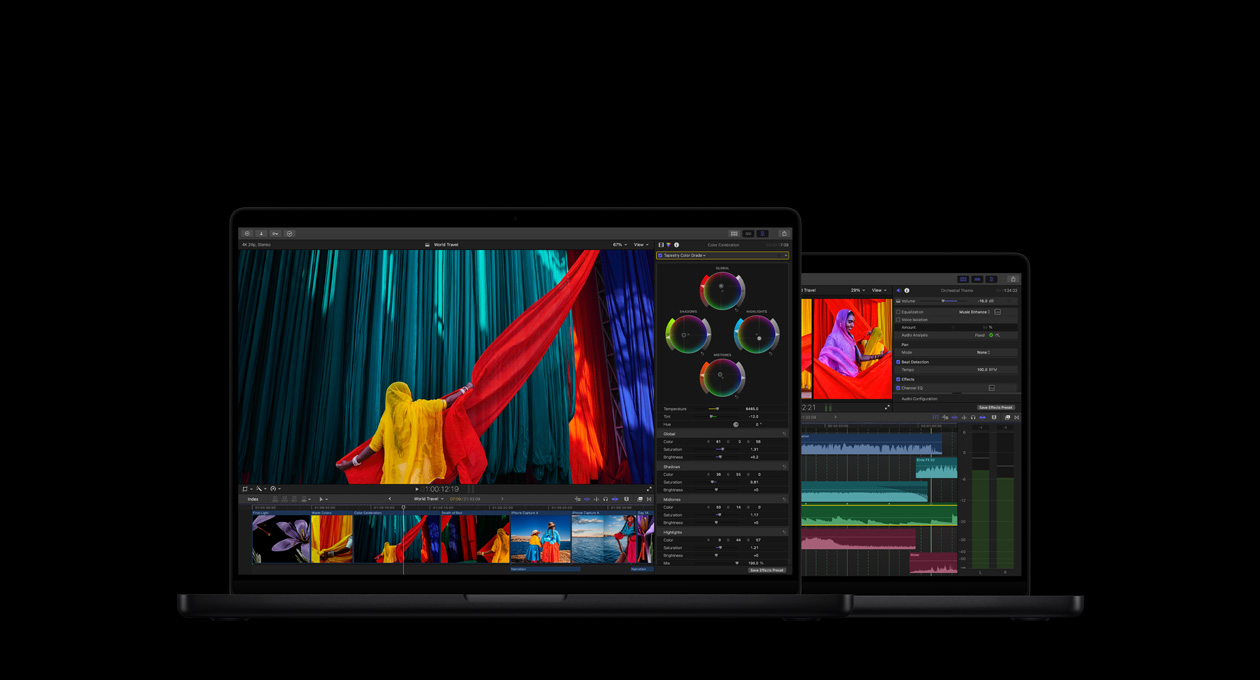
Un terrain de jeu complet pour le montage, l’audio, l’animation graphique et l’étalonnage.
-
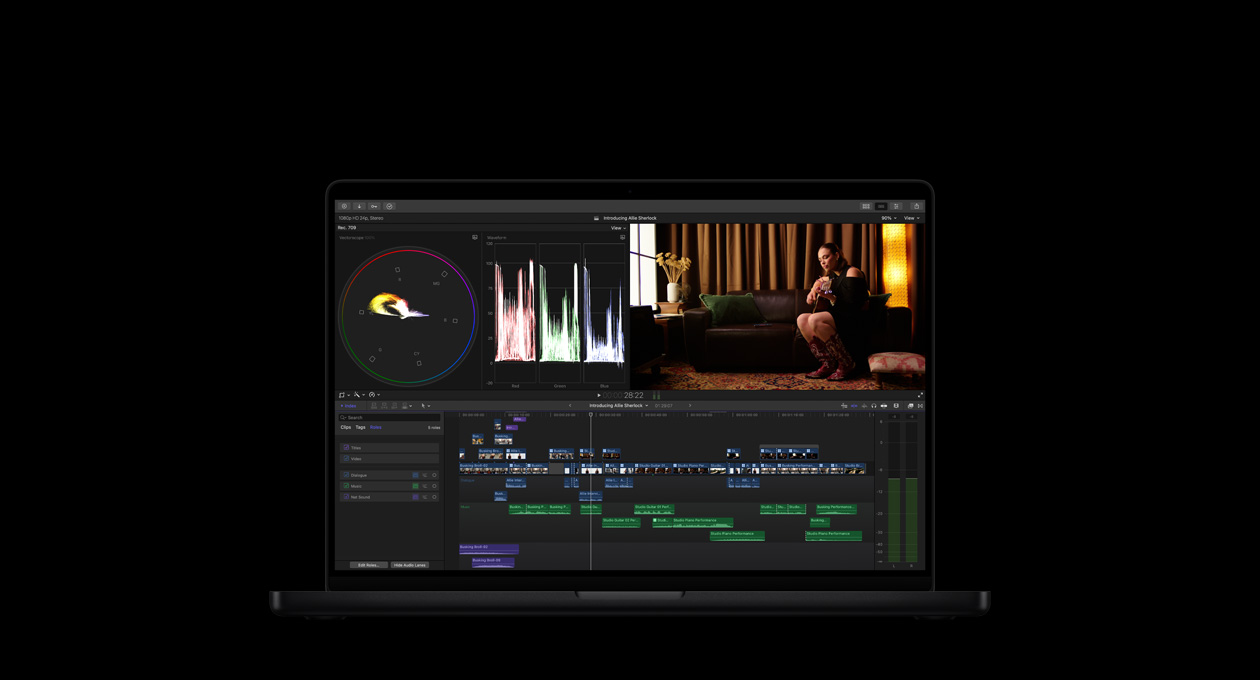
Montez vite. Travaillez bien. Créez sans fin.
-
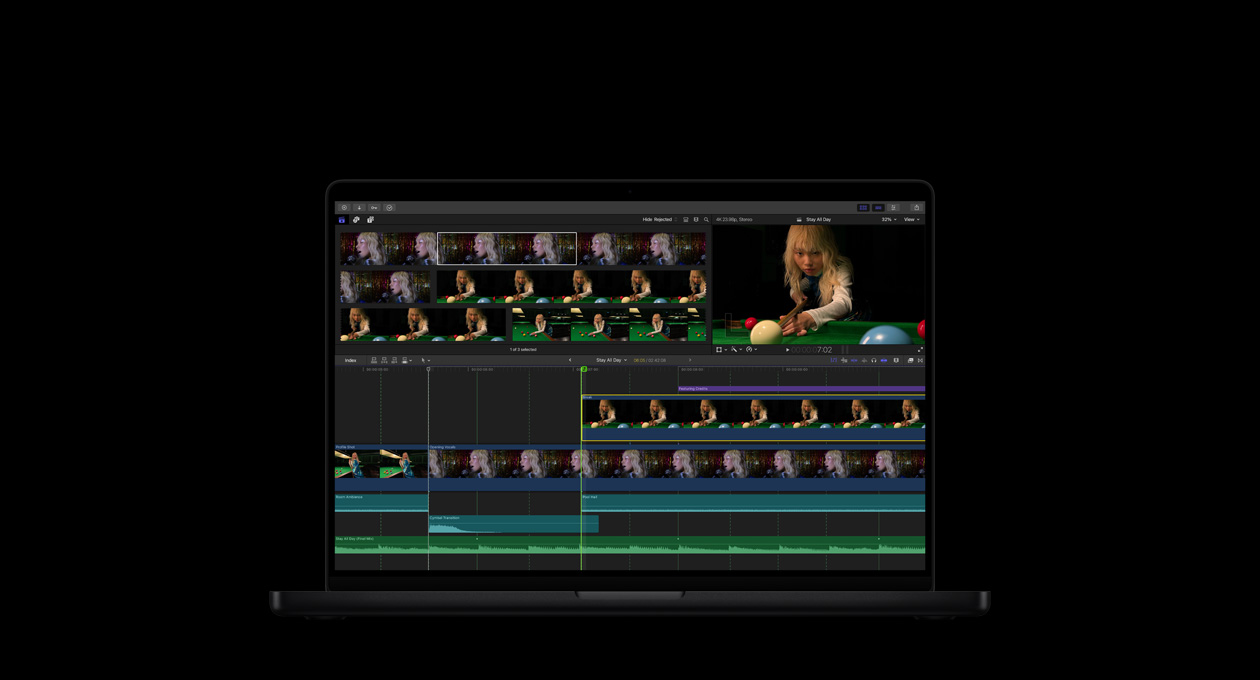
De puissantes fonctionnalités d’IA qui intègrent Apple Intelligence à vos processus2.
-
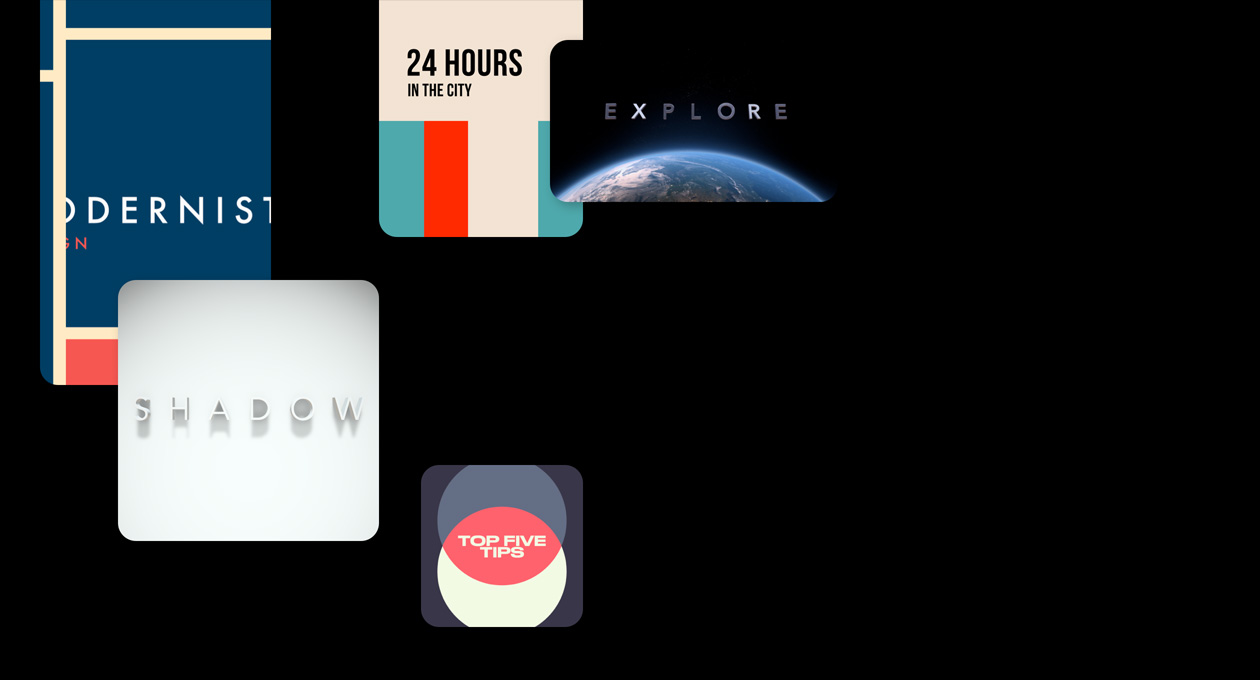
Une bibliothèque inspirante de titres, de transitions de bandes sonores et d’effets dynamiques.
-
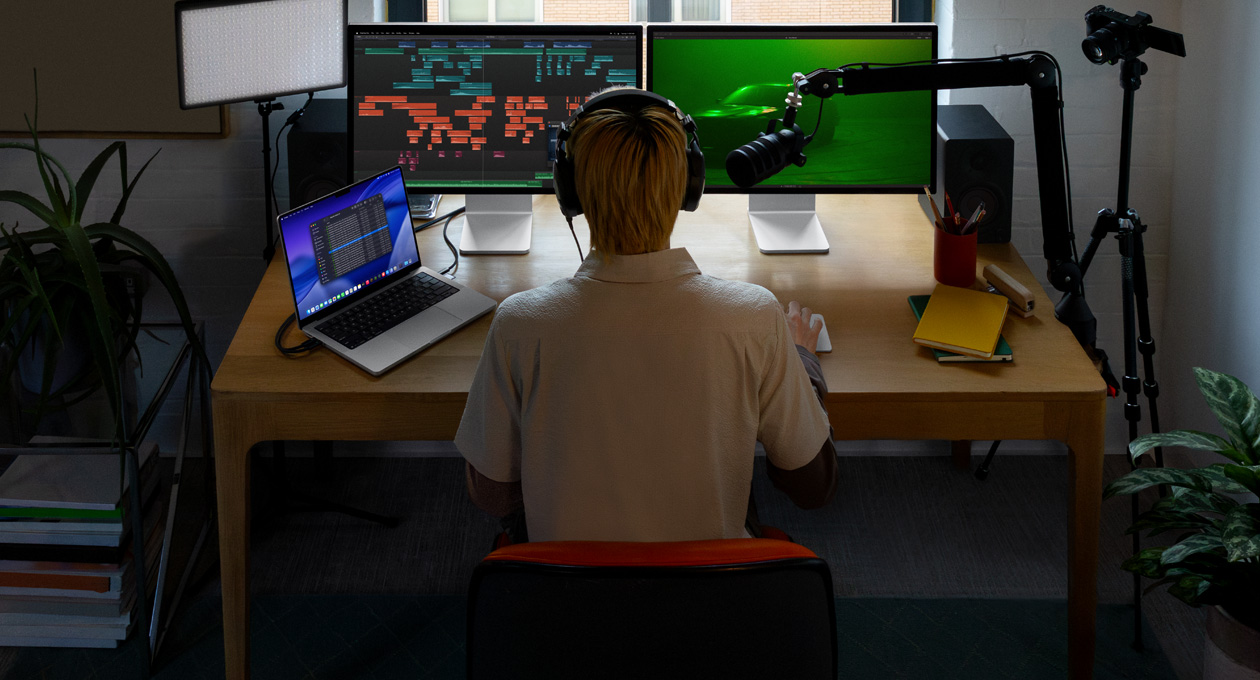
Montage audio avancé, pour des vidéos aussi belles à entendre qu’à voir.
-
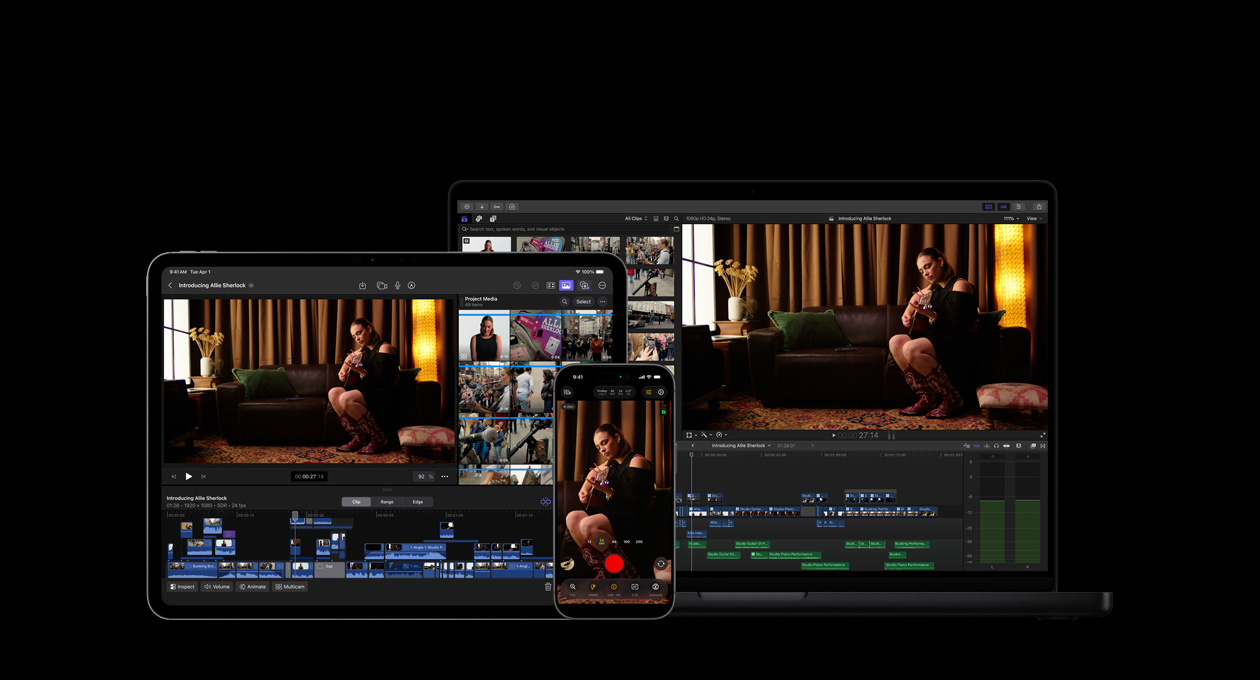
Votre vision artistique prend vie sur tous vos appareils, apps et accessoires Apple3.


-
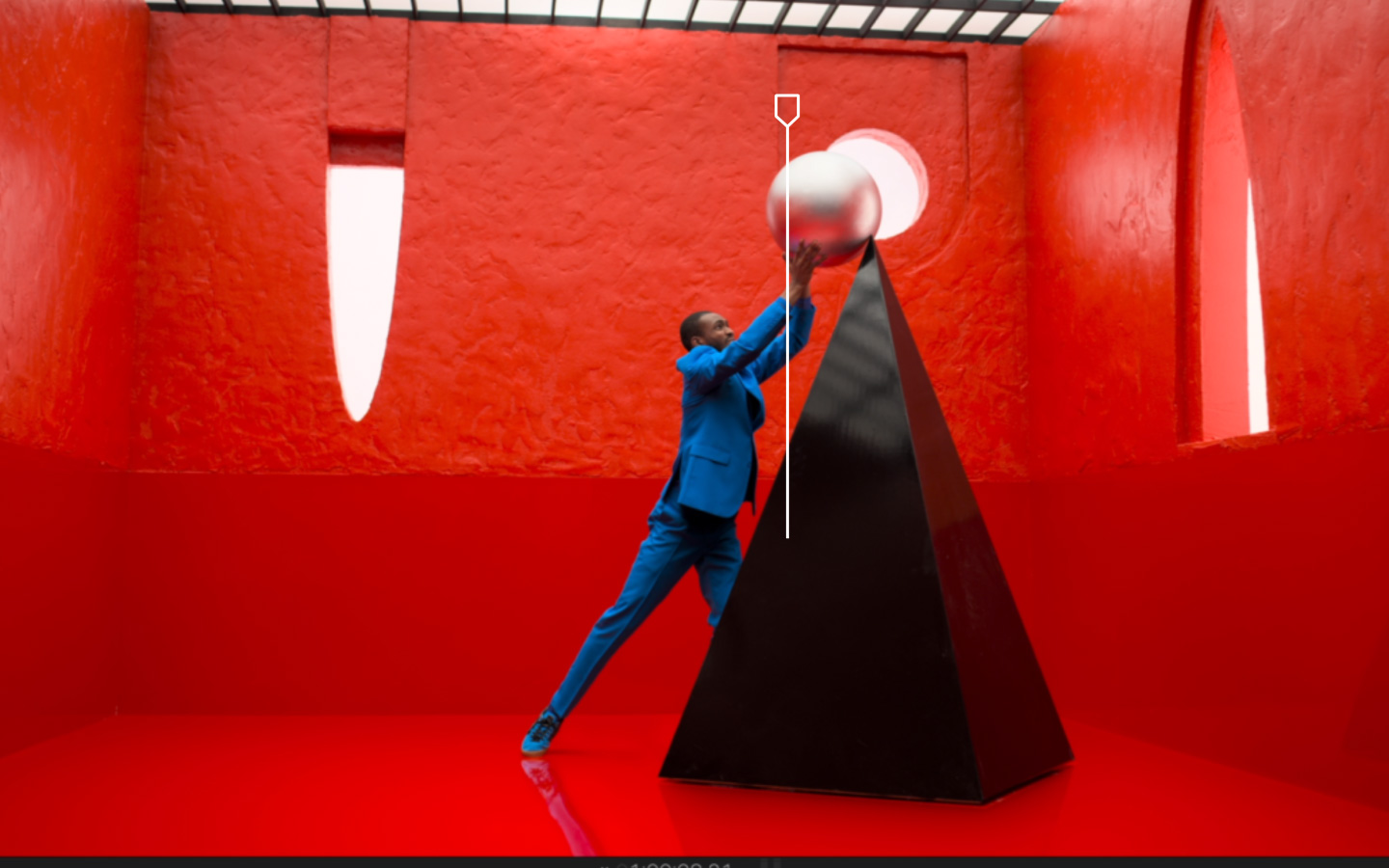
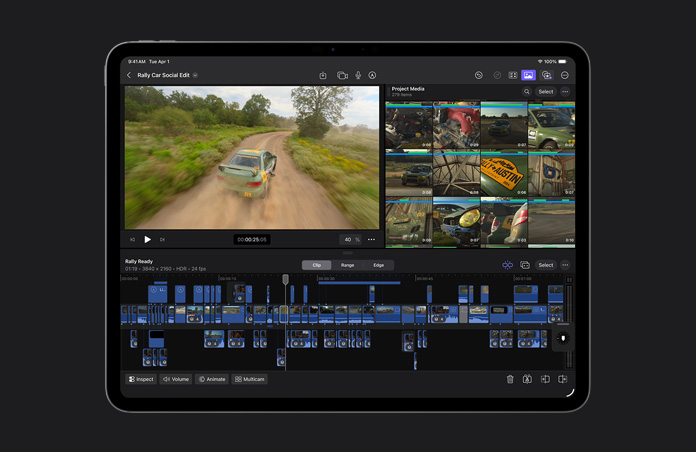
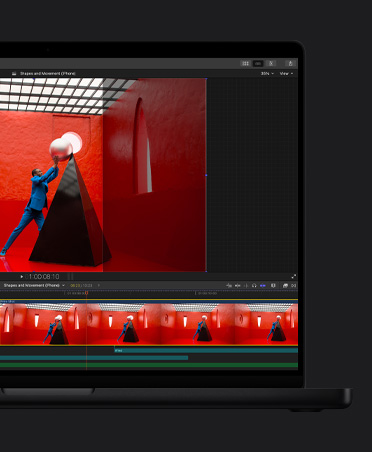
Timeline magnétique pour plus de vitesse et de flexibilité.
Testez différents montages et scénarios en déplaçant et élaguant des plans. L’ensemble demeure synchro en tout temps.
-
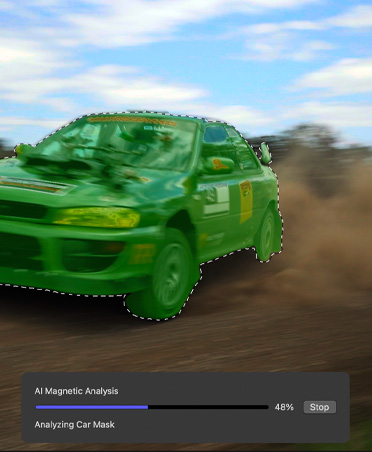
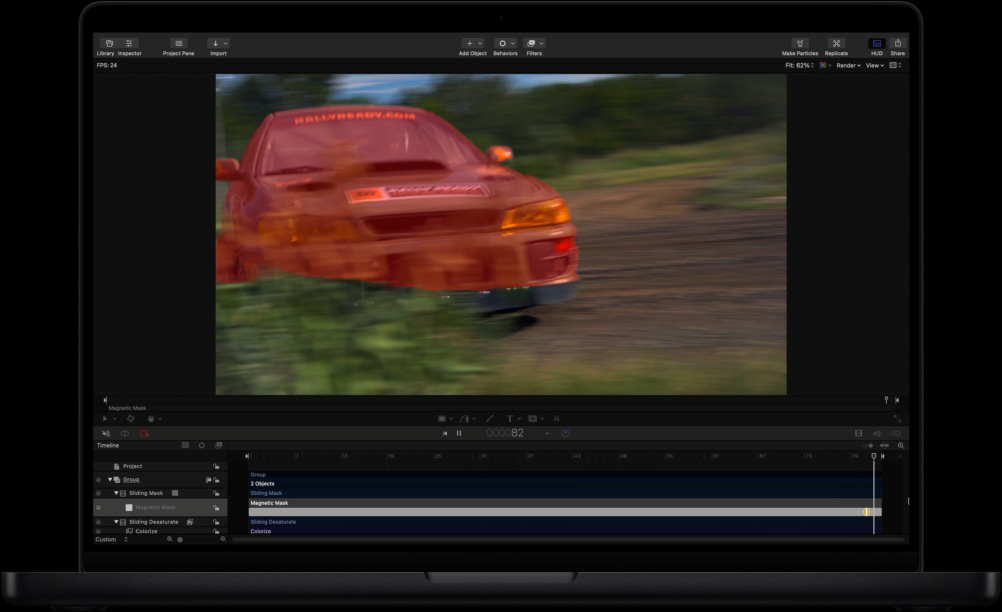
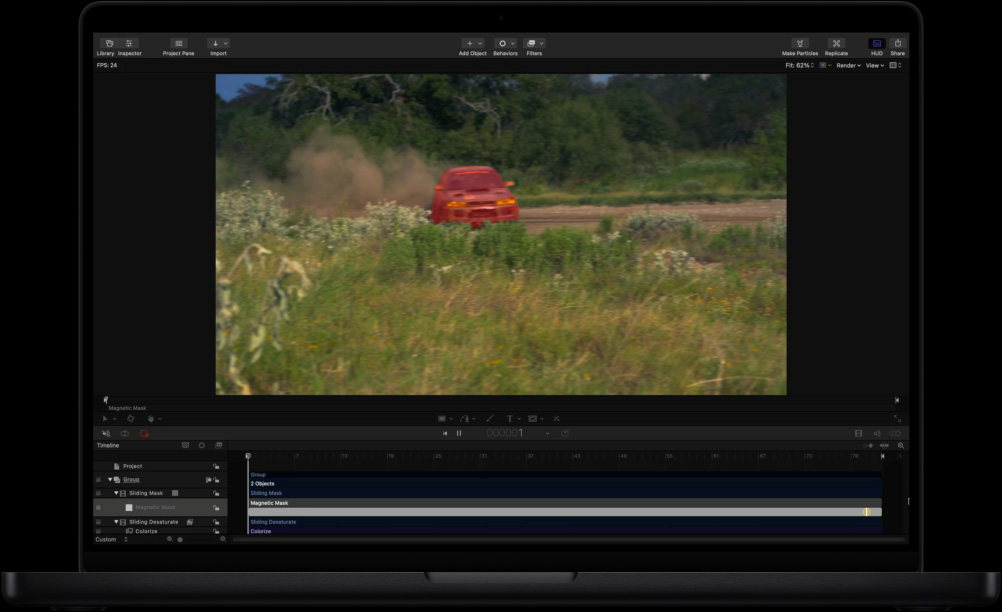
Isolation avec le masque magnétique.
Séparez des personnes et des objets de l’arrière‑plan sans avoir recours à un écran vert ou à la rotoscopie.
-
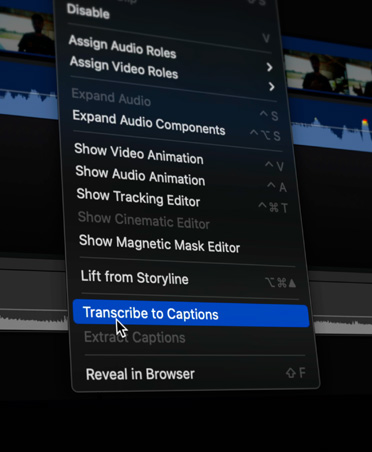
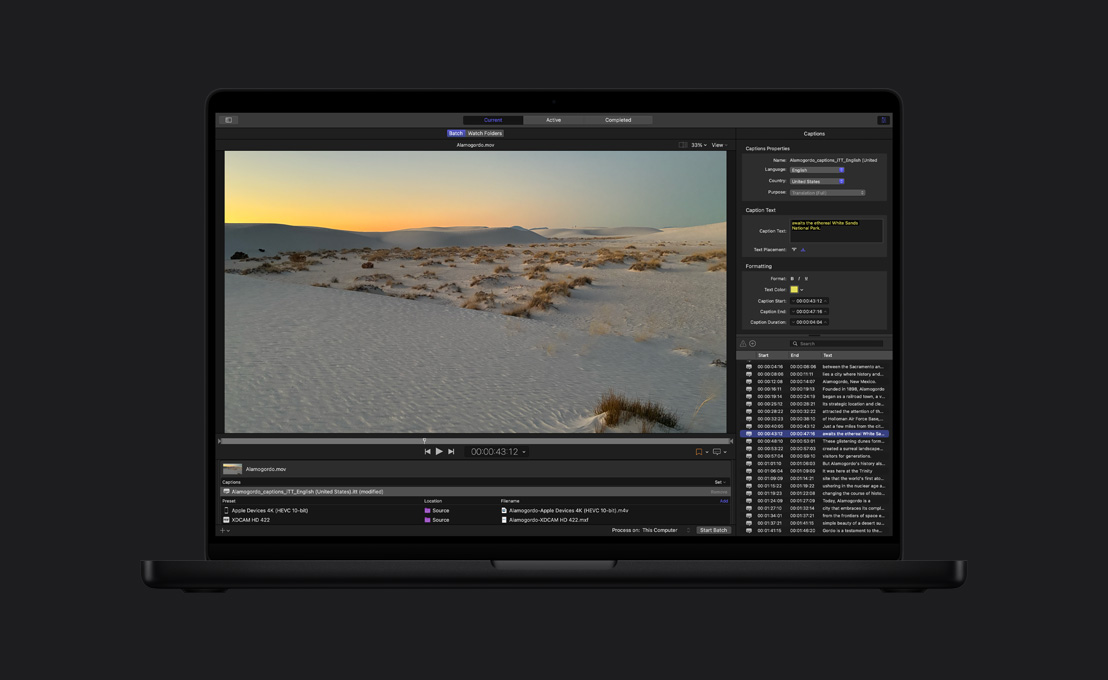
Sous‑titres automatiques.
Final Cut Pro analyse les voix pour créer des sous‑titres ultraprécis en un éclair.
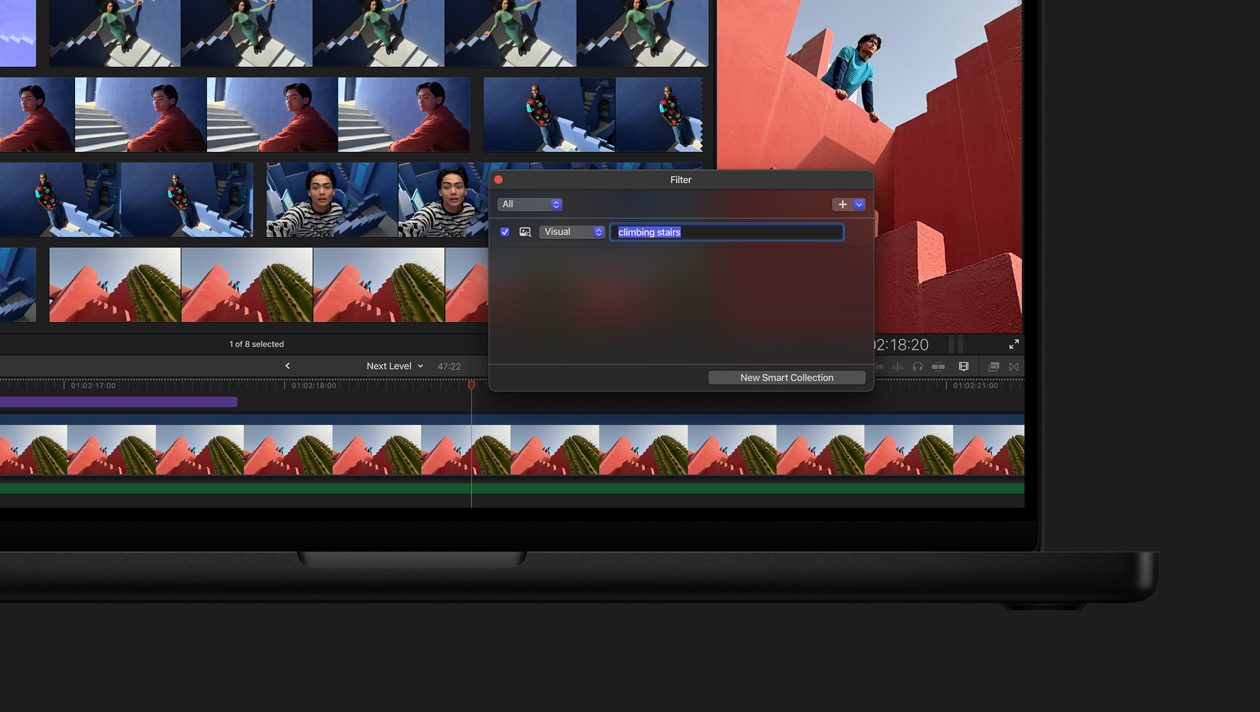
Mettez le doigt sur le bon plan. La recherche visuelle permet de retrouver facilement des séquences montrant des objets ou des actions. Tapez ce que vous cherchez et l’app le repère pour vous en quelques secondes4.
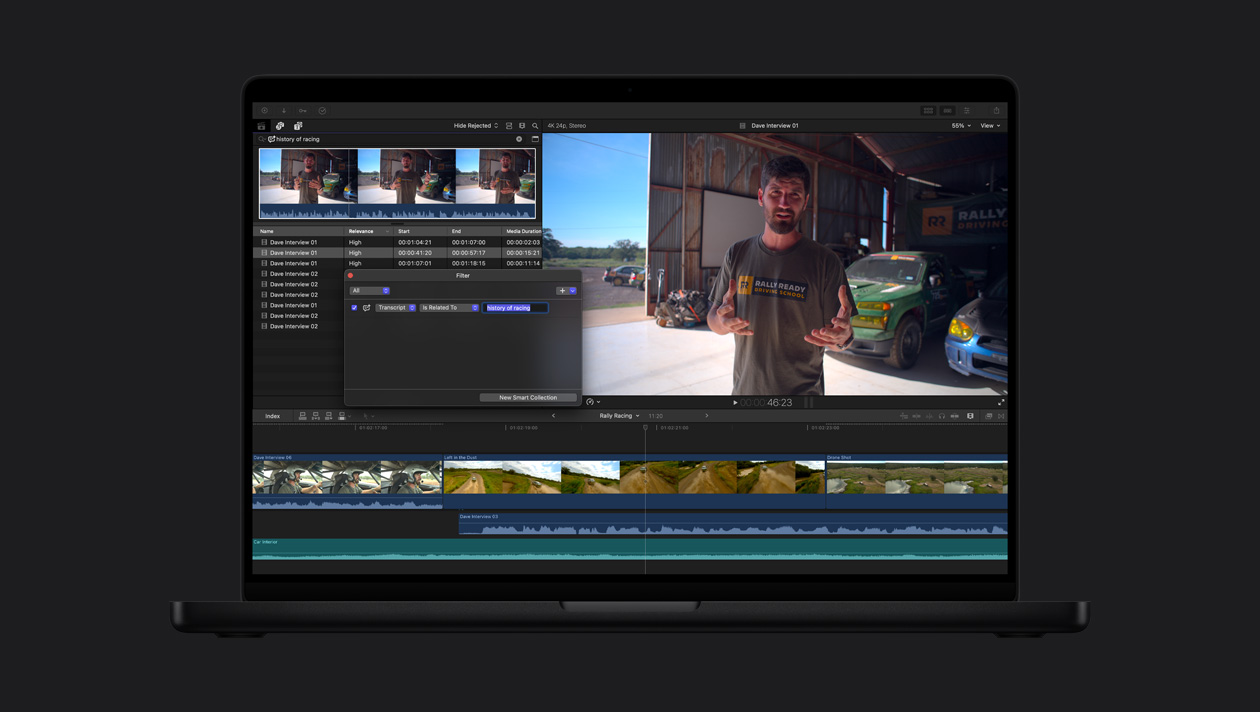
Retrouvez un extrait vite fait. Finies les longues heures d’écoute. La recherche dans la transcription analyse le langage pour retrouver instantanément des paroles à partir de mots‑clés5.

-
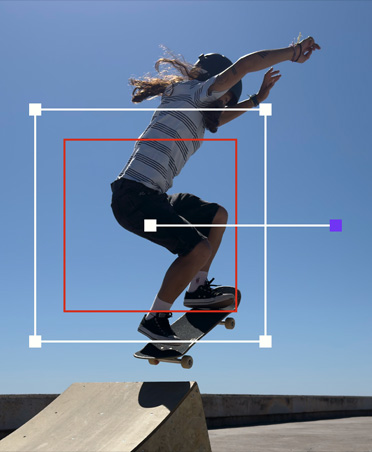
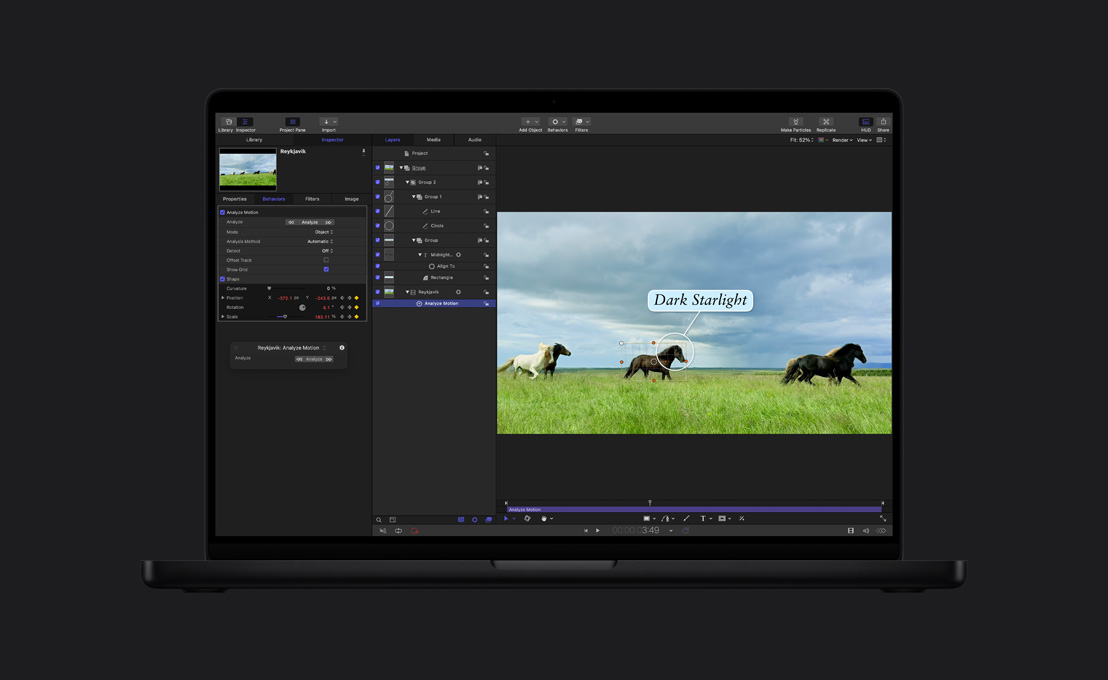
Suivi automatique du mouvement.
Le suivi d’objet vous permet de lier des effets ou des titres à des personnes, objets ou visages en mouvement, ou encore d’apporter des ajustements qui se déplacent avec eux dans la scène.
-
Étalonnage en un clic.
Corrigez automatiquement l’équilibre des couleurs, le contraste et la luminosité des vidéos ou des images avec la fonctionnalité Améliorer la lumière et la couleur, alimentée par l’apprentissage machine.

-
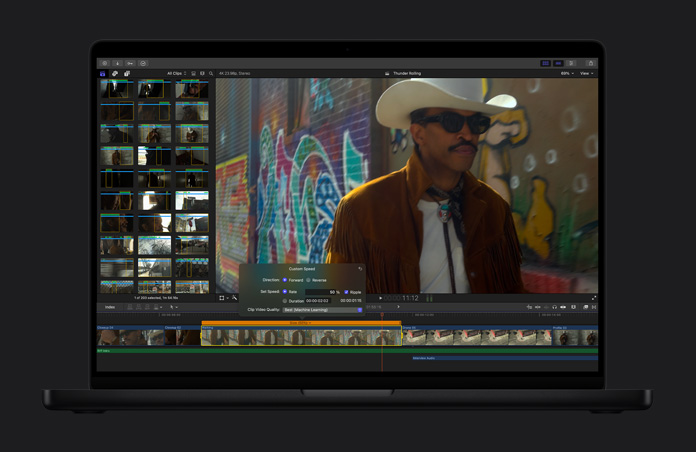
Vos vidéos, au ralenti.
Le ralenti fluide génère et fusionne intelligemment les plans pour produire un mouvement de très grande qualité et ajouter un effet dramatique.
-
Recadrage automatique.
Vos vidéos s’ajustent facilement à tous les formats d’image pour un partage rapide sur Mac, iPhone, iPad et vos plateformes sociales préférées.
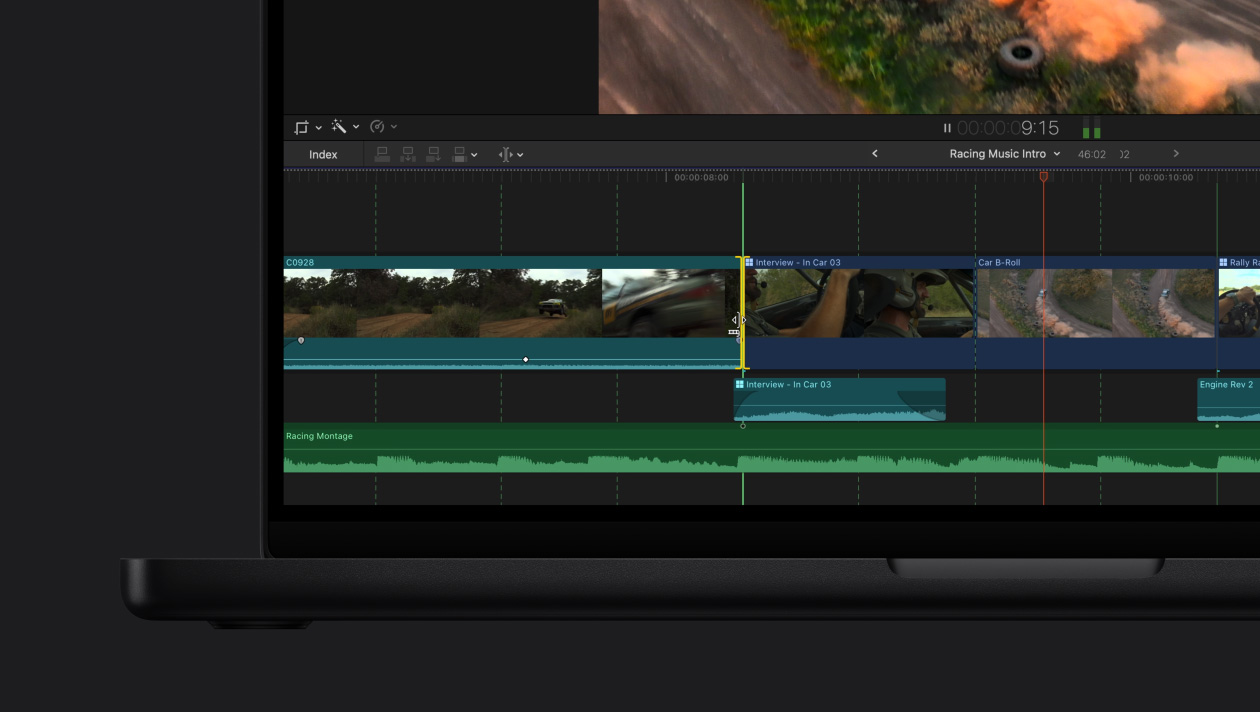
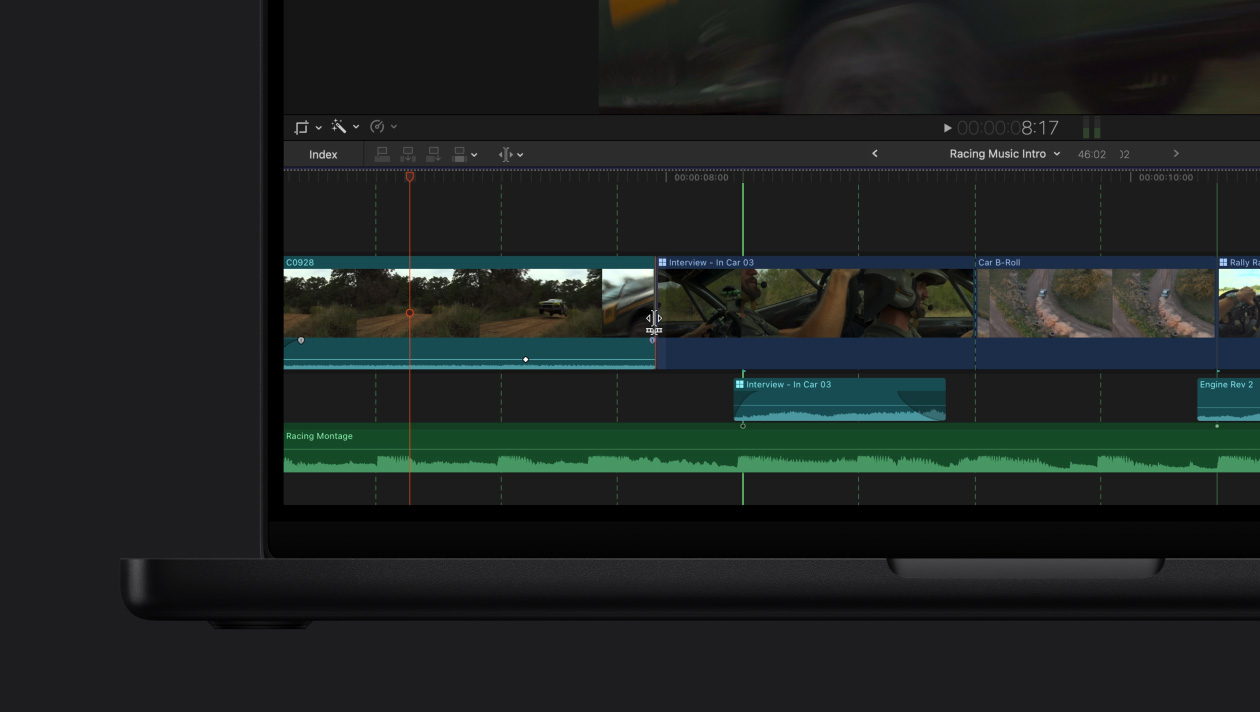
Détection de battements.
Sautez dans le rythme.
-
Personnalisez les effets visuels et transitions.
Puisez dans une immense bibliothèque de contenus vidéo dynamiques qui s’adaptent aux modes portrait et paysage et ne demandent qu’à être personnalisés.
-
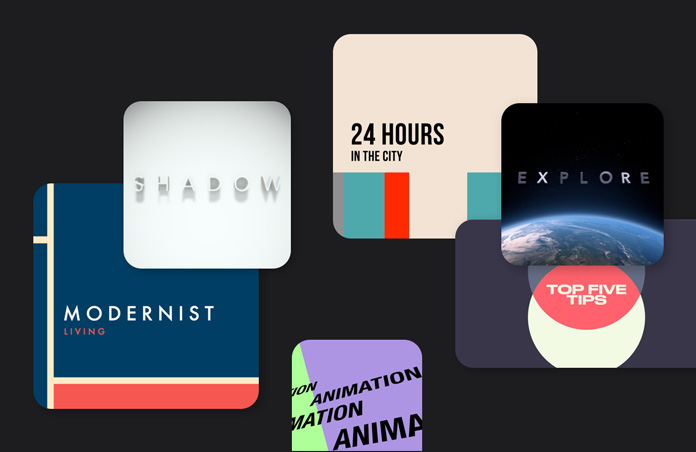
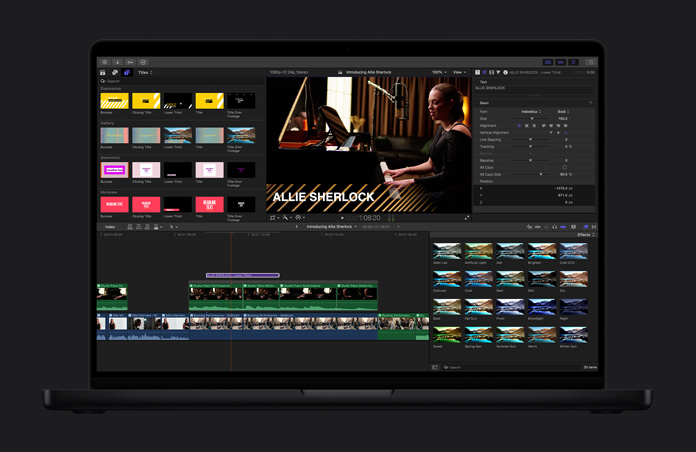
Titres dynamiques.
Soignez l’apparence de votre projet en personnalisant titres thématiques, tiers inférieurs ou intercalaires.
-
Créez de puissants effets.
Générez de sublimes effets visuels d’un simple glisser‑déposer. Et élargissez les possibilités avec des milliers d’outils tiers.
-
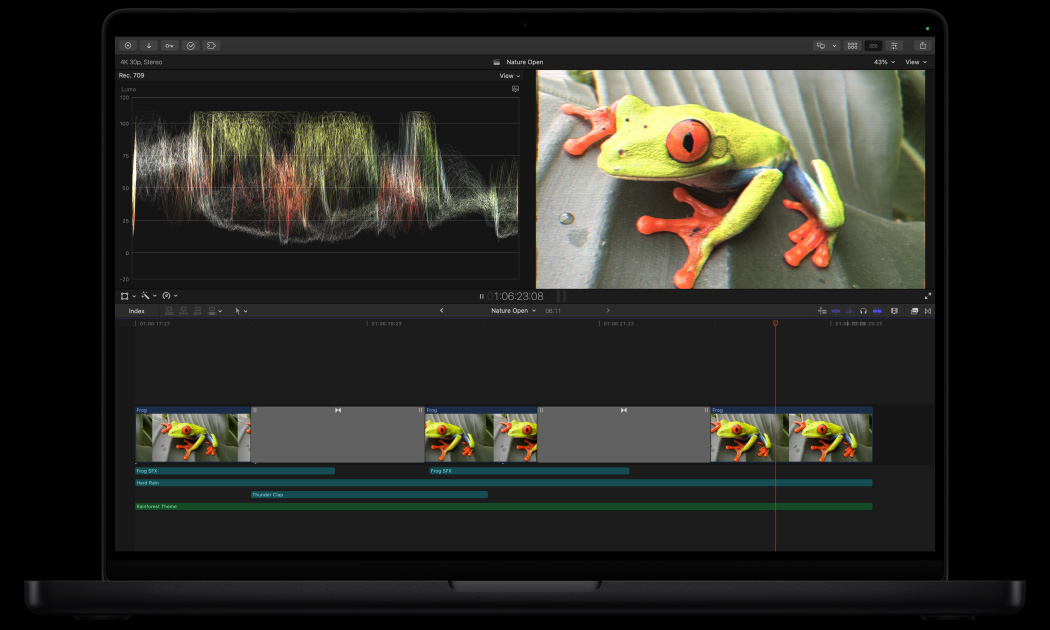
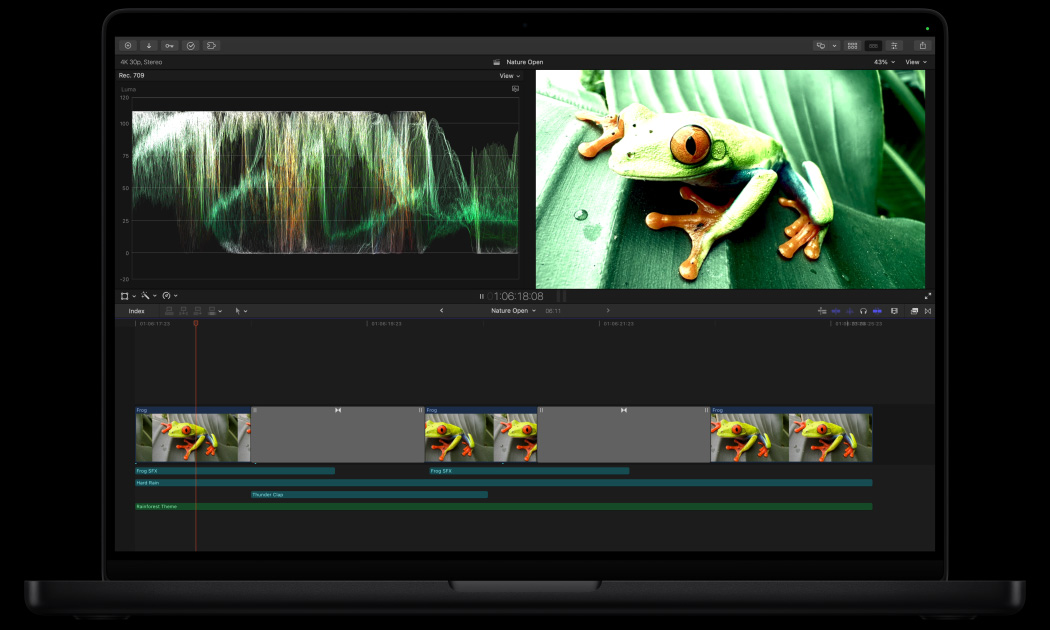
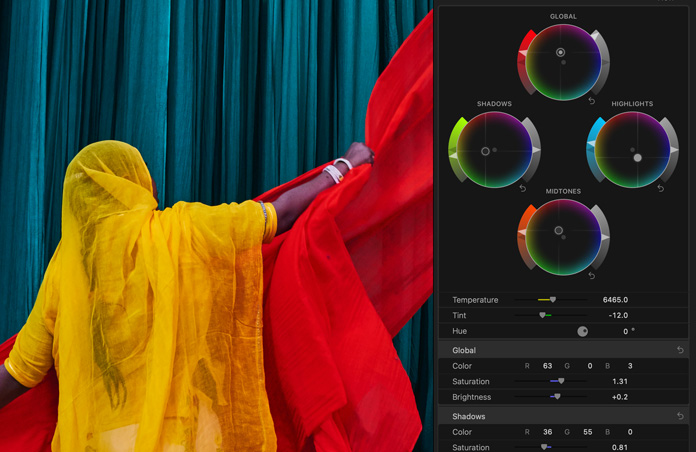
Maîtrisez l’art de l’étalonnage.
Des outils professionnels, comme les courbes de couleur, les courbes de teinte/saturation, l’inspecteur de couleur avec roues chromatiques et la possibilité d’appliquer des LUT, font paraître vos projets sous leur meilleur jour.

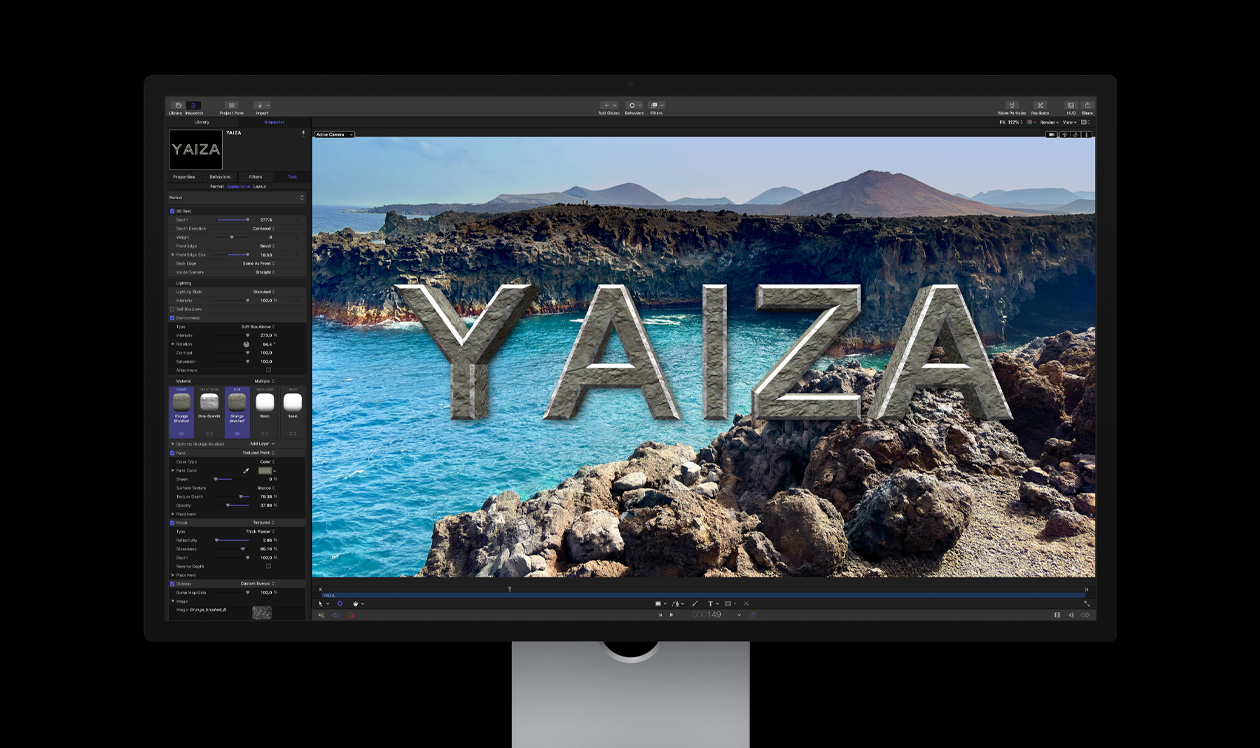
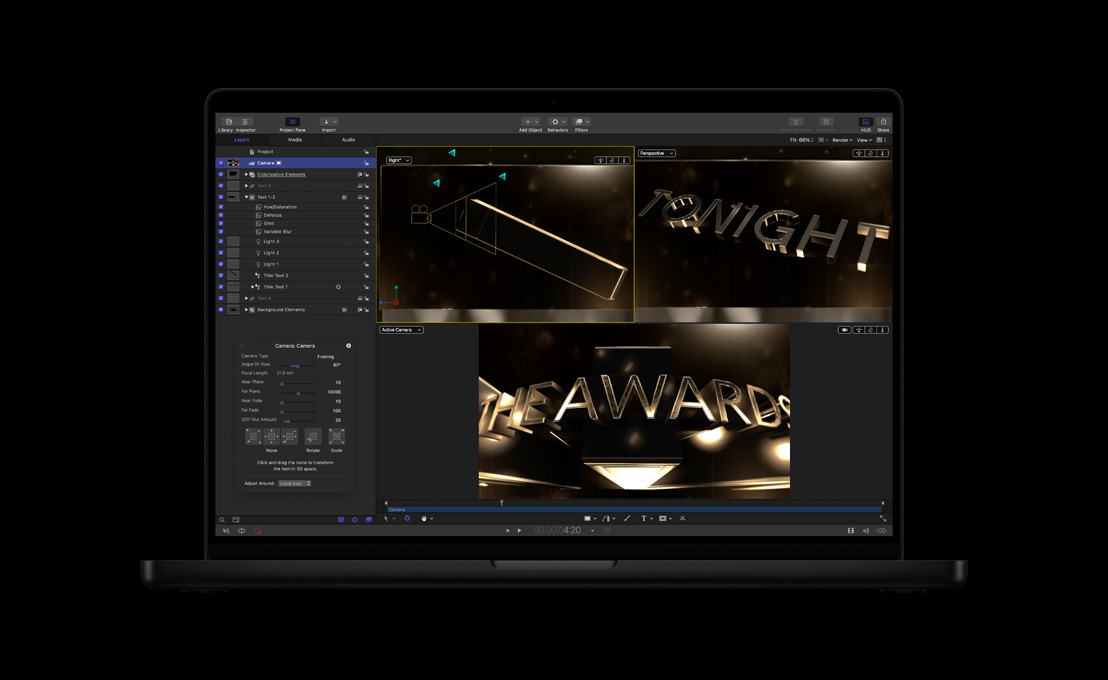
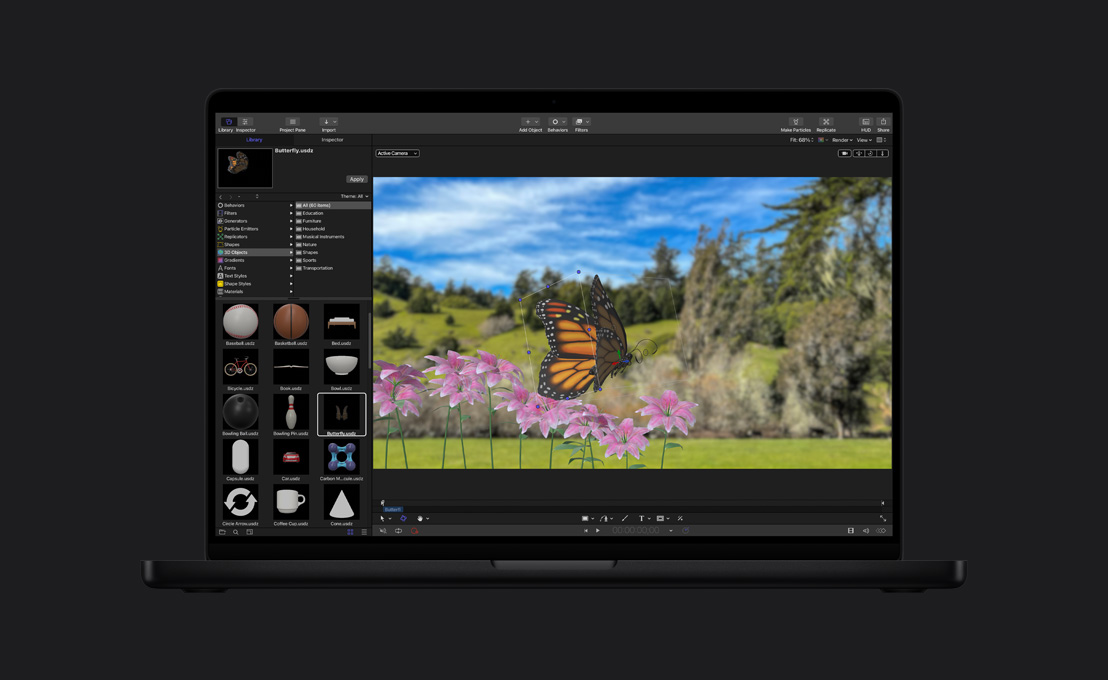
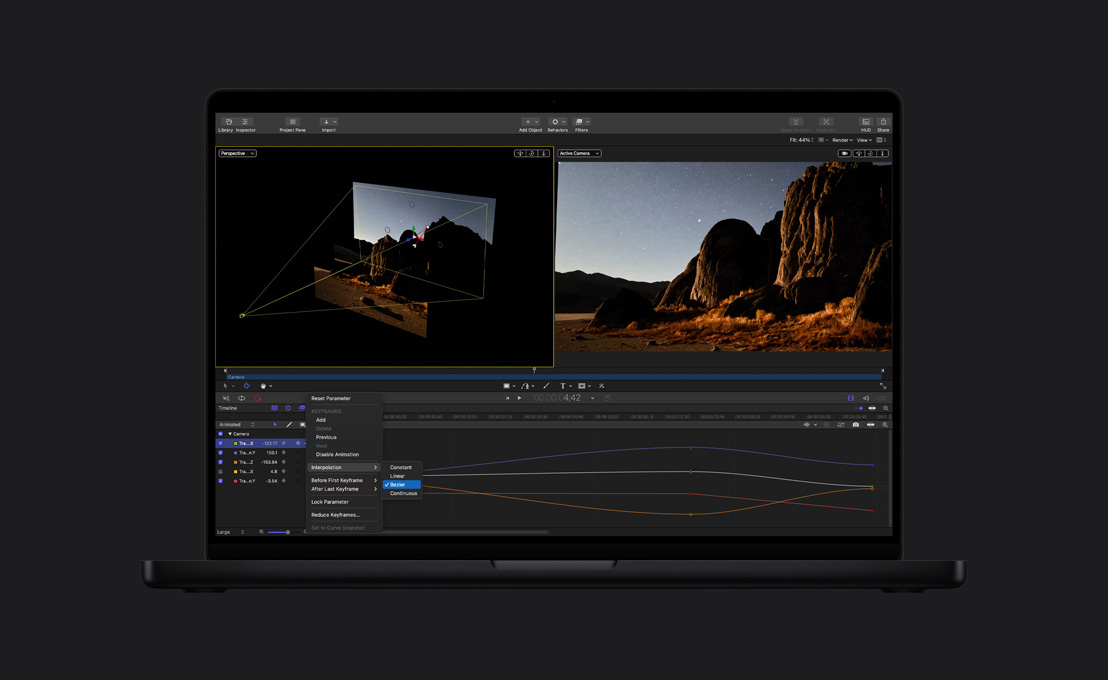
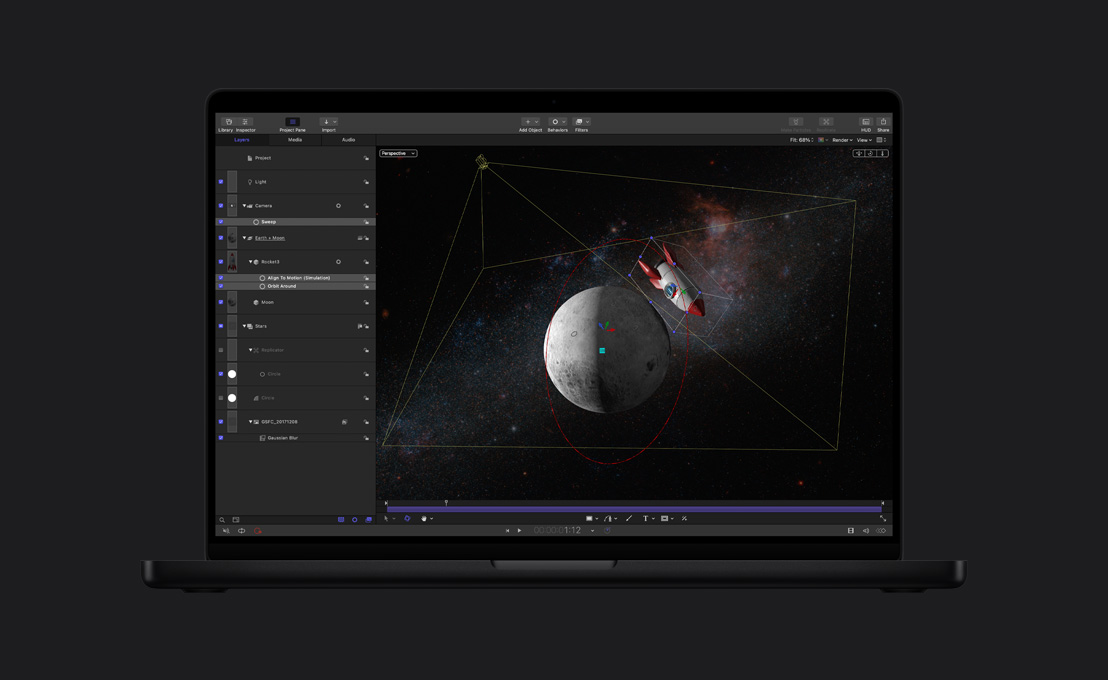
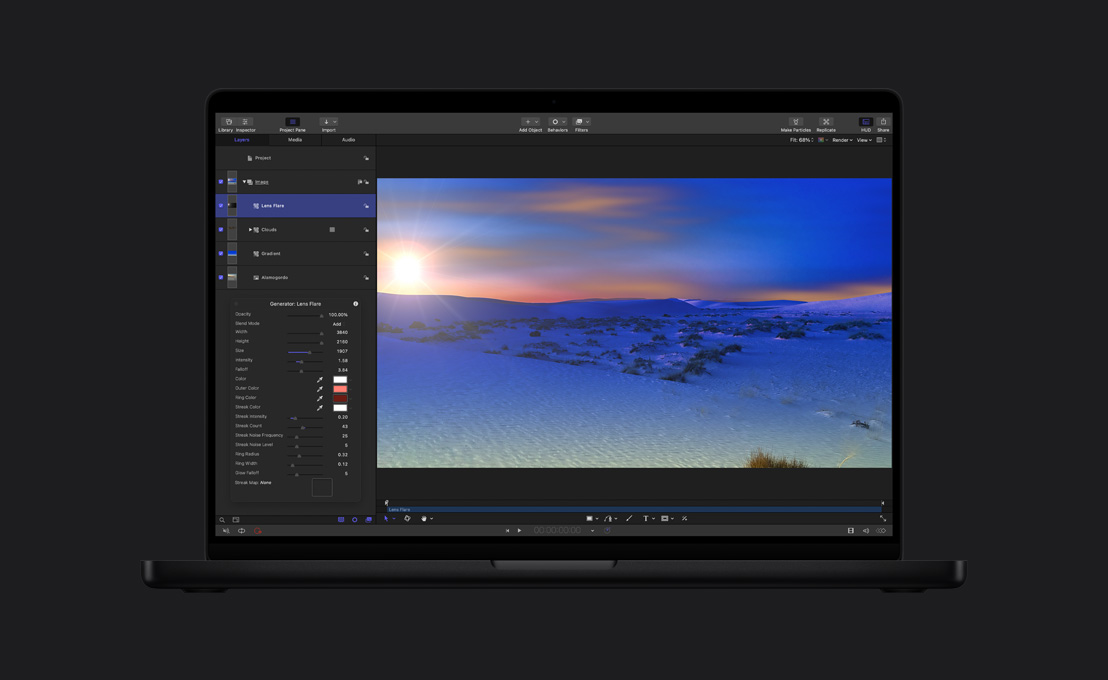
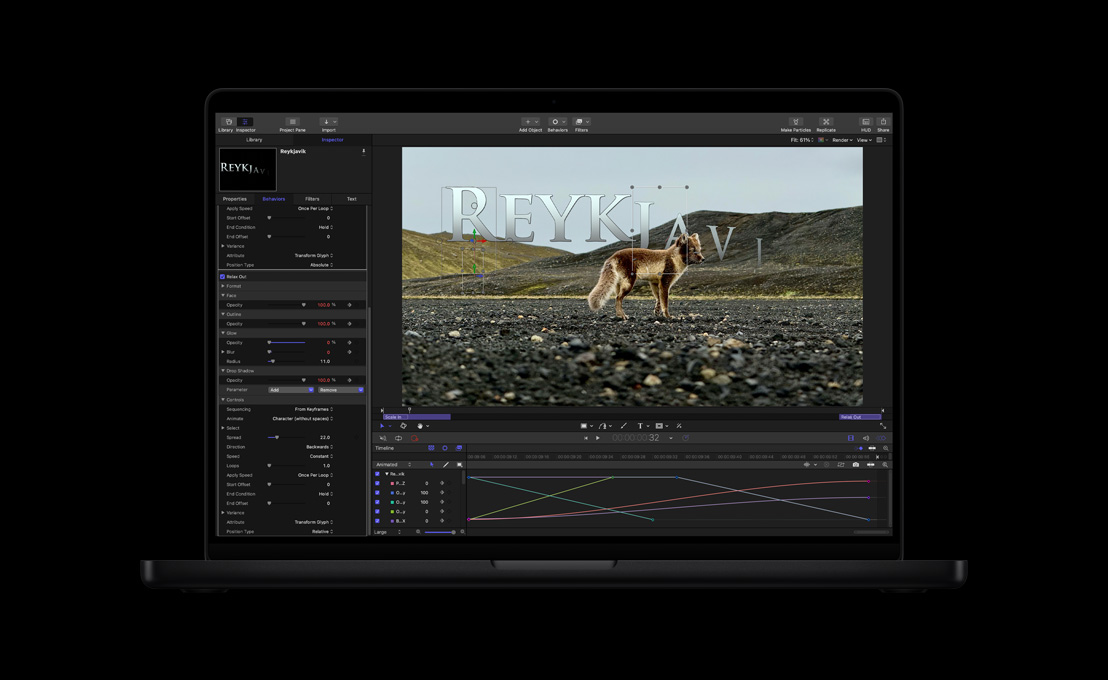
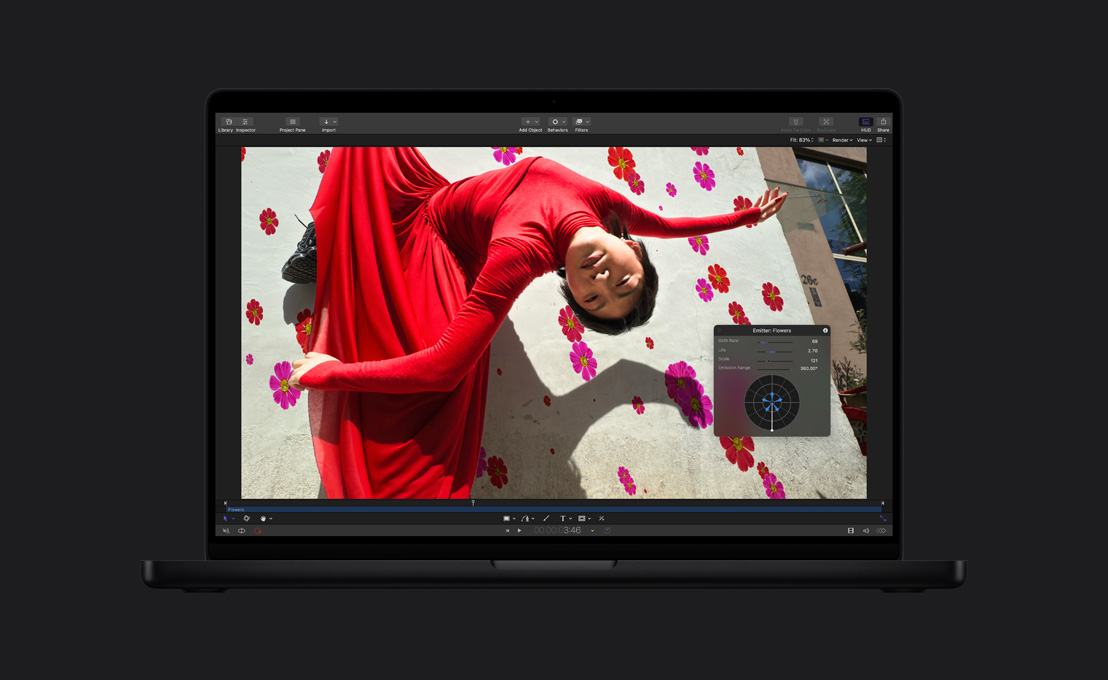
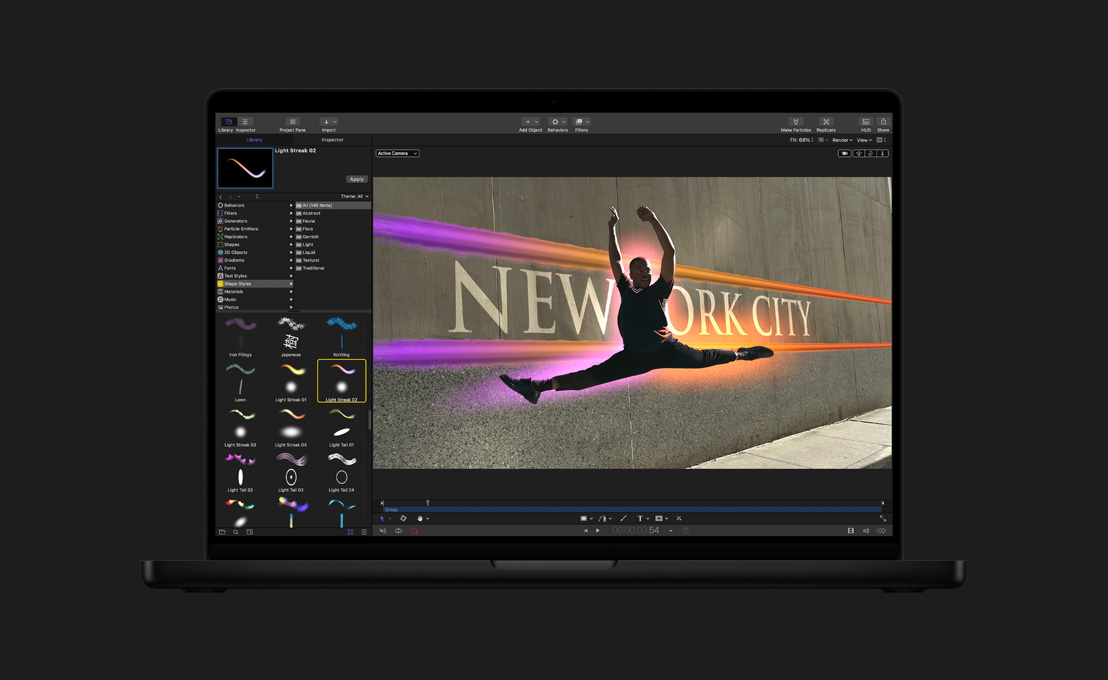
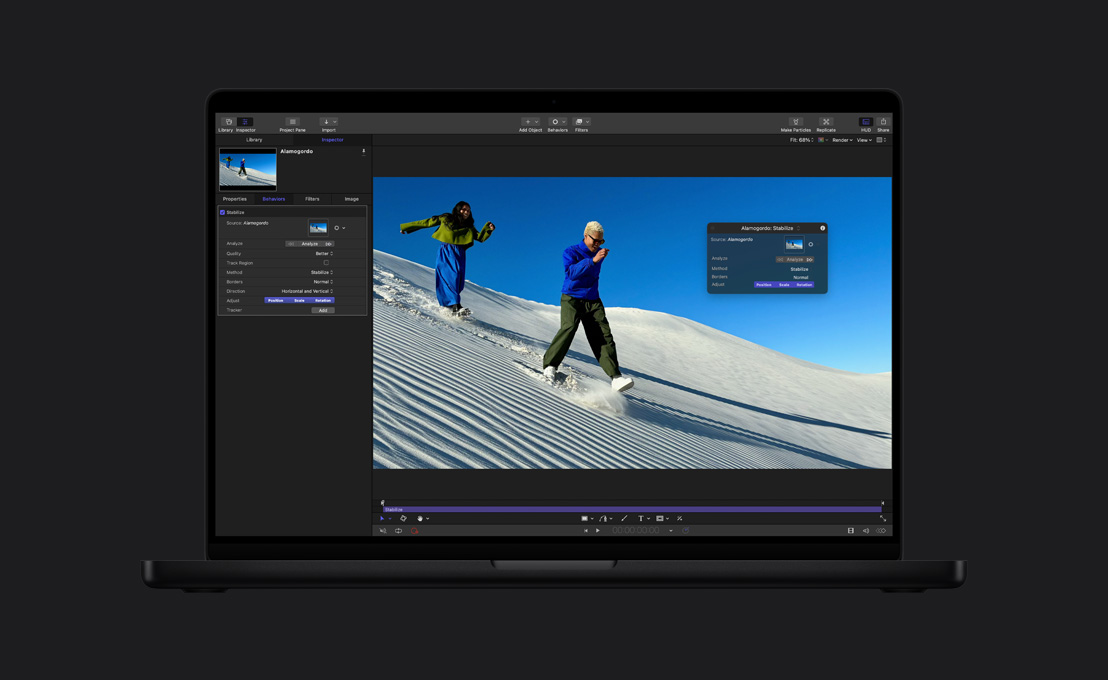
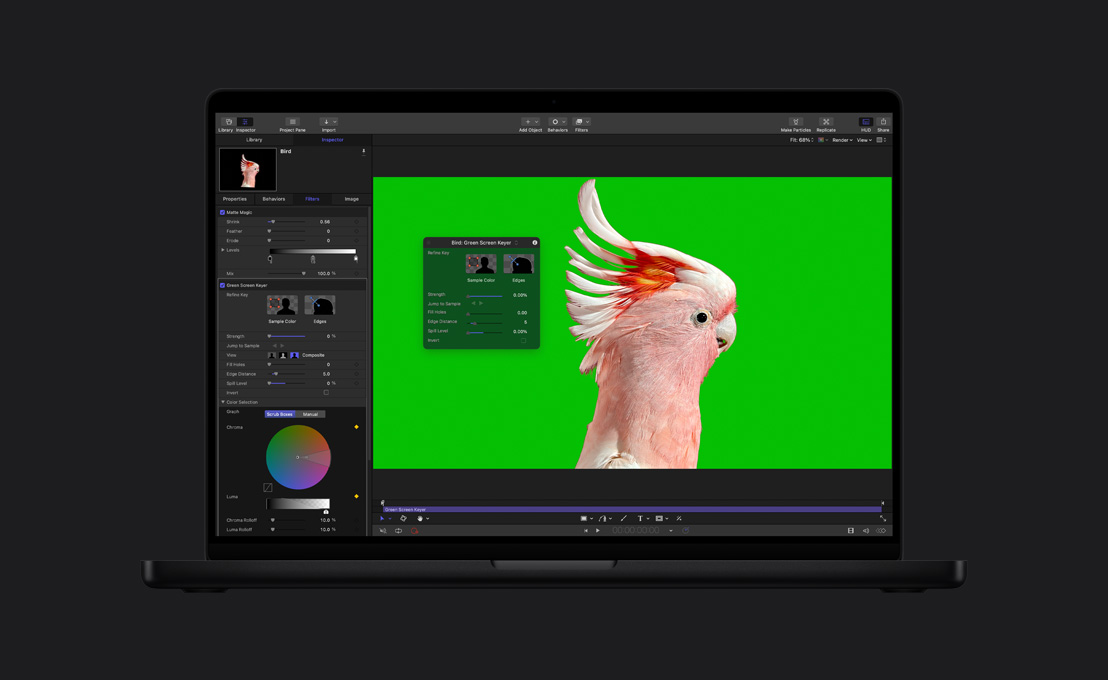
Motion. Des effets qui font de l’effet.

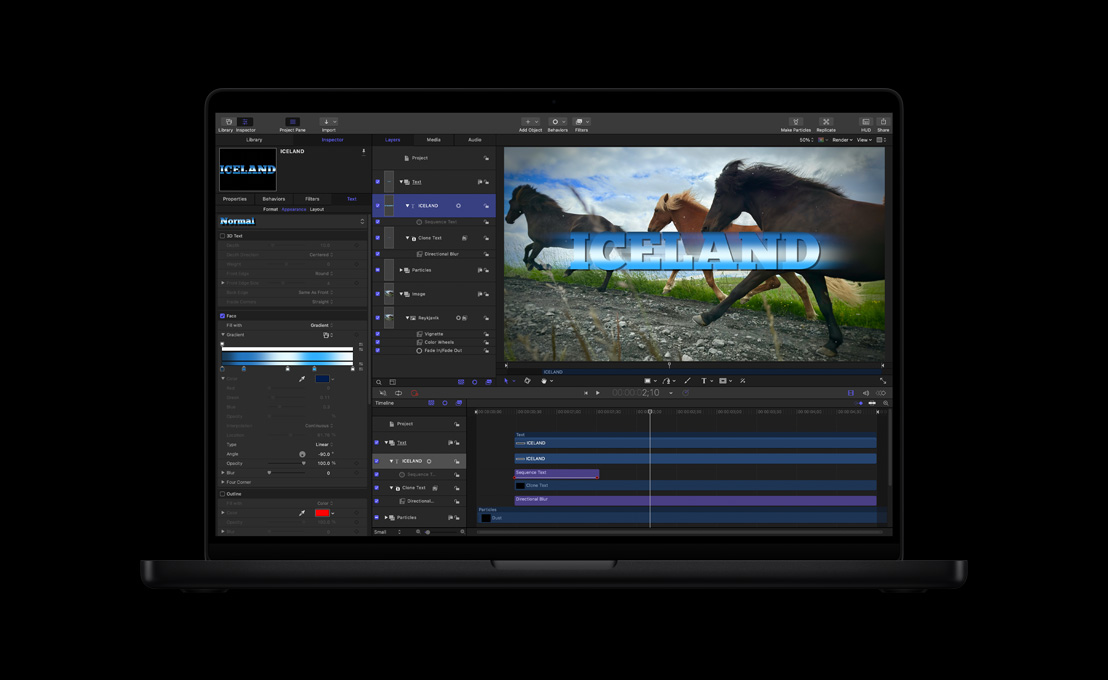
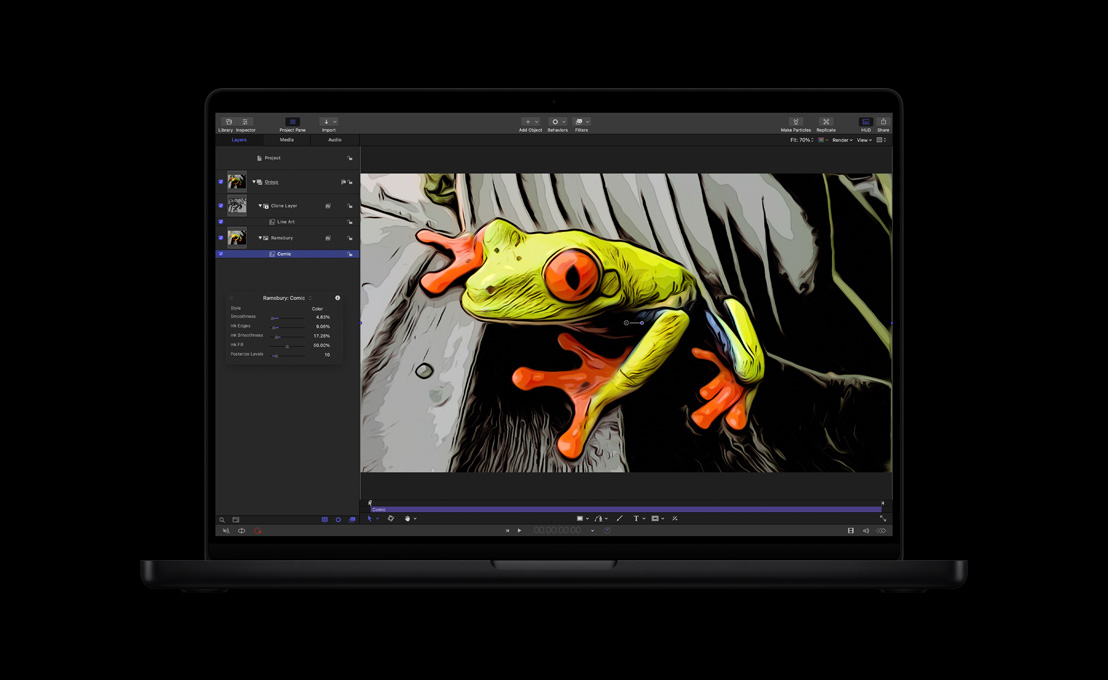
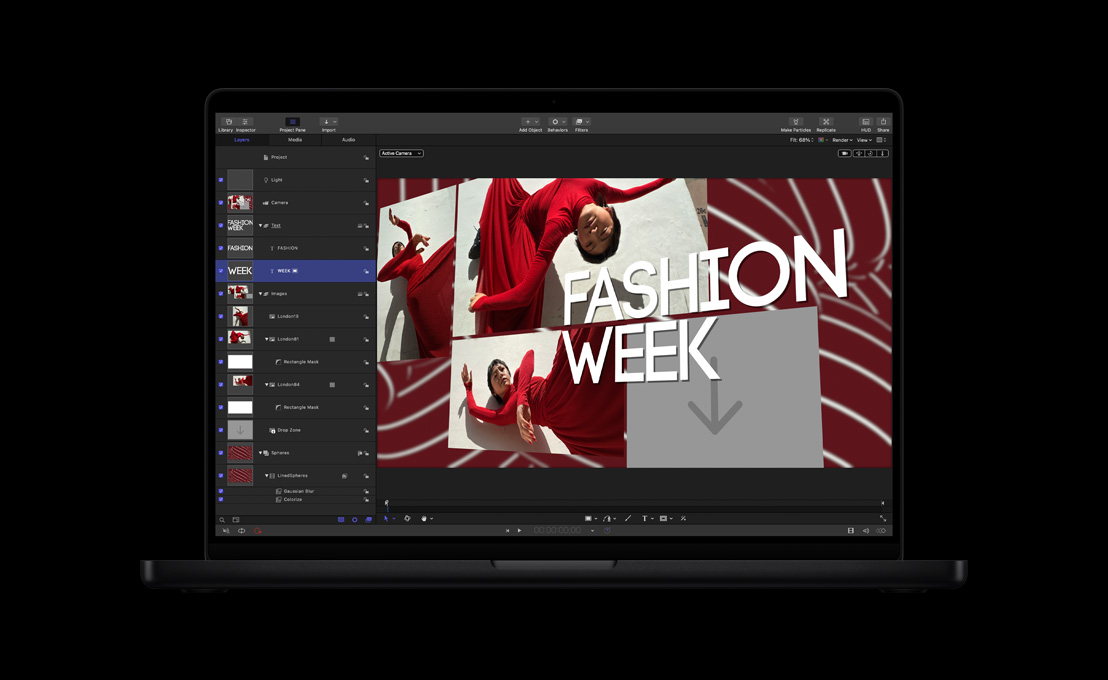
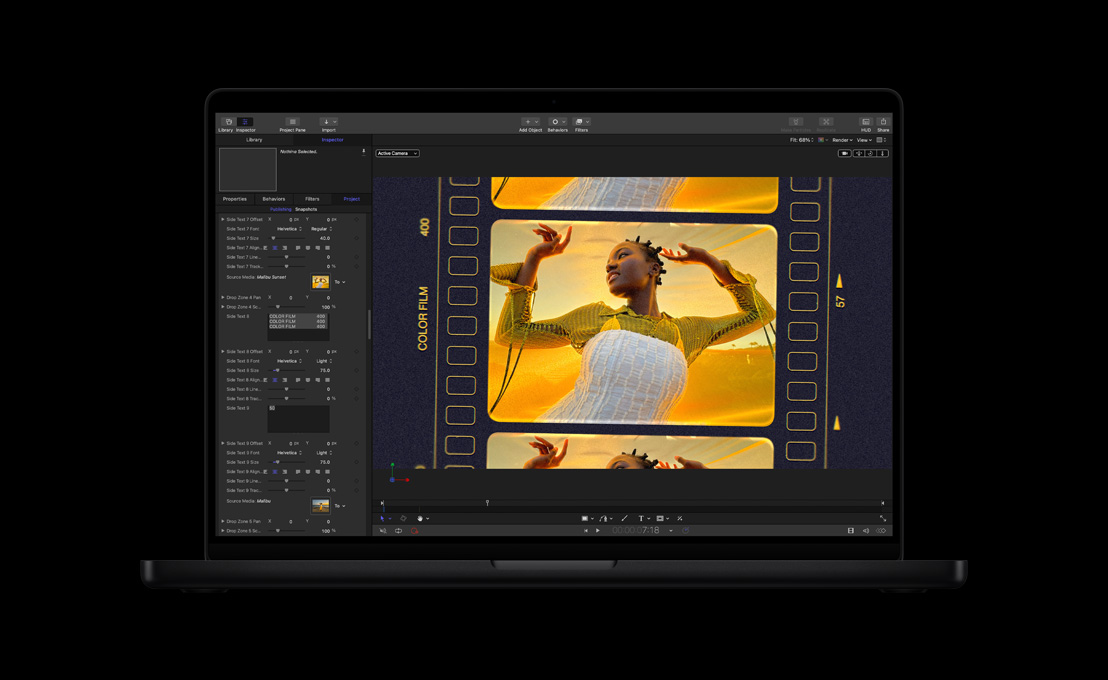





-
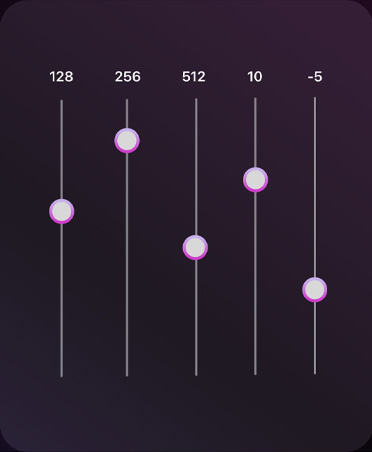
Outils de montage audio.
Puisez dans une bibliothèque de modules d’extension pour la compression audio, l’égalisation et d’autres effets plus audacieux. Ou exportez vos fichiers dans une app comme Logic Pro pour un mixage audio plus poussé.
-
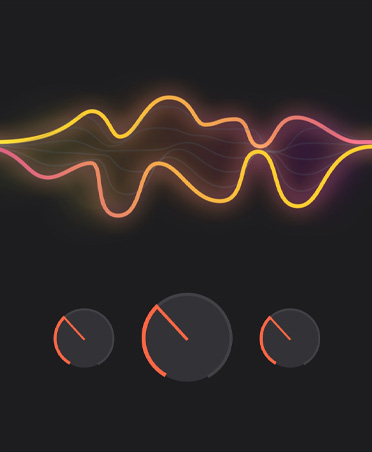
Effets Logic Pro.
Pas besoin de passer d’une app à l’autre. Final Cut Pro intègre de puissants modules d’extension audio provenant de Logic Pro et d’éditeurs tiers6.
-
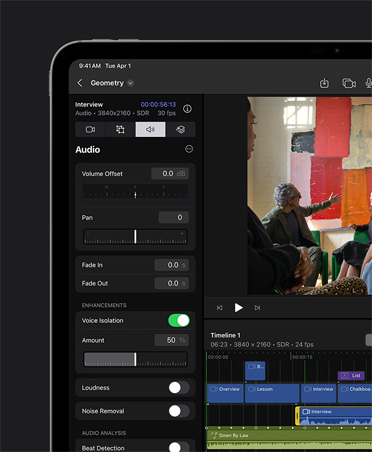
Isolation vocale.
Éliminez le bruit de fond et clarifiez les voix pour obtenir un son impeccable.
-
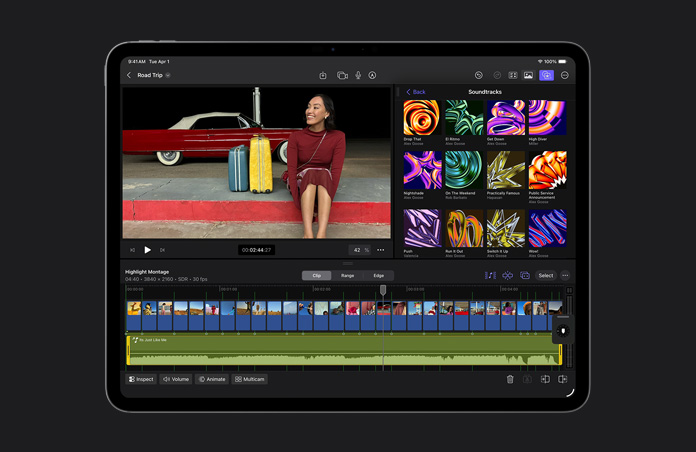
Adaptez la musique au montage avec iPad.
Les bandes sonores s’ajustent dynamiquement à la durée de votre projet en s’étendant, en se décalant et en se synchronisant en fonction de chaque scène.

-
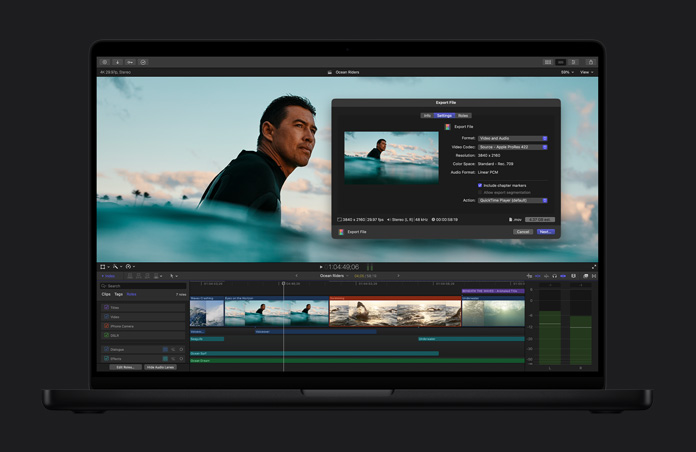
Fichiers optimisés.
Transcodez vos vidéos au format Apple ProRes pour des performances de montage accrues, des temps de rendu diminués et une qualité de couleur rehaussée pour la composition.
-
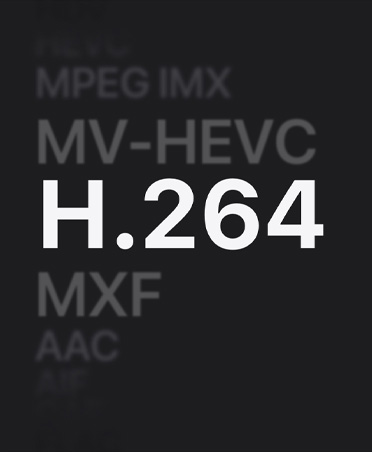
Partage en haute qualité.
Exportez votre projet sous forme de fichier de qualité professionnelle exploitable en postproduction ou pour la distribution et la diffusion.
-
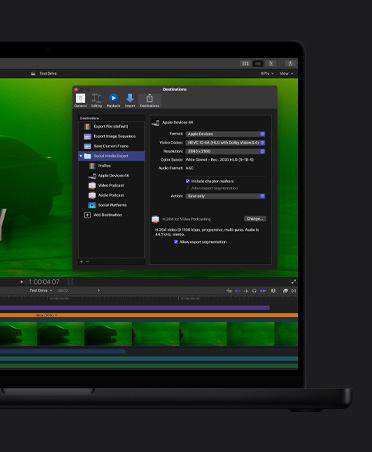
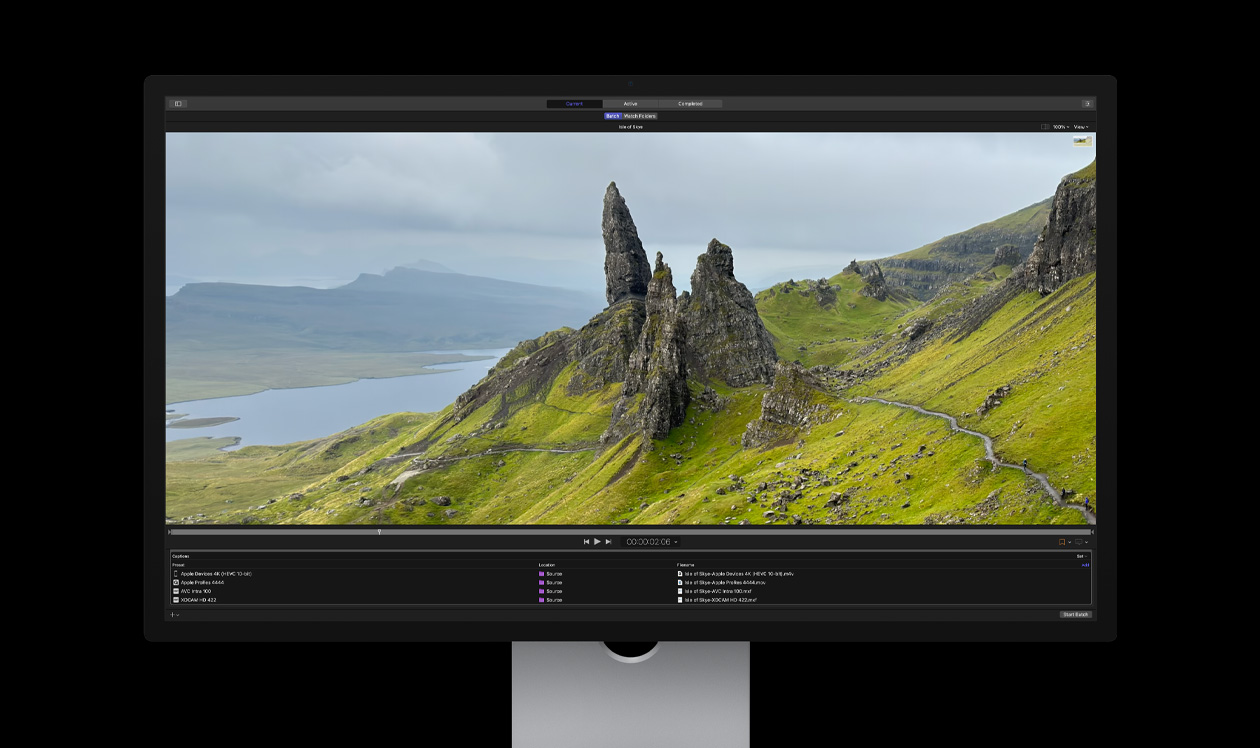
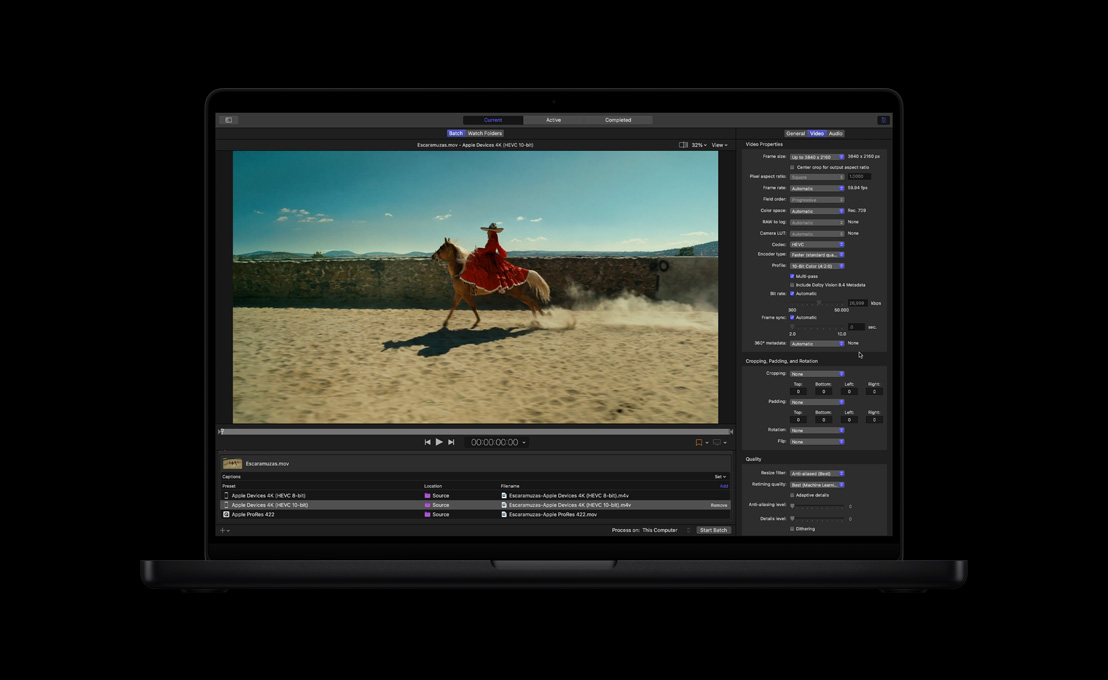
Exportation par lots.
Exportez simultanément plusieurs projets, plans ou ensembles de plans pour différents usages, comme les appareils mobiles ou les réseaux sociaux.

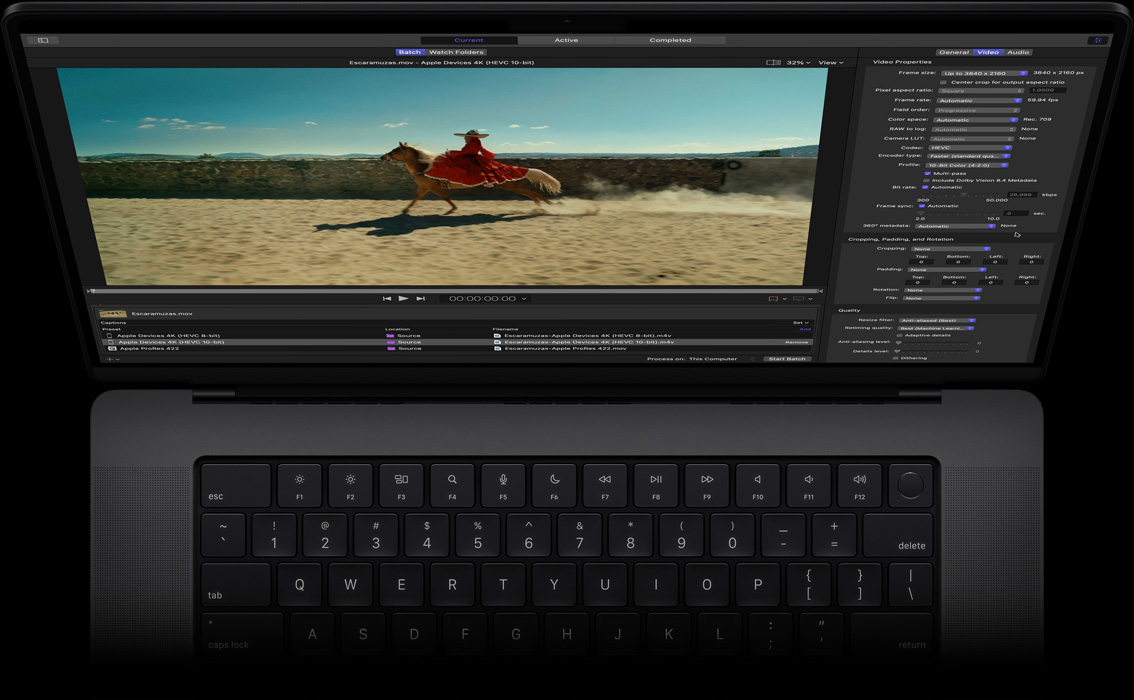
Compressor. Encodez en toute liberté.


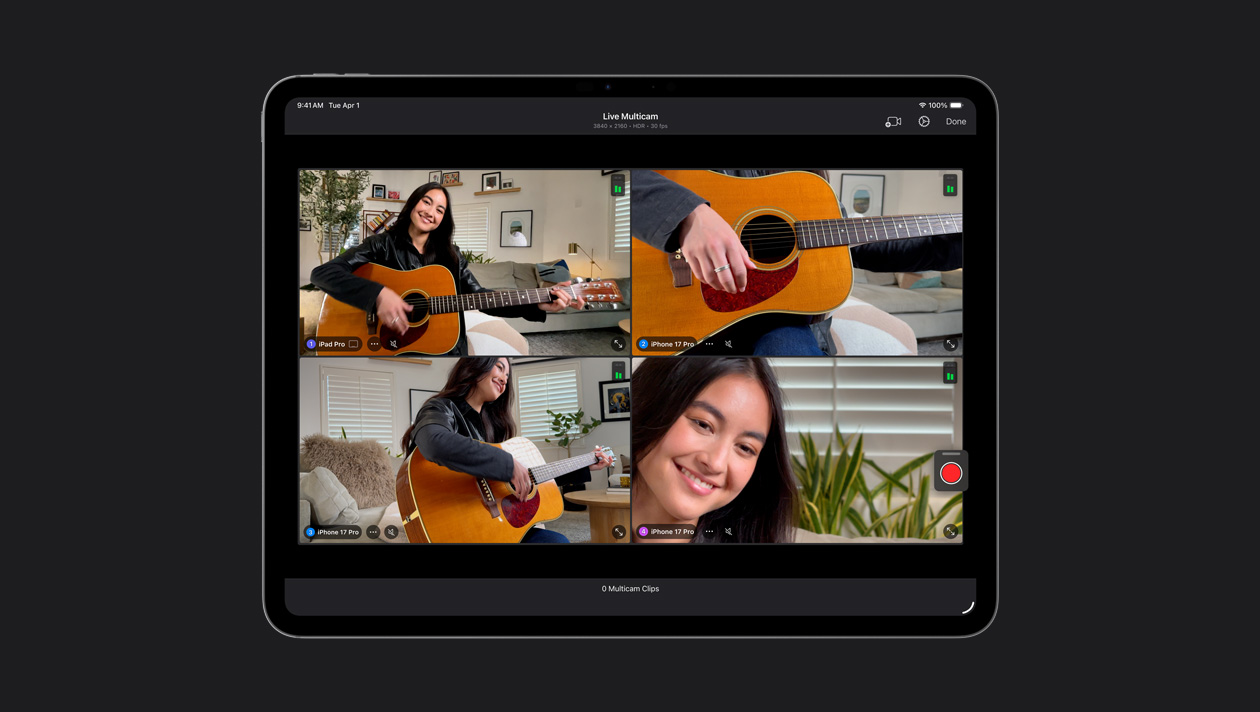
Connectez jusqu’à quatre iPhone et iPad, contrôlez leurs réglages à distance et synchronisez automatiquement toutes vos prises de vue. Idéal pour tourner facilement vidéoclips, balados et entrevues.
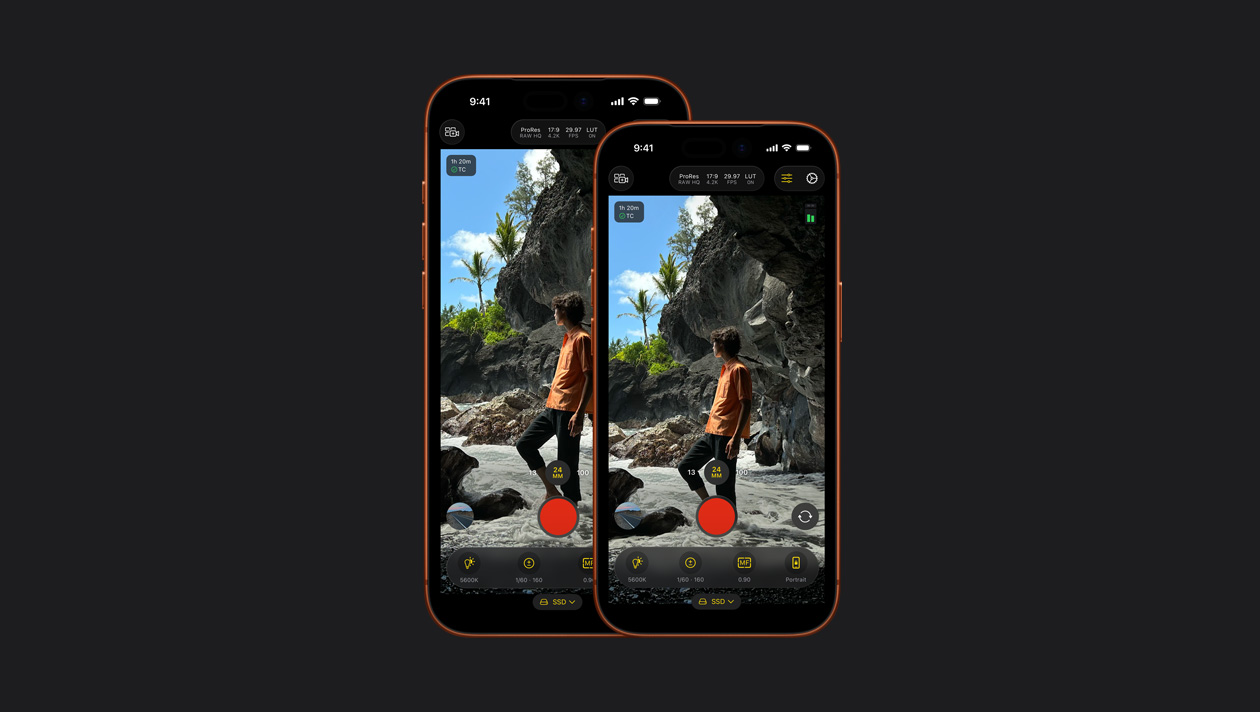
Captez des images de calibre professionnel sur iPhone et iPad avec des réglages manuels puissants, comme la sensibilité ISO, la vitesse de l’obturateur et la balance des blancs7.
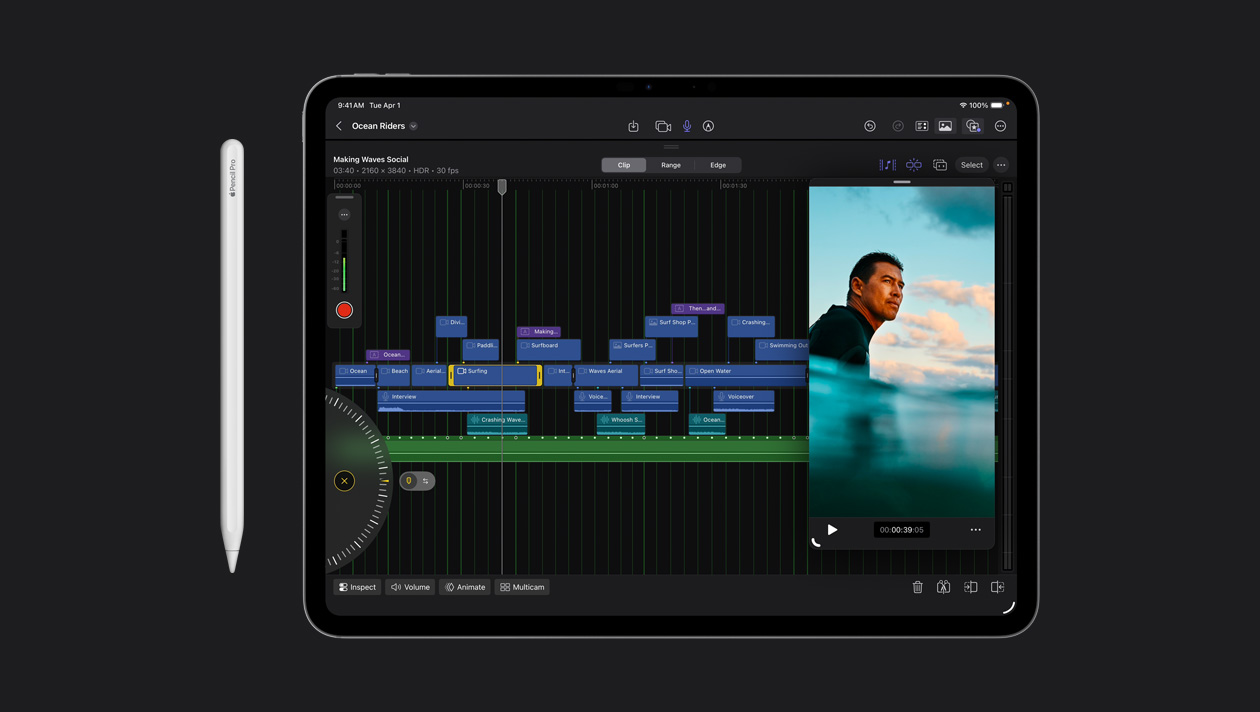
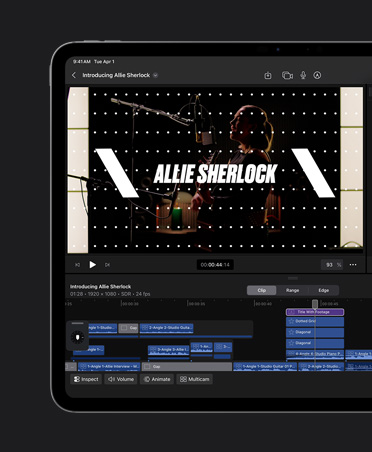
Montez vos plans à l’image près, d’un simple toucher. Ou utilisez la molette pour les survoler ou les ajuster à la vitesse de l’éclair.
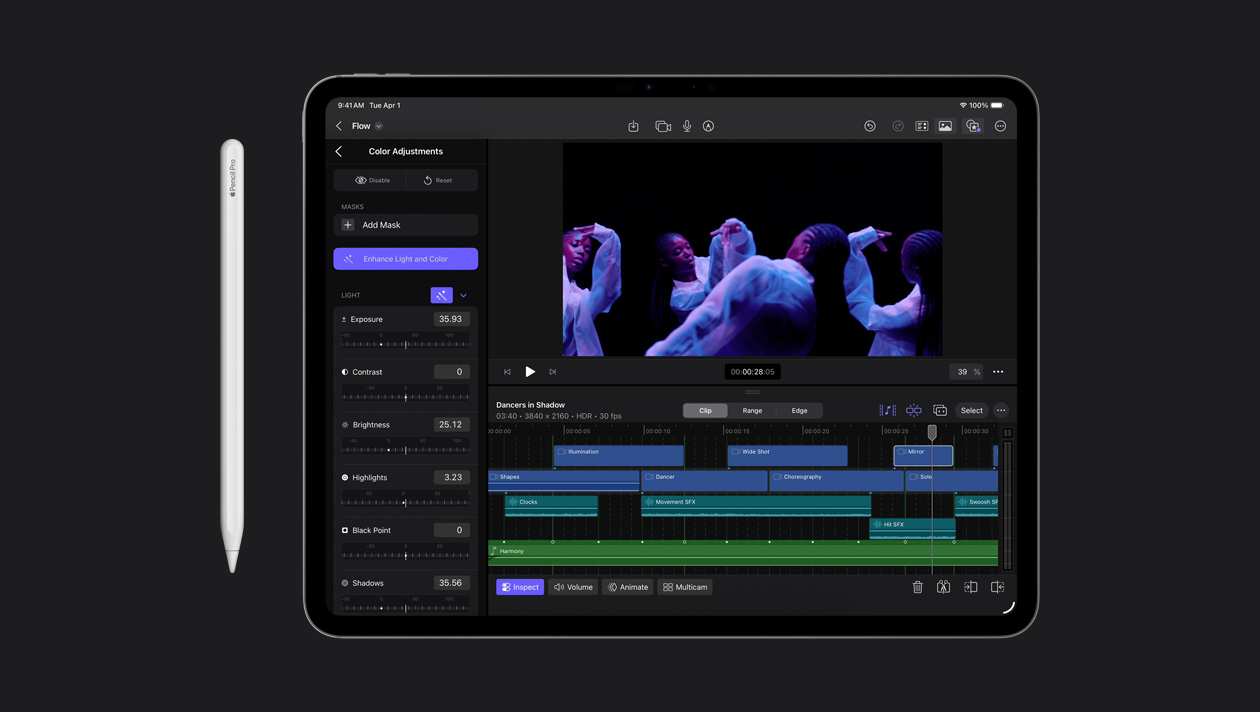
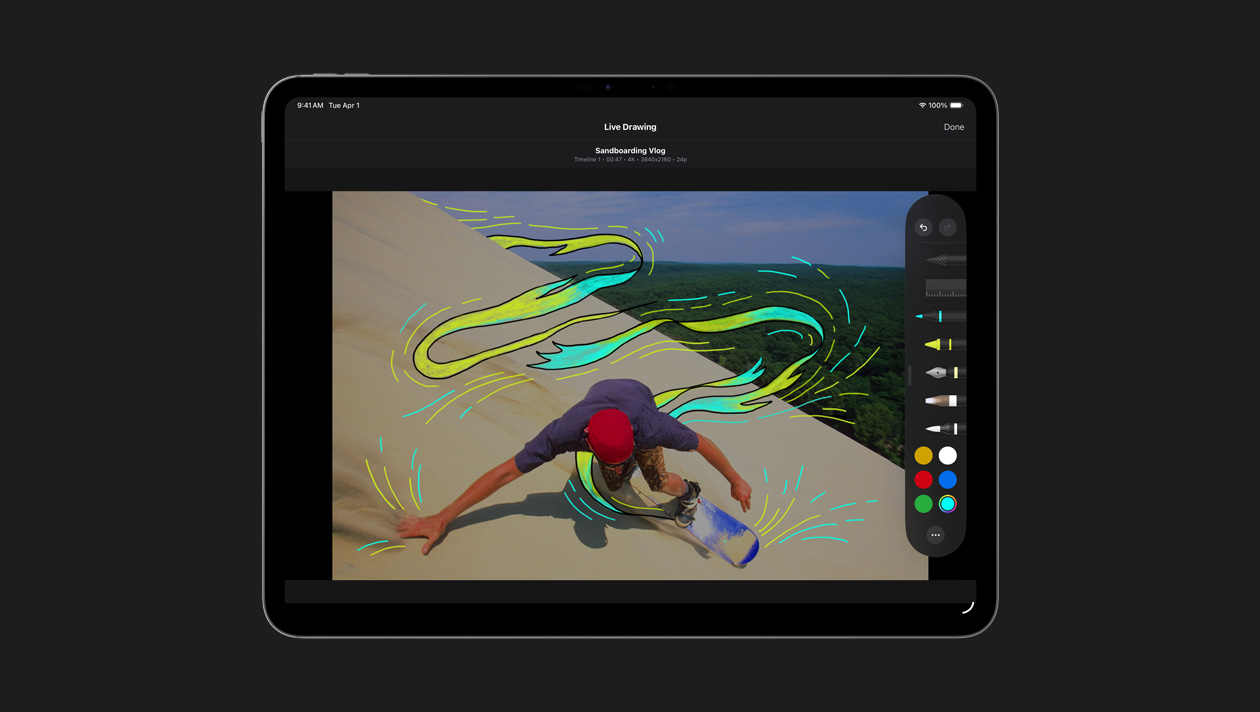
Dessinez, surlignez et écrivez directement sur vos images avec le doigt ou l’Apple Pencil pour créer vos propres illustrations et titres animés.
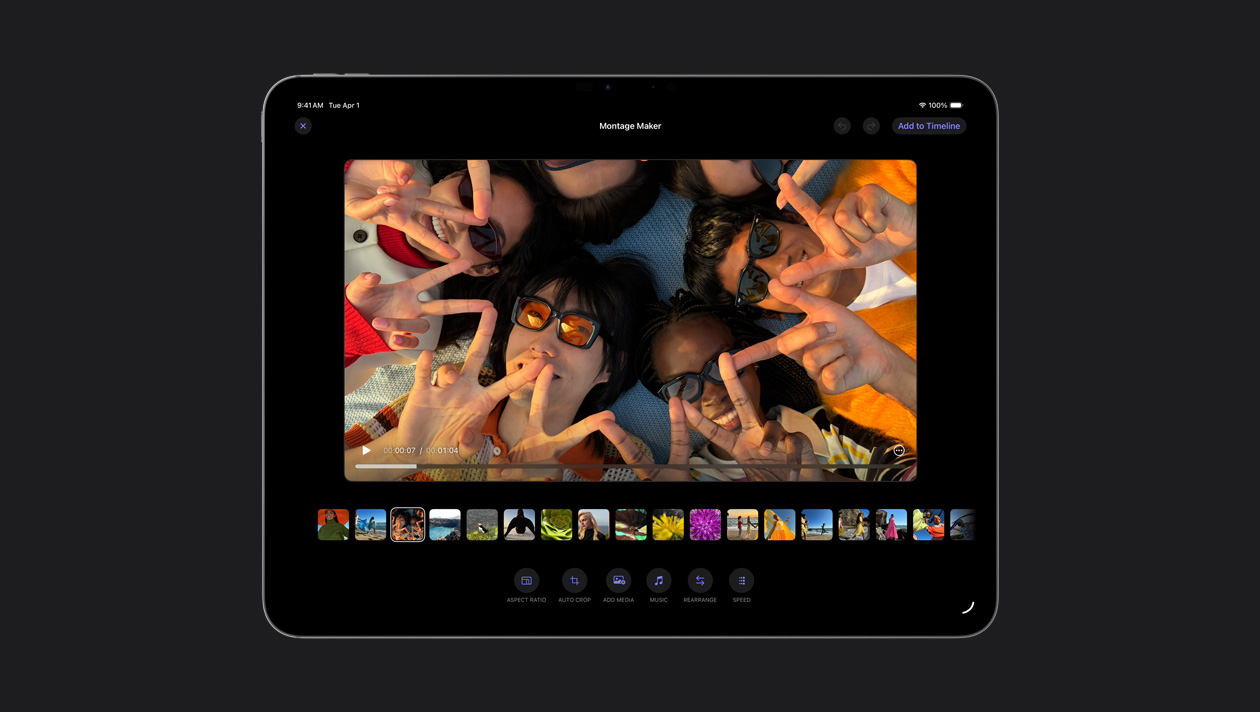
La fonctionnalité Créateur de montages sélectionne les points saillants de vos plans et les adapte au rythme de la chanson de votre choix. Vous pouvez ensuite ajuster la vitesse, faire des modifications et partager le tout.
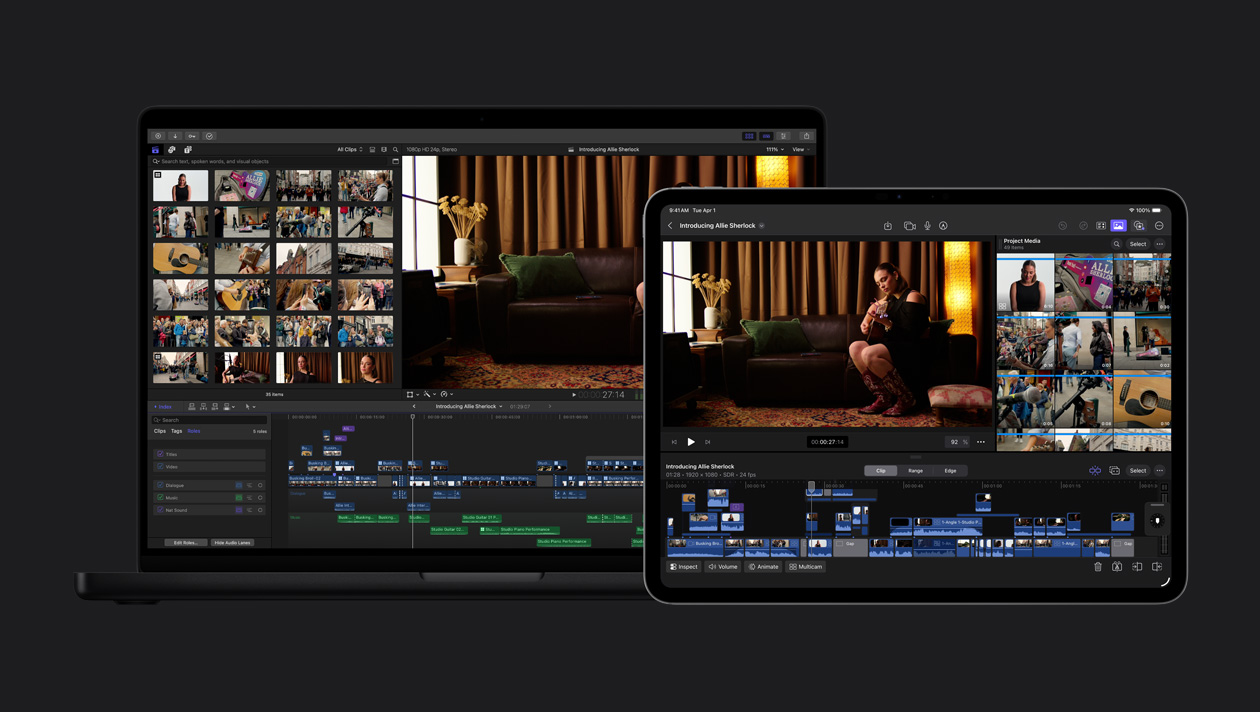
Exportez votre projet d’iPad vers Mac pour accéder à des outils comme l’étalonnage avancé, le masque magnétique et bien plus.
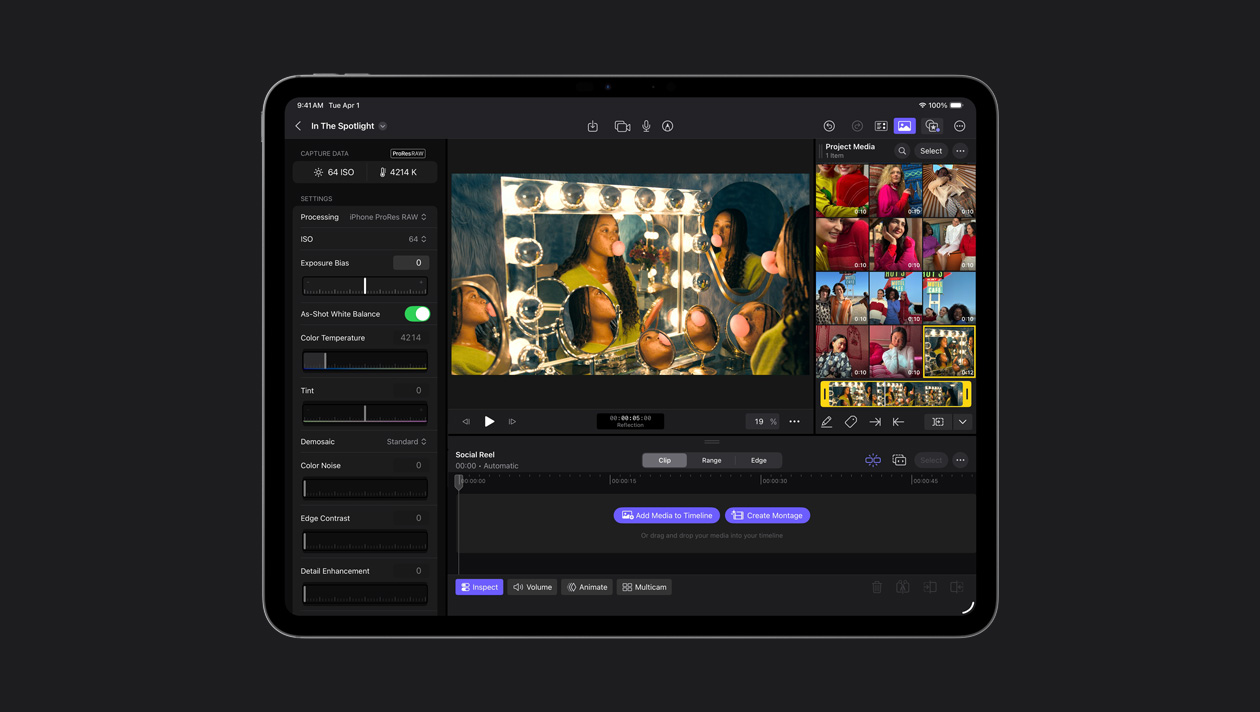
Filmez en ProRes RAW dans Final Cut Camera et disposez d’un maximum d’adaptabilité pour peaufiner votre vidéo en ajustant avec précision la luminosité et les zones d’ombre. Profitez aussi de la qualité RAW et d’une vitesse accrue pour les rendus et exportations.
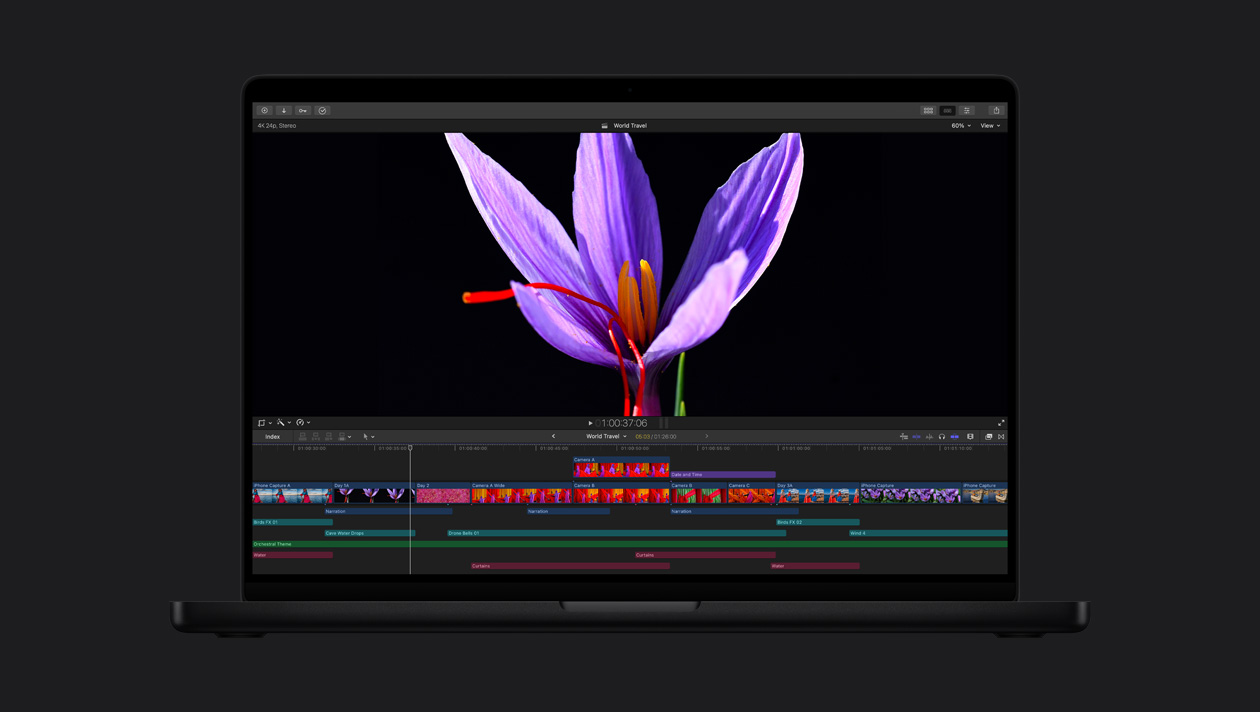
Les écrans de pointe Liquid Retina XDR et Ultra Retina XDR offrent une luminosité, des contrastes et des couleurs splendides – idéal pour le montage, l’étalonnage et la livraison en HDR avec Final Cut Pro.
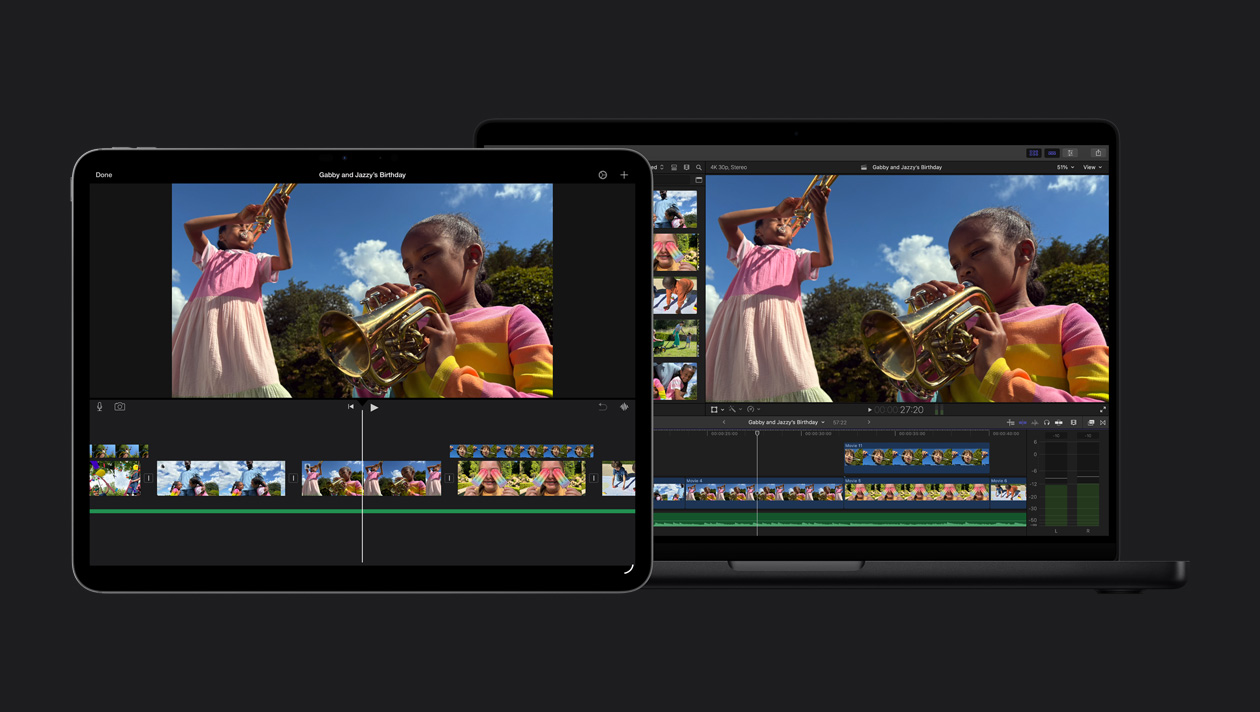
Importez facilement vos projets iMovie dans Final Cut Pro et commencez à explorer ses fonctionnalités avancées.