
Final Cut Pro
Inteligencia, cámaras y acción.
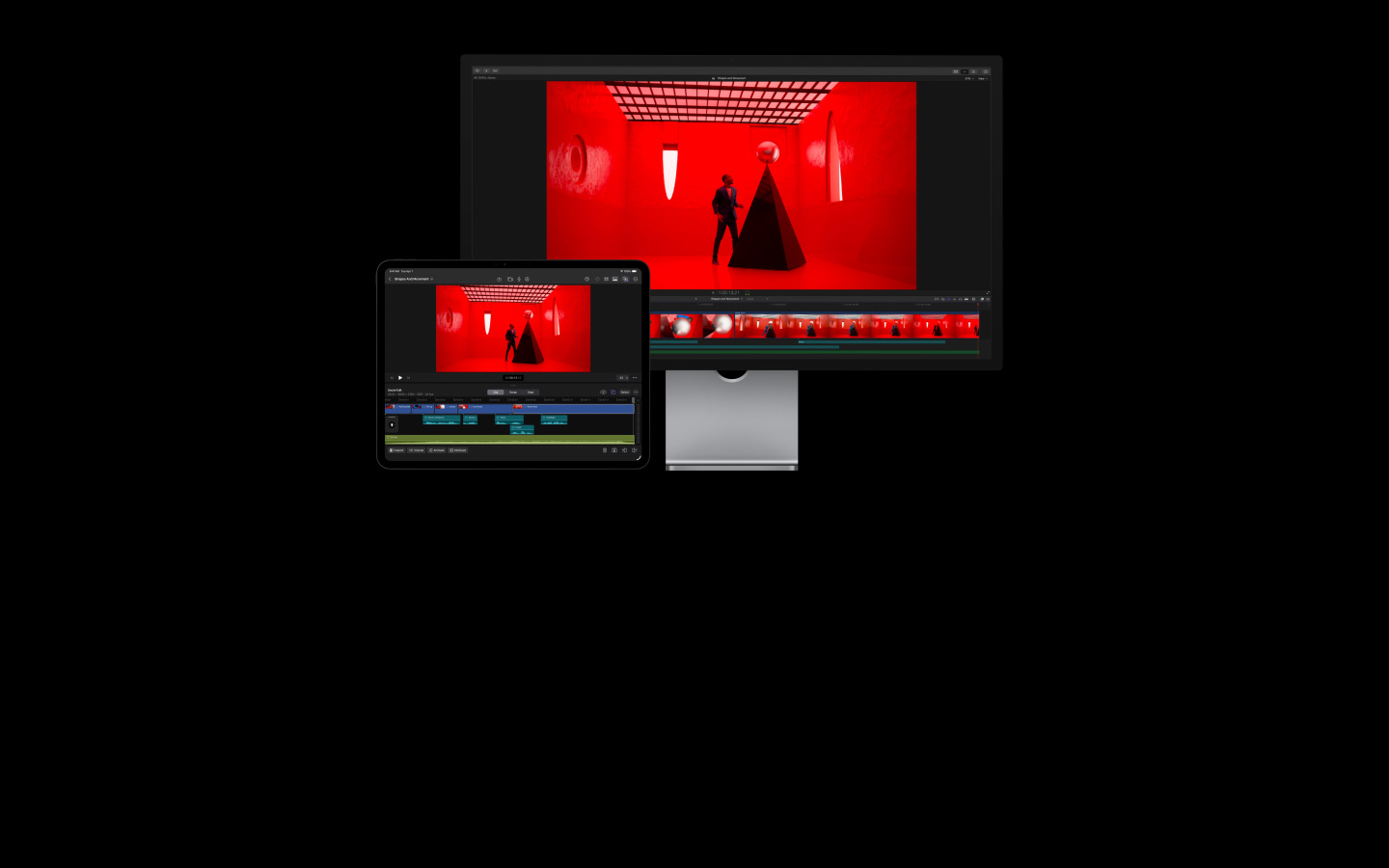
Final Cut Pro te lo pone fácil para hacer vídeos de calidad profesional en el Mac y el iPad. Además, incluye prestaciones inteligentes que te ayudan a convertir cada fotograma en un instante inolvidable. Ve preparando las palomitas.
-
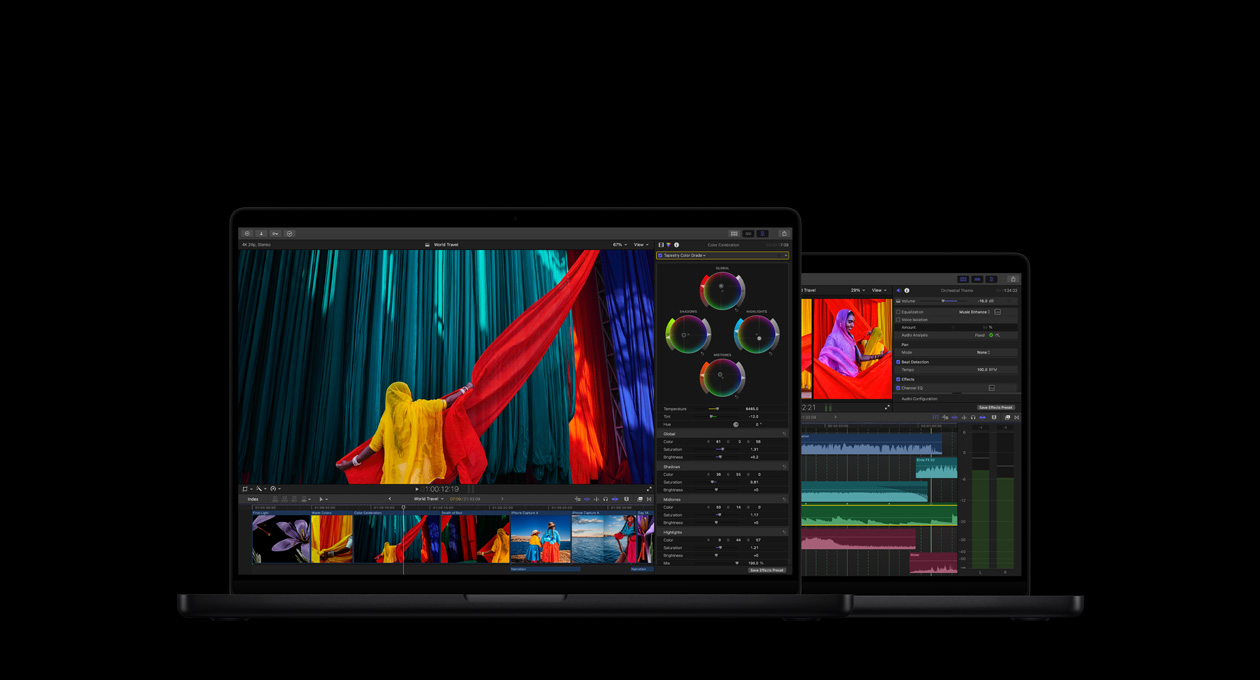
Un completo equipo de vídeo para edición, sonido, animación y corrección de color.
-
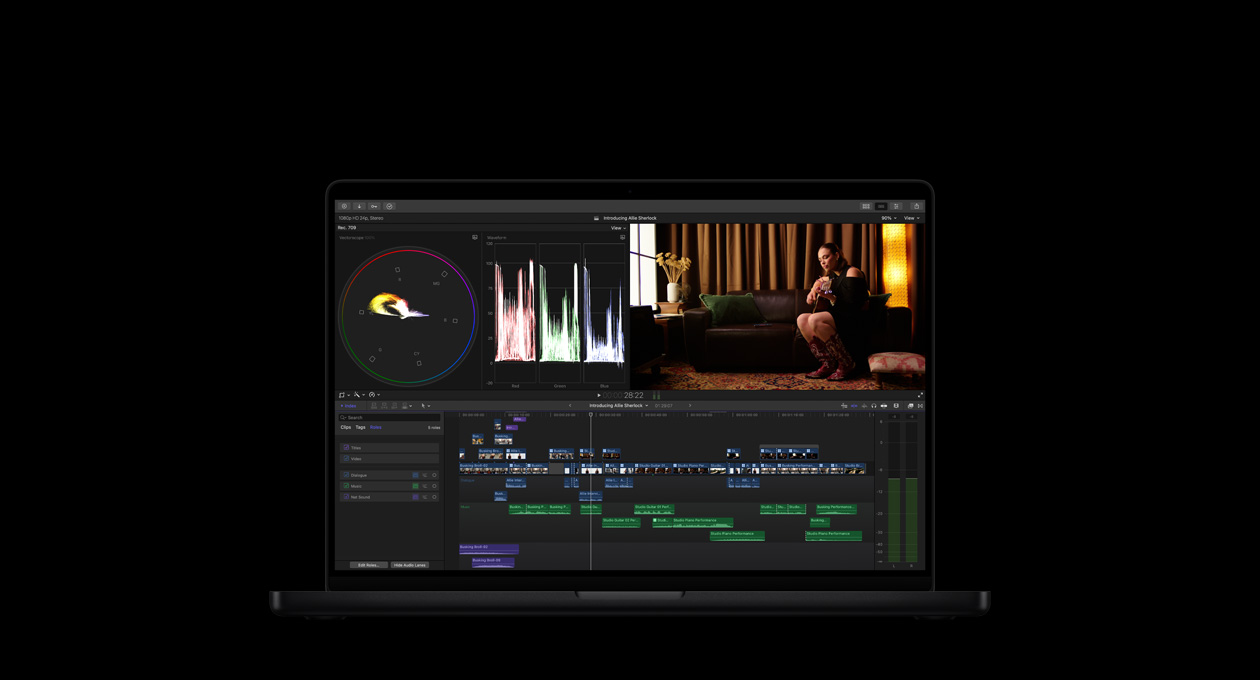
Edita rápido. Trabaja fácil. Crea sin límites.
-
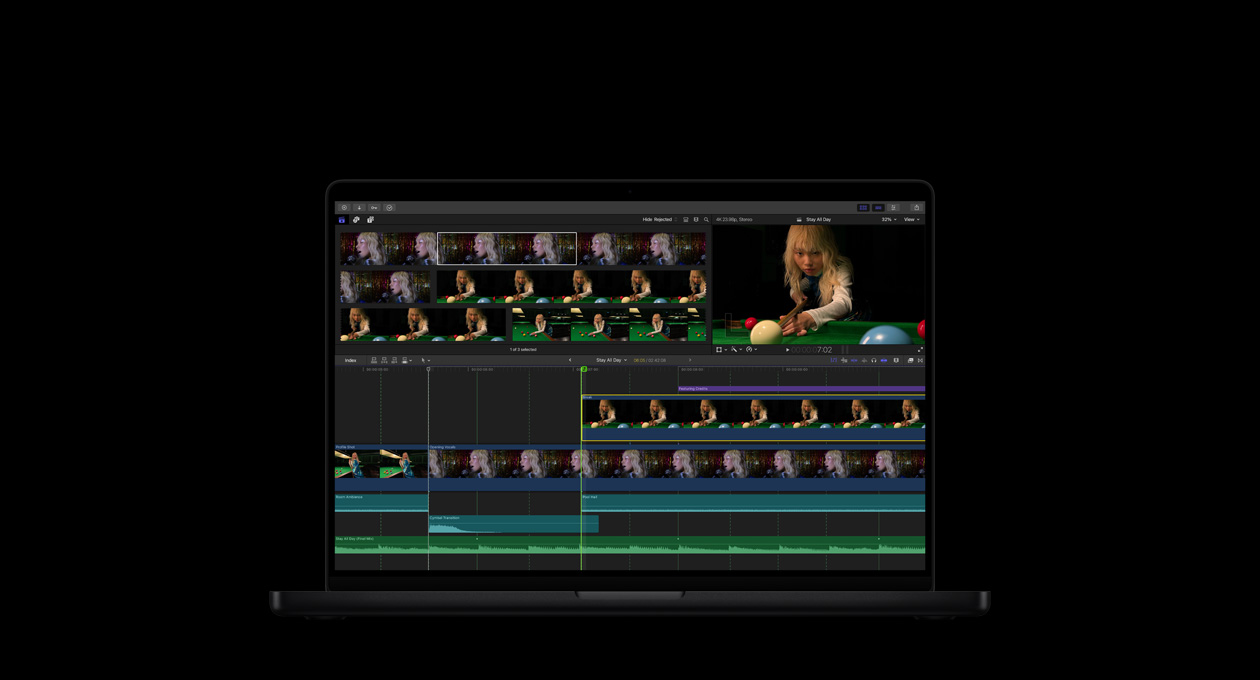
Potentes prestaciones de IA basadas en Apple Intelligence para aligerar tu carga de trabajo.2
-
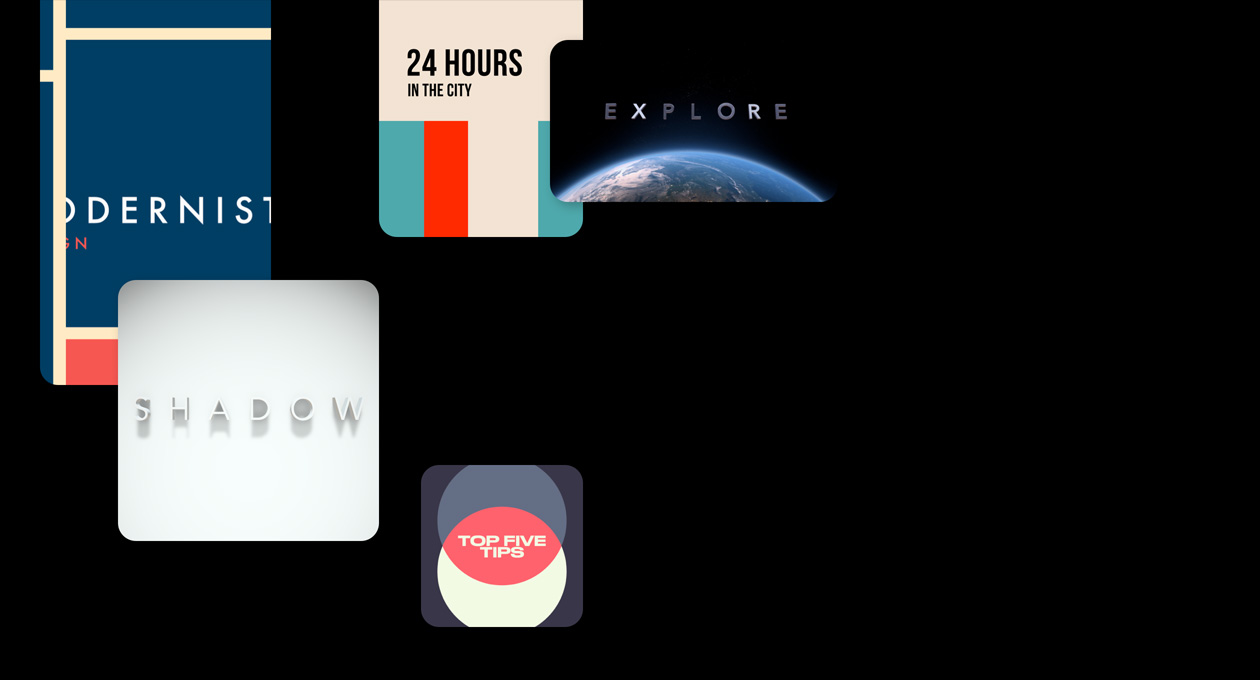
Una biblioteca de títulos, transiciones y efectos que propulsa tus ideas.
-
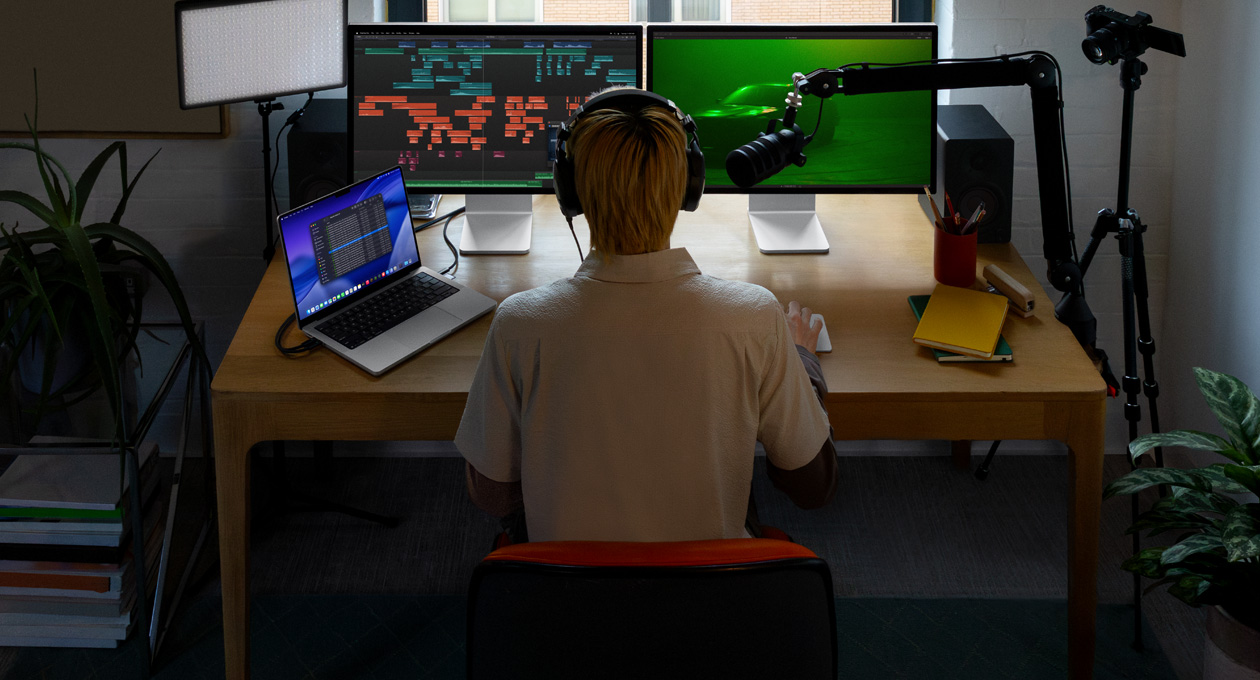
Edición avanzada de audio. Vídeos que pintan bien y suenan mejor.
-
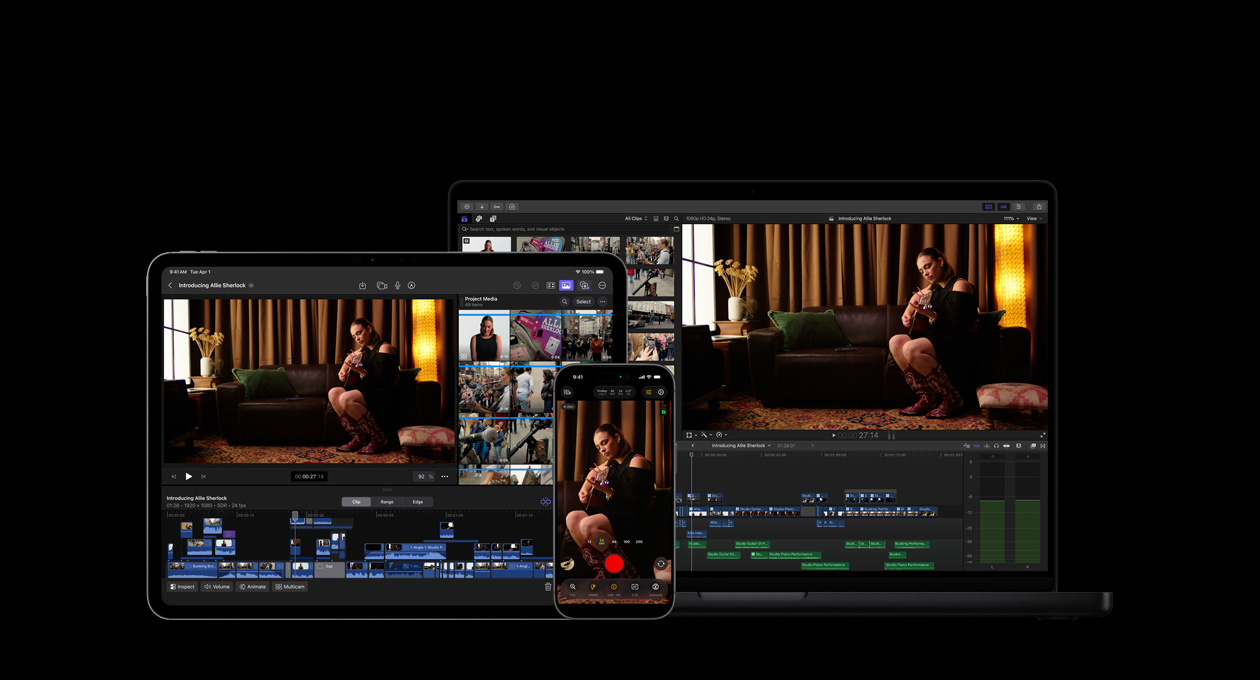
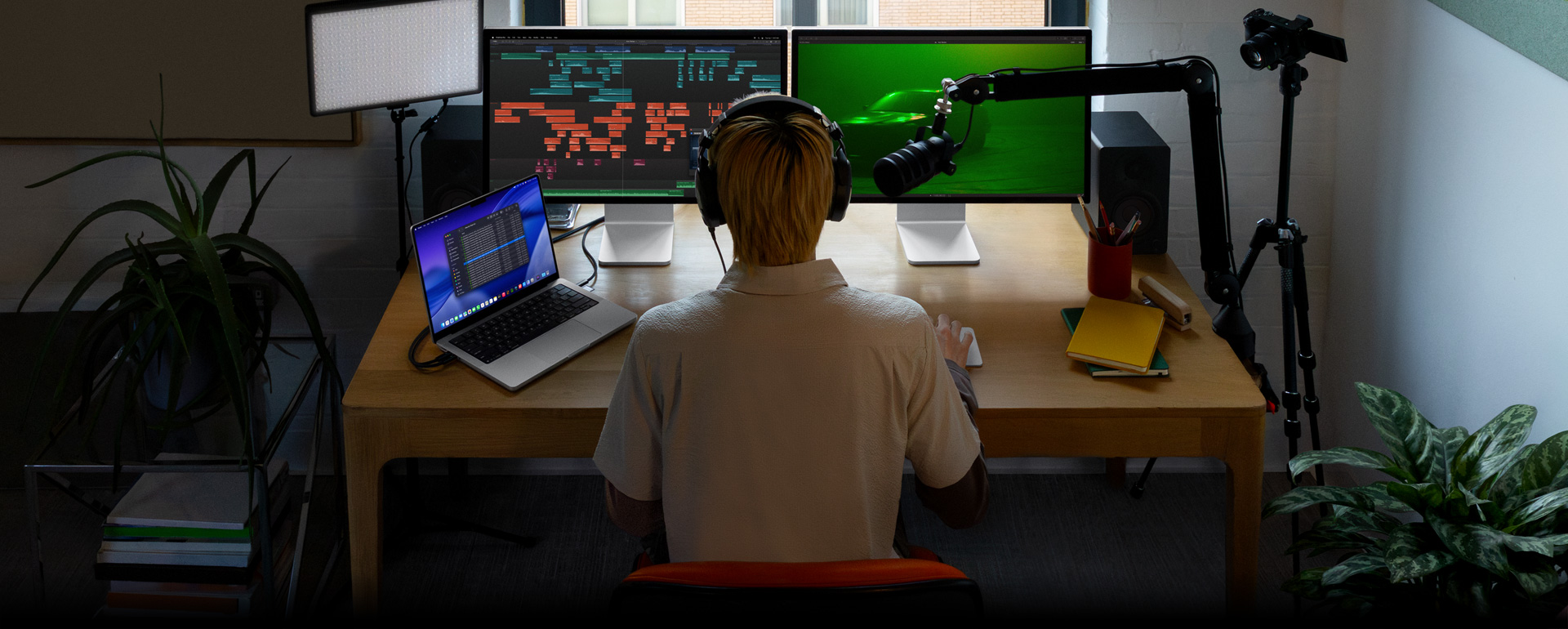
Haz realidad tu visión artística con los dispositivos, aplicaciones y accesorios de Apple.3

-
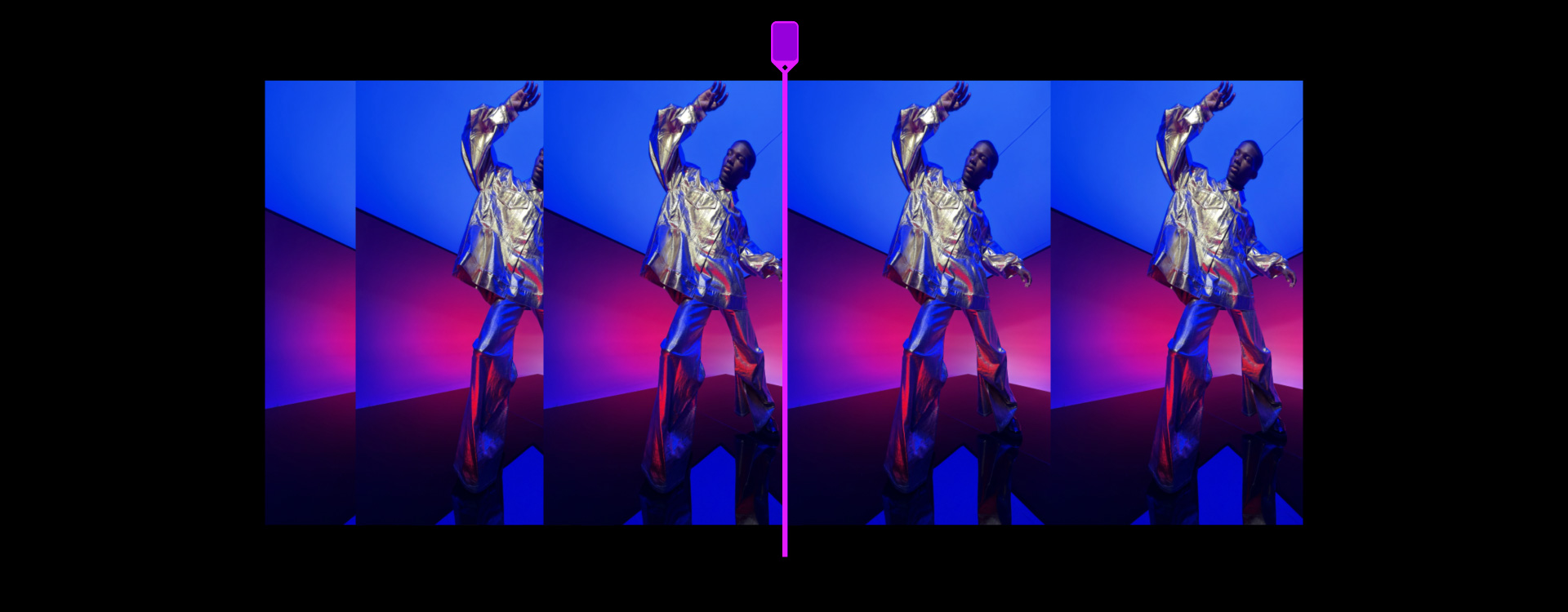
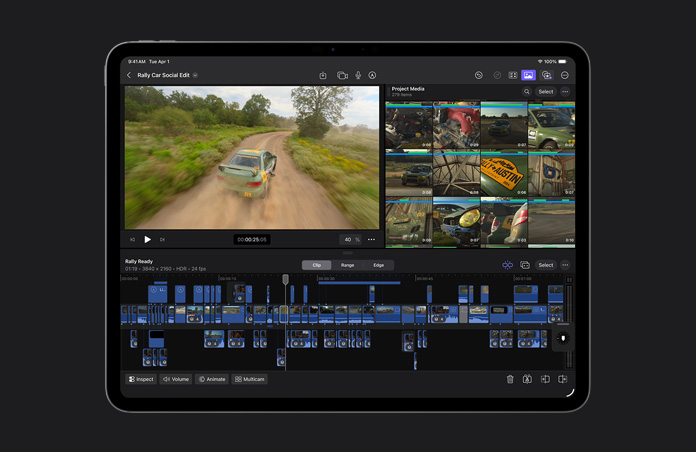
Edición rápida y flexible con Línea de Tiempo Magnética.
Prueba distintos montajes e ideas de guion mientras mueves y recortas clips manteniendo la sincronización en todo momento.
-
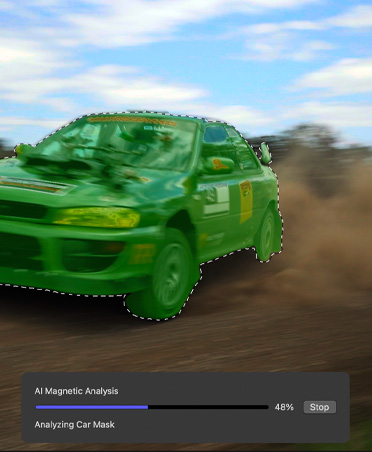
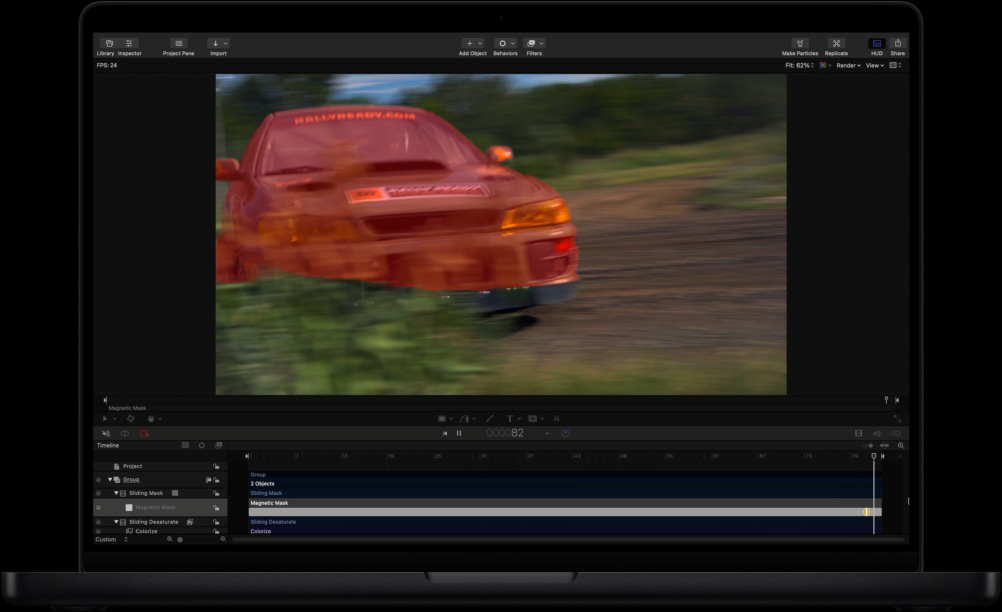
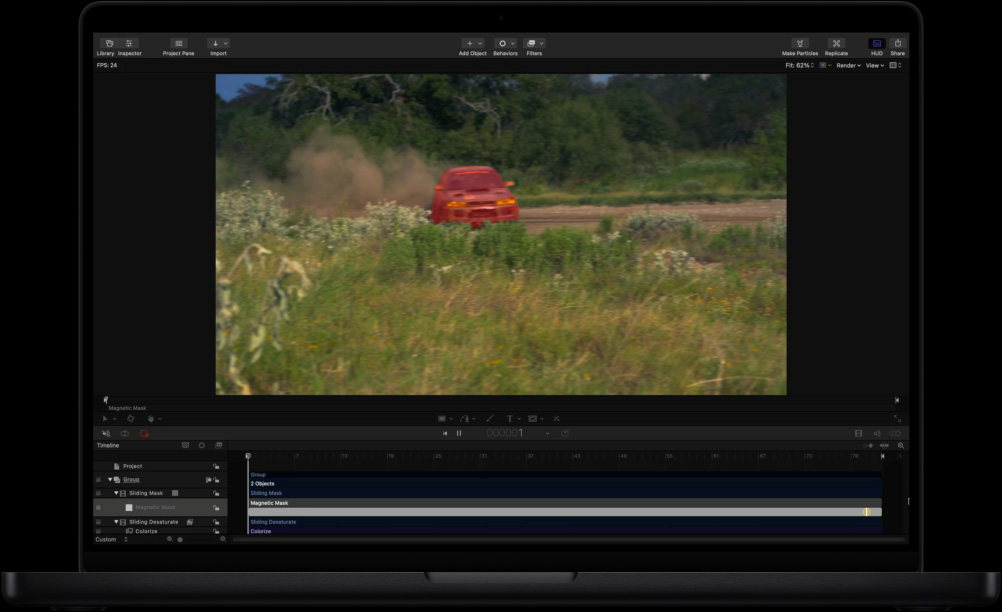
Aislamiento con Máscara Magnética.
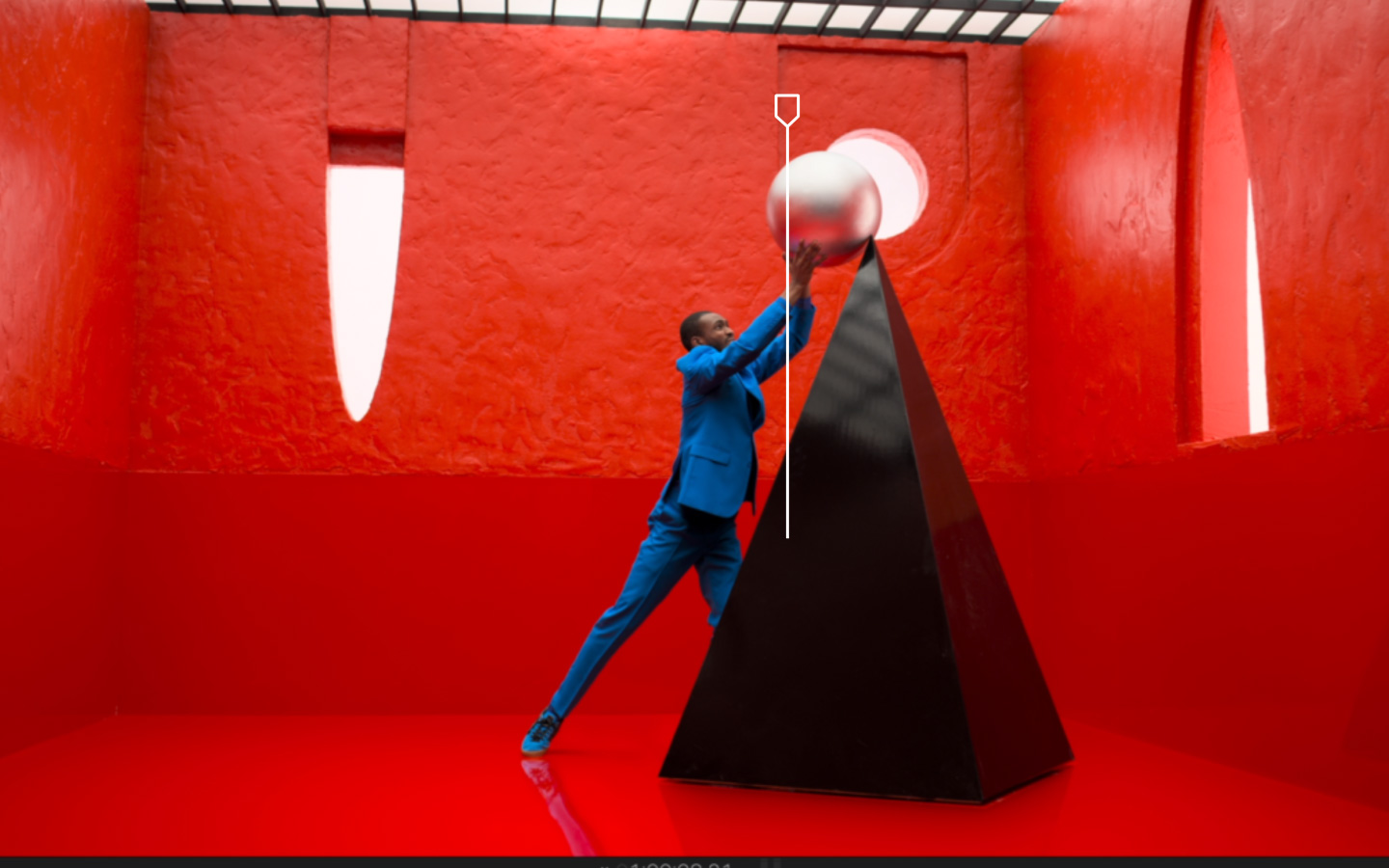
Separa a personas y objetos del fondo sin recurrir a una pantalla verde o a una complicada rotoscopia.
-
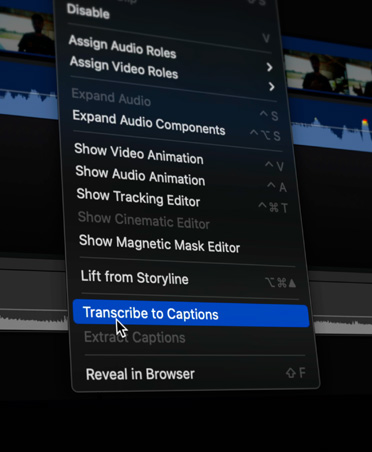
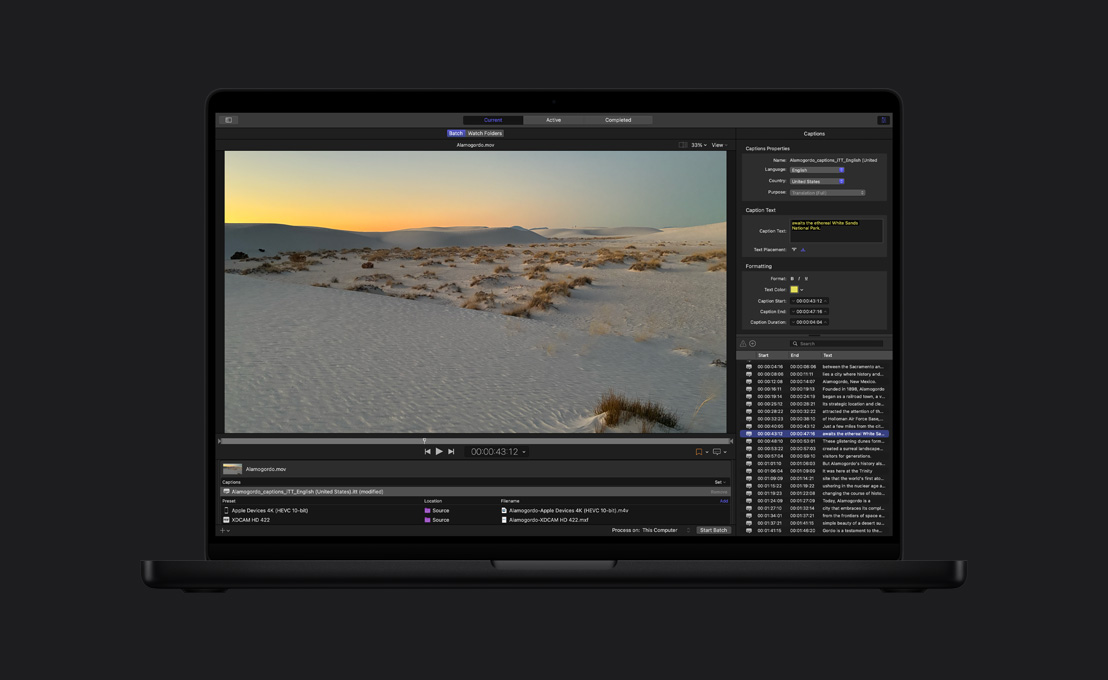
Subtítulos Automáticos.
Final Cut Pro analiza las voces para crear subtítulos con la máxima rapidez y precisión.
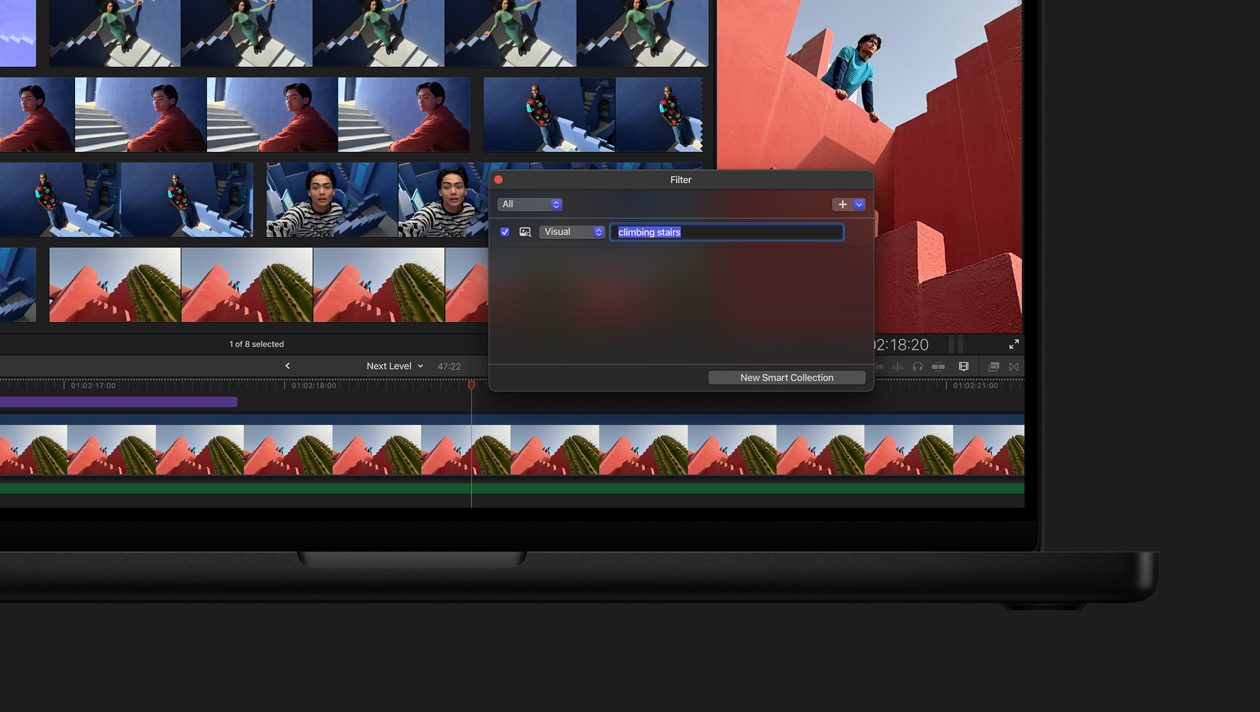
Busca momentos visuales. Con Búsqueda Visual, localizar clips no cuesta nada. Escribe lo que quieres encontrar y en unos segundos te indicará dónde aparece el objeto o la acción.4
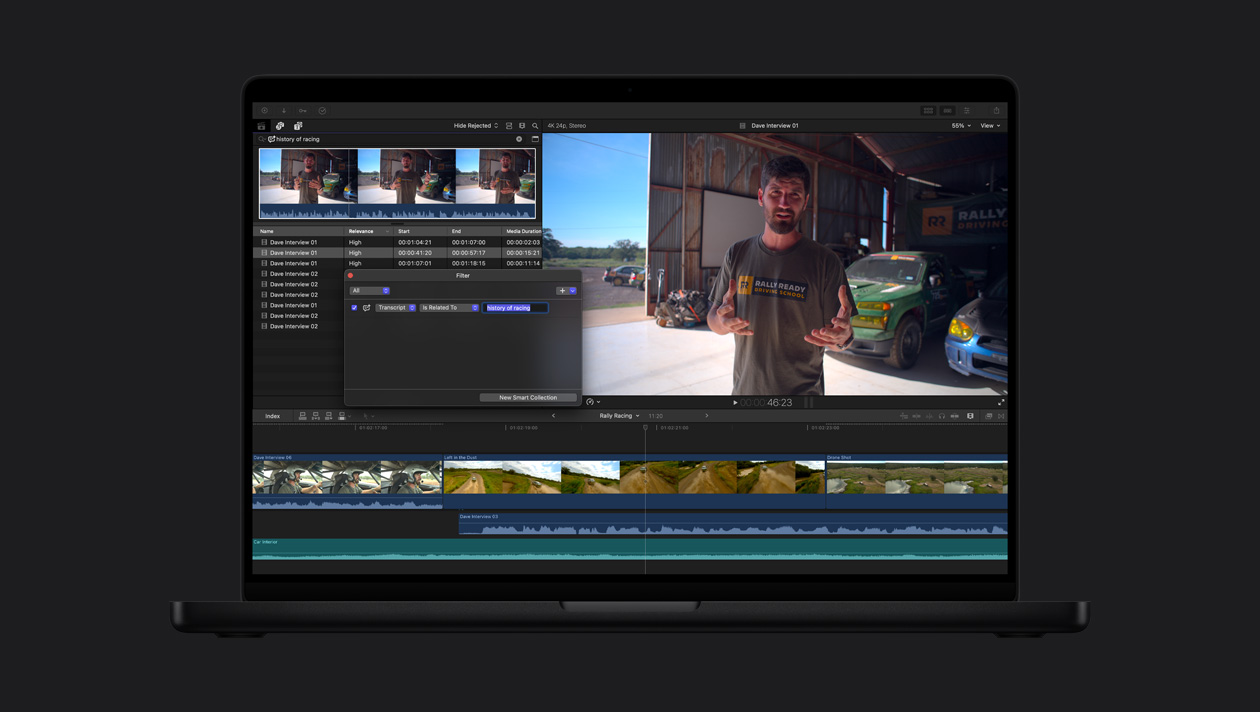
Ubica un fragmento de audio. Olvídate de revisar horas y horas de metraje. Búsqueda en Transcripciones analiza las voces y encuentra frases exactas o palabras relacionadas en un santiamén.5

-
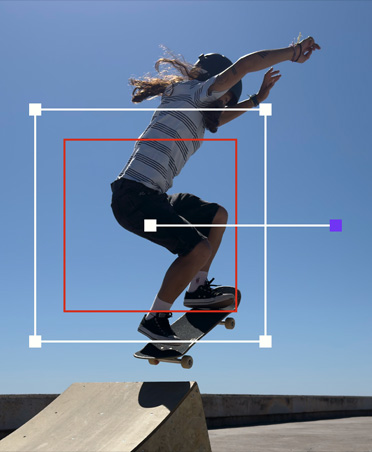
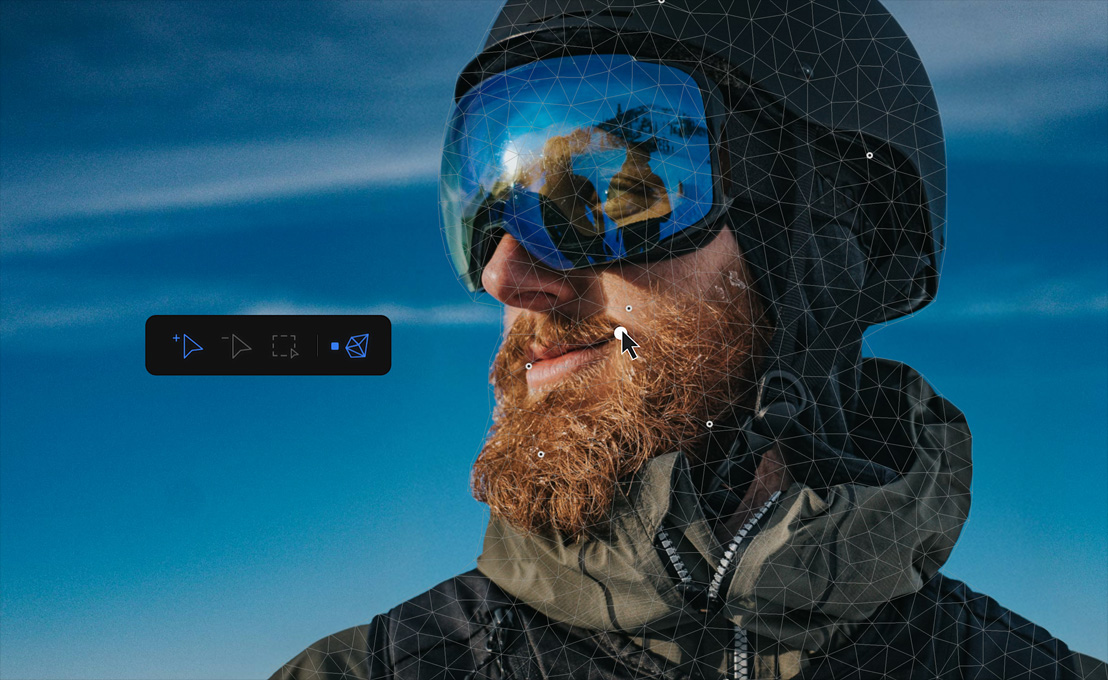
Seguimiento automático de movimiento.
El Rastreador de Objetos mapea el movimiento de personas, objetos o rostros para que puedas añadir efectos y títulos, además de hacer ajustes a medida que se mueven por la escena.
-
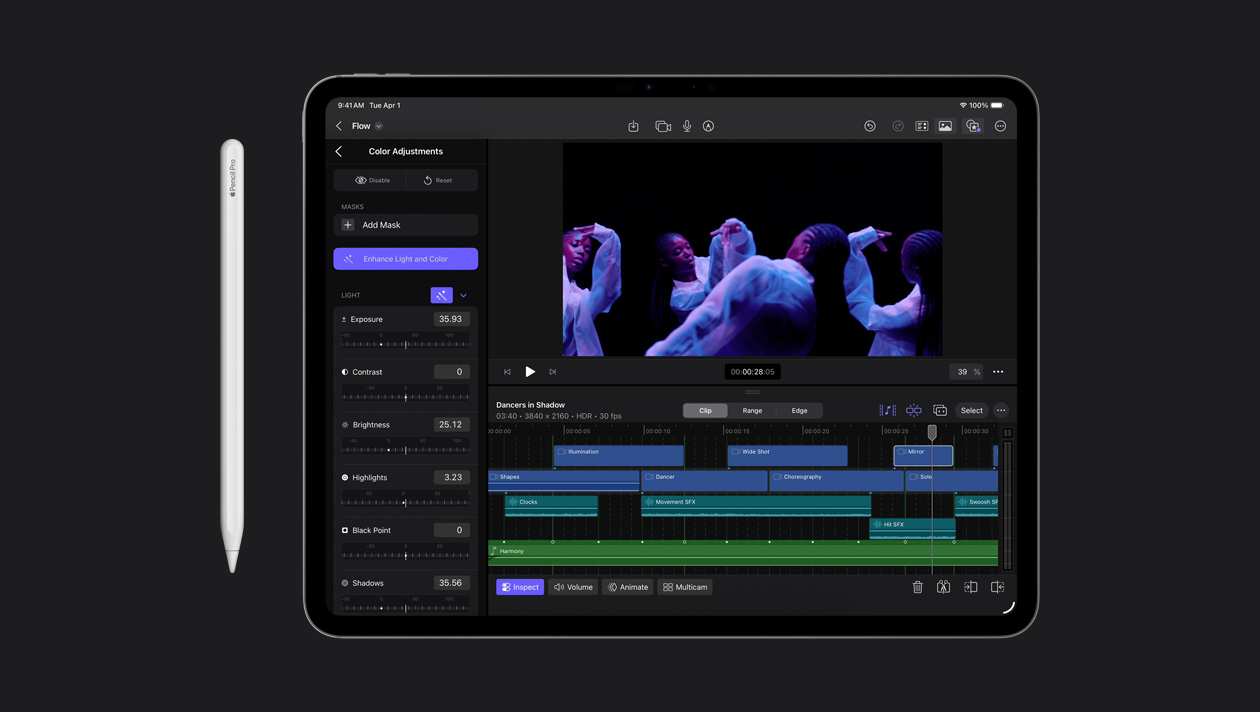
Corrige colores con un clic.
Mejora el equilibrio cromático, el contraste y el brillo de vídeos o imágenes fijas con el efecto Mejorar la Luz y el Color, que aprovecha todo el potencial del aprendizaje automático.

-
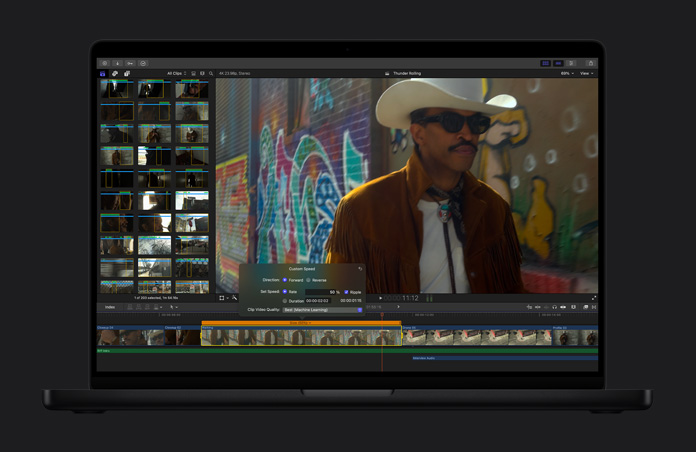
Pon tus vídeos a cámara lenta.
La prestación Suavizar Cámara Lenta genera fotogramas de vídeo y los combina de forma inteligente para mejorar la calidad del movimiento y darle más impacto visual al proyecto.
-
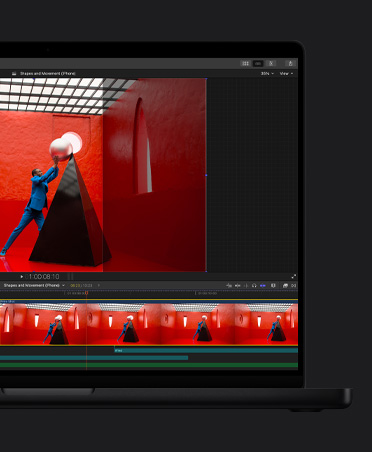
Cambia el encuadre sin hacer nada.
Adapta tus vídeos a cualquier relación de aspecto sin problema y compártelos en el Mac, el iPhone, el iPad y tus redes sociales favoritas.
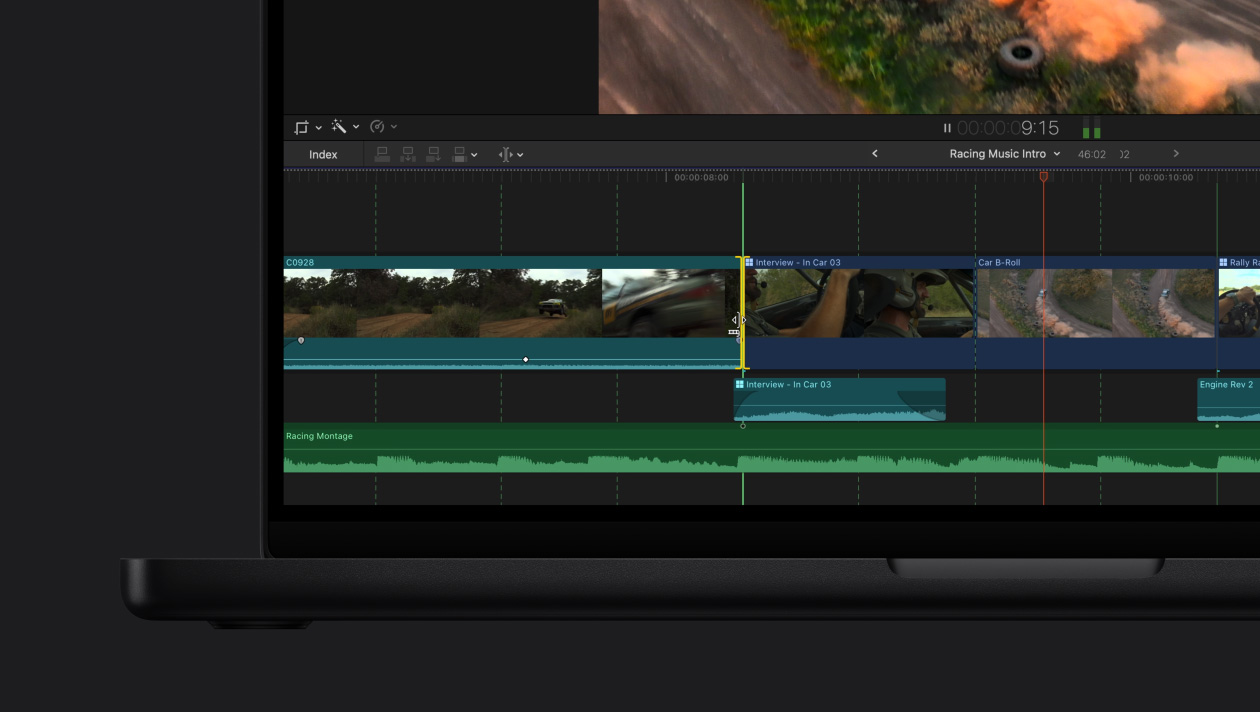
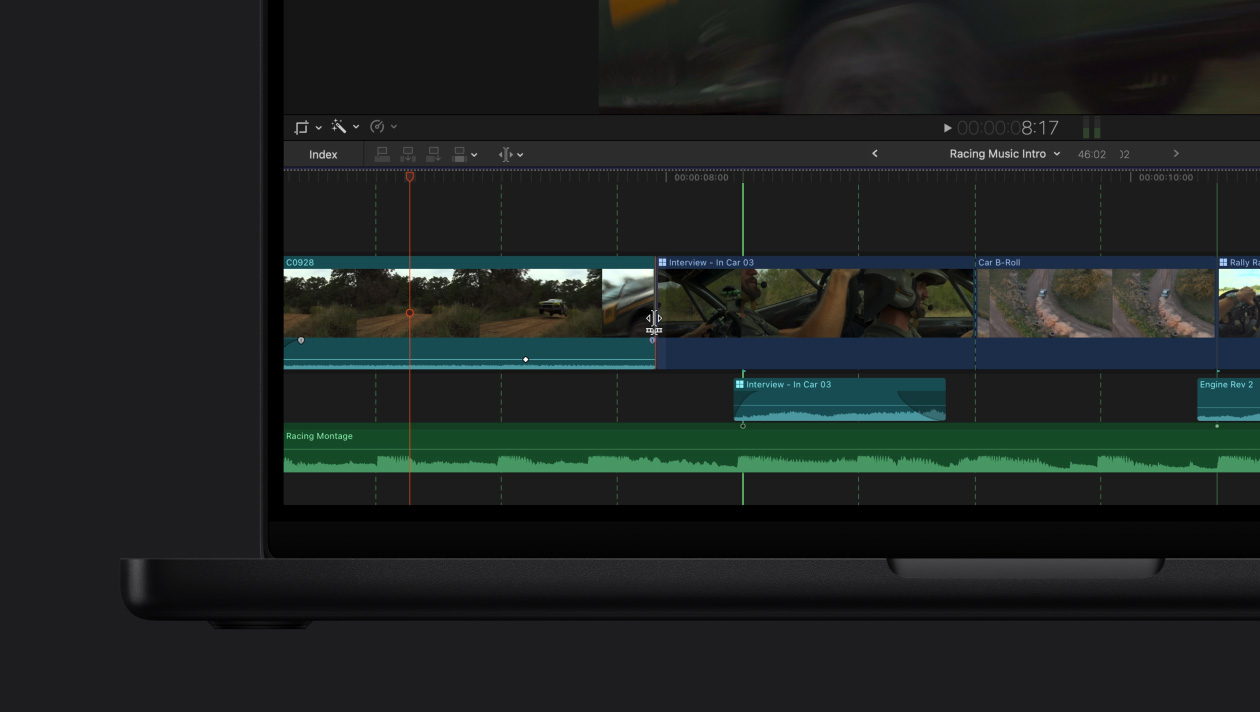
Sigue el ritmo con Detección de Tiempo.
-
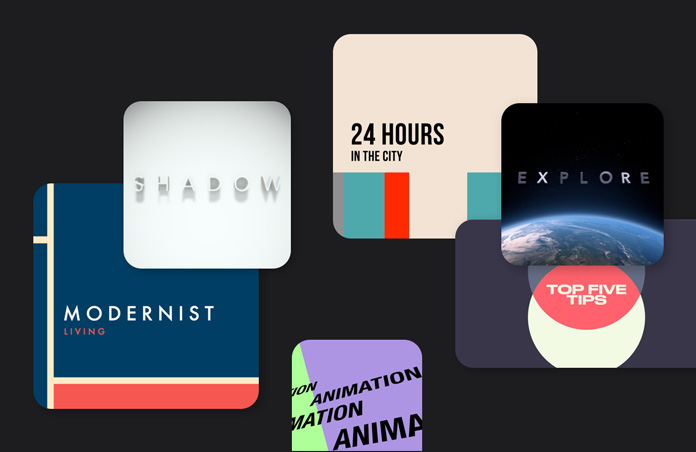
Gráficos y transiciones.
Accede a una inmensa biblioteca de contenido de vídeo dinámico diseñado para que puedas personalizar tus vídeos horizontales y verticales a tu antojo.
-
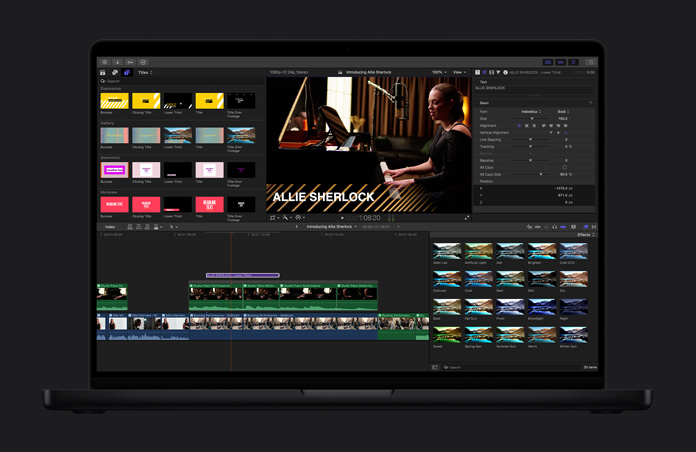
Títulos dinámicos.
Mejora tu proyecto con títulos temáticos, tercios inferiores y bumpers personalizados.
-
Efectos avanzados.
Crea escenas espectaculares con solo arrastrar y soltar. Y si quieres más, hay miles de herramientas de terceros a tu disposición.
-
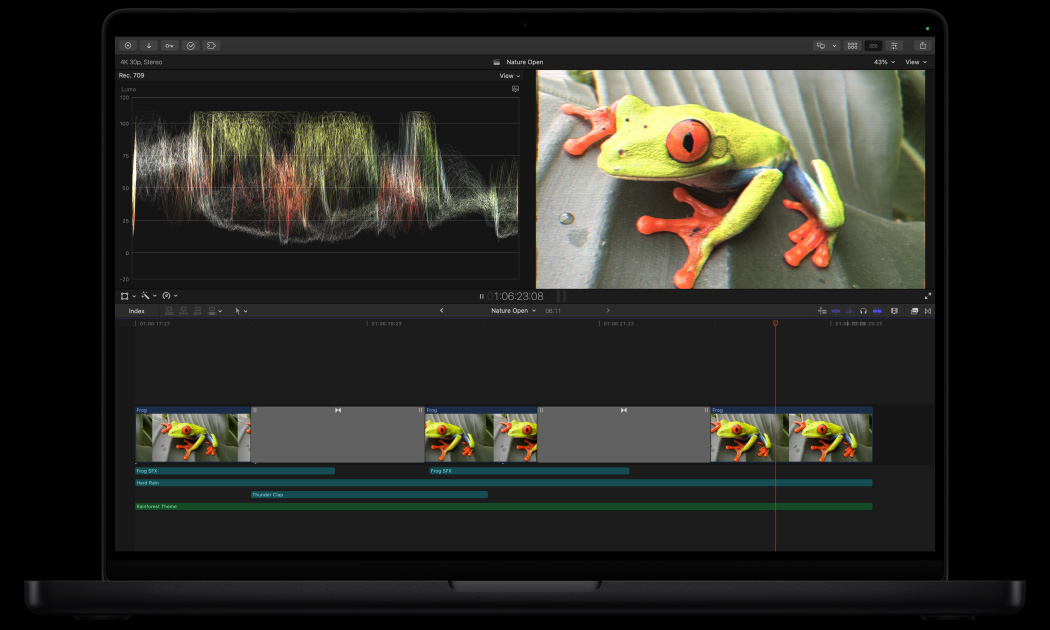
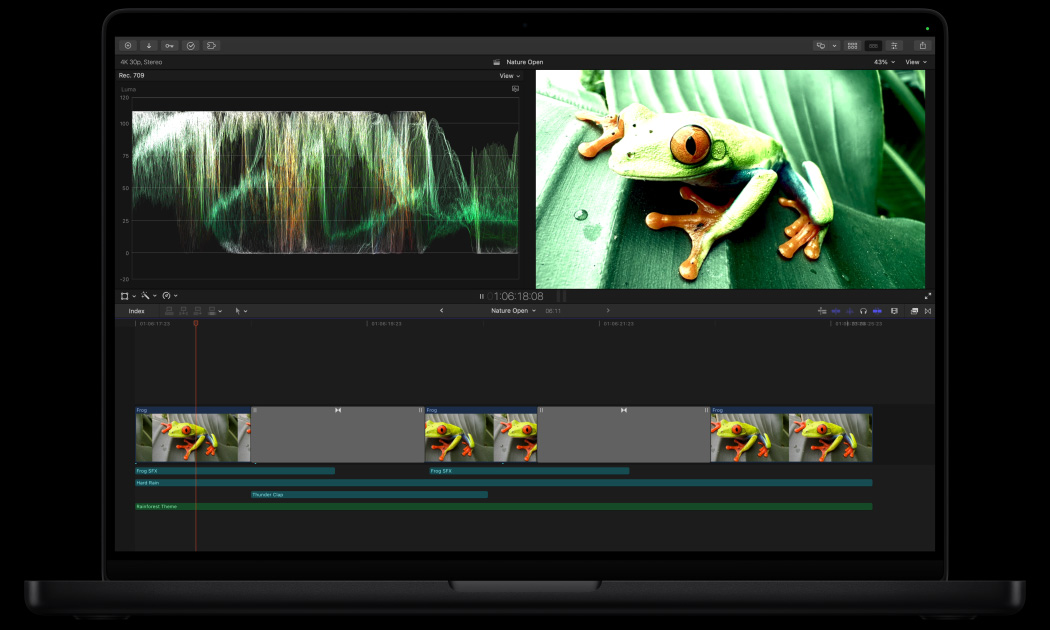
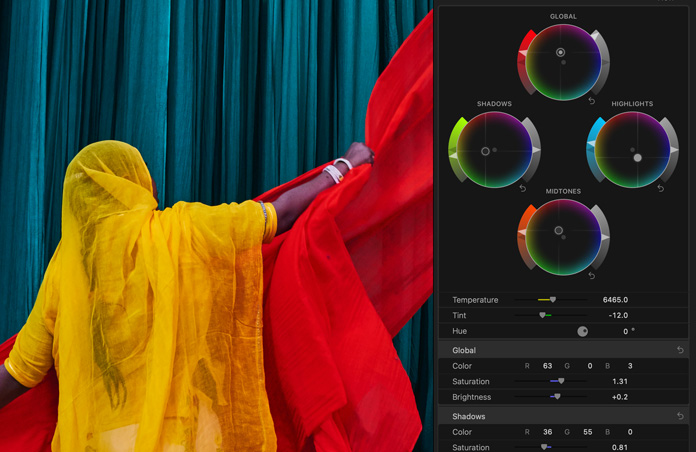
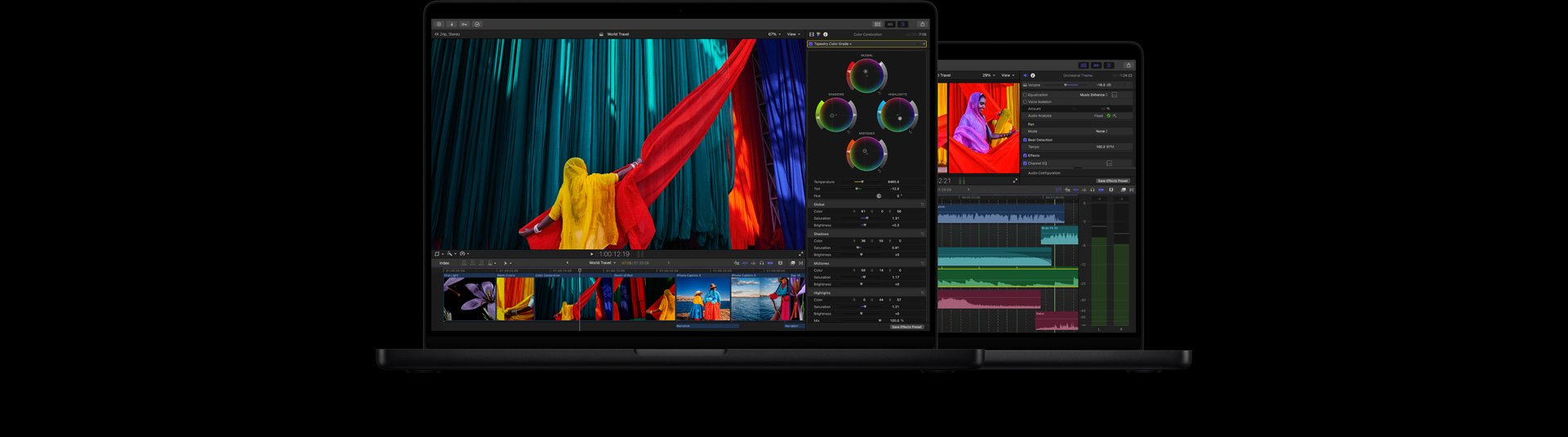
Perfecciona la corrección de color.
Tus proyectos tendrán un aspecto impresionante gracias a herramientas profesionales como las curvas de color y de matiz/saturación, el inspector con ruedas de color y la aplicación de LUT.

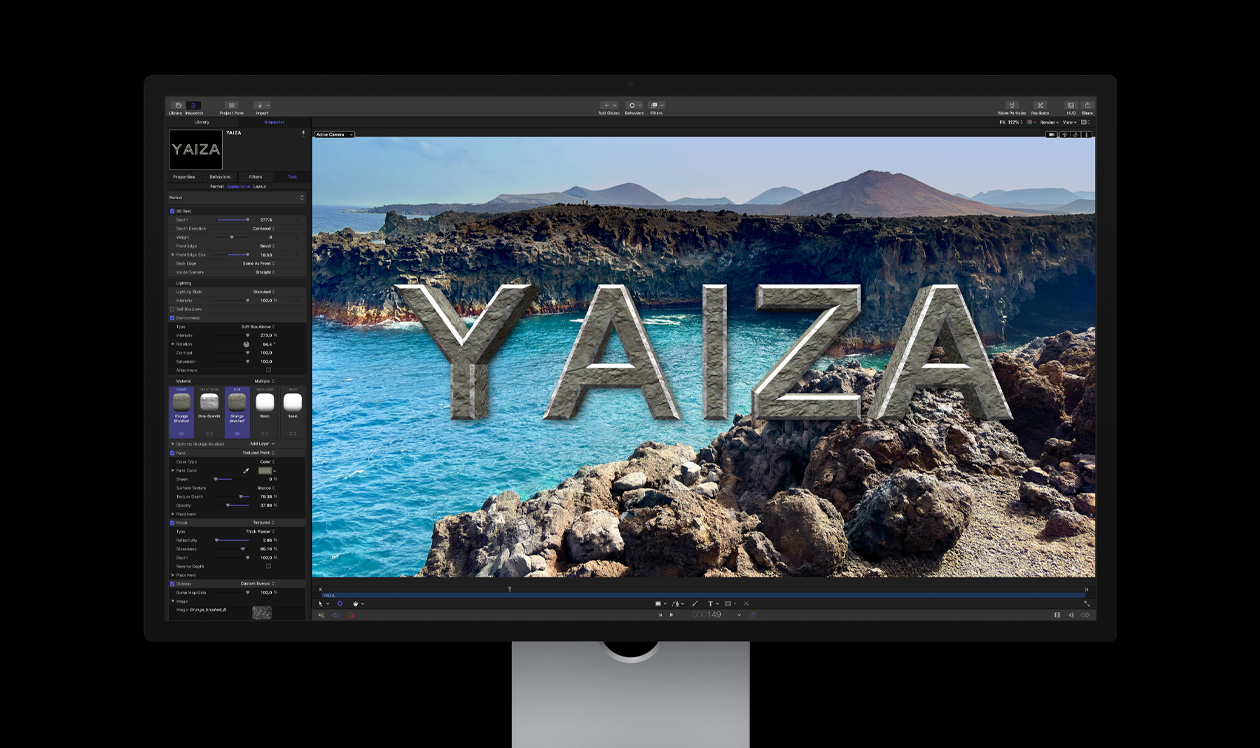
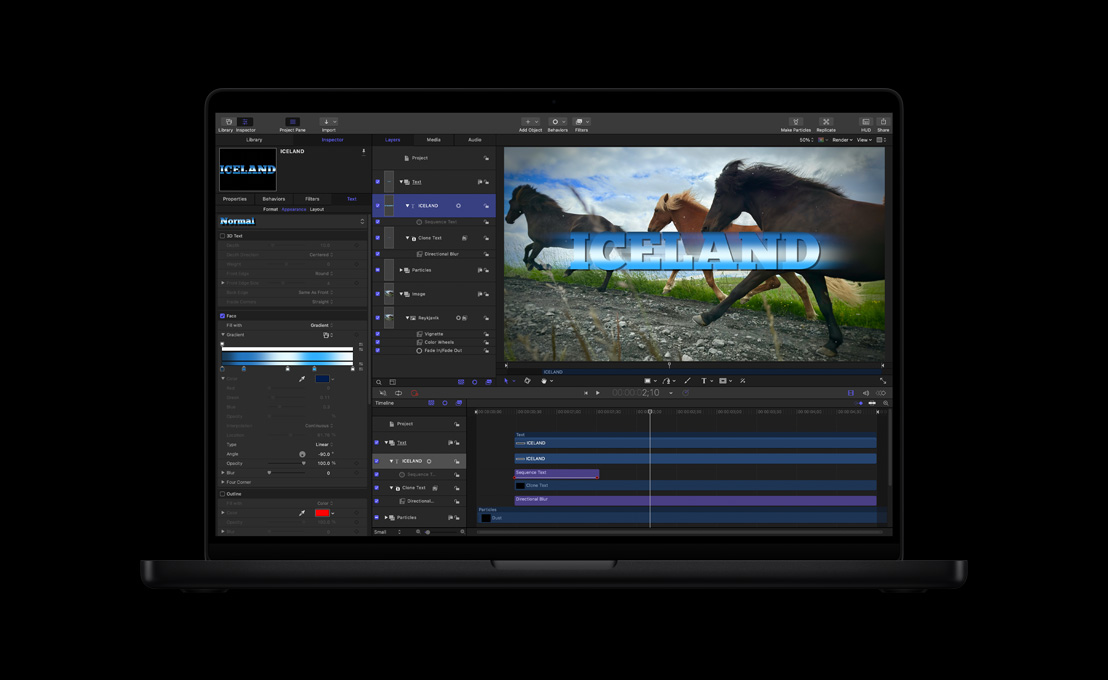
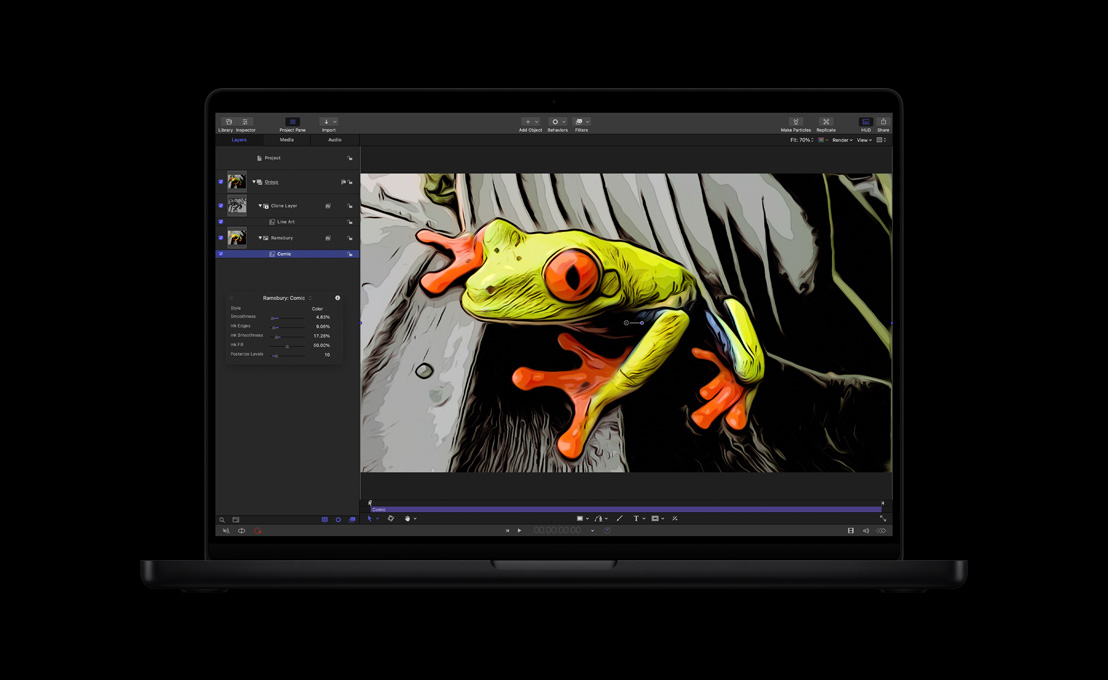
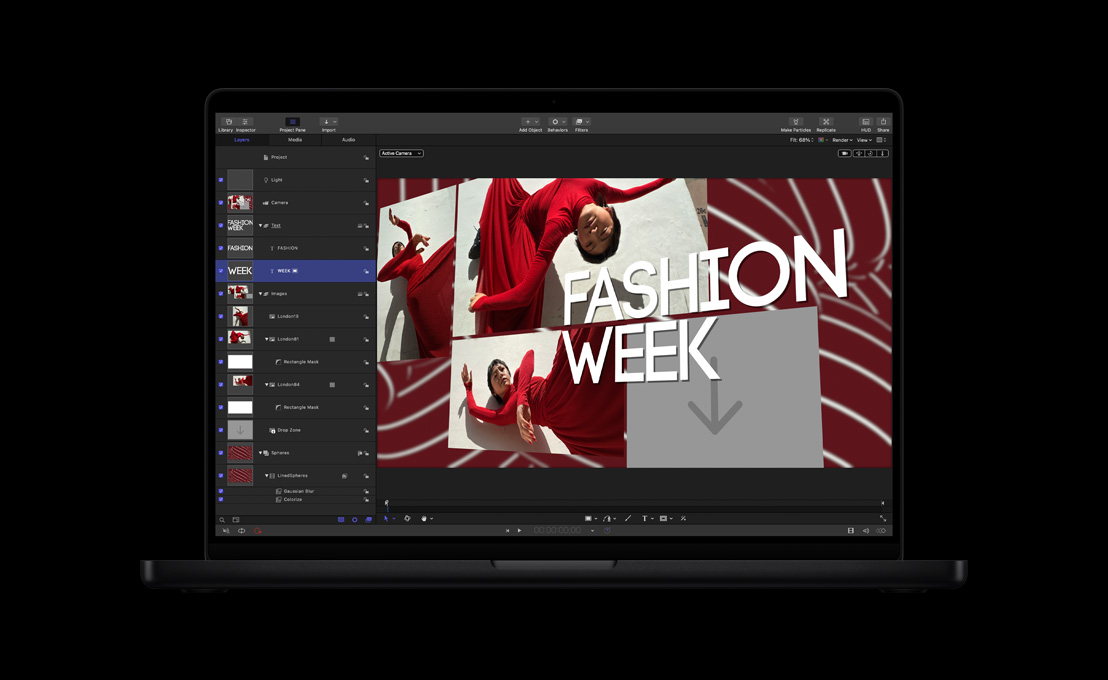
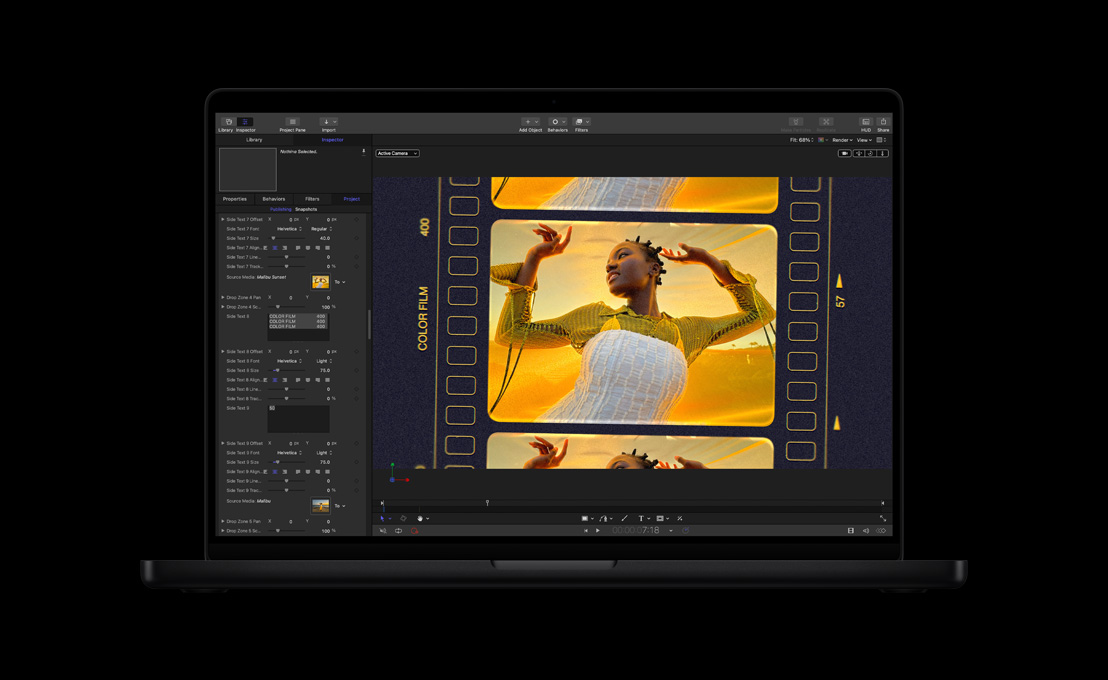
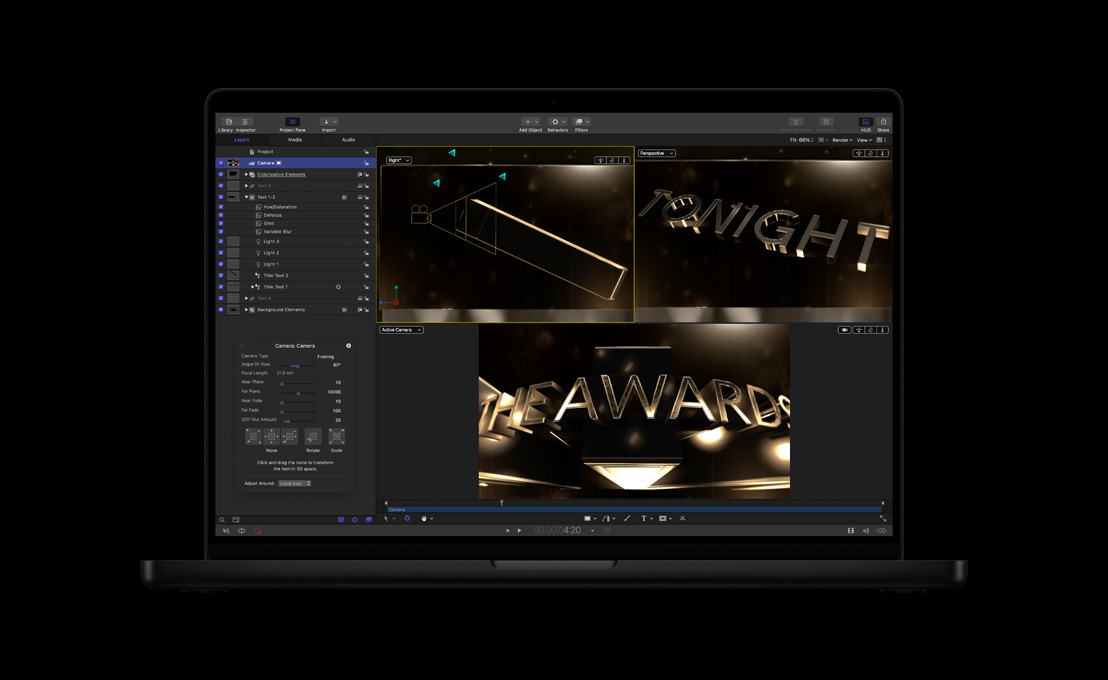
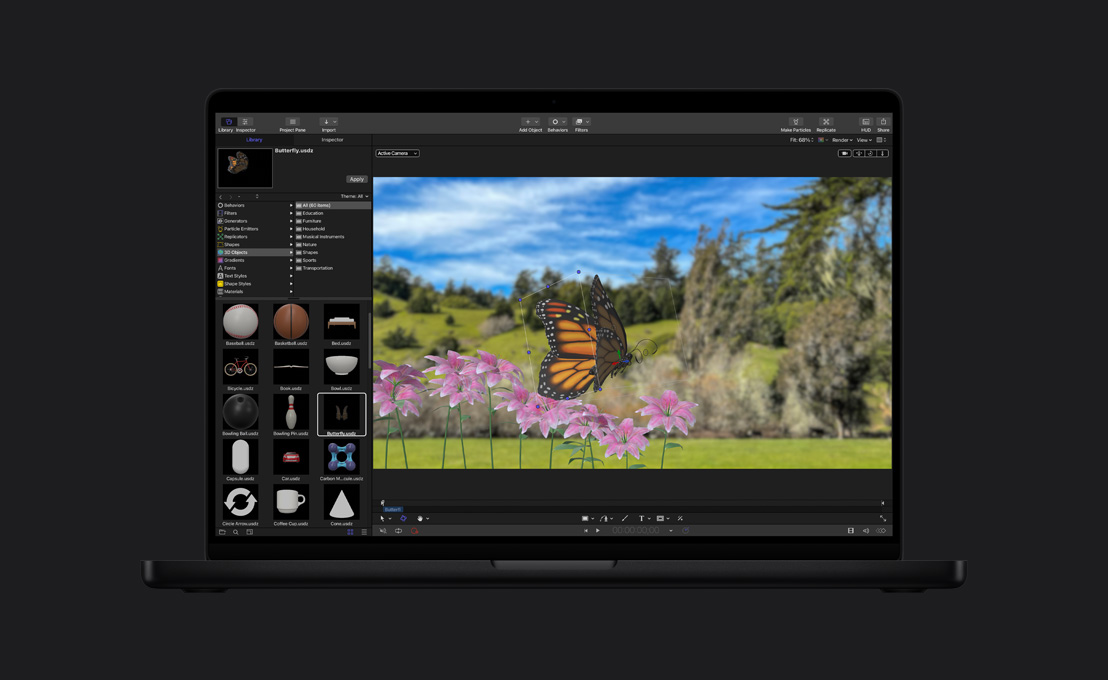
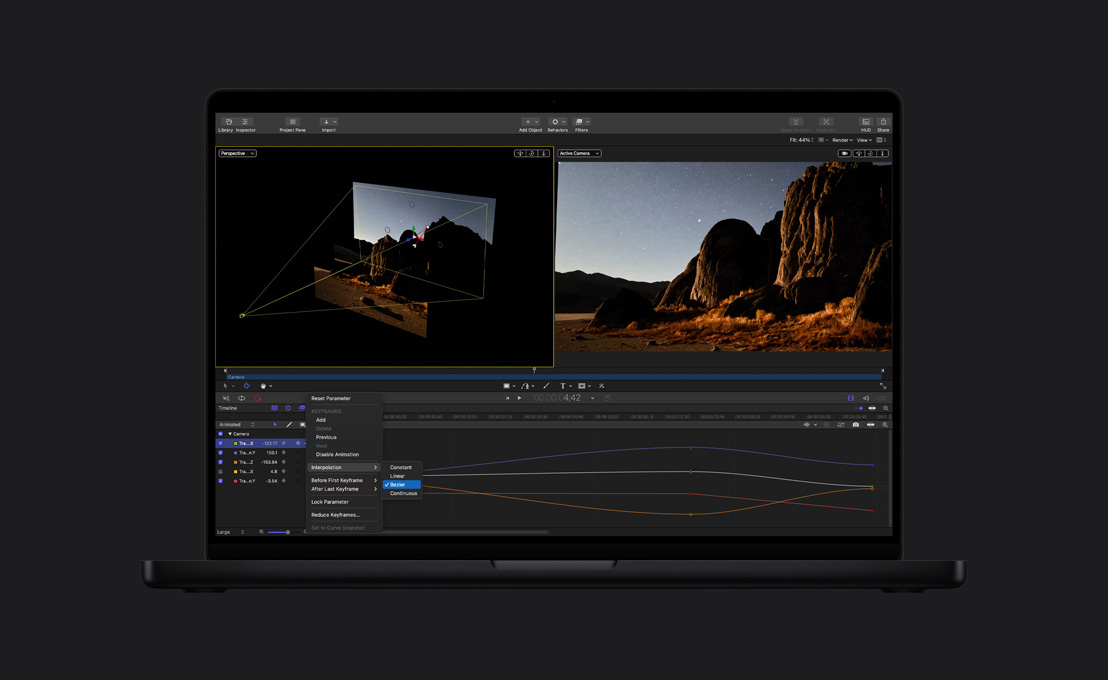
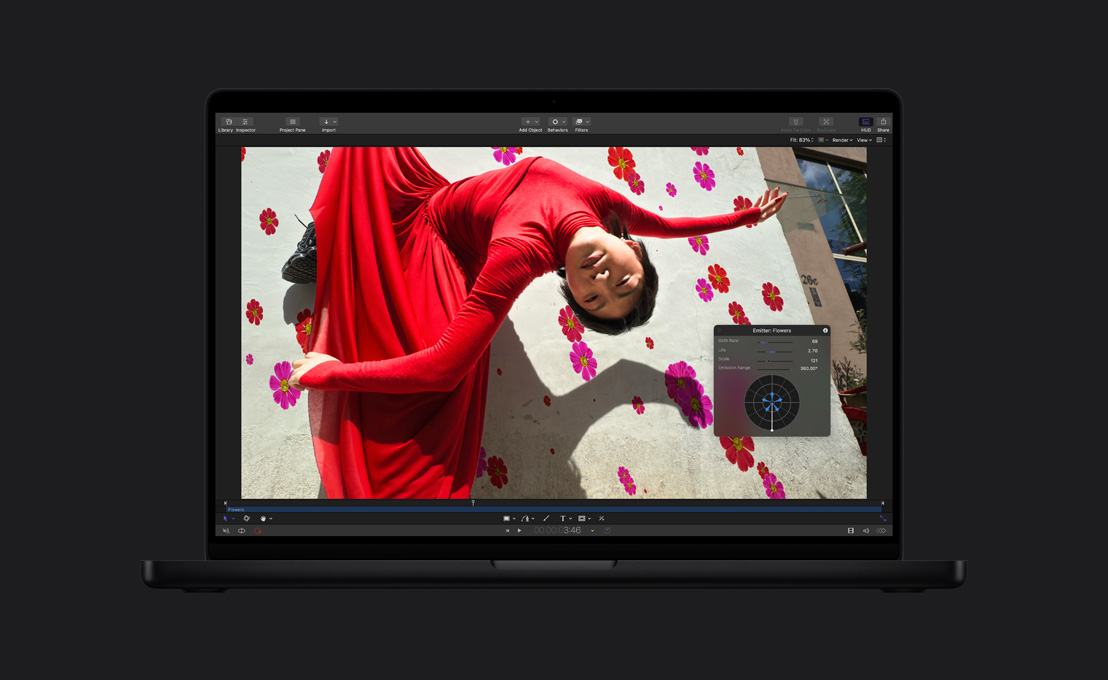
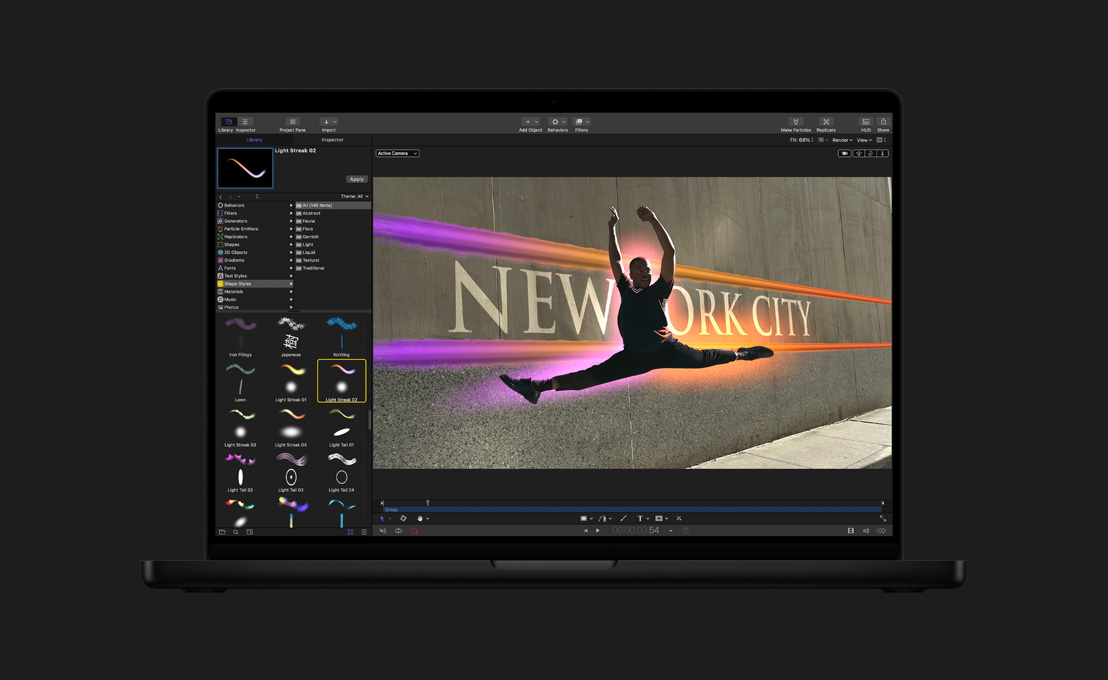
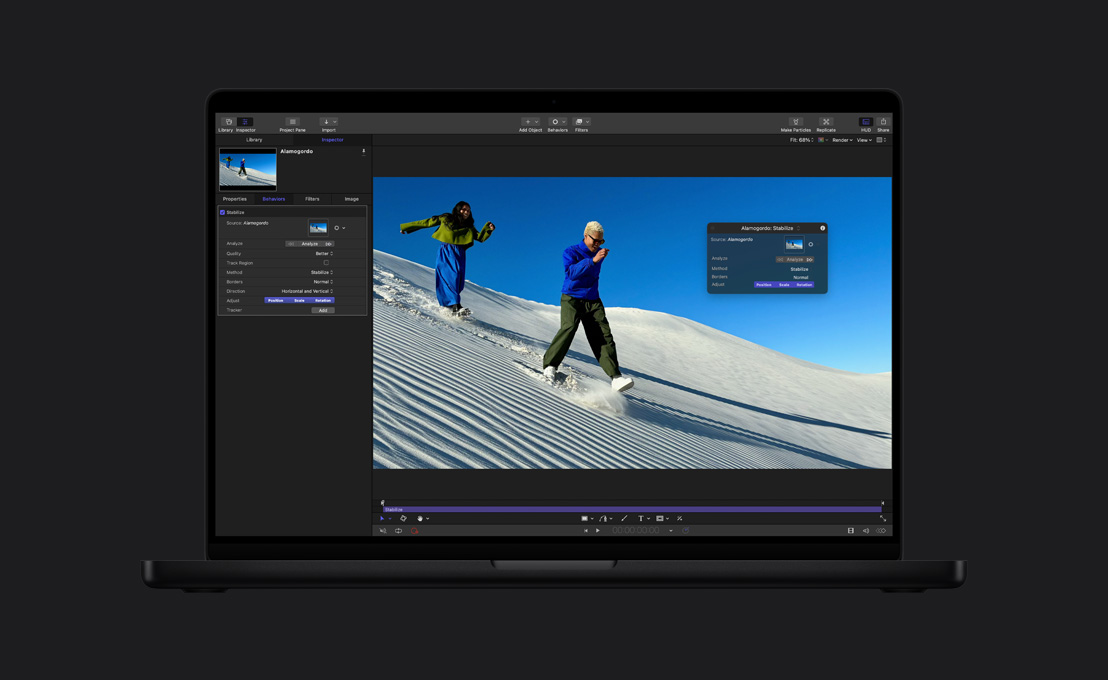
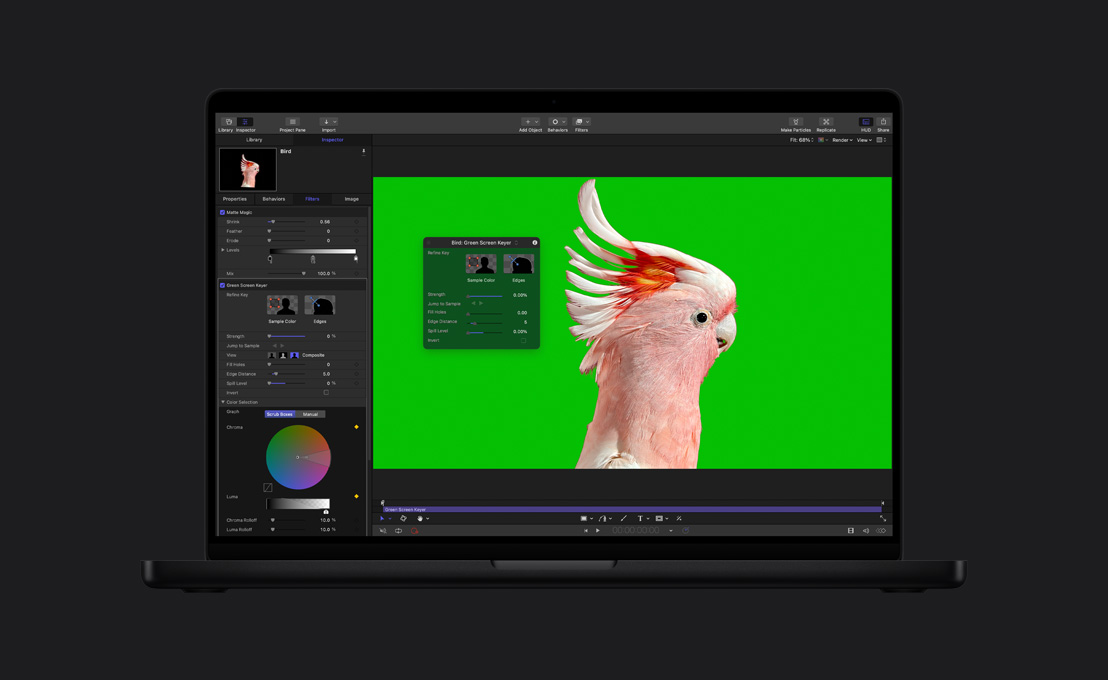
Efectos que causan efecto en Motion.

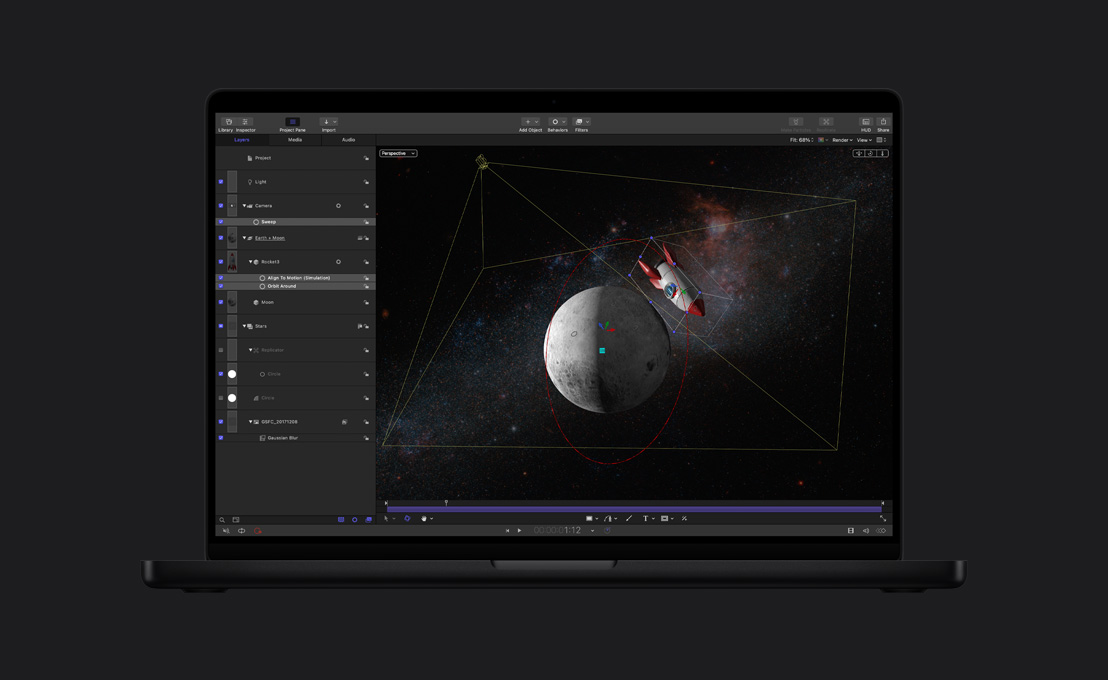
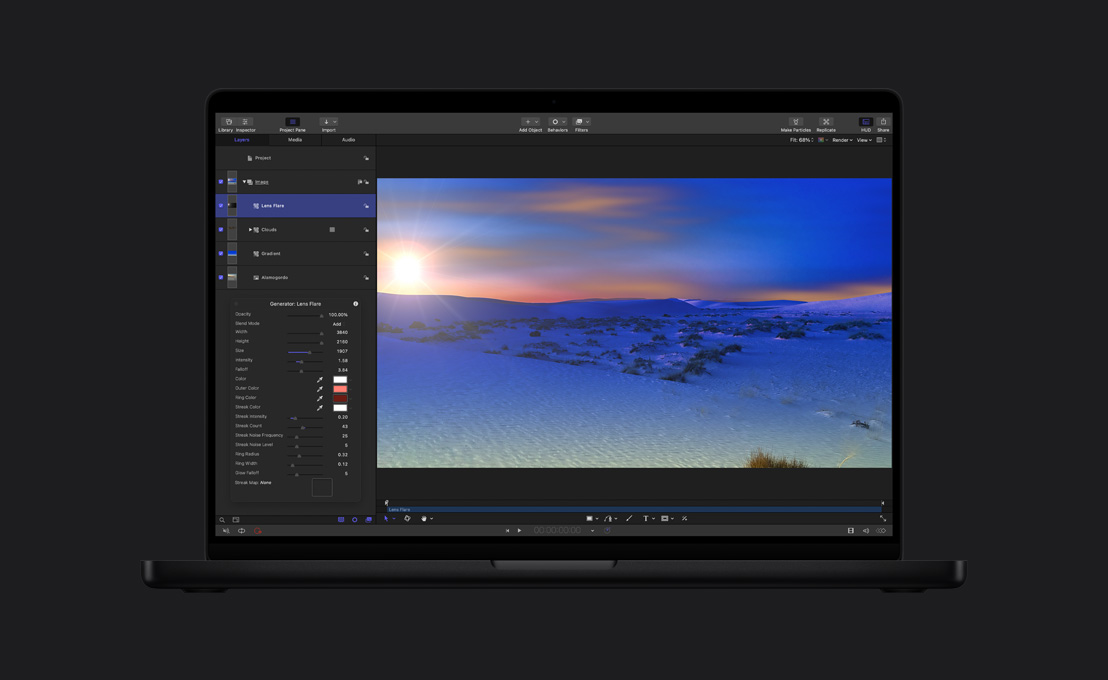


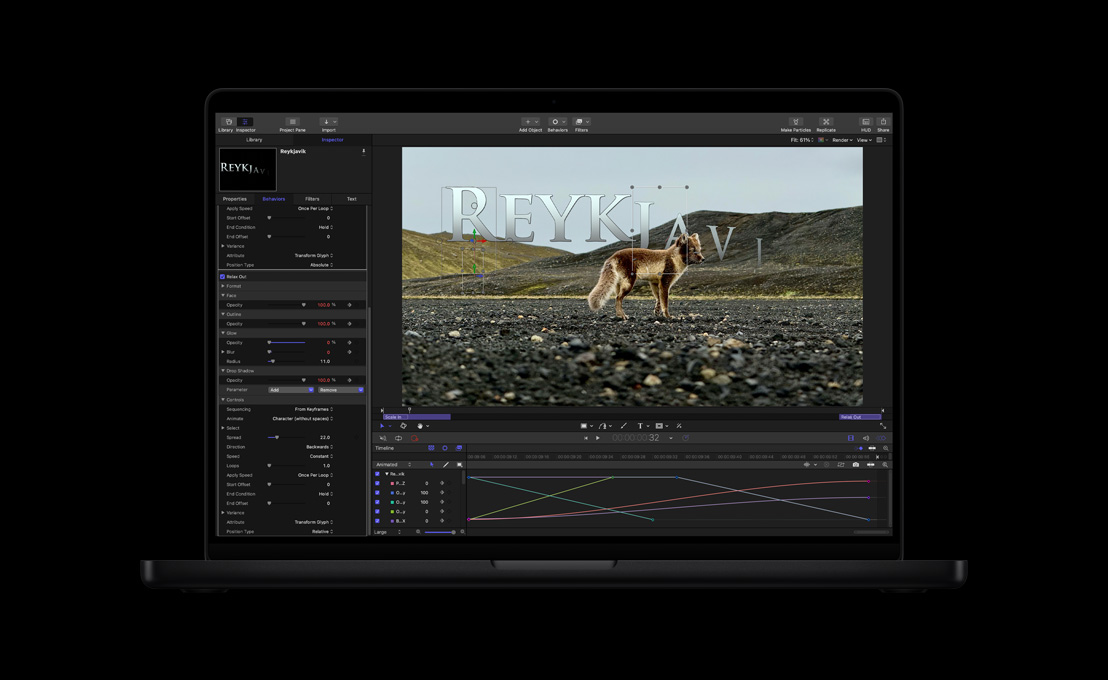


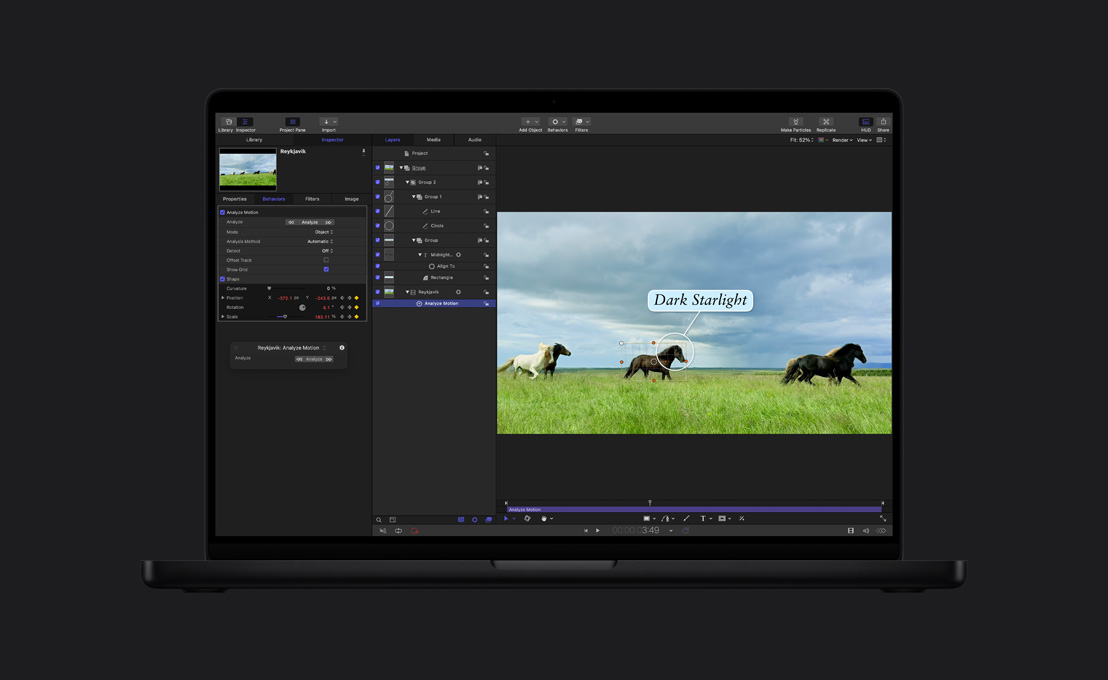
-
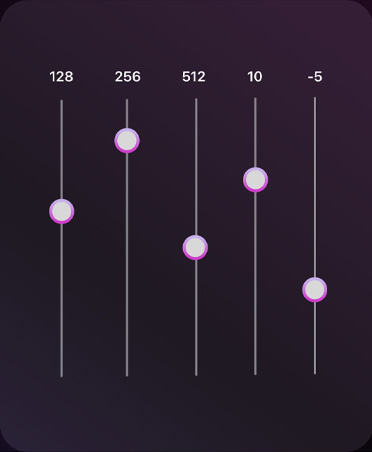
Herramientas de edición de audio.
Elige entre toda una biblioteca de plug‑ins de compresión de audio, ecualización y efectos de todo tipo. O exporta el material a una app profesional como Logic Pro para hacer mezclas avanzadas.
-
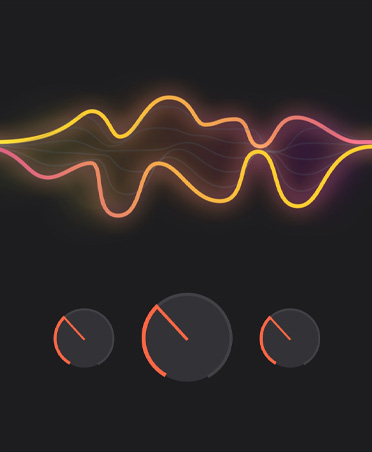
Efectos de Logic Pro.
No tienes ni que cambiar de app. Final Cut Pro incluye una gran variedad de plug-ins de audio avanzados de Logic Pro y de terceros.6
-
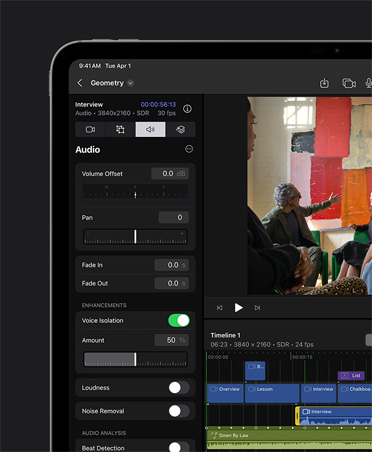
Aislamiento de Voz.
Elimina el ruido de fondo y mejora la claridad de los diálogos para que tus mezclas suenen de cine.
-
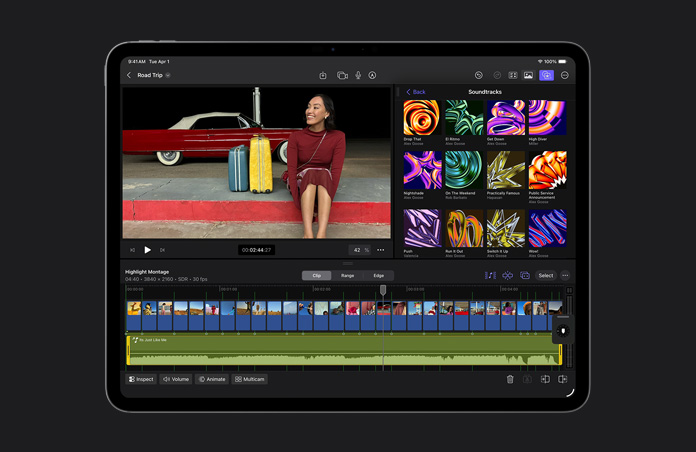
Ajusta la música al milímetro con el iPad.
Las pistas de sonido se adaptan de forma dinámica a la duración de tu proyecto, alargándose, acortándose y manteniéndose sincronizadas a medida que avanza la escena.
-
Optimización de archivos.
Transcodifica vídeos a Apple ProRes para mejorar el rendimiento durante la edición, acelerar los tiempos de renderizado y optimizar la calidad del color en la composición.
-
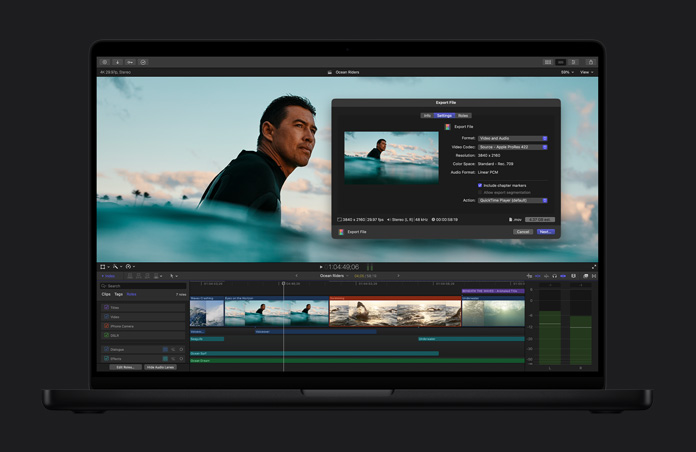
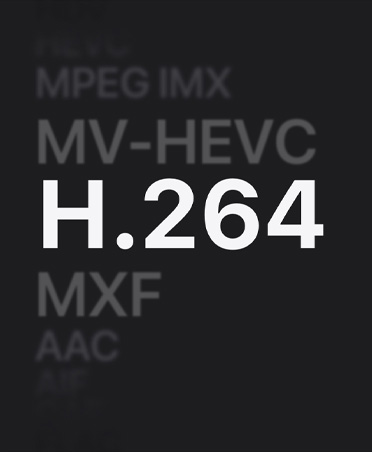
Archivos de alta calidad.
Exporta tu proyecto terminado como un archivo de calidad profesional para utilizarlo en las etapas finales de posproducción o en la emisión y distribución.
-
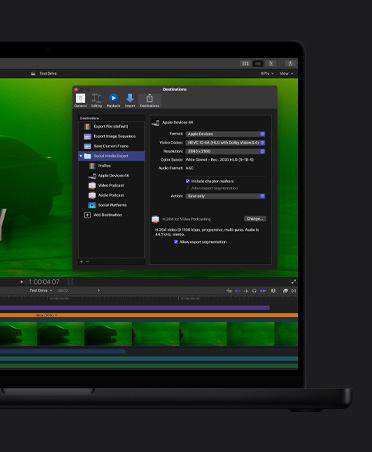
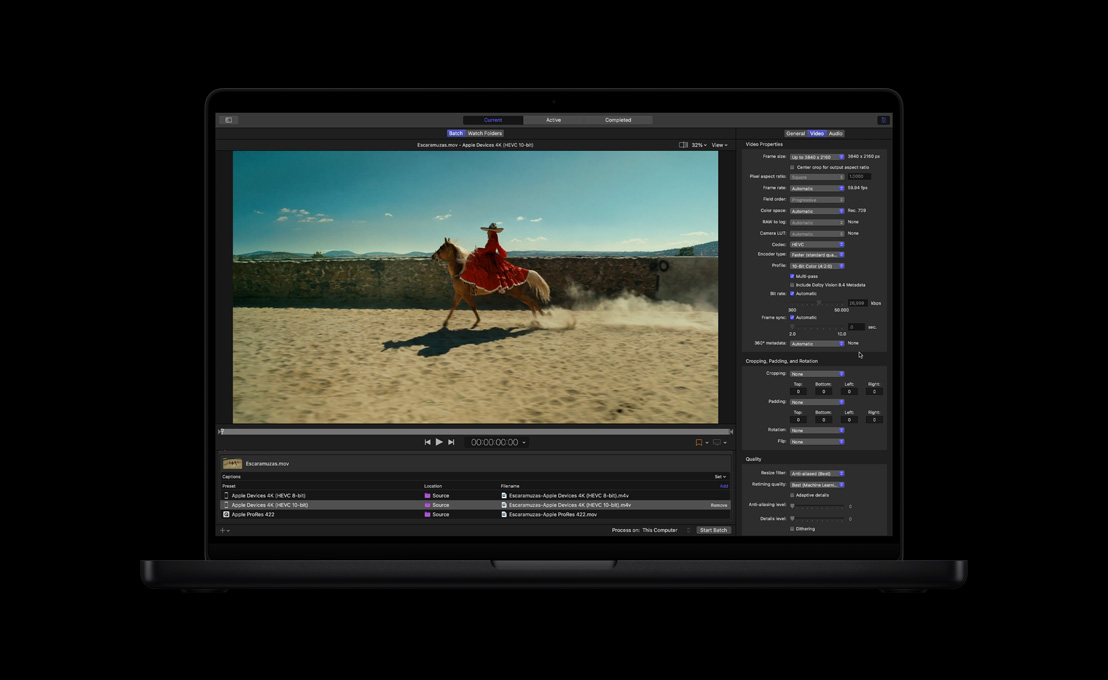
Exportación por lotes.
Exporta varios proyectos, clips o rangos de clips a la vez a distintos destinos, como dispositivos móviles o redes sociales.

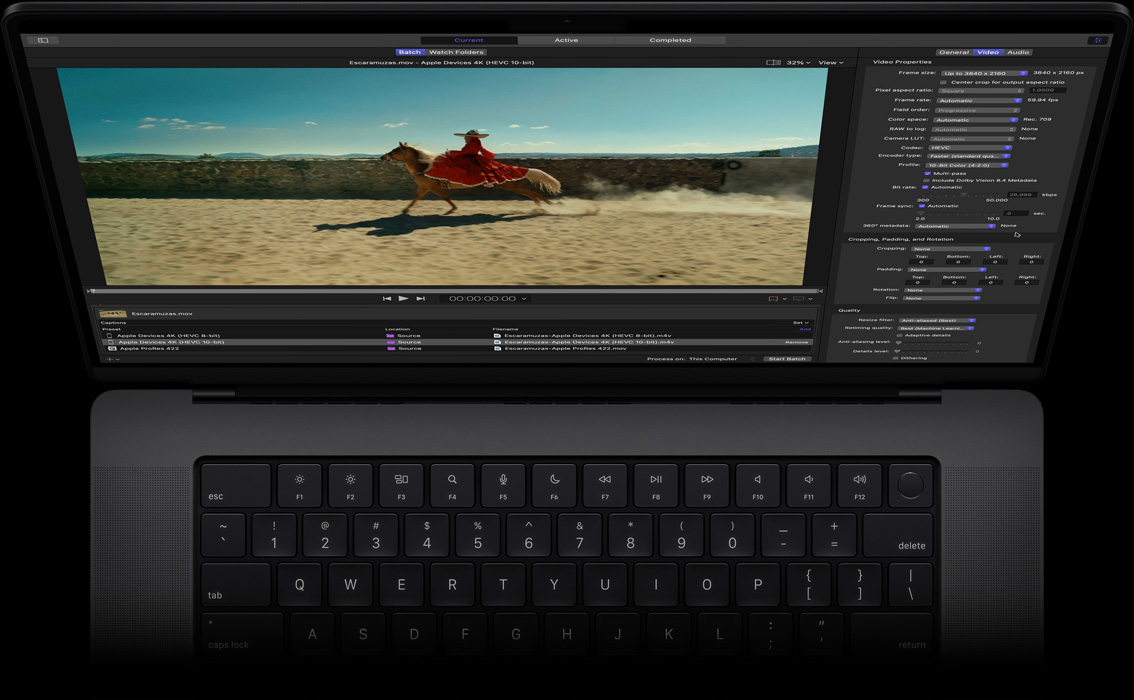
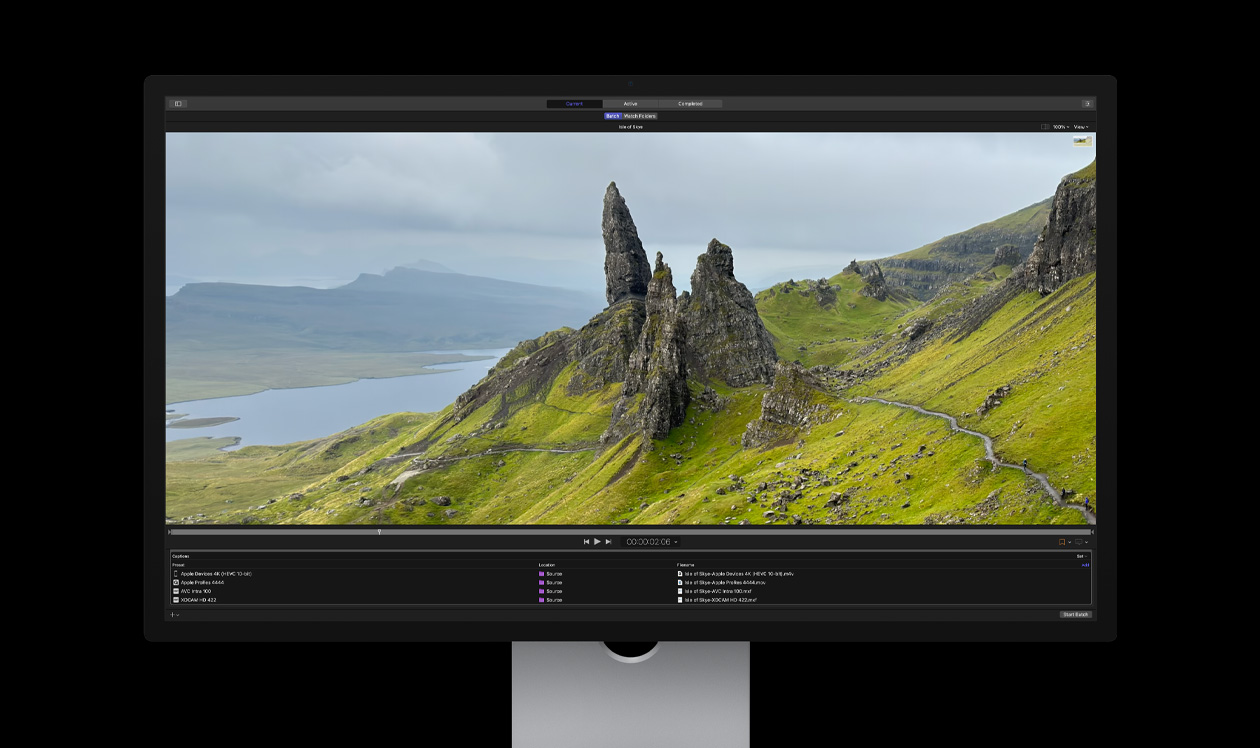
Compressor. Aumenta tus opciones de codificación.


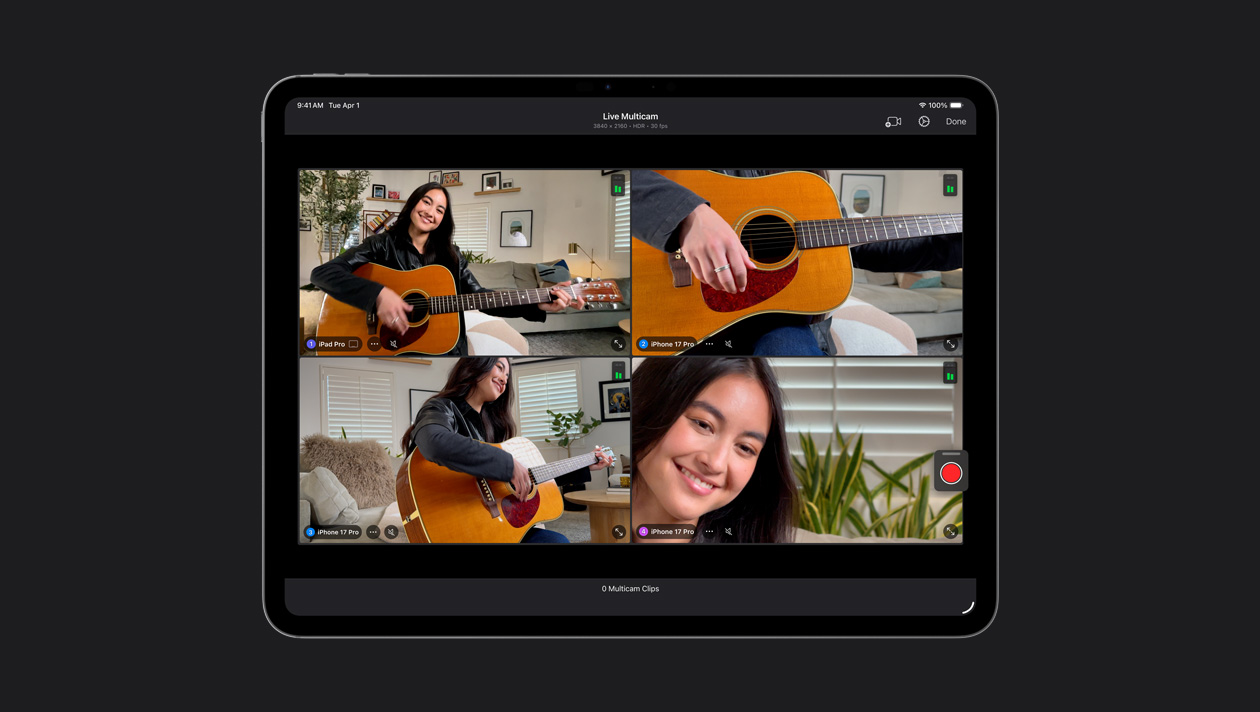
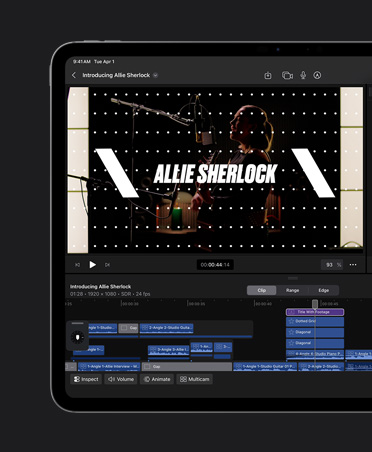
Conecta hasta cuatro iPhone o iPad, controla sus ajustes en remoto y sincroniza automáticamente todo el metraje. Graba fácilmente vídeos musicales, podcasts y entrevistas.
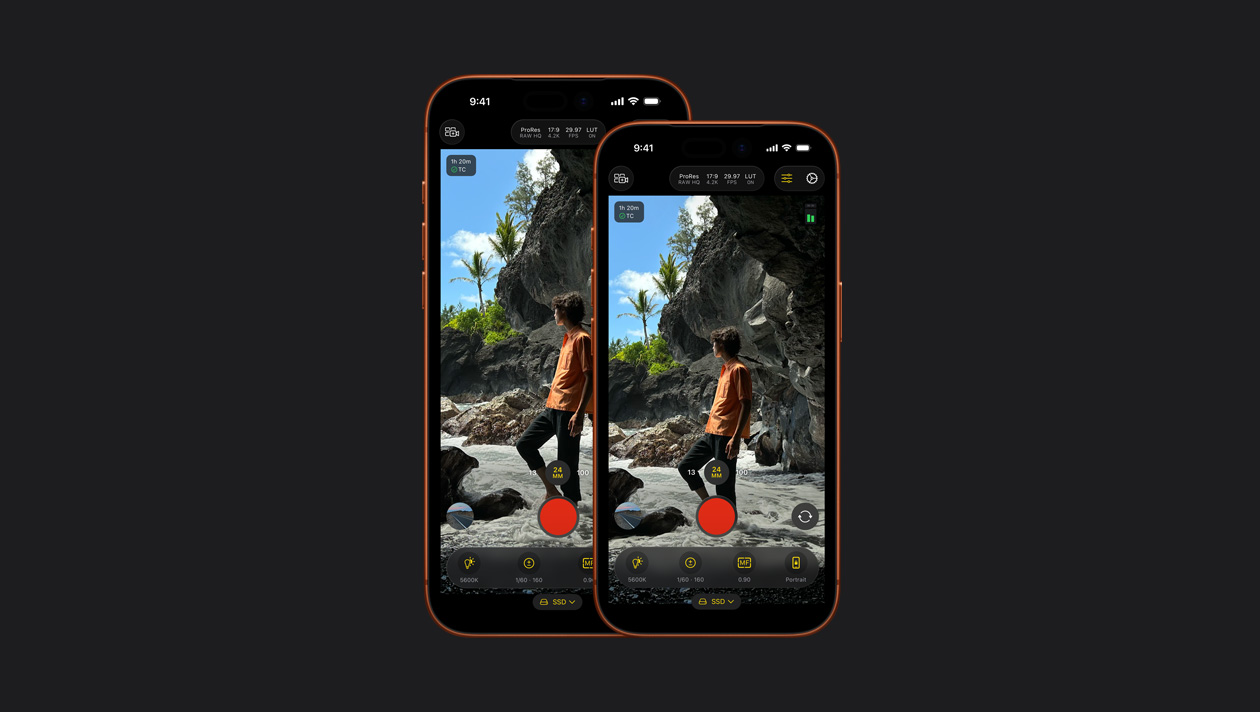
Consigue tomas dignas de Hollywood con el iPhone o el iPad gracias a los potentes controles manuales para ajustar el ISO, la velocidad de obturación y el balance de blancos, entre otros.7
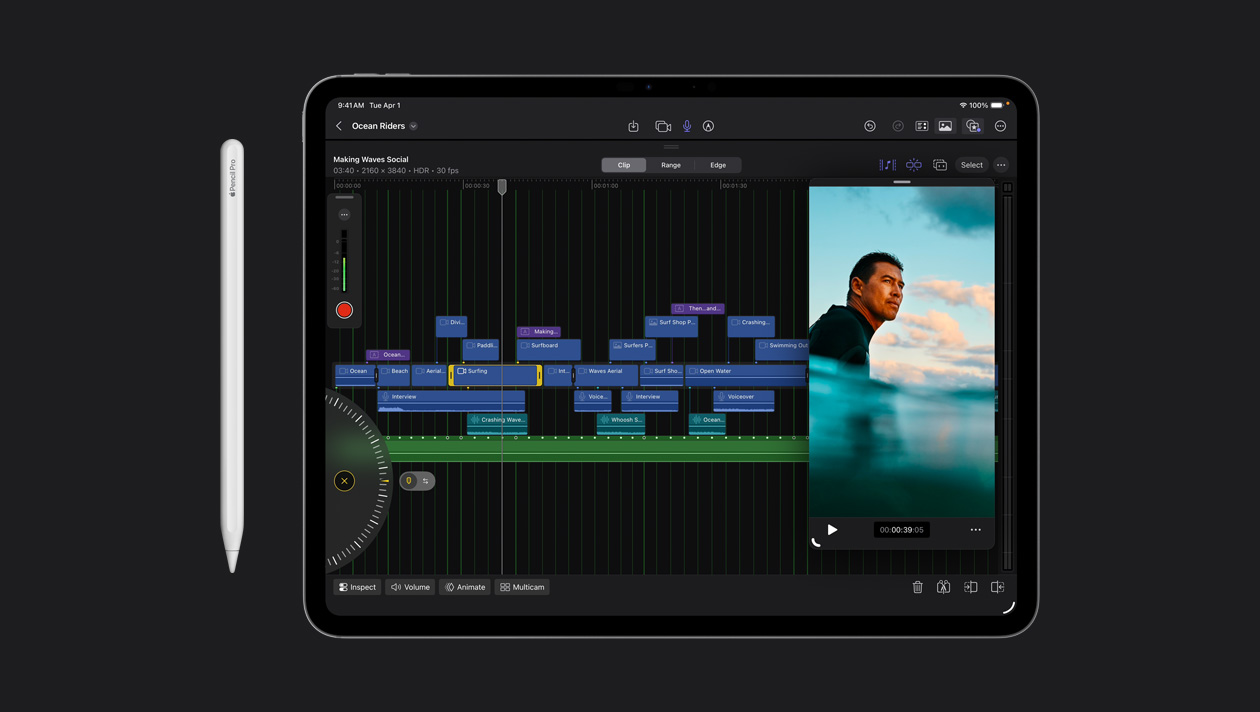
Haz ediciones precisas con solo un toque. O usa la rueda de control para arrastrar metraje y pulir tus clips.
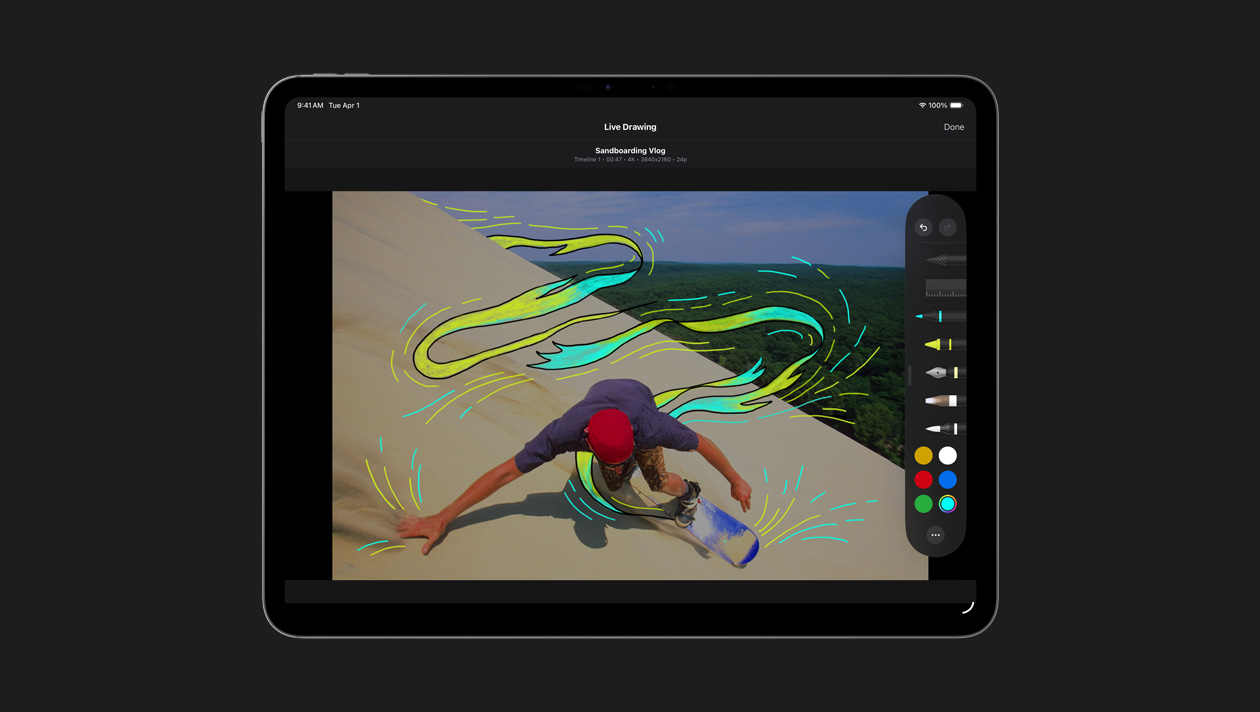
Dibuja, resalta y escribe directamente sobre el metraje con el dedo o el Apple Pencil y crea ilustraciones y títulos animados muy especiales.
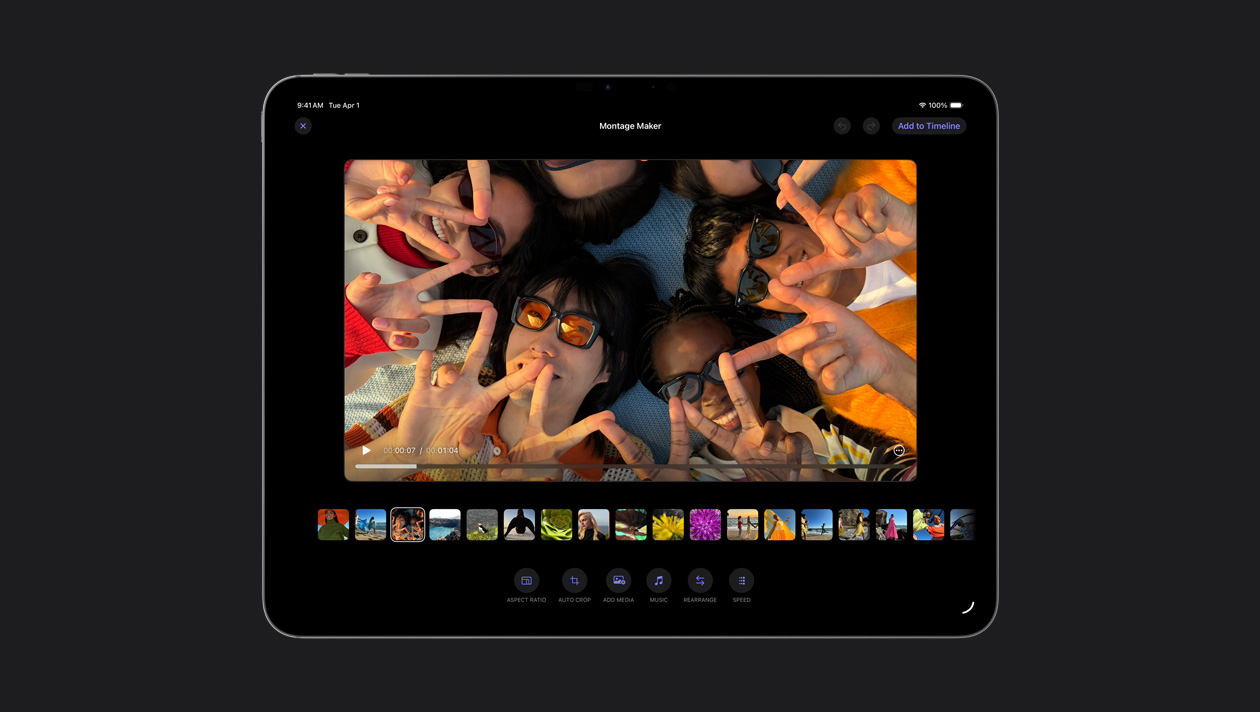
Selecciona automáticamente los mejores momentos de tu metraje y los sincroniza con el ritmo de cualquier canción. Luego puedes ajustar el ritmo, hacer algunos retoques y compartirlo.
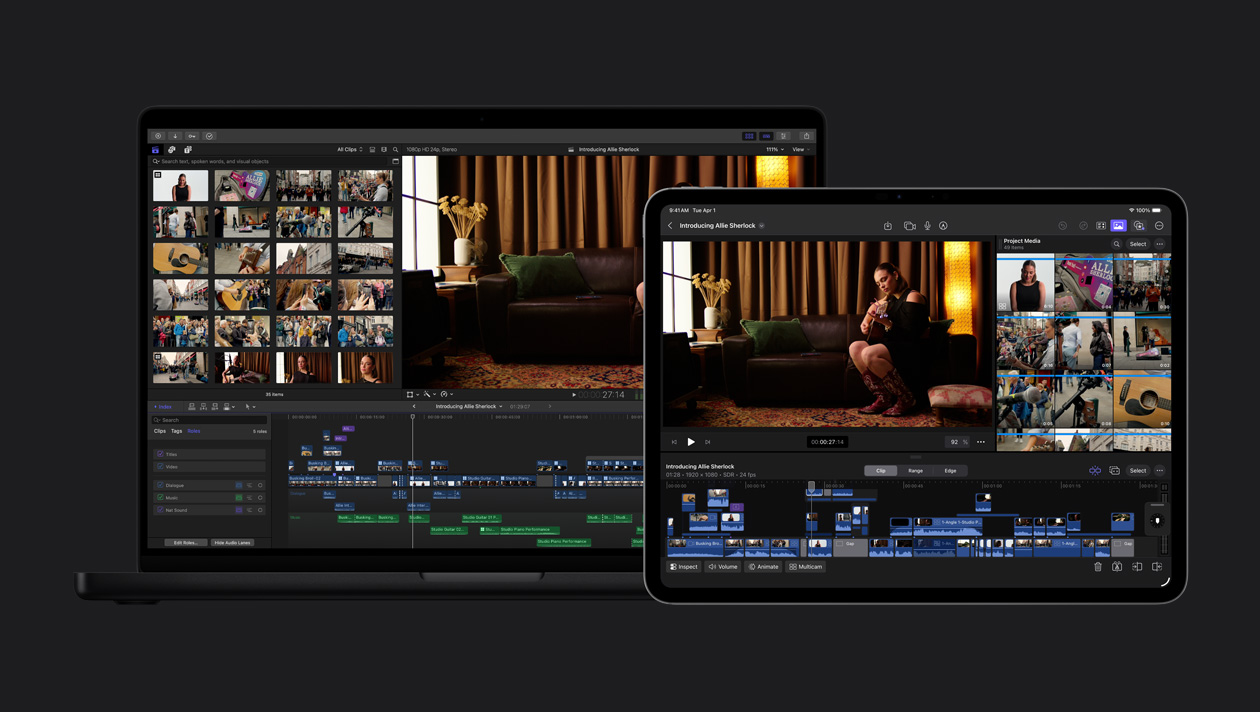
Exporta tu proyecto del iPad al Mac para acceder a la corrección de color avanzada, Máscara Magnética y otras prestaciones.
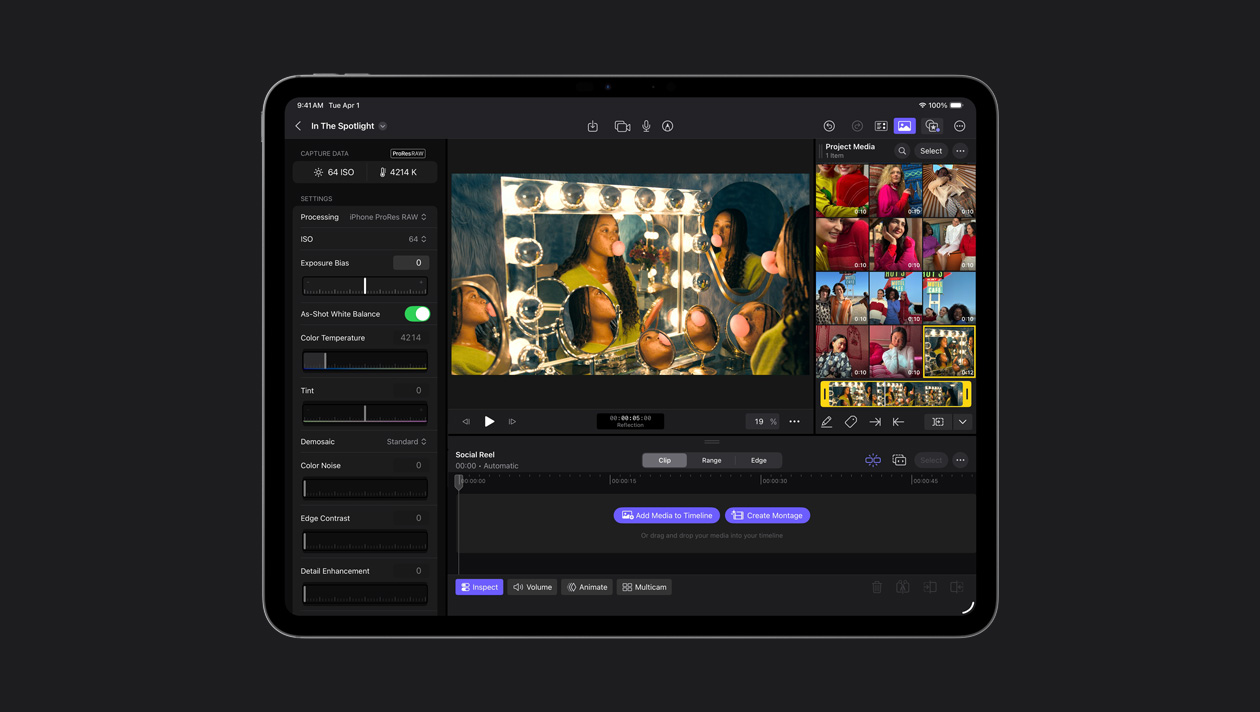
Final Cut Camera te permite grabar en ProRes RAW, un formato con posibilidades ilimitadas para ajustar el estilo del vídeo y conseguir el máximo detalle en las luces y sombras. ProRes RAW ofrece calidad RAW con una mayor velocidad de renderizado y exportación.
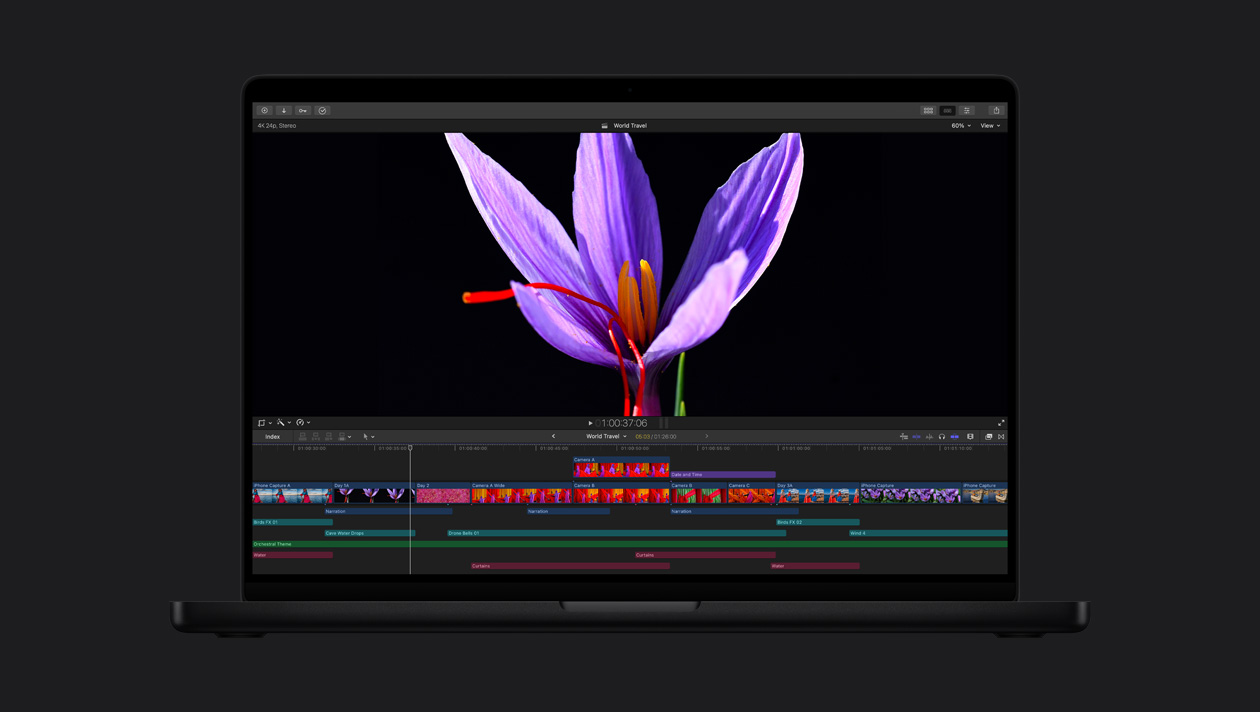
Las revolucionarias pantallas Liquid Retina XDR y Ultra Retina XDR ofrecen un nivel increíble de brillo, contraste y color. Por eso son ideales para editar, corregir y exportar vídeos HDR con Final Cut Pro.
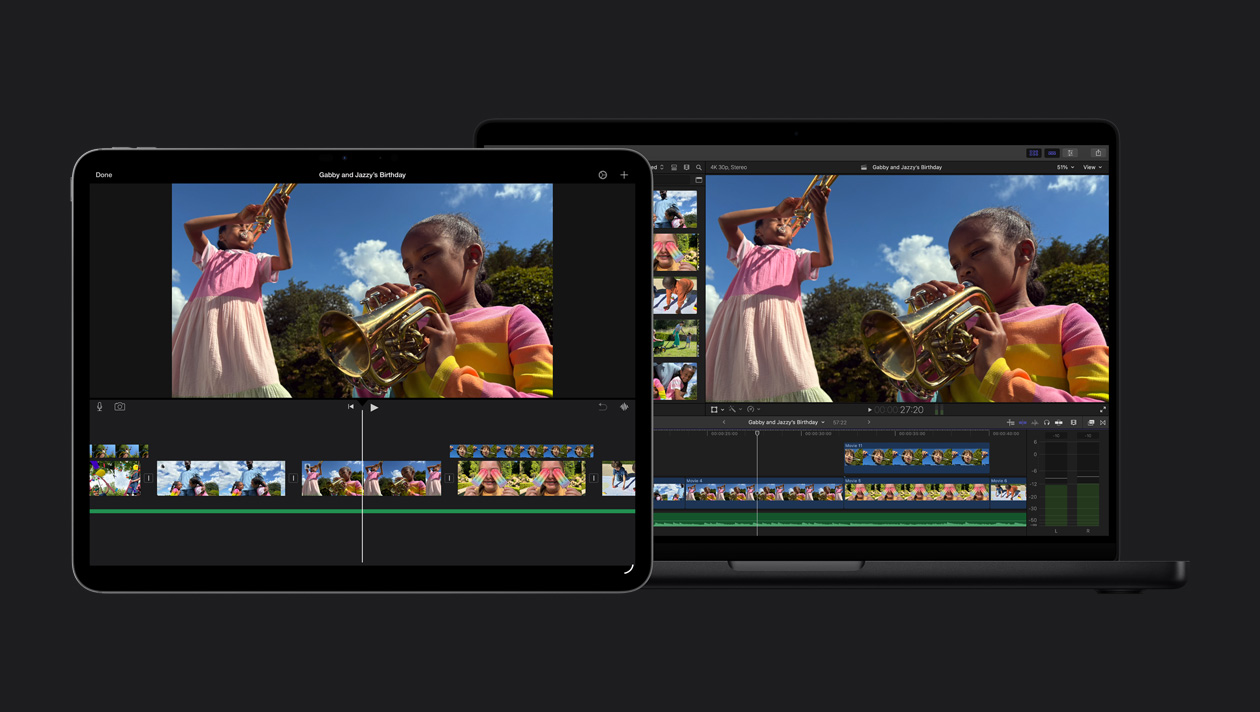
Importa fácilmente tus proyectos de iMovie en Final Cut Pro y accede a todas sus prestaciones avanzadas.