
Final Cut Pro
Intelligenza che dà spettacolo.
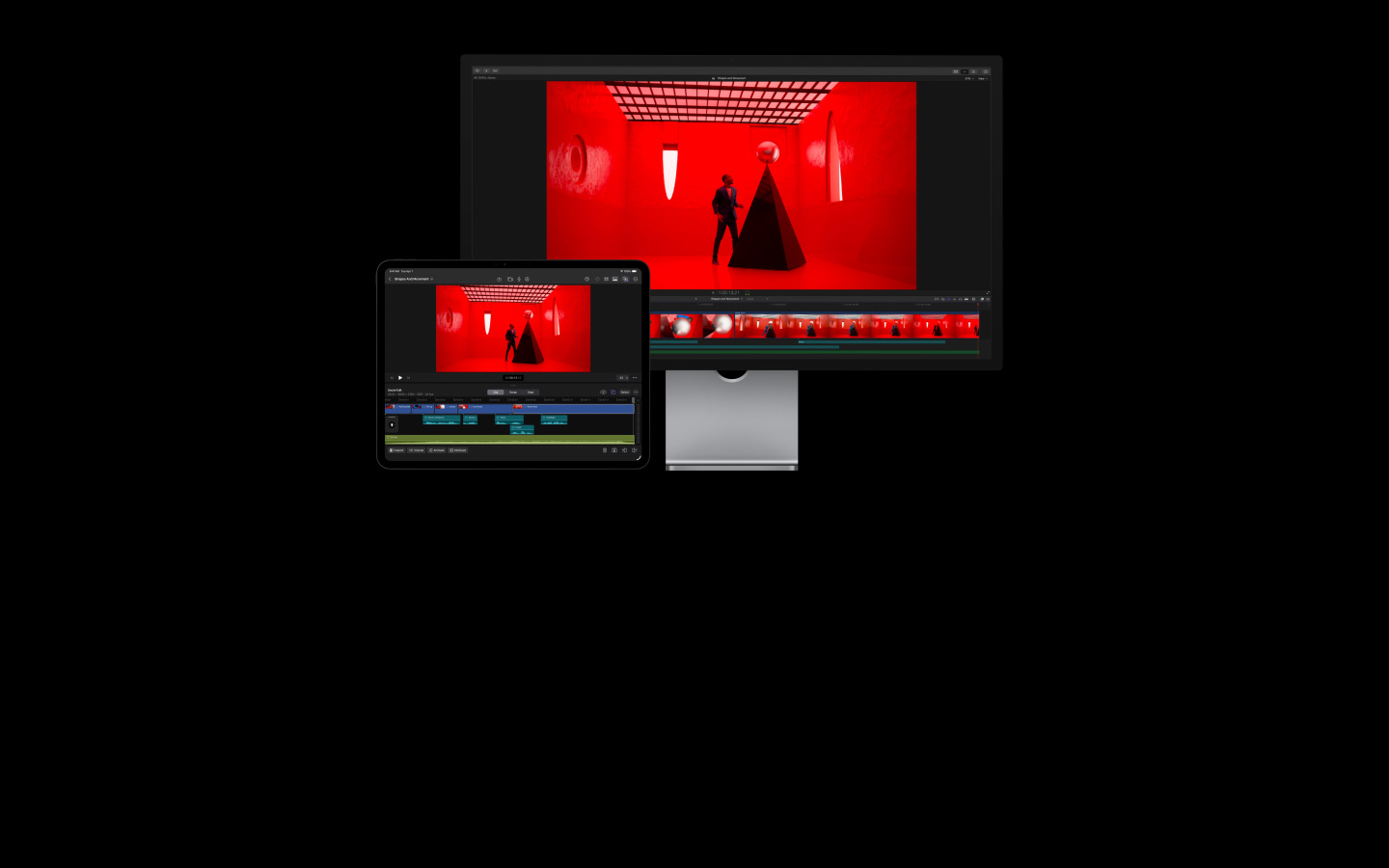
Final Cut Pro ti aiuta a creare video magistrali su Mac e iPad. Con la potenza delle sue tante funzioni intelligenti puoi trasformare ogni fotogramma in qualcosa di indimenticabile.
-
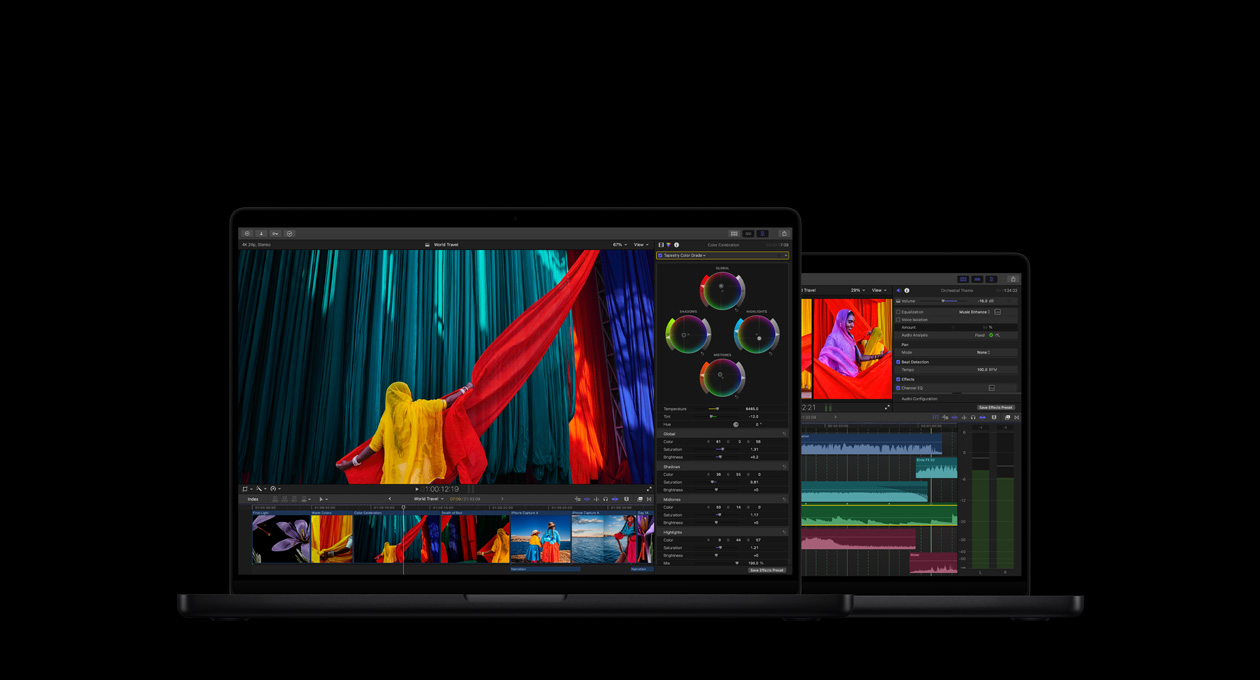
Montaggio video, editing audio, motion graphic e color grading. Per sperimentare senza limiti.
-
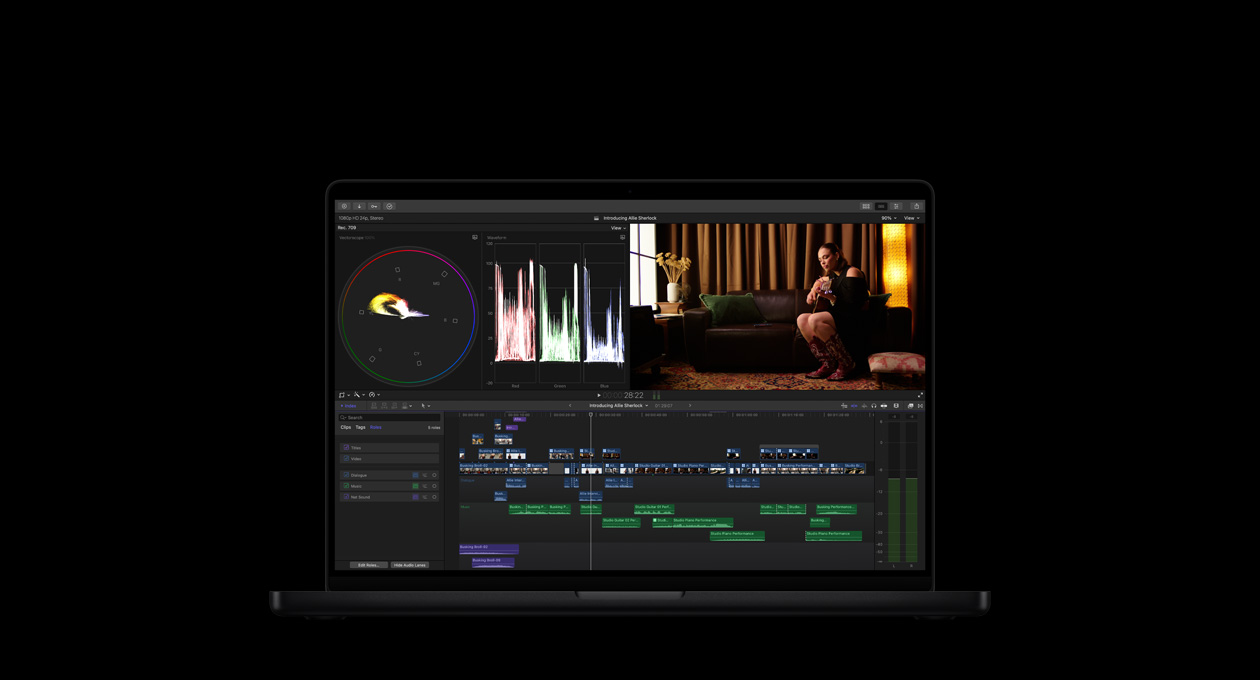
Monti, lavori, crei. E non ti fermi più.
-
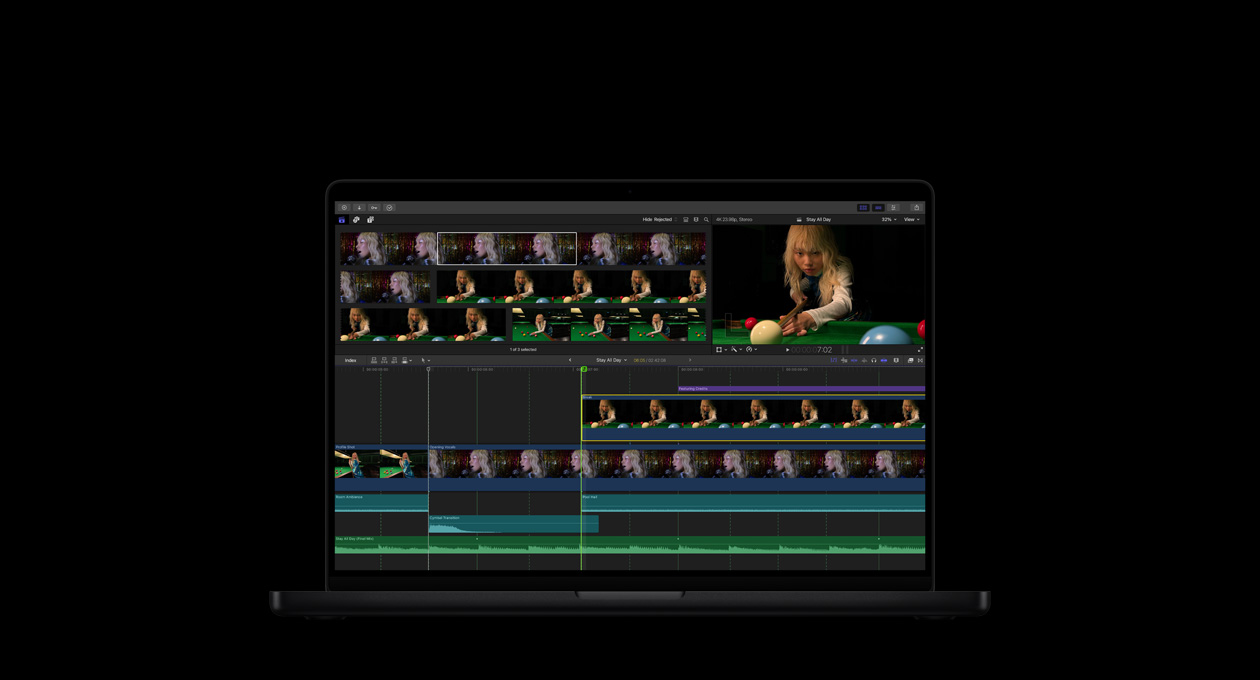
Un’AI potente che sfrutta Apple Intelligence per collaborare con te.2
-
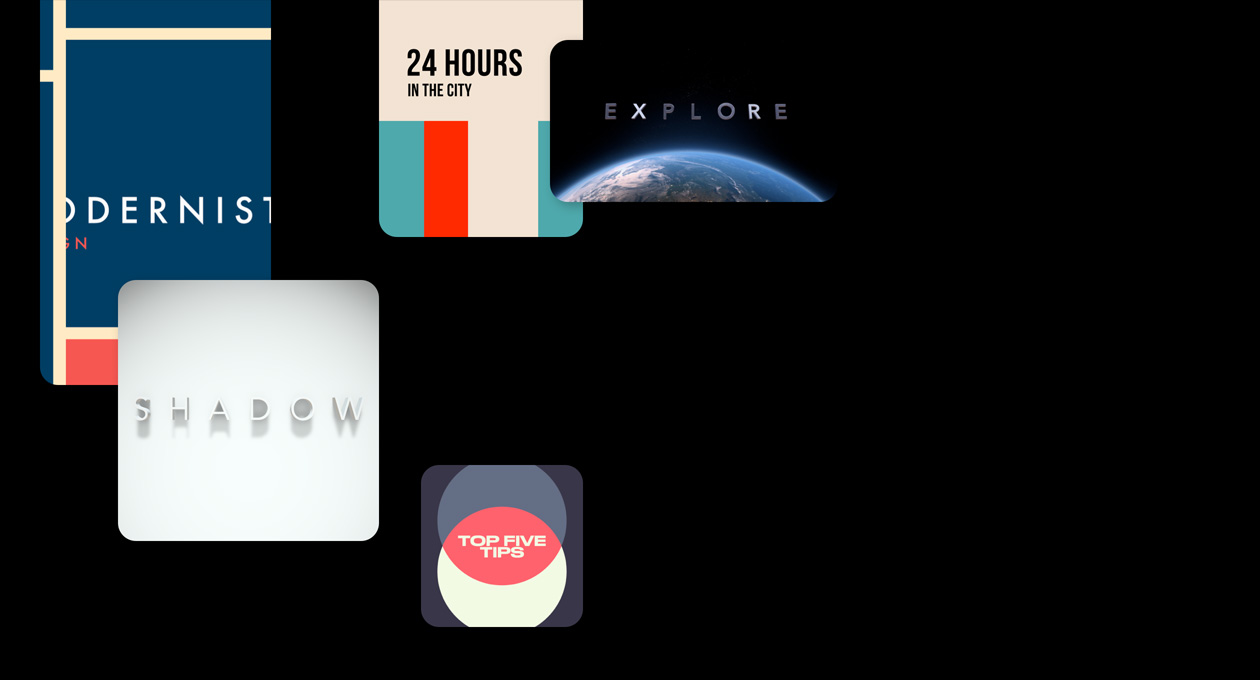
Una libreria di titoli, transizioni, musica ed effetti. Che l’ispirazione abbia inizio.
-
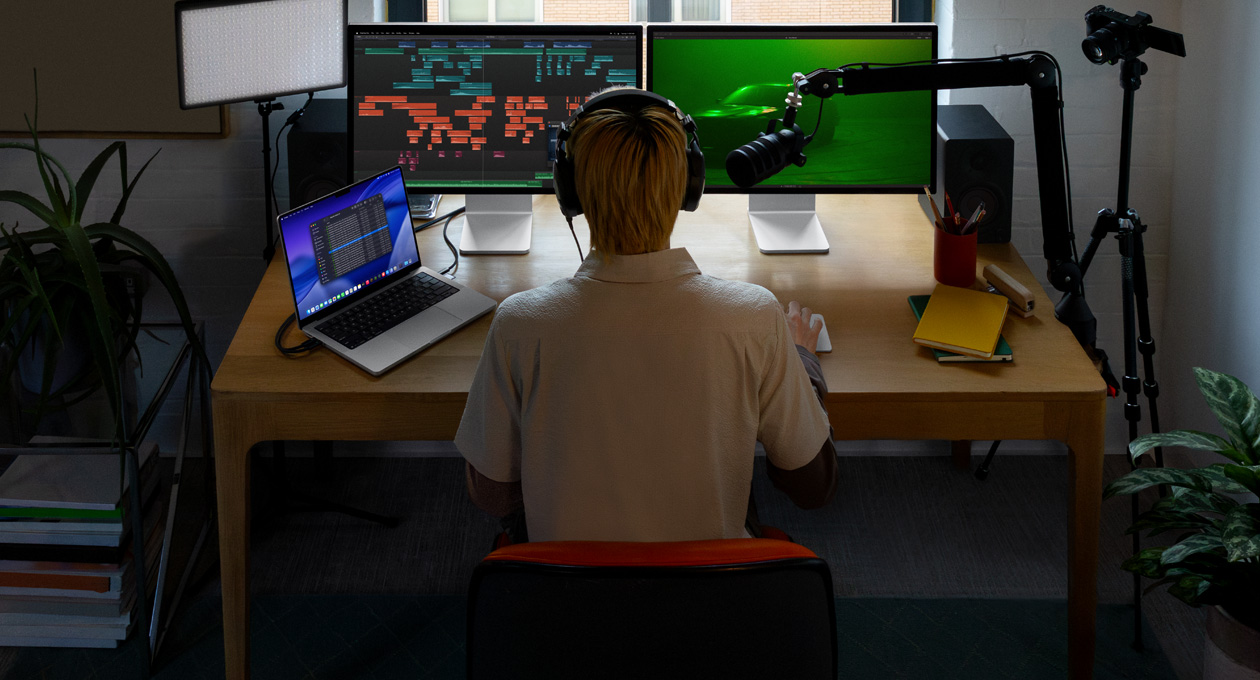
Funzioni di editing audio evolute. Per video tutti da sentire.
-
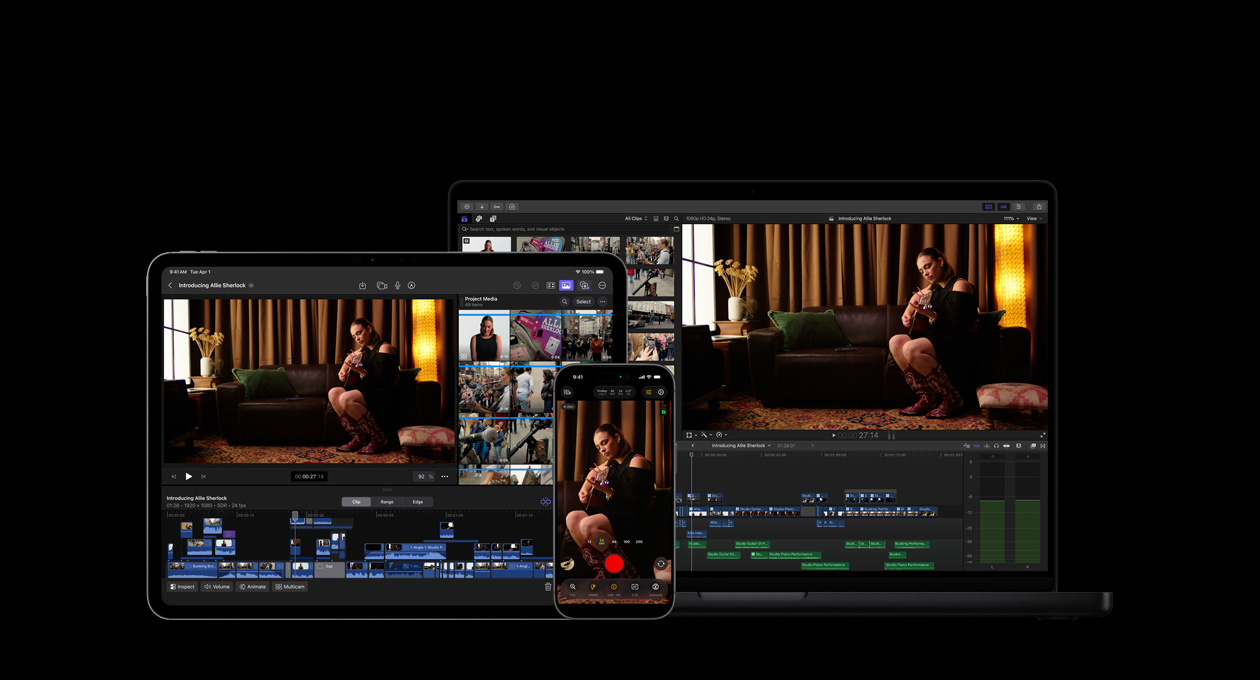
App, dispositivi e accessori Apple: è tutto al servizio dell’artista che è in te.3

-
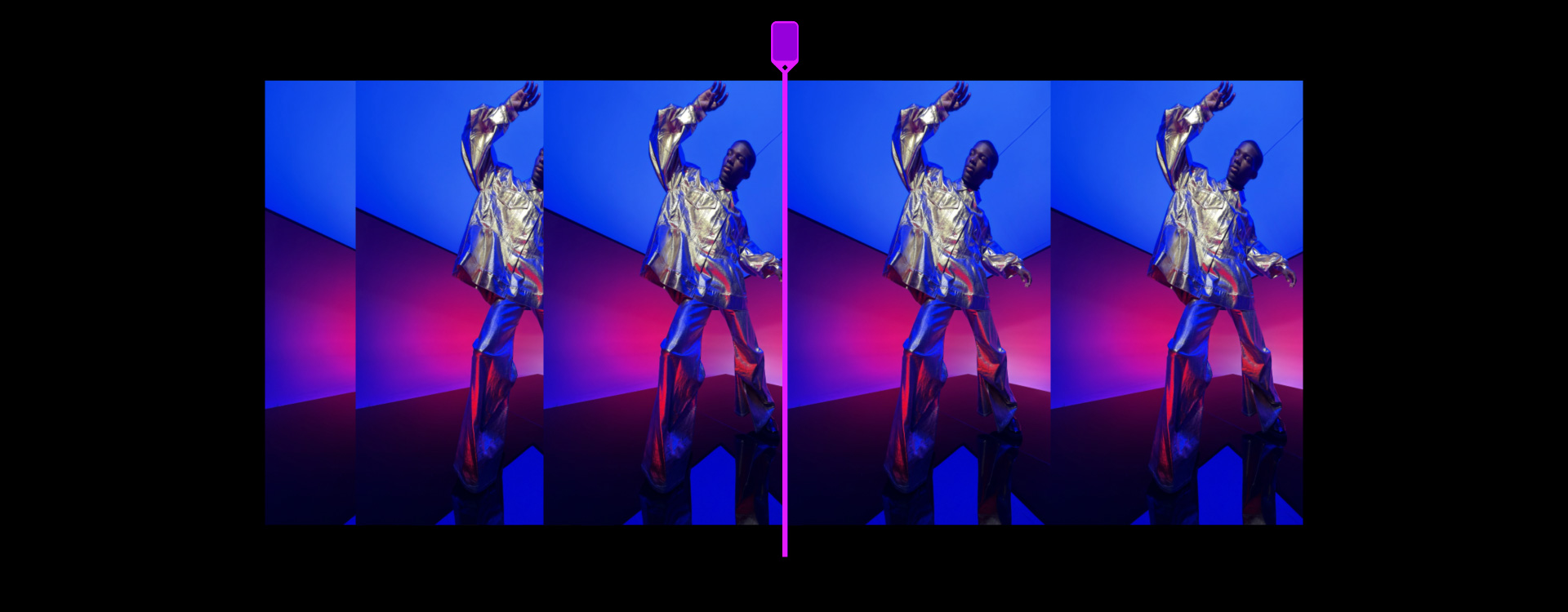
Timeline magnetica per un editing veloce e flessibile.
Sperimenta montaggi diversi e idee di storia alternative: puoi spostare e tagliare i clip, mantenendo tutto in sincrono.
-
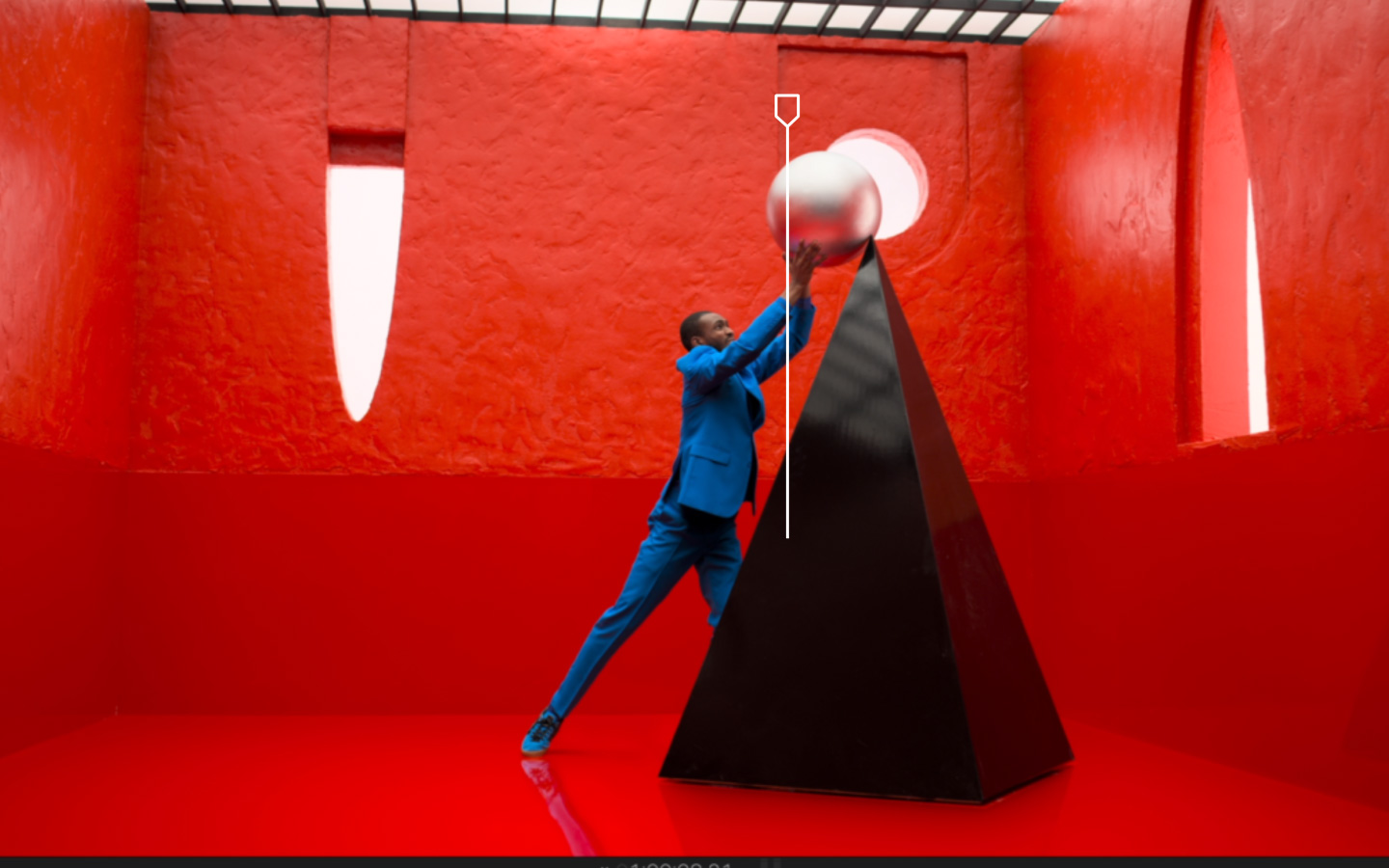
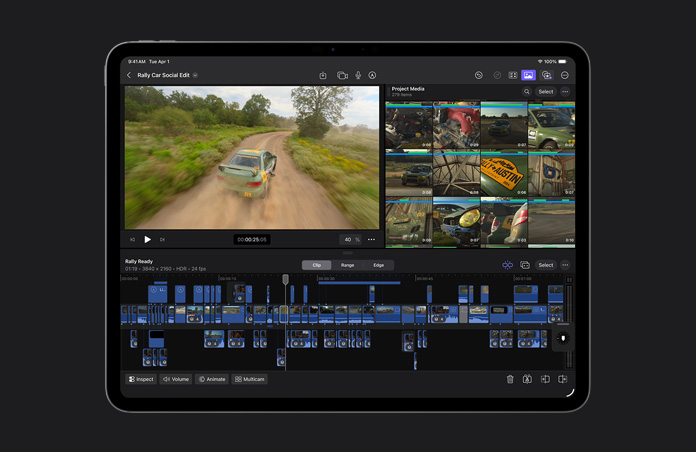
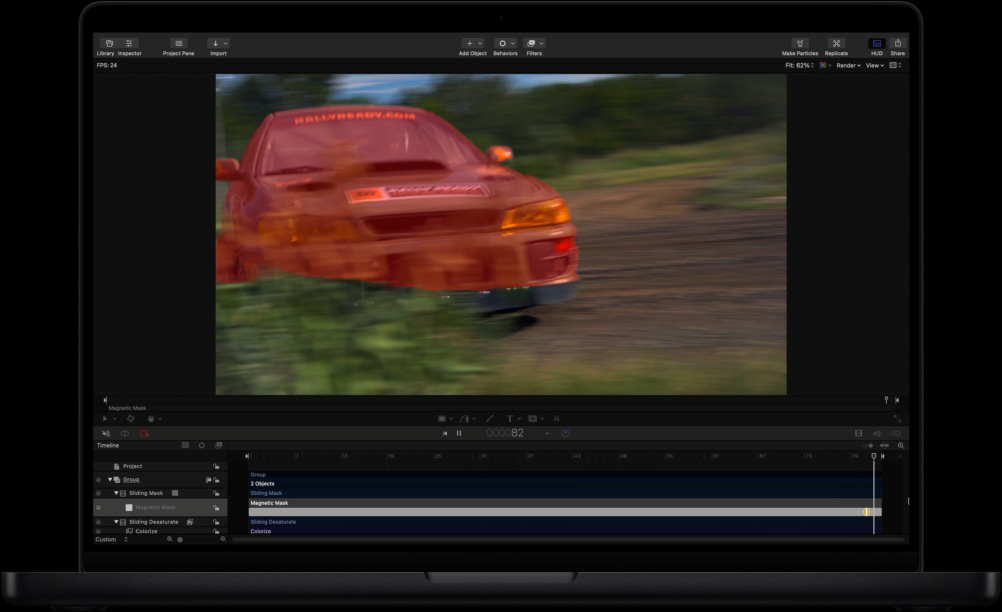
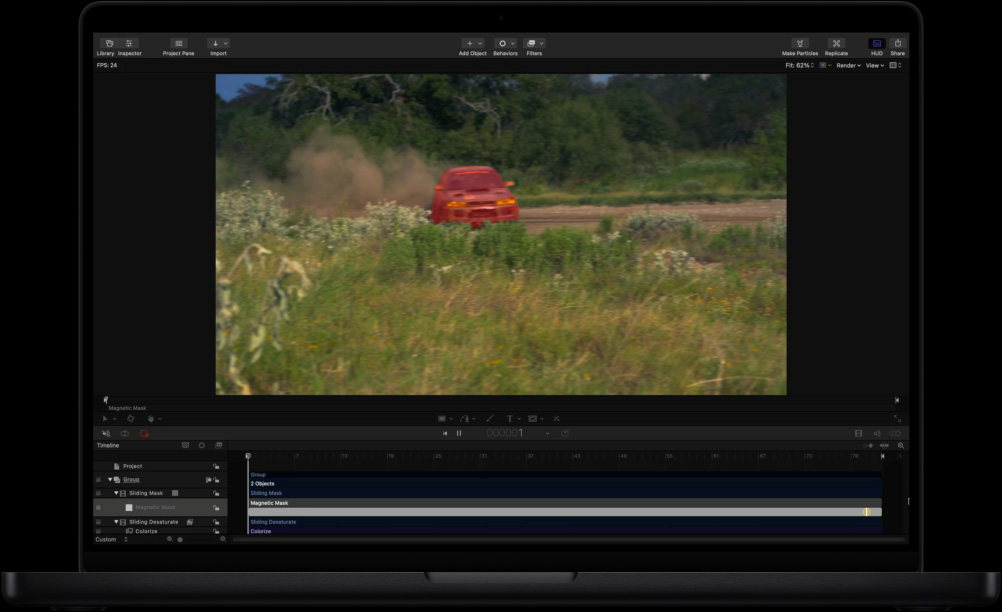
Isola con la maschera magnetica.
Separa persone e oggetti dallo sfondo senza bisogno di schermo verde o di complicati processi di rotoscoping.

-
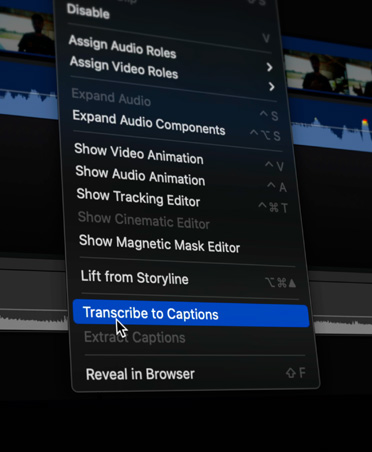
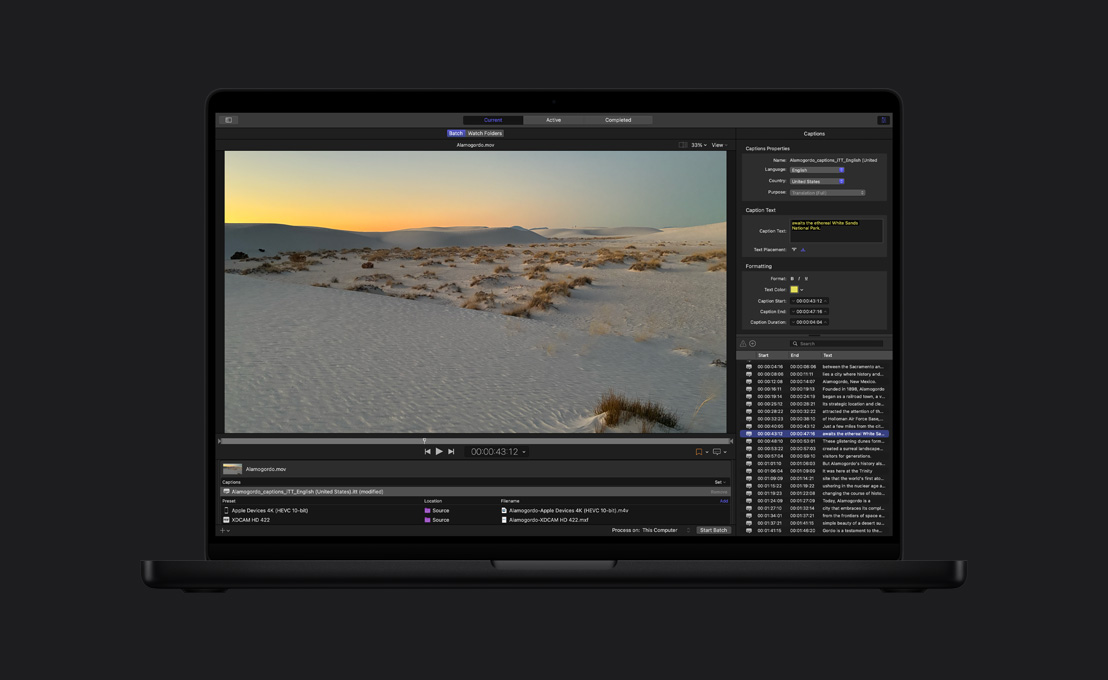
Sottotitoli automatici.
Analizzando l’audio del parlato, Final Cut Pro crea automaticamente sottotitoli accurati alla velocità della luce.
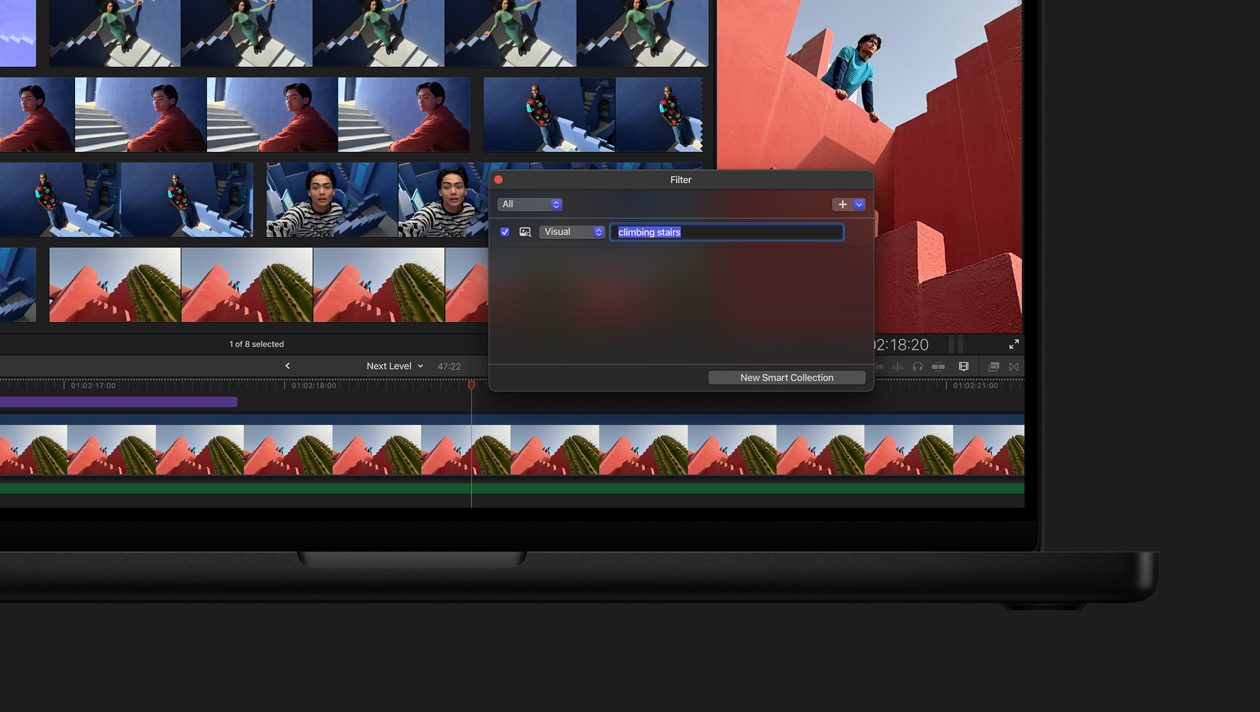
Cerca in base a cosa si vede. Con la funzione “Ricerca visiva” trovare i clip giusti è facilissimo. Basta digitare quello che stai cercando per individuare in pochi secondi oggetti e azioni.4
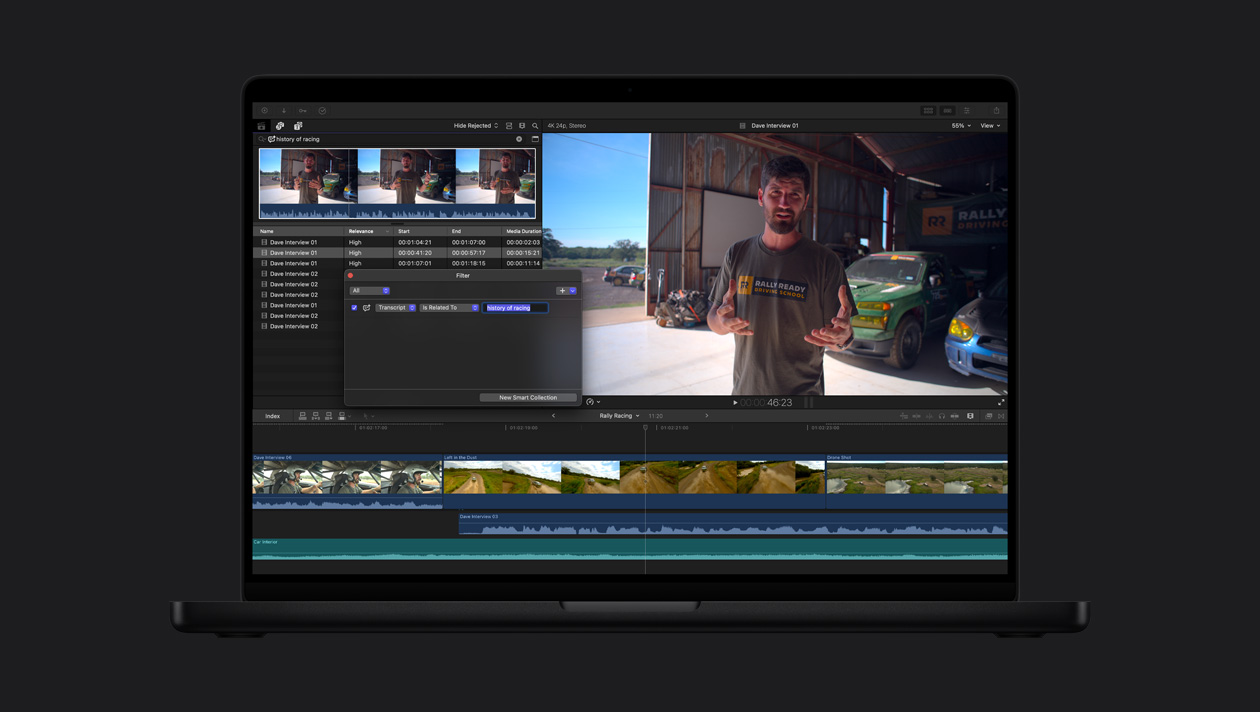
Trova in base a cosa si sente. Non devi più passare ore a setacciare il girato. La funzione “Ricerca trascrizioni” analizza il parlato per trovare all’istante le frasi pronunciate, sia con una corrispondenza esatta sia con parole correlate.5

-
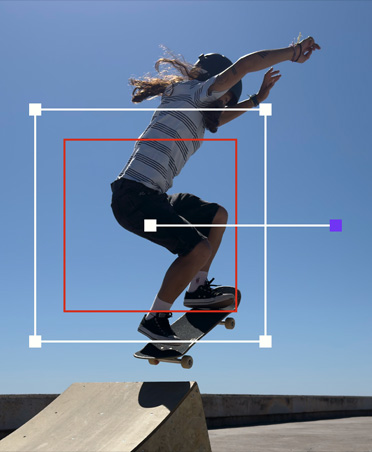
Rileva i movimenti in automatico.
Object Tracker traccia il movimento di persone, oggetti o volti, così puoi aggiungere effetti e titoli o fare modifiche mentre si muovono nella scena.
-
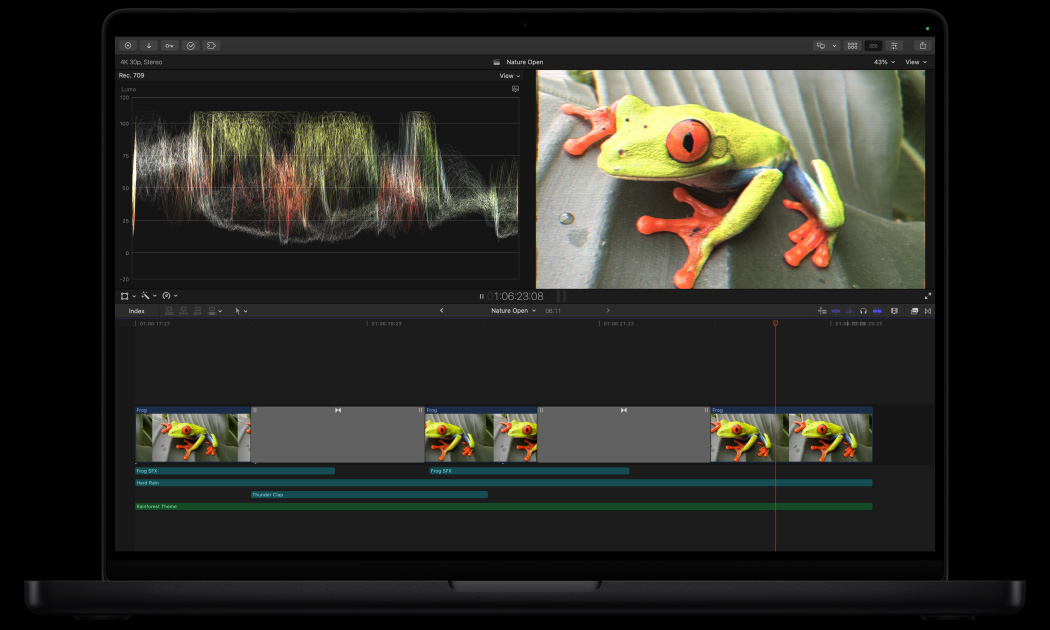
Bilancia il colore con un clic.
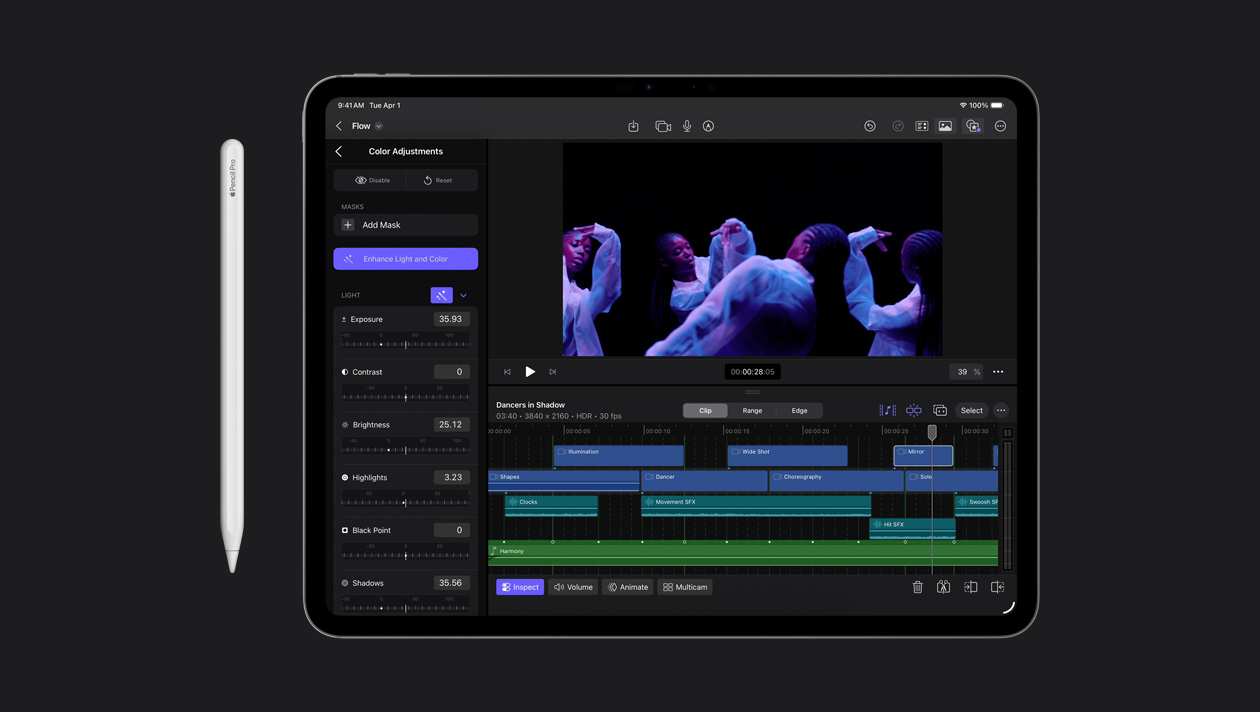
Perfeziona in automatico il color grading, il contrasto e la luminosità di video o immagini con l’effetto “Migliora luce e colore”, basato sul machine learning.

-
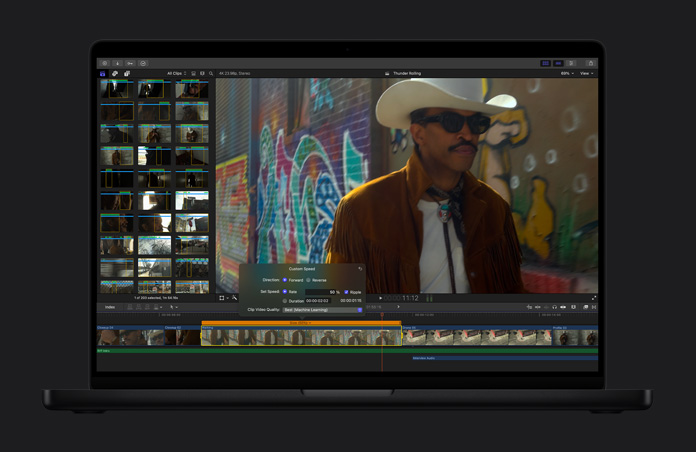
Rallenta i video.
“Slo-Mo graduale” genera e combina i fotogrammi in modo intelligente per rallentare una scena e aggiungere pathos, mantenendo altissima la qualità del movimento.
-
Clip che si inquadrano da soli.
I tuoi video si adattano perfettamente
a ogni formato, così sono pronti da condividere su Mac, iPhone, iPad e tutte le tue piattaforme social preferite.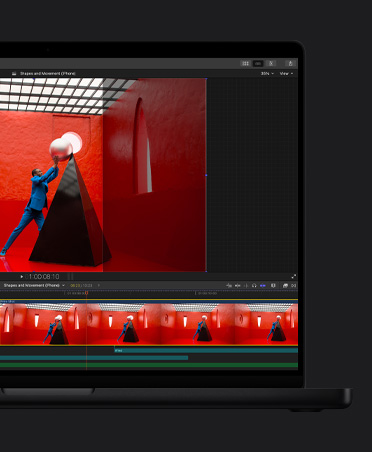
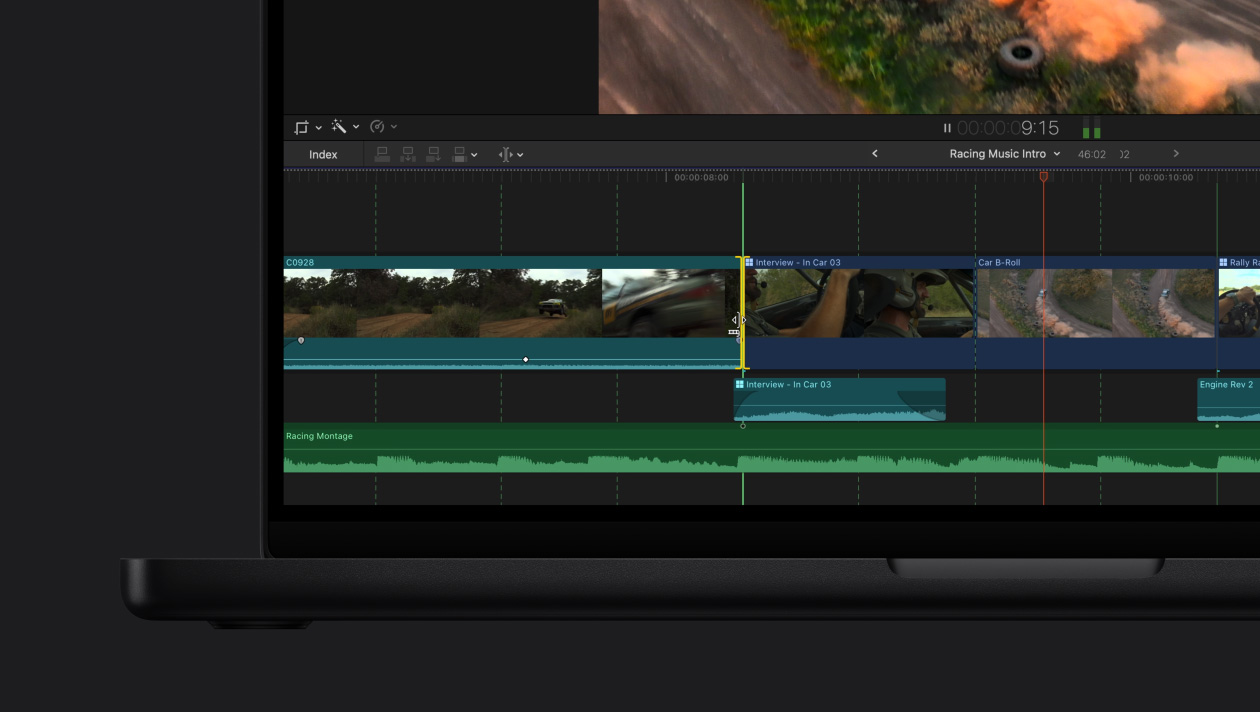
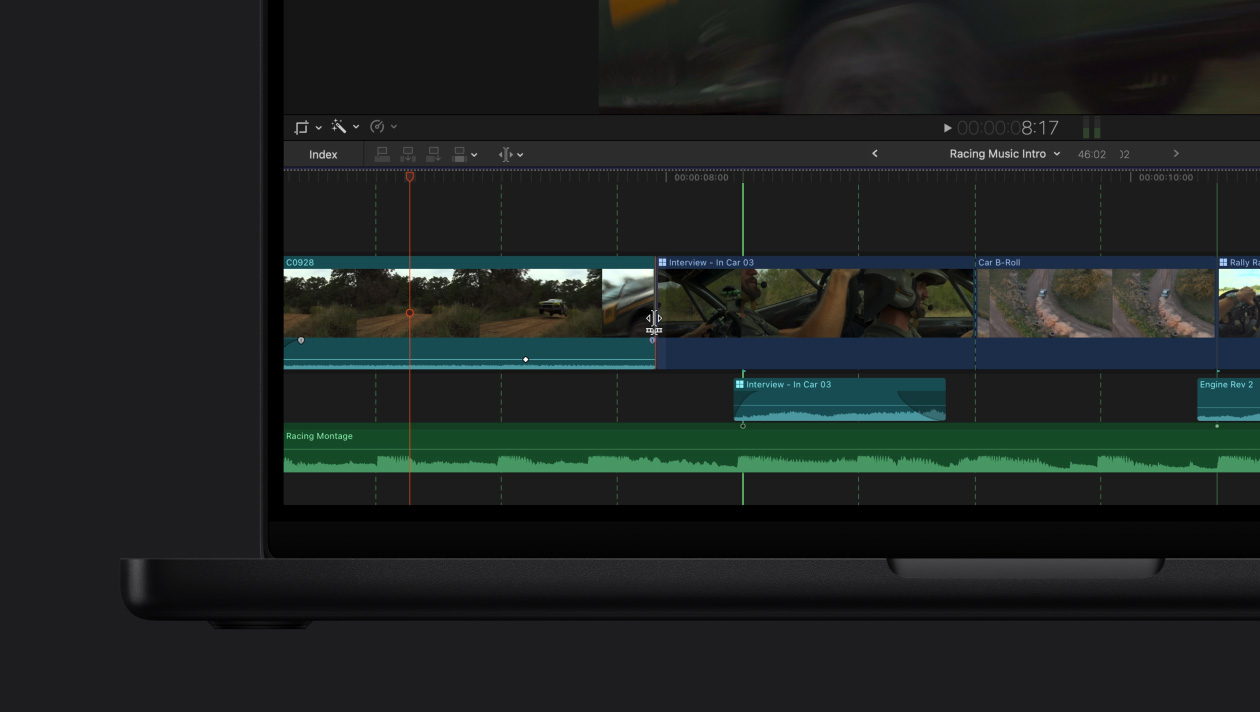
Rilevamento battiti. E sei sempre a tempo.
-
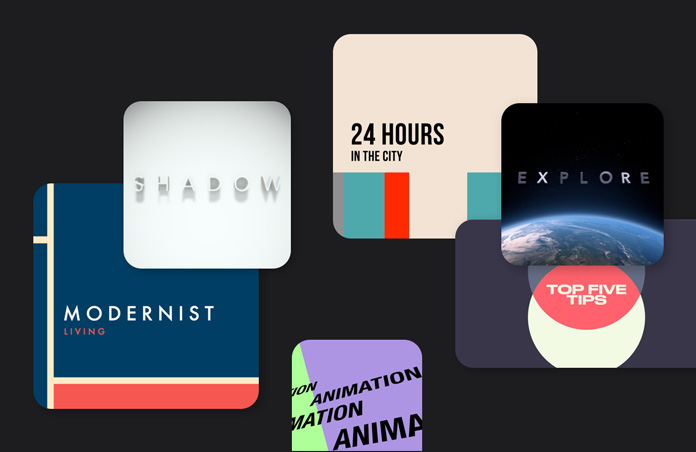
Grafica e transizioni.
Un’ampia libreria di contenuti video dinamici e personalizzabili, per darti la massima flessibilità sia con riprese verticali che orizzontali.
-
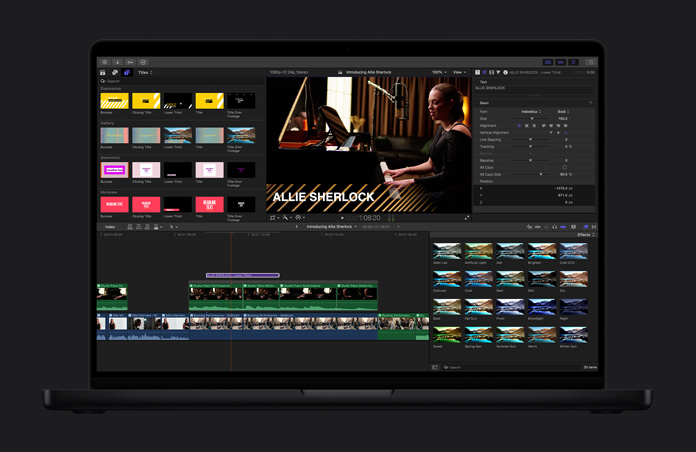
Titoli dinamici.
Personalizza i titoli a tema, i terzi inferiori e i bumper per migliorare il tuo progetto.
-
Effetti spettacolari.
Per rendere speciali le immagini basta trascinare e rilasciare gli elementi. E se vuoi ancora più opzioni, puoi usare migliaia di strumenti di terze parti.
-
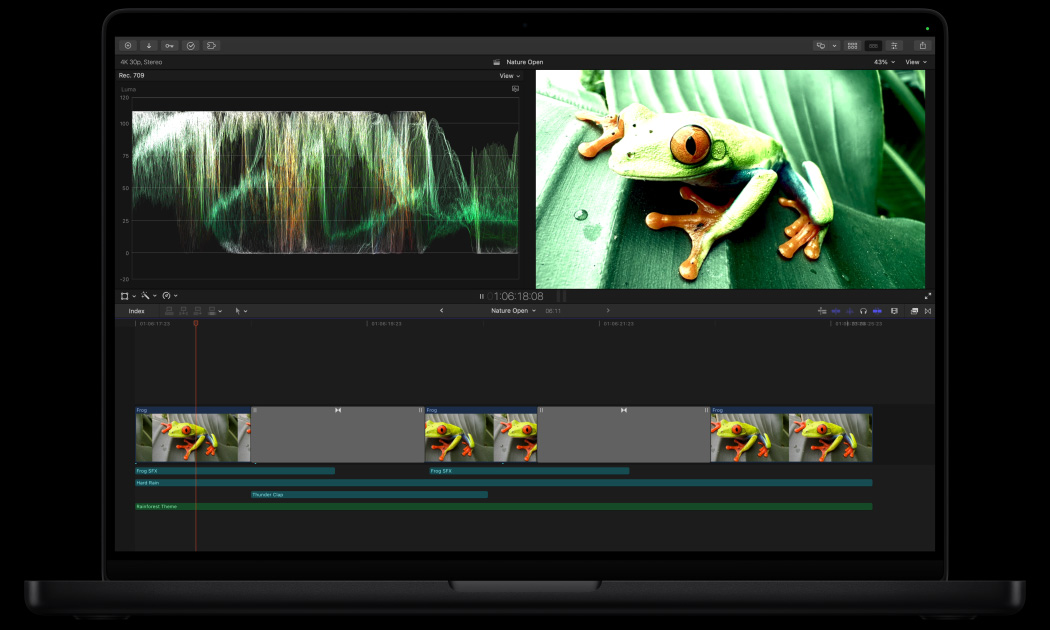
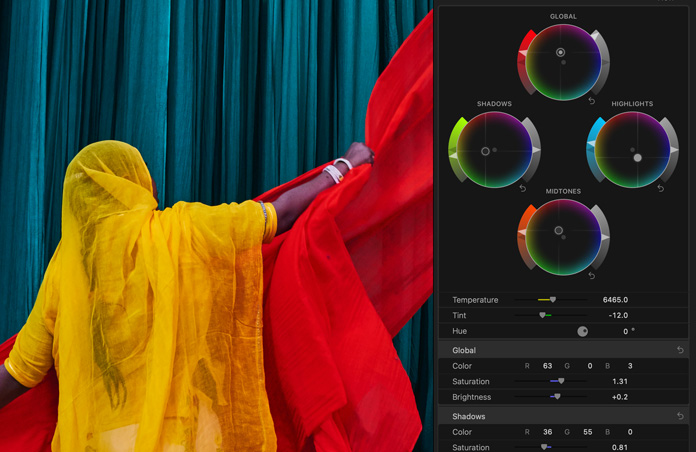
Perfeziona il color grading.
Con una serie di strumenti professionali come le curve cromatiche, le curve tonalità/saturazione, un Inspector colore con cerchi cromatici e la possibilità di applicare LUT, i tuoi progetti risultano decisamente brillanti.

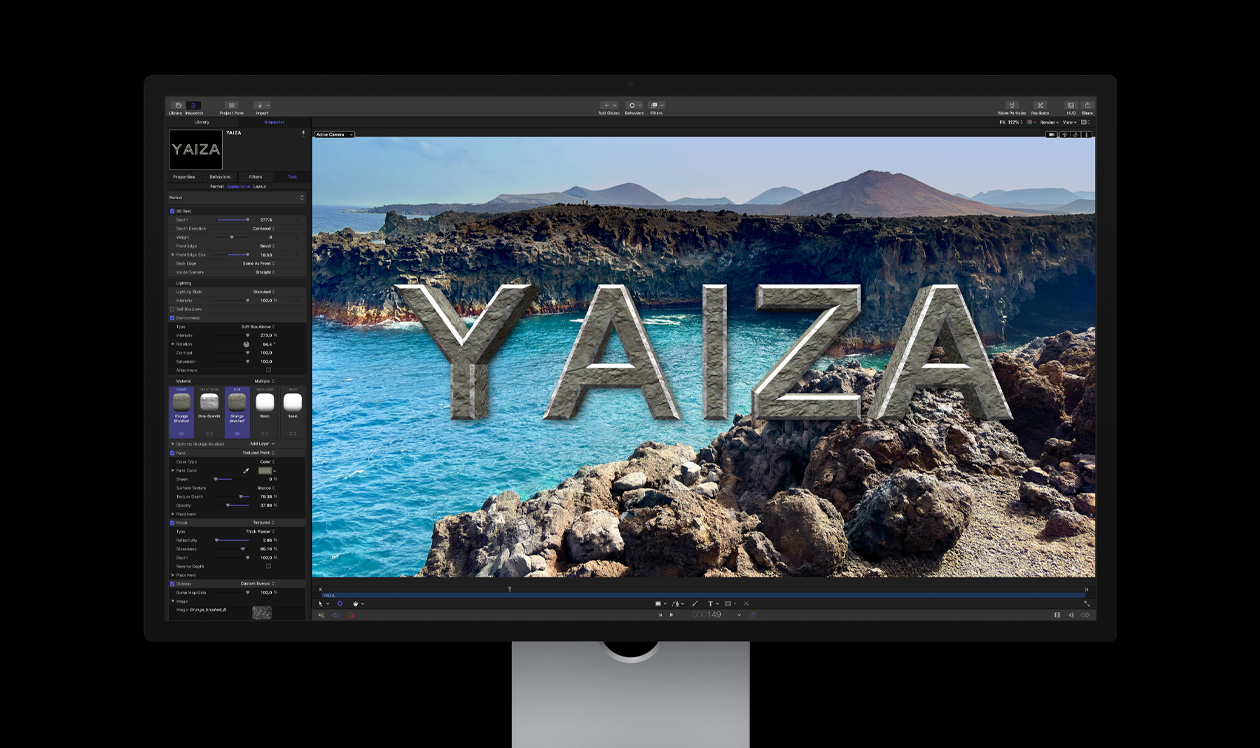
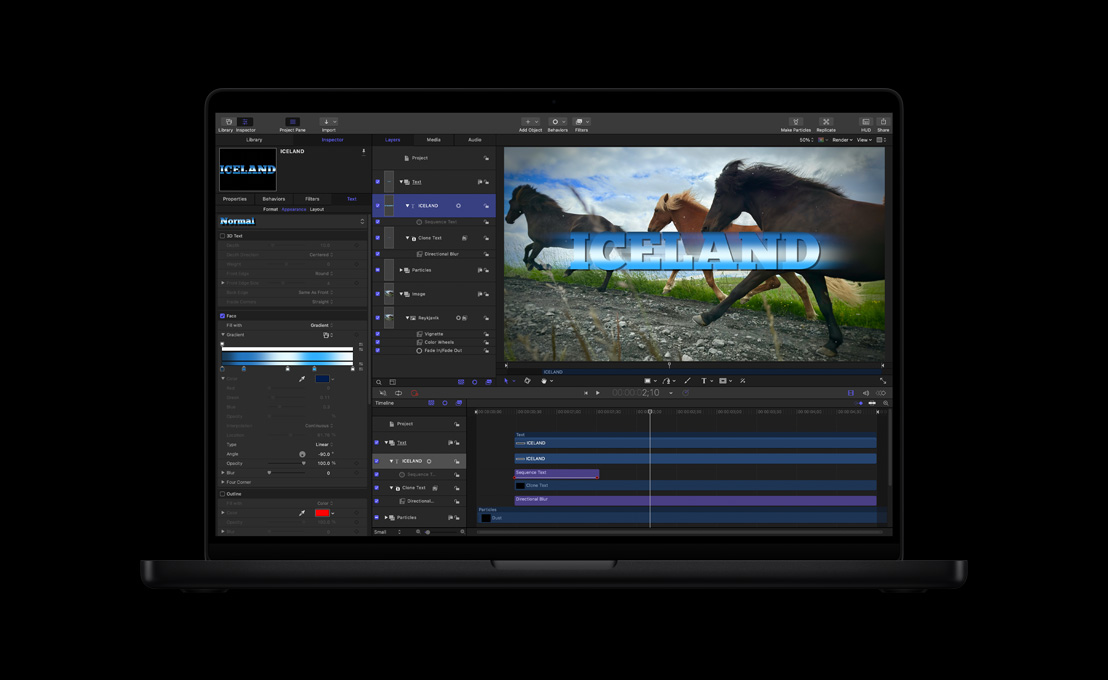
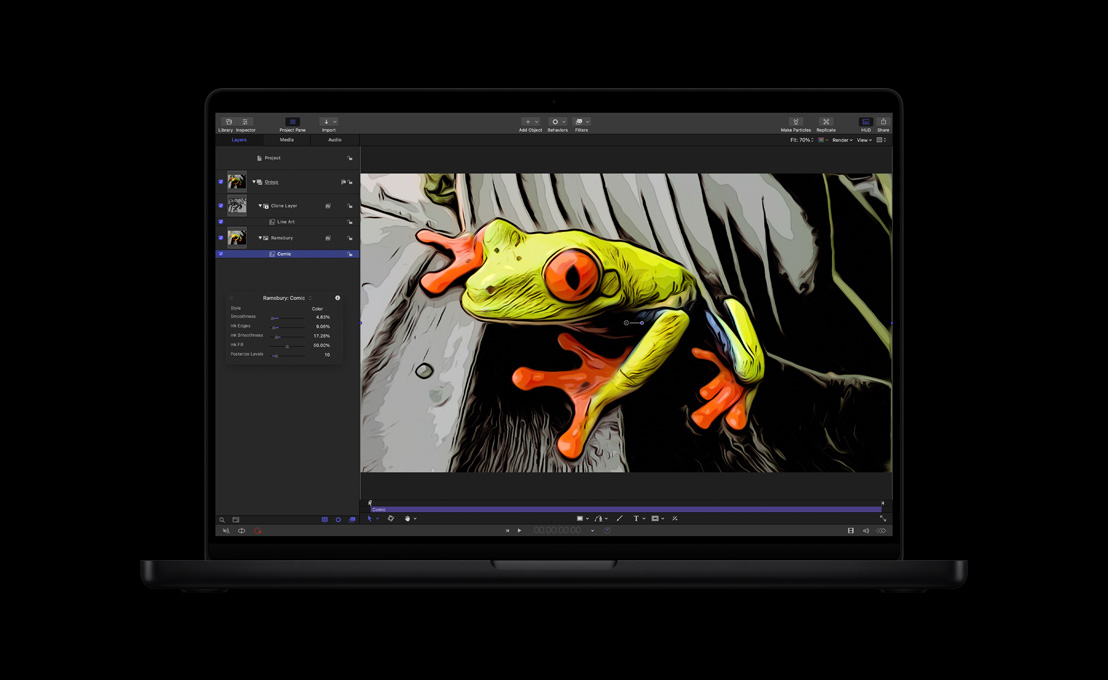
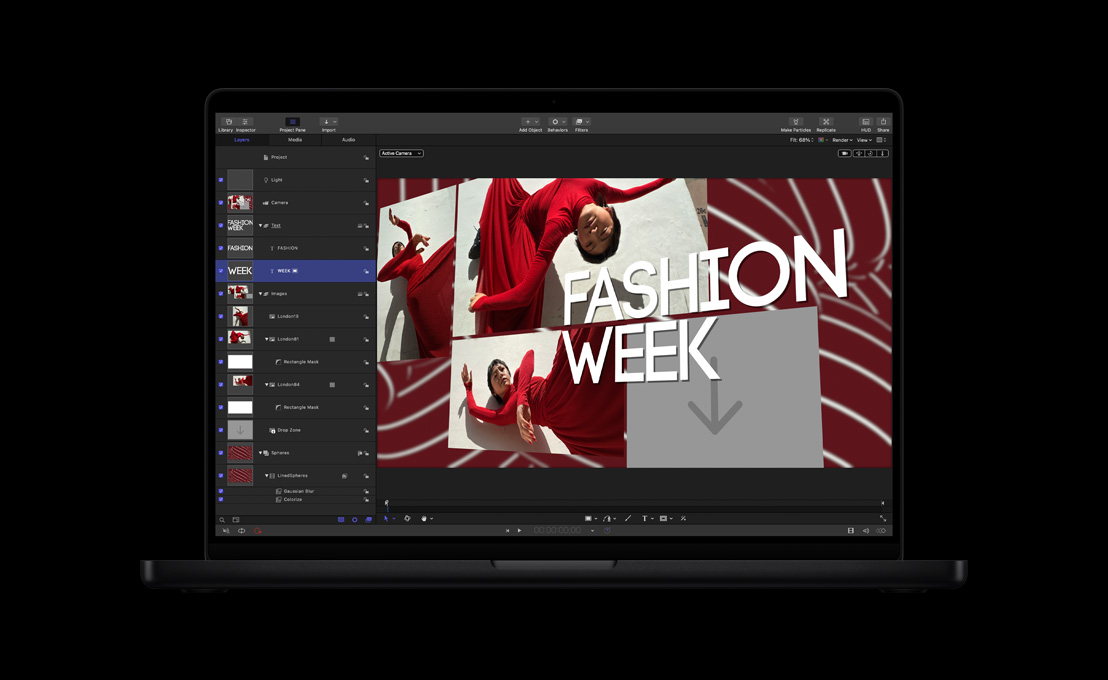
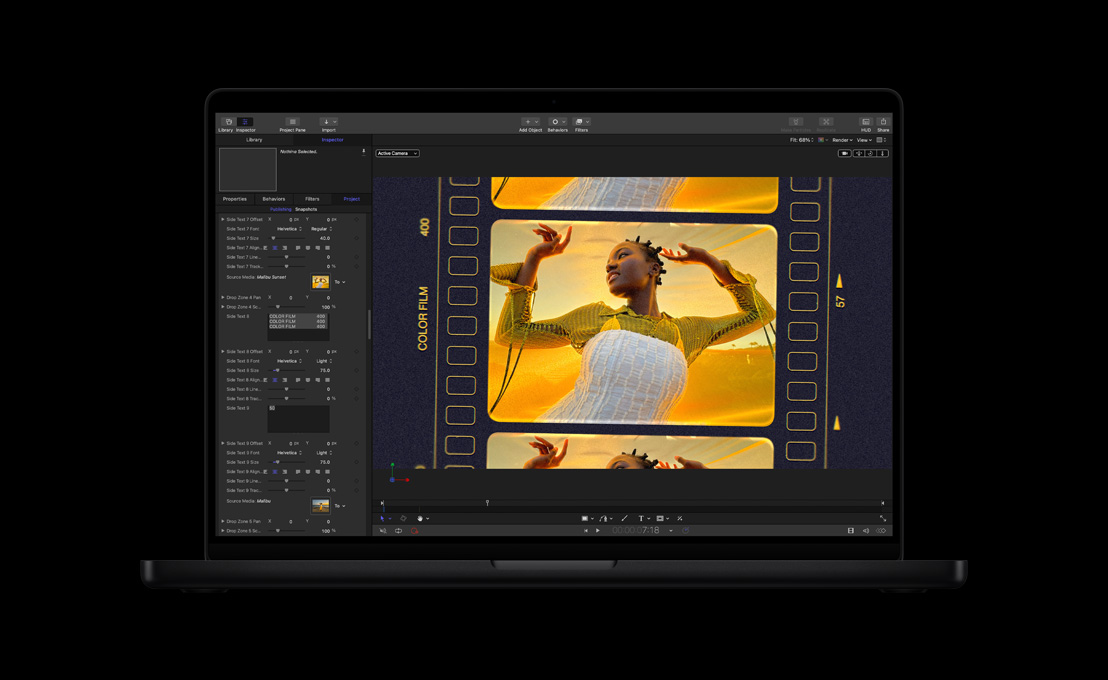
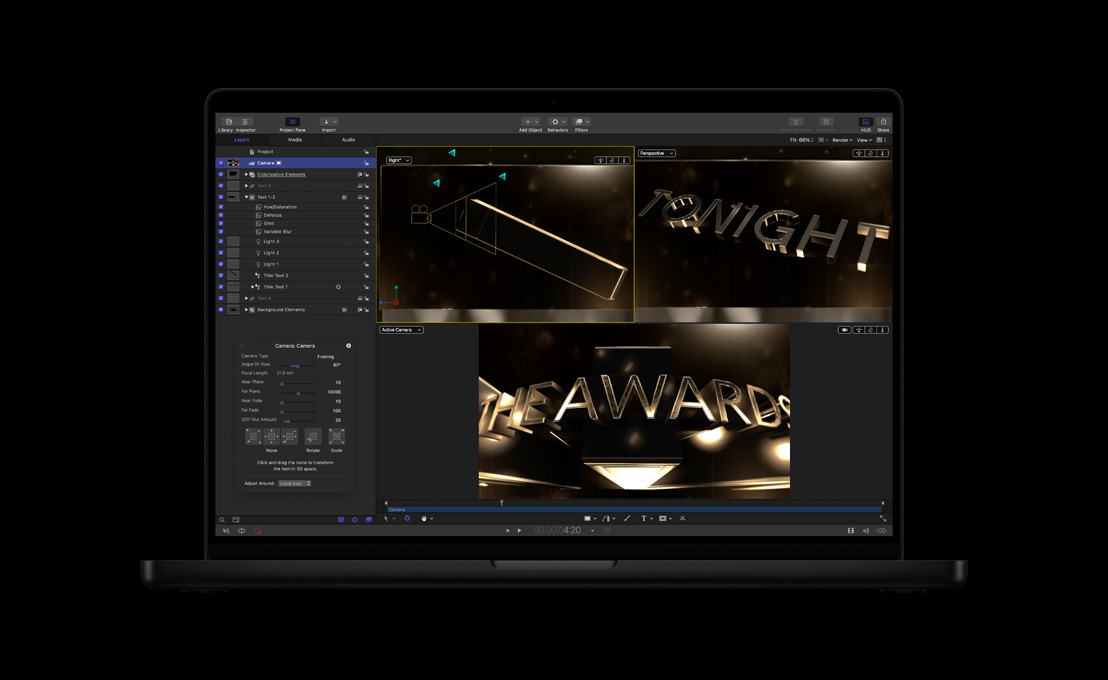
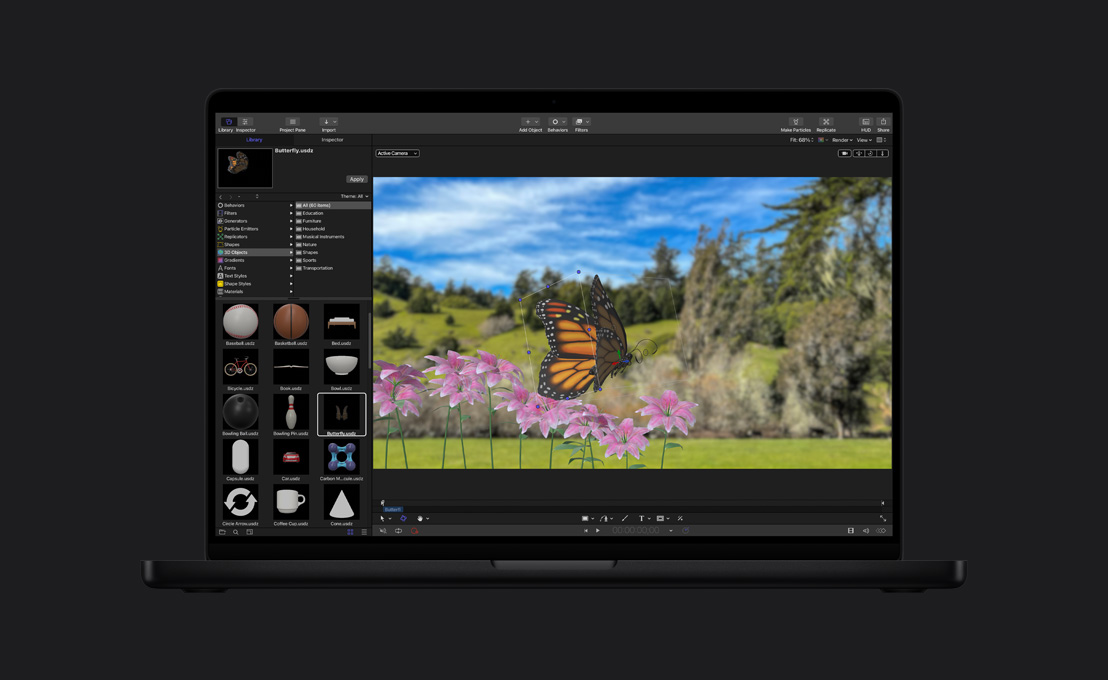
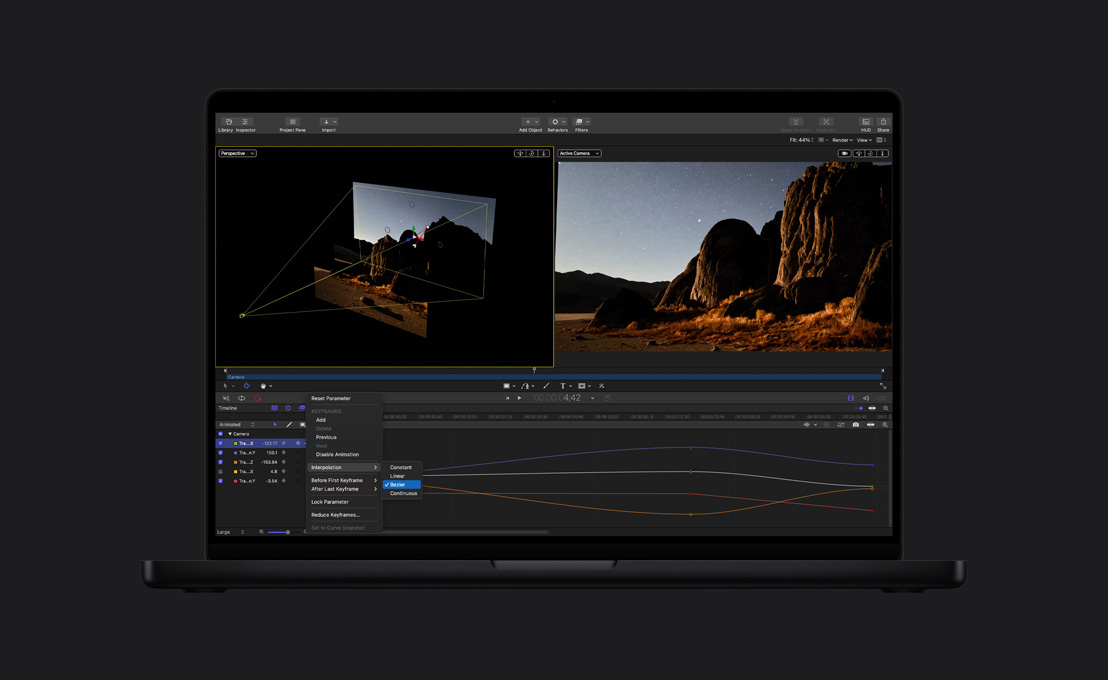
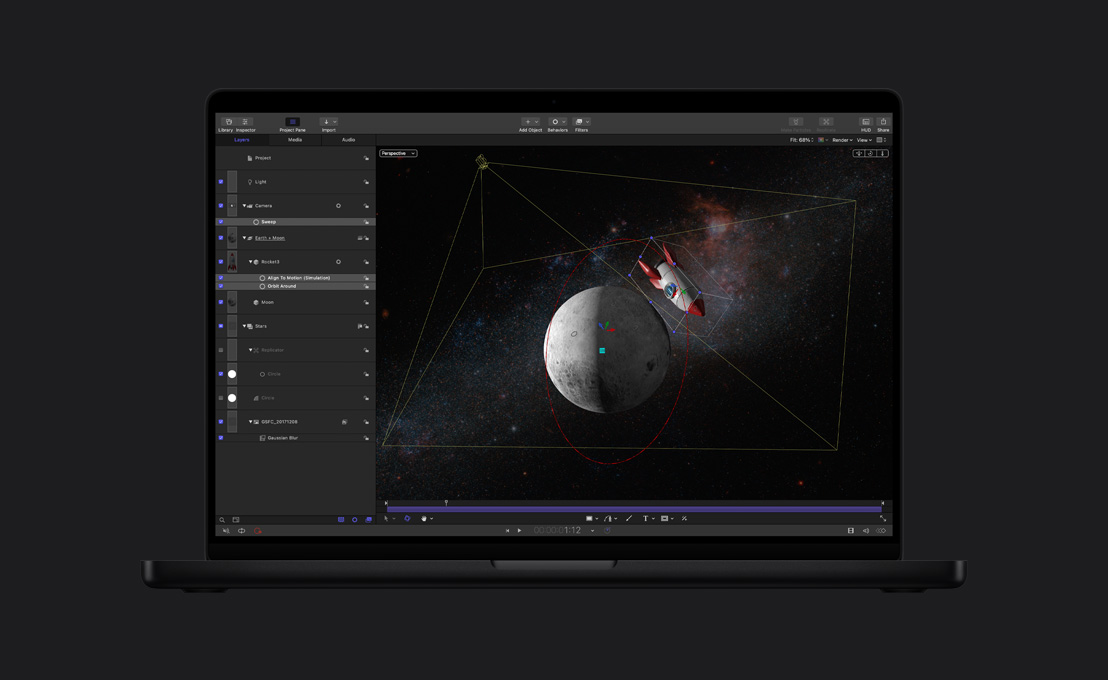
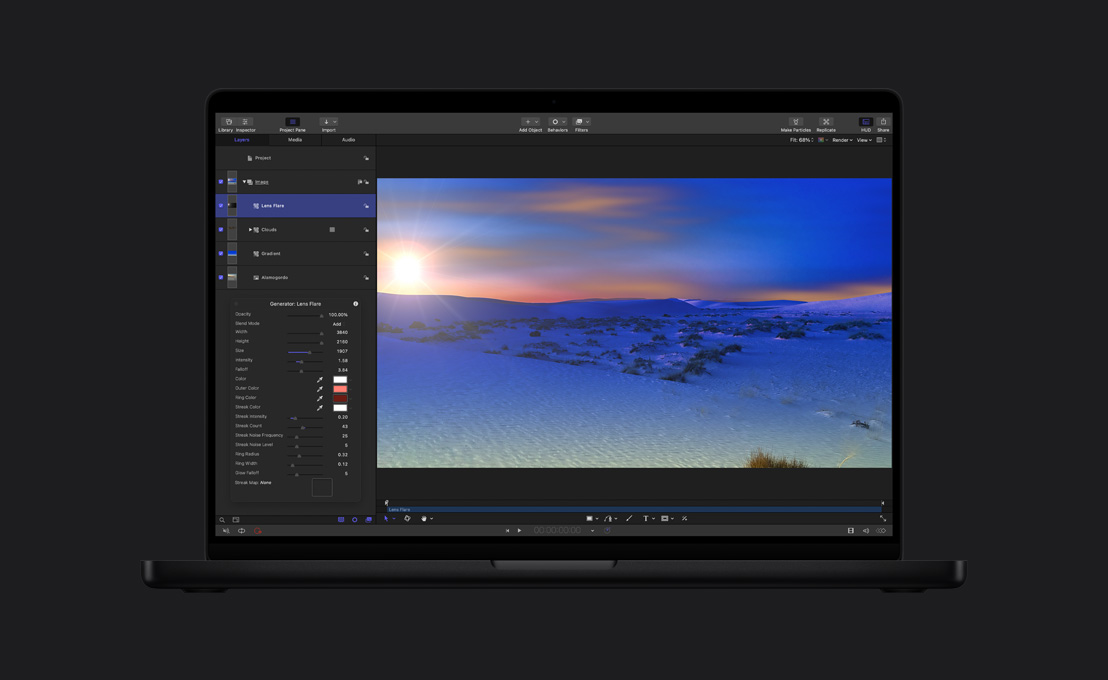
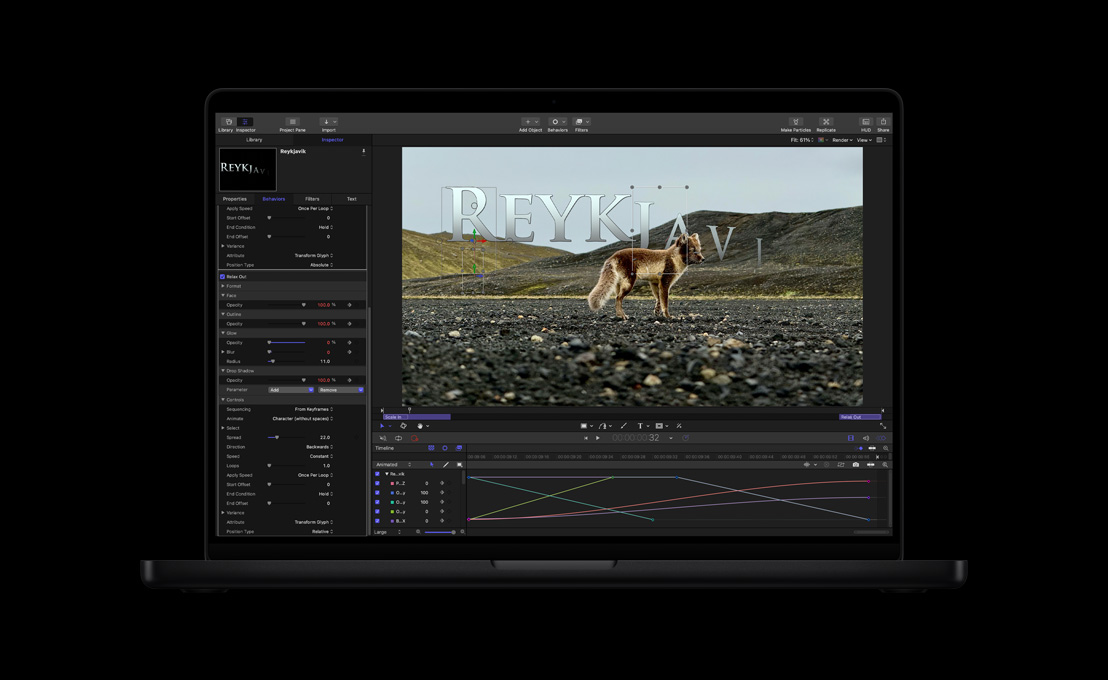
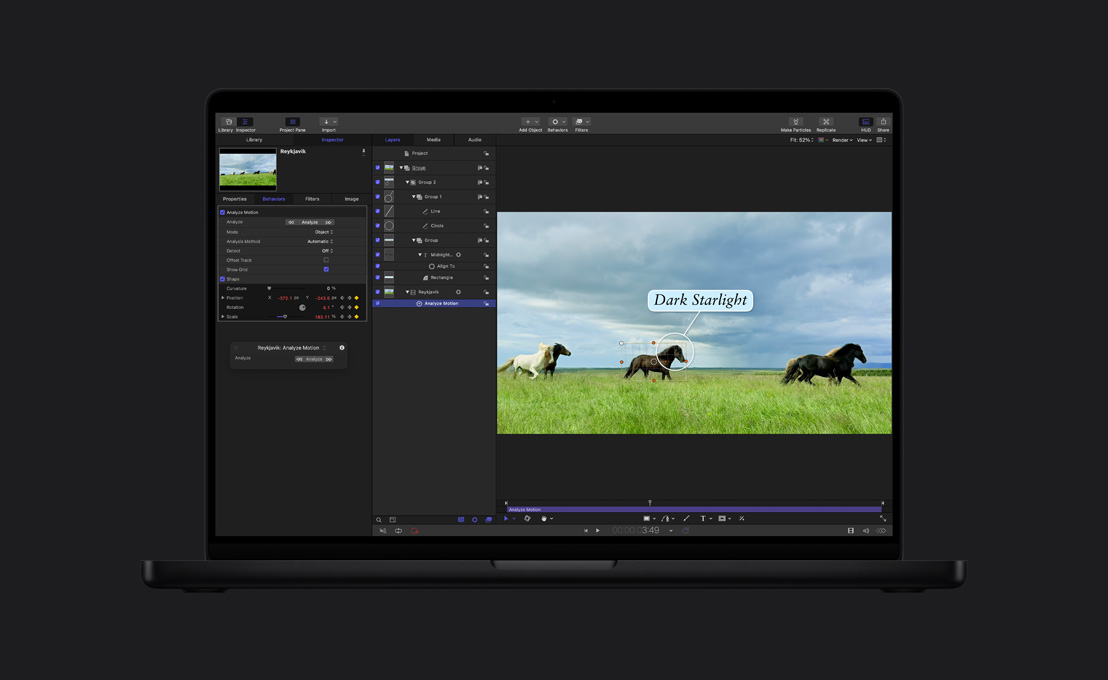
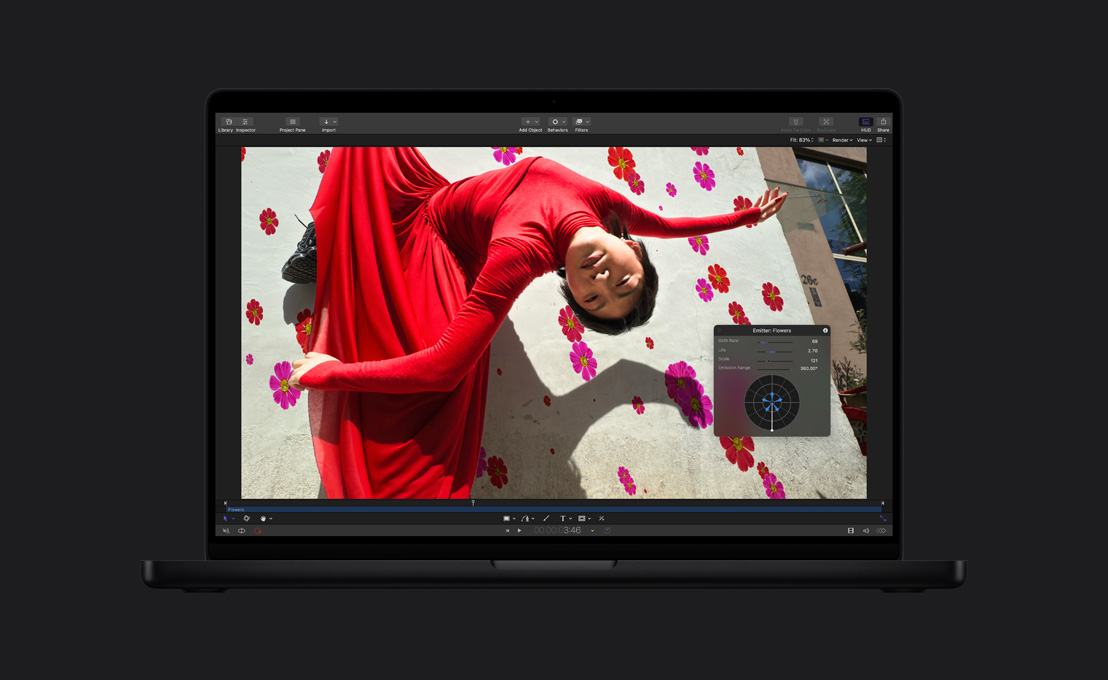
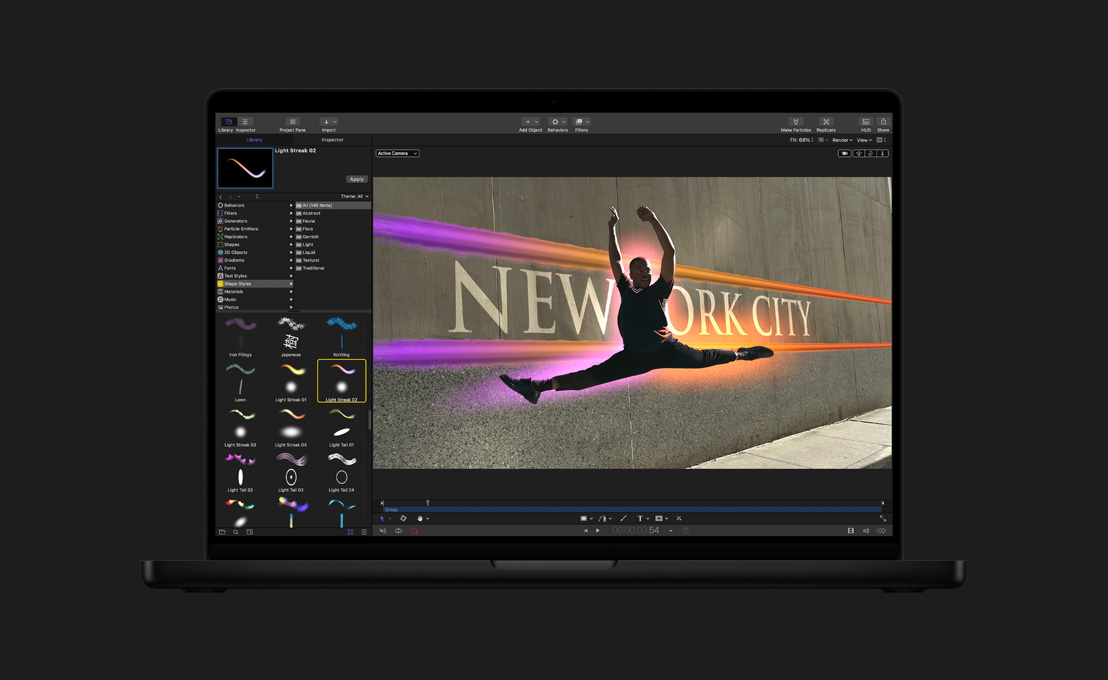
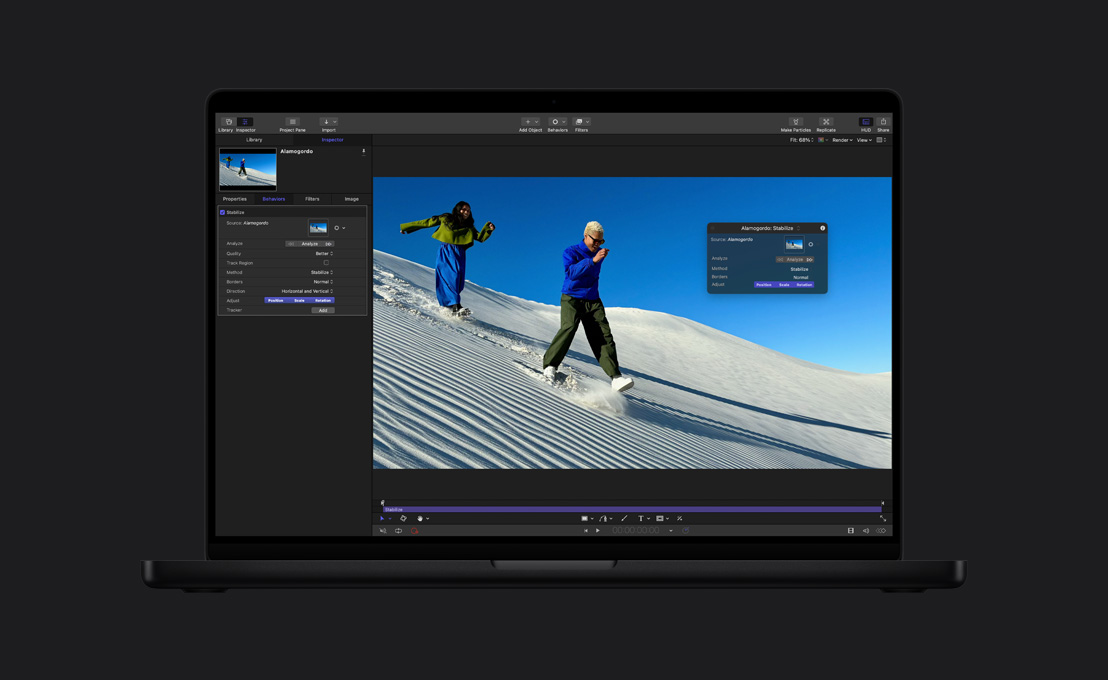
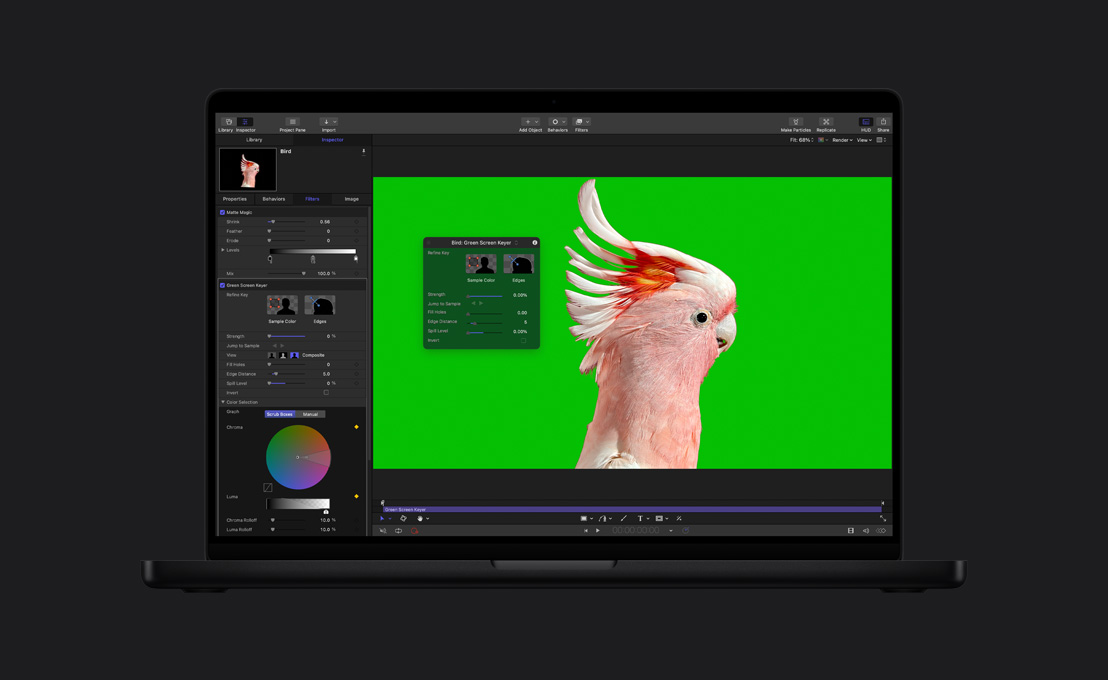
Con Motion ogni effetto è speciale.






-
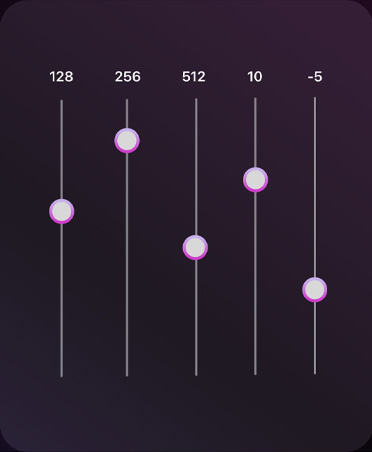
Strumenti di editing audio.
Scegli da un catalogo di plug-in per compressione audio, equalizzazione e altri effetti avventurosi. Oppure esporta il file in Logic Pro, l’app professionale che ti permette di perfezionare il risultato ancora di più.
-
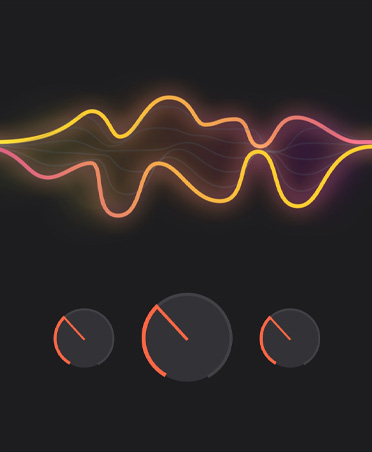
Usa gli effetti di Logic Pro.
Non c’è bisogno di cambiare app. Final Cut Pro include una serie di potenti plug-in audio di Logic Pro e anche plug-in audio di terze parti.6
-
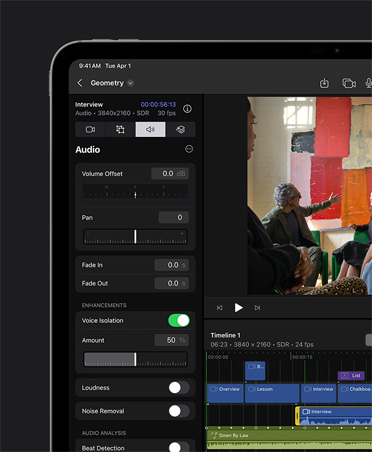
Isolamento vocale.
Elimina i rumori di fondo e migliora la nitidezza del parlato per un montaggio dal suono impeccabile.
-
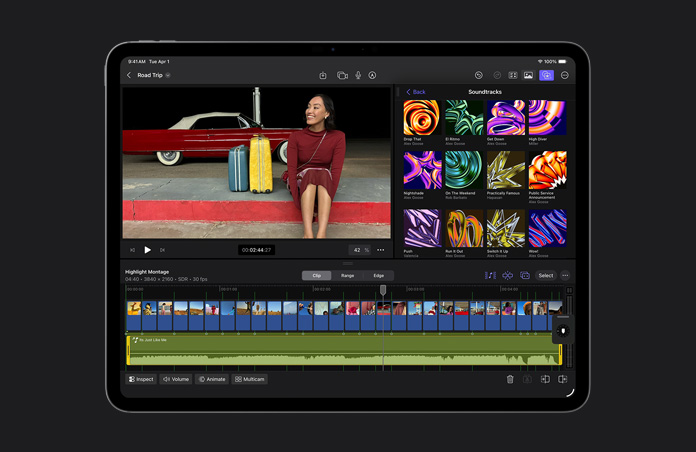
Musica in sync fino all’ultimo frame, con iPad.
Le colonne sonore si adattano dinamicamente alla lunghezza del tuo progetto: si allungano, si accorciano e si sincronizzano man mano che la scena procede.

-
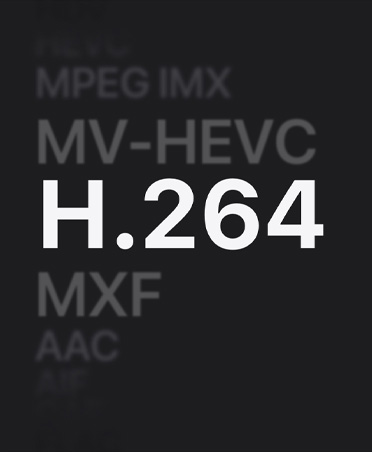
Ottimizza i file.
Transcodifica i video in Apple ProRes per accelerare le operazioni di editing, ridurre i tempi di rendering e migliorare la qualità del colore per la composizione.
-
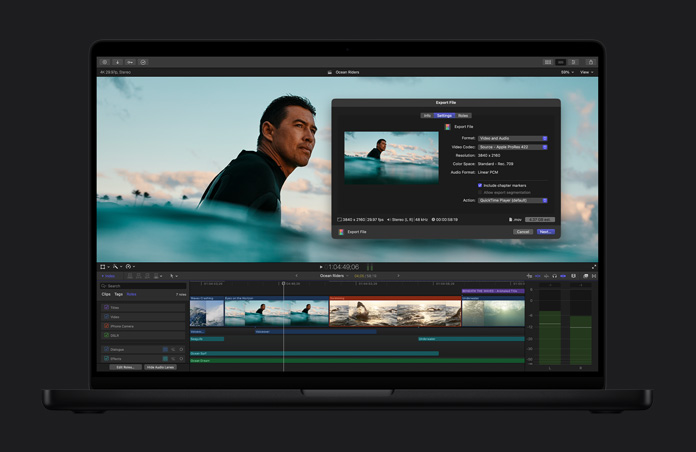
Condividi in alta qualità.
Quando è tutto pronto, esporta il tuo progetto creando un file di qualità professionale, pronto per gli ultimi passaggi di post-produzione, o per essere trasmesso e distribuito.
-
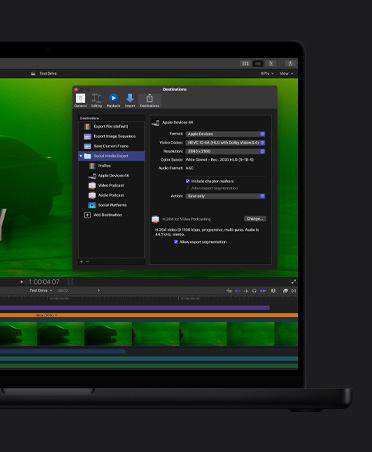
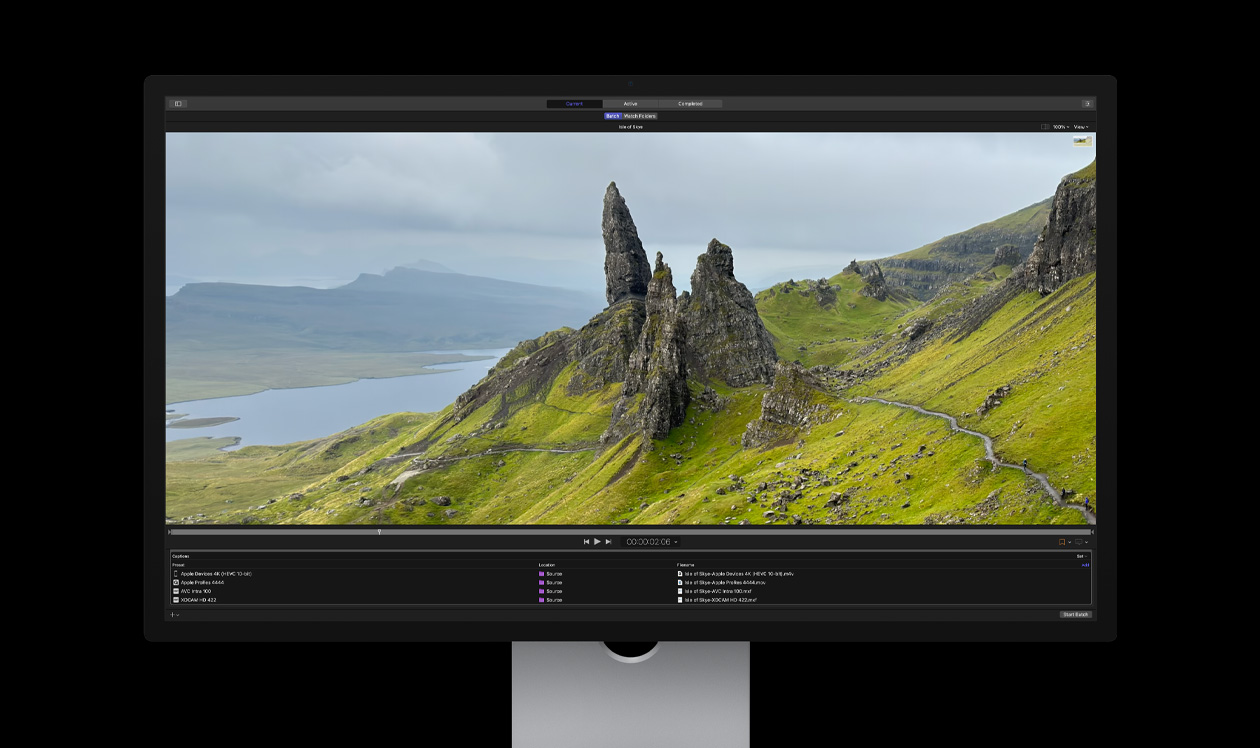
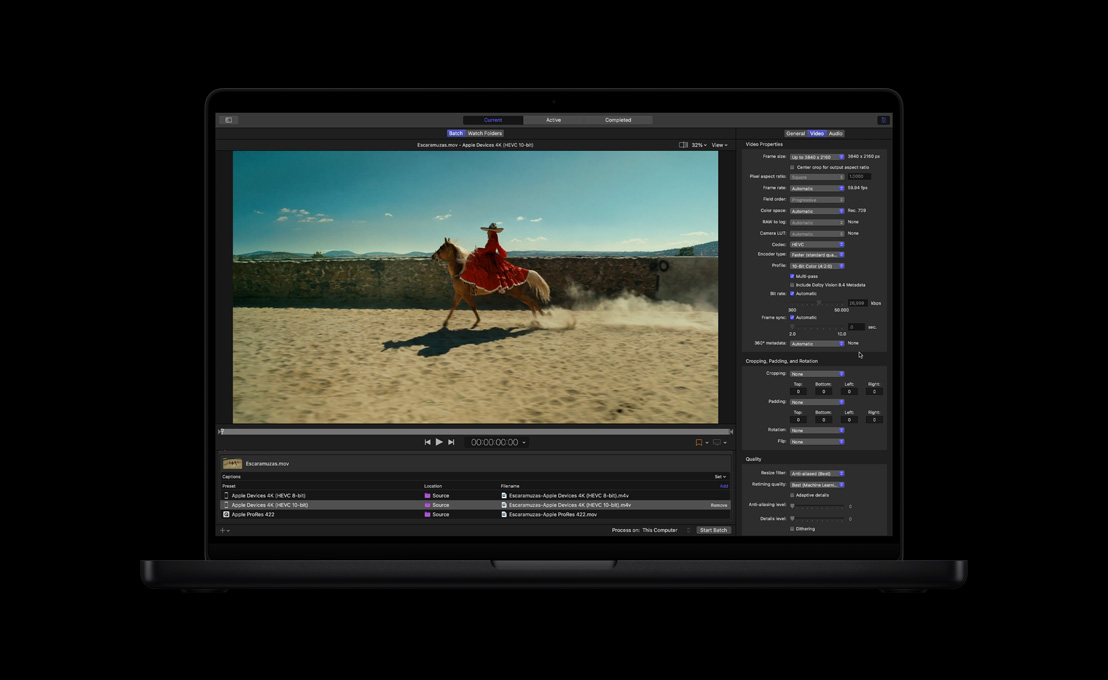
Esportazione batch.
Esporta più progetti, clip o intervalli di clip in contemporanea verso destinazioni diverse, come dispositivi mobili o social media.

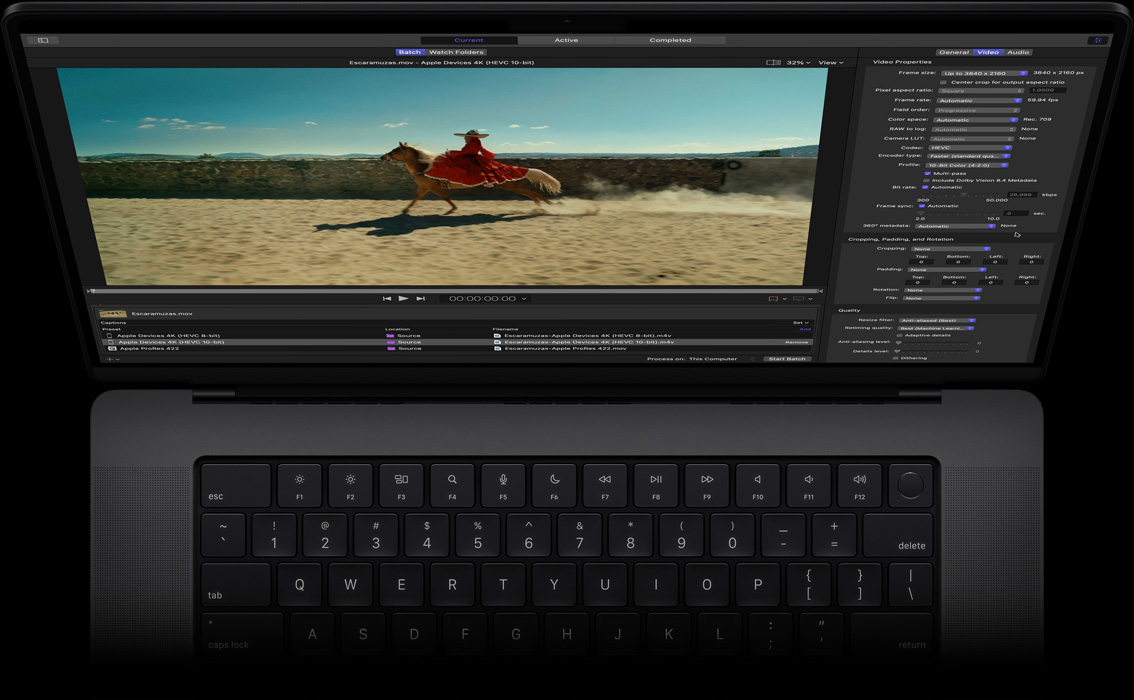
Compressor. Allarga gli orizzonti della codifica.


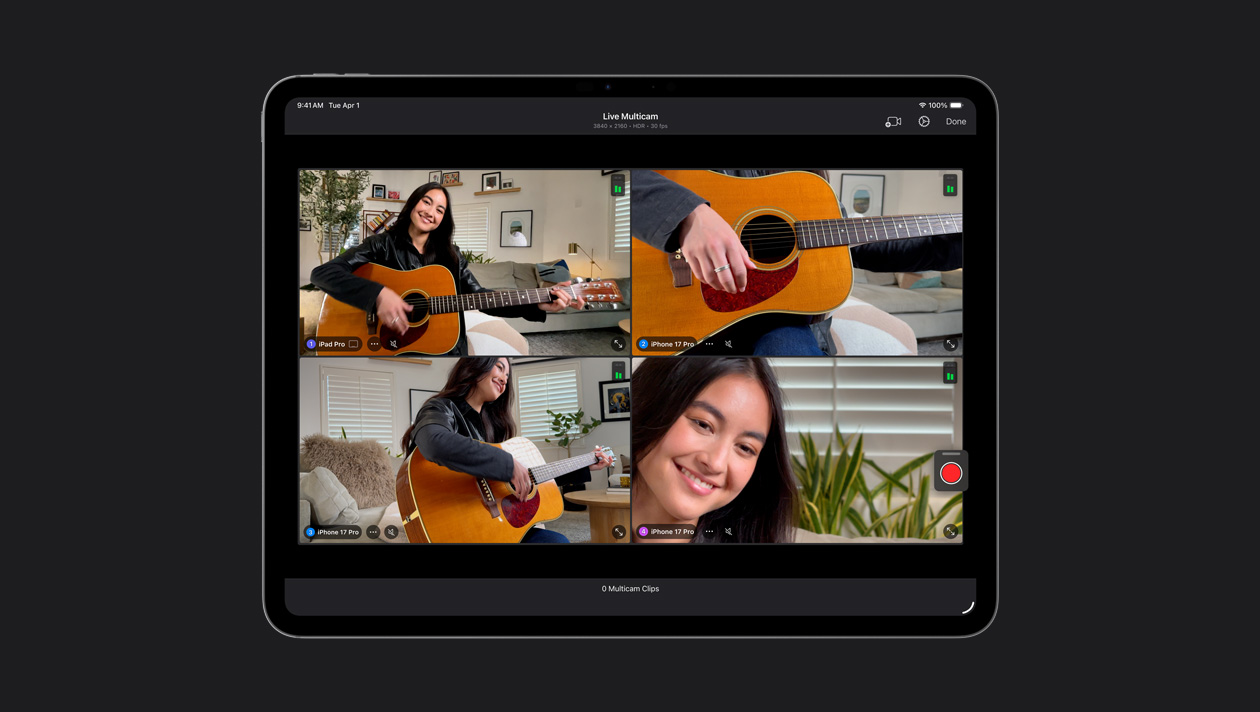
Collega fino a quattro iPhone o iPad, controlla da remoto le loro impostazioni e sincronizza automaticamente tutti i tuoi filmati. Registra facilmente video musicali, podcast e interviste.
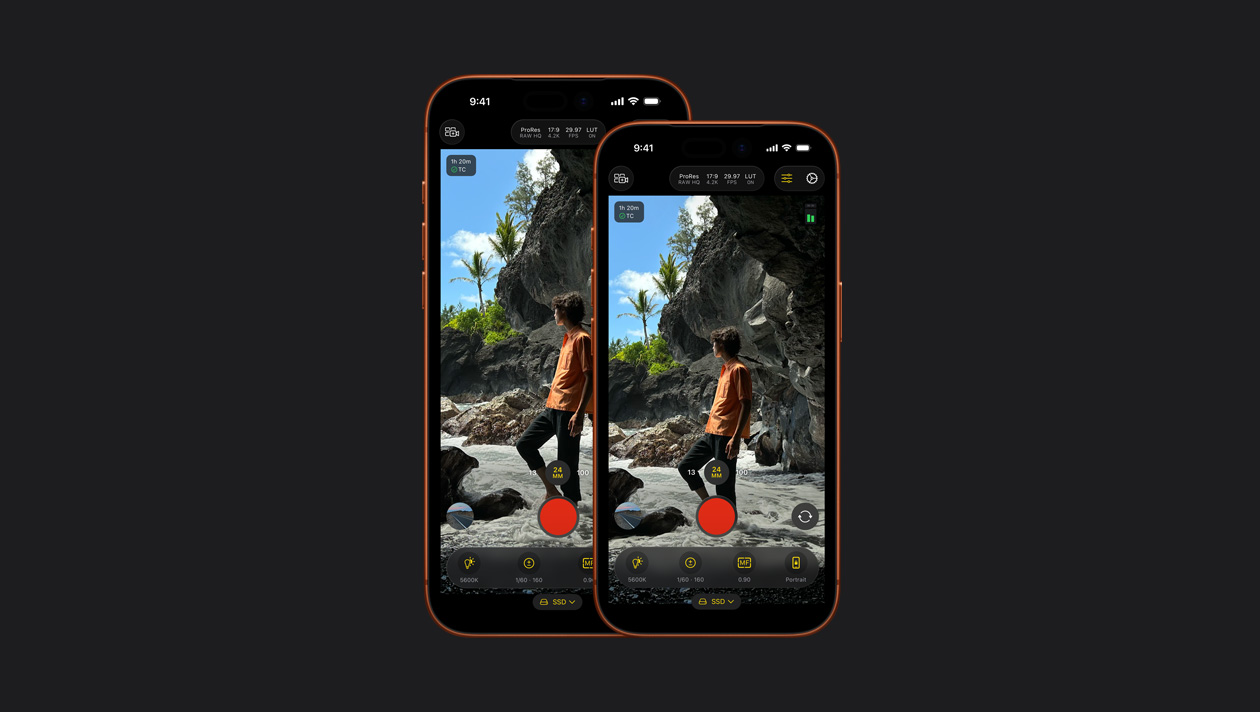
Gira video di livello professionale con il tuo iPhone o iPad e sfrutta potenti controlli manuali come ISO, velocità dell’otturatore, bilanciamento del bianco e molto altro.7
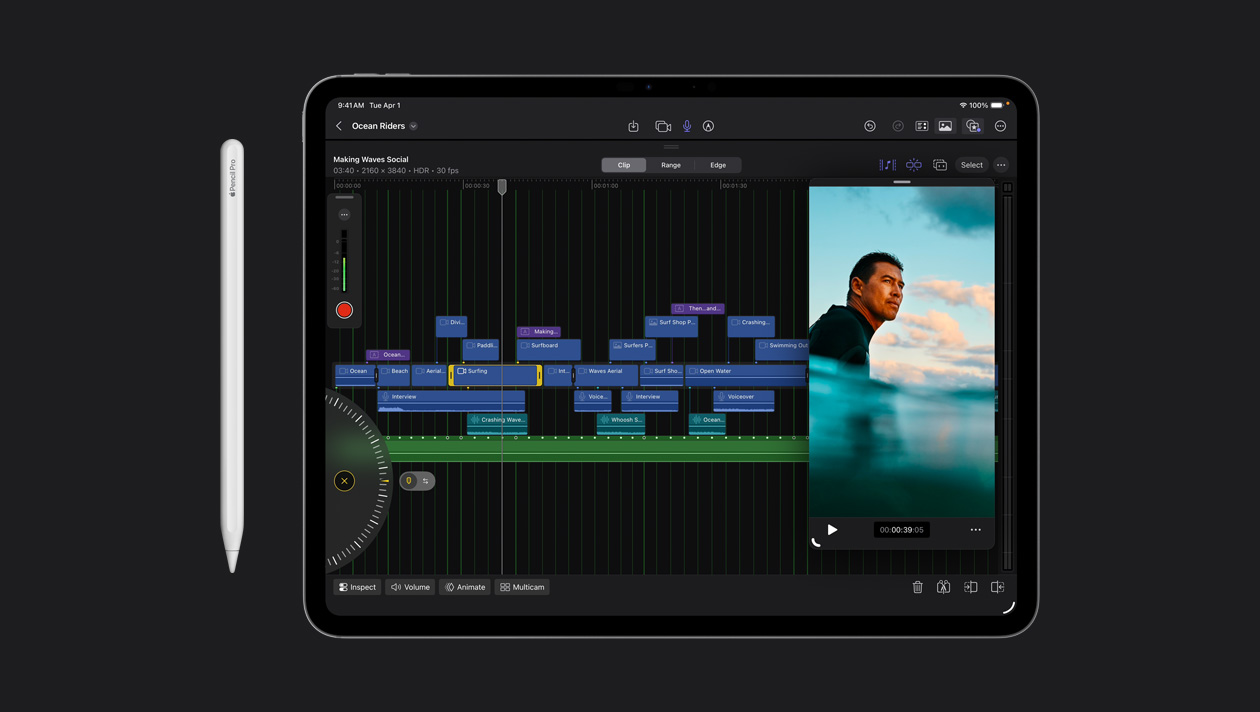
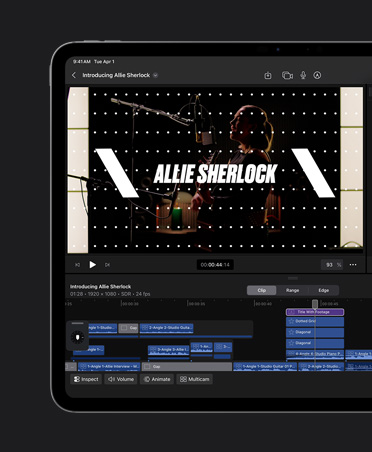
Modifica i fotogrammi con precisione millimetrica, con un semplice tap. E con la veloce Jog Wheel puoi spostarti al volo fra i filmati e ritoccare i tuoi clip.
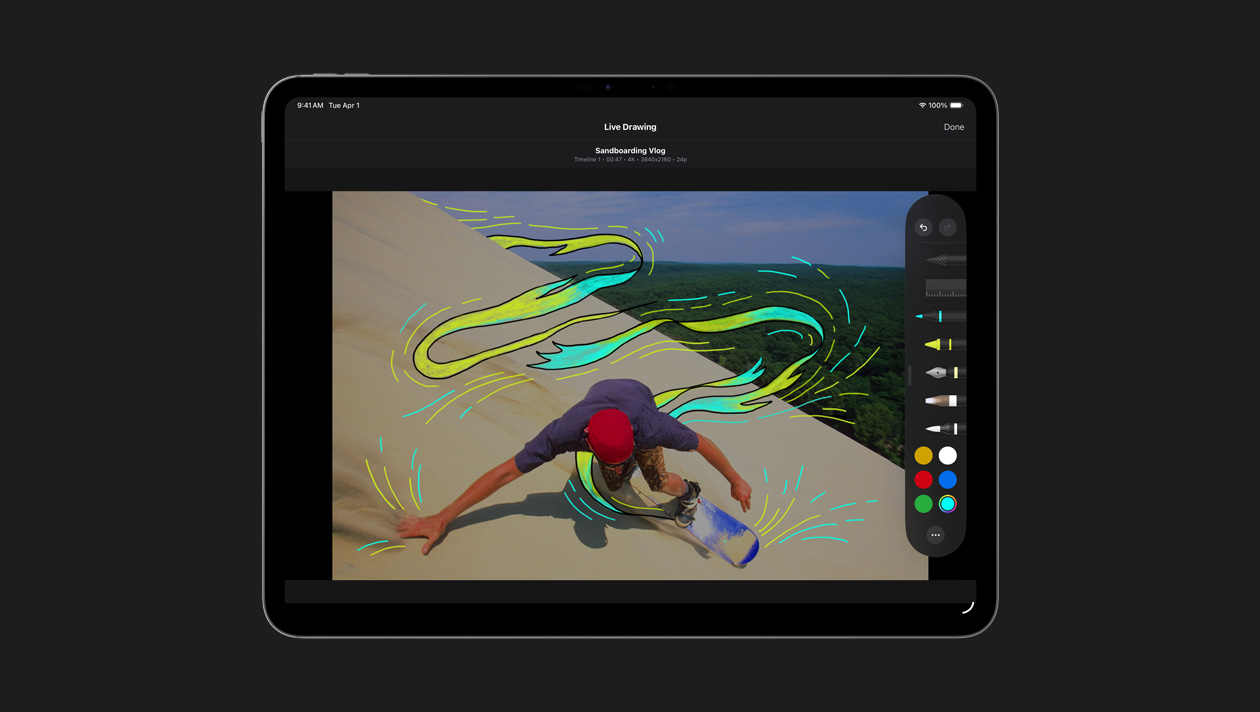
Disegna, evidenzia e scrivi direttamente sui filmati in modalità touch o con Apple Pencil per creare originali titoli animati e illustrazioni.
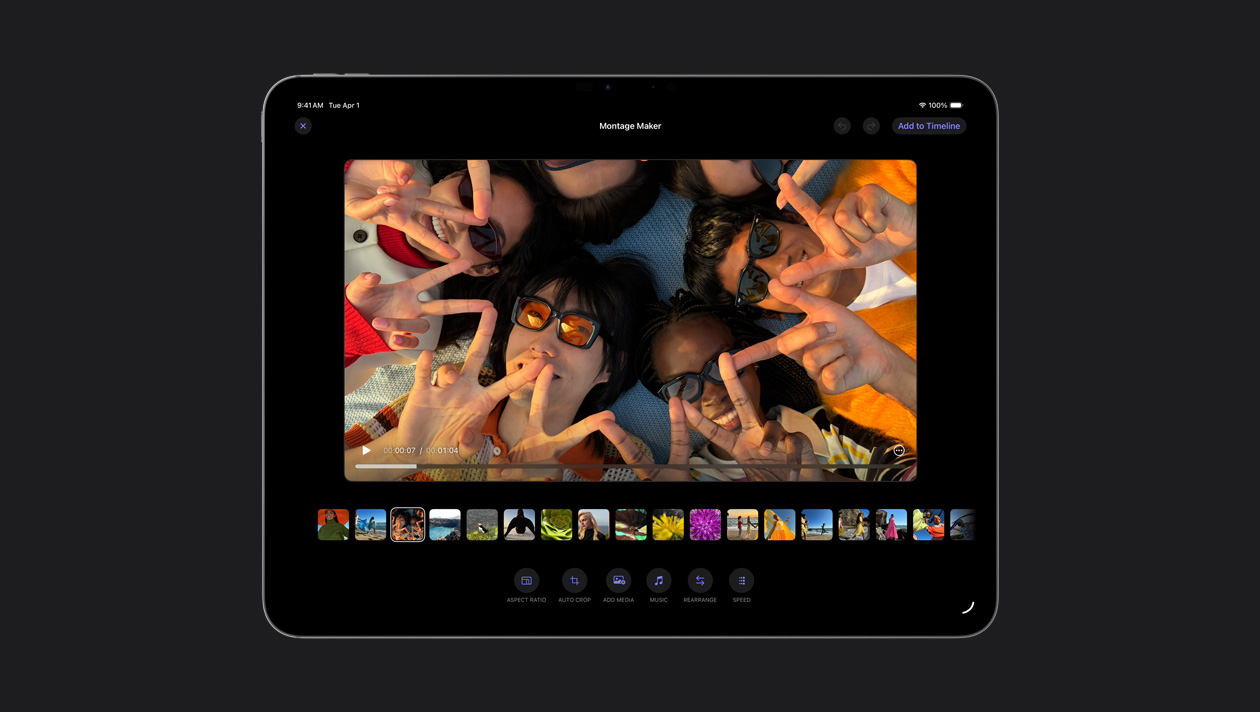
La funzione “Montage maker” seleziona in automatico le sequenze migliori del tuo filmato e le monta al ritmo della canzone che vuoi. Poi ti consente di fare i ritocchi che preferisci e di condividere il tuo capolavoro.
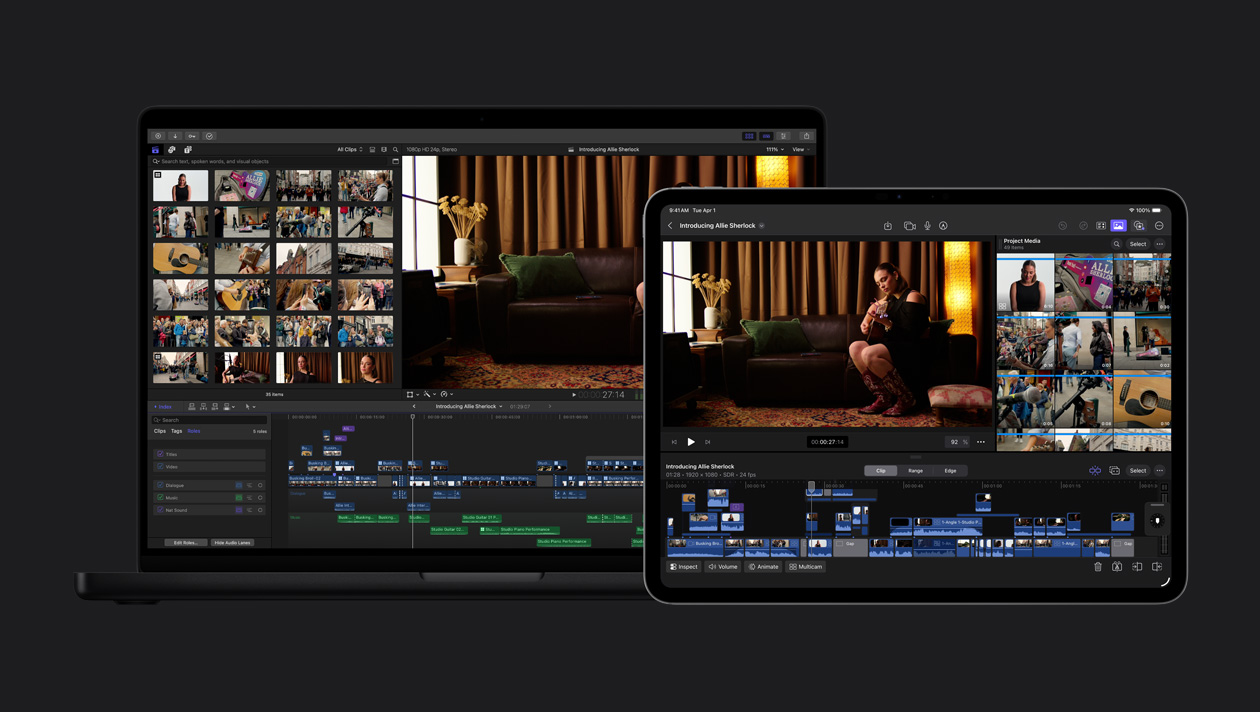
Esporta il tuo progetto dall’iPad al Mac per accedere a funzioni come il color grading avanzato, la maschera magnetica e molto altro.
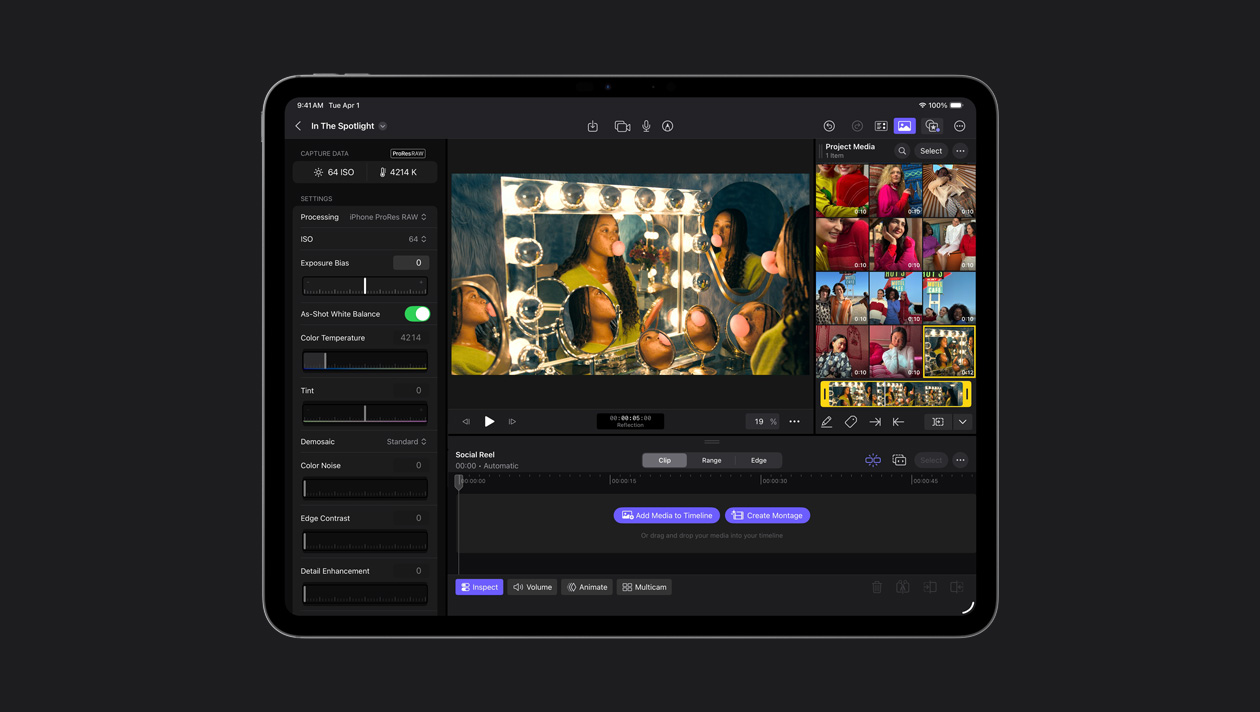
Con Final Cut Camera puoi registrare in ProRes RAW, così puoi dare al video l’aspetto che vuoi con la massima flessibilità, e modificare ogni minimo dettaglio. ProRes RAW offre la qualità RAW che garantisce rendering ed esportazione più veloci.
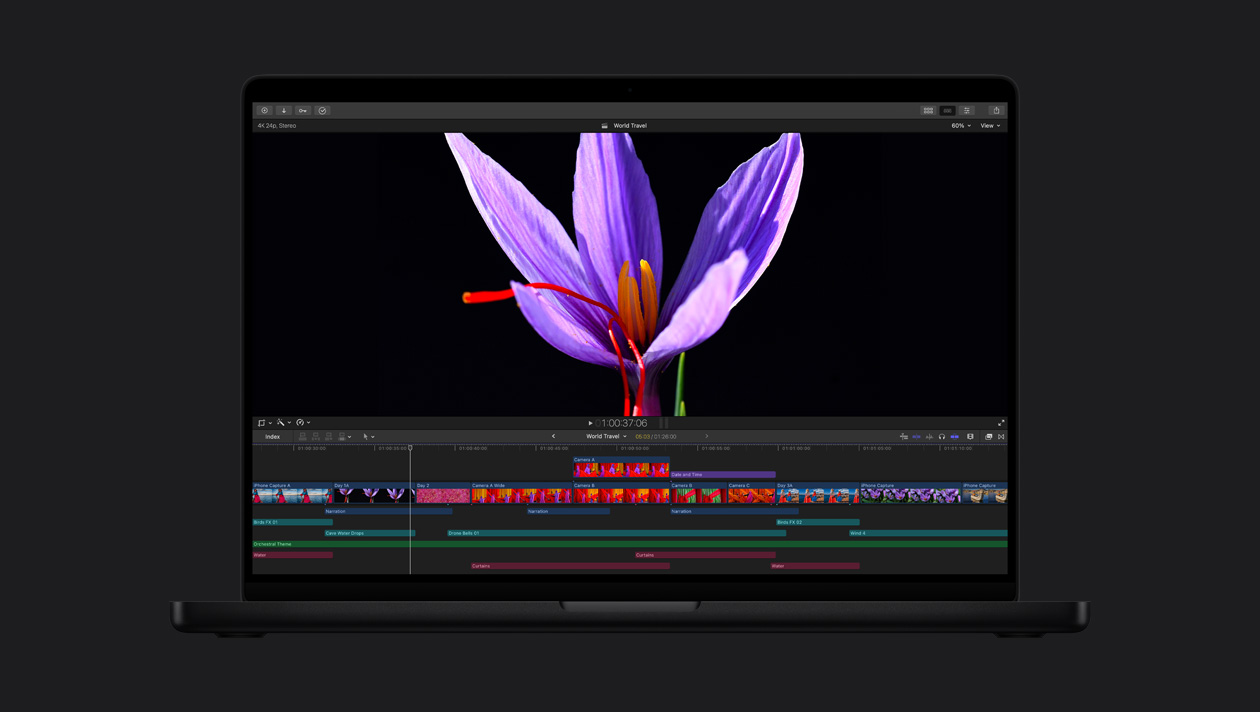
I display Liquid Retina XDR e Ultra Retina XDR sono il top del settore e offrono luminosità, contrasto e colori incredibili, perfetti per il montaggio HDR, il color grading e la consegna con Final Cut Pro.
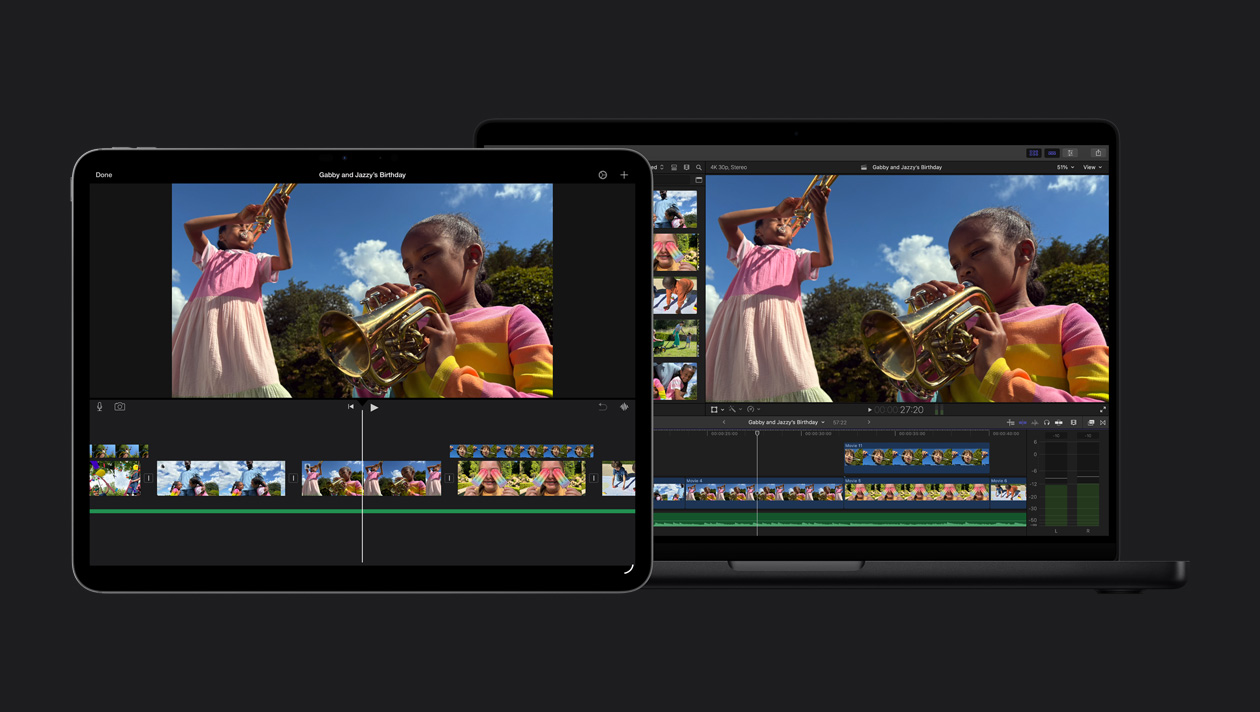
Importa facilmente il tuo progetto iMovie in Final Cut Pro e inizia a esplorare tutte le sue funzioni evolute.