
Final Cut Pro
Inteligencia. Cámara. Acción.
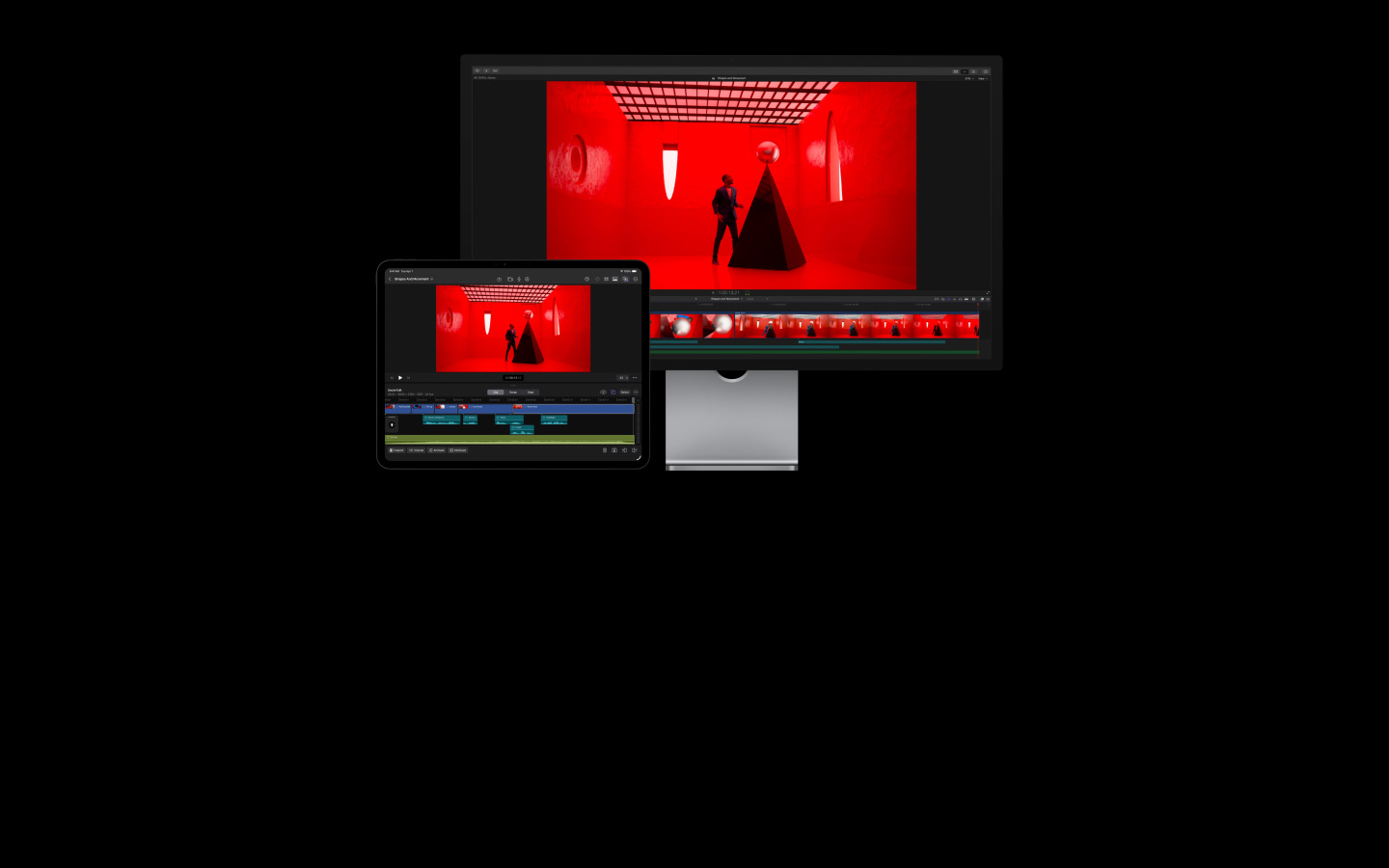
Con Final Cut Pro en la Mac y el iPad, crear y editar videos de calidad profesional es muy fácil. Sus poderosas funcionalidades inteligentes te ayudarán a hacer de cada fotograma un momento inolvidable.
-
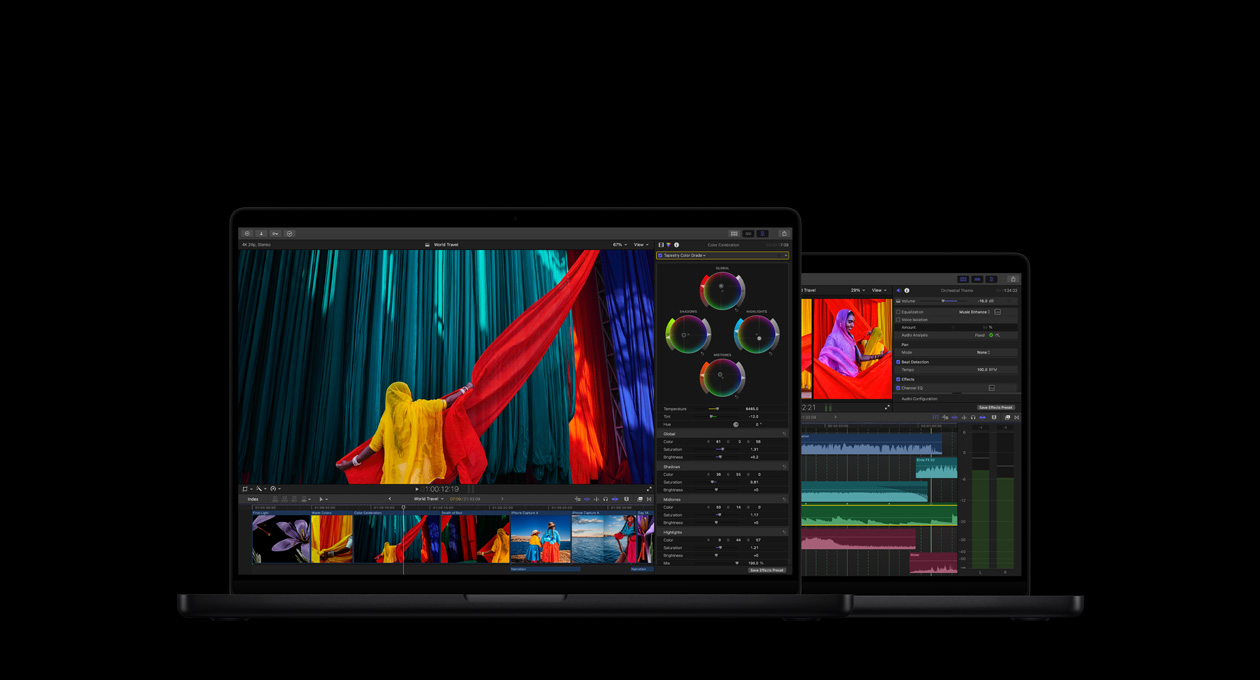
Una app con todo para tus videos. Edición, audio, gráficos animados y corrección de color.
-
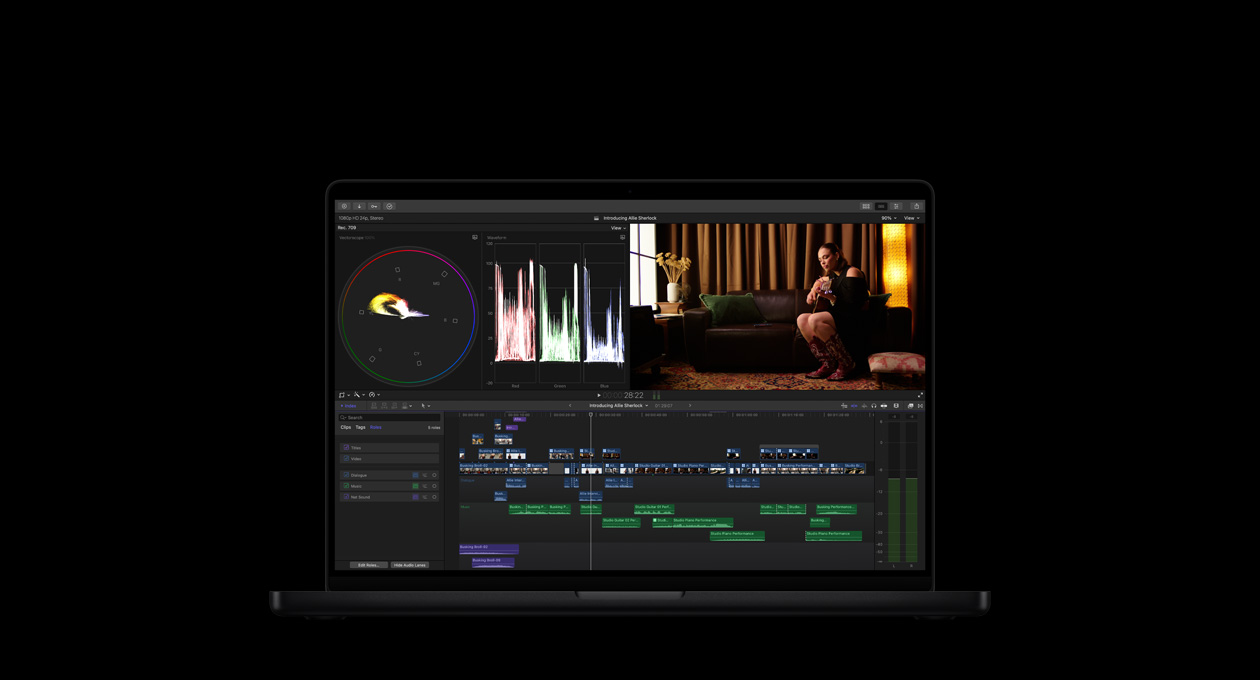
Edición rápida. Trabajo eficiente.
Creación sin límites. -
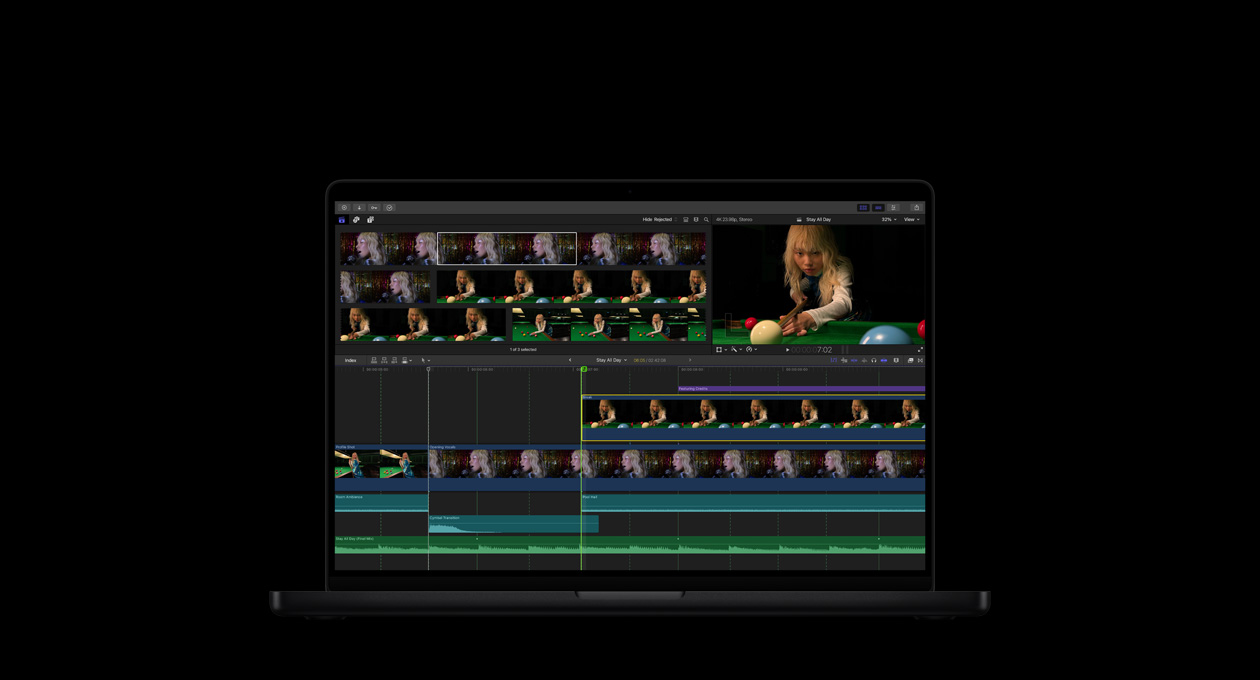
Poderosas funcionalidades de IA basadas en Apple Intelligence que brillan en tus flujos de trabajo.2
-
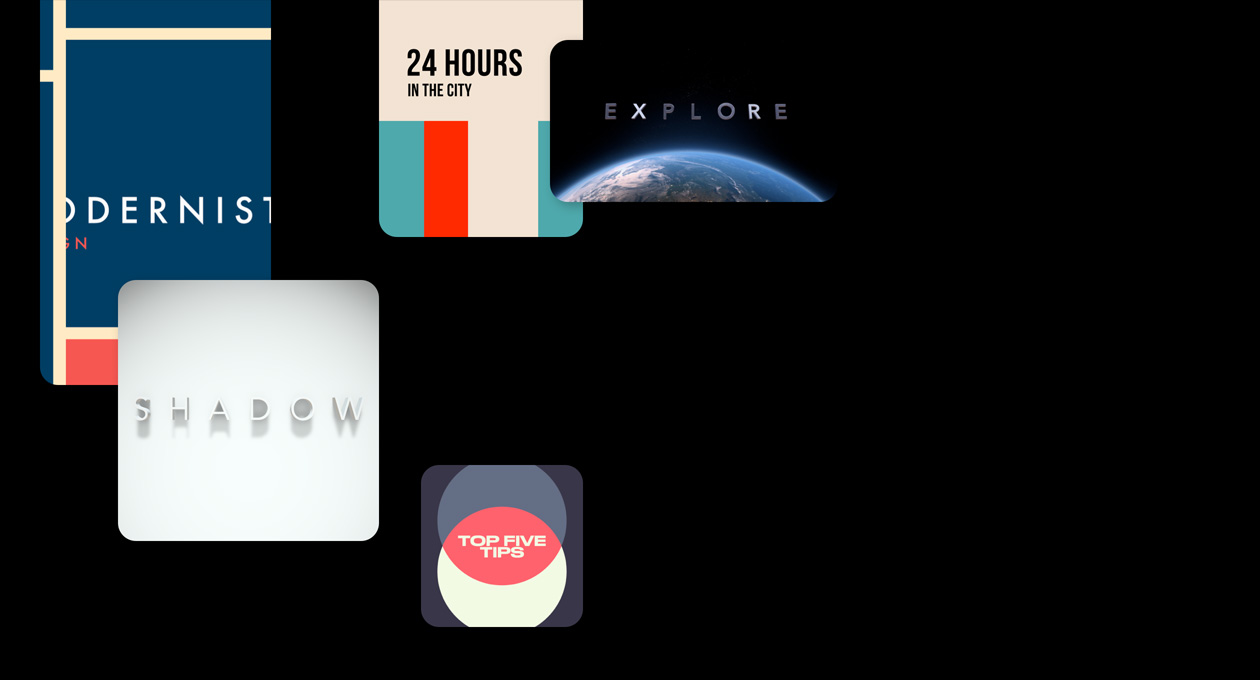
Una biblioteca de efectos, bandas sonoras, títulos y transiciones que inspiran y encienden tu creatividad.
-
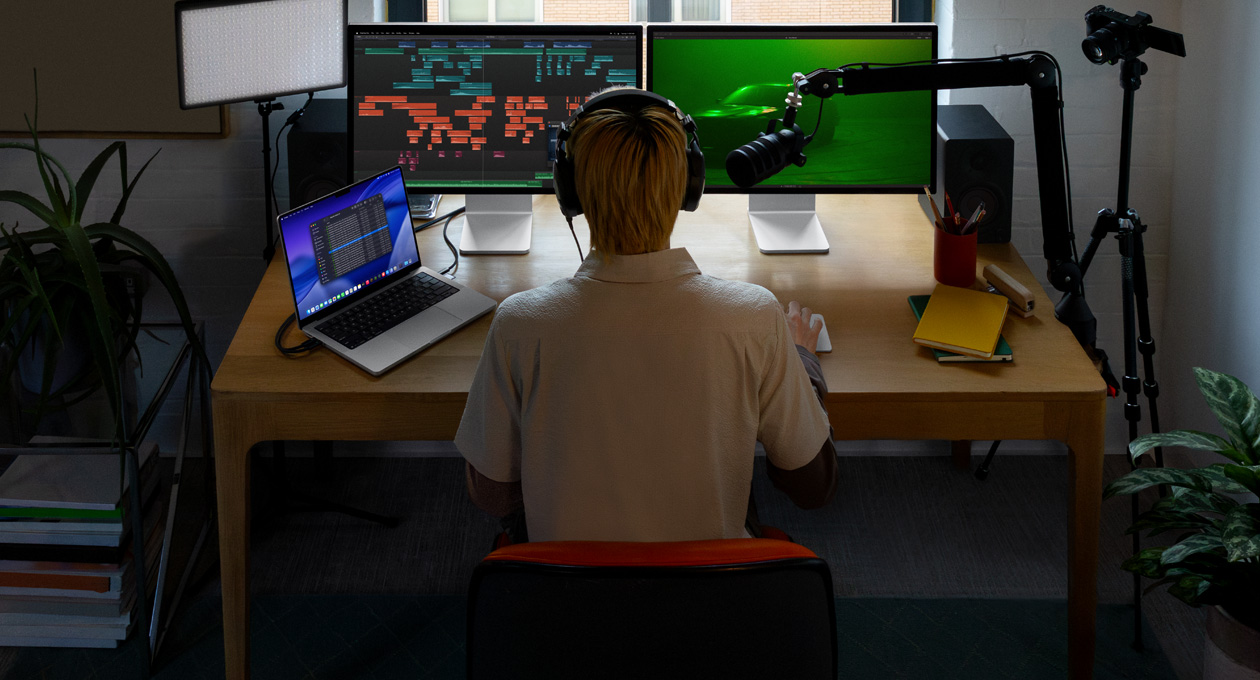
Edición de audio avanzada. Tus videos suenan tan bien como se ven.
-
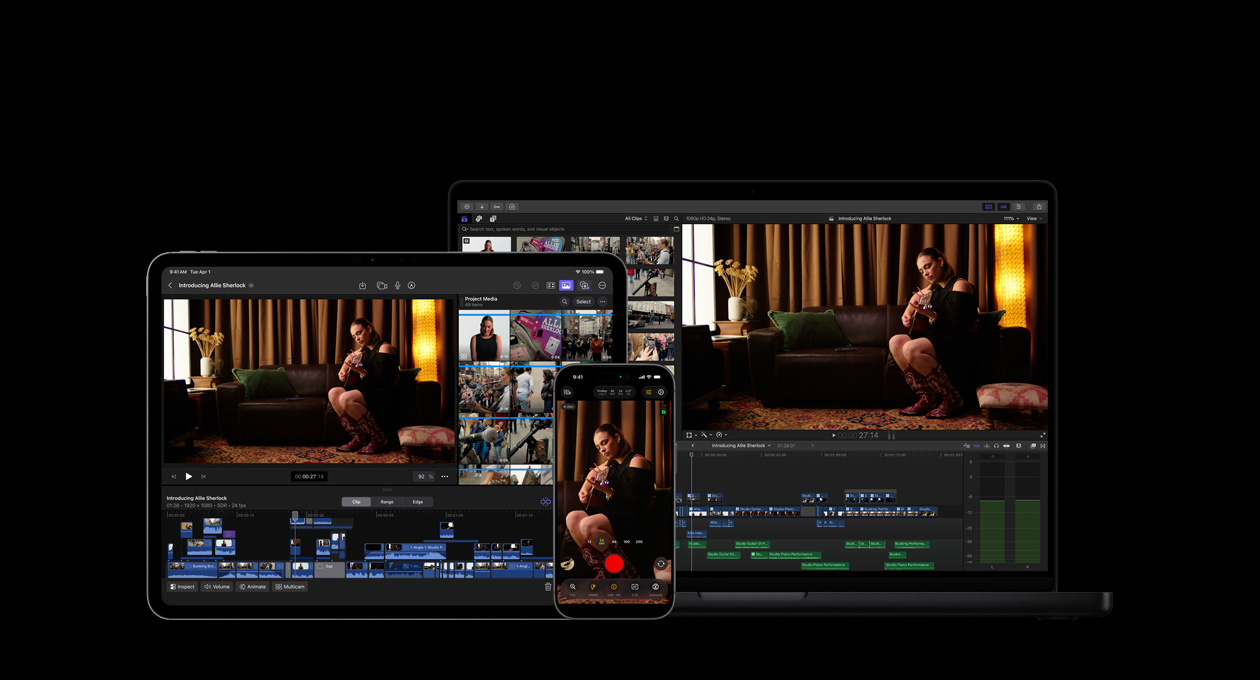
Tu visión artística se estrena en tus dispositivos, apps y accesorios de Apple.3


-
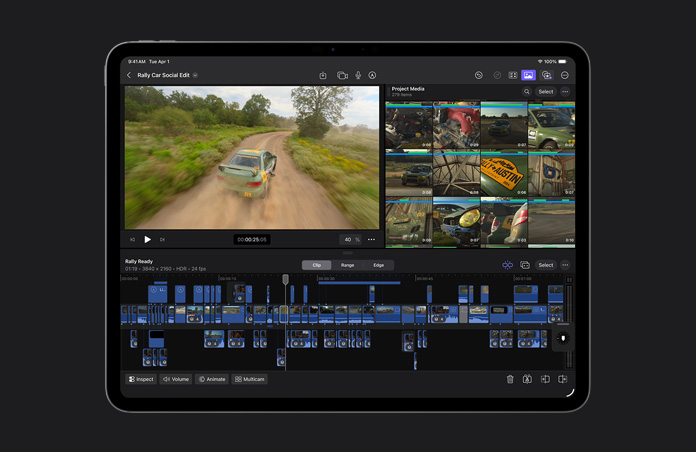
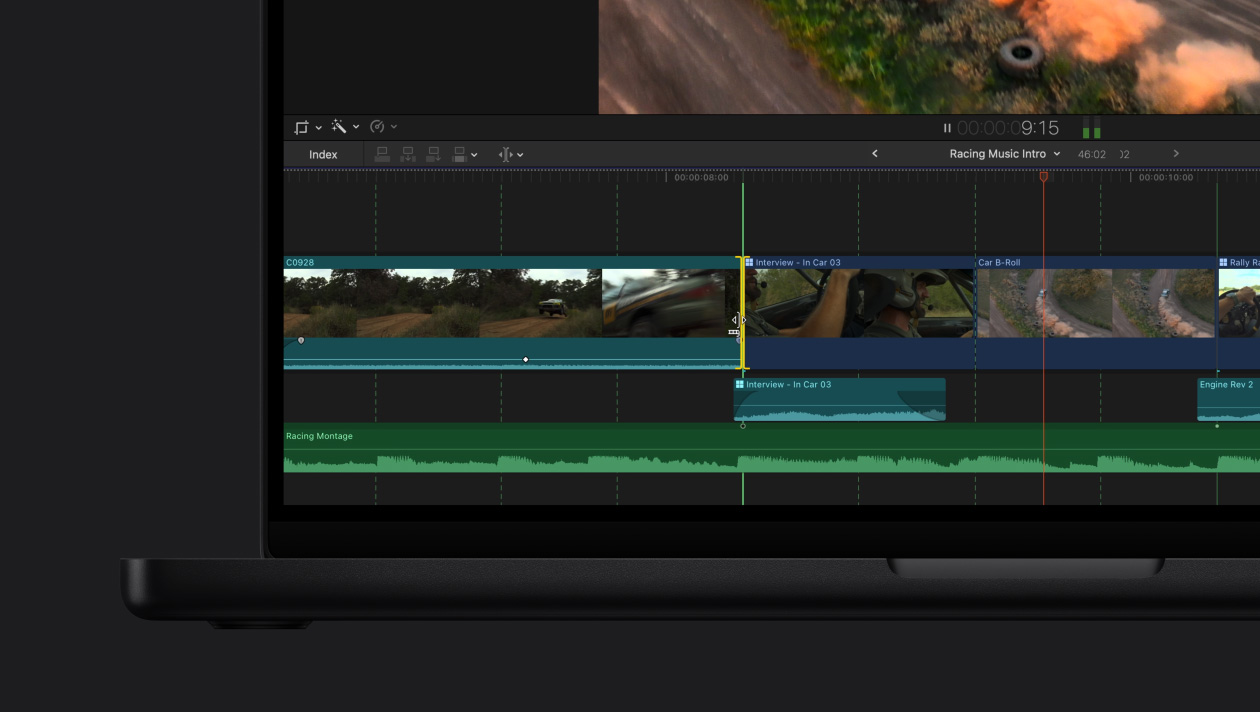
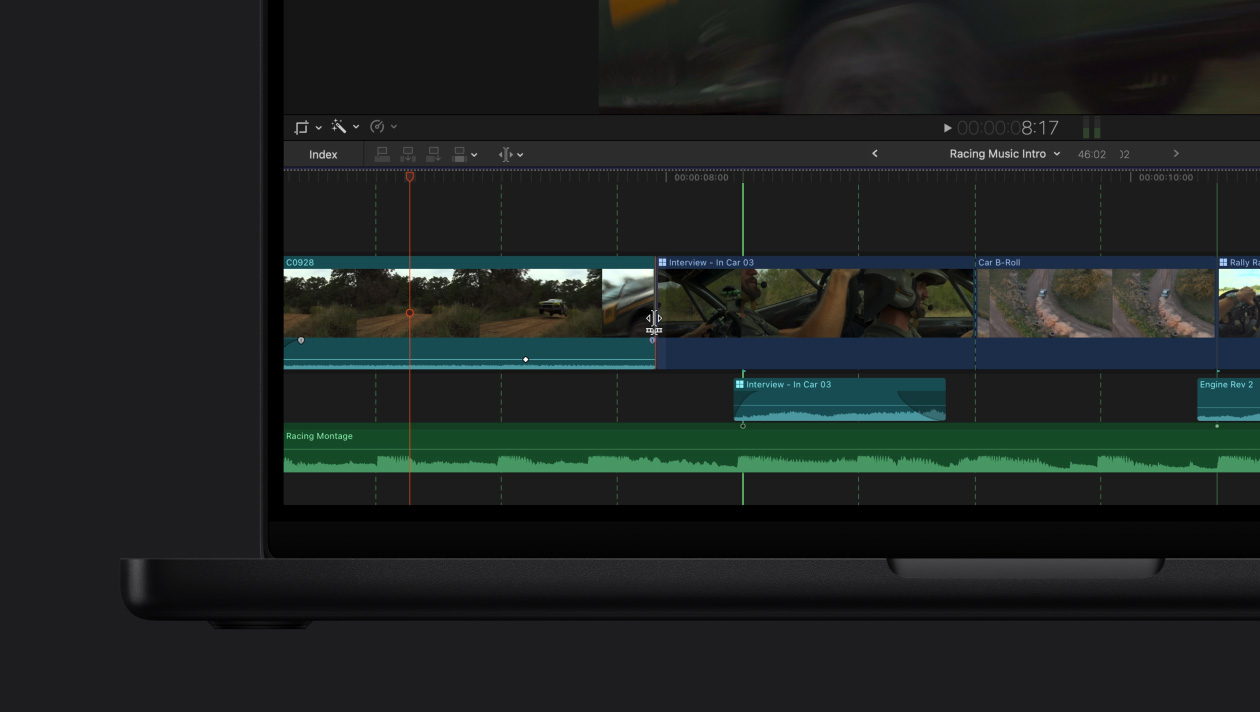
Línea de Tiempo Magnética para ediciones rápidas y flexibles.
Prueba diferentes ediciones y conceptos narrativos desplazando y recortando clips sin perder la sincronización.
-
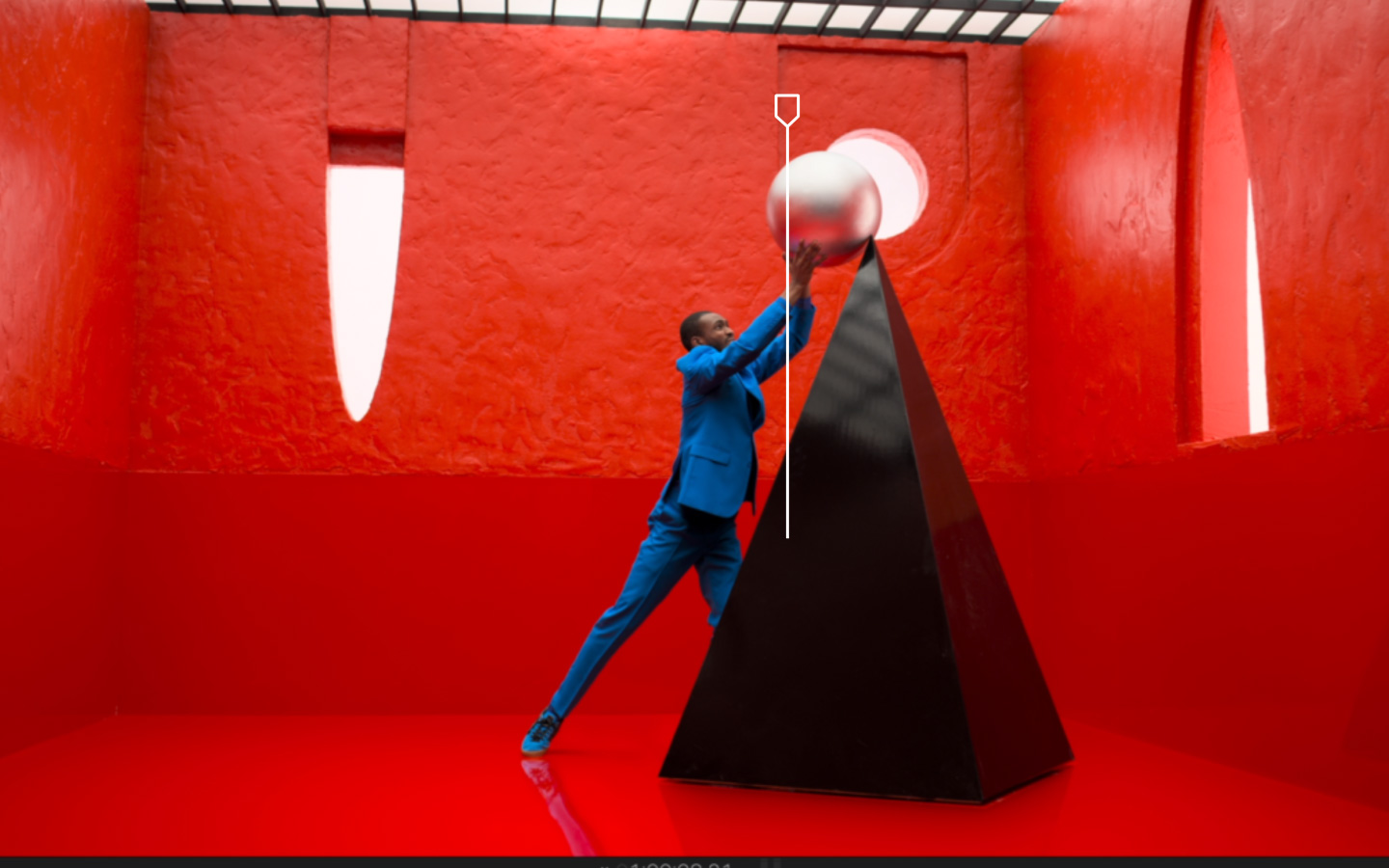
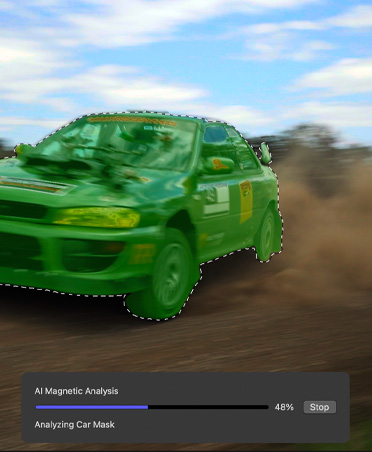
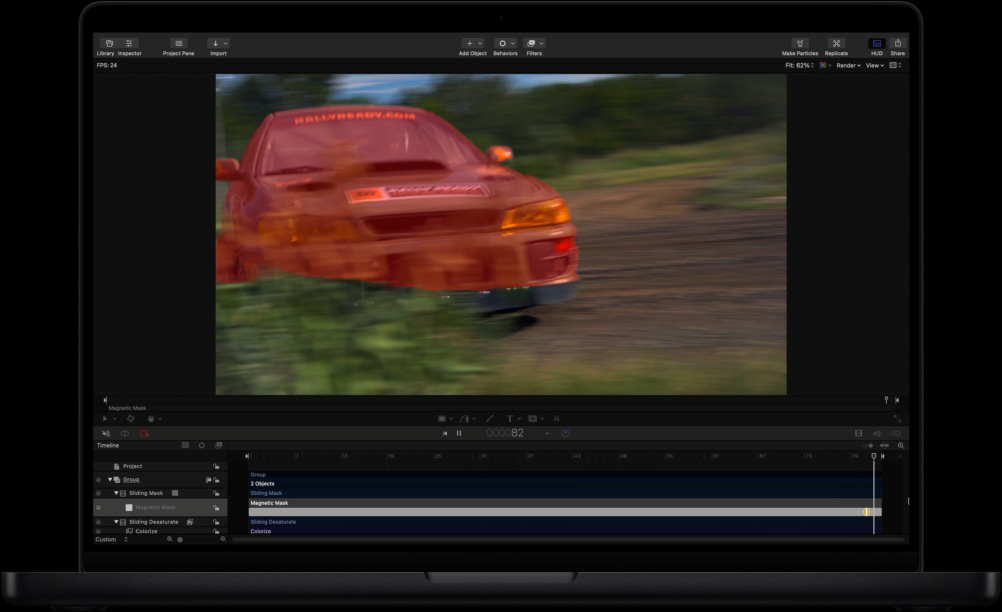
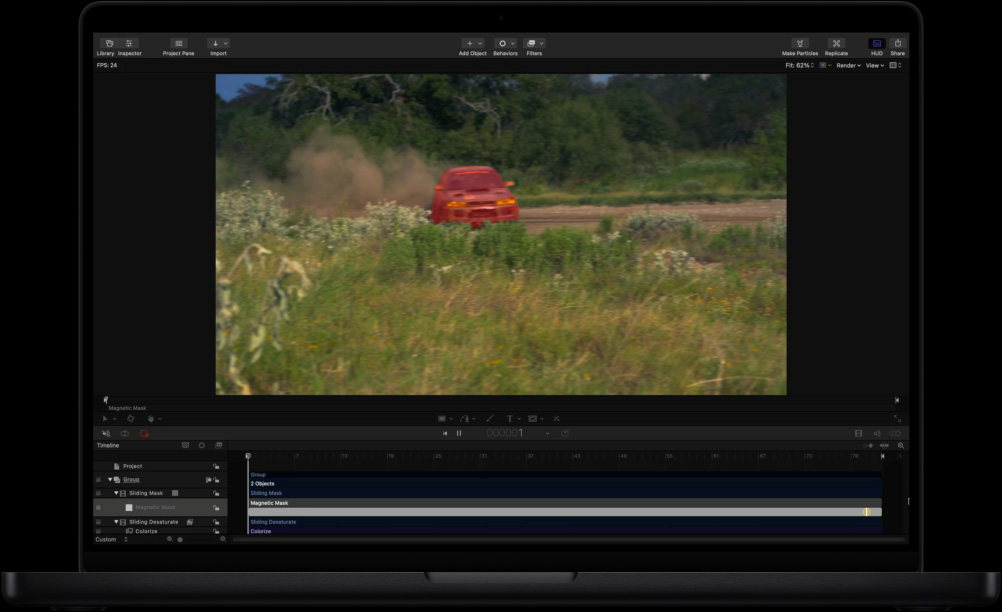
Aísla con Máscara Magnética.
Separa personas y objetos del fondo sin que tengas que usar una pantalla verde o complejos procesos de rotoscopía.
-
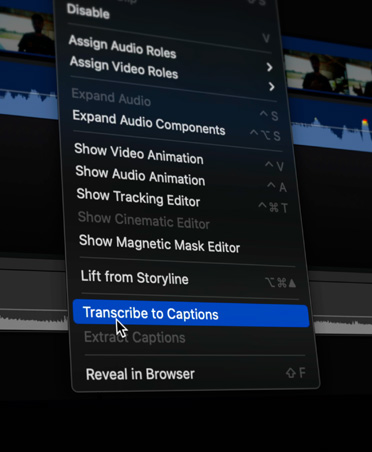
Subtítulos automáticos.
Final Cut Pro analiza el audio hablado para crear subtítulos con rapidez y precisión.
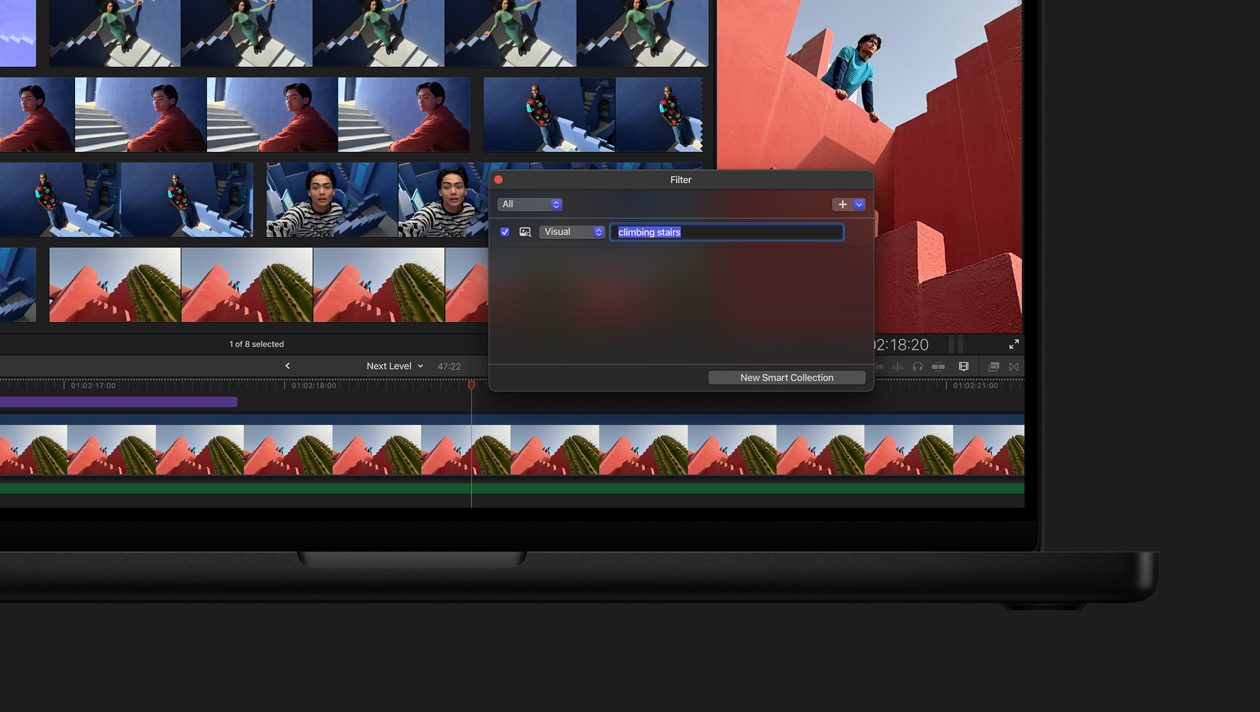
Encuentra momentos visuales. Con Búsqueda Visual, localizar clips es muy sencillo. Escribe lo que quieres encontrar y detectará los objetos y acciones en segundos.4
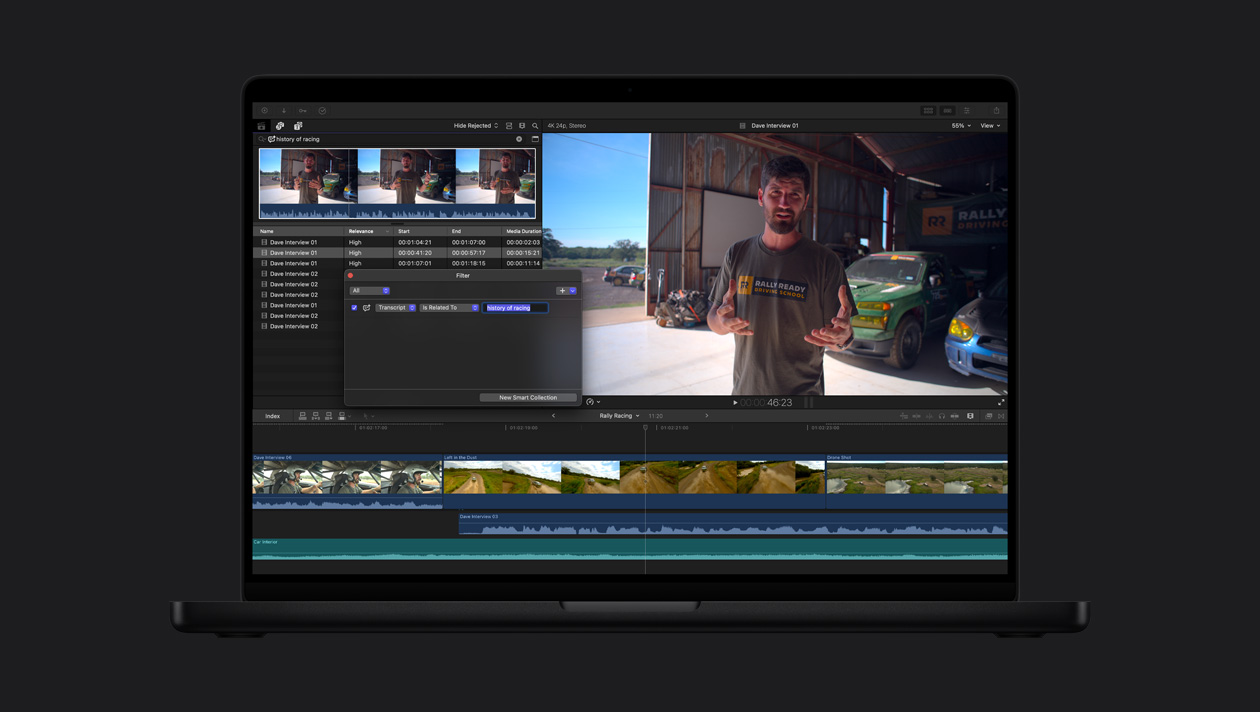
Encuentra un fragmento de audio sin necesidad de revisar horas de grabación. Búsqueda en las Transcripciones analiza los diálogos para encontrar al instante frases exactas o palabras relacionadas.5

-
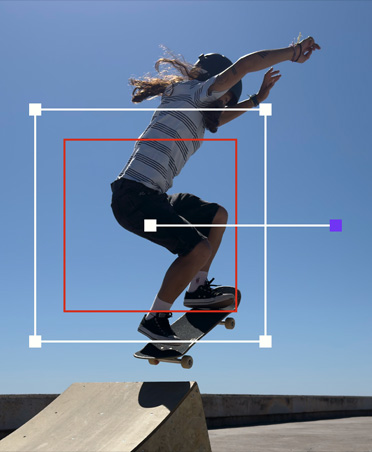
Seguimiento automático de movimiento.
Con Rastreador de Objetos, puedes mapear el movimiento de personas, objetos o caras para agregar títulos y efectos o hacer ajustes mientras se desplazan por la escena.
-
Corrección de color a un clic de distancia.
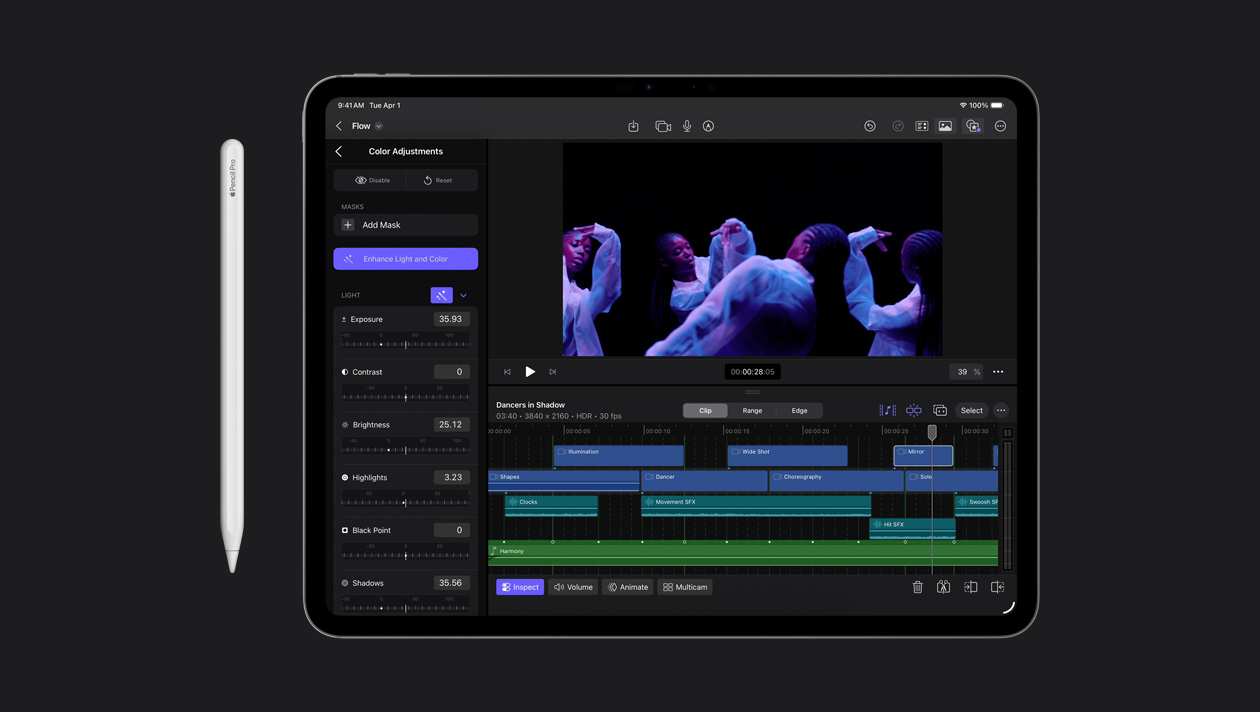
Mejora automáticamente el balance de color, el contraste y el brillo de un video o imágenes fijas con el efecto Mejorar Iluminación y Color, impulsado por el aprendizaje automático.

-
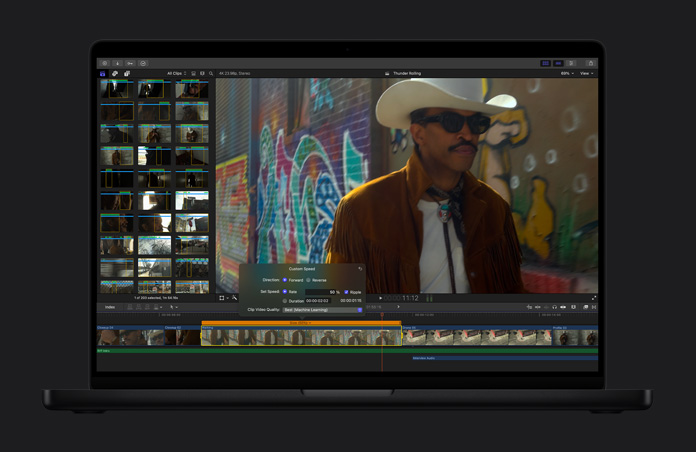
Dale efecto de cámara lenta a tu video.
La funcionalidad Cámara Lenta Suave genera y fusiona fotogramas de video de forma inteligente para lograr un movimiento de altísima calidad y aumentar el impacto dramático de una escena.
-
Cambia el encuadre de forma automática.
Tus videos se ajustan perfectamente a cualquier relación de aspecto para que puedas compartirlos en la Mac, el iPhone, el iPad y tus redes sociales.
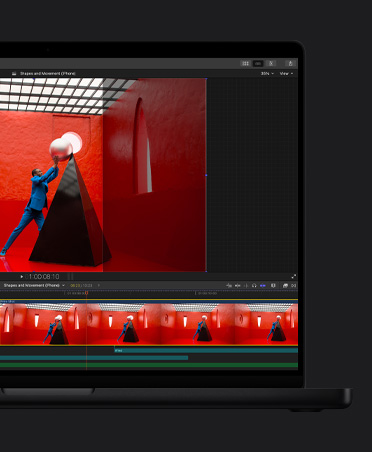
Entra en sintonía con Detección de Tiempo.
-
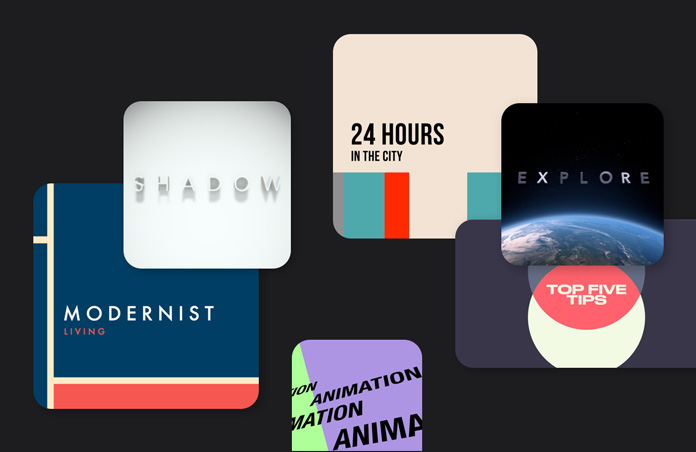
Gráficos y transiciones.
Accede a una amplia biblioteca de opciones de contenido de video dinámico diseñada para ofrecerte flexibilidad a la hora de personalizar videos en formato vertical y horizontal.
-
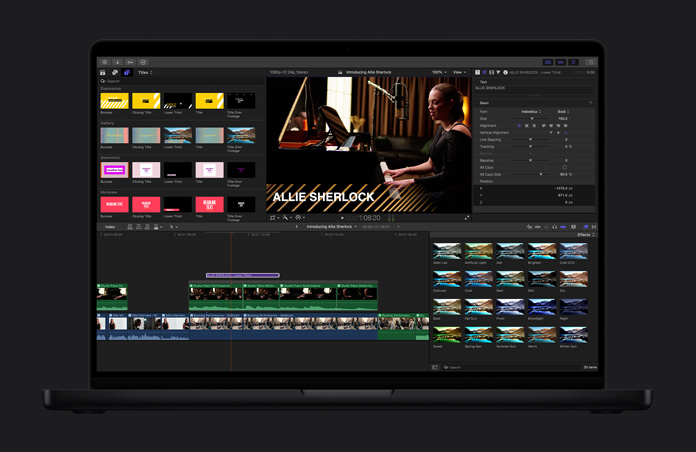
Títulos dinámicos.
Mejora tu proyecto con títulos temáticos, cortinillas y tercios inferiores personalizados.
-
Efectos de alto impacto.
Crea imágenes increíbles con sólo arrastrar y soltar. Y multiplica tus opciones con miles de herramientas de terceros.
-
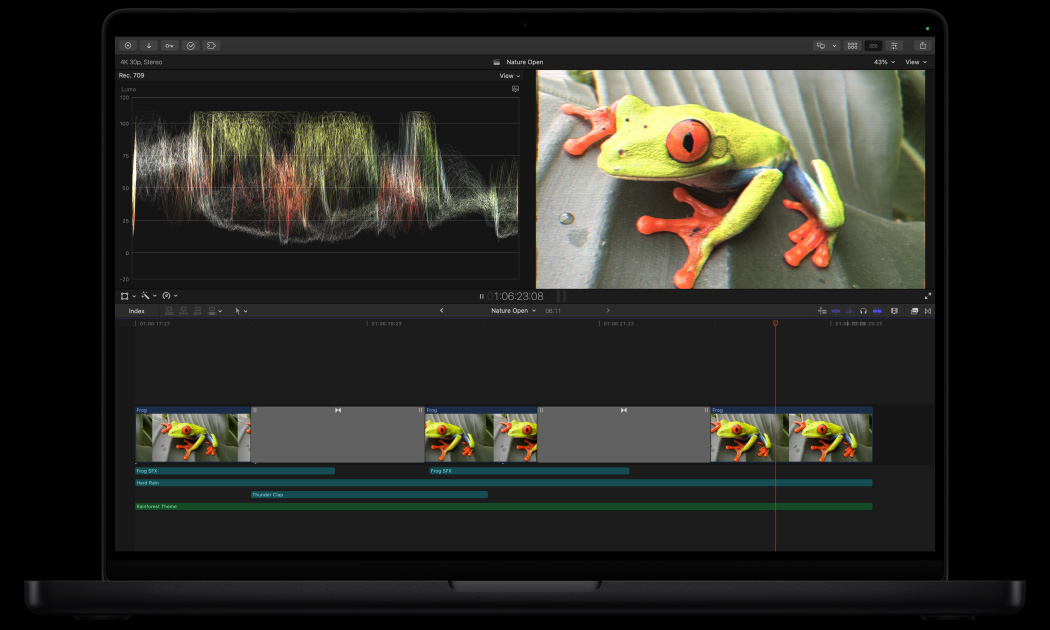
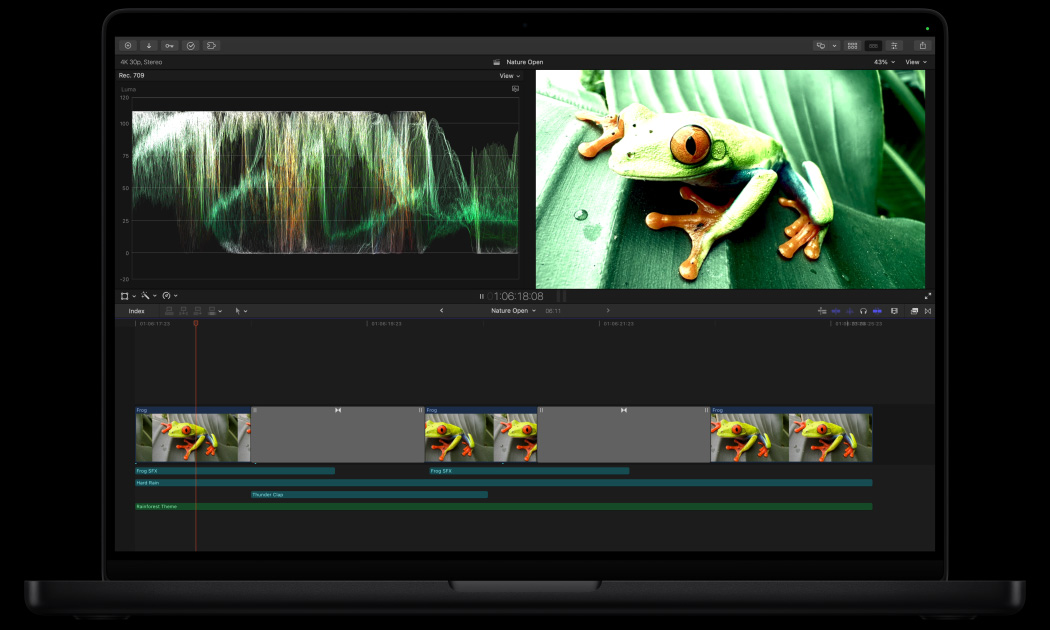
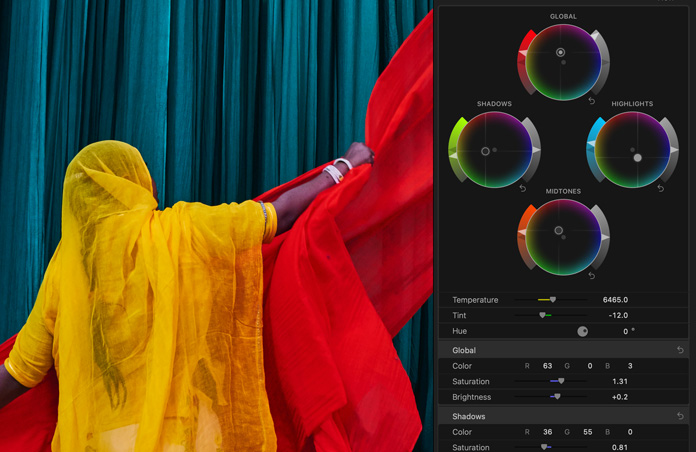
Perfecciona la corrección de color.
Gracias a herramientas profesionales, como las curvas de color, las curvas de matiz o saturación, un inspector de color con ruedas de colores y la aplicación de LUT, tus proyectos lucirán su mejor versión.

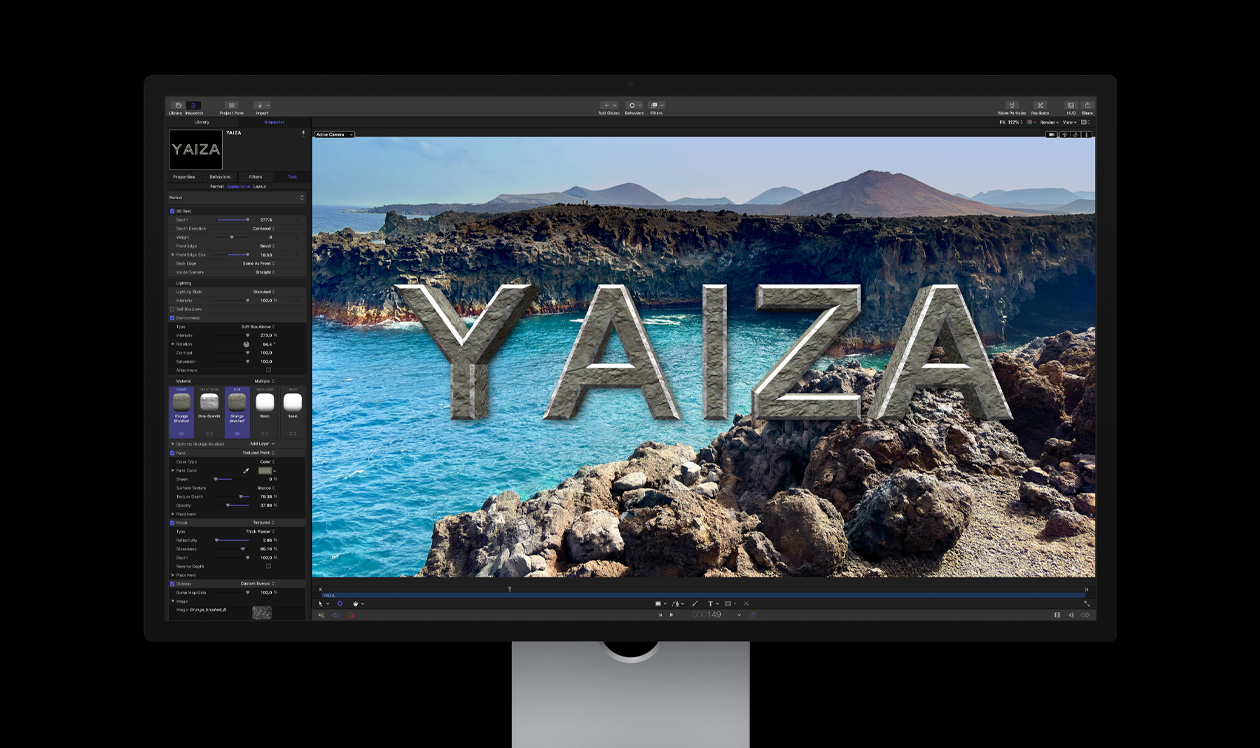
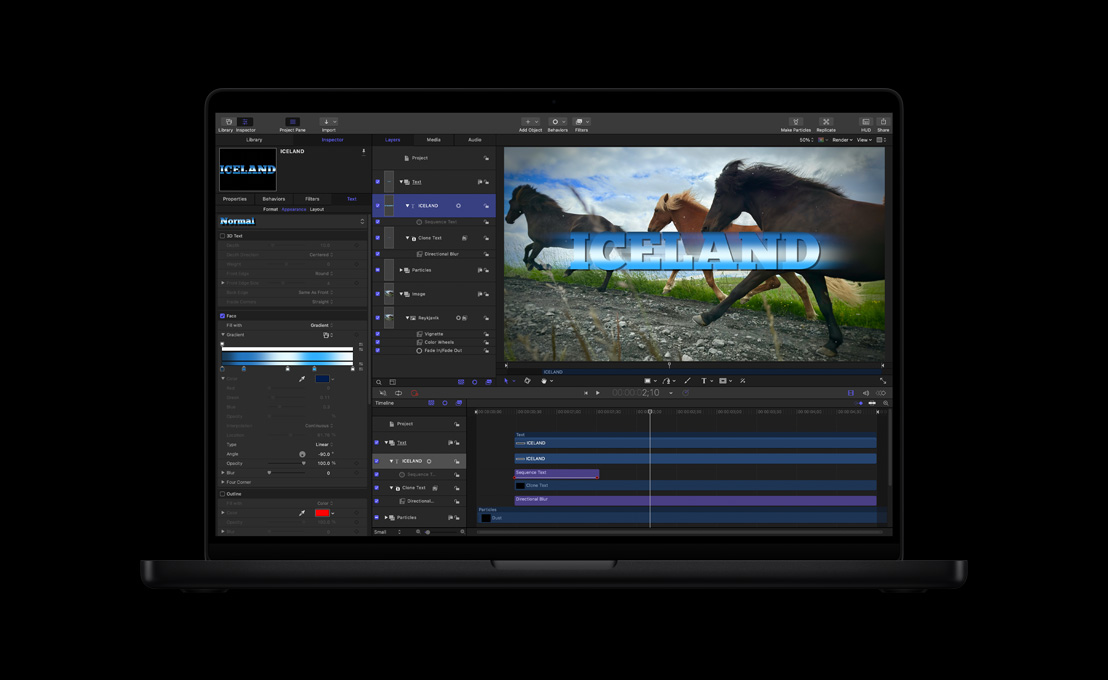
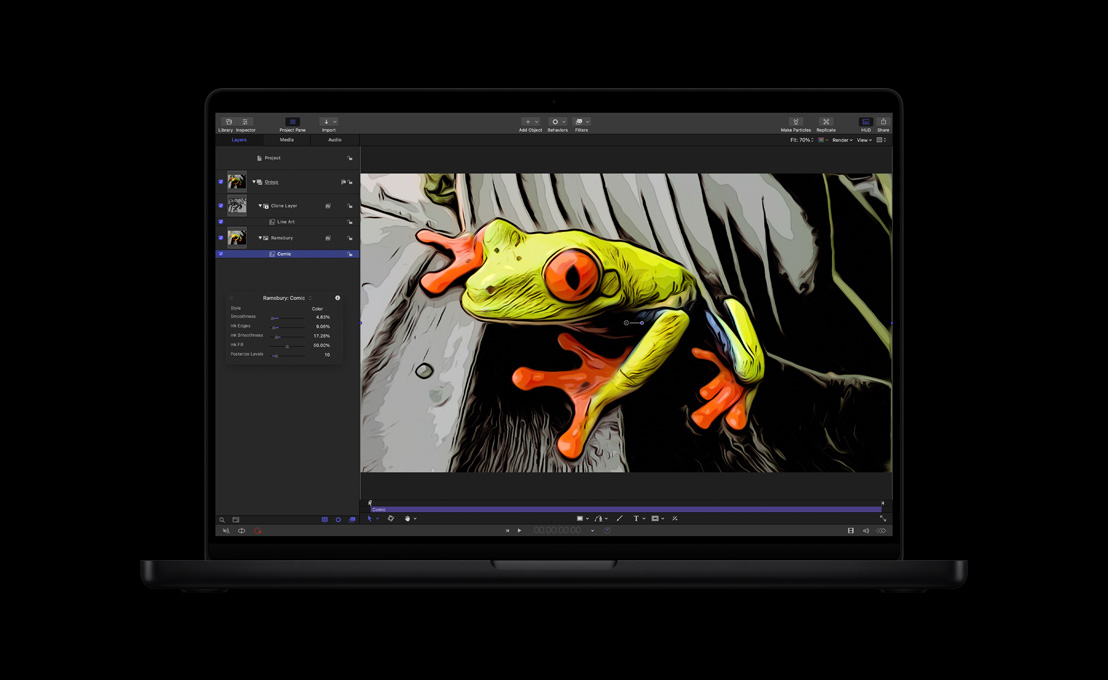
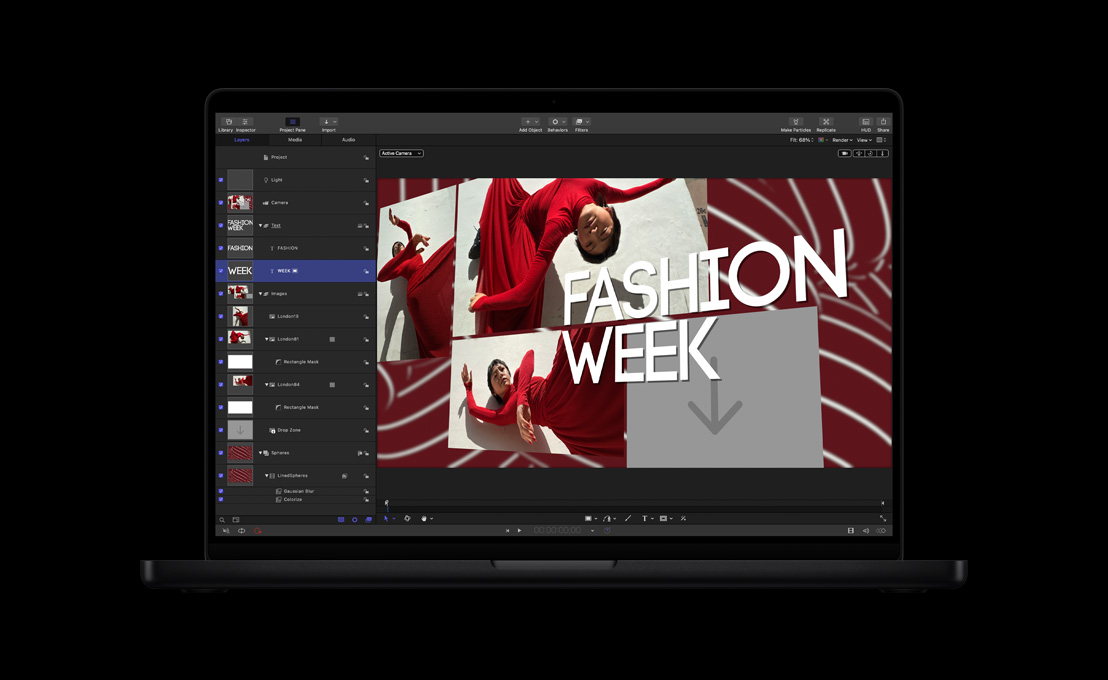
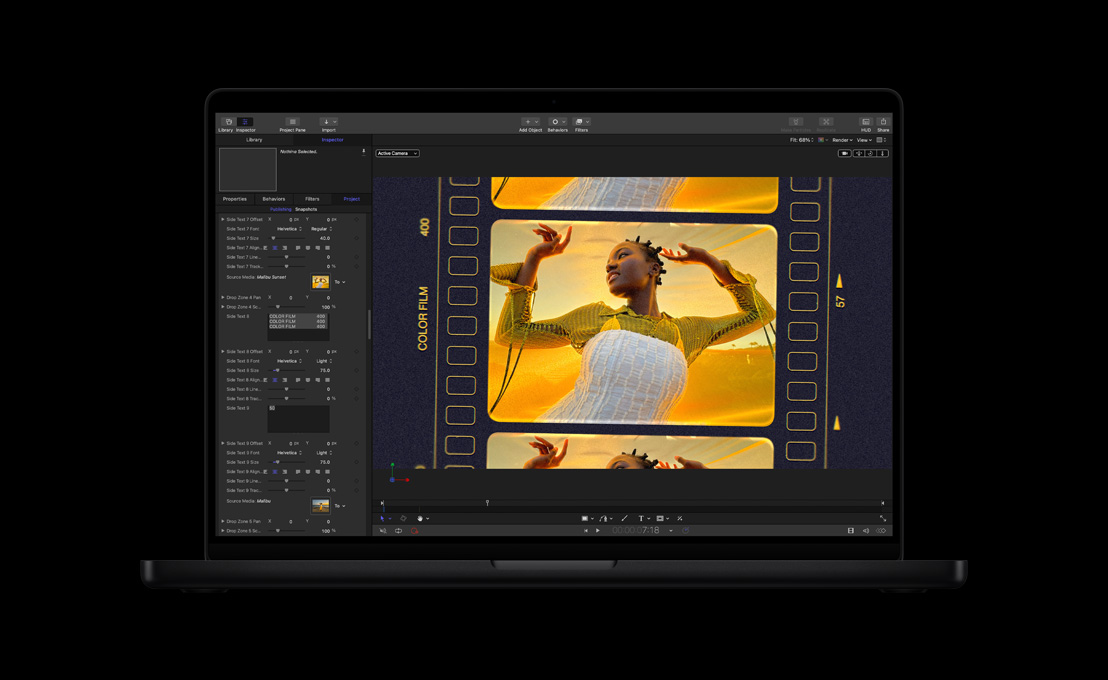
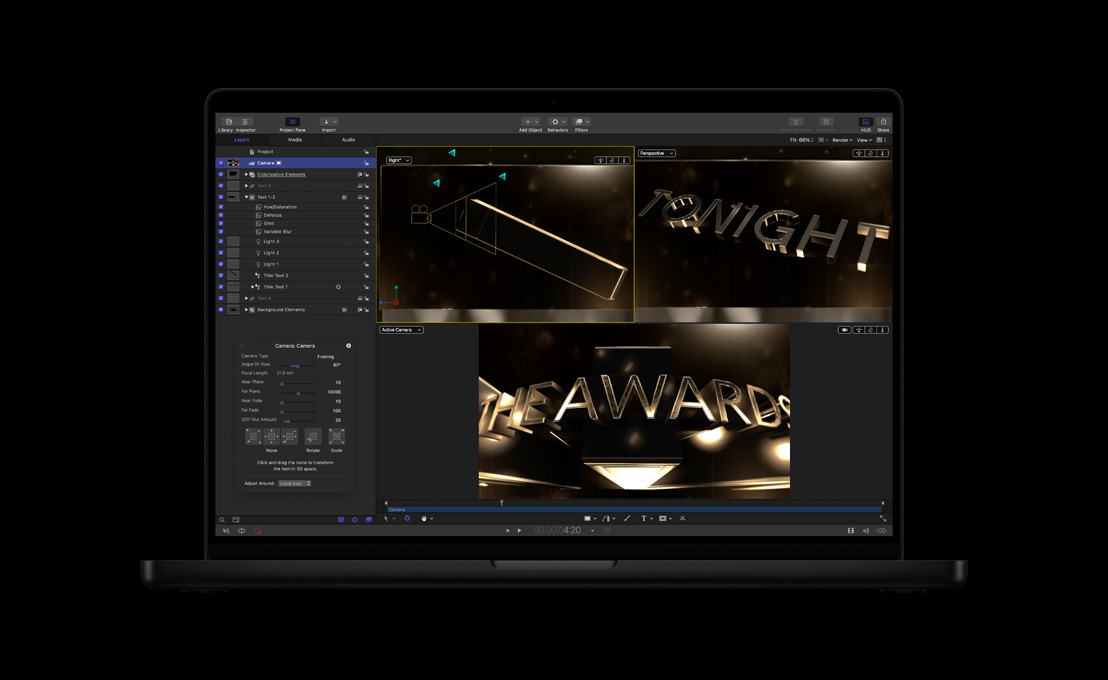
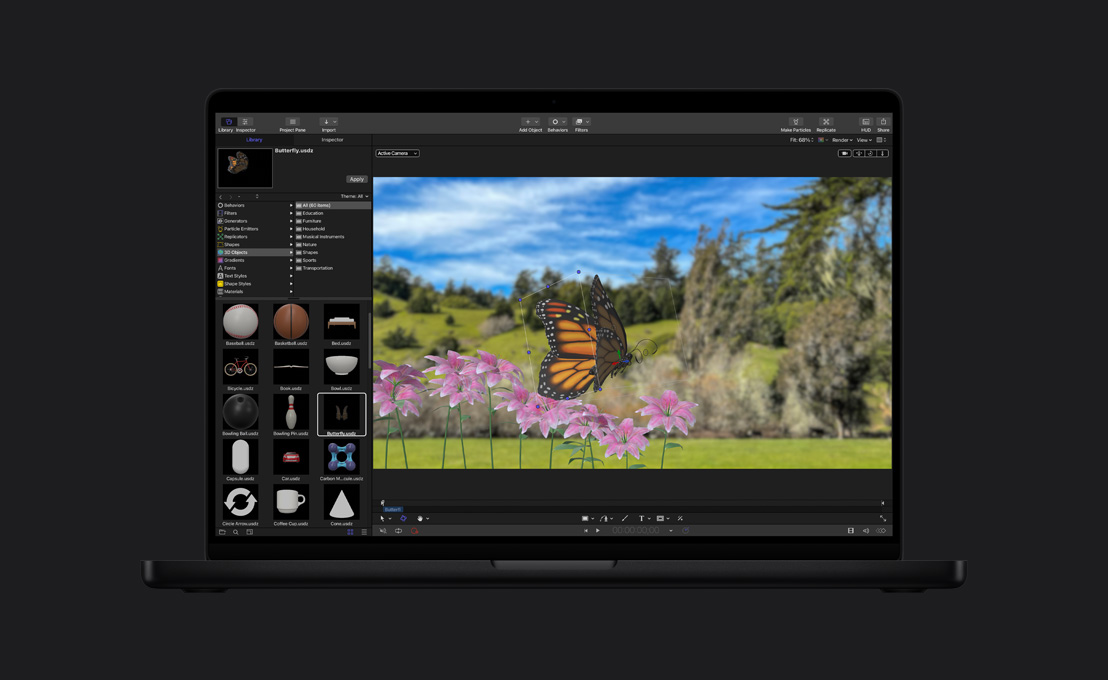
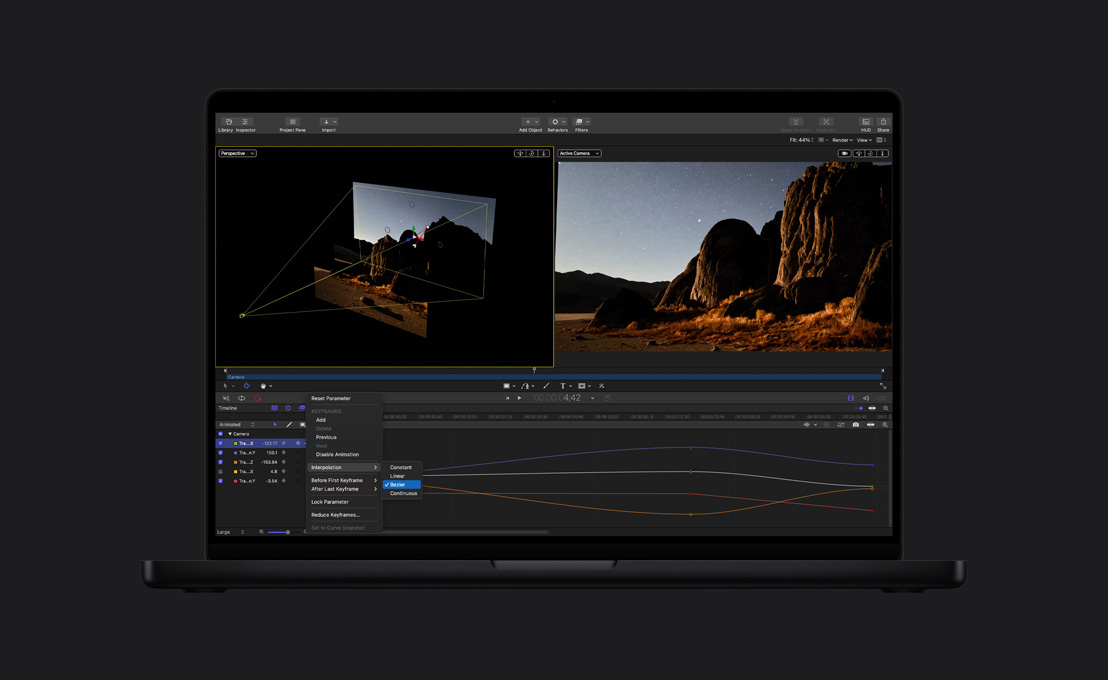
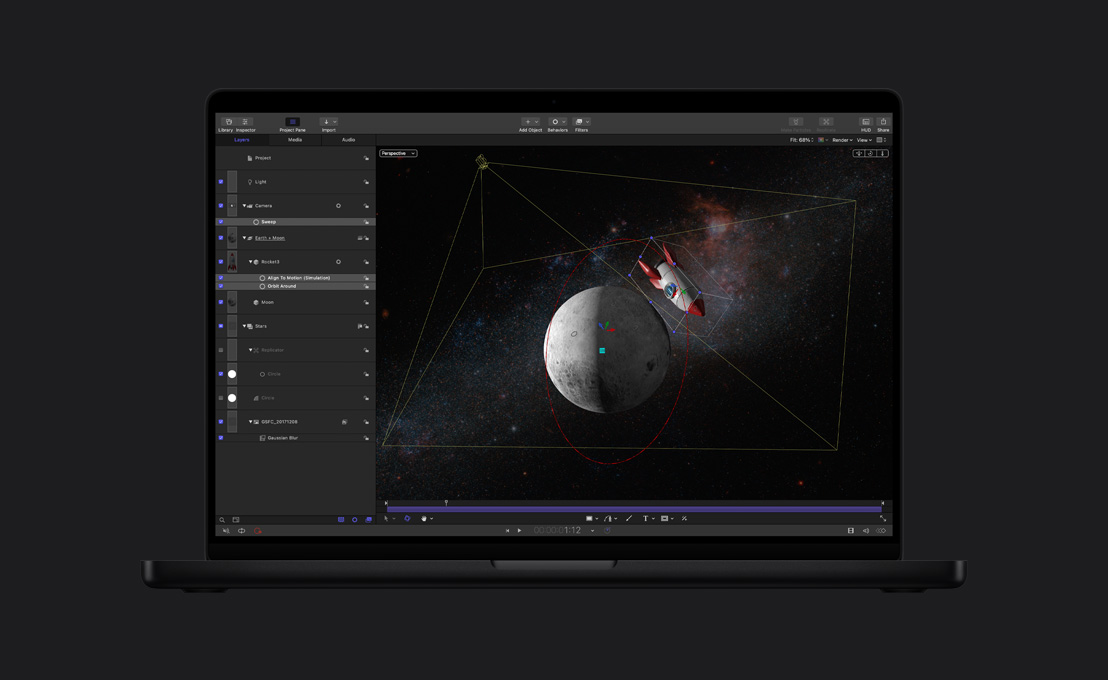
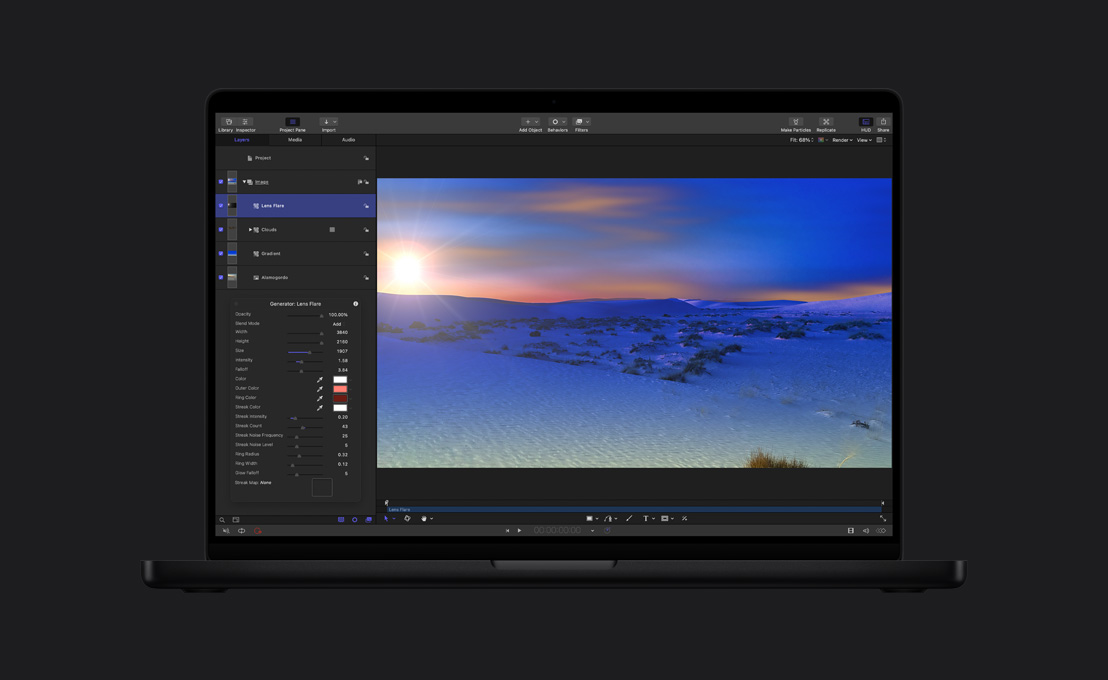
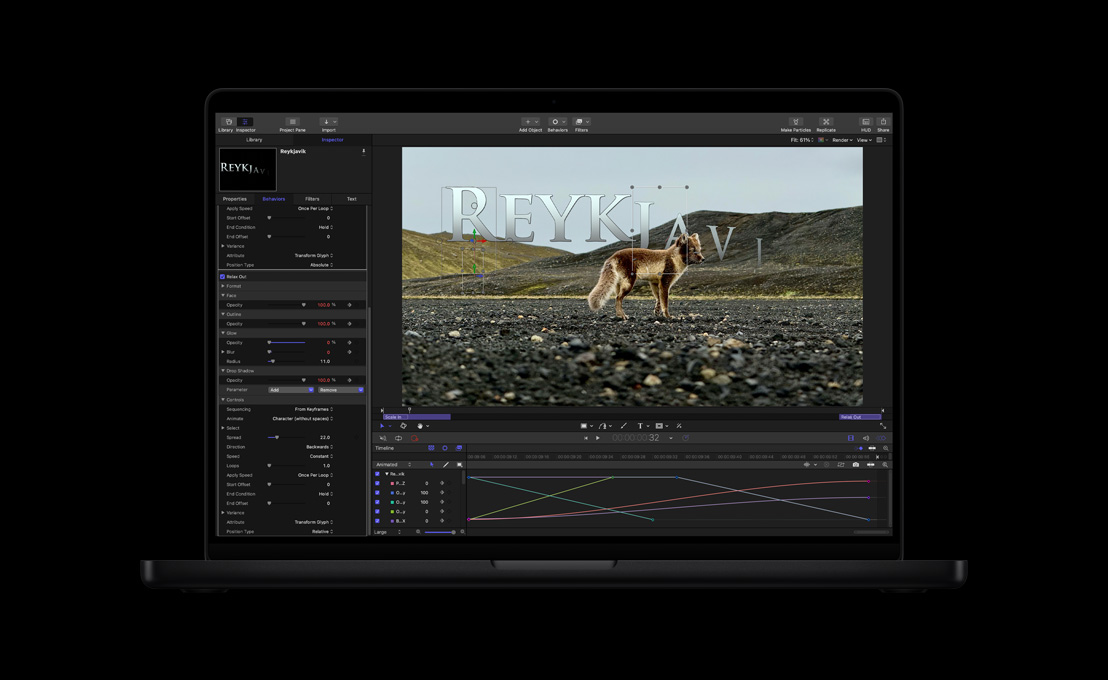
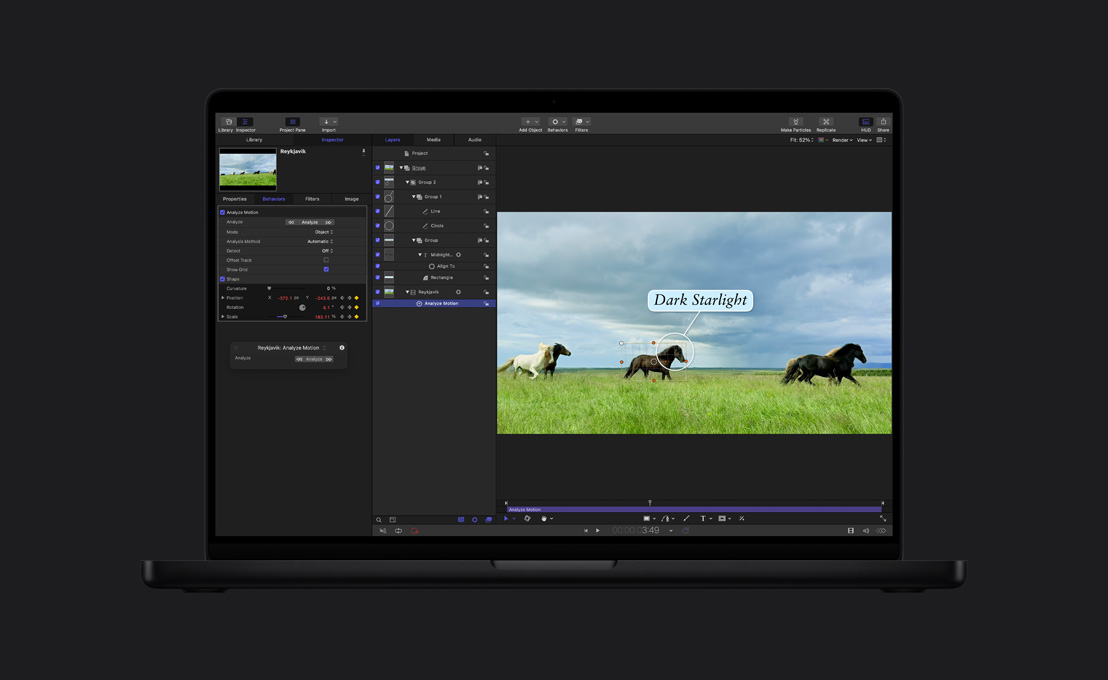
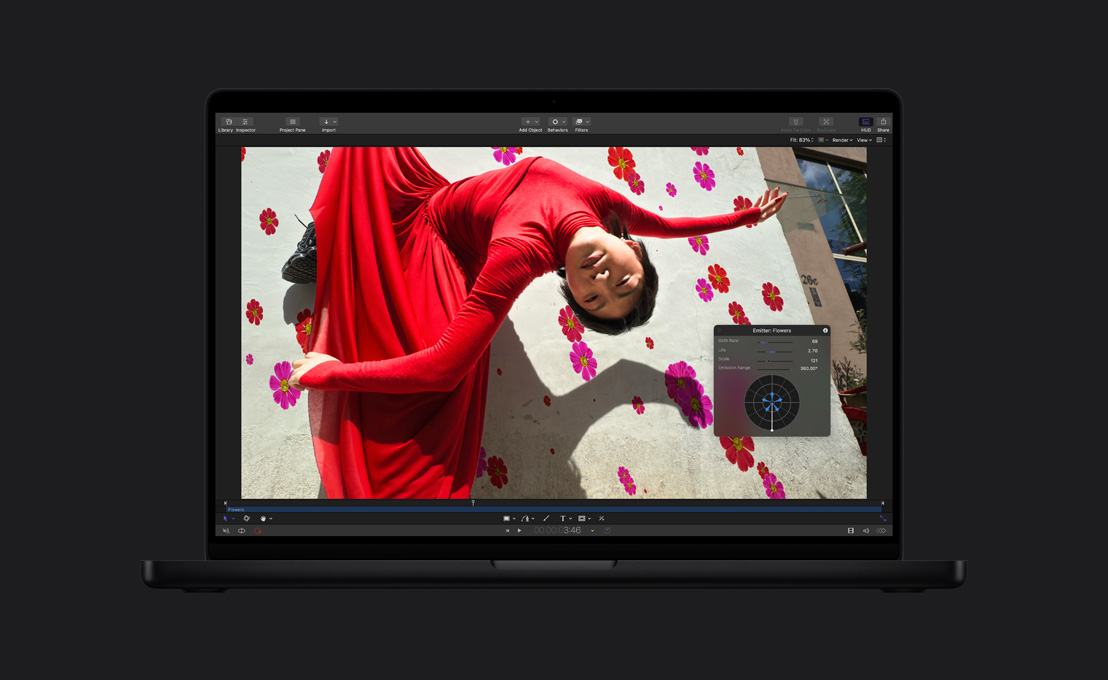
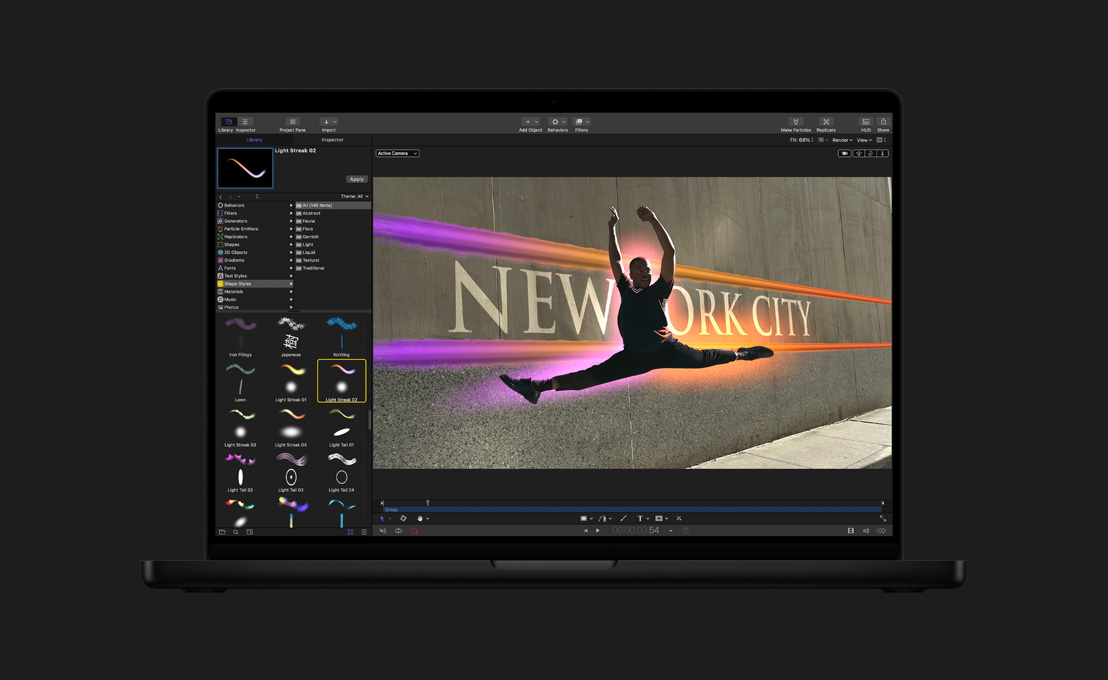
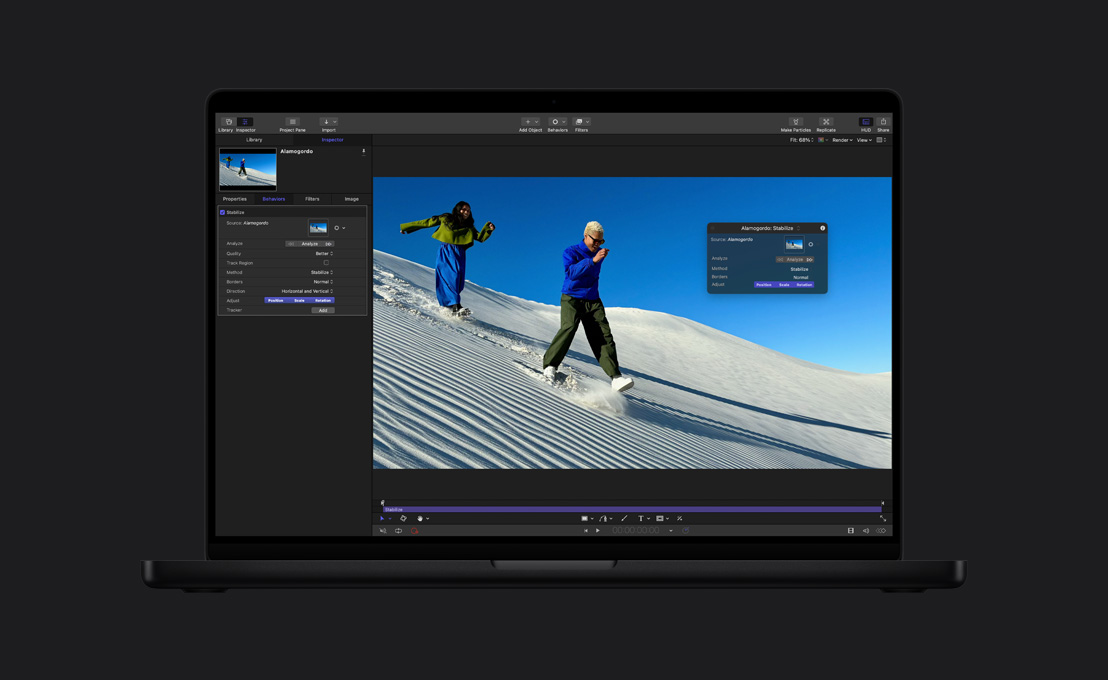
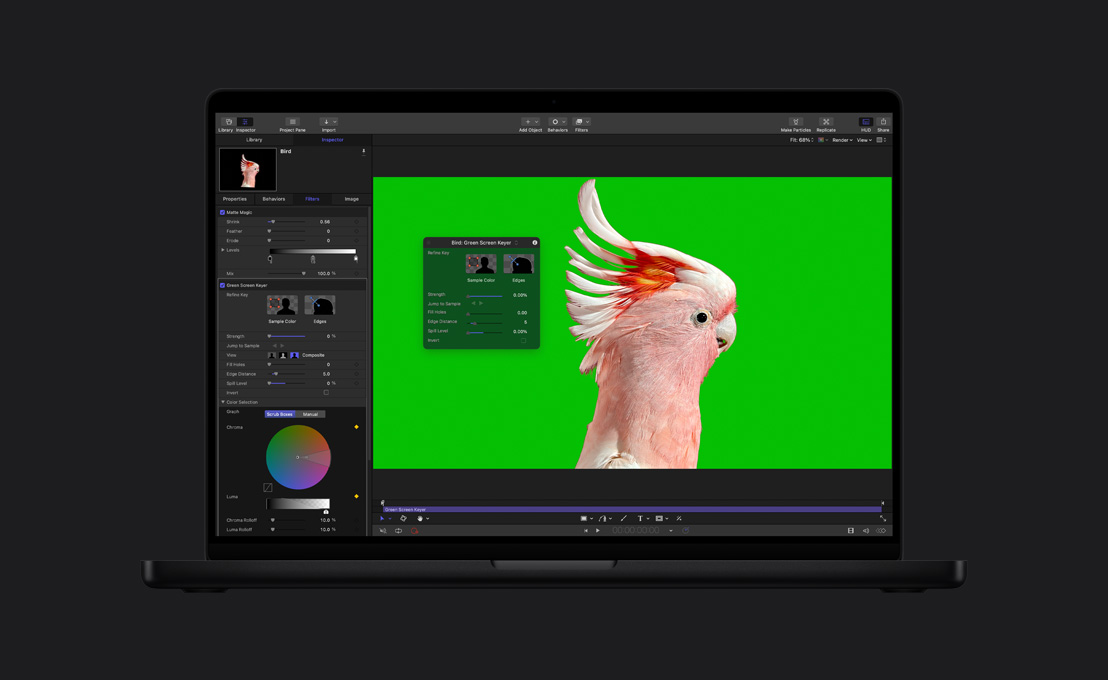
Efectos emocionantes
en Motion.






-
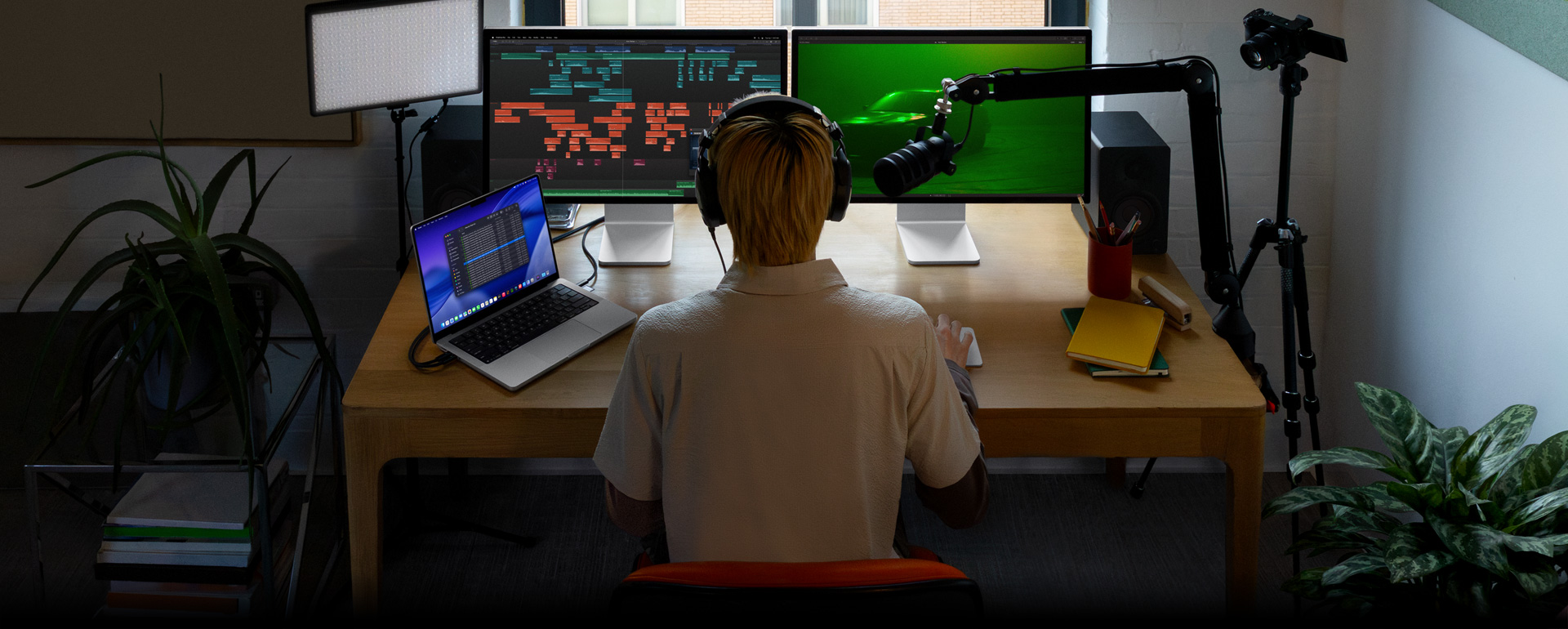
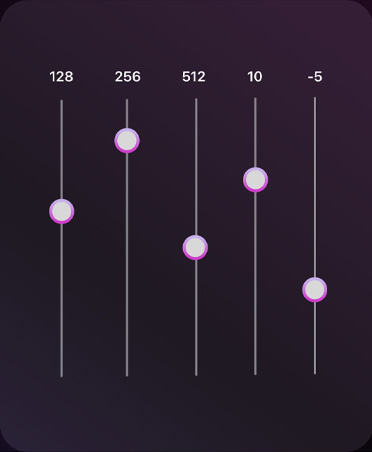
Herramientas de edición de audio.
Accede a una biblioteca de plug‑ins de compresión de audio, ecualización y más efectos innovadores. Además, puedes exportar a una app de edición de audio profesional como Logic Pro para hacer mezclas más avanzadas.
-
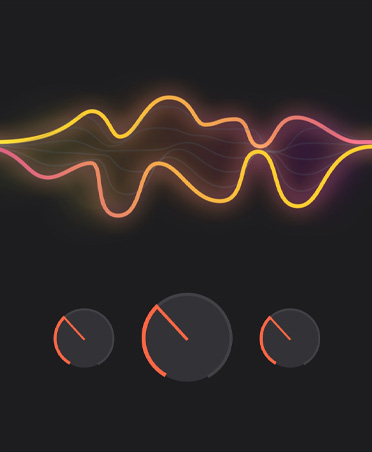
Usa los efectos de Logic Pro.
No hace falta cambiar de app. Final Cut Pro incluye una gran variedad de plug‑ins de audio avanzados de Logic Pro y de terceros.6
-
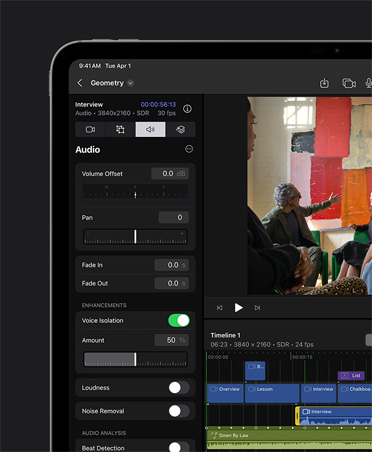
Aislamiento de Voz.
Elimina el ruido de fondo y optimiza la claridad del audio para que tu edición suene impecable.
-
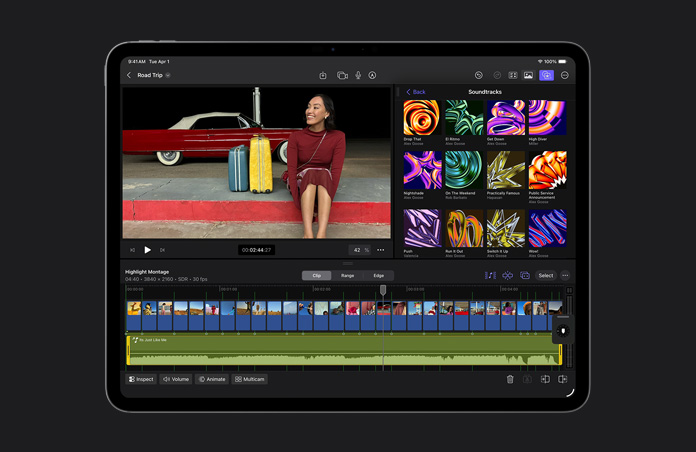
En el iPad, tu música se ajusta justo.
Las bandas sonoras se amoldan de forma dinámica a la duración de tu proyecto: extendiéndose, acortándose y manteniéndose sincronizadas a medida que la escena cambia.

-
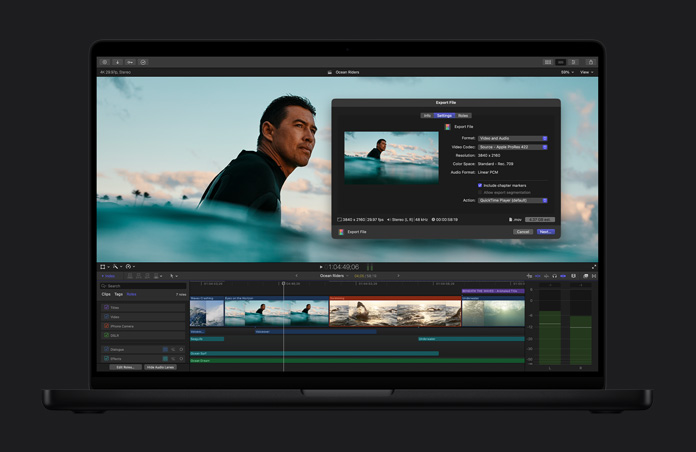
Optimiza archivos.
Transcodifica videos a Apple ProRes para lograr un mayor rendimiento durante la edición, acelerar los tiempos de renderización y mejorar la calidad del color en la composición.
-
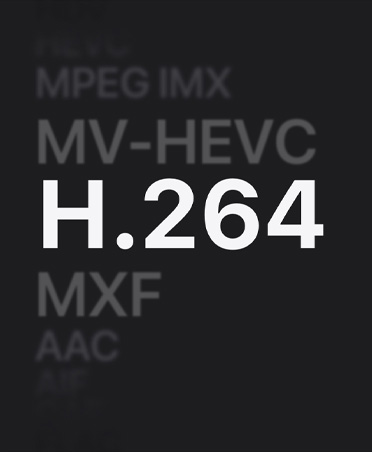
Comparte en alta calidad.
Exporta tu proyecto terminado como un archivo de calidad profesional que se puede usar en la etapa final de posproducción o en la transmisión y distribución.
-
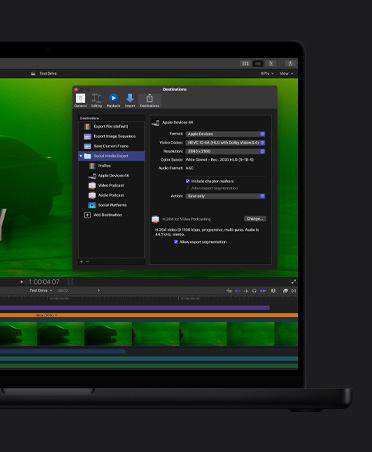
Exportación por lotes.
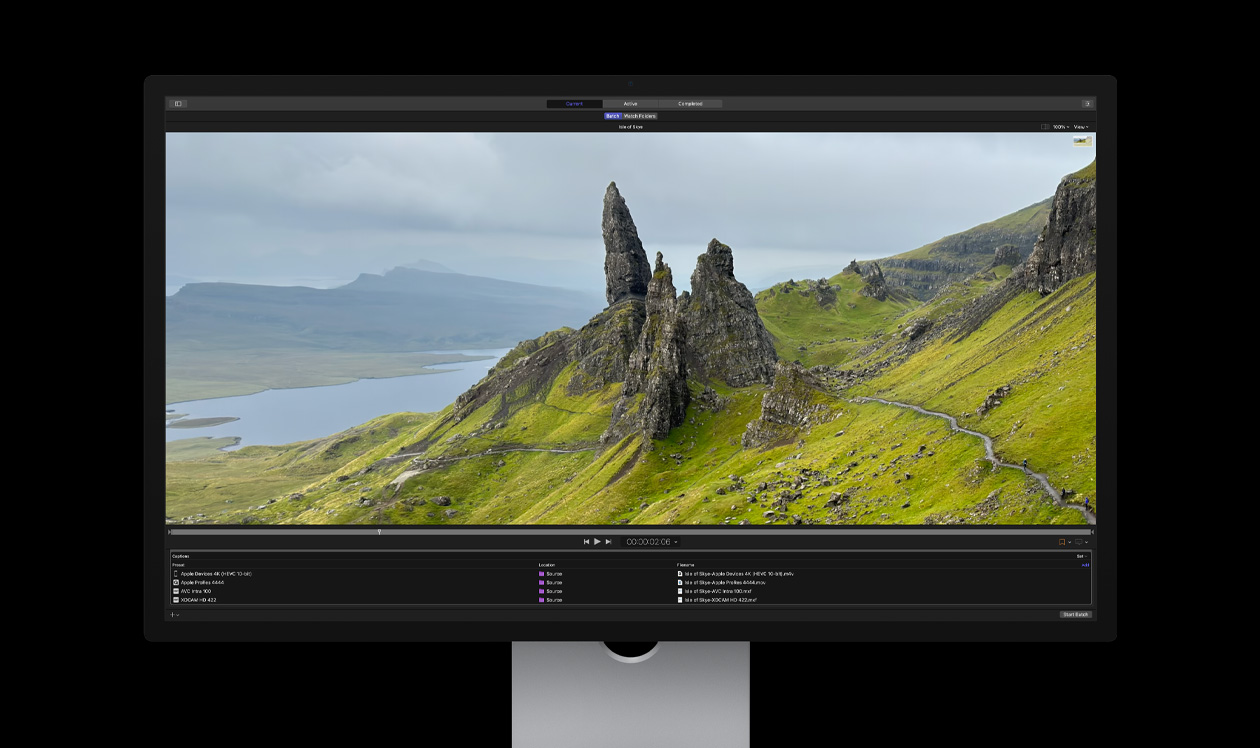
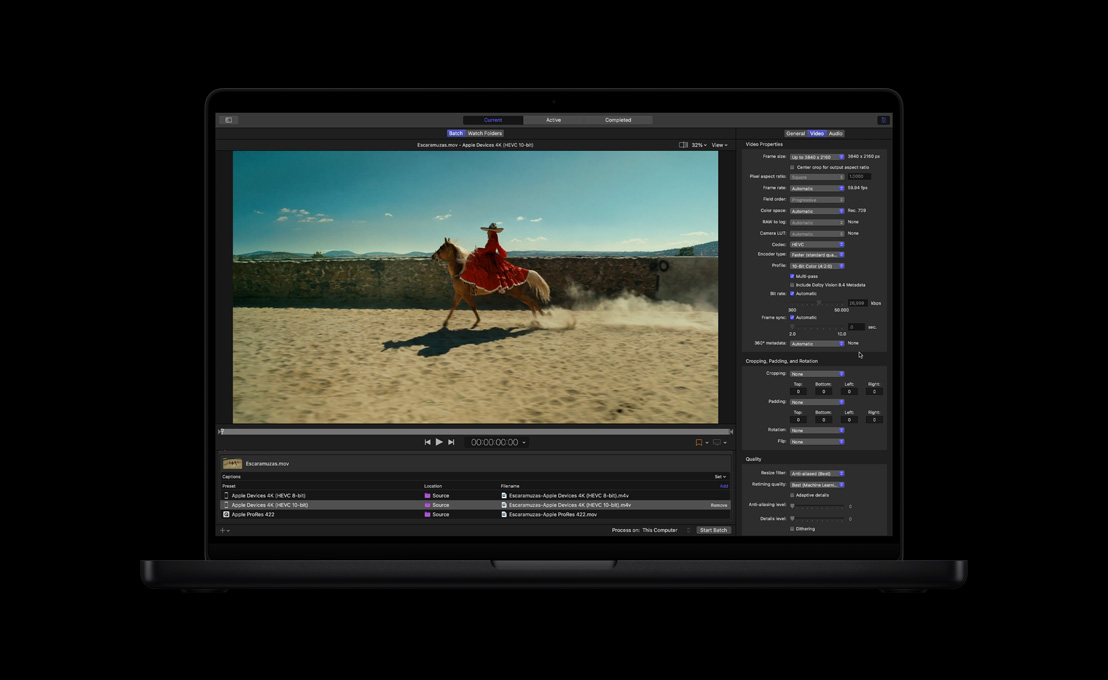
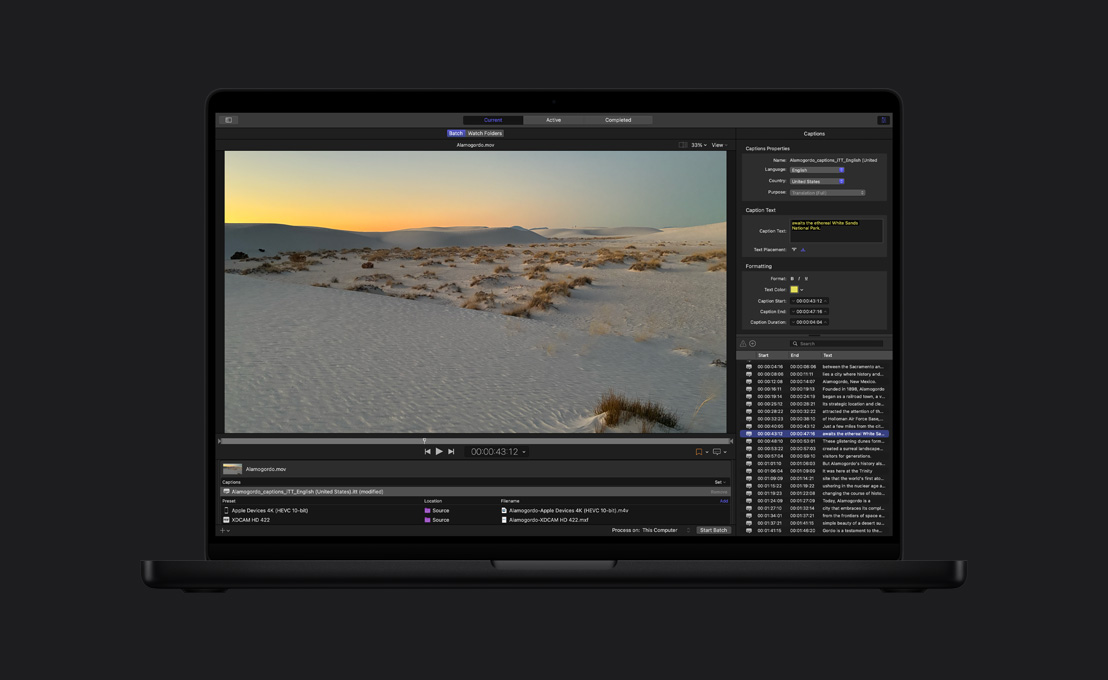
Exporta varios proyectos, clips o rangos de clips en simultáneo para diferentes destinos, como dispositivos móviles o redes sociales.

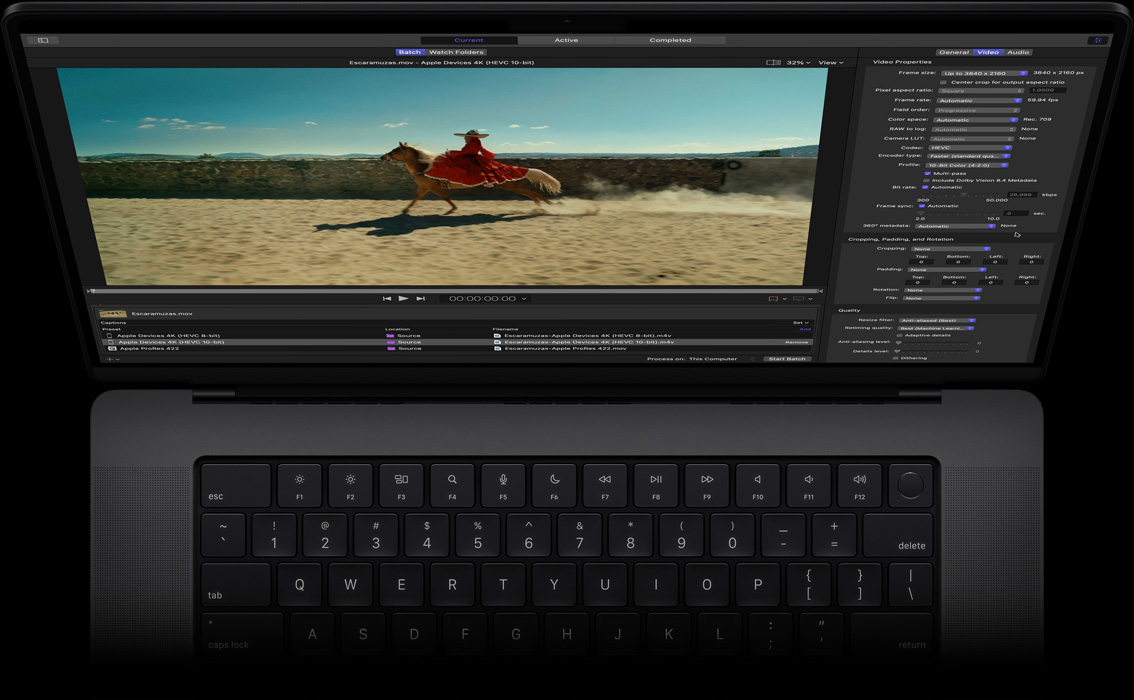
Compressor.
Más opciones para codificar.


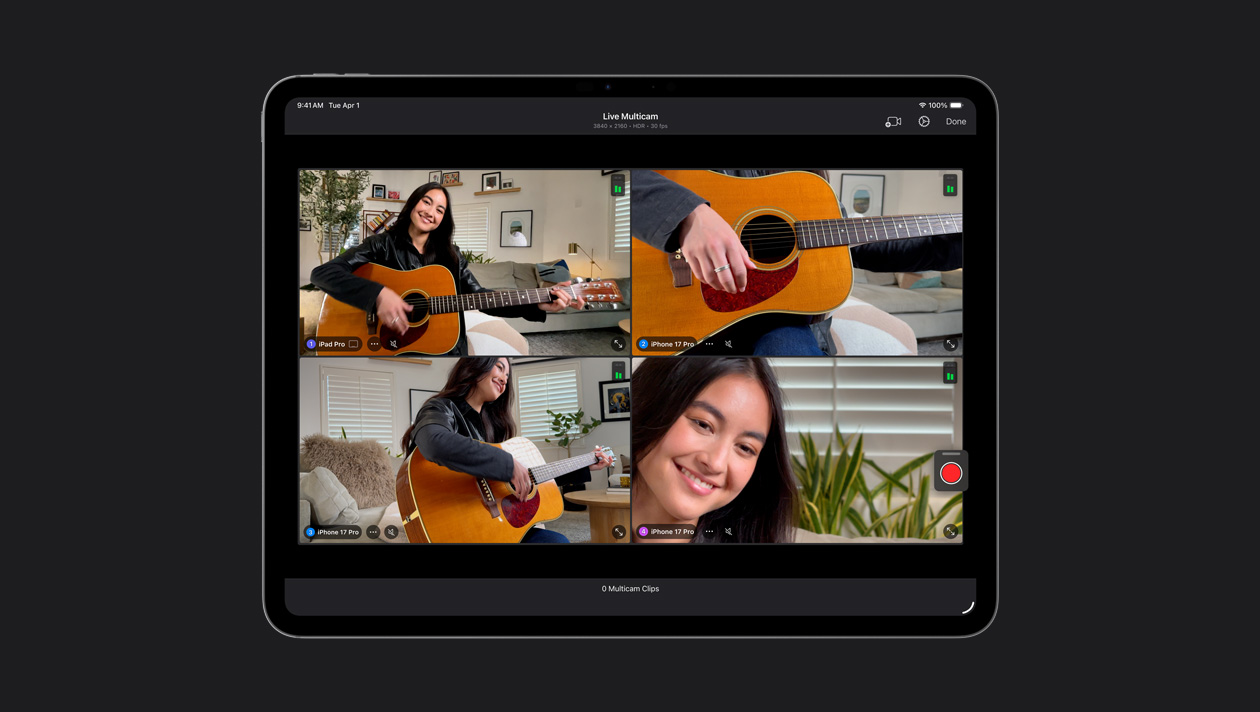
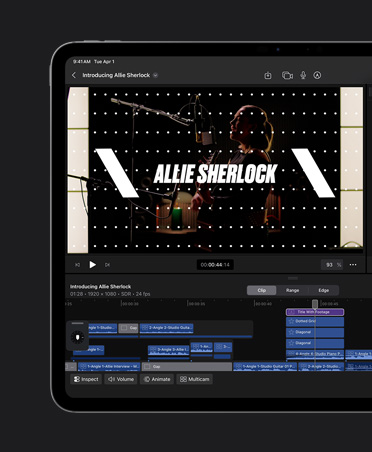
Conecta hasta cuatro dispositivos iPhone o iPad, controla sus ajustes de forma remota y sincroniza automáticamente todo el material grabado. Graba fácilmente videos musicales, podcasts y entrevistas.
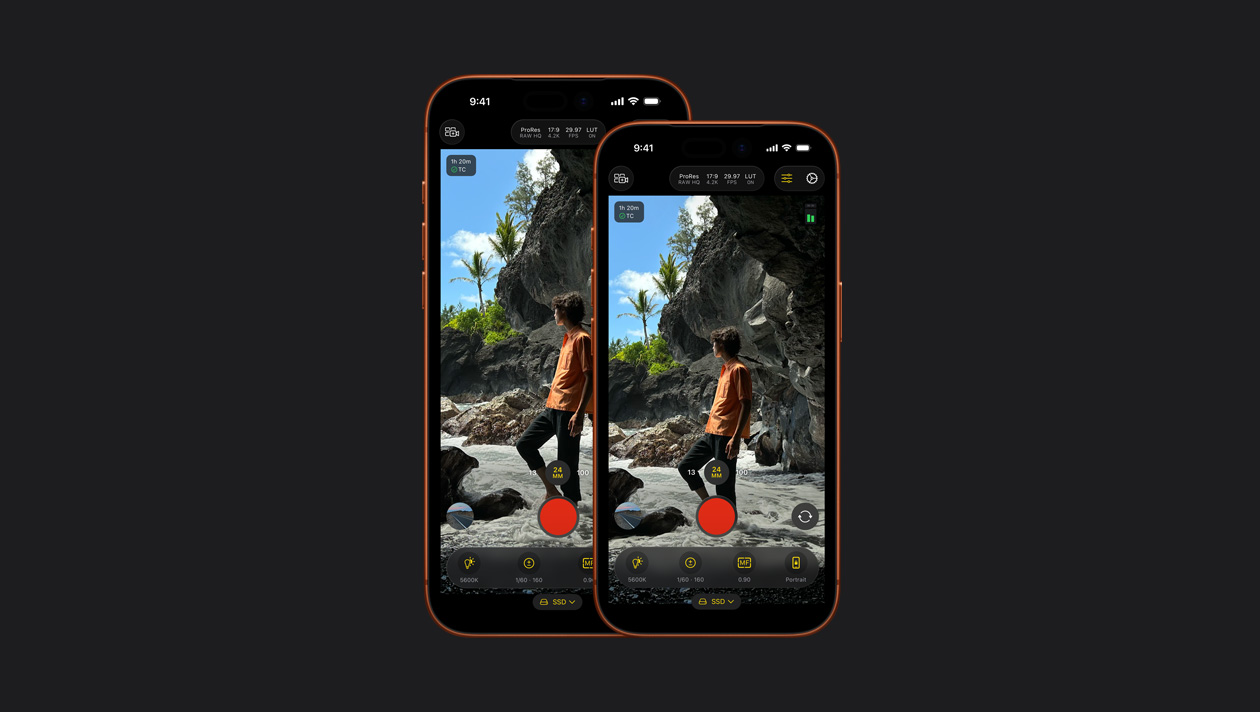
Captura videos a nivel profesional en tu iPhone o iPad usando potentes controles manuales para ajustar el ISO, la velocidad de obturación, el balance de blancos y más.7
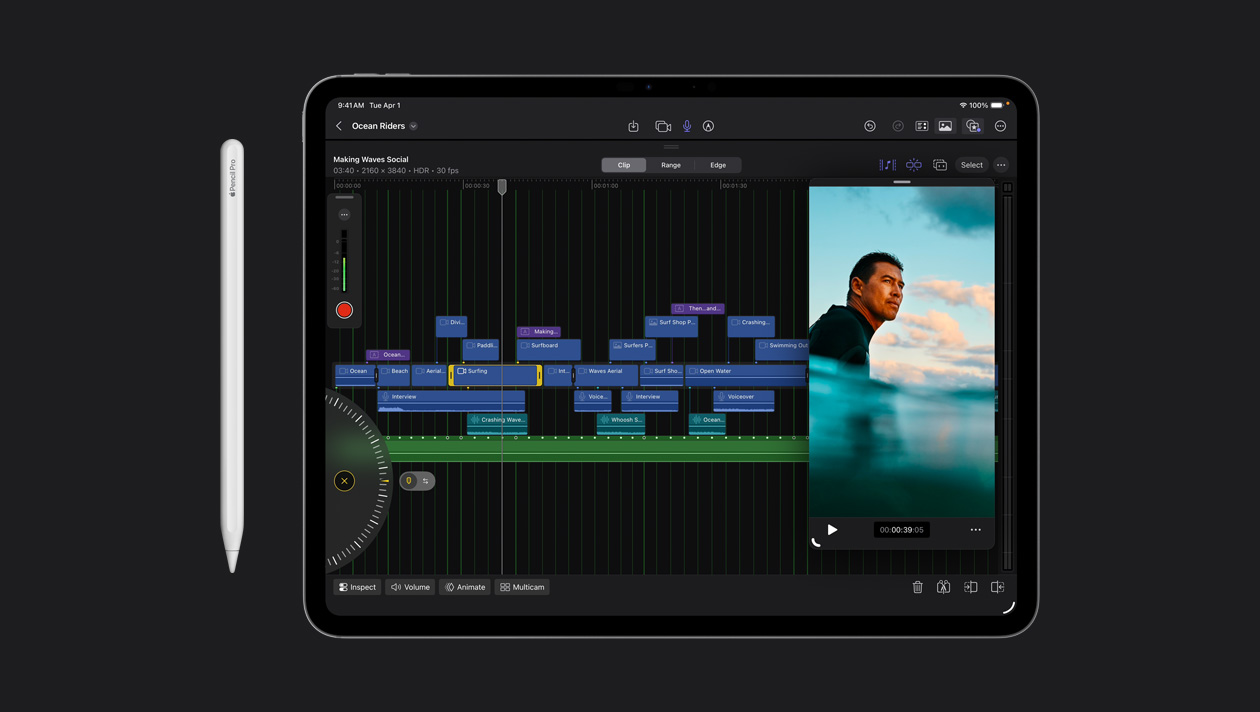
Haz ediciones precisas de tomas con sólo un toque. O aprovecha la velocidad de la rueda de desplazamiento para repasar las secuencias y ajustar tus clips.
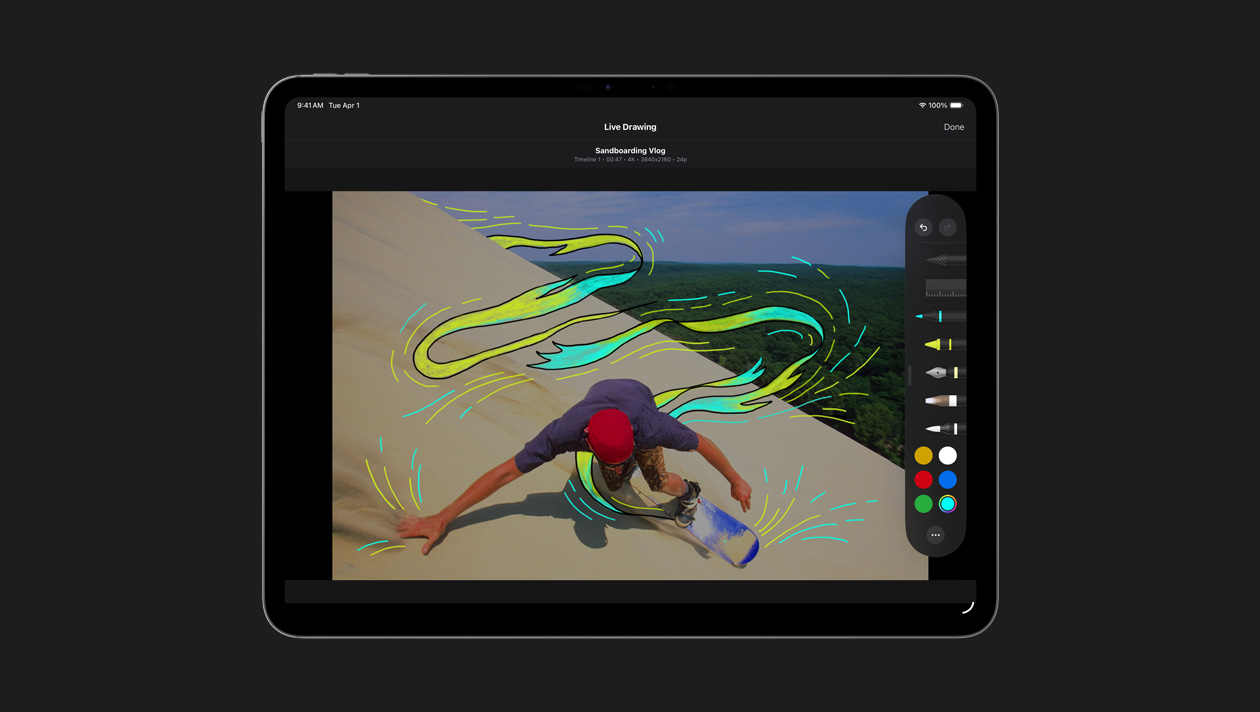
Dibuja, resalta y escribe directamente sobre las imágenes. Usa tus dedos o el Apple Pencil para darles un toque especial de animación a los títulos y las ilustraciones.
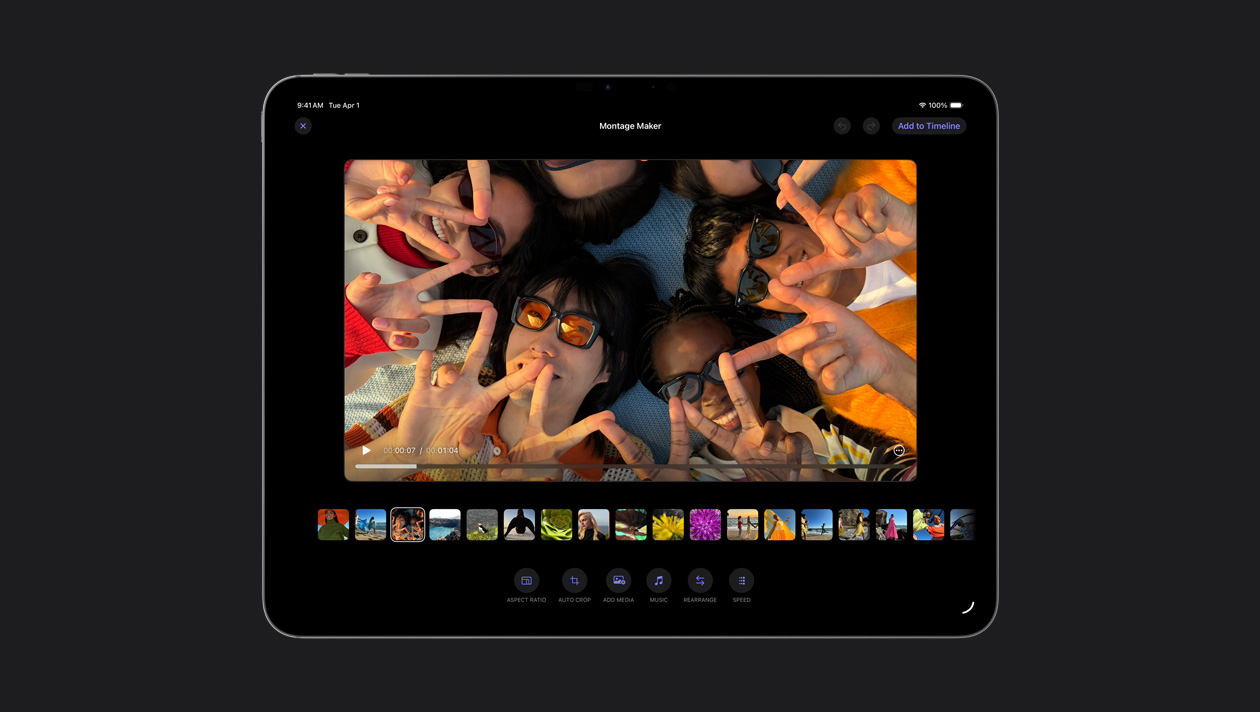
Creador de Montajes selecciona automáticamente las imágenes más destacadas de tu material y las sincroniza con el ritmo de la canción que elijas. Luego puedes ajustar la velocidad, hacer algunos retoques y compartir tu obra.
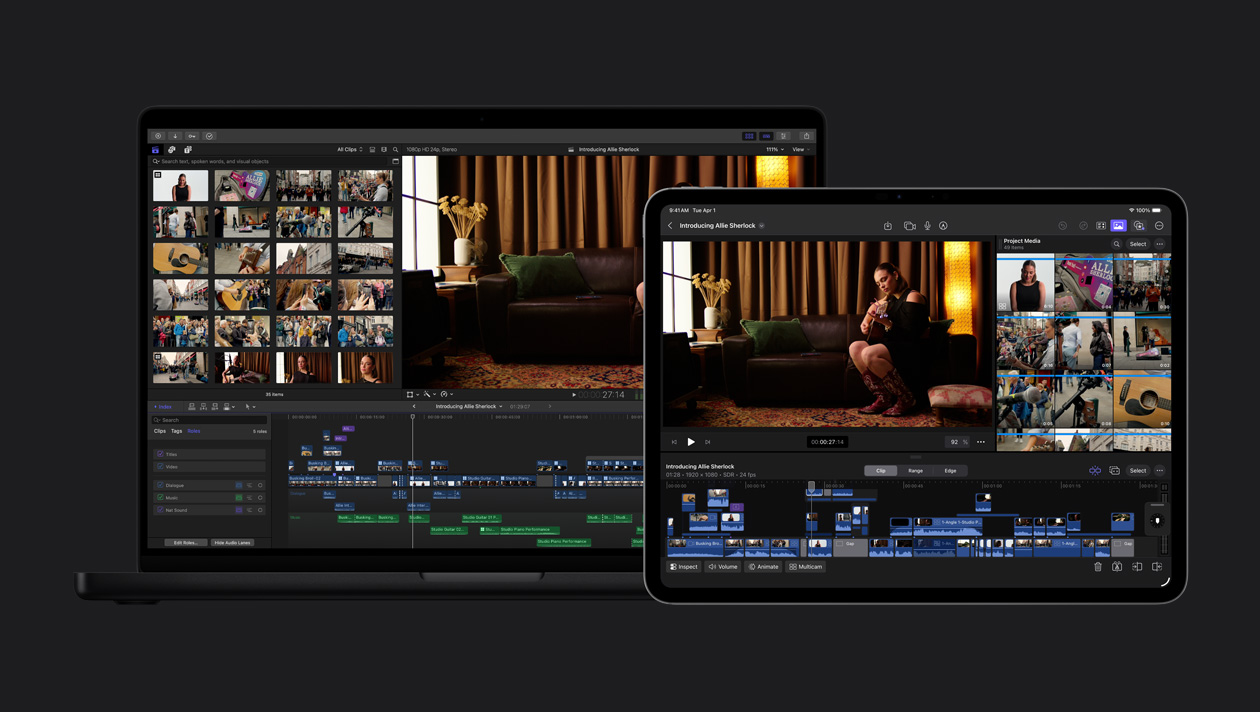
Exporta tu proyecto del iPad a la Mac para acceder a funcionalidades como la corrección de color avanzada y Máscara Magnética, entre otras.
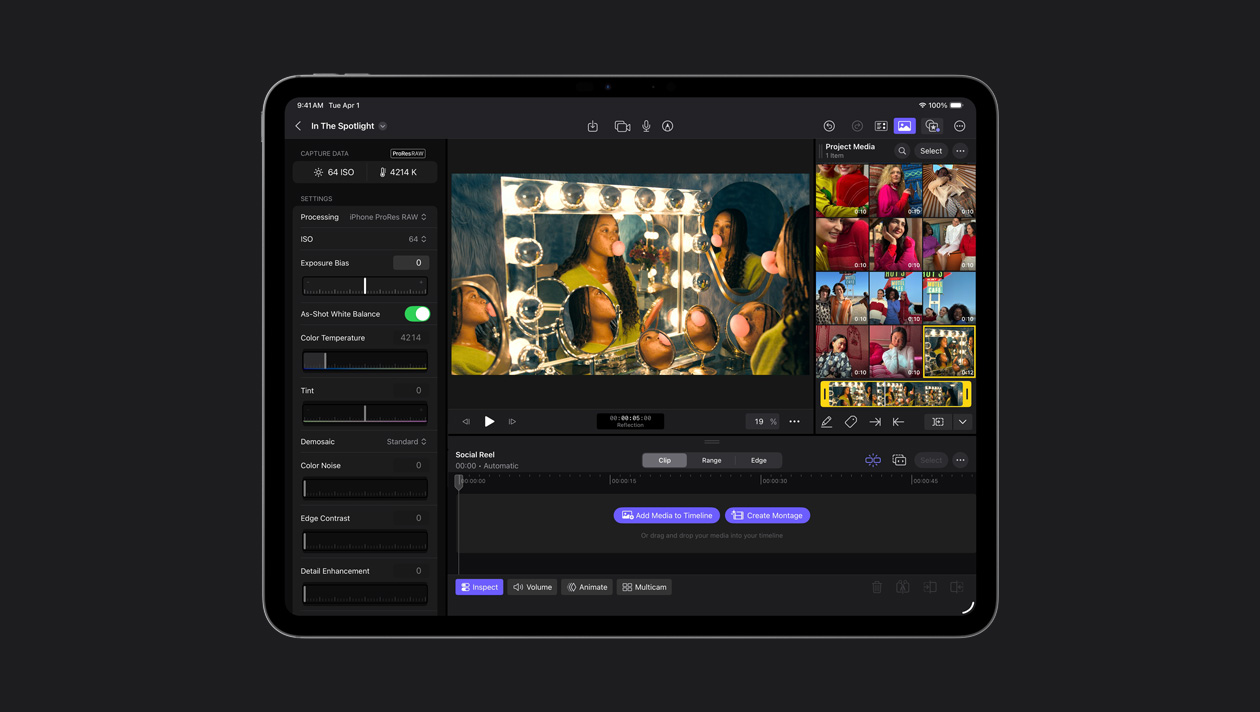
Final Cut Camera te permite grabar en ProRes RAW, ajustar el aspecto del video a tu gusto y destacar detalles en luces y sombras. ProRes RAW ofrece calidad RAW con más velocidad de renderización y exportación.
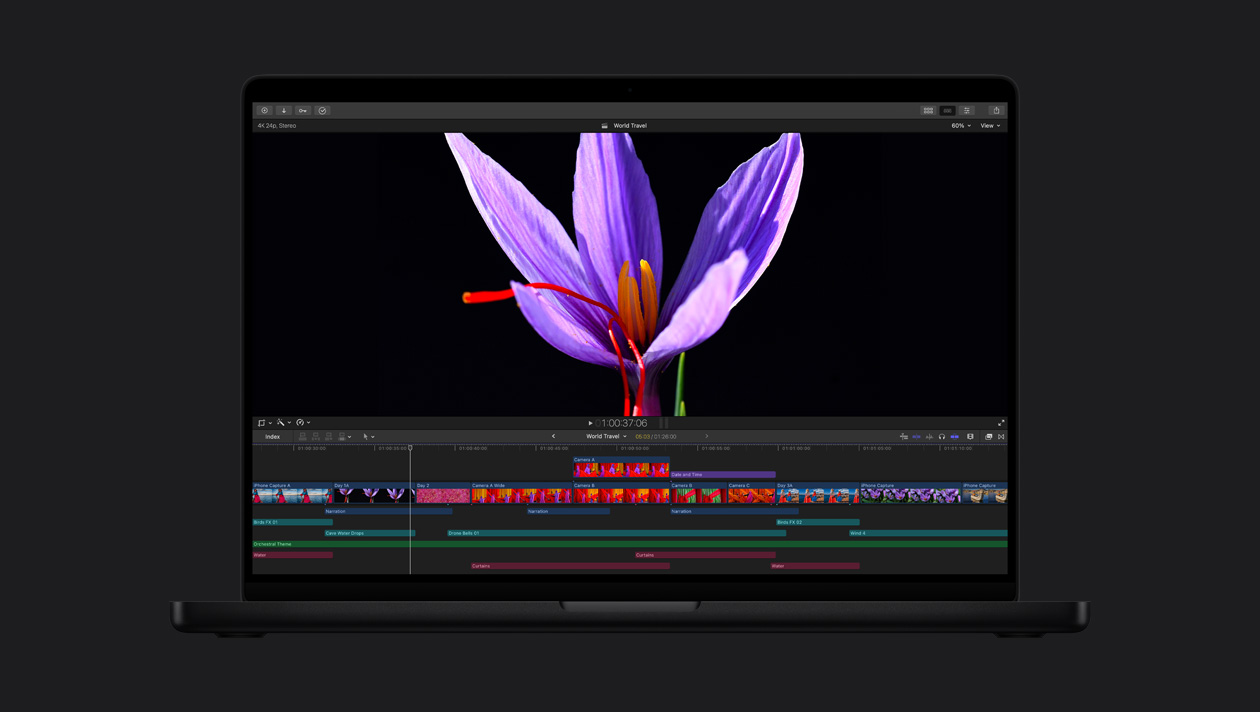
Las pantallas Liquid Retina XDR y Ultra Retina XDR, líderes en la industria, ofrecen un nivel increíble de brillo, contraste y color para la edición, corrección de color y exportación de videos HDR con Final Cut Pro.
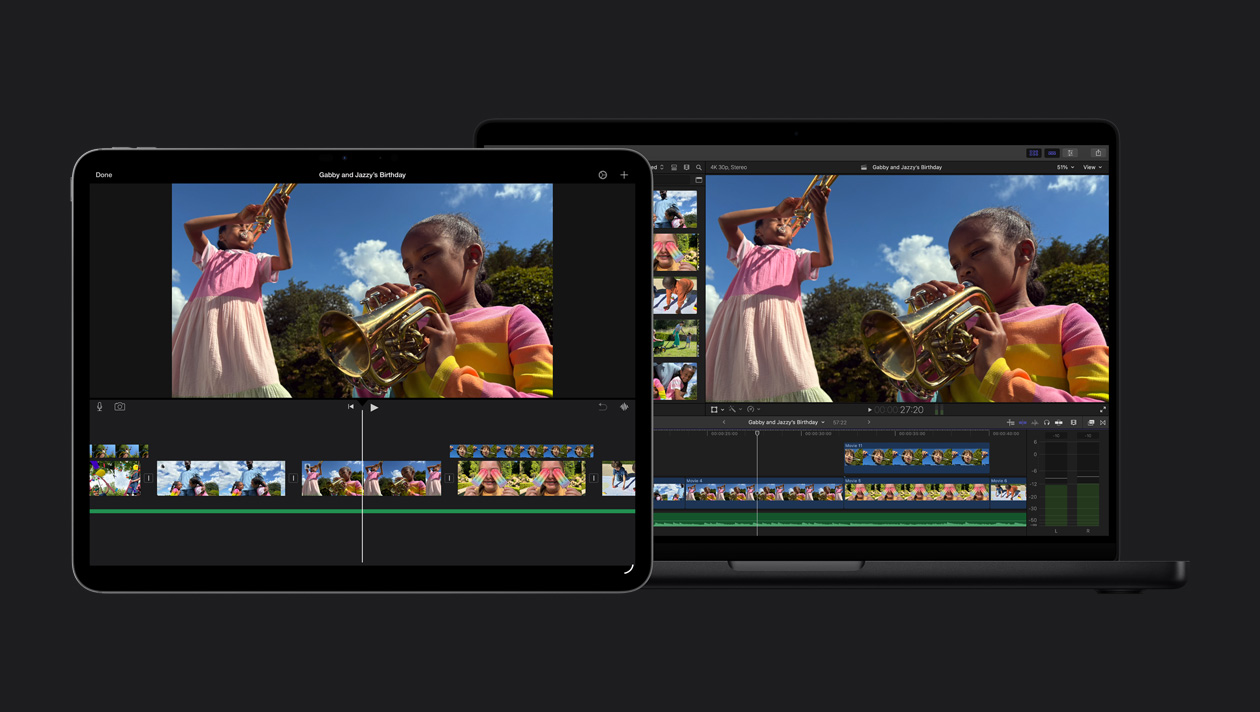
Abre fácilmente tu proyecto de iMovie en Final Cut Pro y empieza a aprovechar todas sus funcionalidades avanzadas de edición.