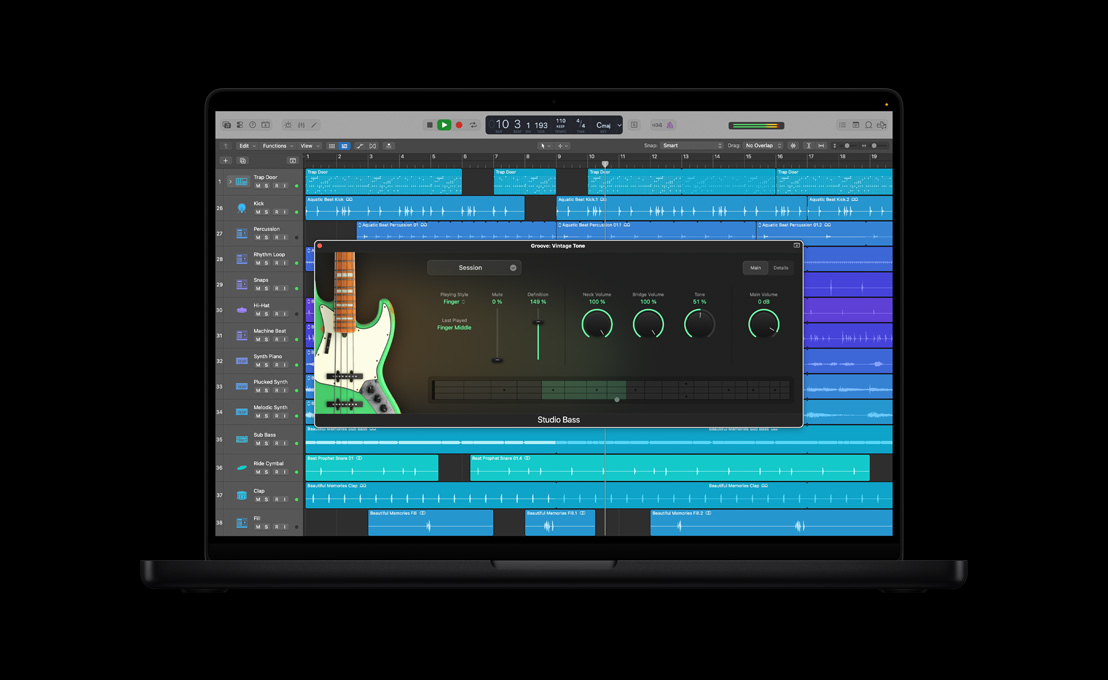
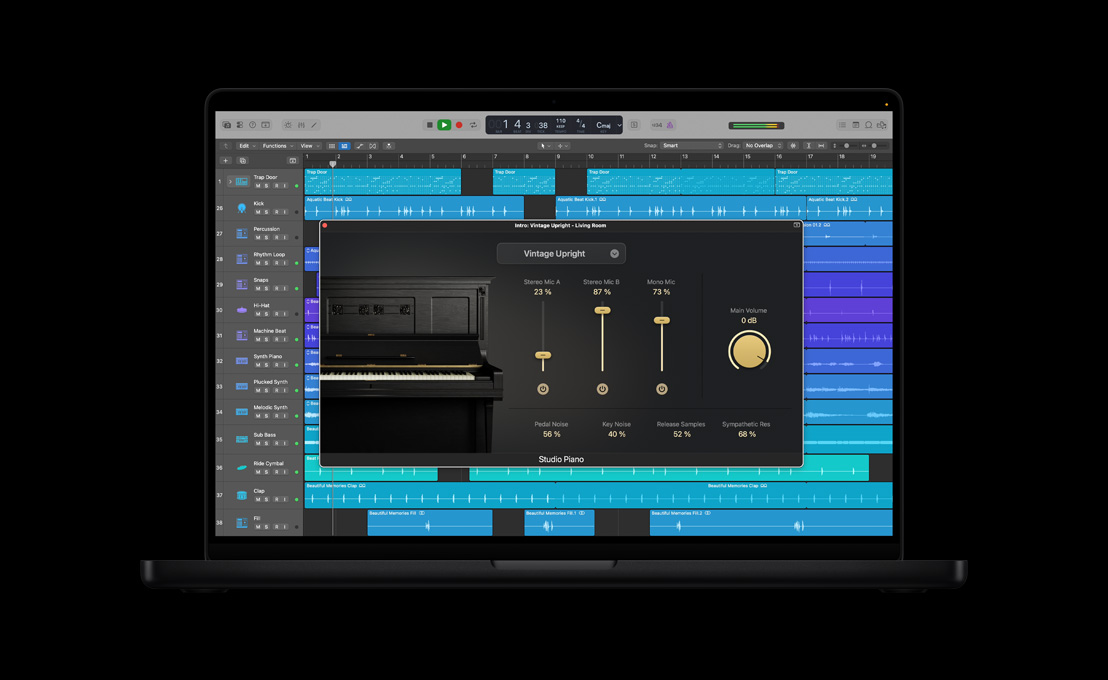
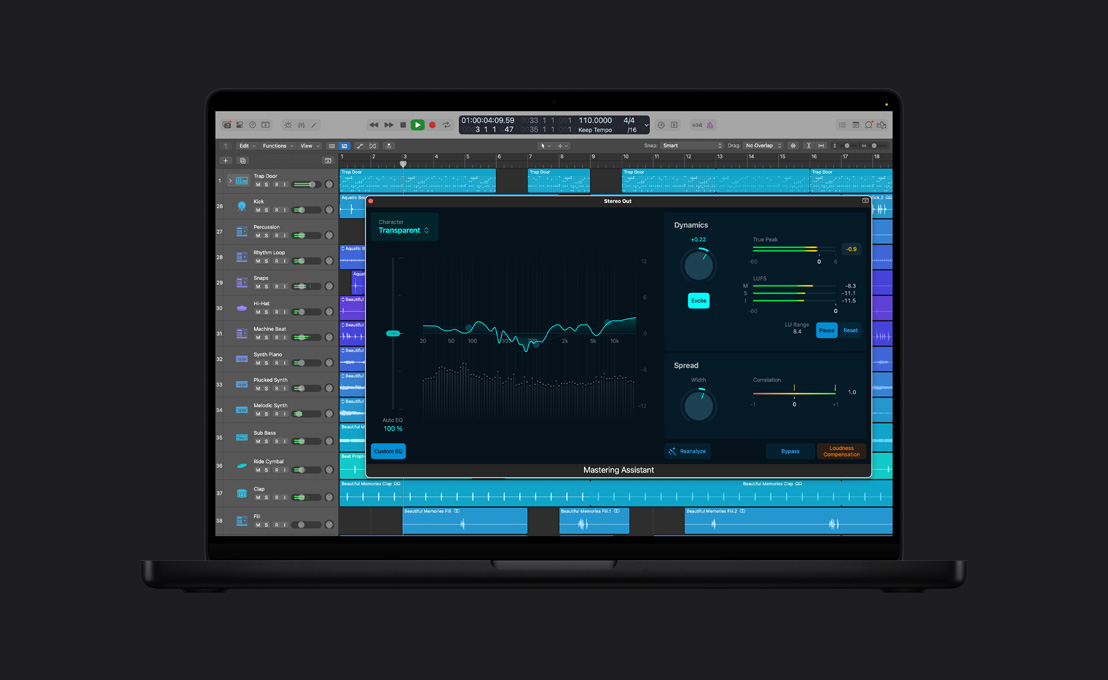
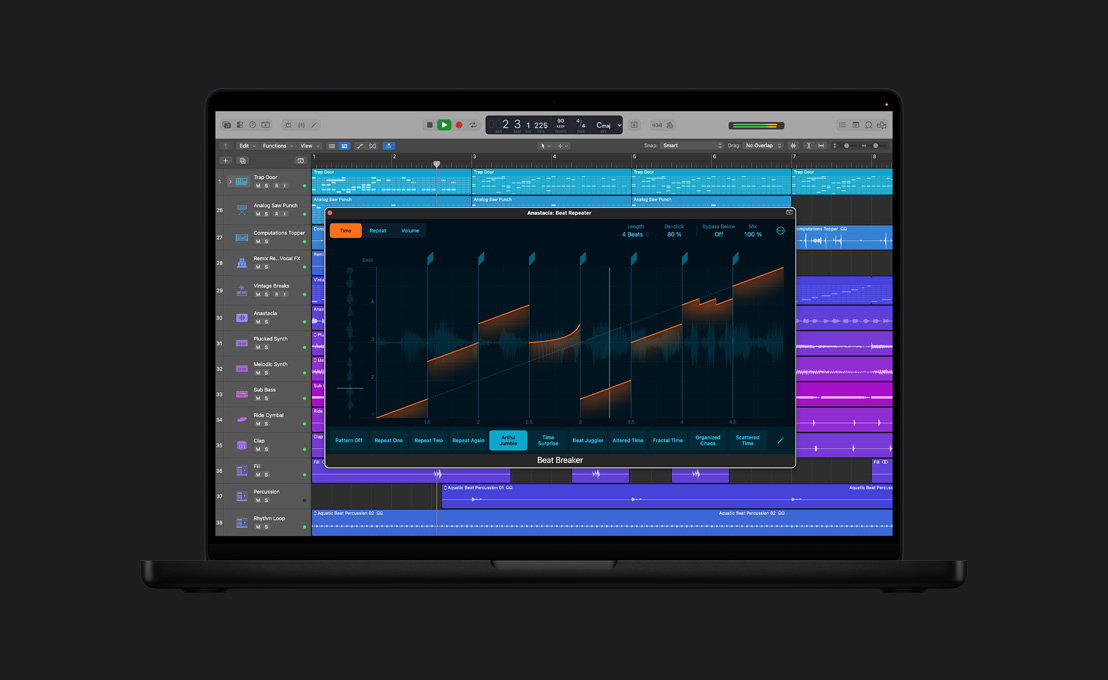
Made for musicians.

You already know how to write great music. Logic Pro 9 streamlines the technical side of things, so you can record, edit and mix it on your own. Tap into a huge collection of instruments, sounds and loops for inspiration. Get set up and start recording quickly. Perform complex edits in a fraction of the time. And mix down projects of any scale with full automation and surround capabilities.

Put the flow back into your workflow.

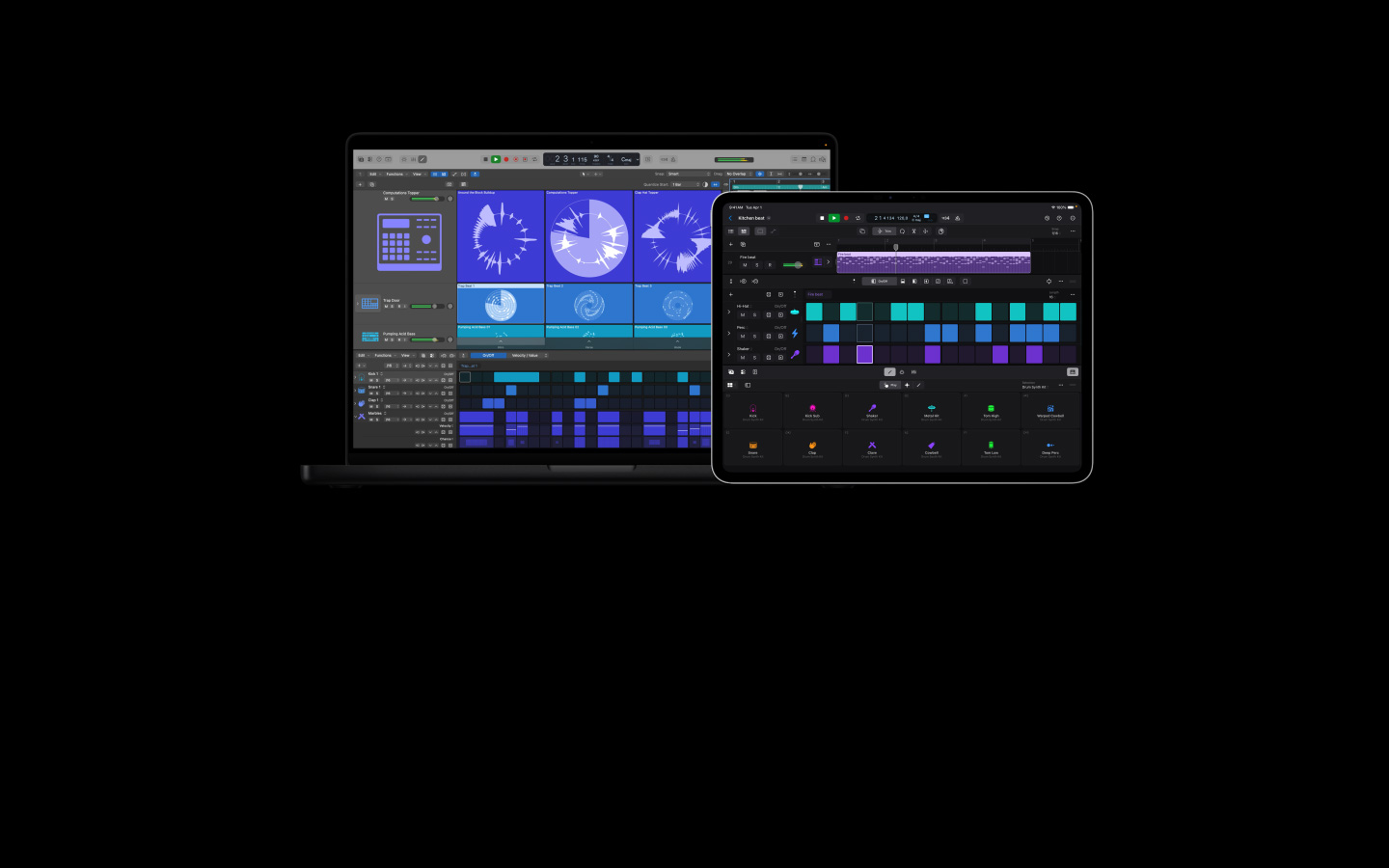
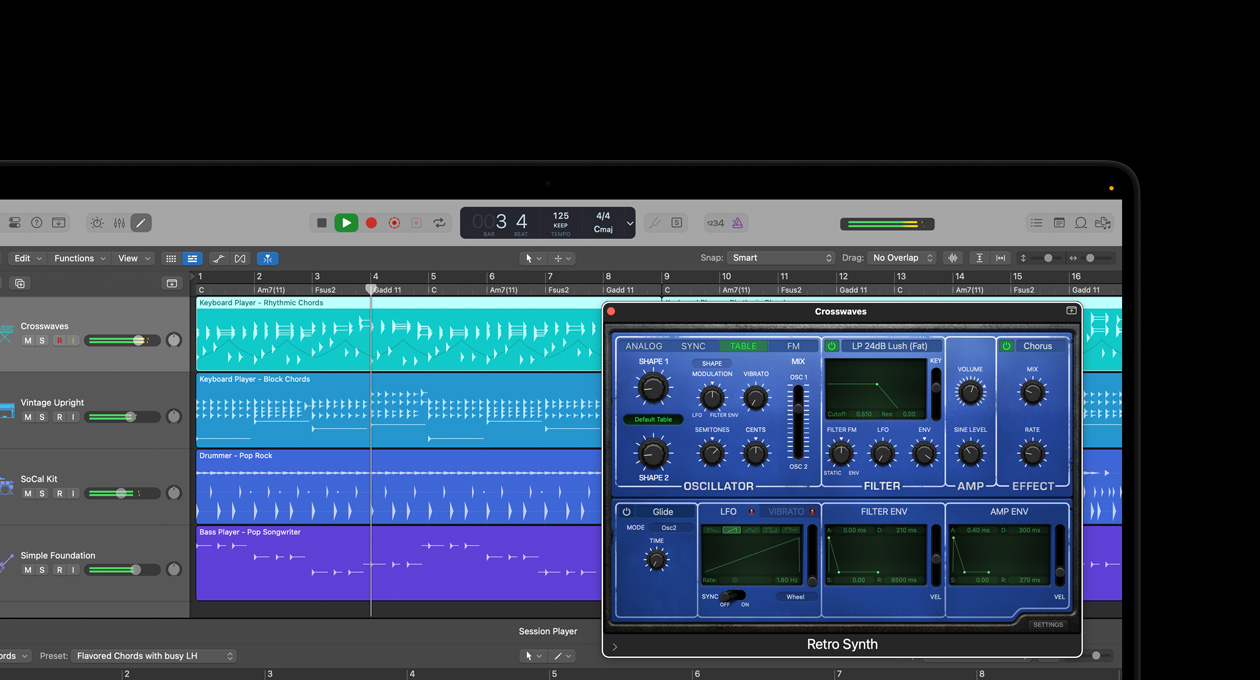
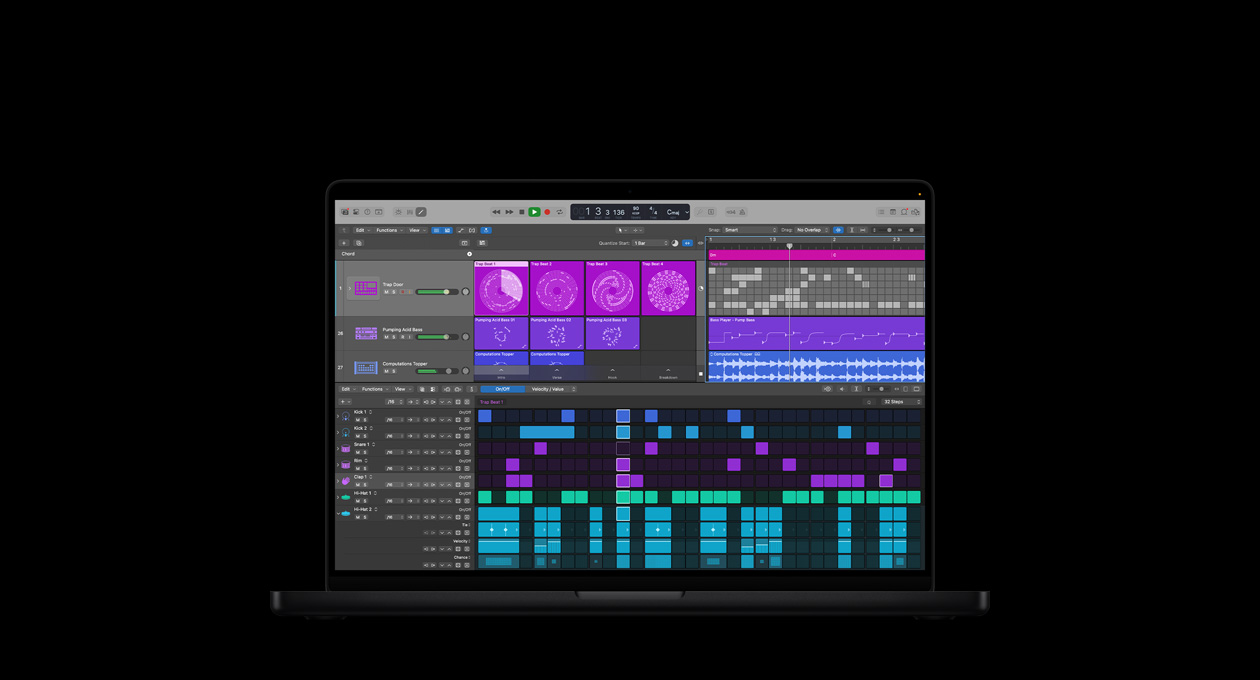
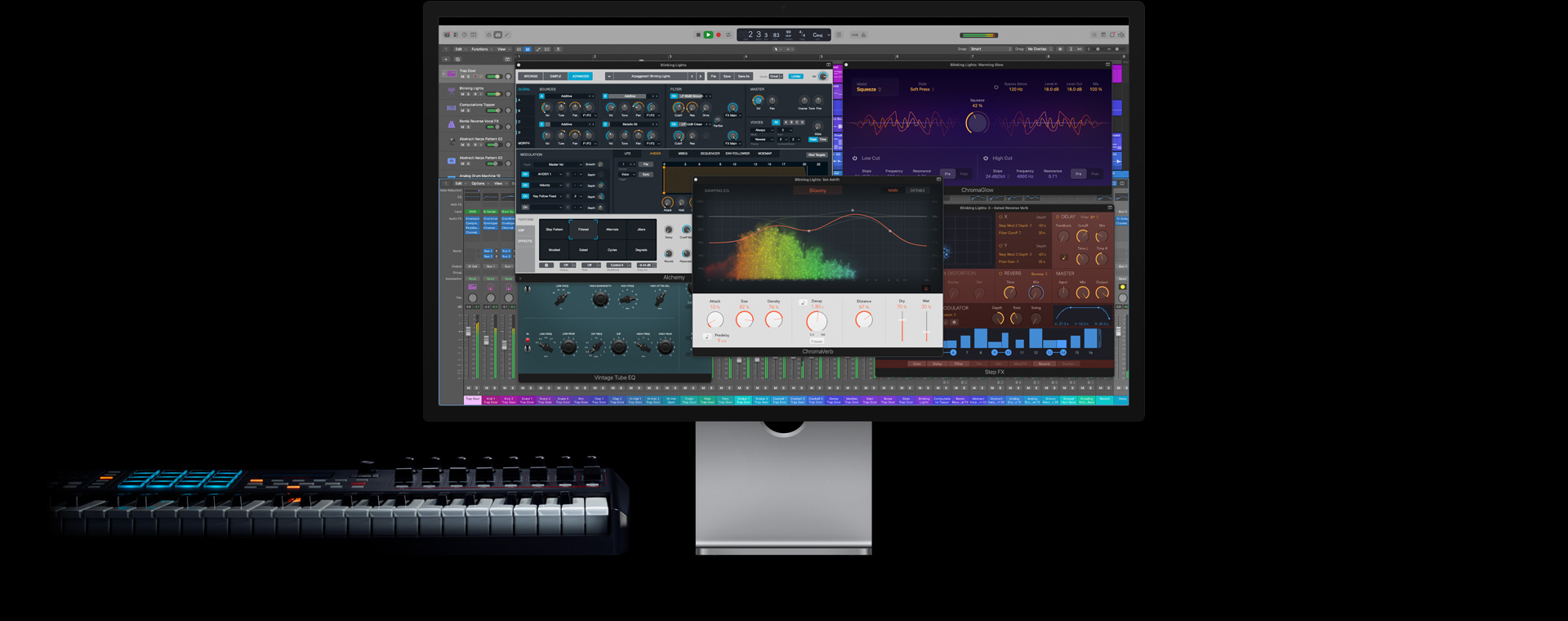
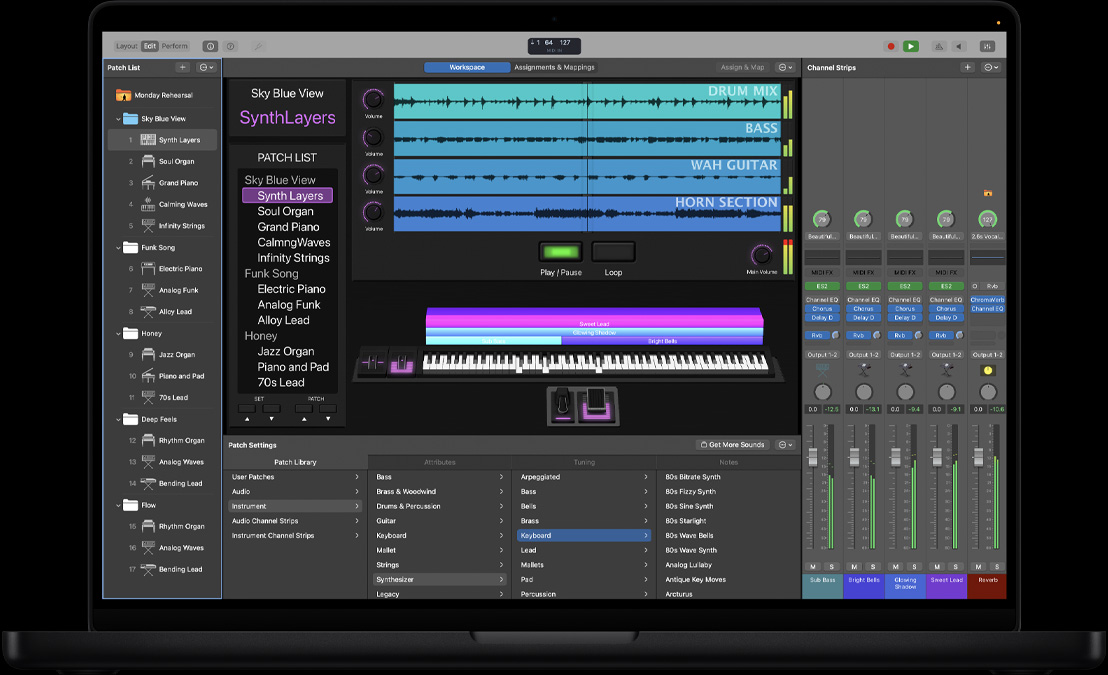
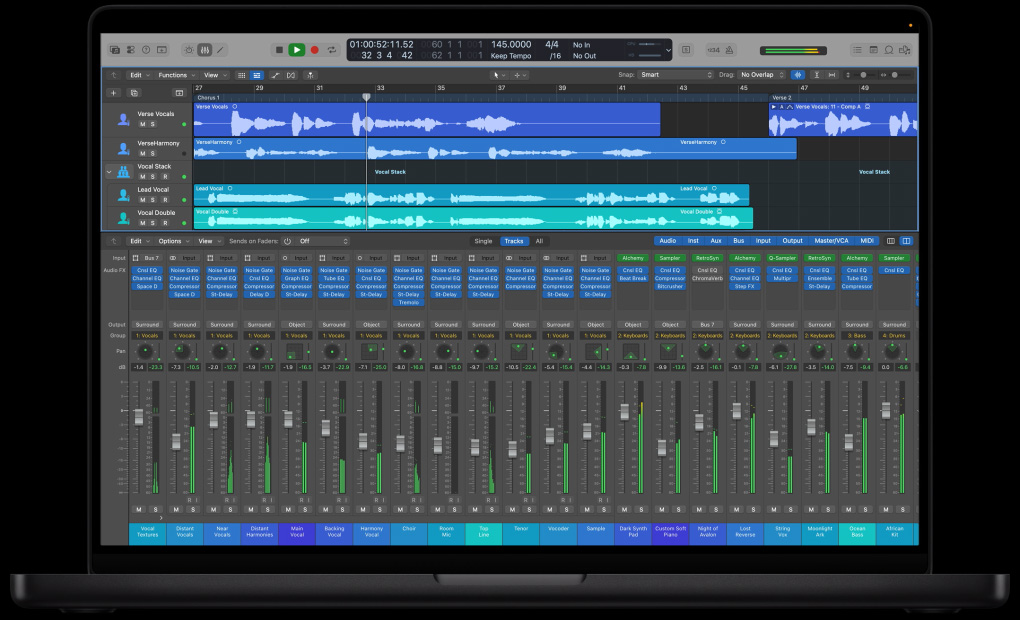
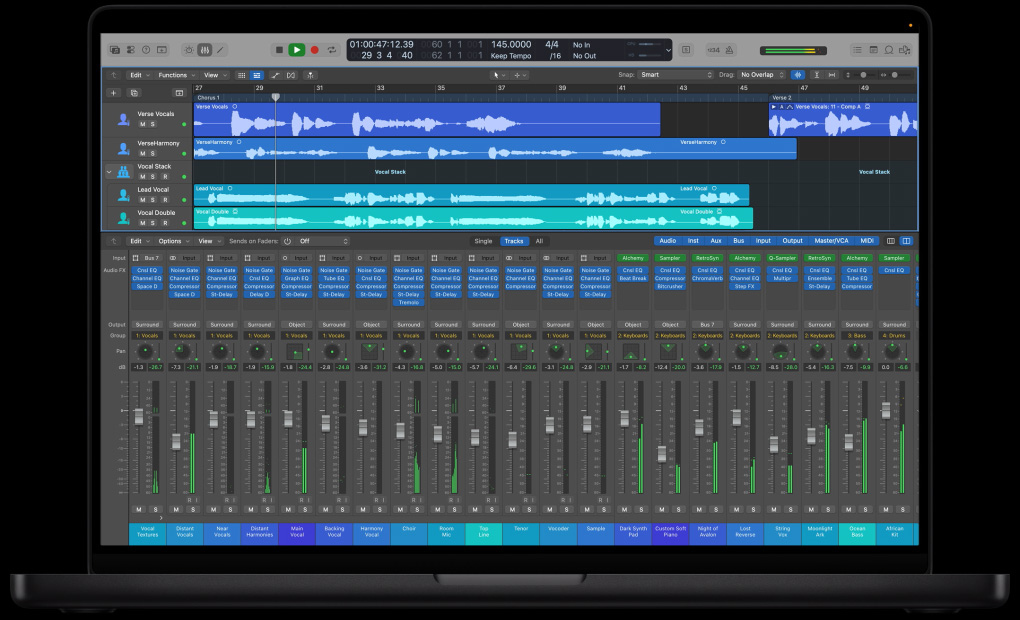
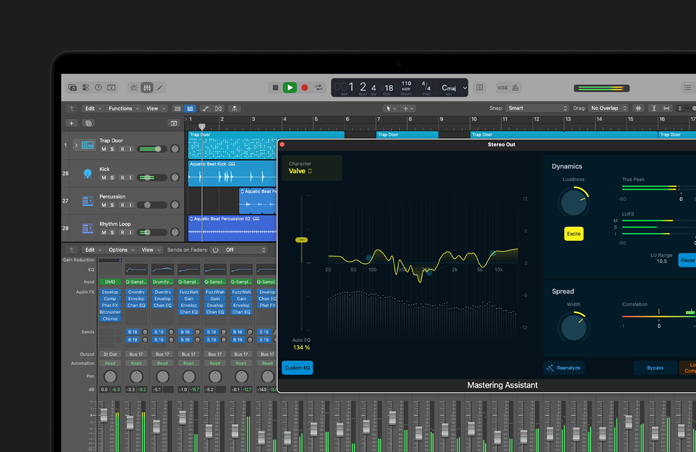
Logic Pro brings together all the editing tools and content browsers you need in a single, beautifully designed window. So everything can happen faster. Your shortcut menus, toolbars and transport controls are right there for you, not spread across a maze of windows. And you can customise the toolbar and transport areas with the tools and controls you use most often.

Get rolling fast.

Logic Pro 9 lets you start making music right away. Templates are a great way to explore sounds or instantly get you set up to track, edit, mix or master even a large-scale project. Want to build a song from scratch? Logic Pro reduces the number of steps it takes to set up tracks and mixer channels, so you can stay focused on being creative.

Your new writing studio.

Whether you’re improvising a three-chord pop song, making beats, assembling and reshaping loops or composing for video, nothing will break your creative flow.

Zero in on the sound you need.

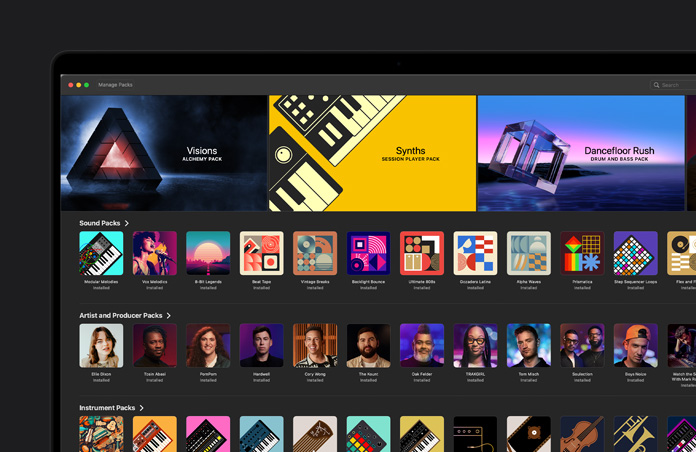
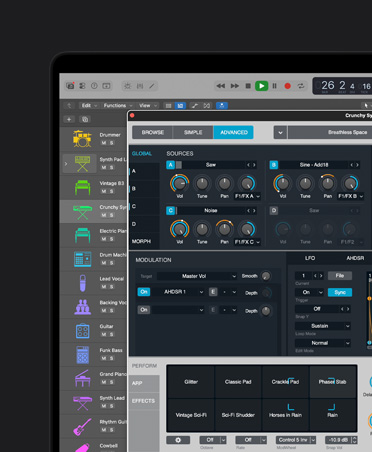
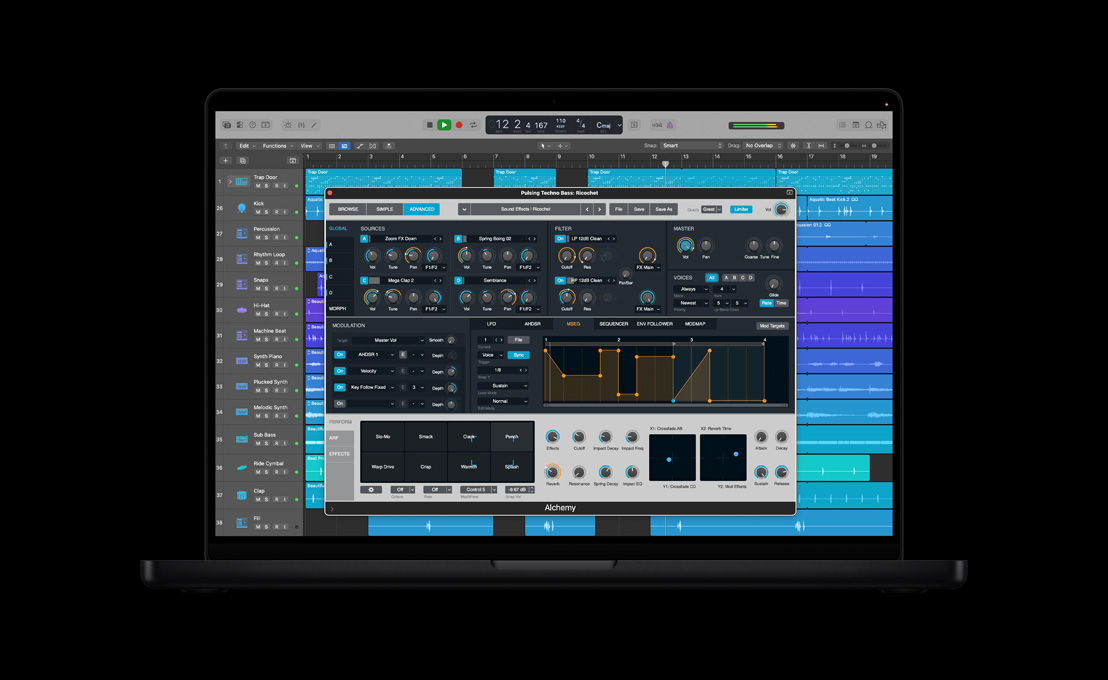
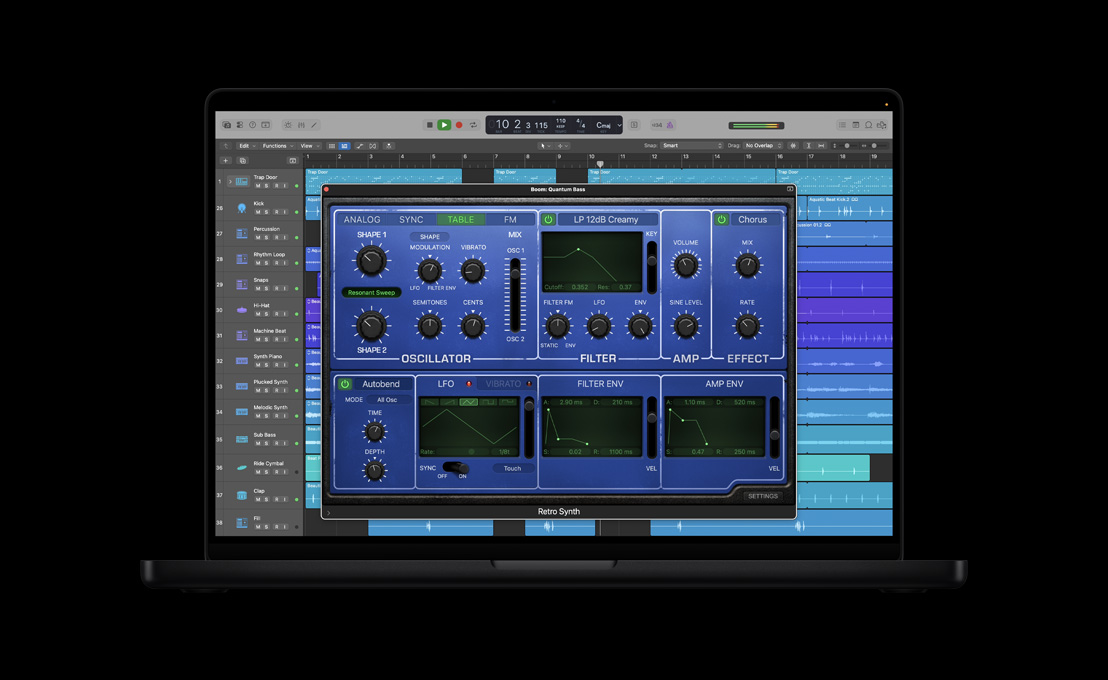
Built-in library browsers make it easy to navigate thousands of instrument and effect settings, Apple Loops and even sounds you’ve created yourself — all without leaving the track you’re working on.

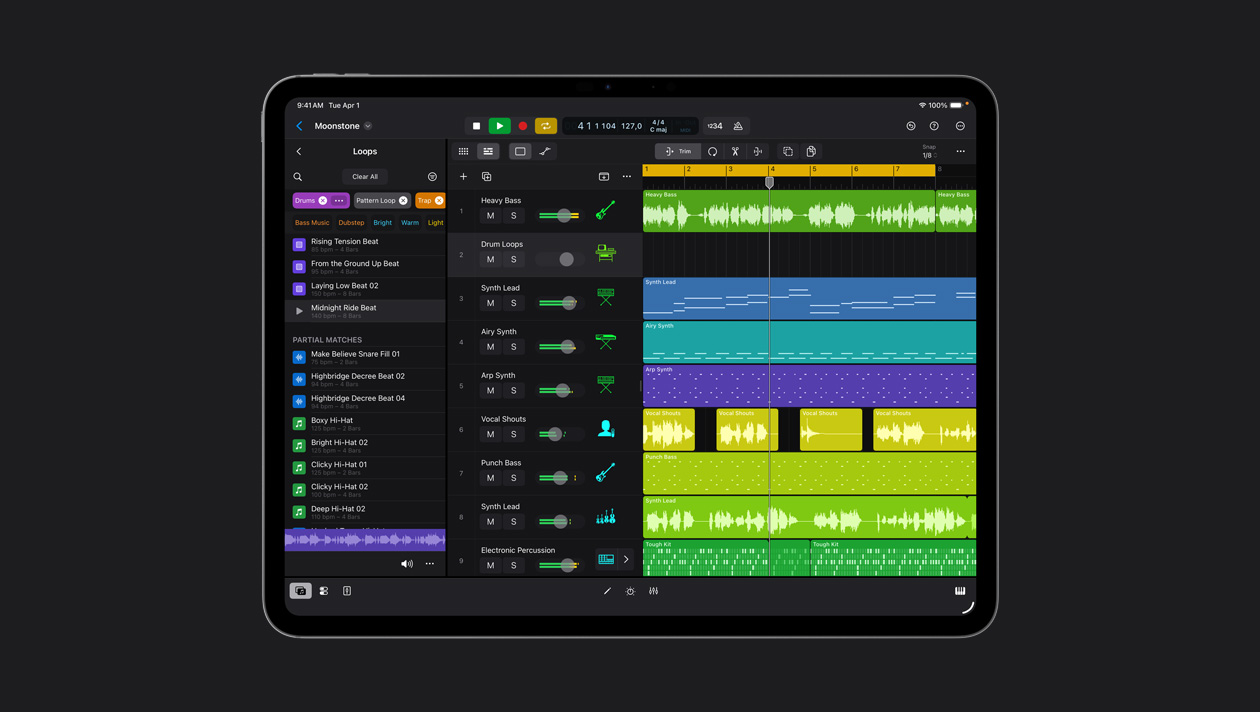
The Apple Loop browser serves up over 15,000 royalty-free loops by category, such as instrument, genre and mood, so you can easily find what you’re looking for. Choose one and it automatically conforms to the tempo and key of your project. Special software instrument loops even let you edit the instrument, processing or original MIDI performance.

Writing in Logic Pro 9

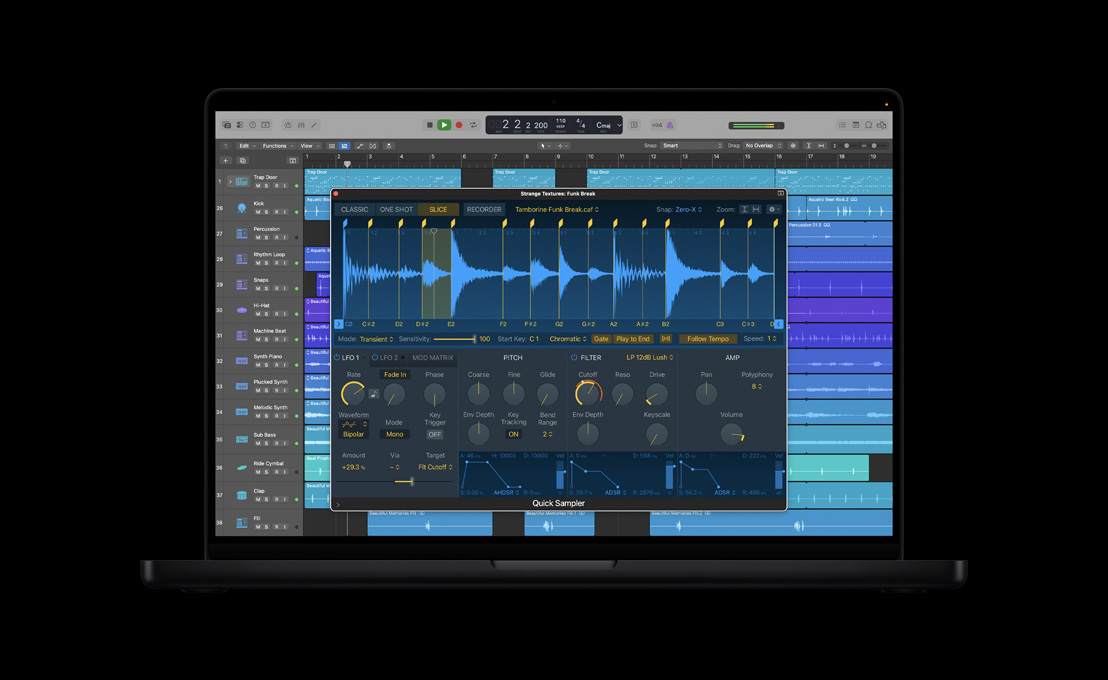
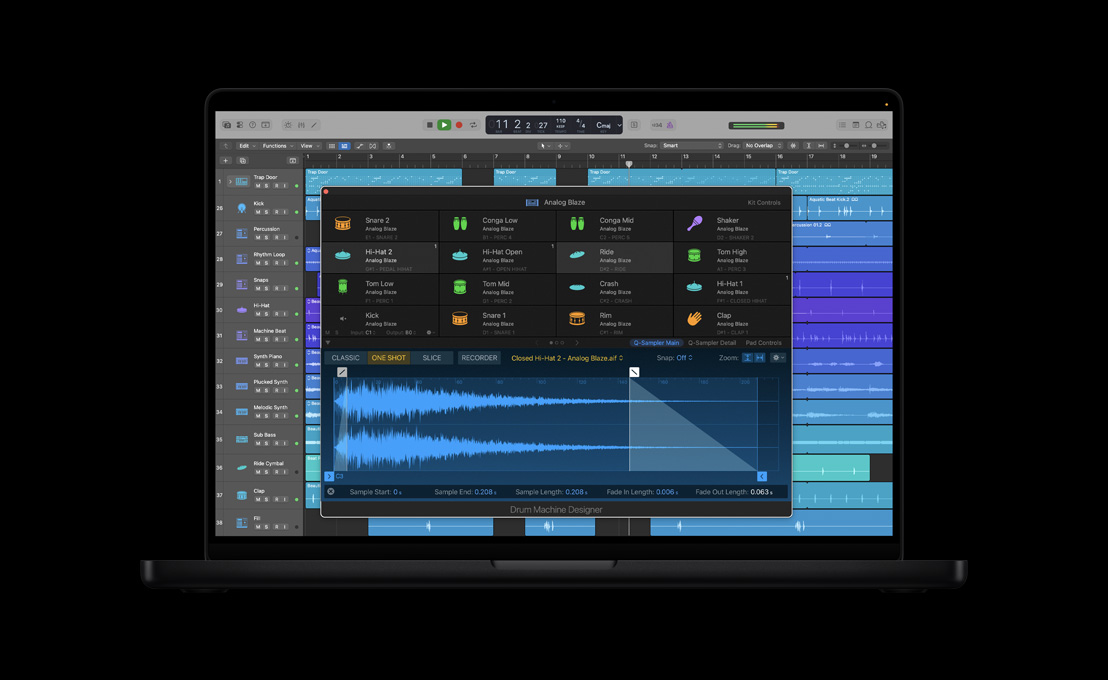
Logic Pro makes it easy to create sampler instruments. So you can run with your ideas.

Watch the video

View the gallery

Go wild, then go back.

Nondestructive, region-based editing allows you to tinker with individual sections of a track and hear the results as you go. You can experiment all you want, knowing your original performances are always intact.

Instant sampler instruments.

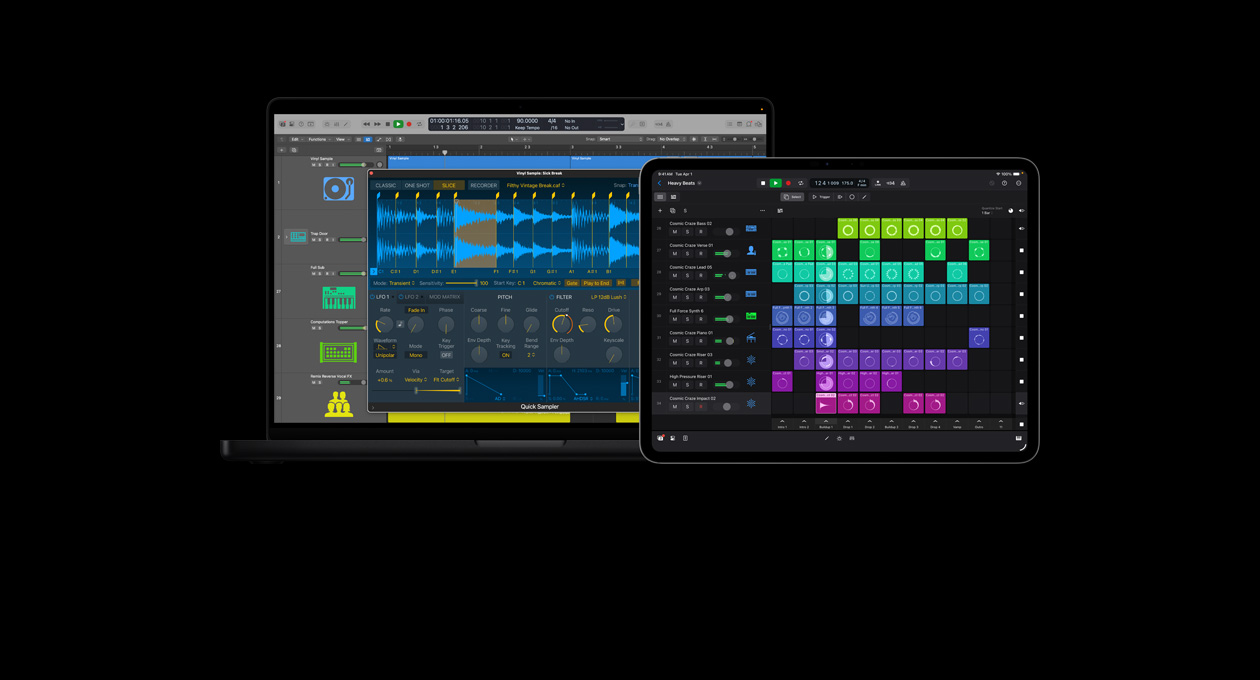
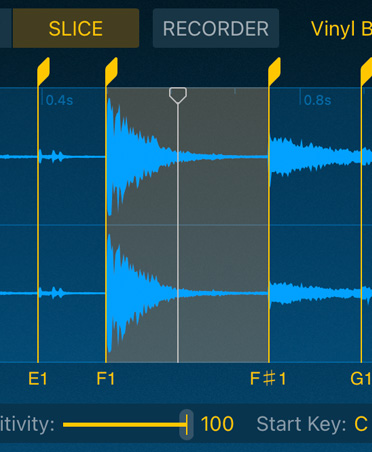
In a single step, you can transform any audio region into a sampler instrument, along with a MIDI track that will trigger the samples so they sound just like the original track. From there, it’s easy to modify the slices or even play them in real time from a MIDI keyboard.

Edit MIDI your way.

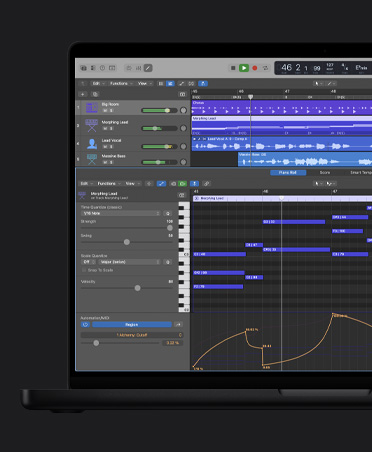
As a full-featured MIDI sequencer, Logic Pro lets you choose how you want to view and edit MIDI data. Use the Piano Roll Editor to graphically edit note velocity and length. Or if you’re used to working with traditional notation, you can edit right in the score using the Score Editor.

Music notation the way it should be.

Logic Pro features a complete set of music notation tools, including comprehensive layout and print options, instrument transposition, drum notation and adaptive lyric input. You can generate guitar tablature with an expanded set of ornaments for notating hammer-ons, bends, fingering and more. Snap guides make it easy to add the new chord grids, whether you choose from the library of more than 4000 or create your own.

You can transform MIDI performances into music notation in real time. If you prefer not to perform your compositions, use MIDI Step Input to enter notes one at a time using your computer keyboard, or define pitch and velocity with a MIDI keyboard as you go.

Scoring and sound design for video.

Advanced music-for-picture features make scoring and sound design easier than ever. Flexible video display options let you view synchronised QuickTime movies within the interface or on a separate monitor using output options like Digital Cinema Desktop. You can locate scene changes visually via a thumbnail track or automatically mark transitions using the scene detect option.

The ultimate way to record.

Logic Pro gives you everything you need for a professional recording session. Seamless punch recording. Automatic take management. Marker creation. It’s all easy to do, and easy to undo. And it works just as smoothly for a two-hour symphony as for a simple singer/songwriter demo. With over 250 audio tracks available and the ability to run hundreds of plug-ins, you’ll always have what you need to complete your project — without paying for an upgrade or optional add-ons.

Take good notes.

Track Notes

Logic Pro lets you document everything that happens during a session. Track Notes are perfect for details like the mic you used or that external compressor setting you don’t want to forget. With Project Notes, you can keep track of bigger events, like who did what and when. Markers let you flag and recall important places in time, such as the start of a verse or solo section. And since notes and markers can hold up to 20,000 characters, you’ll never have to resort to abbreviations you can’t decipher later.

Multiple takes, zero confusion.

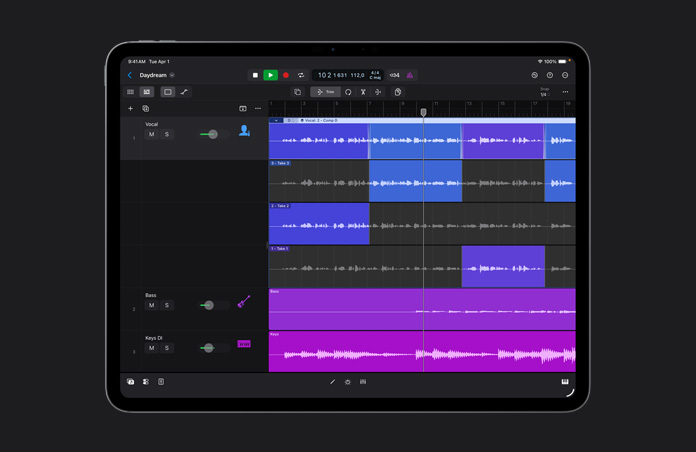
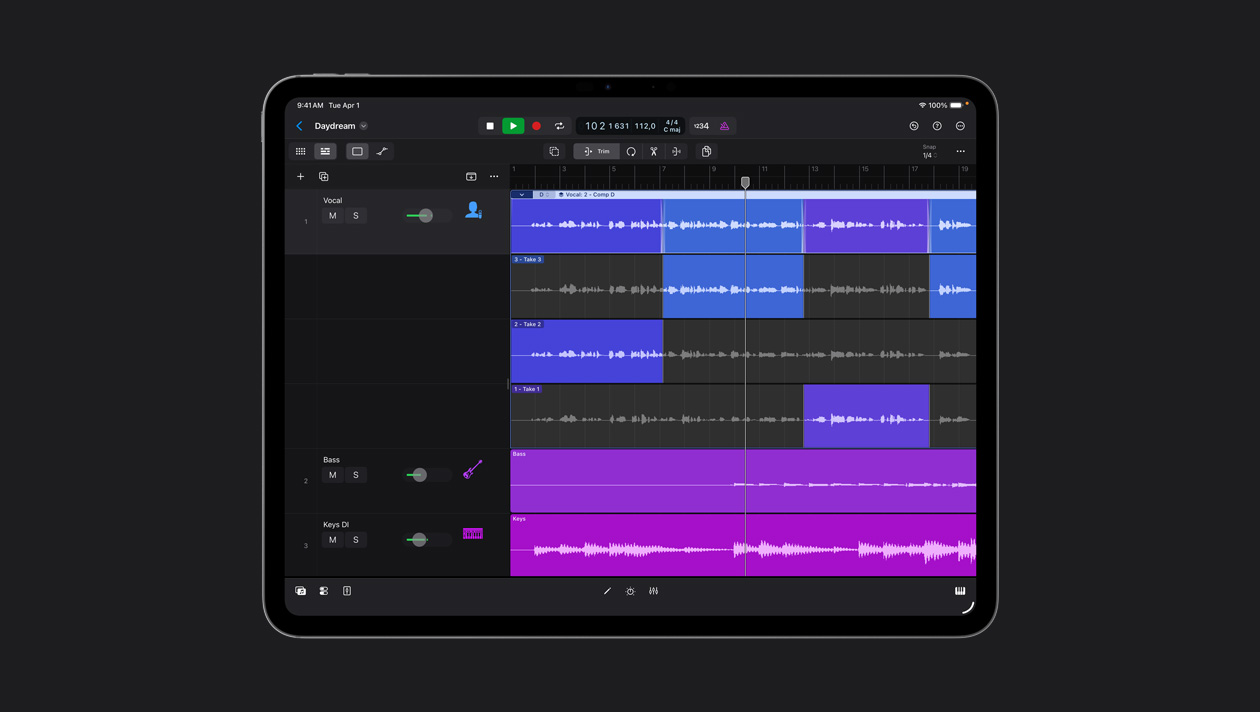
Take folders make it easy to organise and manage all your recorded takes and overdubs. You don’t even have to create or rename a folder. Just record over your existing material, and Logic Pro automatically creates a new take folder. Then you can listen to each take, delete the ones you don’t like, and colour code the ones you do.

Varispeed in Logic Pro 9

Varispeed lets you slow down your project in order to nail a hard-to-play section.

Watch the video

Get around latency.

Logic Pro has a unique Low Latency Mode that delivers low latency monitoring. Go ahead and record into a project that’s been heavily mixed using limiters or other plug-ins that can trigger compensation delays (even in DSP-based systems).

Custom headphone mixes for all.

Flexible routing options and loads of auxiliary channels let you set up different monitor mixes for everyone in the band. Give yourself a head start by using the multitrack Production templates in Logic Pro, which are preconfigured for separate monitor mixes.

You’re about to love editing.

Logic Pro features a powerful set of editing tools that lets you polish performances in no time. Easily assemble the perfect comp from multiple takes. And quickly perform complex edits — like correcting timing errors and bending time — that once required dozens of steps.

Flex Time.

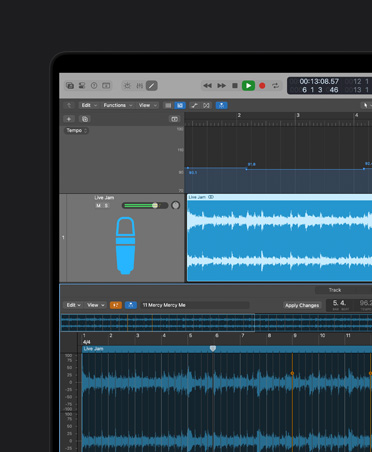
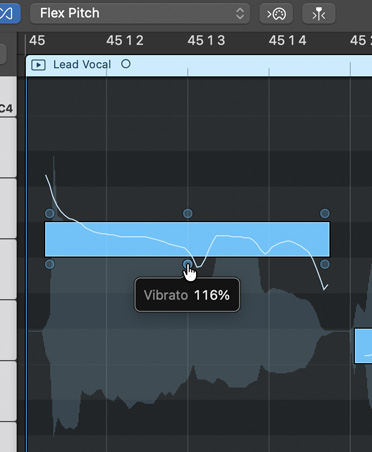
Flex Time is a collection of tools that allows you to quickly manipulate the timing and tempo of your recording for the tightest performance possible. Use the Flex Tool to easily move the individual beats on a waveform — so you can forget all that tedious splicing and editing. Flex Time combines beat slicing and elastic audio techniques into a single workflow. Which means you don’t have to master different techniques to correct drum, vocal, guitar or any other kind of tracks. And your edits are always rendered in real time, even when you’re using the highest-quality setting.

Audio Quantize lets you fix the timing of an entire performance in one step, aligning notes and beats to a musical grid. Want to match your bass line to the feel of your drums? You can transfer the rhythmic feel of one track to another by creating a Groove template from the source track and applying it as a grid.

Quick comps.

Quick Swipe Comping makes it easy to build the perfect track. Just swipe over the best sections of each recording to create a seamless comp, complete with transition-smoothing crossfades. You can access all the traditional edit functions — including cut, copy, paste, fades, crossfades and more — without leaving Quick Swipe Comping. Multiple comps and Autosave let you experiment without worrying about losing your work. And you can use Edit Groups to synchronise your selections across related tracks, such as a multimic recording of a vocal group.

Skip the click.

With Beat Mapping, you can record freestyle, without a click track, then conform your performance to a bar and beat grid later on. When you’re ready, all you have to do is create a tempo track based on a selected guide track, or simply drag bar and beat guides to downbeats in an audio file or MIDI region.

Render when you want.

Bounce-in-Place lets you quickly render effects for a single region or an entire track. You might use it when you’re ready to apply a plug-in destructively to an audio file, when you want to bounce an effect before doing more to a track, or when you want to transfer files between applications.

The Tempo Import/Export feature stores tempo information within each performance, so any audio you import conforms automatically. Use the drums from one session and the rhythm guitar from another without worrying about tempo differences.

Varispeed makes it easy to slow down or speed up an entire multitrack project, so you can experiment with different tempos while editing. You can also use Varispeed to slow things down while you punch in a difficult solo, then bring everything back to the original tempo. And the Speed Fades feature lets you easily add creative, tape-style speedup or slowdown effects at the beginning or end of any audio region.

Editing with Flex Time

Polishing performances is quick and easy with this powerful set of editing tools.

Watch the video

Track Groups.

Track Groups ensures that when you edit one track, it affects all the related tracks. And that goes for all types of edits, including move, cut, copy and paste. Use Track Groups with Flex Time to lock in phase and preserve the sonic character of your original recording. This comes in handy when you’ve used multiple microphones to record one source, like two mics on an acoustic guitar or multiple mics for the different drums in a kit. Track Groups also lets you remove clutter by hiding entire groups while you’re editing.

Powerful tools.

Logic Pro gives you 14 different mouse tools to work with — and plenty of shortcuts for getting to them. Set up one as your primary tool, and it will be wherever your cursor is. Set up another as your alternate tool, and all you have to do is press Command to access it. You can even assign a third as your right-click tool. So you’ve got fast, custom access to the tools you use most.

Turn on Click Zone, and you won’t have to call up your fade or marquee tools to use them. Just hover over one Click Zone and your cursor turns into your fade tool, so you can instantly create crossfades. Hover over the other zone and you get the marquee tool — it’s the fastest way to select part of your track to move or delete.

Perfecting drum tracks.

With just a few clicks, Drum Replacer lets you replace or double problematic drum tracks with triggered samples. You can use it creatively, too. Transform an acoustic bass drum to electronic, or reshape or thicken a snare.

Pro mixing in all its glory.

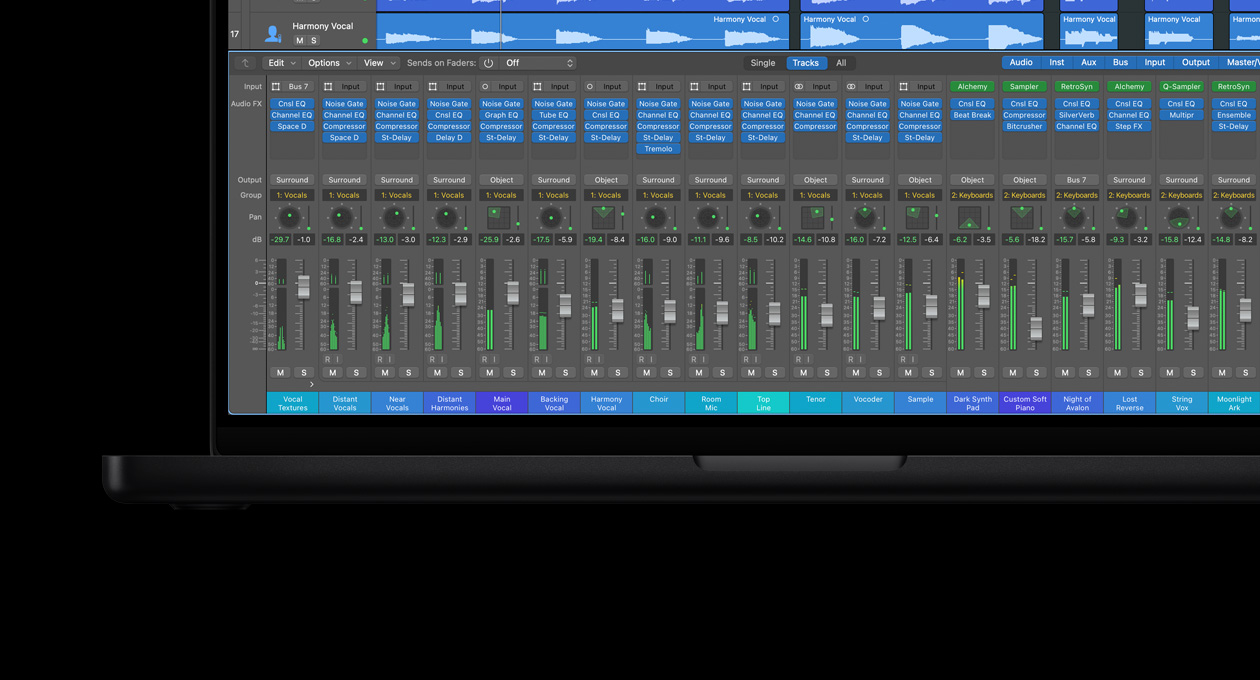
Hundreds of input channels. Dozens of mix groups. Plenty of sends and auxiliaries. Dynamic channel strip creation. Powerful automation and track management. And full surround capabilities. Logic Pro brings it all together in a straightforward, customisable layout that makes it easy to focus on any part of your project.

Welcome to the big board.

Create whatever configuration you want with up to 255 discrete audio, software instrument and auxiliary channels, along with up to 32 mix groups and as many output channels as your audio hardware offers. Each track supports 15 plug-ins and 8 pre-fader, post-fader and post-pan sends with full latency compensation to keep everything in perfect sync.

You can record busses and integrate outboard hardware into your mix. And you have the flexibility to mute and solo tracks or individual regions. In fact, you can do anything you’d do in a major studio, yet you don’t need a single DSP card to do it. Your Mac Pro, MacBook Pro or iMac can easily handle the huge mixing capacity of Logic Pro all by itself.

You’ll love the views.

Intuitive display options make it easy to find and focus on what’s important. Without even opening the mixer, you can use the dual channel strips beside your edit area to access all the functions and plug-ins for a selected track, along with any channels to which your track is sending signals. The complete mixer view provides three useful options for displaying channels: one that shows all channels arranged by their type, another that shows only the channels as they appear in your arrangement, and a third view that shows the selected track channel and any channels it’s routing signal to.

Instant channel strips.

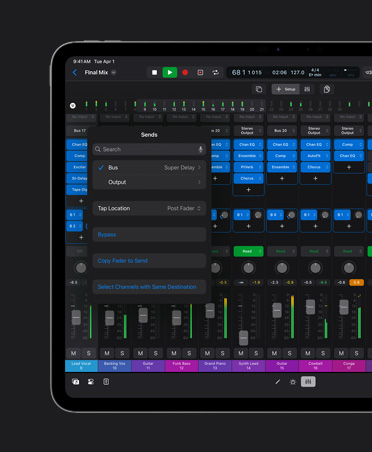
Logic Pro automatically creates auxiliary channels for your project whenever you need them. Say you create a send to a bus or click a software instrument channel with multiple outputs. Logic Pro will generate an auxiliary channel strip to receive the signal. Think of it as your engineering assistant.

Mix in surround.

Logic Pro offers end-to-end surround capabilities, so you can record, edit, mix and encode projects in surround up to 7.1. Graphic surround panning lets you precisely position audio in a Quad, LCRS, 5.1, 6.1 or 7.1 surround field. Surround support includes multichannel signal routing, and you can submix surround tracks or use sends to route audio to surround auxiliary tracks.

Group your tracks.

Track Groups makes it easy to work with related tracks, like a set of background vocal tracks or a multitrack drum recording. When you’re adjusting the channel strip for one track and you want the changes to show up on other tracks, just assign them to the same group. The group window makes it easy to access all the group functions and hide or rename a group.

Complete automation.

You can easily record changes to any channel strip or plug-in parameter on the fly. So you can ride something, like the feedback on a tape delay, the same way you would a fader or pan. You don’t have to configure anything or define parameters. Just enable automation, press Play and make your changes. You can also create and edit automation graphically.