Mac mini
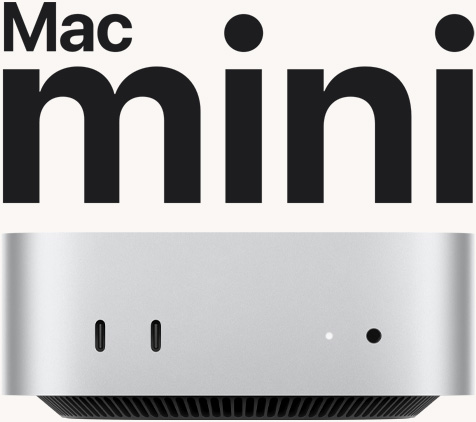



Hello, Apple Intelligence.
-
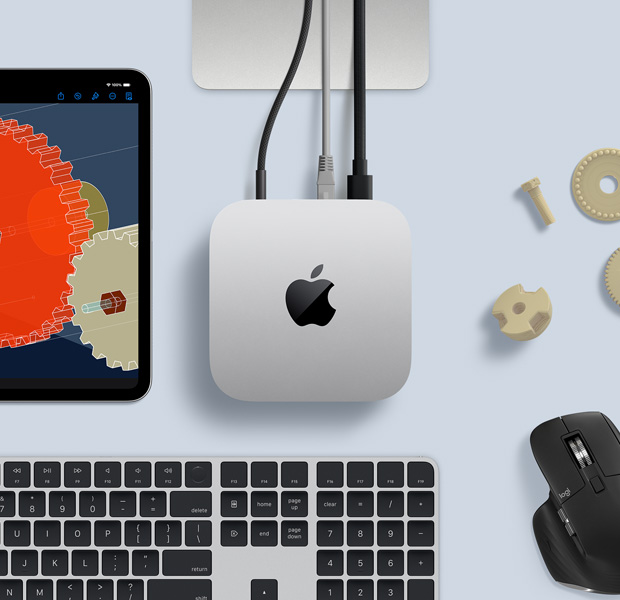
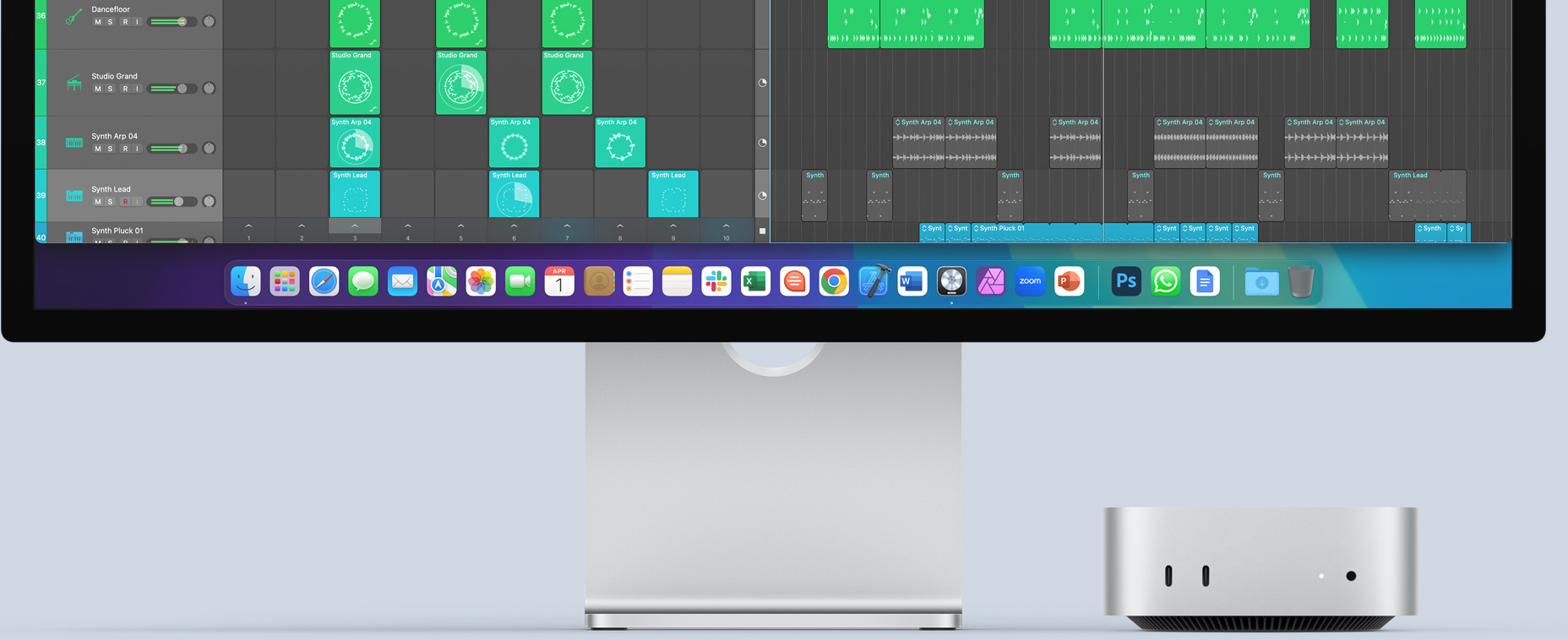
All‑new ultra-compact design. Front and back ports.
Fits, flexes and flies in any setup.

-
Built for Apple Intelligence.
Personal, private, powerful.1
-
M4. M4 Pro. Next‑level performance.
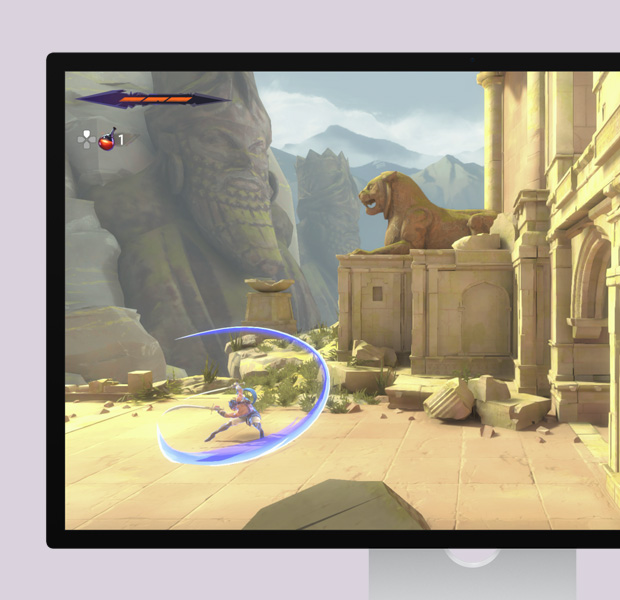
Game‑changing graphics. More power to you.

Take a closer look.



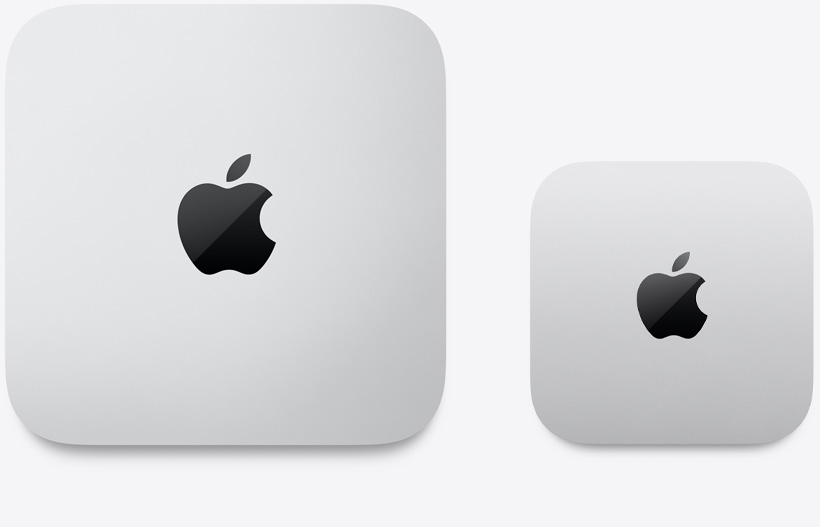
1/20 the size
yet up to 6x faster
compared with the top-selling PC desktop in its price range.2
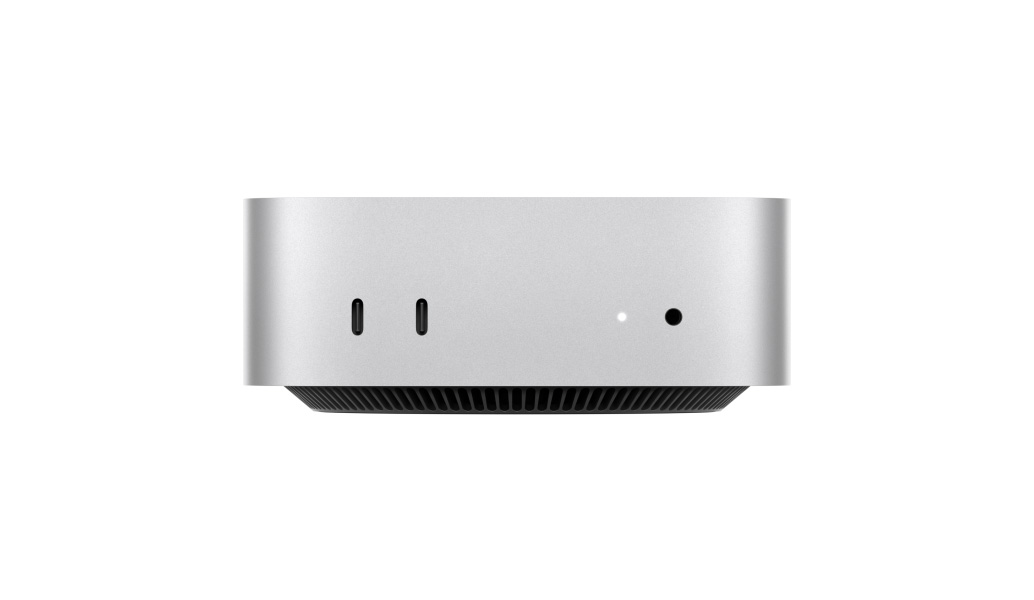
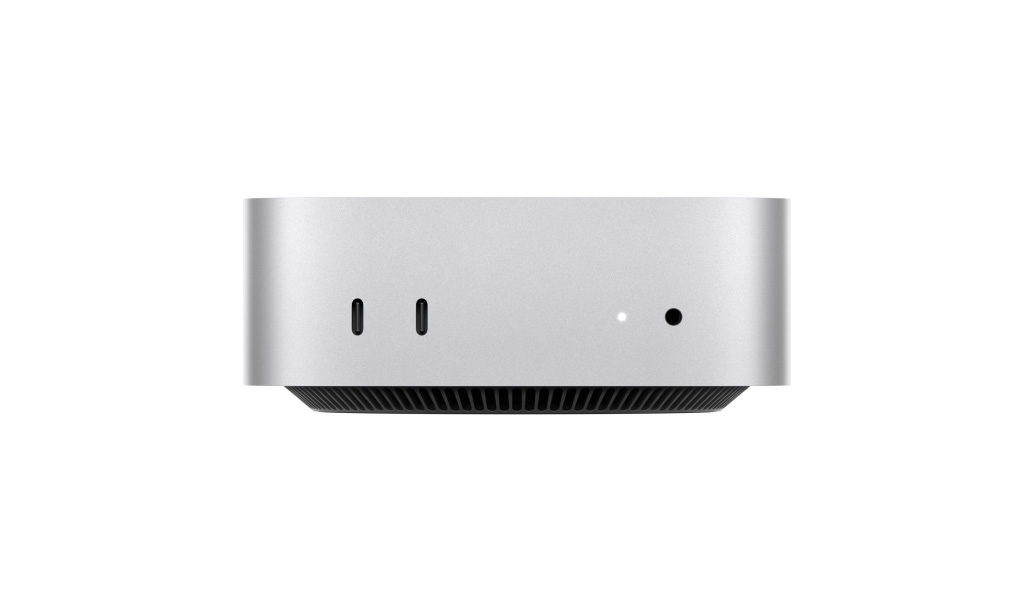
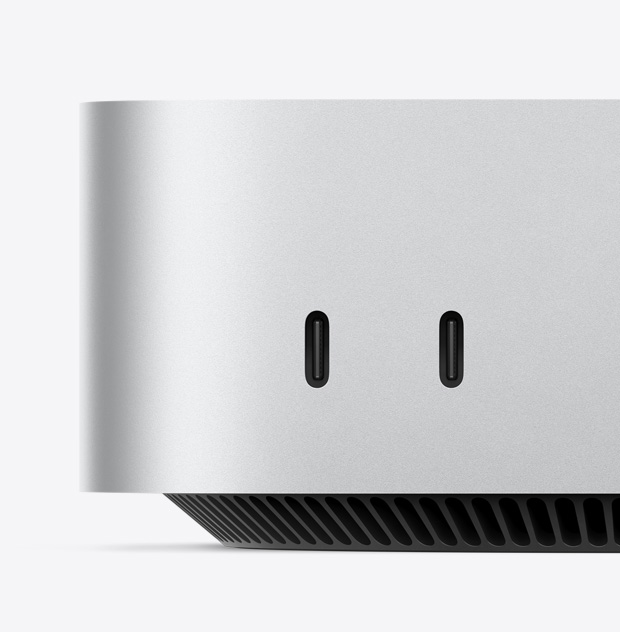
2x USB-C
Headphone jack
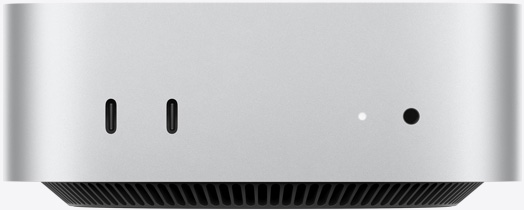
Front ports
HDMI
Ethernet
3x Thunderbolt
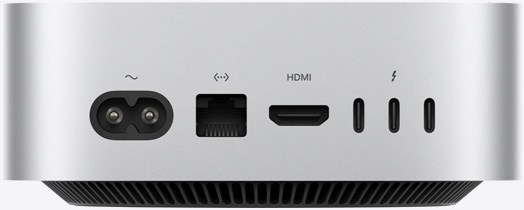
Back ports
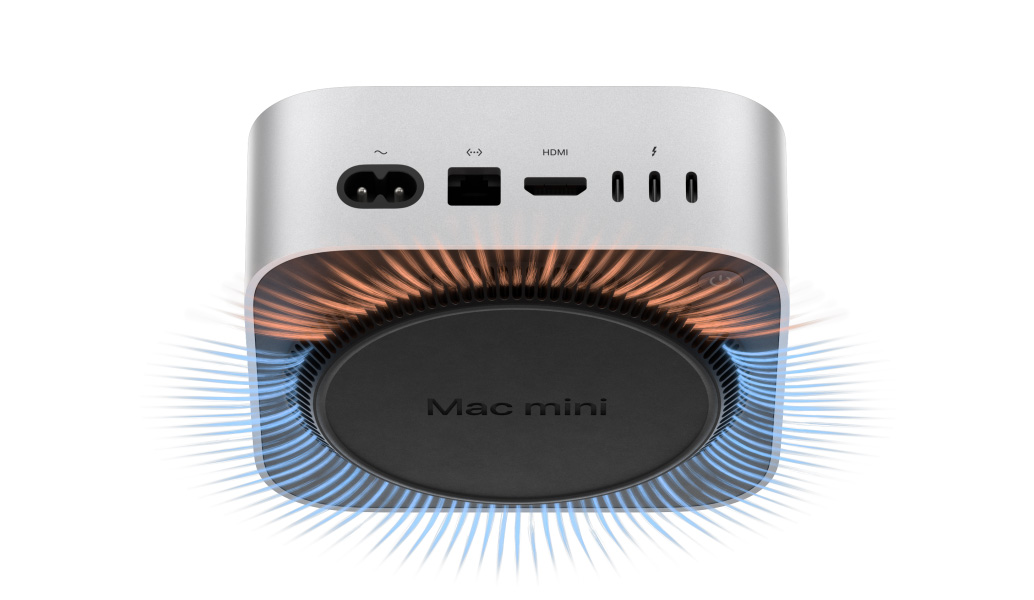
Lifestyle


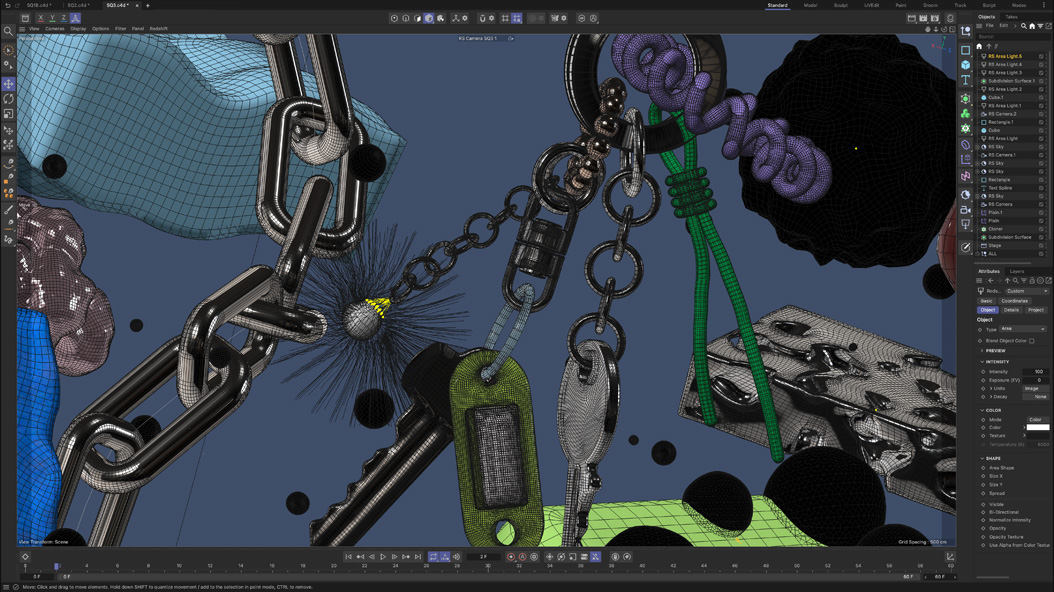

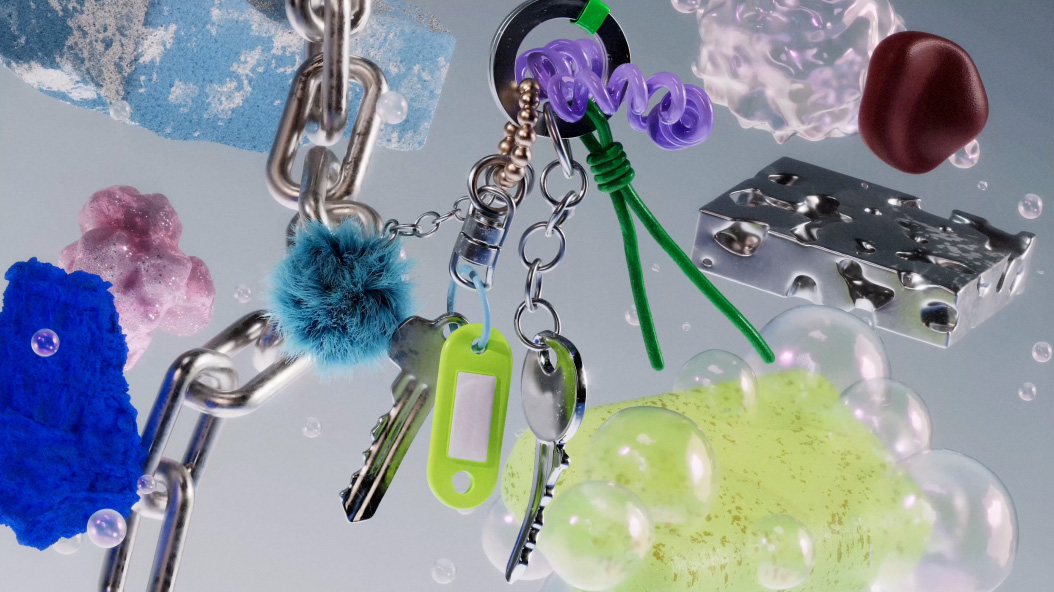
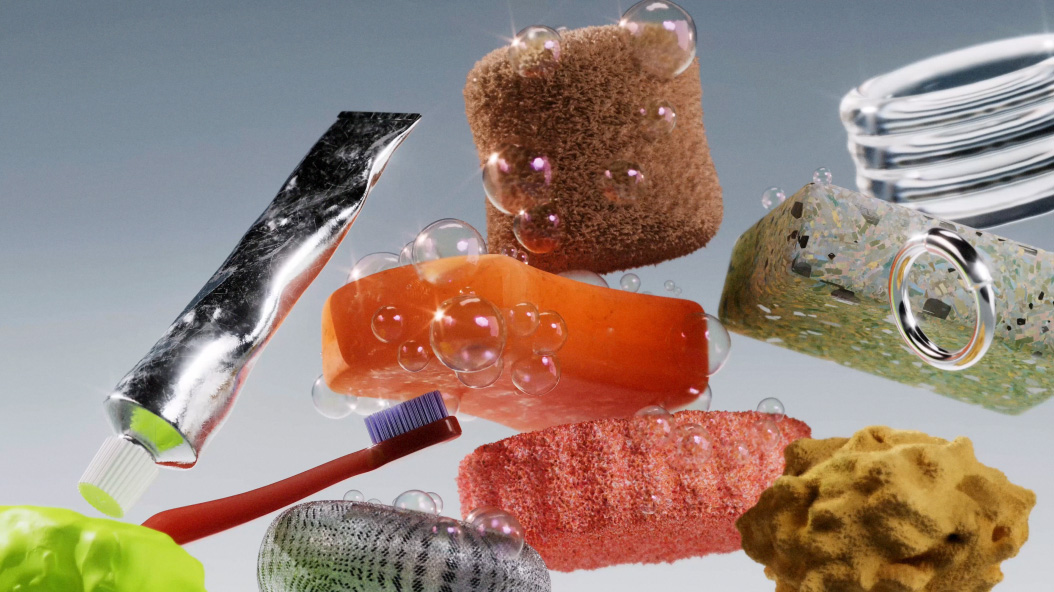
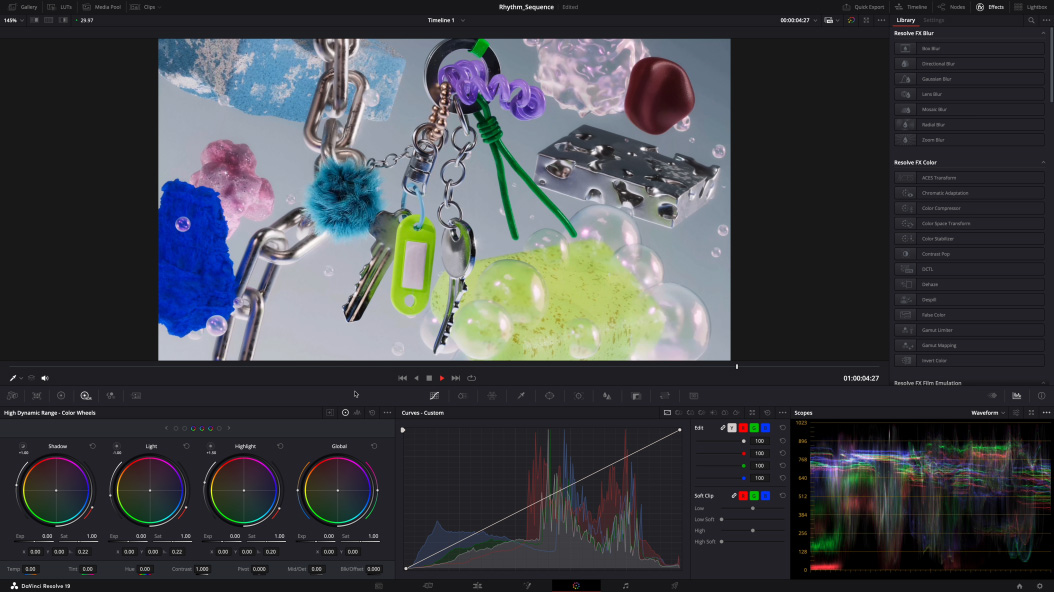
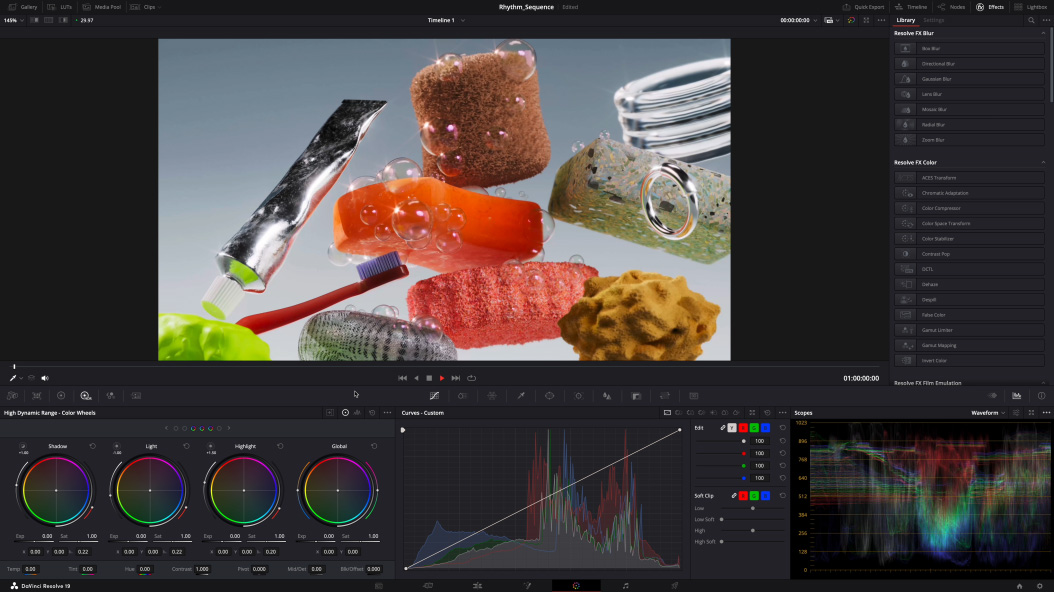
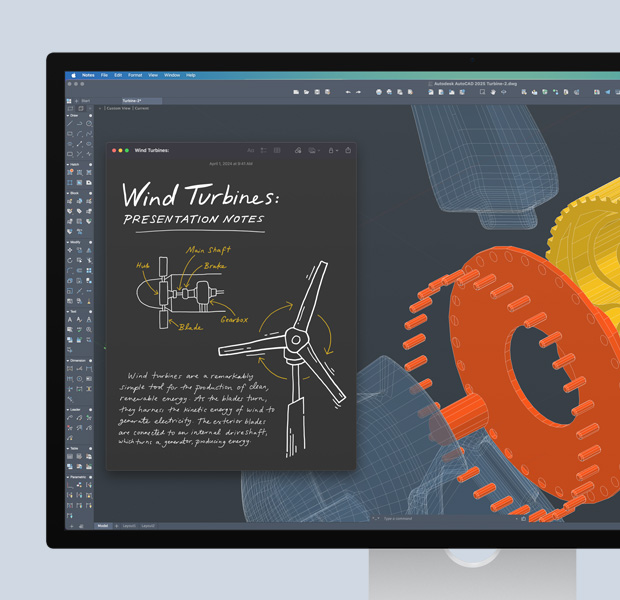
Cinema 4D with Redshift, DaVinci Resolve Studio


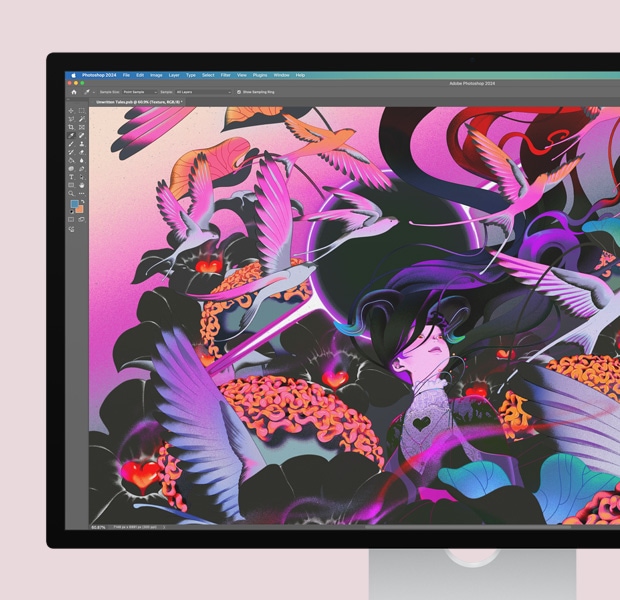






Brains. Supreme.
Apple Intelligence is the personal intelligence system that helps you write, express yourself and get things done effortlessly. With groundbreaking privacy protections, it gives you peace of mind that no one else can access your data — not even Apple.1
Writing Tools. Apple Intelligence can proofread your text and rewrite different versions until the tone and wording are just right, and summarise selected text with a click.
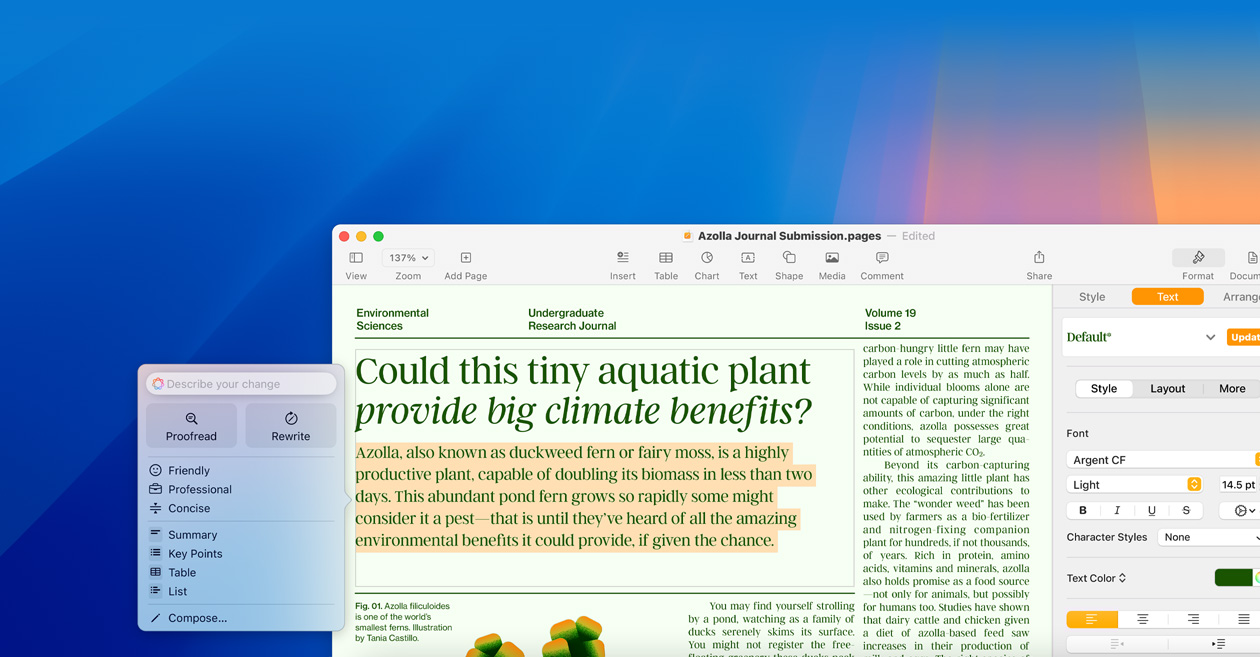
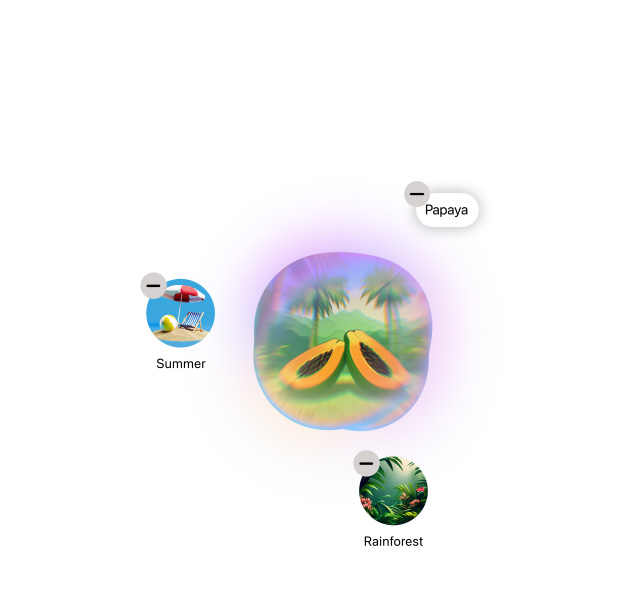
Image Playground. Create fun, original images based on a description, a concept, or even a person from your Photos library.

Natural language search in Photos. Search for photos and videos simply by describing what you’re looking for.




Great powers come with great privacy.
Apple Intelligence is designed to protect your privacy at every step. It’s integrated into the core of your Mac through on‑device processing. So it’s aware of your personal information without collecting your personal information.
And with groundbreaking Private Cloud Compute, Apple Intelligence can draw on larger server-based models, running on Apple silicon, to handle more complex requests for you while protecting your privacy.


-

Spread the cost with the Flexible Finance Account.
-

Save with Apple Trade In.
-

Save with education pricing.*
-

Customise your Mac.
-

Fast, free delivery
-

Shop with a Mac Specialist.
-

Meet your new Mac with Personal Setup.
-

Explore a shopping experience designed around you.
Compare with iMac.
-
New
Mac mini
M4 or M4 Pro chip

- Silver
- +more
Display not applicable

Apple M4 chip or M4 Pro chip

Apple Intelligence1
8 ports3x Thunderbolt 4 or 3x Thunderbolt 5, 2x USB‑C, HDMI, Gigabit Ethernet, headphone jack -
New
iMac
M4 chip

- Blue
- Purple
- Pink
- Orange
- Yellow
- Green
- Silver
- +more

-

Made with 50% recycled material by weight.
-

Manufactured with 100% renewable electricity.
-

Shipped in compact packaging for 90% more units per trip.
-

A plan as innovative as our products.
-

Privacy. That’s Apple.
-

Innovation that’s accessible by design.