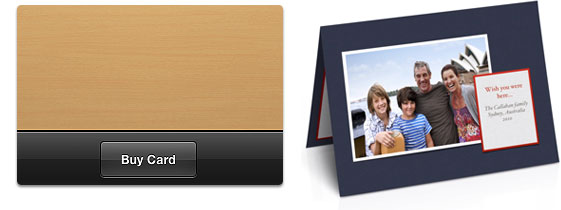
Creating a card is easy:
1
Choose a card design
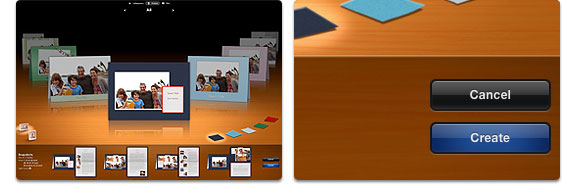
Rotate through the carousel and select a theme for your card. You can choose the card type and color here as well. Next, click create, and iPhoto automatically lays out your card using your photos.
2
Customize your card
Replace the placeholder text with text of your own. Click any photo to zoom or reposition it in its frame.

3
Place your order
When you’re ready, click the Buy Card button to place your order and have your cards delivered to your door.