

-
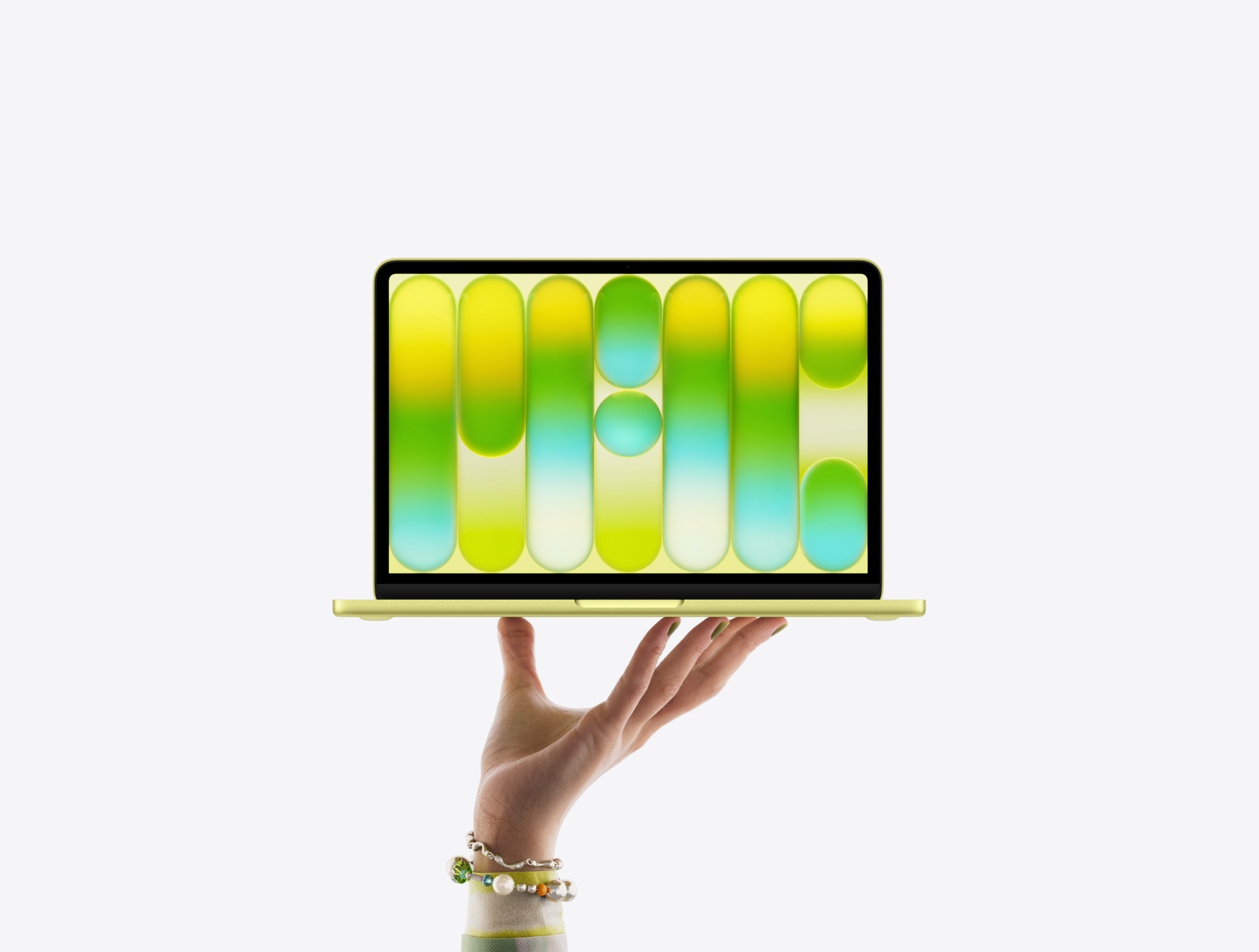
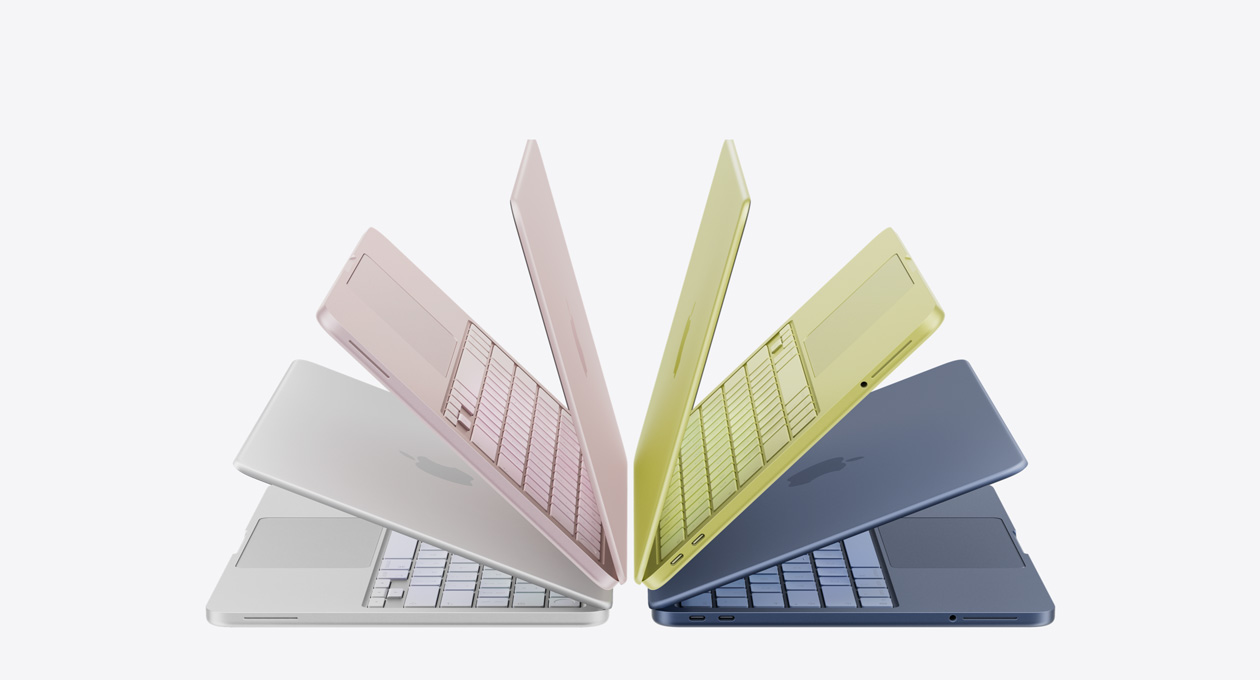
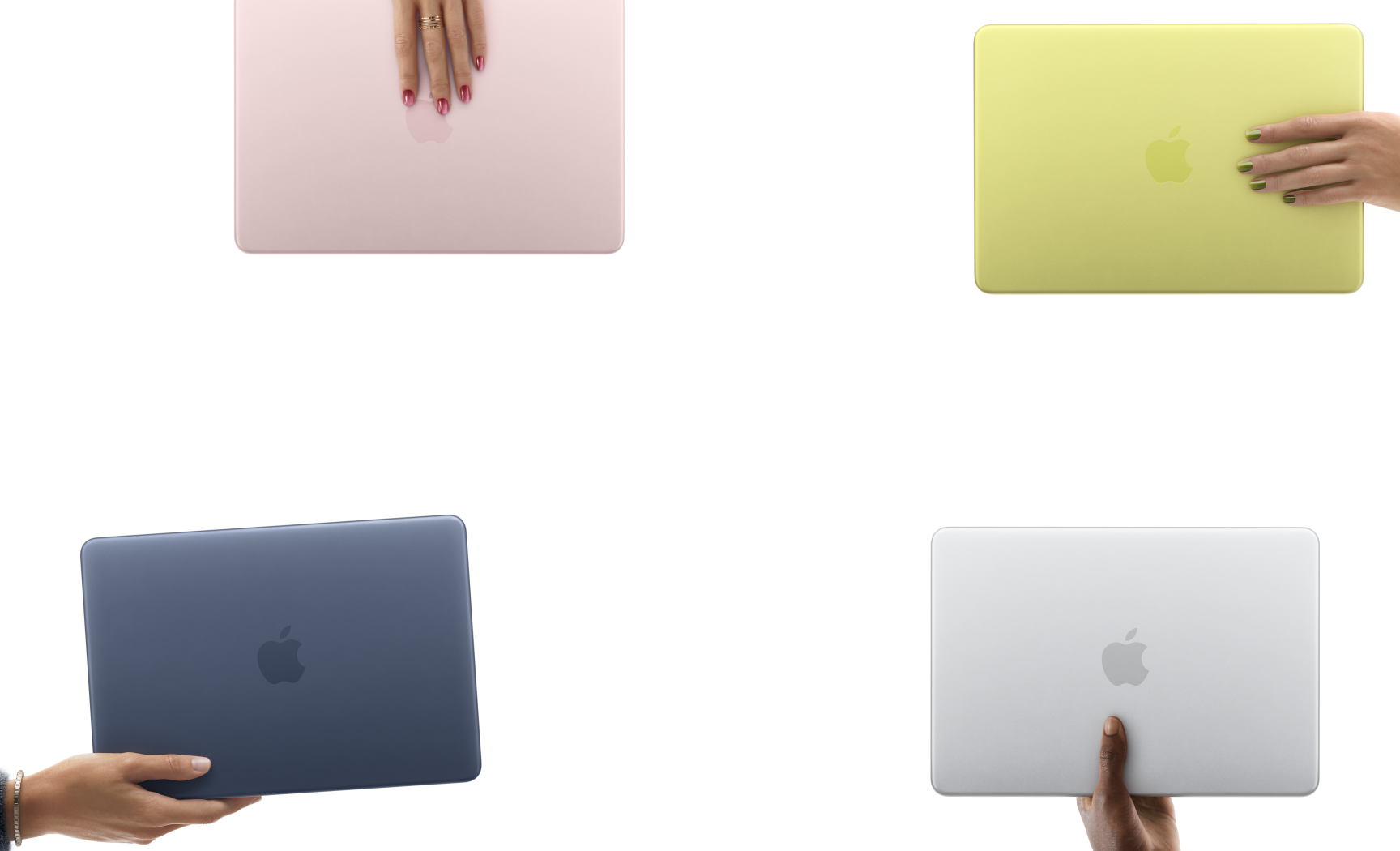
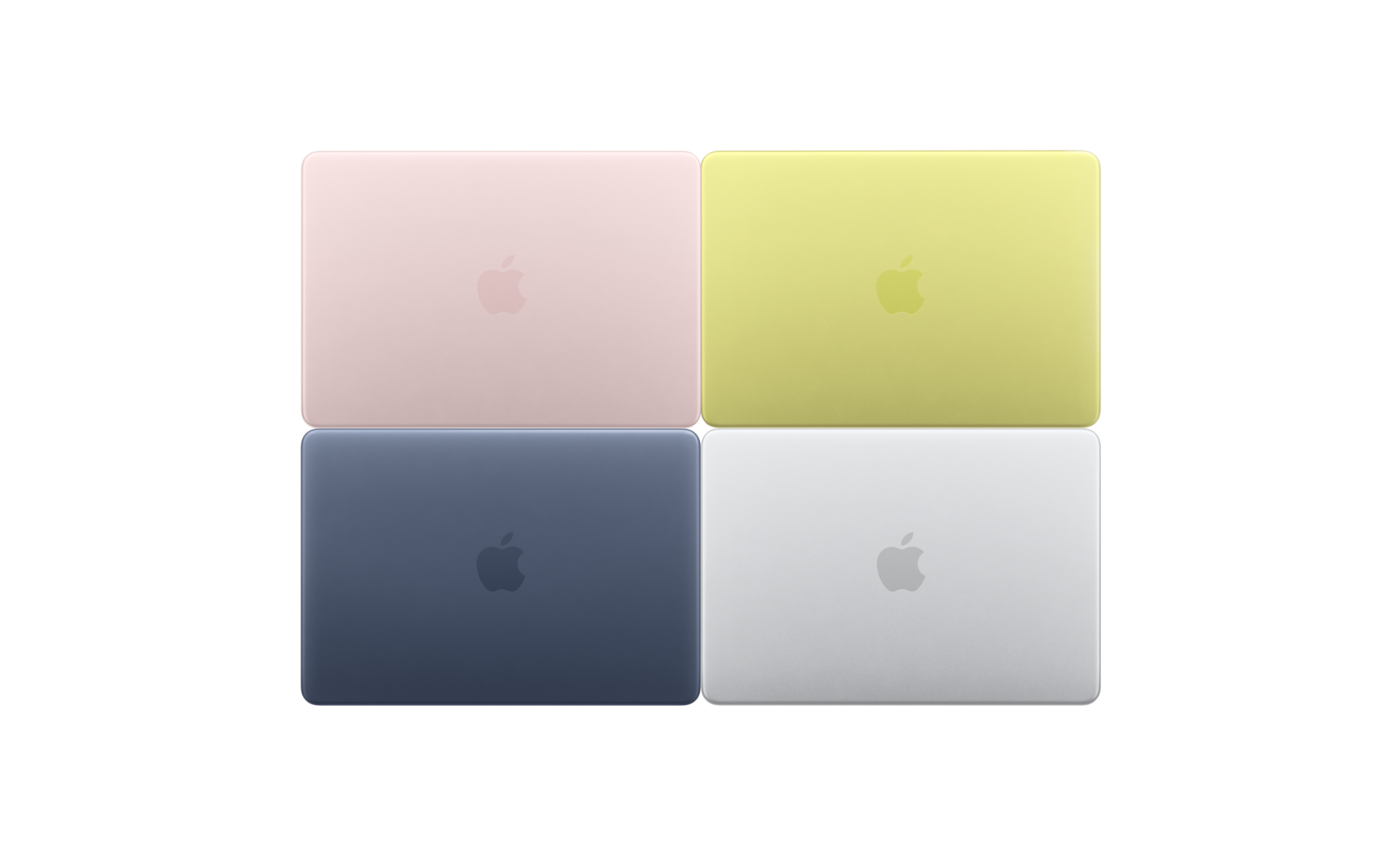
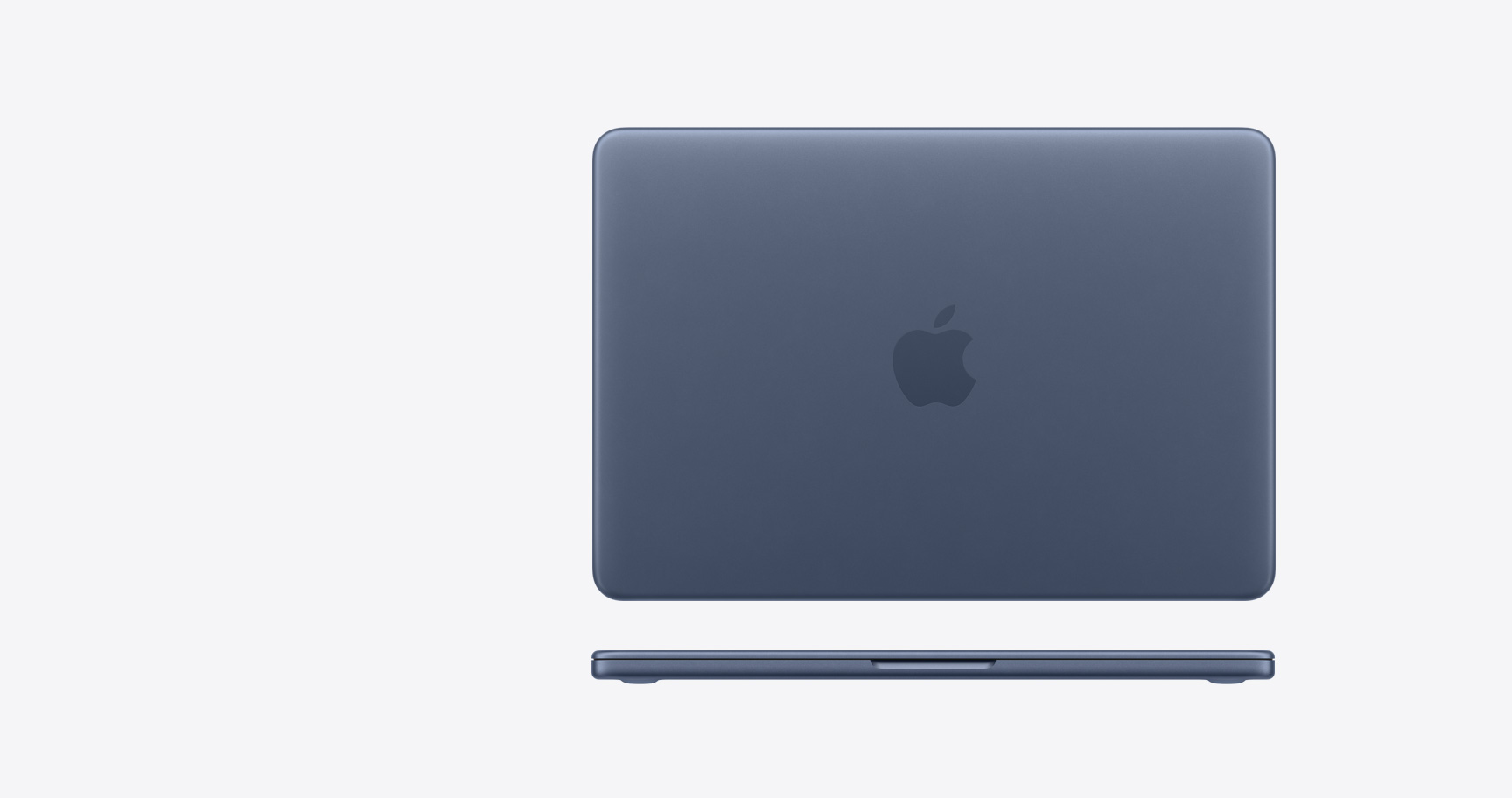
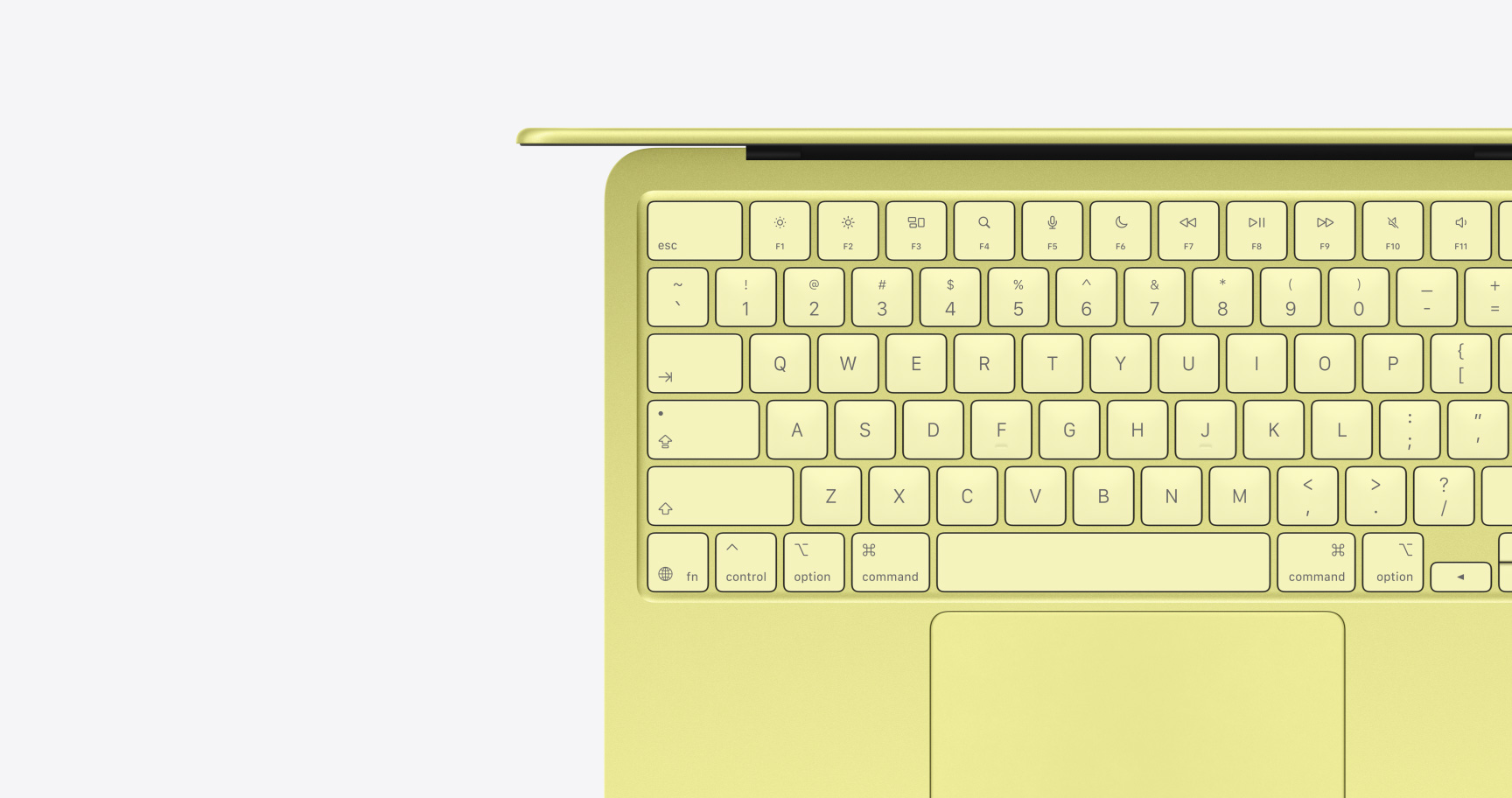
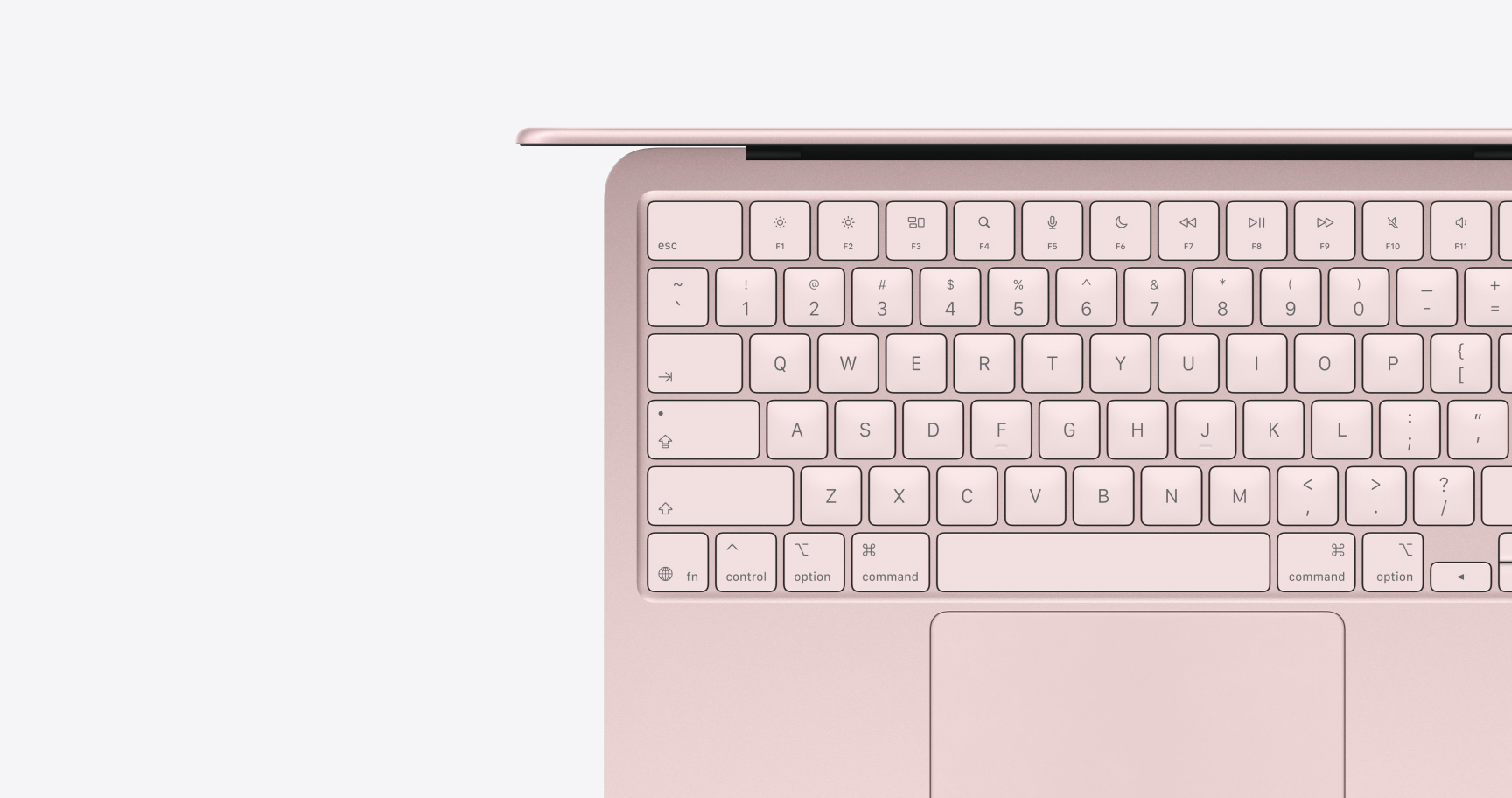
Silver, Blush, Citrus, and Indigo. Four stunning colors. One durable design.


-
Fast for all your everyday tasks. And up to 16 hours of battery life to go, go, go.1

-
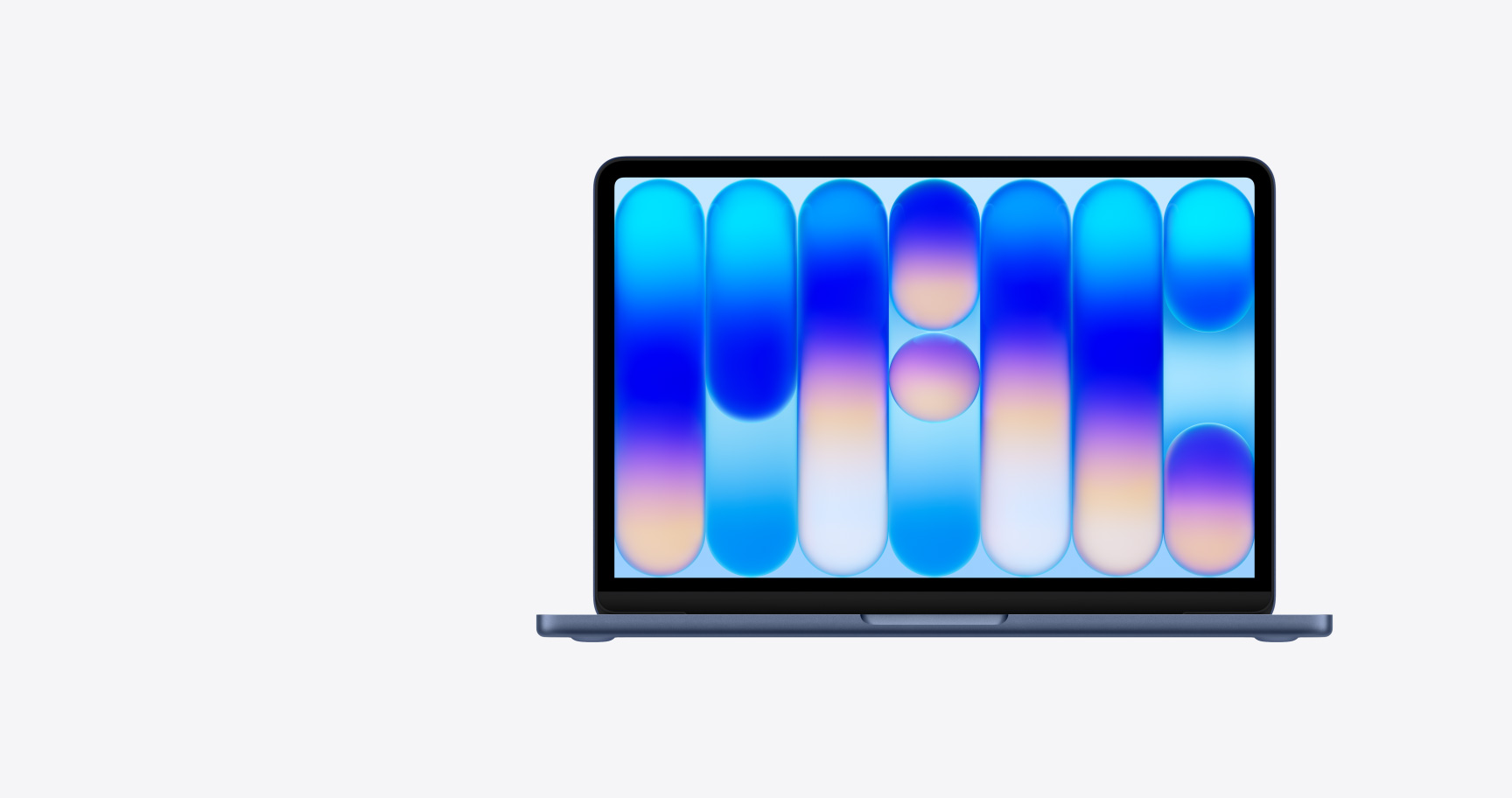
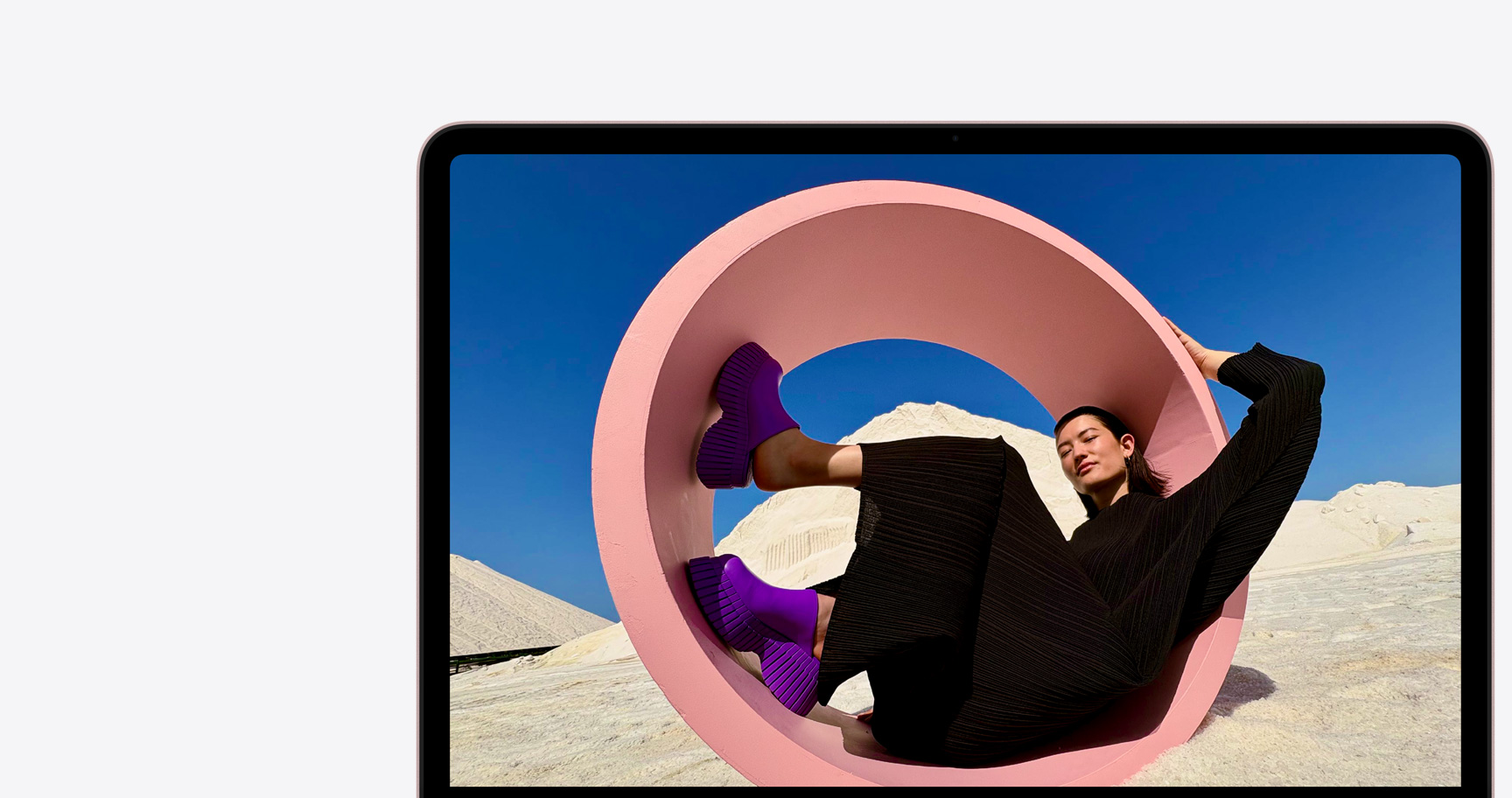
13-inch Liquid Retina display.2 Exceptionally vibrant and bright. One billion colors. Open up and say wow.


-
A powerful platform for AI. With Apple Intelligence built right in.3 Smarter than smart.



-
Magically pairs with your iPhone to unlock even more features.
-
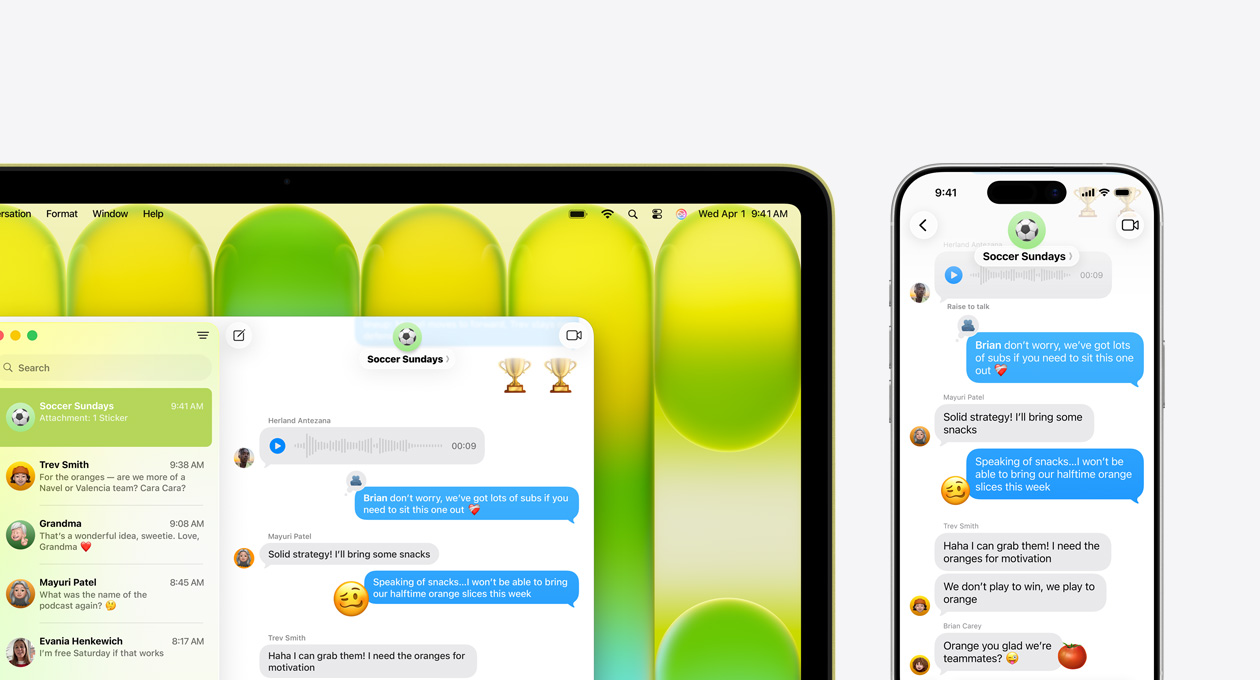
macOS. Easy to use. Runs all your go-to apps. Puts the fun in functional.
-
Free software updates. Built-in privacy, security, and antivirus protection. Complete peace of mind.

Take a closer look.




Everyday productivity.
Answering email, taking video calls, browsing the web, updating after-school schedules, sharing photos — master your to-do list with MacBook Neo.

Conquer your courses.
MacBook Neo is perfect for learning, whether you’re cramming for finals, using Apple Intelligence to summarize class notes,3 or creating presentations.

Make work feel like play.
From building spreadsheets to managing payroll, MacBook Neo gets the job done.

Amusement perks.
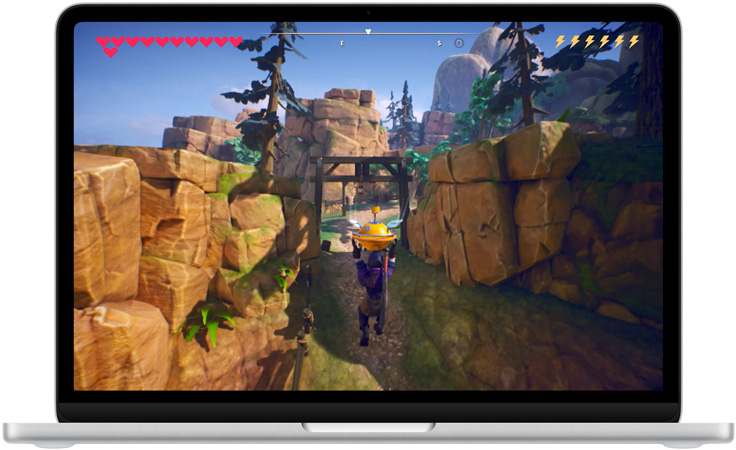
With impressive graphics and a vibrant Liquid Retina display, your movies, shows, videos, and games are incredibly detailed.
Fly through everyday tasks.
The A18 Pro chip breezes through your go‑to apps and AI activities, putting power and efficiency at your fingertips.

13” Liquid Retina display with support for 1 billion colors.2
Stream Pluribus on Apple TV with a subscription.

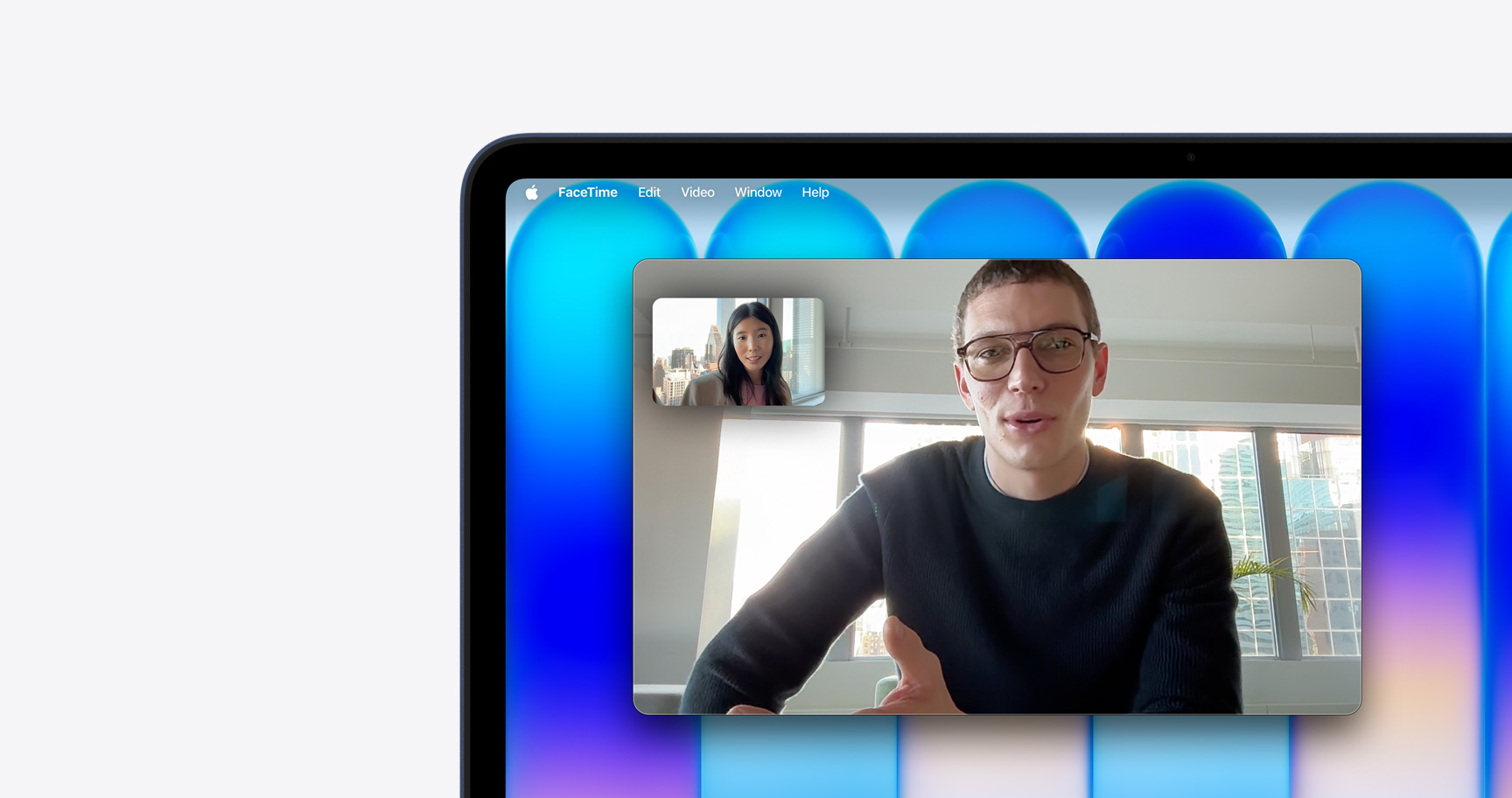
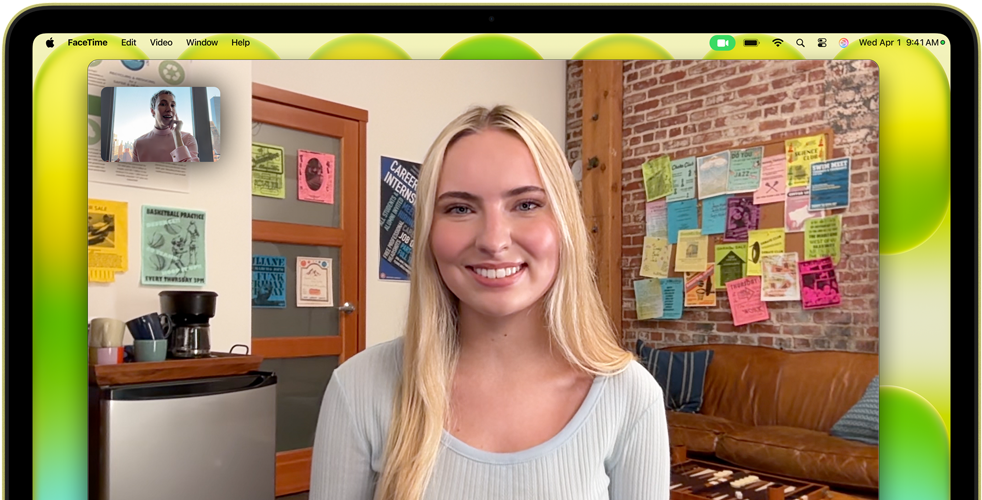
The 1080p FaceTime HD camera delivers vibrant video so you always look your best.
A dual-mic array with beamforming technology isolates and enhances your voice while minimizing background noise. Your voice sounds focused and clear.
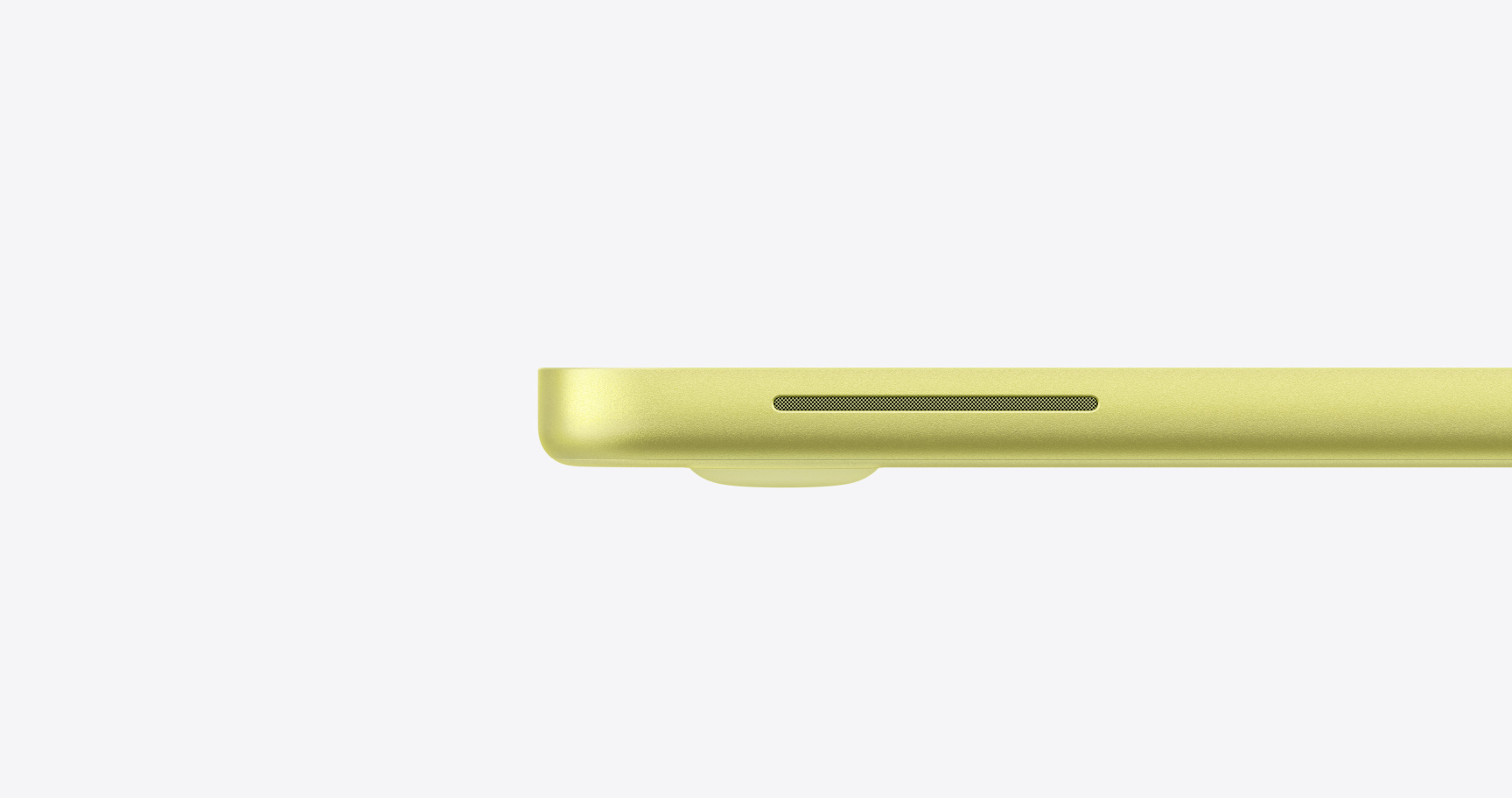
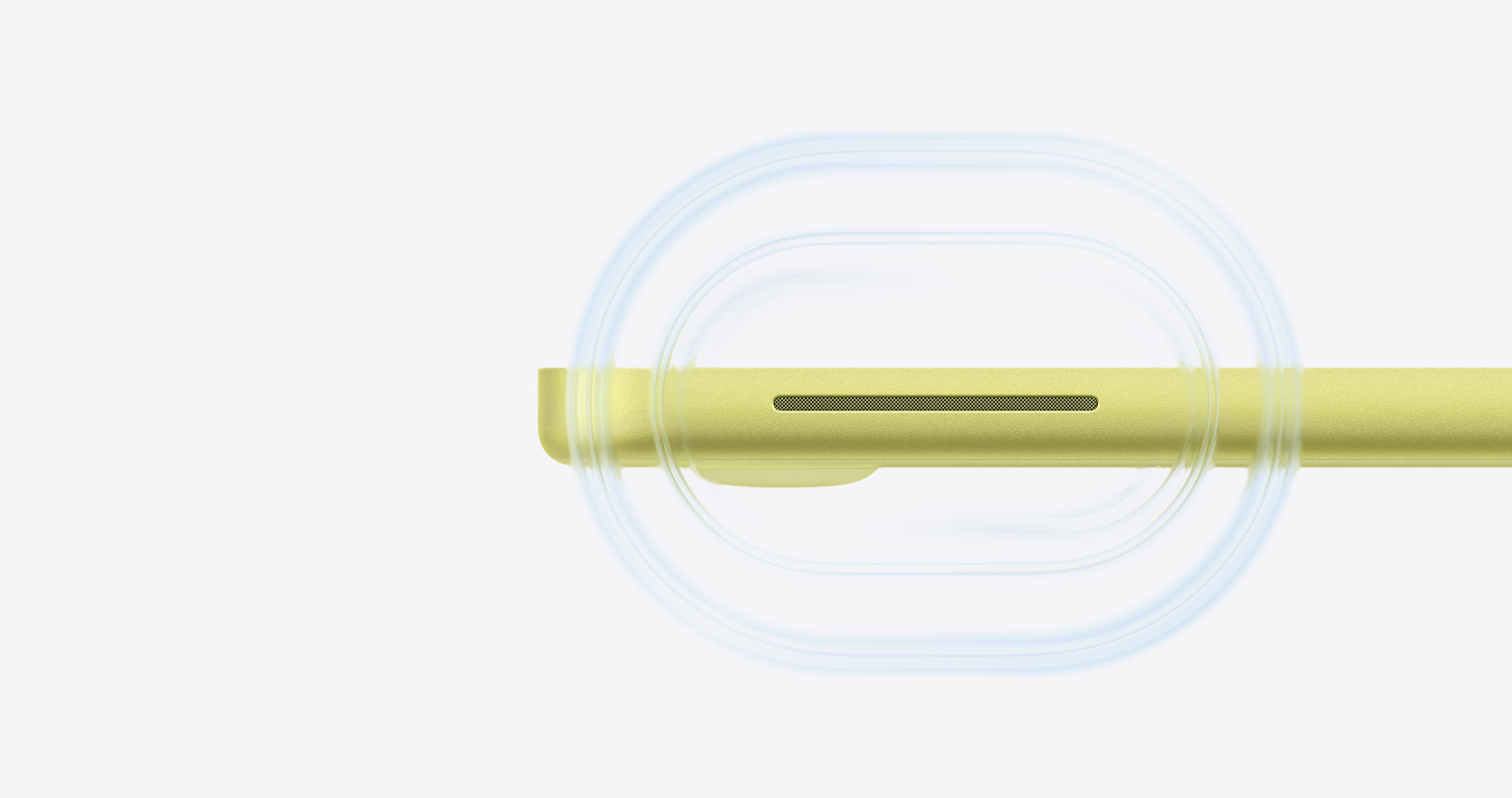
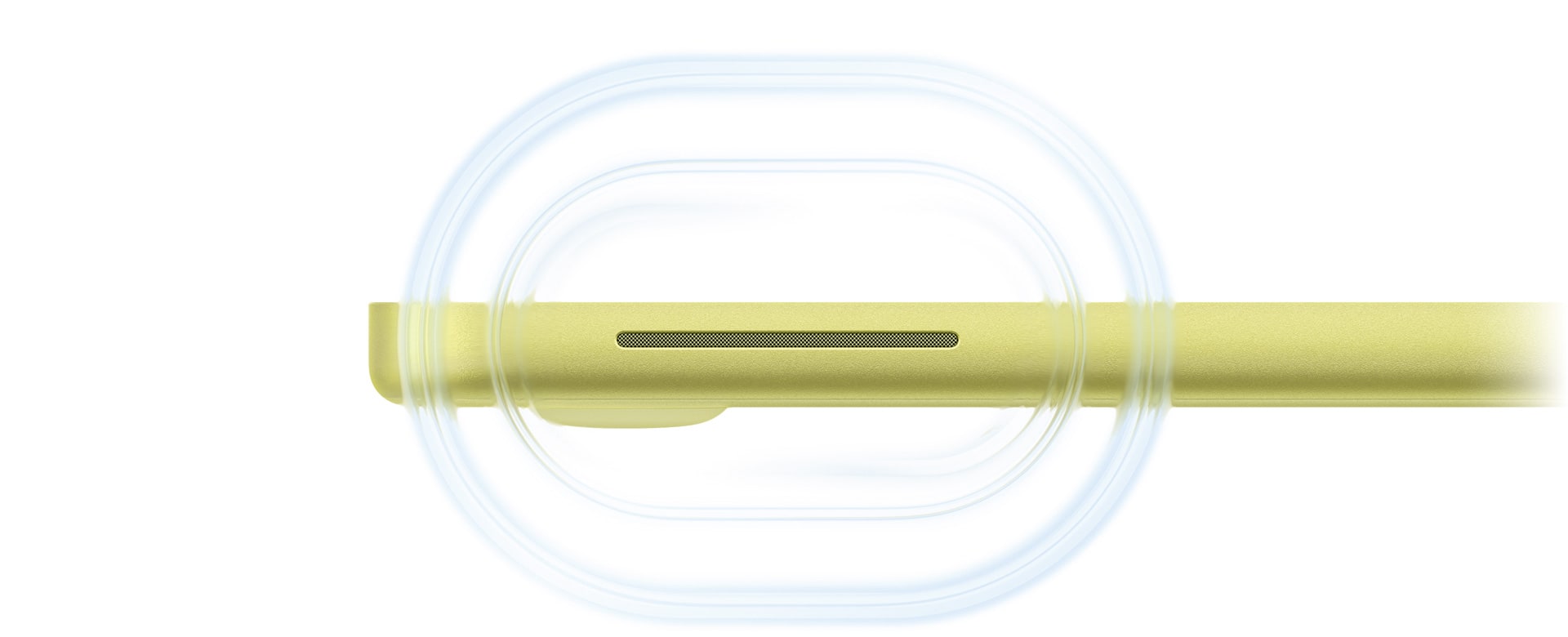
Dual side-firing speakers deliver immersive sound. And Spatial Audio with support for Dolby Atmos creates a 3D listening experience for music, shows, and movies.
-
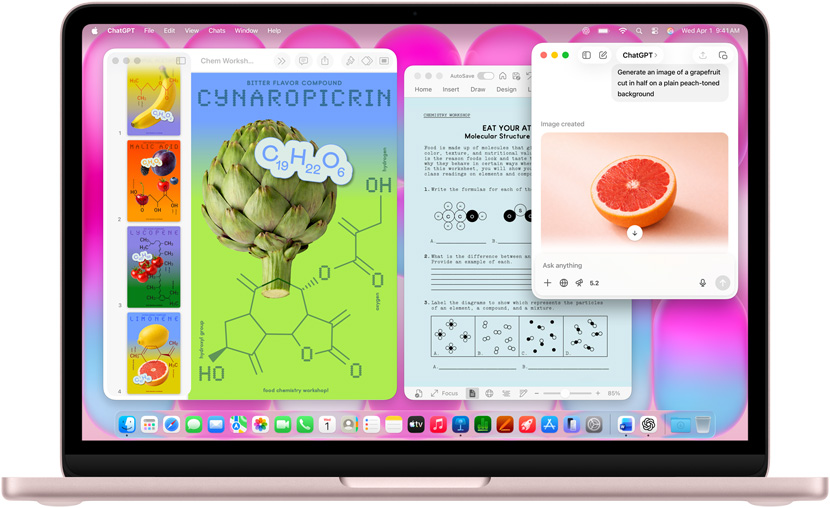
Writing Tools.
Proofread your text and rewrite different versions until the tone and wording are just right, and summarize selected text with a click.

-
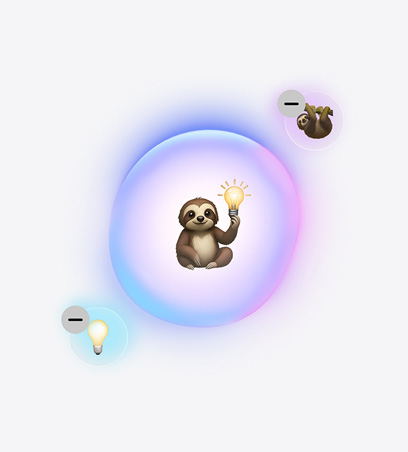
Genmoji.
Express yourself with delightful, custom-made emoji. Type a description or mix your favorite emoji to create something entirely new.
-
Clean Up.
Perfect your photos by quickly removing distractions and unwanted background objects with a simple highlight and click.5


Great powers come with great privacy.
Apple Intelligence is designed to protect your privacy at every step. It’s integrated into the core of your Mac through on-device processing. So it’s aware of your personal information without collecting your personal information. And with groundbreaking Private Cloud Compute, Apple Intelligence can draw on larger server-based models, running on Apple silicon, to handle more complex requests for you while protecting your privacy.

-
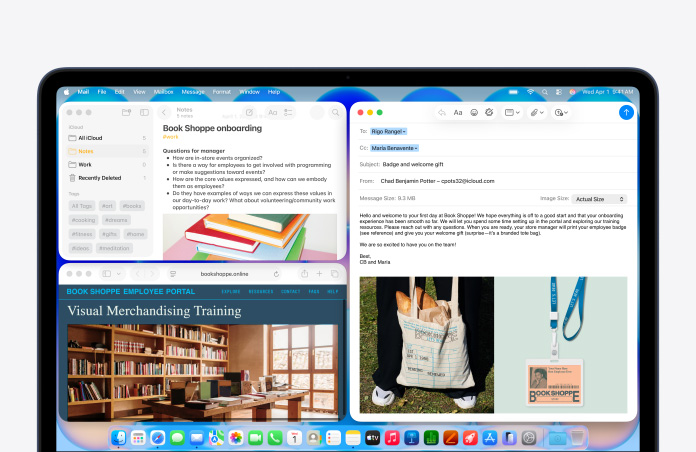
Easy. Does it all.
macOS feels simple and intuitive — quickly access your apps and files, neatly tile multiple windows, and efficiently navigate with the Multi-Touch trackpad.

-
Built-in Apple apps.
Browse the web with Safari. Create gorgeous presentations in Keynote. Call friends on FaceTime.6 MacBook Neo comes loaded with apps ready for your everyday work and play.

-
Use your go-to apps.
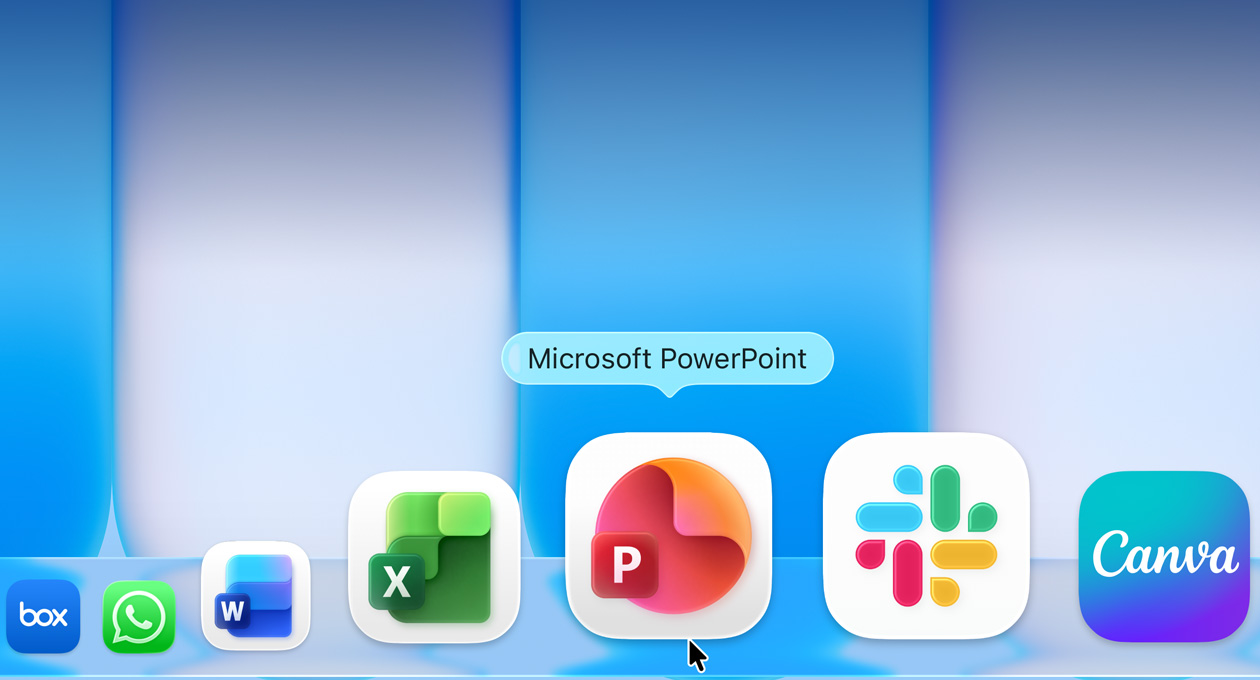
From Microsoft 365 Copilot to Zoom, the apps you know and love run wonderfully on Mac. Just download your favorites from the App Store — and discover thousands more along the way.

-
Make it yours.
Personalize your MacBook Neo with light or dark mode, add color-tinted icons, or enlarge or shrink your Dock and toolbars to a size that’s just right for you.

-
Act fast with Spotlight.
Quickly find things on your MacBook Neo and see suggestions from apps, files, actions, the internet, and your Clipboard.


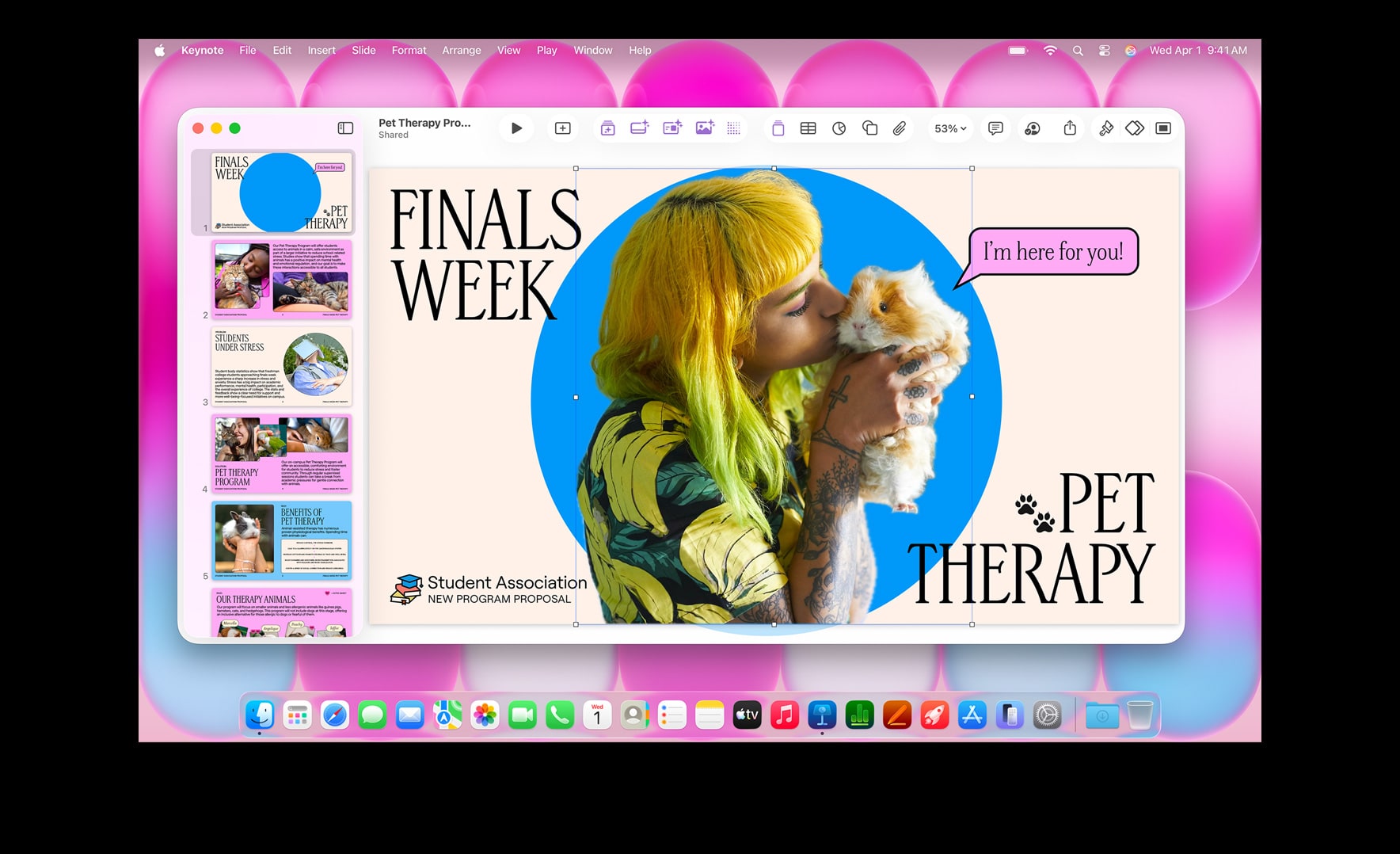



Call and text from your Mac.
Make or take calls directly from your MacBook Neo just like you do on your iPhone. And the texts on your iPhone also appear on your Mac, so you can continue conversations across devices.7
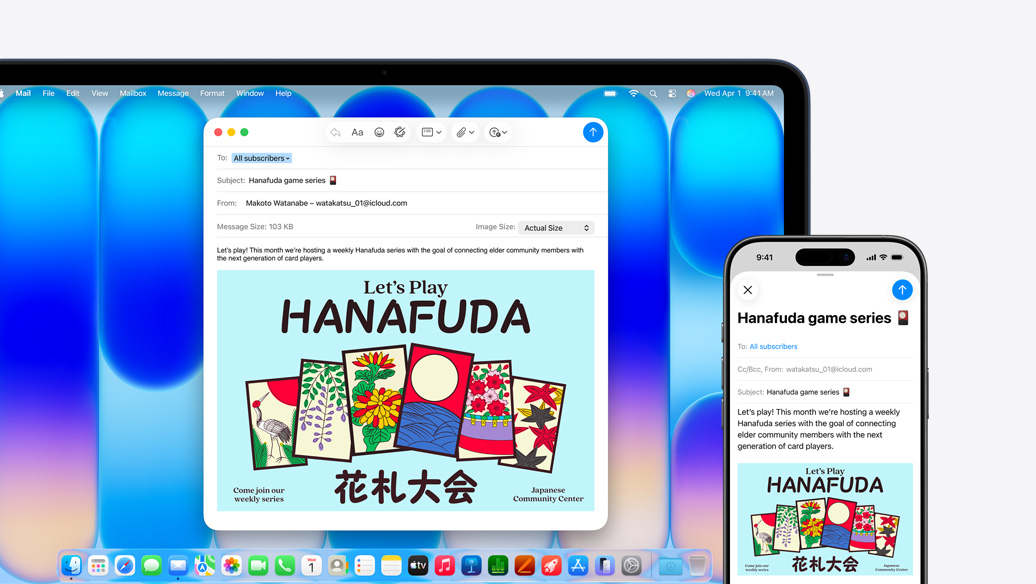
Start here. Finish there.
With Handoff, when your devices are near each other, you can seamlessly pass your works-in-progress from one device to the other — like starting an email or editing a note on your MacBook Neo and finishing it on your iPhone.8
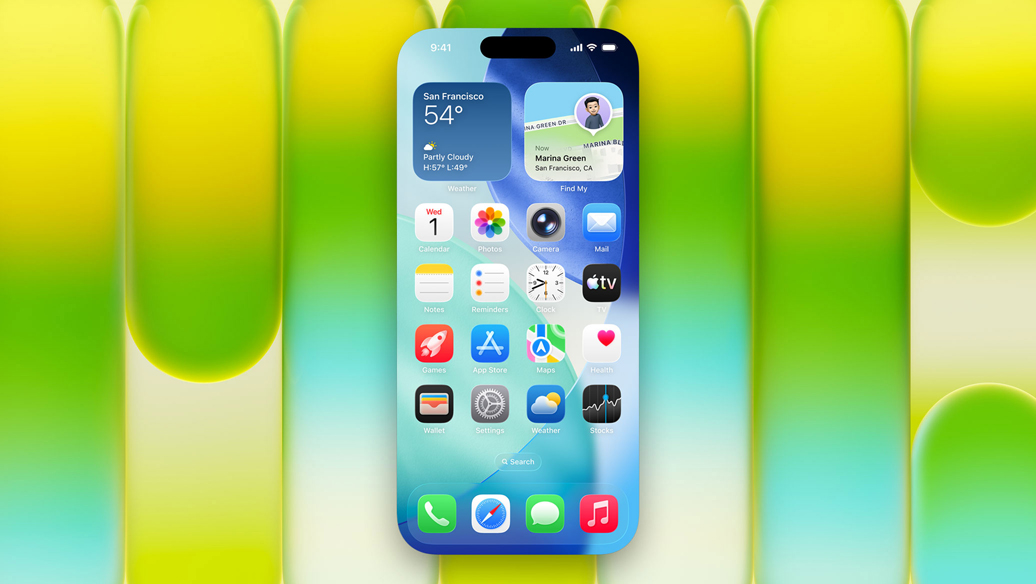
Use your iPhone from your Mac.
iPhone Mirroring lets you see and use the screen of your iPhone on your MacBook Neo display.9 And when you’re playing music, running a timer, or tracking a delivery, you can view and control these Live Activities on your iPhone and your Mac.
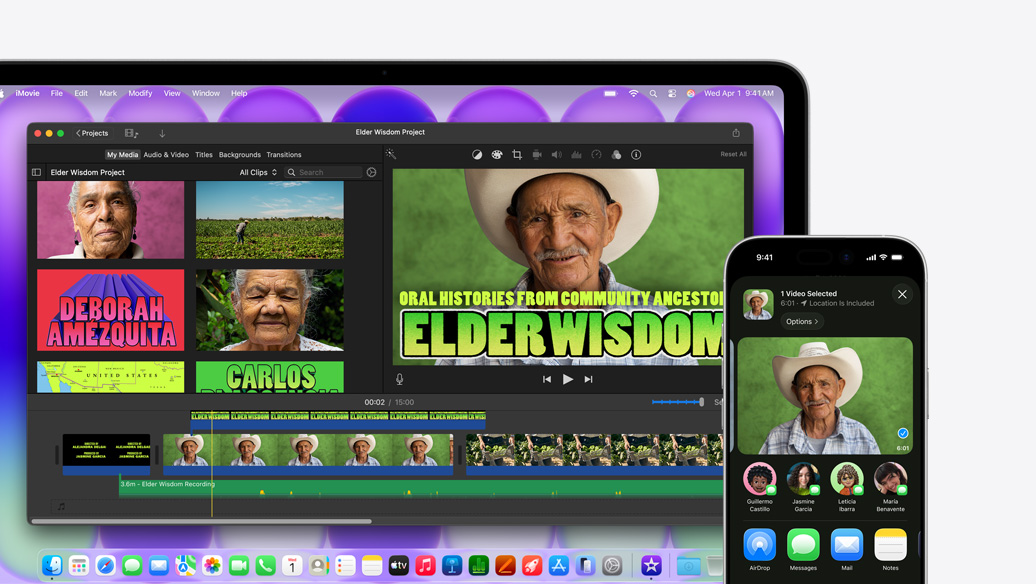
Share by air.
With AirDrop, you can quickly share large files between your MacBook Neo and iPhone. You can also choose to share with others around you who have a Mac, iPhone, or iPad. It’s never been easier to send and receive photos, documents, and more — even without a Wi‑Fi network.
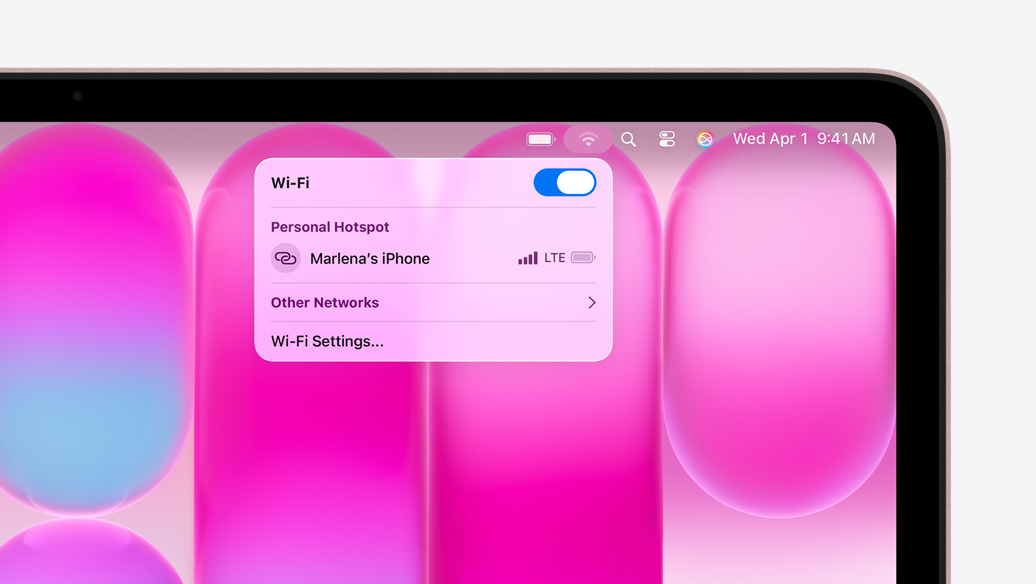
No Wi‑Fi? No problem.
With Instant Hotspot, you can share the cellular connection on your iPhone with your nearby MacBook Neo. So you can get online even when you don’t have a Wi‑Fi signal.

Copy and paste across devices.
Use Universal Clipboard to copy images, video, or text from an app on your iPhone. Then paste into another app on your nearby Mac — or vice versa.


-
Setup in a snap.
Use your iPhone to import files, apps, and more from iCloud with Setup Assistant. Switching from a PC? Migration Assistant makes setup quick and straightforward. If you need more help, Apple Support is always just a phone call away.

-
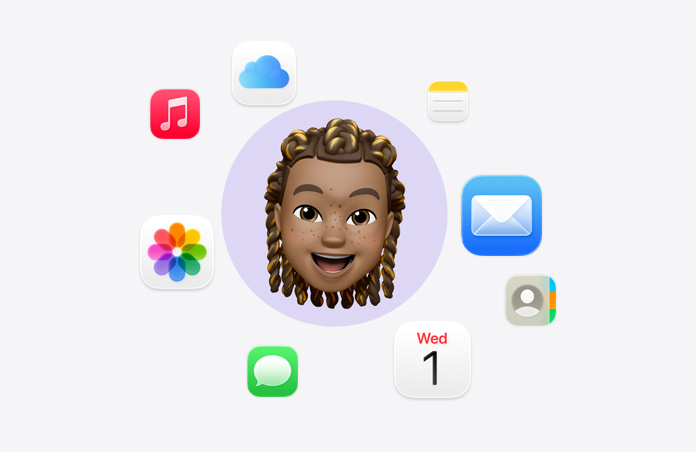
Access files anywhere.
iCloud privately stores your photos, contacts, and documents in one place so you can access them on all your Apple devices — and easily share files between devices.
-
Remarkably reliable.
Free, regular software updates help avoid crashes and keep your Mac running smoothly and securely for years to come. These updates also deliver new features that can make an already incredible Mac even better.
-
Tips on tap.
Use the built-in Tips app to get the most out of your Mac. Discover tricks, search for specific topics, browse user guides and collections, and stay up to date with the latest suggestions.

-
Never used a Mac? No problem.
Mac is easy to learn and easy to use. And if you’re considering making the switch from PC to Mac, getting started is a breeze.

-
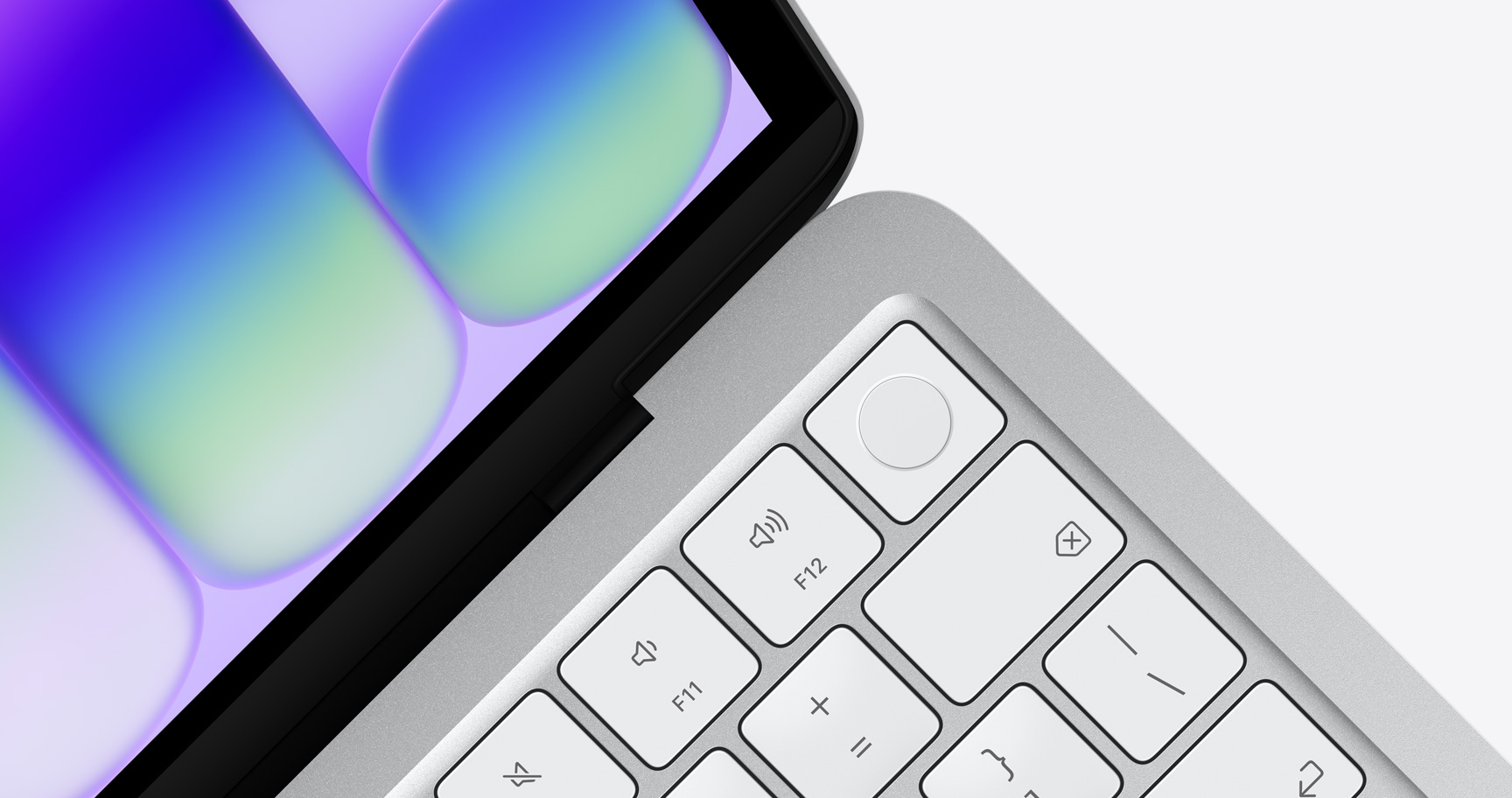
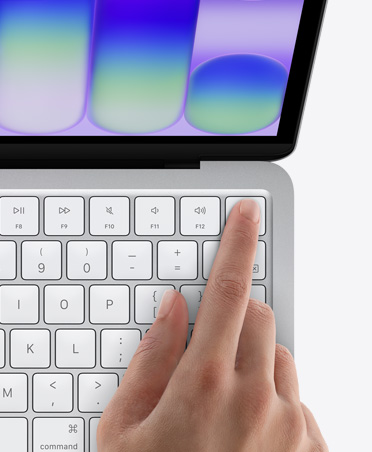
Lock Key or Touch ID.
The MacBook Neo model with Lock Key lets you wake and lock your screen and power your Mac on and off. The MacBook Neo model with Touch ID uses your fingerprint to unlock your Mac, and sign in to apps and sites.
-
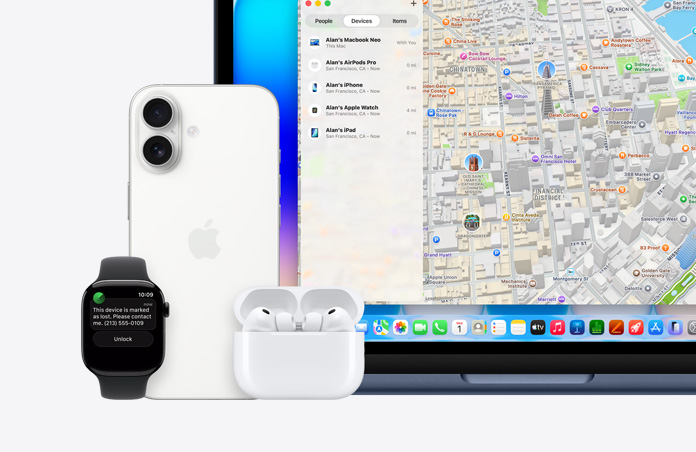
Protected if lost.
The Find My app helps you quickly pinpoint where your MacBook Neo is and lock or erase it from afar. And FileVault automatically encrypts your data so it’s completely unreadable — your data will remain secure if your Mac is ever lost or stolen.
-
Stays secure.
MacBook Neo has free, built‑in antivirus protections. And free, automatic security updates help keep your device up to date with the latest safeguards.
-
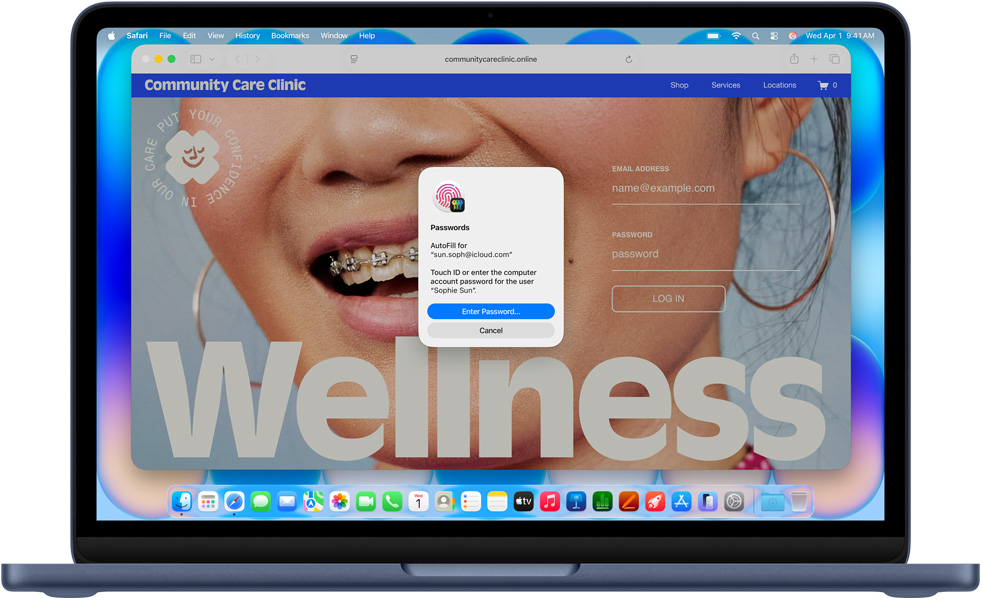
Remembers your logins.
Keep your passwords, passkeys, Wi‑Fi info, and other credentials all in one secure place. With Passwords and Autofill, you can quickly sign in to the apps and websites you visit frequently.

-
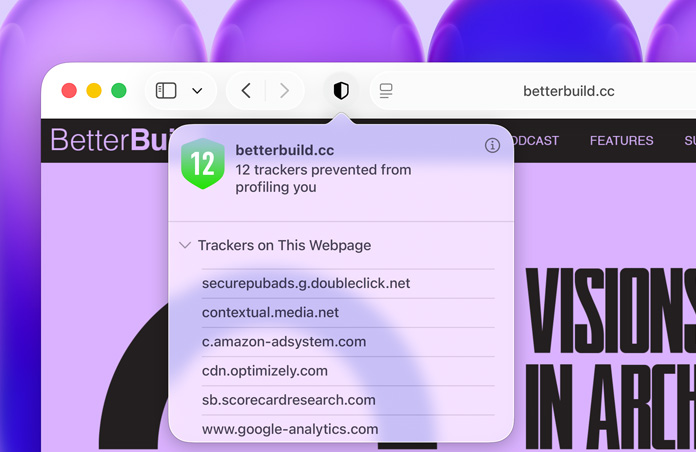
Safe online.
Industry-leading privacy features defend you against cross‑site tracking and minimize the data passed to third parties. And when you turn on Private Browsing, you’ll add even more protection, such as locking your browser tabs when you’re not using them.
-
Protects your privacy.
macOS has groundbreaking privacy protections built in, ensuring that you can choose what data to share and how to share it.

Keep exploring Mac.
-
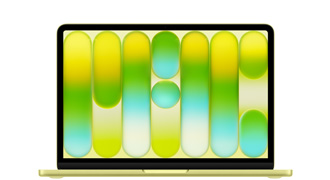
New MacBook Neo 13” A18 Pro chip
- Silver
- Blush
- Citrus
- Indigo
- +more
The magic of Mac at a surprising price.
-
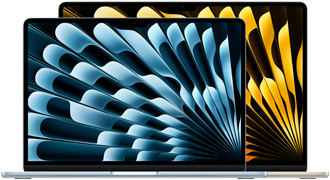
New Macbook Air 13” and 15” M5 chip
- Sky Blue
- Silver
- Starlight
- Midnight
- +more
Thin. Fast. Powerful and portable.


-

Made with 60% recycled material by weight.
-

Manufactured with 45% renewable electricity.
-

Ships in 100% fiber‑based packaging.
-

A plan as innovative as our products.
-

Privacy. That’s Apple.
-

Innovation that’s accessible by design.