New in Logic Pro 8.

Single-Window Design

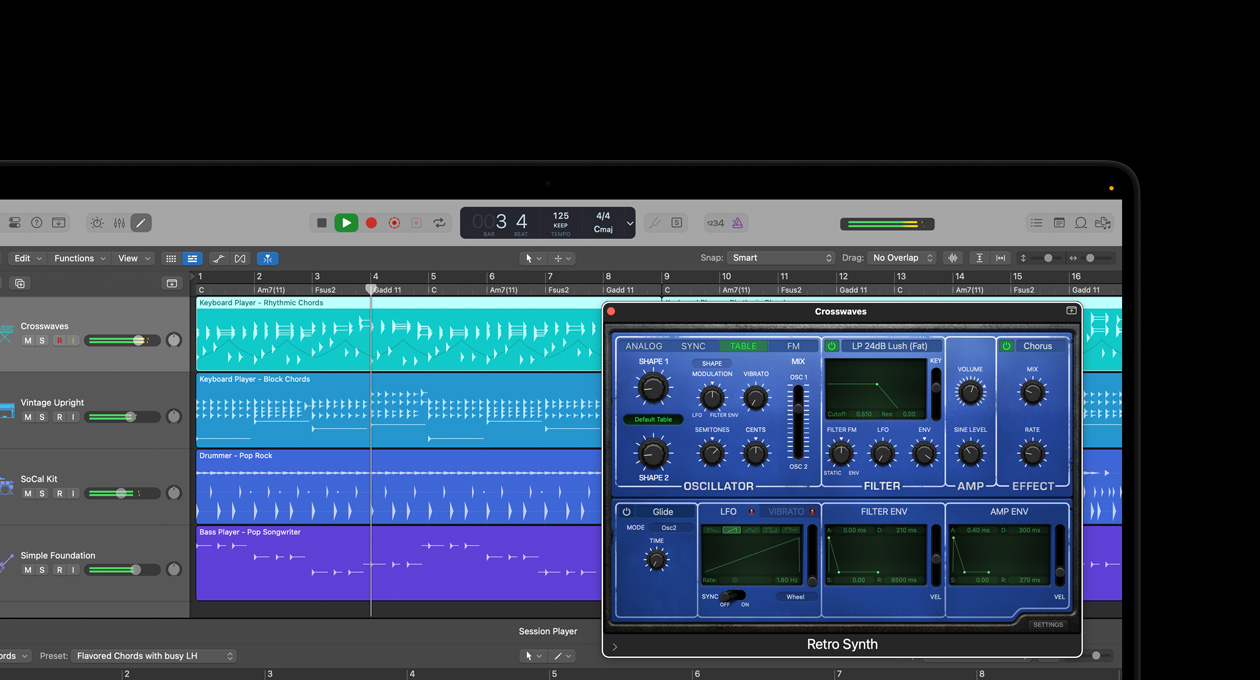
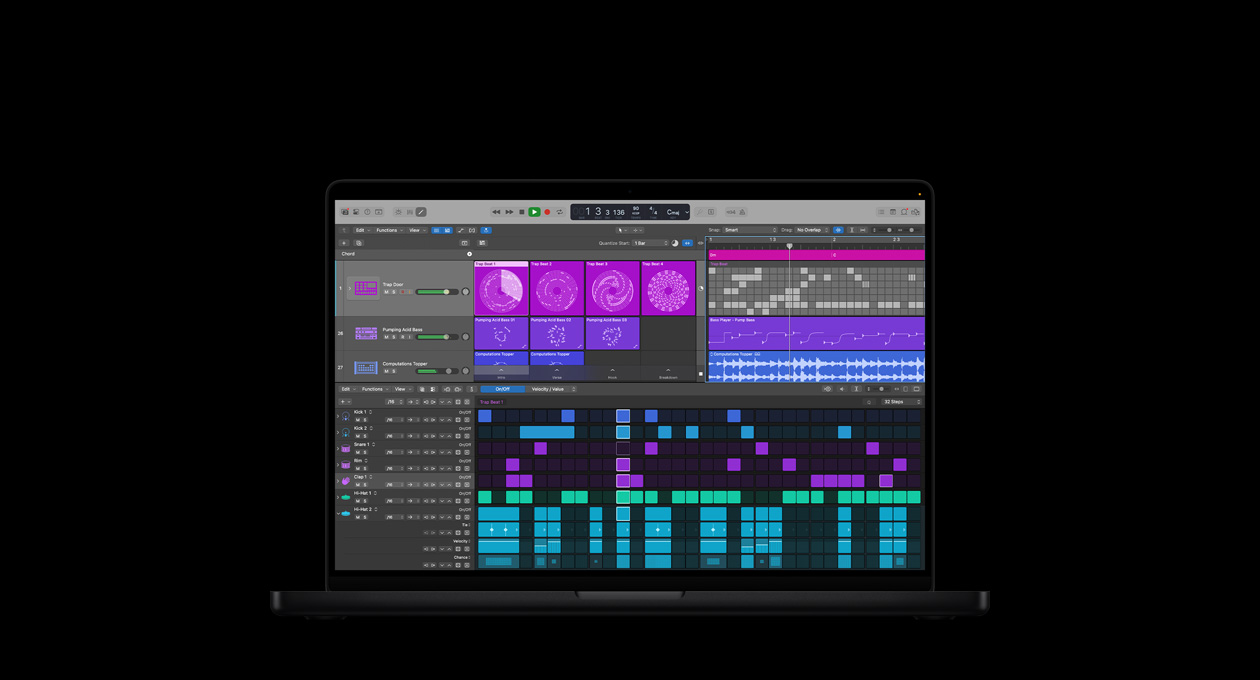
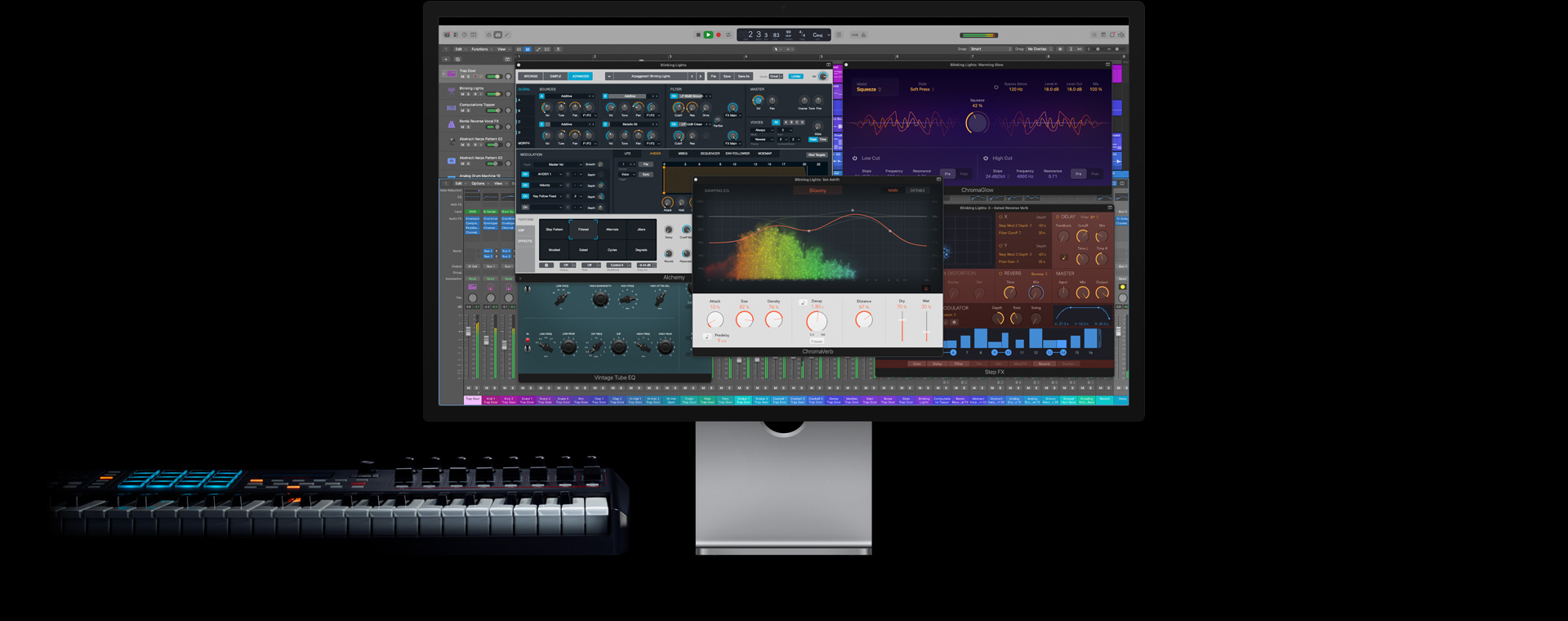
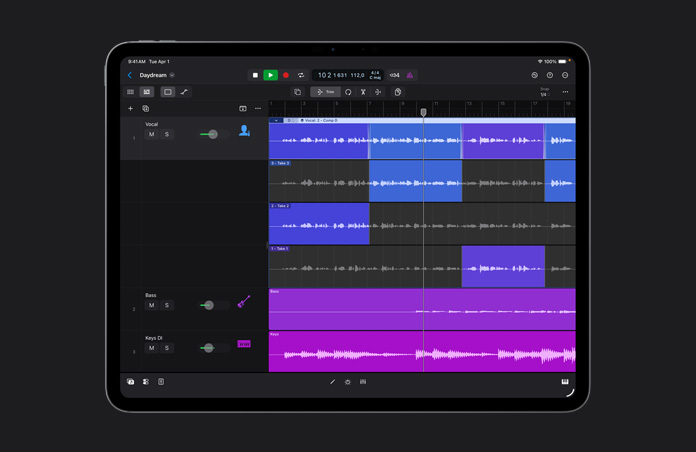
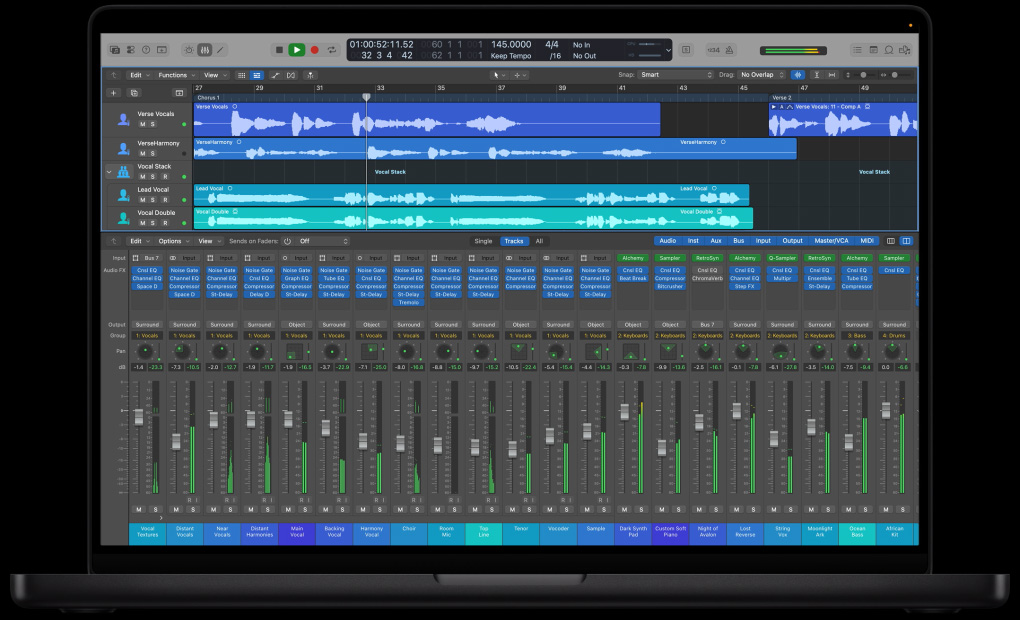
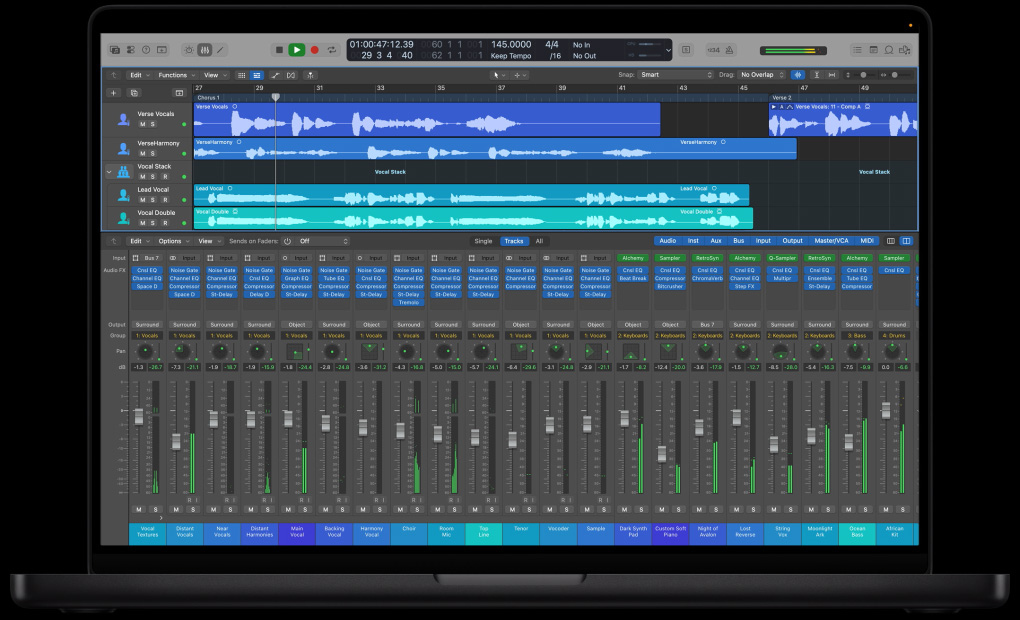
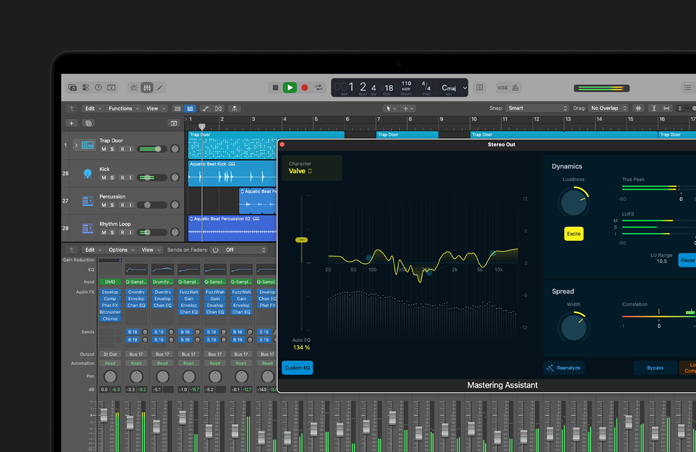
The Arrange window in Logic Pro 8 consolidates production activities in a single, elegantly-designed workspace. You can record multiple takes; cut, move, or stretch audio with sample accuracy; browse channel strip settings; audition Apple Loops; and drop chords onto your lead sheet—all from one central space, without managing multiple windows.

Next Generation Interface: Watch the Quicktour

src="http://images.apple.com/logicstudio/logicpro/images/index_overlayposter_interface20070828.jpg"

Next Generation Interface.

A new workspace featuring a single-window design, retractable panes, and Dual Channel Strips eliminates clutter and lets you focus on your music.

Simplified Setup

Production-ready templates, a streamlined track setup window, and dynamic channel strip creation get you up and running fast. Improved ReWire support provides easy integration with other music applications.

Simplified Setup: Watch the Quicktour

src="http://images.apple.com/logicstudio/logicpro/images/index_overlayposter_setup20070828.jpg"

Simplified Setup.

Create and configure multiple audio, instrument, or external MIDI tracks from a single, simple setup window.

Effortless multitake recording

Region-based take management speeds up multitake recording, editing, and processing. An expandable take folder makes it simple to recall overdubs, and entire take folders can be moved and edited like regions.

Multi-Take Recording: Watch the Quicktour

src="http://images.apple.com/logicstudio/logicpro/images/index_overlayposter_multitake20070828.jpg"

Multi-Take Recording.

Region-based take management streamlines the process of recording, organizing, and auditioning multiple takes and overdubs.

Quick Swipe comping

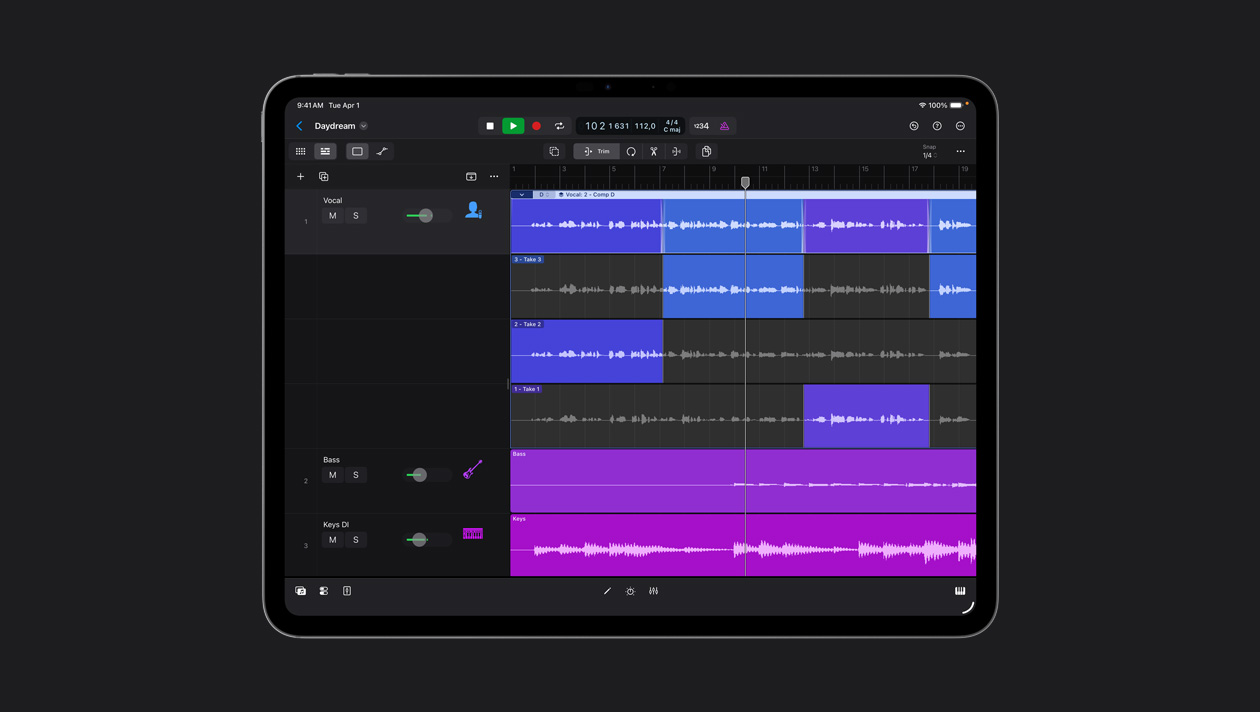
With breakthrough Quick Swipe comping, you can simply swipe over the best portions of each take to create a seamless comp, complete with transition-smoothing crossfades.

Revolutionary Comping: Watch the Quicktour

src="http://images.apple.com/logicstudio/logicpro/images/index_overlayposter_comping20070828.jpg"

Revolutionary Comping.

Breakthrough Quick Swipe Comping dramatically streamlines the process for building the perfect track.

New audio editing tools

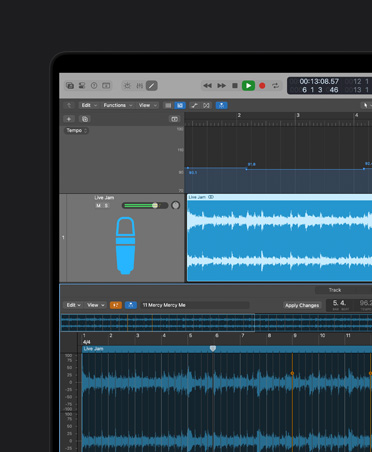
Work faster and with greater precision using powerful new features like snap-to-transient selection, graphical time stretching, and sample-accurate editing in the Arrange window.

Powerful Audio Editing: Watch the Quicktour

src="http://images.apple.com/logicstudio/logicpro/images/index_overlayposter_editing20070828.jpg"

Powerful Audio Editing.

Improved audio editing features give you incredible flexibility and sample-accurate precision directly in the Arrange window

Surround mixing and processing

Logic Pro 8 allows for end-to-end surround production with multichannel tracks and busses. True Surround and multi-mono support lets you use any surround, stereo or mono plug-ins within any surround project.

Portable preferences

Save your key commands, channel strip settings and plug-in settings to your .Mac account for easy backup, sharing, and portability.

XSKey-free operation

A simple serial number replaces the USB dongle and lets you make music without the hassle of extraneous hardware.

Overview.

A thoughtfully redesigned Logic Pro 8 makes it easier than ever to translate musical inspiration into professional productions. A range of powerful, easy-to-use features puts sophisticated tools at your fingertips, and complete surround support lets you make incredible, immersive music.

Next Generation Interface

Next Generation Interface

A new workspace featuring a single-window design, retractable panes, and Dual Channel Strips eliminates clutter and lets you focus on your music. Learn more

ltimate Writing Studio.

Ultimate Writing Studio

A powerful set of music creation tools make it easy to capture and develop your musical inspirations, whether you’re writing a rock song, crafting a club remix, or composing to picture. Learn more

Multitrack Recording.

Multitrack Recording

Advanced tracking features include seamless punch recording, input monitoring, and effortless multi-take management. Learn more

Precision Editing.

Precision Editing

Audio editing features let you work with power and precision, and Quick Swipe comping lets you build the perfect track with unprecedented ease. Learn more

Professional Mixing.

Professional Mixing

Complete your project with powerful mixing and automation tools, along with optimized mixer views to help you visualize the signal flow of any audio path. Learn more

Surround Production.

Surround Production

Graphic surround panning and multichannel tracks and busses let you move your music productions into surround. Learn more

Compatibility.

Compatibility

An open architecture offers enormous freedom to musicians by supporting a wide range of professional hardware and software options. Learn more

Mobility.

Mobility

Easily move projects from your bedroom to the studio and beyond without missing a beat. Learn more

Next Generation Interface.

An intelligently redesigned workspace makes it simple to find and use all of your favorite tools and functions.

Consolidated Arrange window

With the new Arrange window, all edit and browser windows are consolidated into a single, efficiently designed workspace featuring shortcut menus and customizable toolbars. So you can write, record, edit, and mix — all from one location without navigating a maze of windows.

Built-in browsers

Intelligent, integrated browsers provide fast access to your content. The Library browser lets you preview and select any plug-in or channel strip setting. The Spotlight-searchable File browser helps you find and grab any file on your system. And the Apple Loops browser allows you to easily audition and insert Apple Loops.

Browser interface screenshot.

Dual Channel Strips

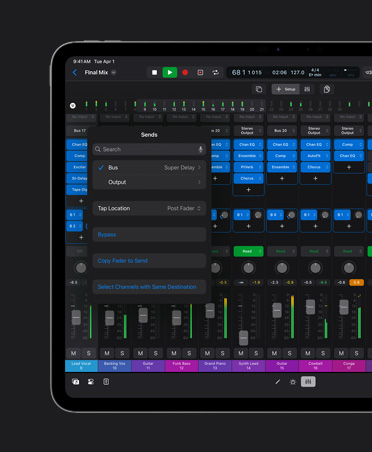
View and manipulate the entire channel strip for the selected track and any auxiliary or output channel strip to which it is sending a signal — without ever leaving the Arrange window.

  • Single-window interface: Click to enlarge
  • Template browser: Click to enlarge
  • Dual channel strips: Click to enlarge

Simplified track setup

Create and configure multiple audio, instrument, or external MIDI tracks from a single, simple setup window.

Track setup screenshot.

Production-ready templates

Start making music fast by choosing from a variety of professionally crafted templates designed for different music styles and production scenarios. You can also save and recall your own customized templates from the same, well-organized template browser.

Ultimate Writing Studio.

A professional collection of music creation and writing tools gives you the power and flexibility to realize your best work.

Powerful MIDI creation

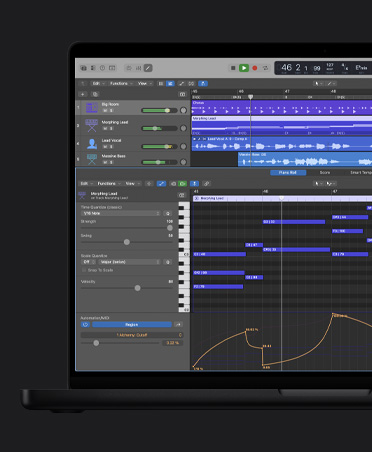
Logic Pro is the gold standard for creating and editing MIDI-based music. A legendary timing engine provides rock-solid straight and swing quantization, and a wealth of MIDI production tools lets you edit performance characteristics while monitoring the results in real time.

Apple Loops

Apple Loops

Build songs using thousands of included royalty-free music loops that automatically conform to your project’s tempo and key. An integrated browser with advanced search features helps you find Apple Loops quickly, and specialized Software Instrument loops offer more creative freedom by allowing you to edit the instrument, processing, or original MIDI performance.

Songwriting

Songwriting

Capture and develop your musical inspirations with unprecedented ease. You can record multiple takes and build the perfect comp, then create a groove by selecting Apple Loops from a newly integrated Loops Browser. Fill out your composition with Studio Instruments and burn your finished production directly to CD — all in Logic Pro.

  • Notation and Guitar tablature: Click to enlarge
  • Arrange window with piano roll editor: Click to enlarge
  • Scoring to picture: Click to enlarge

Music notation

Logic Pro lets you transform MIDI performances into music notation in real time. Create fully ornamented, professional scores with a complete set of notation tools, including comprehensive layout and print options, instrument transposition, guitar tablature, drum notation, and adaptive lyric input.

Compose to picture

Advanced music-for-picture features make scoring and sound design easy. Flexible video display options let you view synchronized QuickTime movies directly within the interface or choose to display on a separate monitor using various output options, including Digital Cinema Desktop. You can also locate scene changes visually via a thumbnail track, or automatically mark transitions with the scene detect option.

Multitrack Recording.

Logic Pro 8 makes it easy to record a quick demo or complete professional album.

Tracking

Advanced tracking

Logic Pro 8 provides a streamlined track setup window that lets you create and record-enable multiple tracks instantly. Work efficiently with features like seamless punch recording and input monitoring for listening to audio tracks that are not record-enabled. CAF file format support allows you to record extended-length projects of up to 6 hours at 96kHz.

  • Quick Swipe Comping: Click to enlarge
  • Multitake recording: Click to enlarge
  • Multitake recording: Click to enlarge
Multitake recording

Effortless multi-take recording

Region-based take management streamlines the process of recording, organizing, and auditioning multiple takes and overdubs. Record passes are automatically tucked into an expandable take folder where they can be conveniently recalled and colorized. Entire take folders can be moved and edited just like standard regions.

Apple Remote

Remote Control

Use an Apple Remote to control Logic Pro from a distance, with the ability to play, stop, record, rewind, fast-forward, and move to the next or previous track.

Precision Editing.

Refinements to audio editing features in Logic Pro 8 give you more power and precision.

Editing tools

Improved audio editing features give you incredible flexibility and sample-accurate precision directly in the Arrange window. Graphically stretch and compress regions with click-and-drag simplicity. You can perform destructive edits on multiple noncontiguous regions and tracks using the built-in editor or an external sample editor such as Soundtrack Pro 2.

Editing

Transient selection

Snap-to-transient selection lets you extend marquee selection borders to the next or previous transient for fast, efficient drum editing and sound replacement.

Transient
  • Sample accurate editing in the Arrange window: Click to enlarge
  • Graphical time stretching: Click to enlarge
  • Snap-to-transient: Click to enlarge

Advanced comping

Breakthrough Quick Swipe Comping dramatically streamlines the process for building the perfect track. Just swipe over the best portions of each take of an overdub or multitake recording and a seamless comp is created — complete with transition-smoothing crossfades. Multiple comps and autosave let you experiment with performances and ensure that your work is never lost.

Graphic beat mapping

Easily conform any audio or MIDI track to bars and beats using powerful beat-mapping features. Create tempo tracks based on a selected guide track, or simply drag bar and beat guides to downbeats in an audio file or MIDI region.

Professional

Professional Mixing.

Polish your project with enhanced mixing and automation tools.

Complete mixing desk

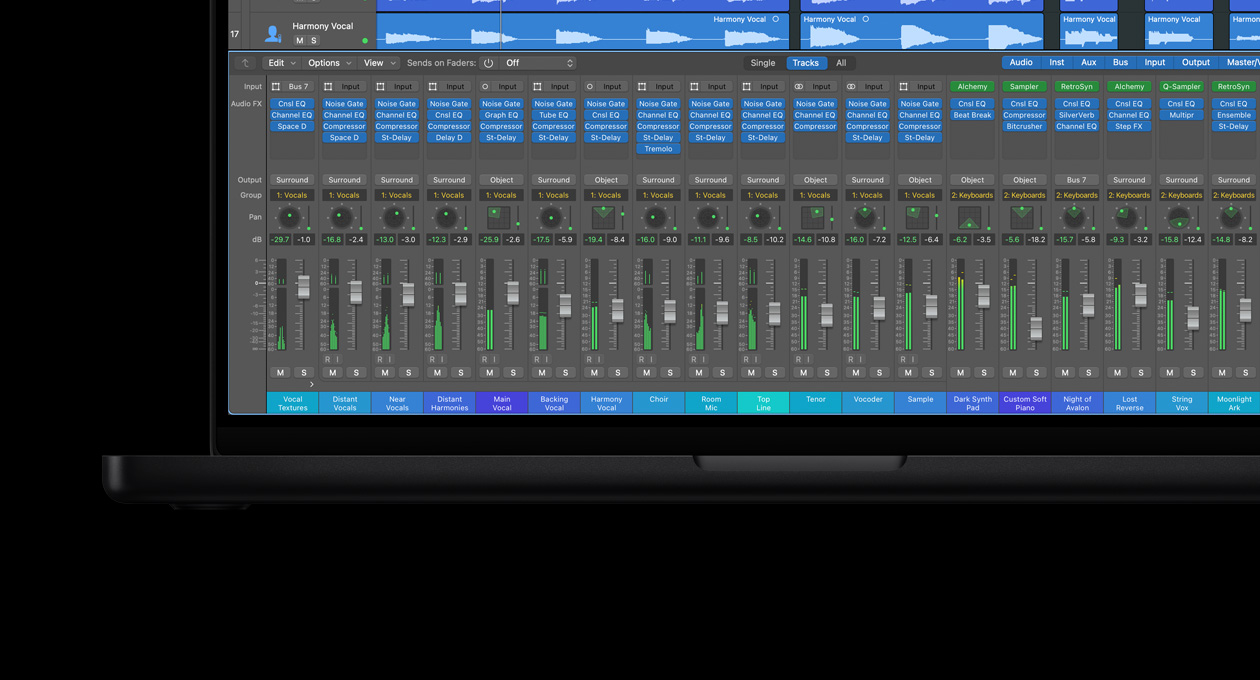
Create the perfect mixer configuration with up to 255 audio, software instrument, and auxiliary channels, along with up to 32 mix groups and as many output channels as your audio hardware provides. Each track supports 15 plug-ins and 8 pre-, post-, and post-pan sends with full latency compensation to keep everything in perfect sync. Logic Pro 8 also lets you record busses and integrate outboard hardware into your mix.

Automation

Automation

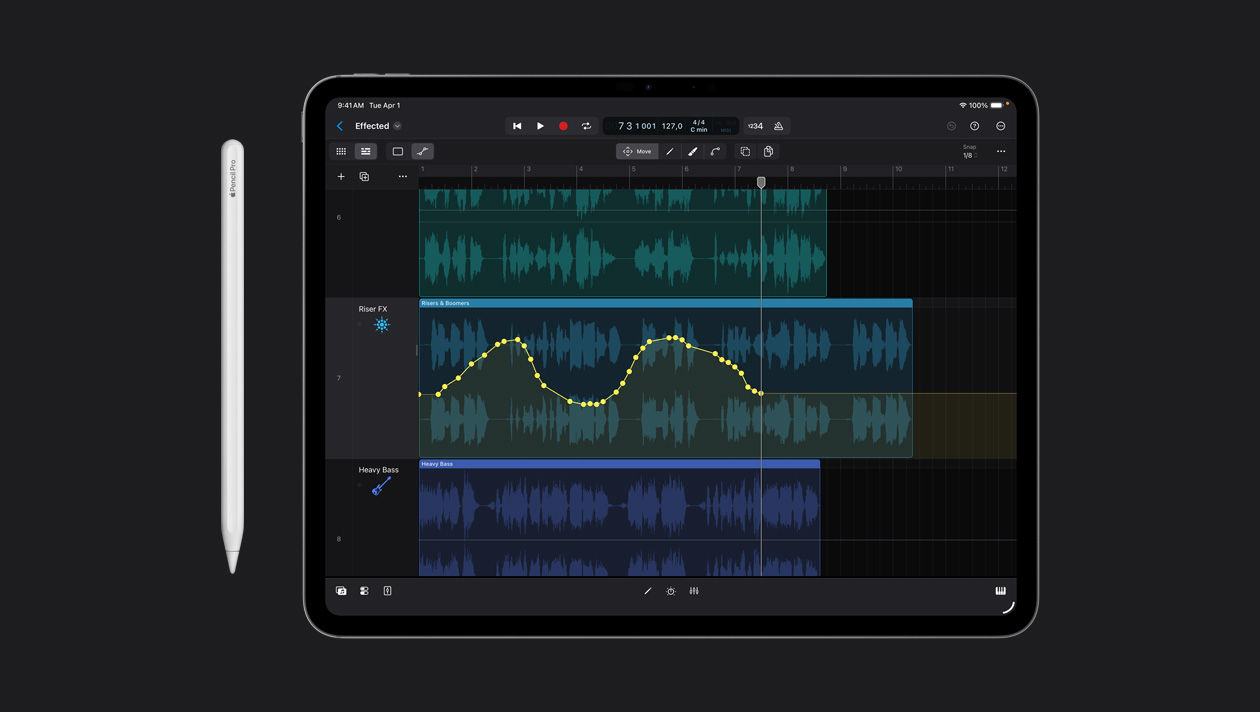
Automate channel strip and plug-in parameters on the fly or set values manually for even greater precision. You can simultaneously view and edit automation for single or multiple tracks, including multiple parameters per track. Track grouping provides simultaneous writing and editing of automation for multiple tracks, and the curve tool helps you create more natural-sounding transitions.

  • Arrange view of the Mixer: Click to enlarge
  • Single View of the Mixer: Click to enlarge
  • Automation: Click to enlarge
Mixing

Dynamic channel strip creation

Dynamic channel strip creation streamlines recording and mixing by automatically adding auxiliary and output channels to your project as needed. For example, when you create a bus send, Logic Pro creates an auxiliary channel strip to receive that bus. You can also create auxiliary channel strips for multi-output instruments with a single click.

Views

Optimized mixer views

New mixer views help you visualize the signal flow of any audio path by displaying only relevant channel strips.

Virtually limitless processing power

Distributed audio processing technology allows you to harness the processing power of multiple computers on a network, providing virtually limitless plug-in processing power.

Surround Production.

Make immersive music in surround.

Multichannel file support

Play, record, and process multichannel, interleaved audio files. Surround level metering lets you monitor volumes for all channels within a single channel strip.

Multichannel bussing

Logic Pro supports end-to-end, multichannel signal routing. You can submix surround tracks or use sends to route audio to surround sound auxiliary tracks.

Graphic

Graphic surround panning

Precisely manipulate the positioning of audio in a Quad, LCRS, 5.1, 6.1, or 7.1 surround field.

Plugins

Surround plug-ins

True Surround plug-ins such as Space Designer and Delay Designer let you explore state-of-the-art surround processing, while multi-mono support lets you use any mono or stereo Logic Studio or Audio Units plug-in in surround. The Down Mixer plug-in makes it easy to continue working on surround projects even if you’re temporarily using a stereo-only system.

Deliver

Deliver in surround

Burn uncompressed surround stems directly to DVD-A or transfer bounced files to Compressor for industry-standard Dolby Digital AC-3 encoding and preview.

Compatibility.

Create and produce music using a wide range of compatible software and hardware.

GarageBand and Logic Express

Open GarageBand projects directly in Logic Pro and seamlessly move projects between Logic Pro and Logic Express.

ReWire

Improved ReWire support

Logic Pro 8 lets you make music with popular applications such as Reason and Live. Vastly improved ReWire implementation automates the setup process, making it easy to play, monitor, process, and sequence ReWire-based software instruments — all directly in Logic.

Control

Control surface support

Robust third-party hardware support provides hands-on control of Logic Pro 8. Enjoy plug-and-play simplicity using one of over 30 supported control surfaces — from passive devices to high-end, active control surfaces. You can even customize the assignments on any control surface using the built-in autolearn feature.

Compatibility icons

Broad compatibility

Support for Apple Core Audio and Digidesign DAE hardware lets you choose the audio interface that best meets your needs. TDM and Audio Units compatibility gives you a wide choice of plug-ins, while AAF, OMF, and XML support allows easy transfers between Logic Pro and other popular audio and video applications such as Pro Tools and Final Cut Pro.

Mobility.

Thanks to new saving and sharing features, the flexibility of Core Audio, and comprehensive project asset management, Logic Pro 8 makes it easy to work on projects from multiple locations.

Mobility Dotmac

.Mac backup and sharing

Back up personal channel strip settings, plug-in settings, and key commands to your .Mac account for easy access from any computer connected to the Internet. You can also selectively share your favorite settings across a local or Internet-based network.

Apogee

Hardware freedom

Logic Pro can be used with any audio interface that works with Mac OS X, so you never have to worry about restrictive proprietary hardware requirements.

Mobility Single

Single folder

Gather and save all project-related assets in a single folder, making it easy to back up and transfer projects between computers or locations.

Frozen tracks play anywhere

Freeze Tracks provides an easy way to play large projects on less powerful systems or on computers that do not have the original project plug-ins installed.