
Logic Pro
Sound thinking.
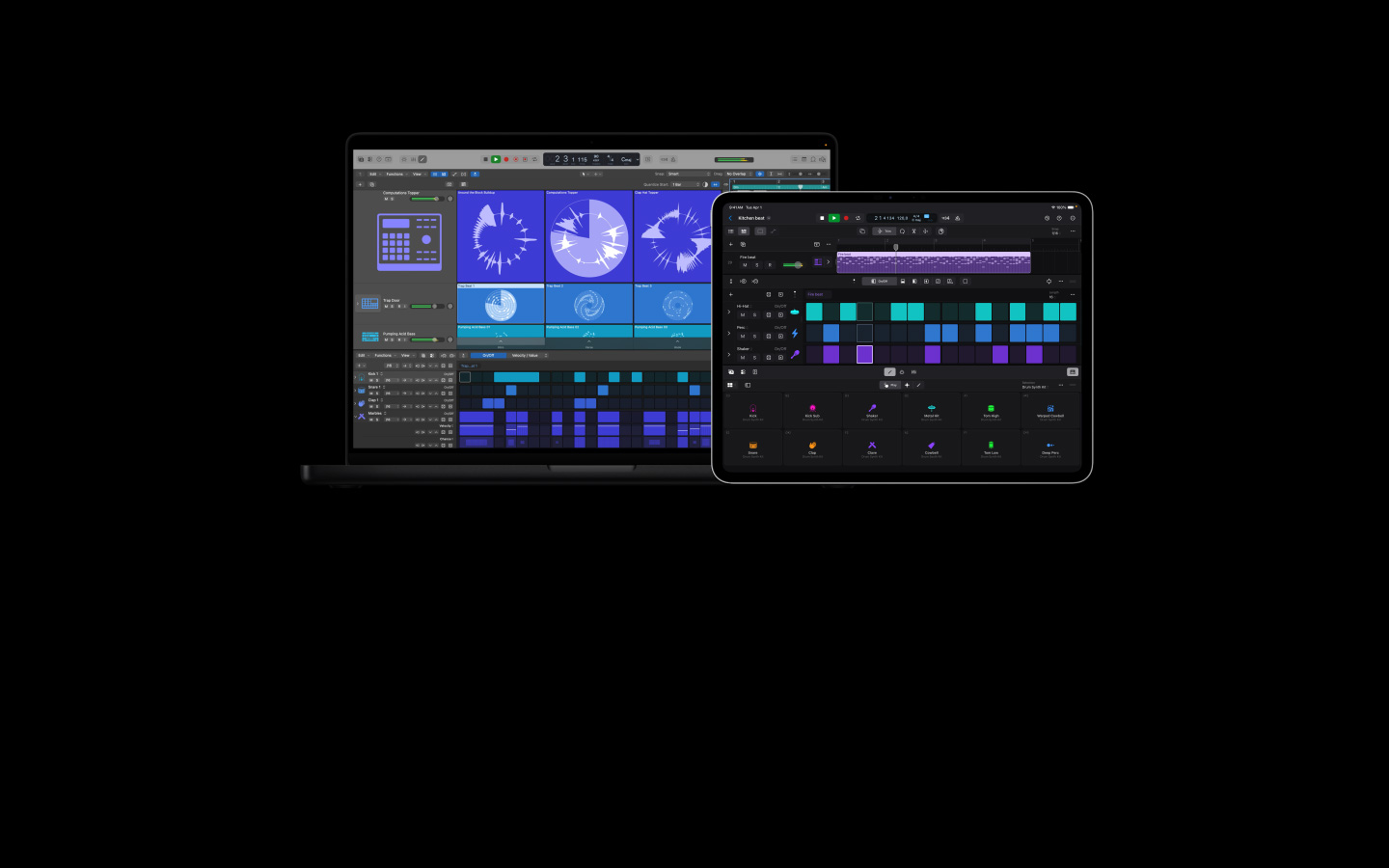
Logic Pro is the ultimate music creation experience for Mac and iPad. It features an extensive collection of instruments and effects. And it helps you produce and edit audio with intelligent tools for beat-making, songwriting, and remixing.

-

A musical playground for beats, songwriting, recording, and remixing.
-
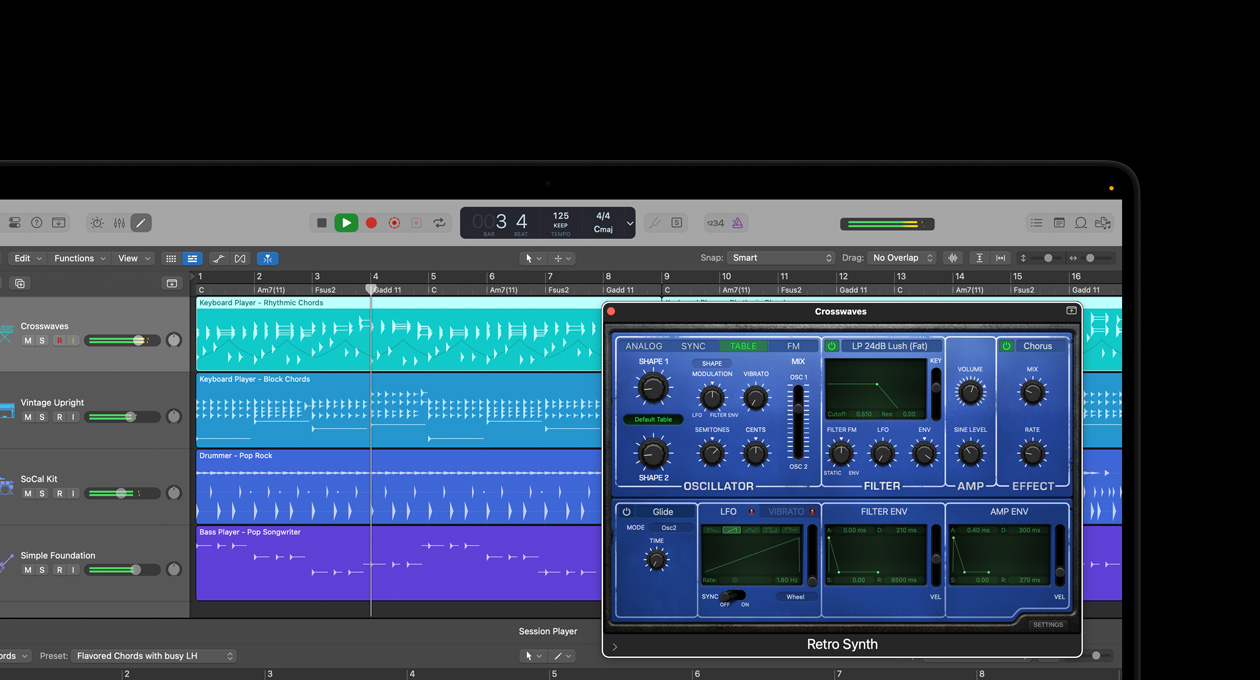
Intelligent tools handle the complex so you can focus on the creative.
-
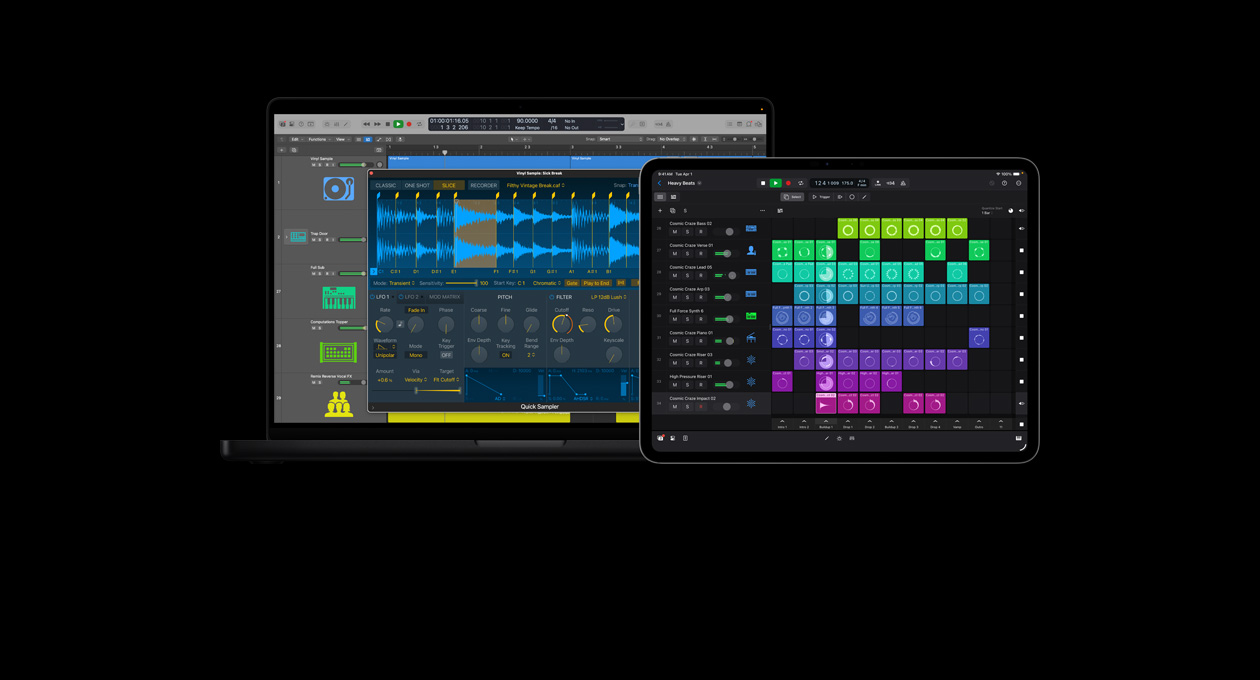
Unbeatable features for quick and easy beat‑making.
-
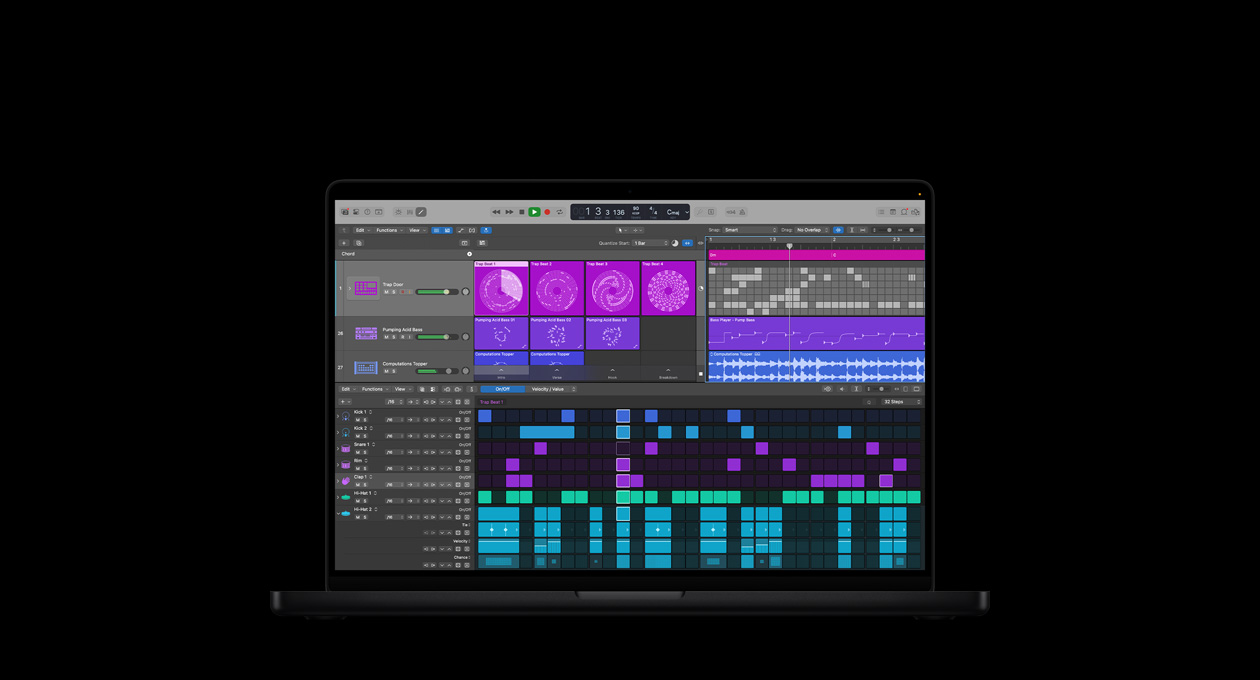
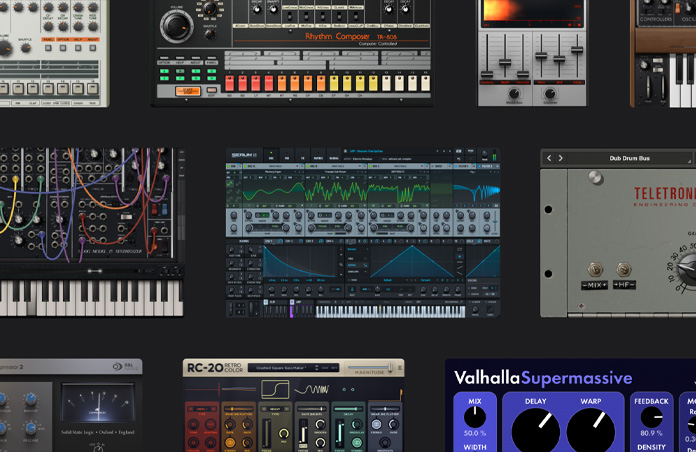
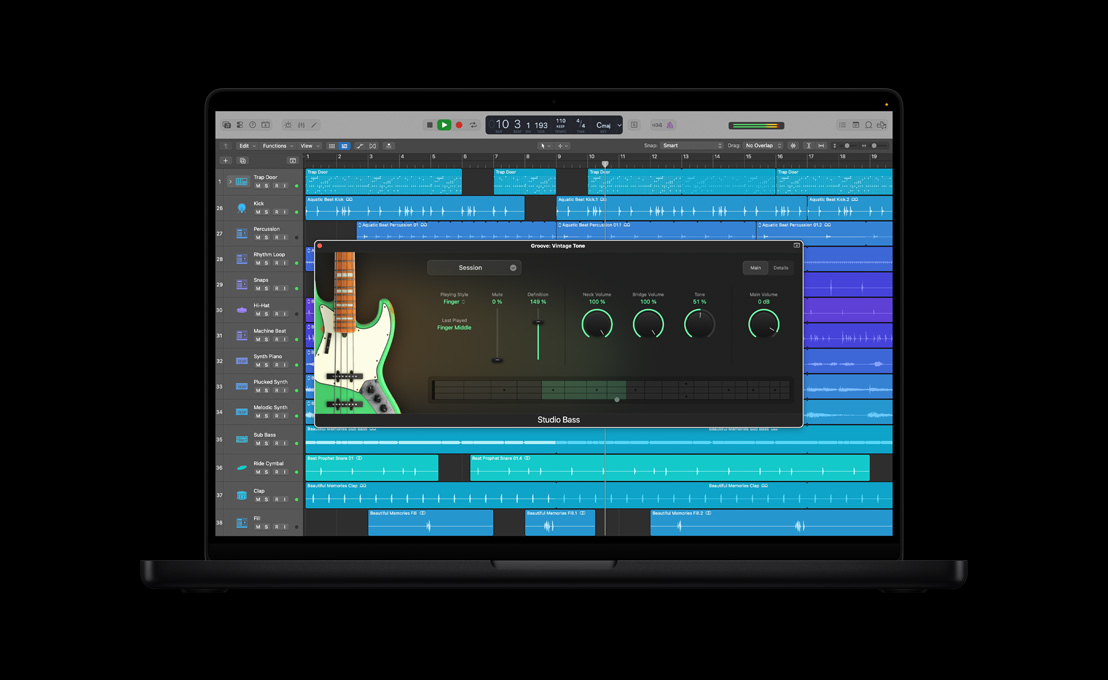
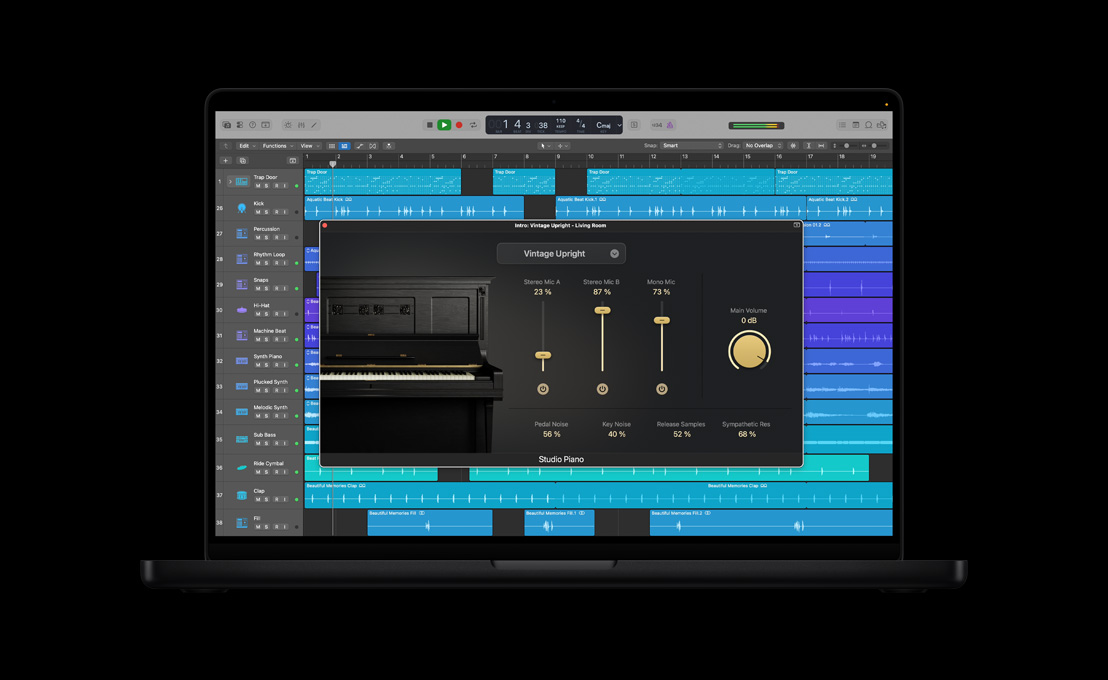
Sounds, instruments, and effects from a huge range of genres and eras.
-
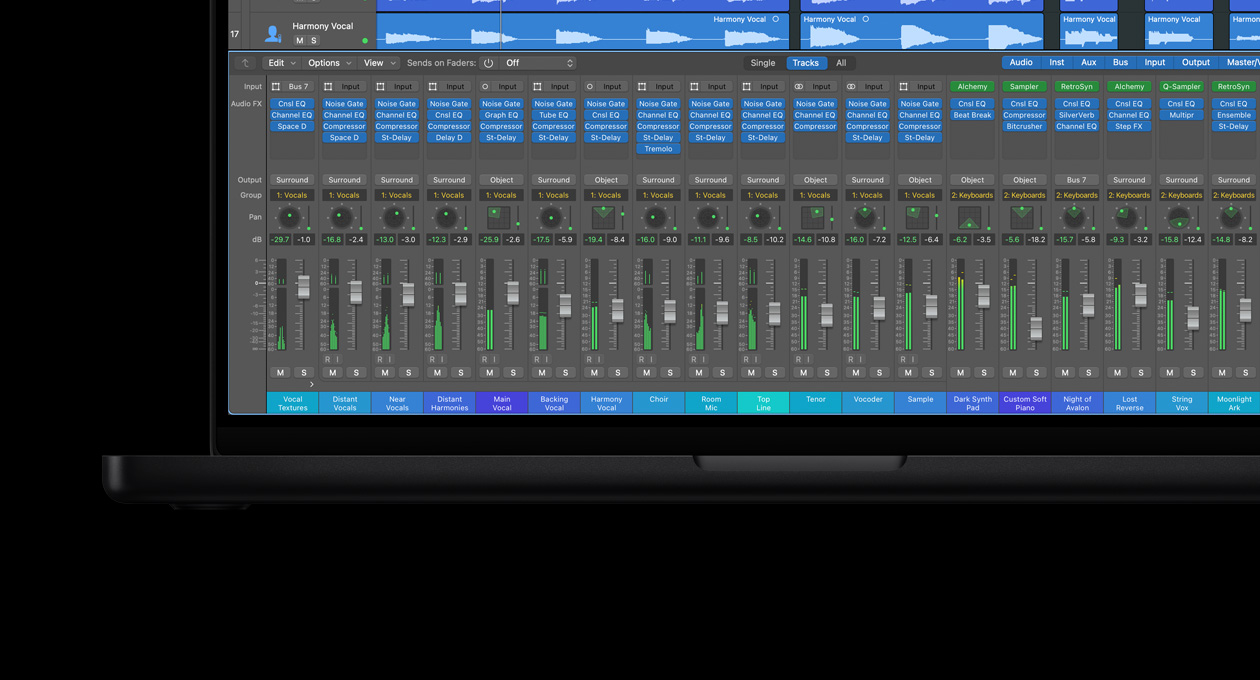
The tools you need to turn your ideas into fully mixed and mastered tracks.
-
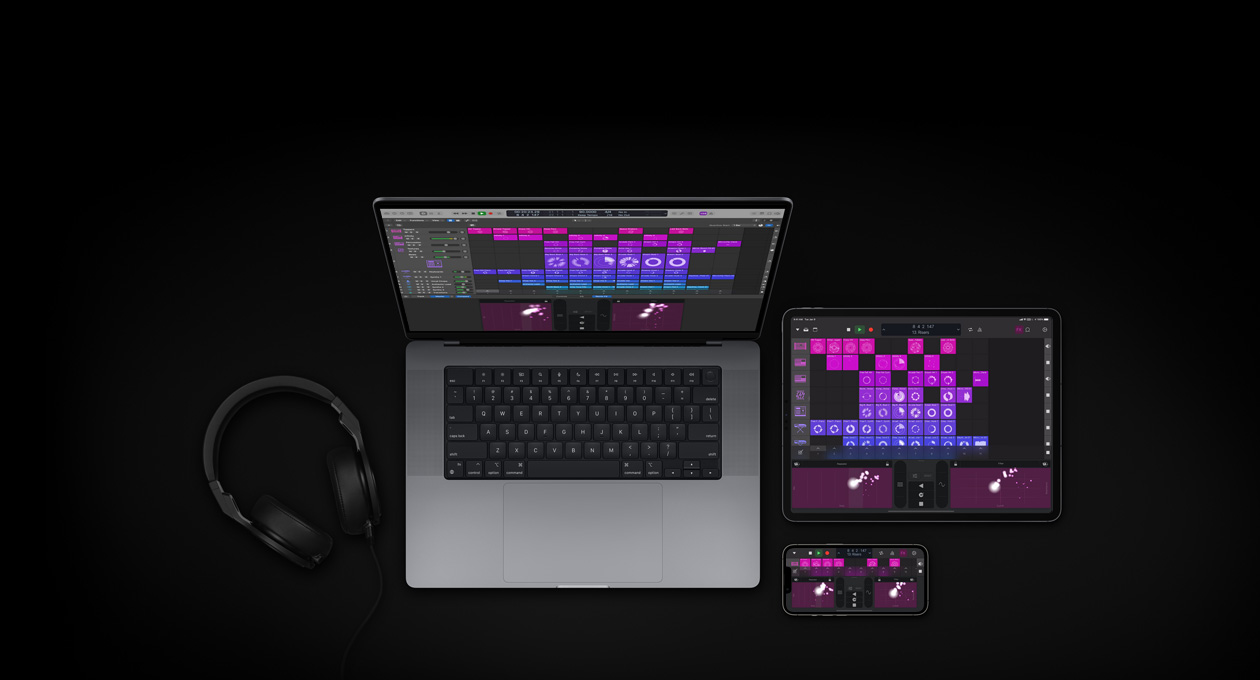
Your Apple devices, apps, and accessories all play well together.

-
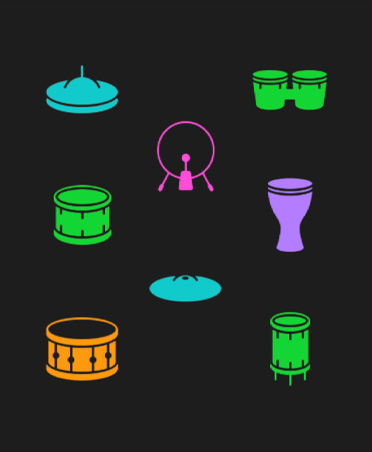
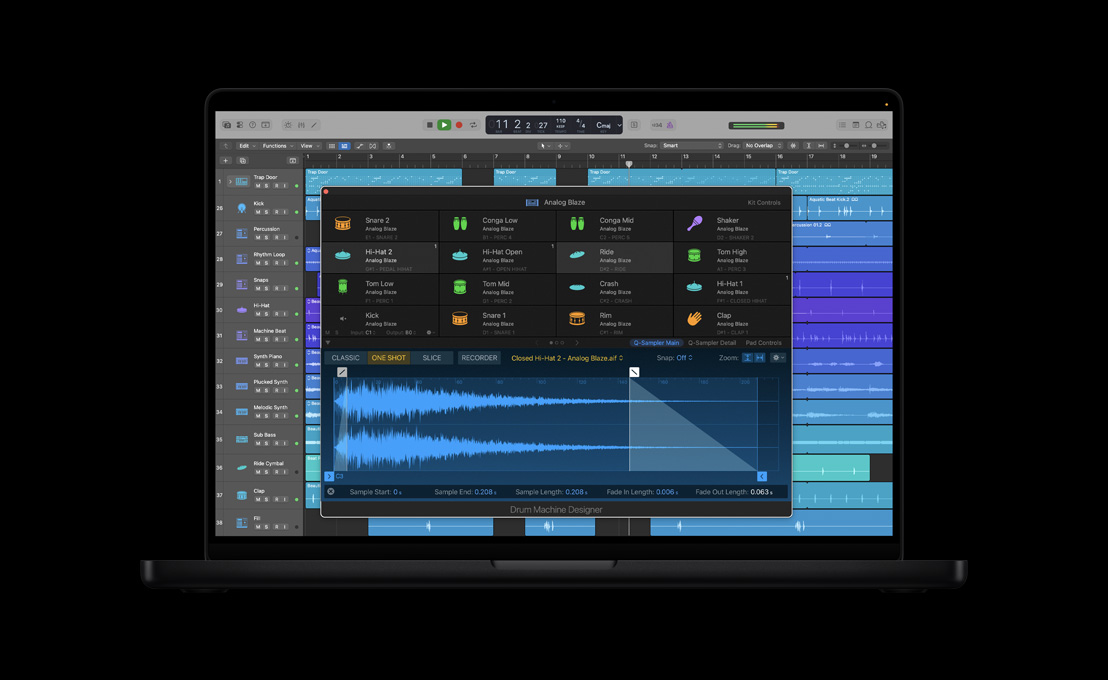
Build custom drum kits.
Drum Machine Designer lets you add samples and unique plug‑ins to each drum pad. Integrated with Step Sequencer, it makes building beats fast and intuitive.
-
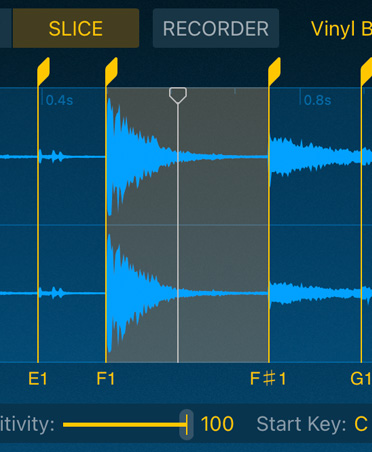
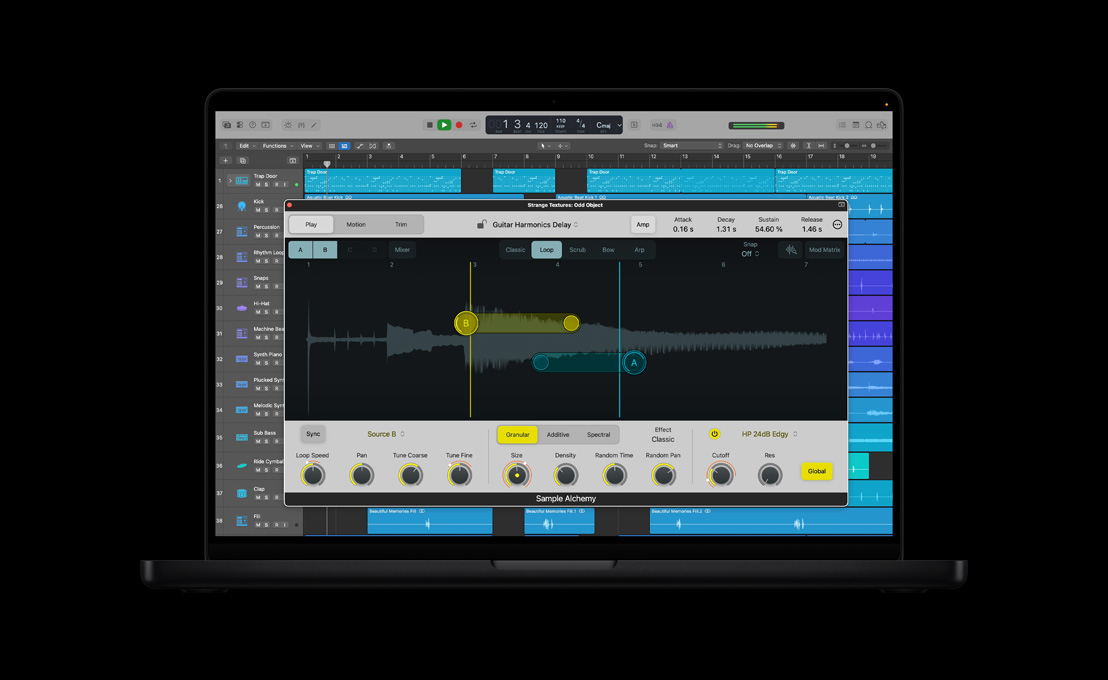
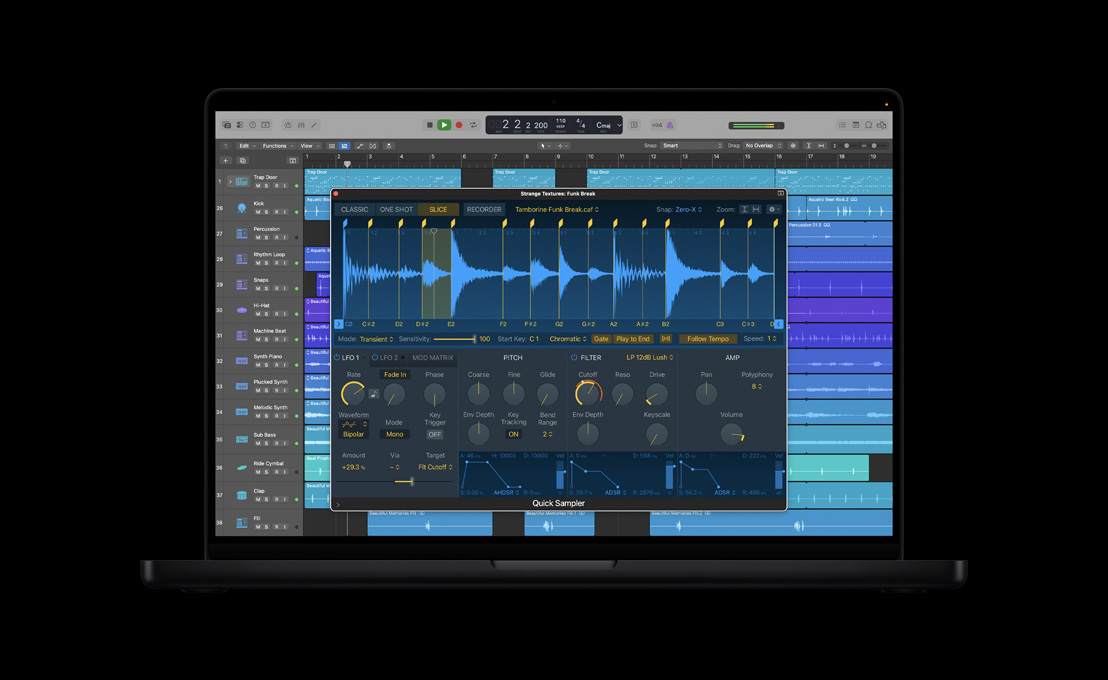
Quick Sampler.
Record, chop, flip, and transform samples into entirely new playable instruments.
-
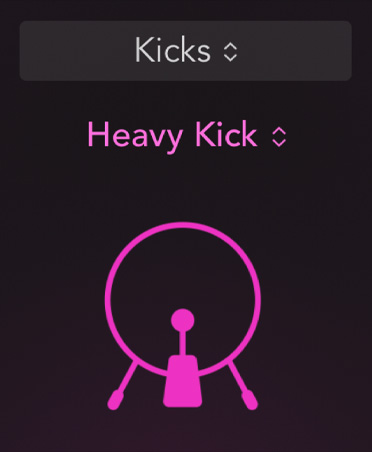
Drum Synth.
Create synthesized drum sounds with this powerful but easy-to-use plug-in. Integrated into Drum Machine Designer, Drum Synth gives you a focused set of sound-shaping tools.
-
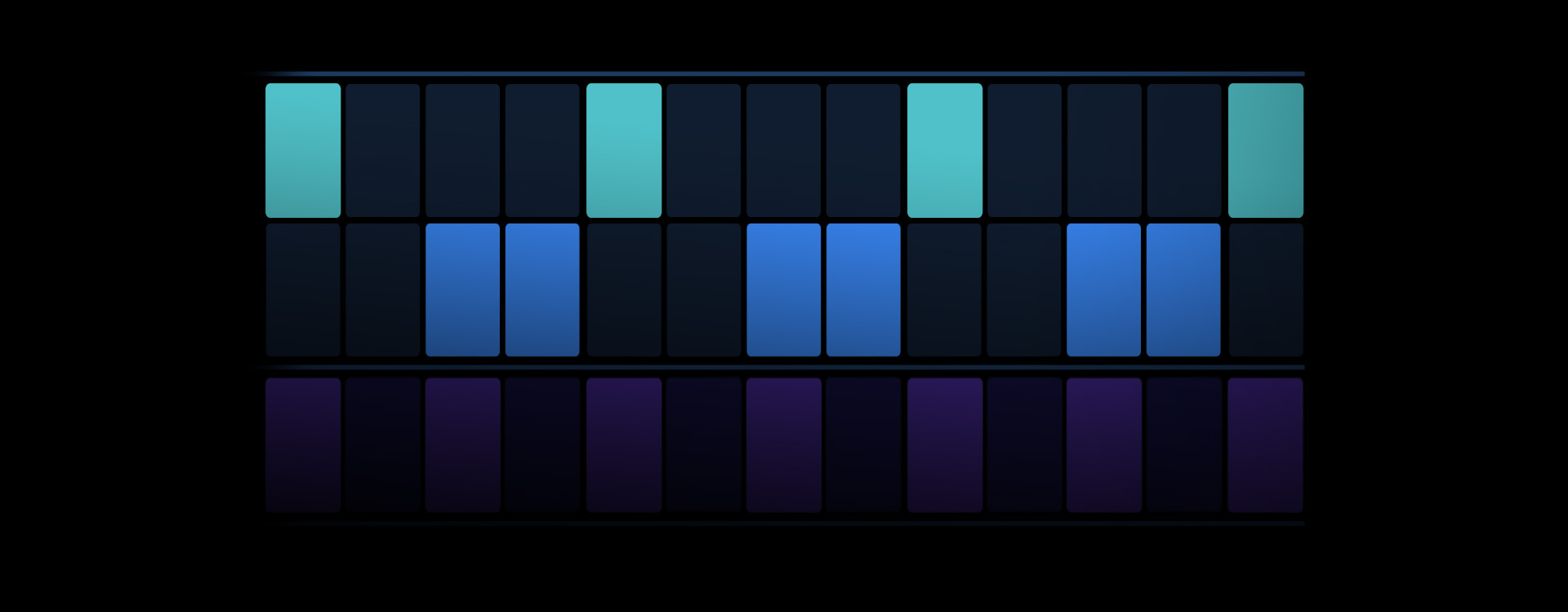
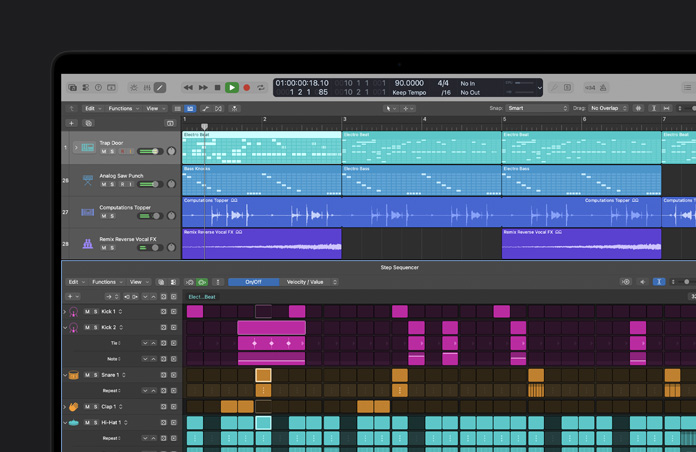
Step Sequencer.
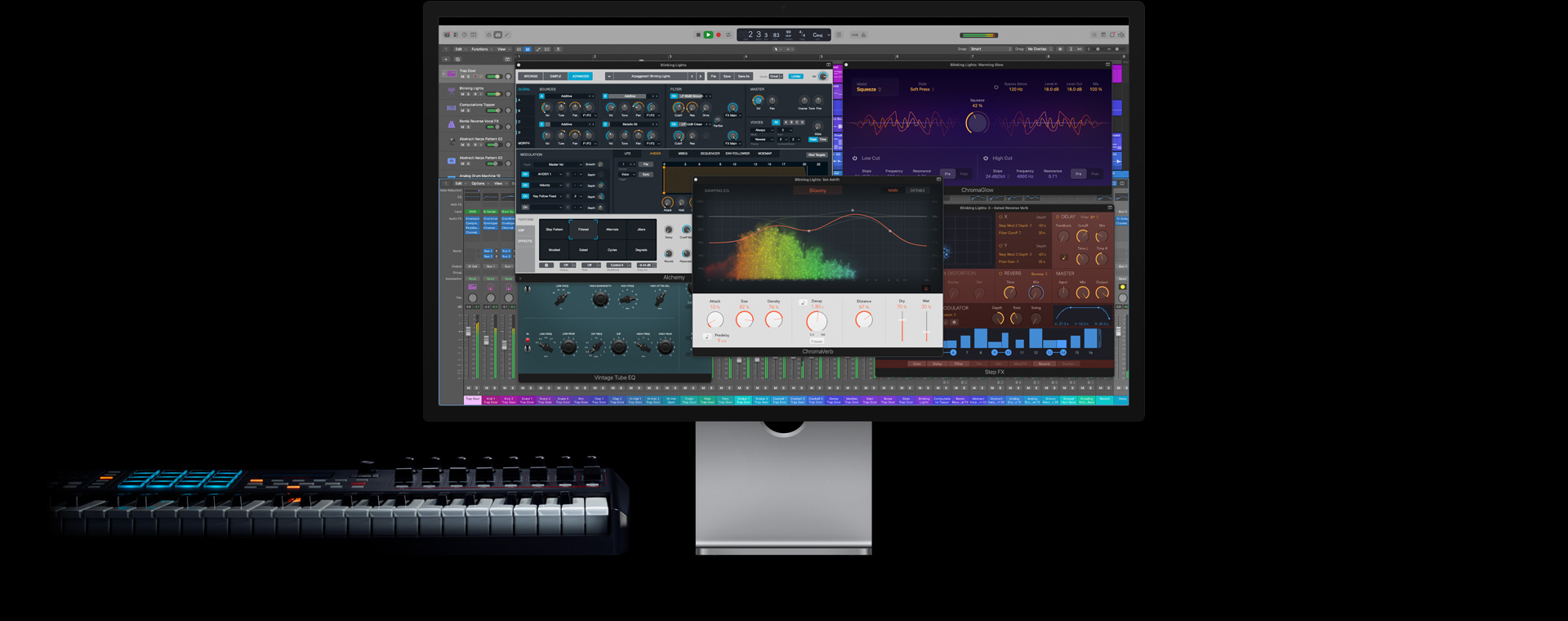
Inspired by the programming styles of vintage drum machines, Step Sequencer makes building beats out of drums, bass, and melodies remarkably simple. You can even add variation with Note Repeat and randomized step playback.
-
Sound Library.
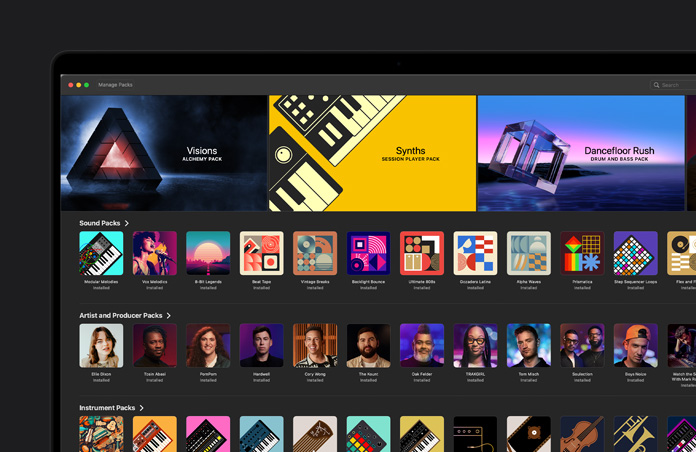
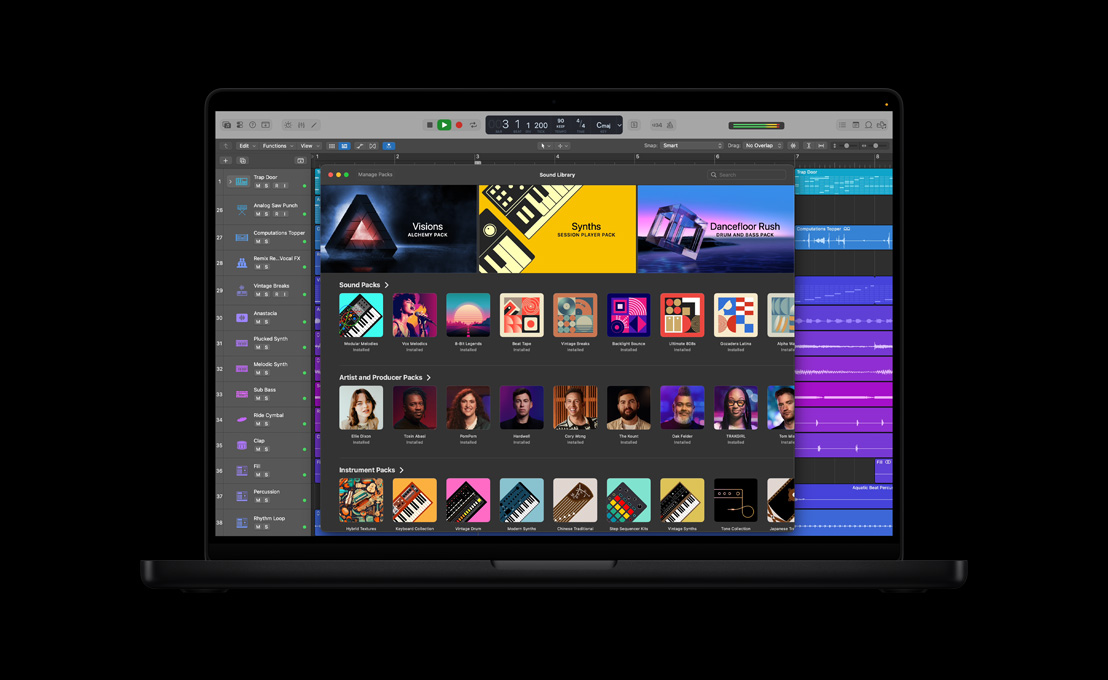
Find inspiration with an expanding collection of instruments, loops, and samples, including Producer Packs created by hitmakers like Oak Felder and Boys Noize.
-
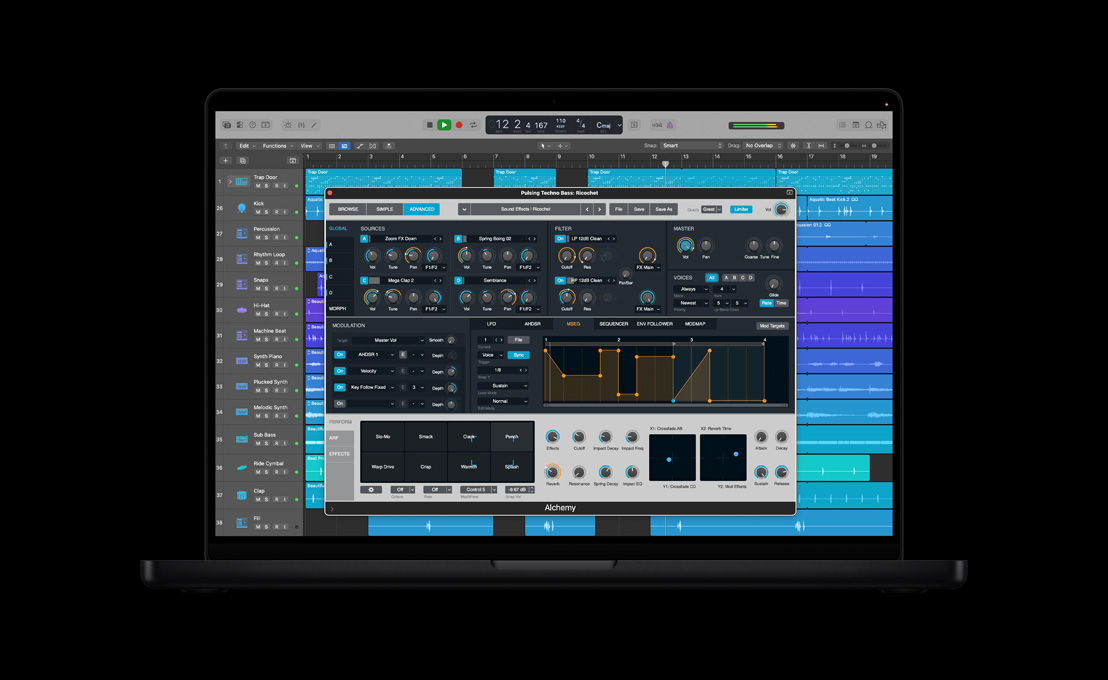
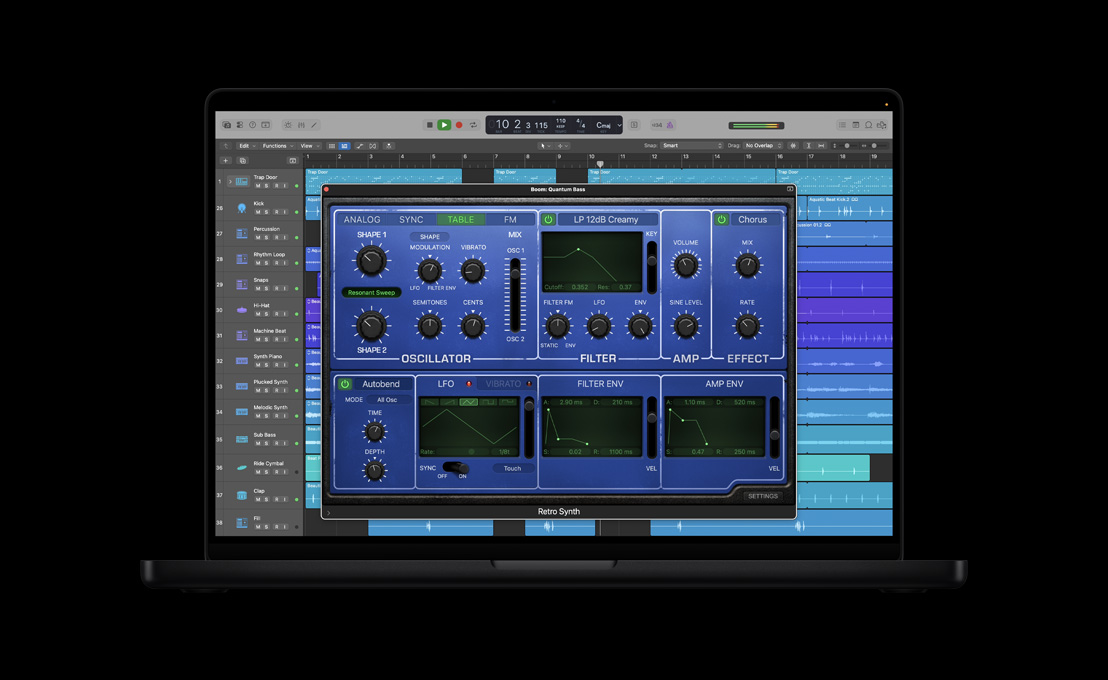
Instruments.
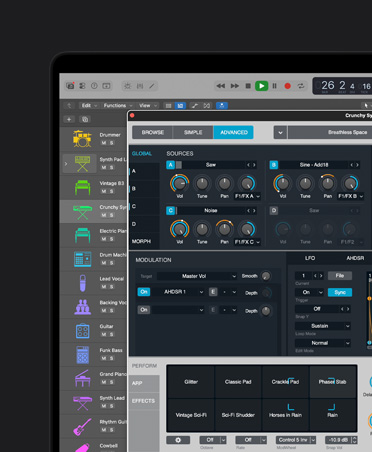
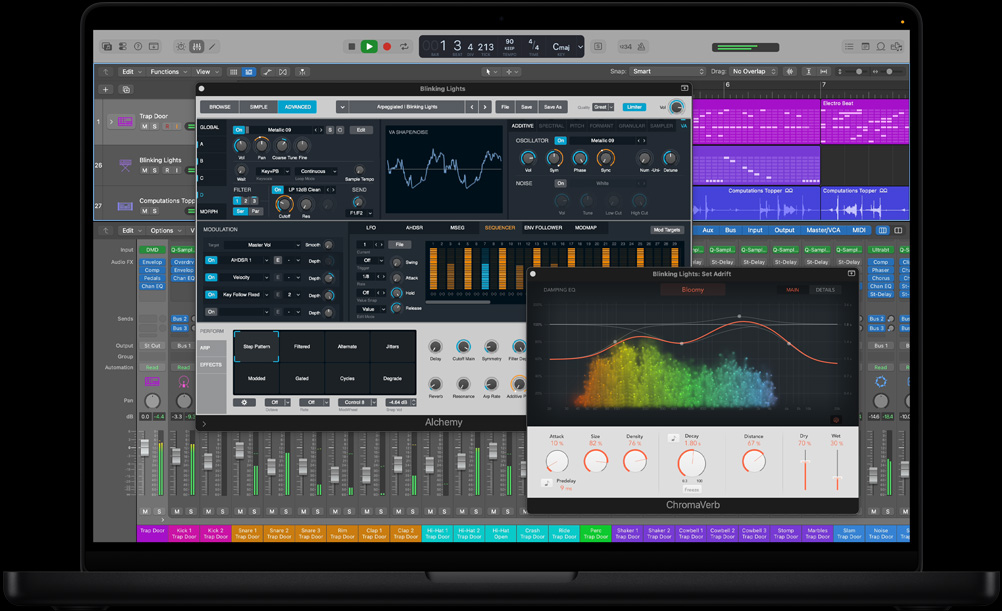
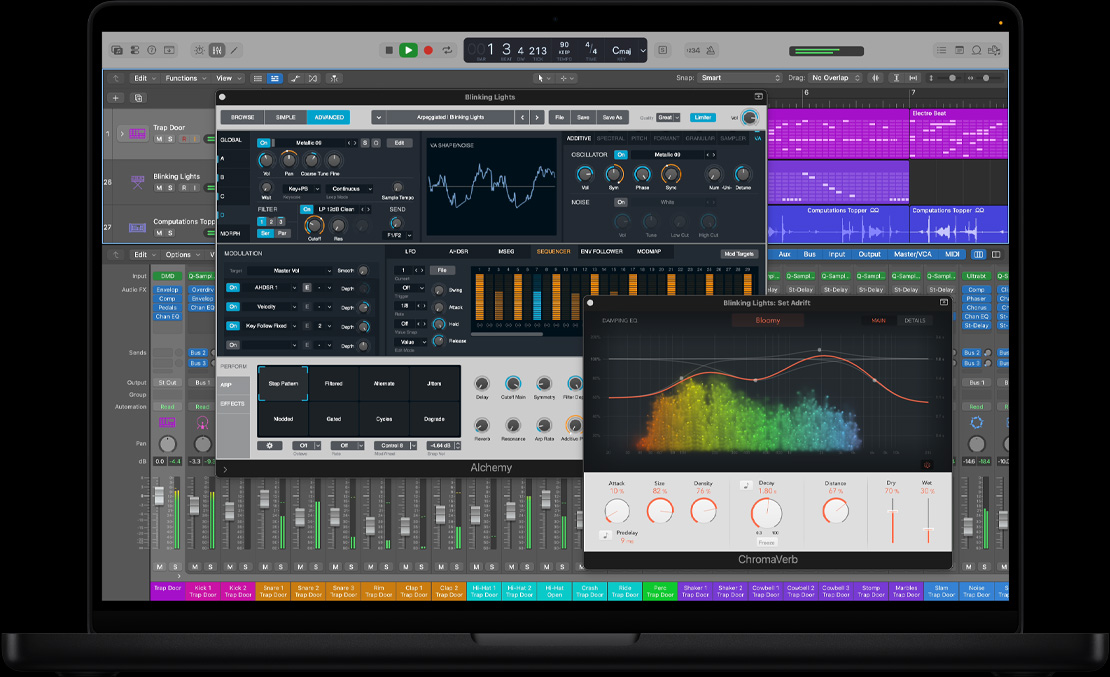
From history-defining basses and classic keyboards to modern synths and meticulously sampled pianos, you get studio-quality sounds built for today’s music.
-
Effects.
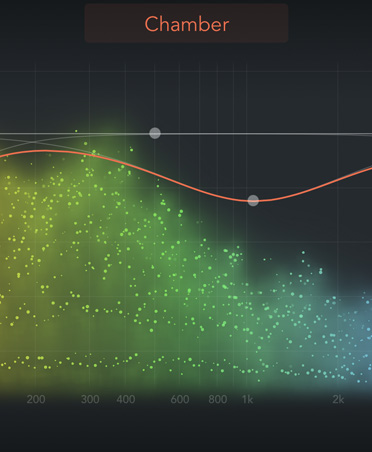
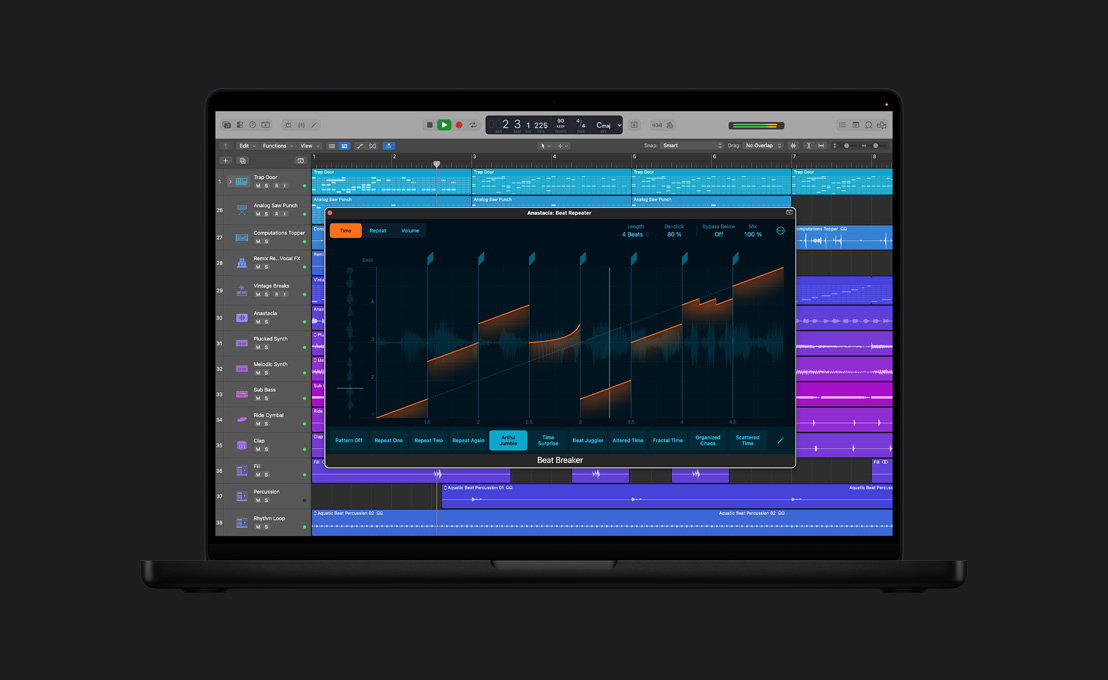
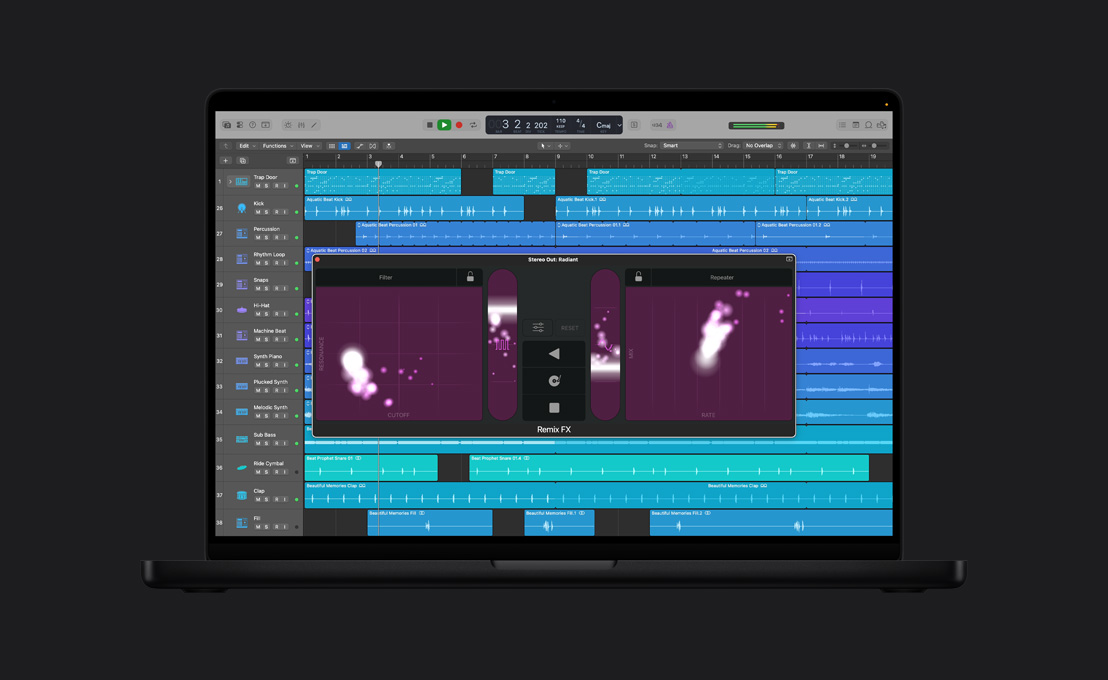
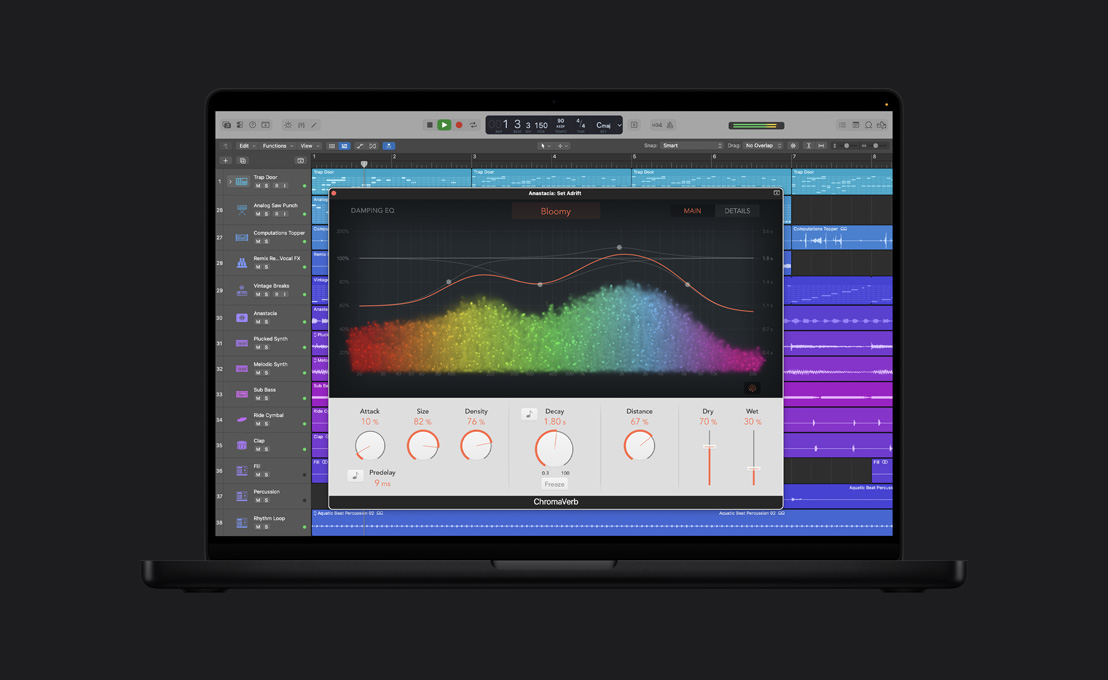
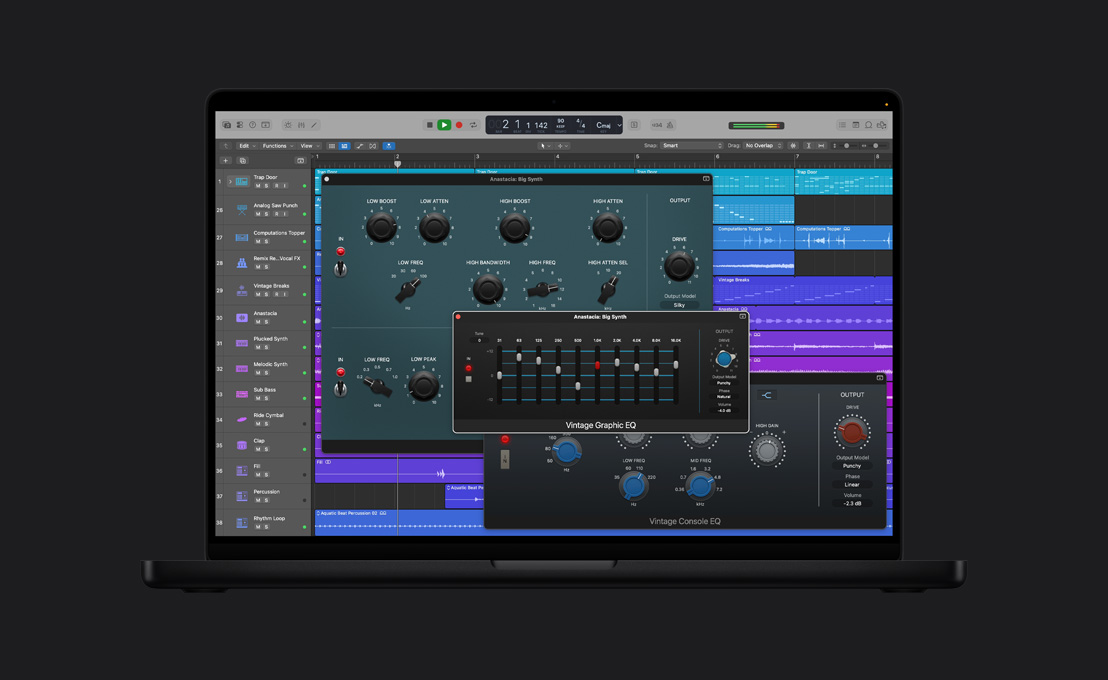
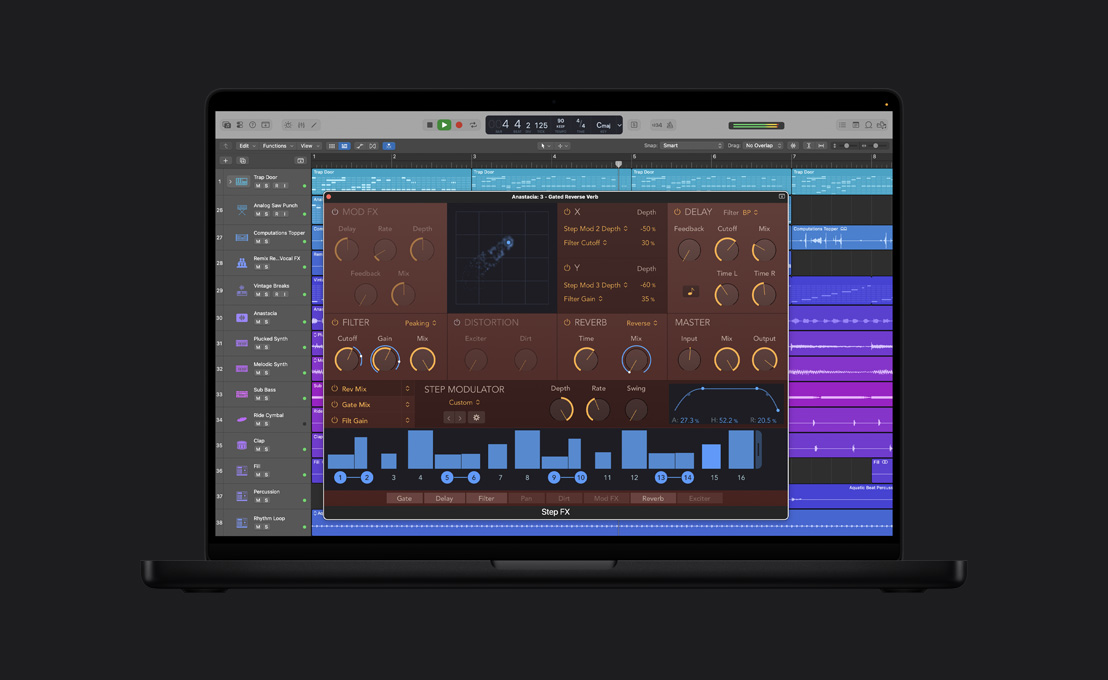
Shape your track’s sonic character with industry-leading reverbs, delays, modulation effects, EQs, and compressors.
-
Third‑party plug‑ins.
Access tens of thousands of instruments and effects made by today’s leading developers.2
Plug‑ins and play.

-
Split audio into isolated tracks.
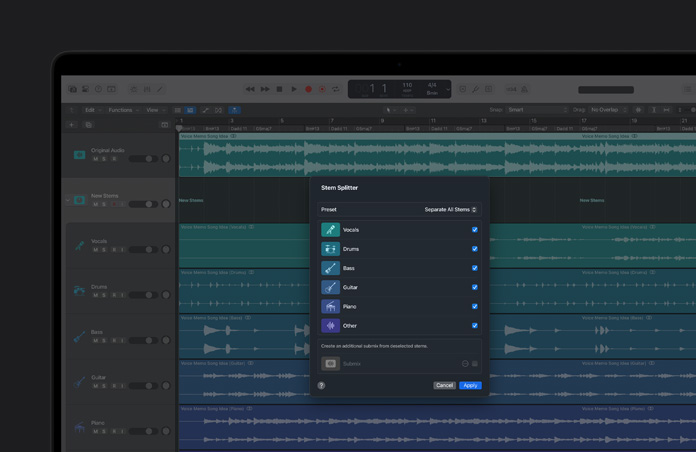
Stem Splitter separates drums, bass, vocals, guitar, piano, and other instruments, so it’s easy to apply effects, sample, or change the mix.
-
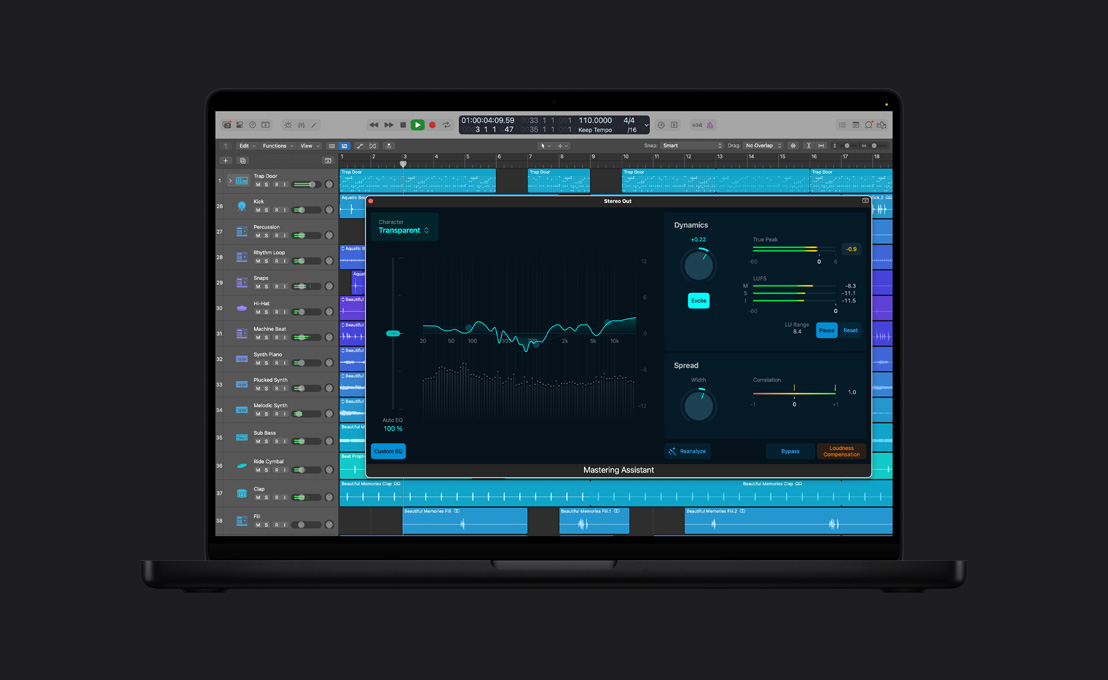
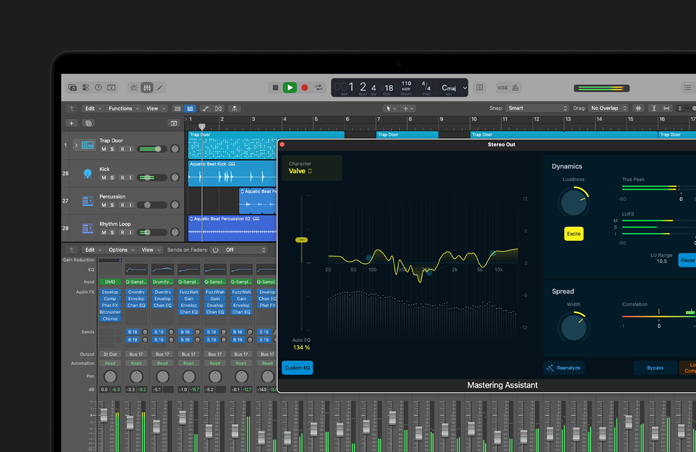
Mastering Assistant.
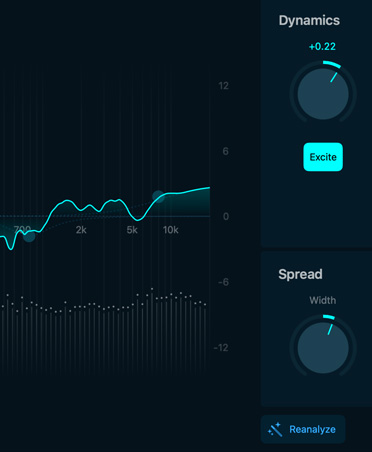
Make your mix sound great on any device. Mastering Assistant listens to your track and transforms it using analog mastering magic that you can adjust to get your project ready for release.
-
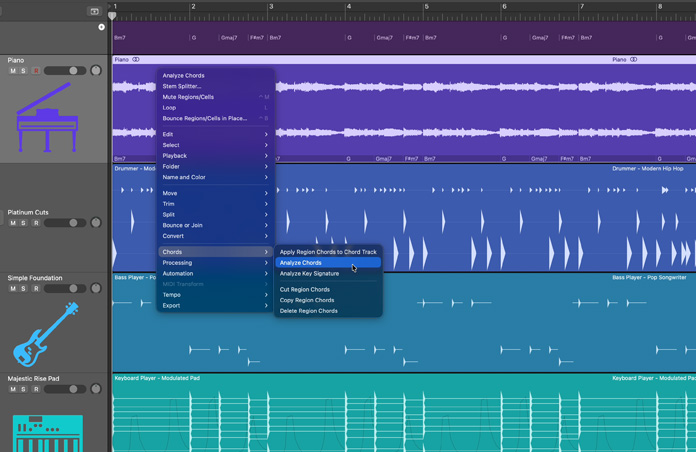
Instant chord detection.
Use Chord ID to quickly identify chords from any part of your song and Session Players will follow along. Chord ID pulls the chords from MIDI and audio regions and drops them in the Chord Track.
-
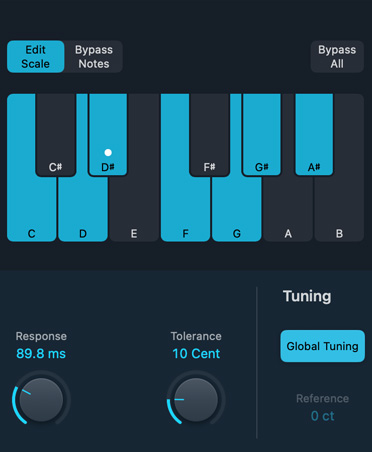
Pitch Correction.
Logic Pro listens to pitch using machine learning and makes adjustments in real time. The result? A perfectly in-tune, natural‑sounding vocal.
-
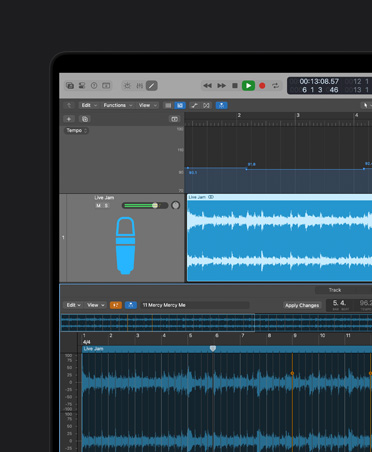
Smart Tempo.
Logic Pro automatically takes any audio and matches it to the tempo of your project. Or you can record without a metronome and Logic Pro will follow the tempo of your performance.
-
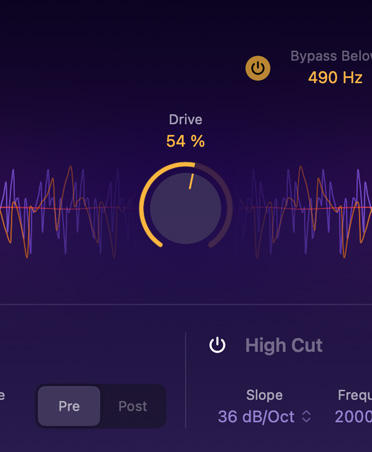
Get that analog sound.
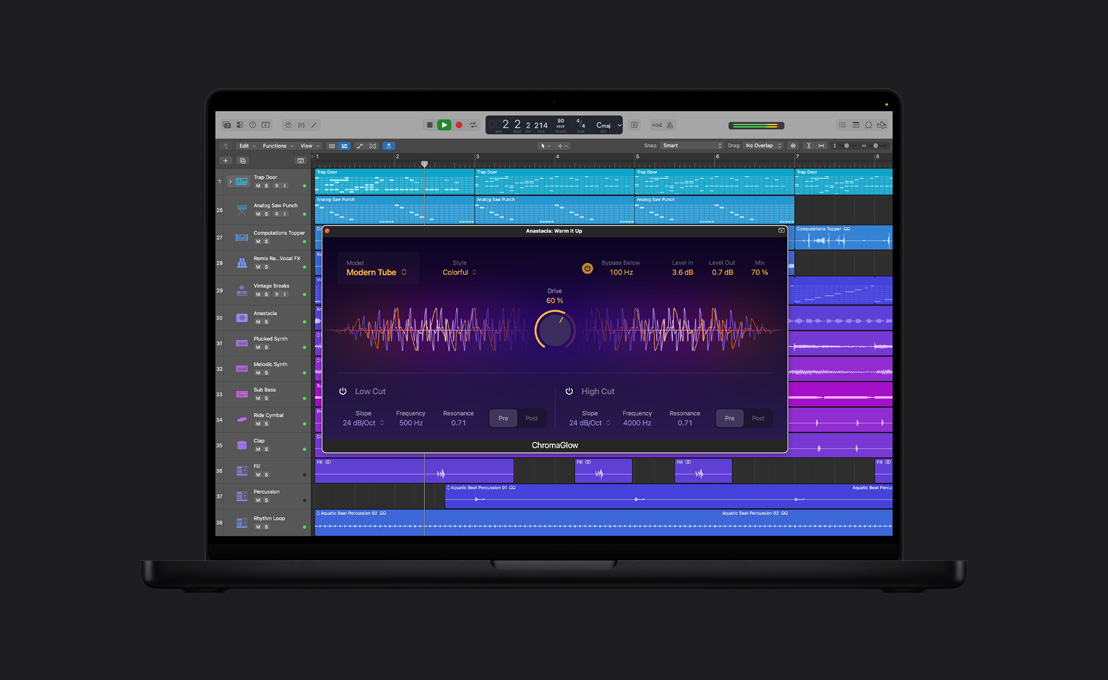
ChromaGlow adds the texture of tubes, tape, and other classic analog hardware to bring more depth and color to your tracks.
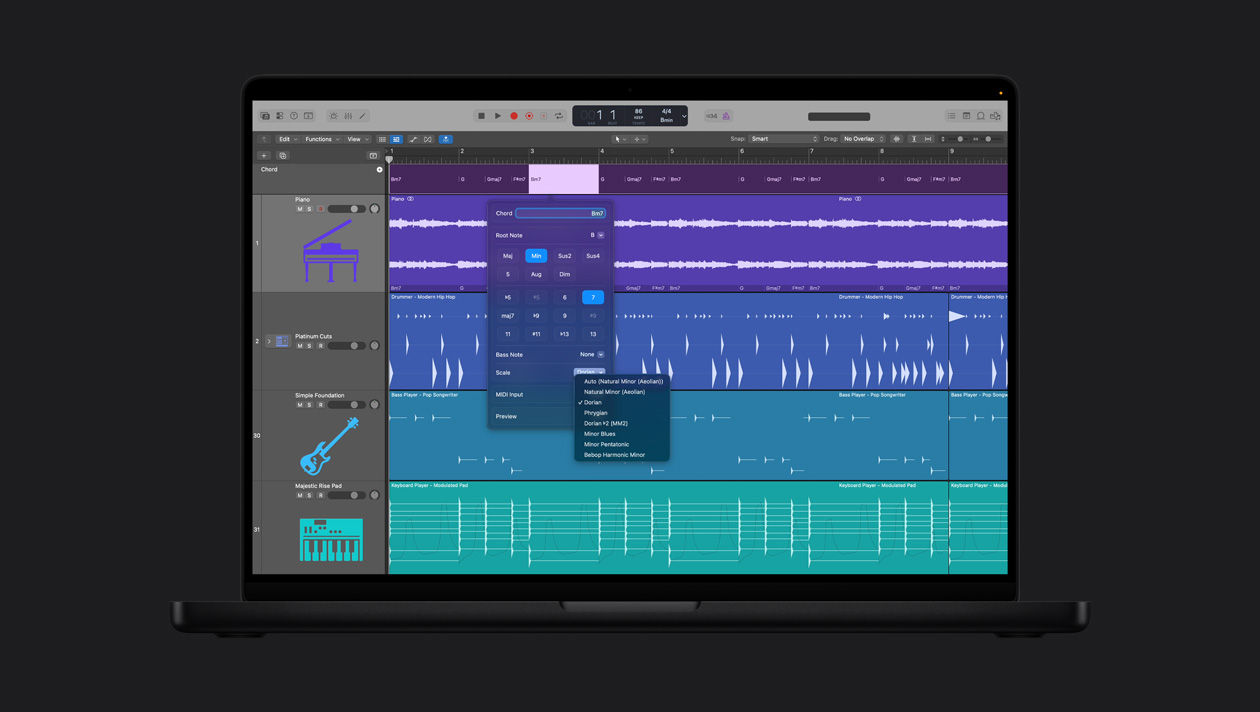
Create and edit chord progressions in the Chord Track and your Session Players will follow along.
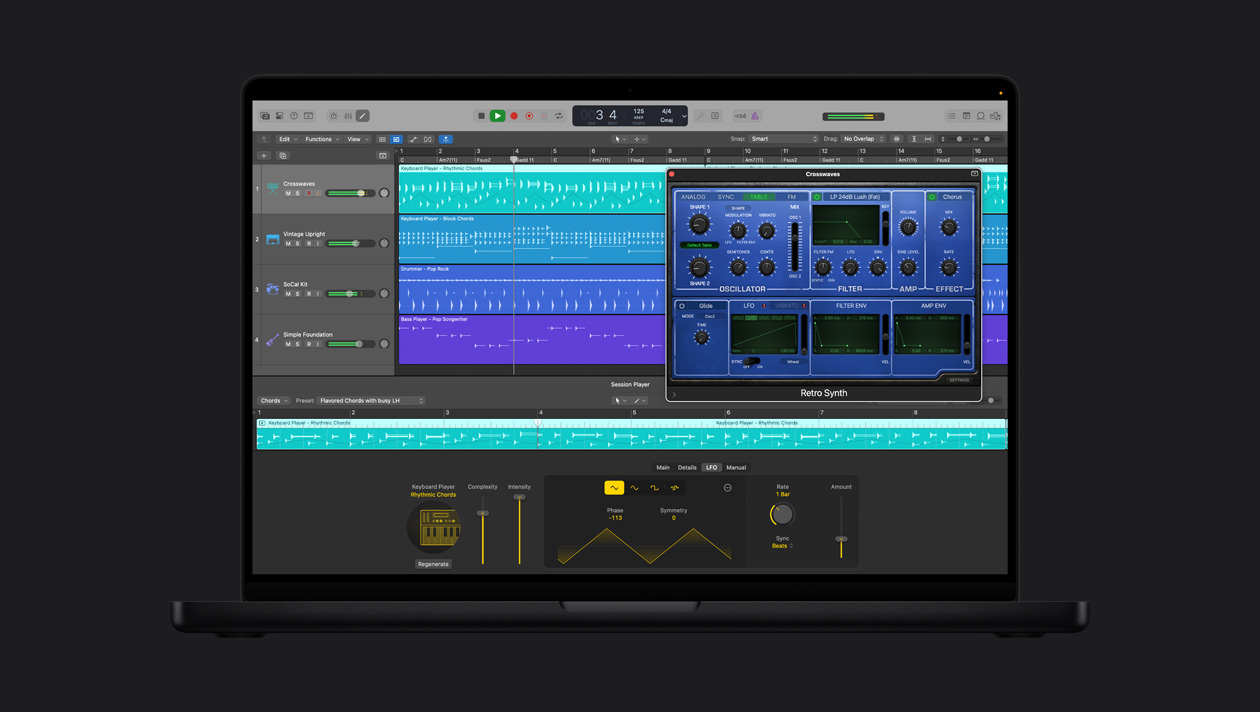
Add stylish synth and heavy bass as the synth player responds instantly to your feedback and follows your chords. Then take full control of your sound in real time, even with third-party plug-ins or external synthesizers.
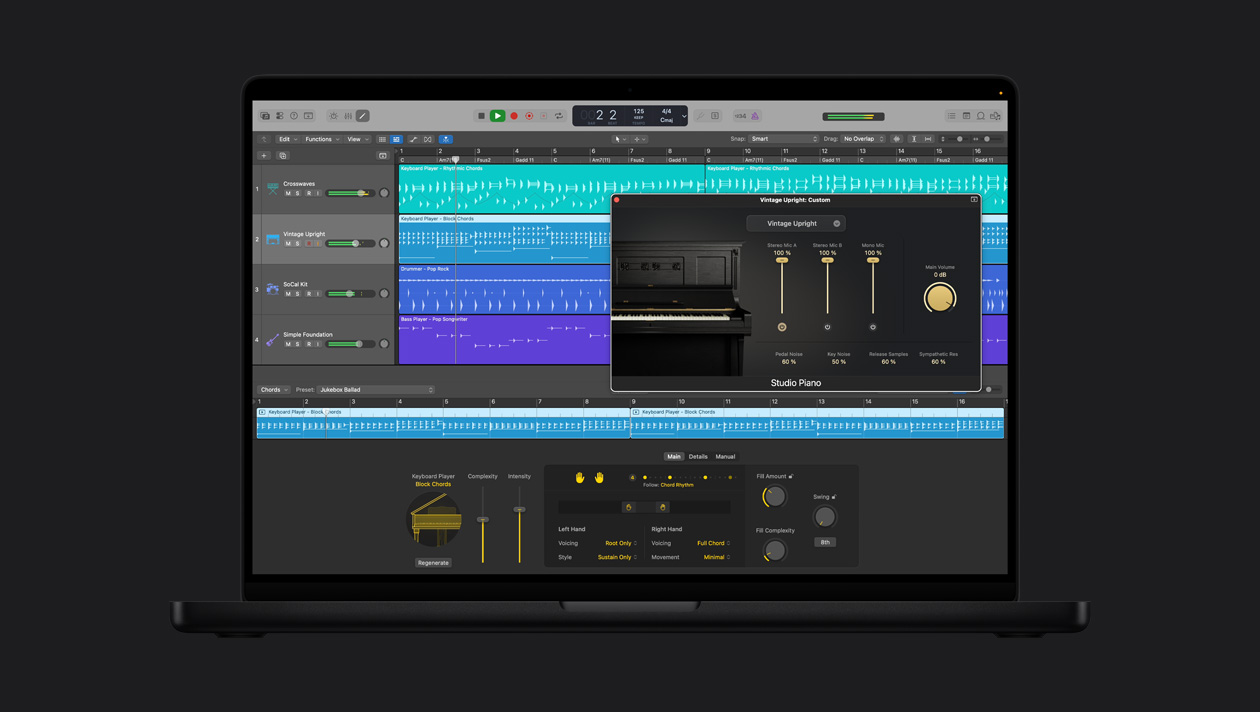
Lay down realistic keyboard parts on your songs. Direct the player’s complexity, intensity, and range or go deeper into feel, voicing, and movement.
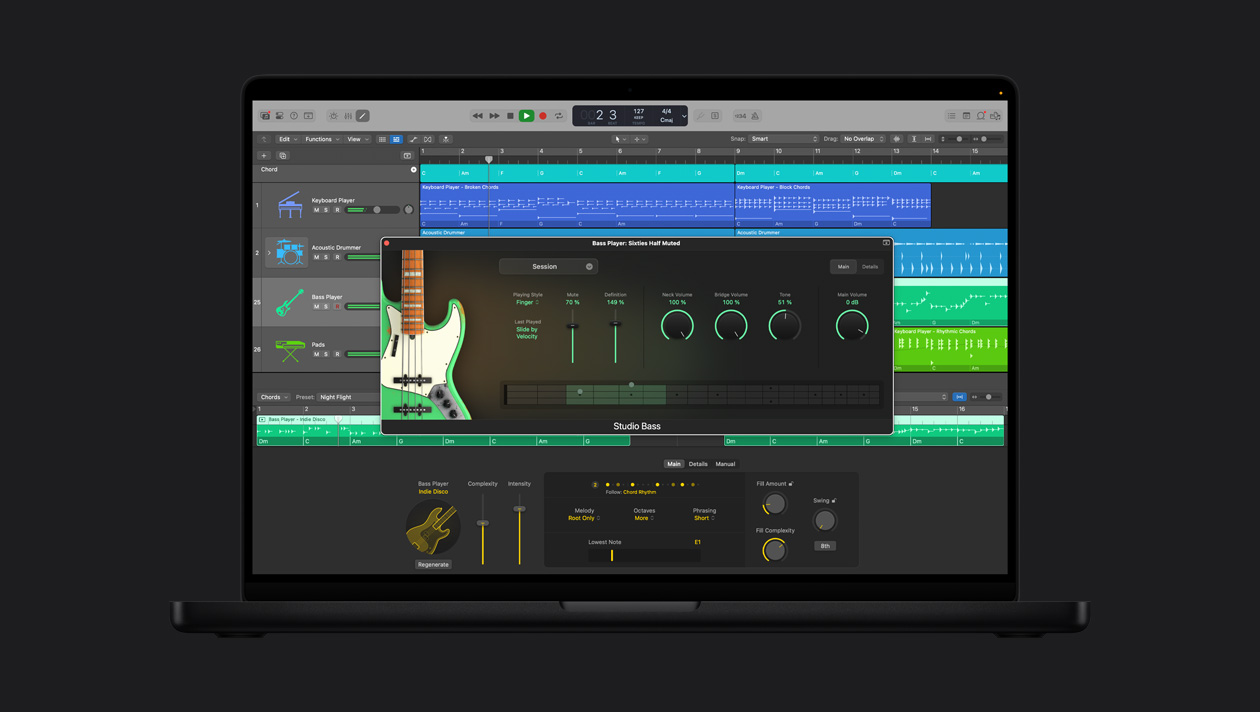
Choose from a range of studio-quality electric bass guitars — from fingerstyle and picked to muted and slap — with techniques like hammer-ons, pull-offs, slides, and harmonics.
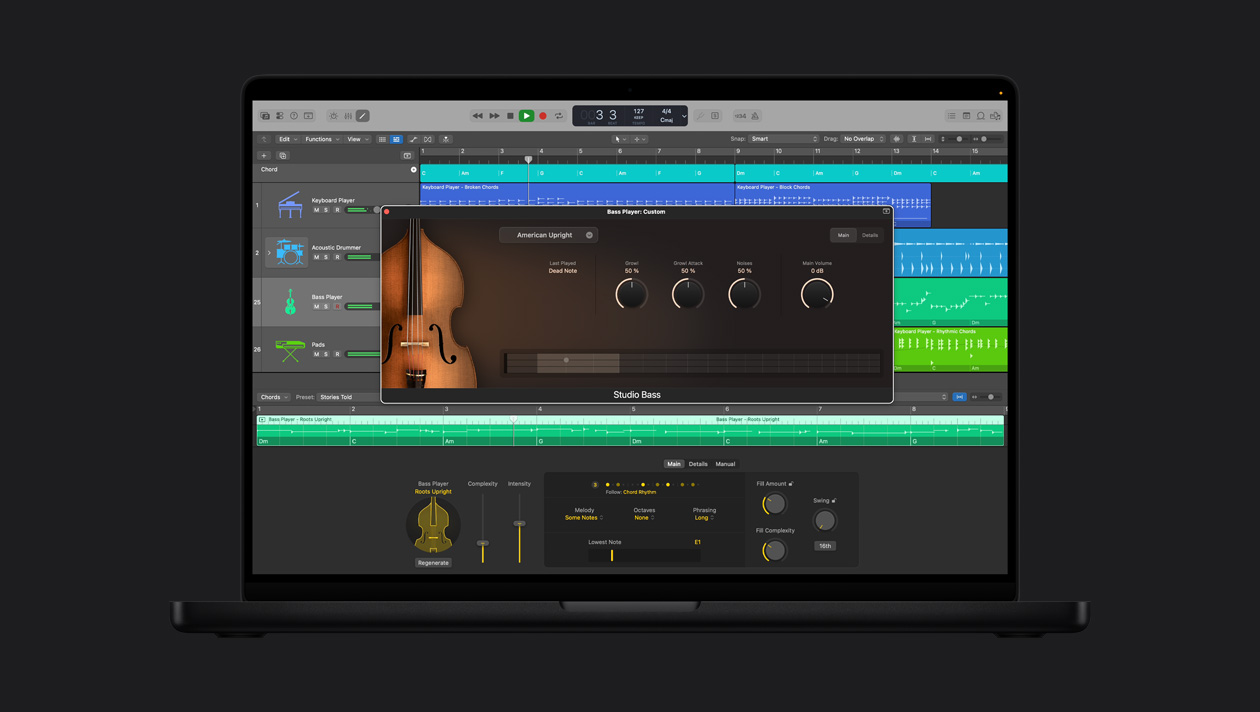
Advanced microsampling delivers natural acoustic bass tones with slides and dynamics, all customizable with EQ, compression, and reverb.
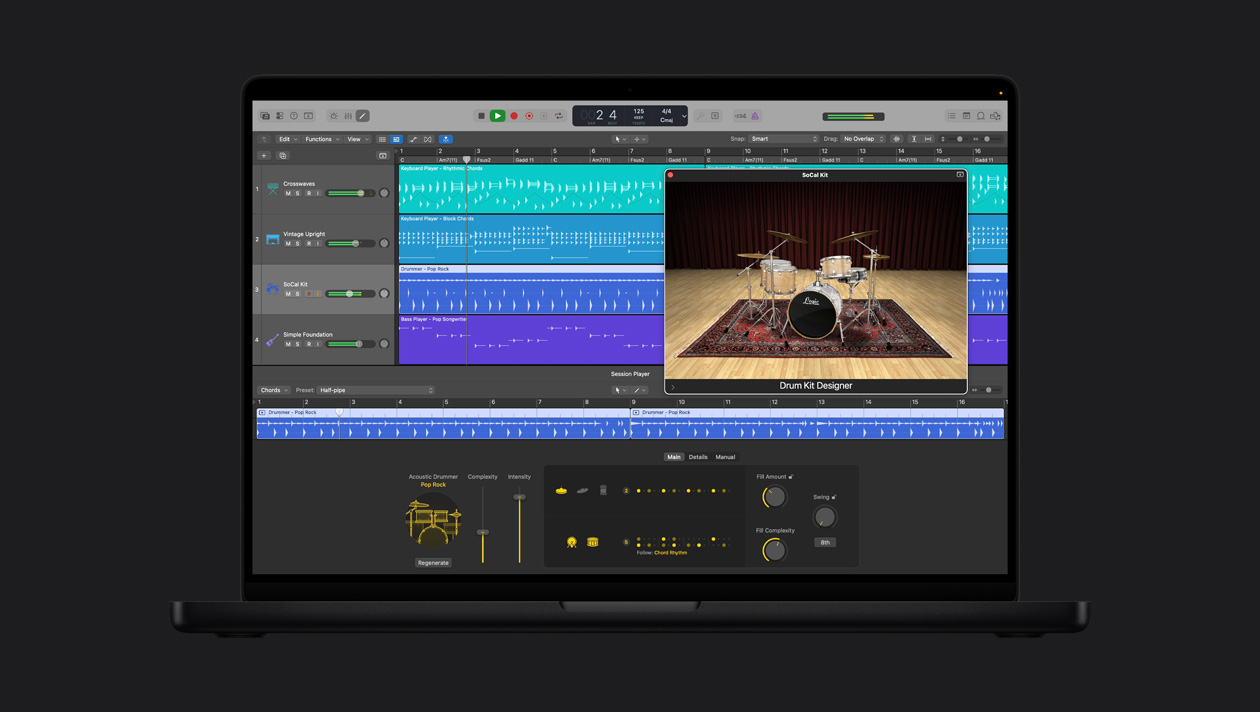
Play realistic acoustic drum parts using flexible styles, dynamics, and fills with professionally mixed and customizable drum kits.
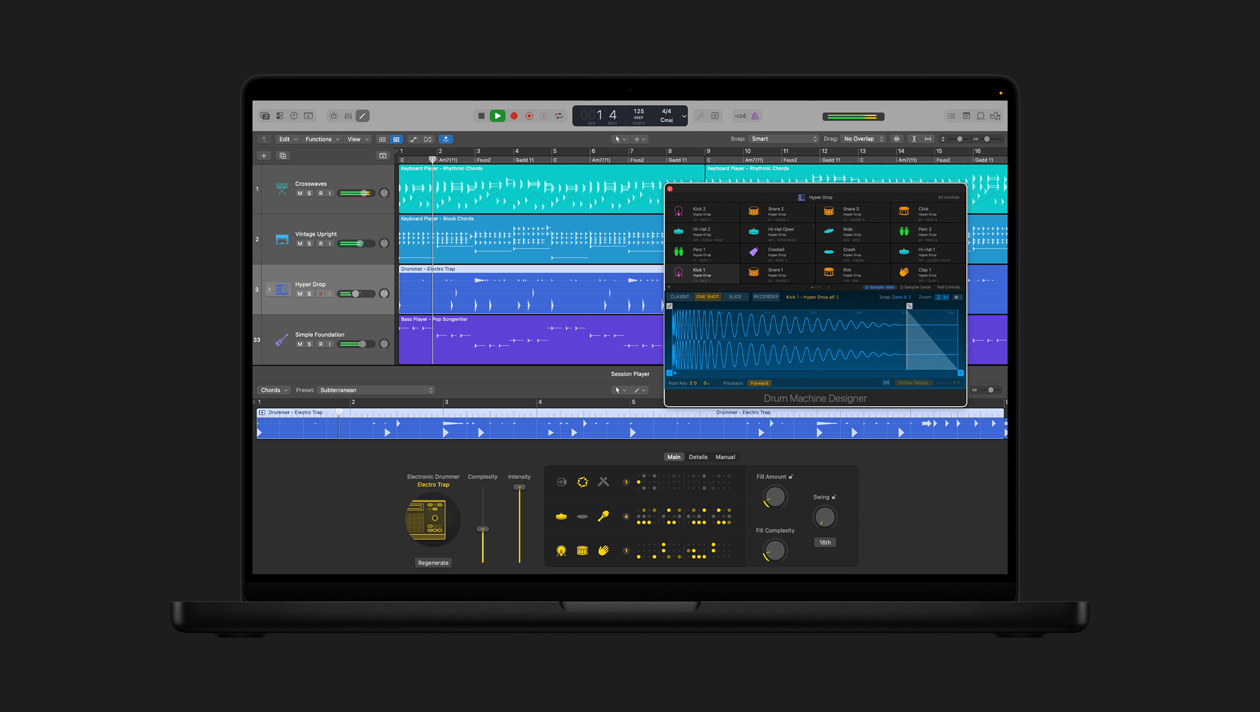
Create beats in styles from EDM to hip-hop, and mix and match your favorite drum kits from a massive, ever-growing collection of kit pieces.

-
Flashback Capture.
Now when you accidentally come up with something brilliant but weren’t recording, Flashback Capture has your back. This temporary buffer is always on, capturing audio and MIDI in the background.

-
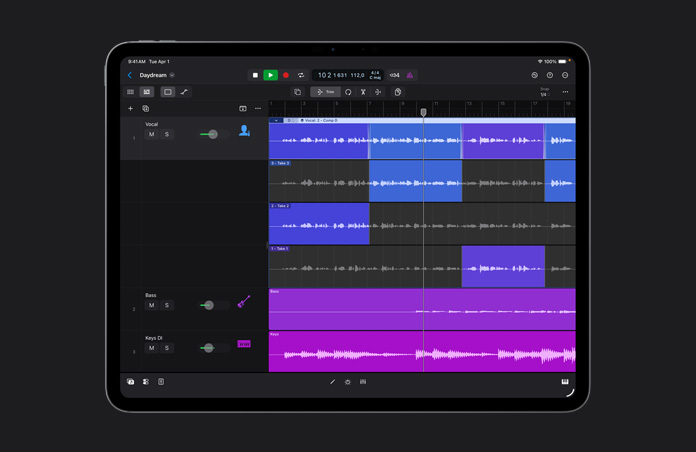
Quick Swipe Comping.
Create the perfect performance from multiple takes more easily than you ever imagined. You can even save multiple comps and quickly switch between them.
-
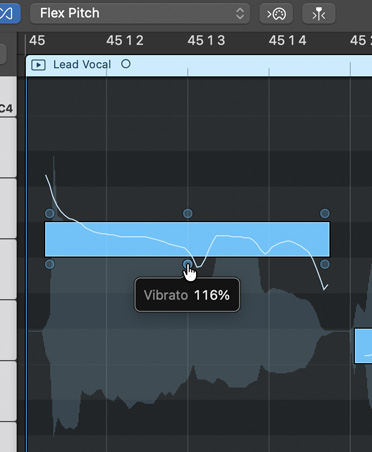
Time and pitch perfection.
Use Flex Time to warp the timing to your taste, and Flex Pitch to fix that almost-perfect take so you don’t have to re‑record.
-
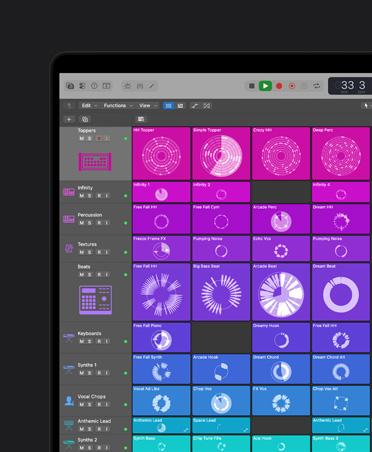
Live Loops.
Explore musical ideas using a grid of loops and phrases you can trigger and experiment with unique arrangements on the fly.
-
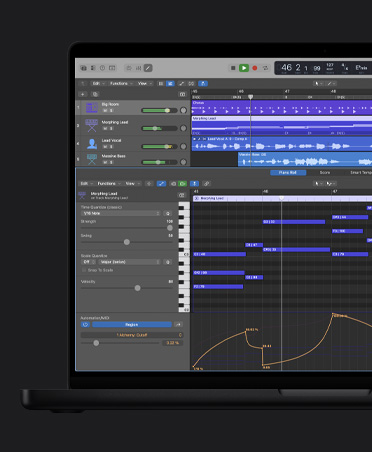
Get your groove.
Easily record and edit MIDI performances. Transform a loose performance into one that locks into the groove while preserving the original feel.

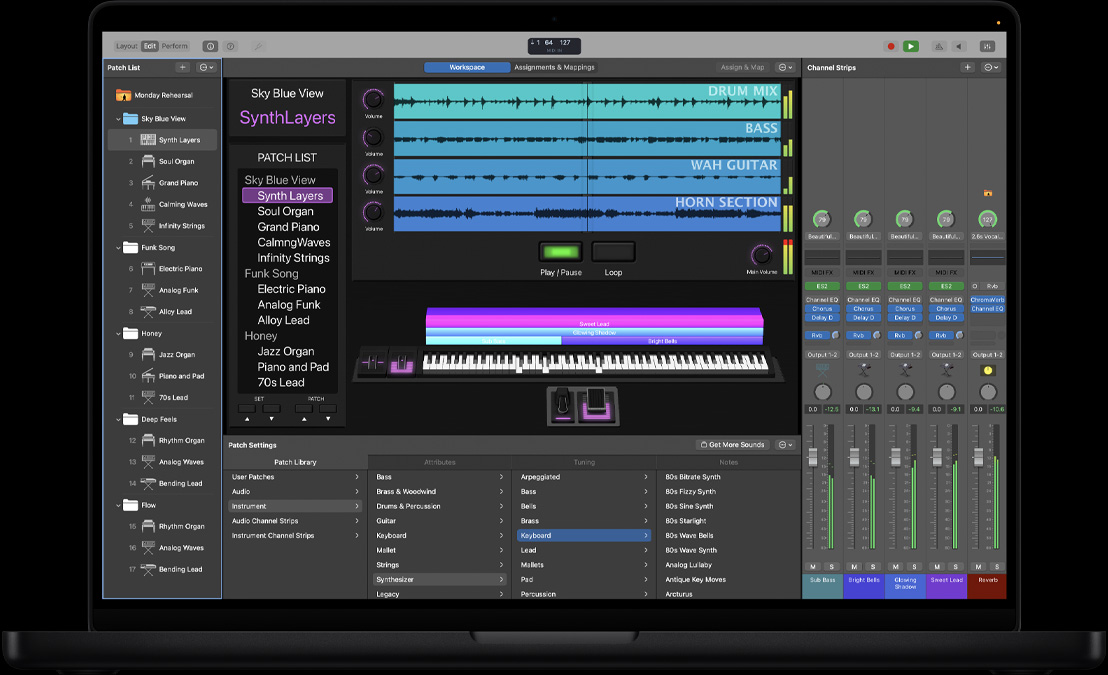
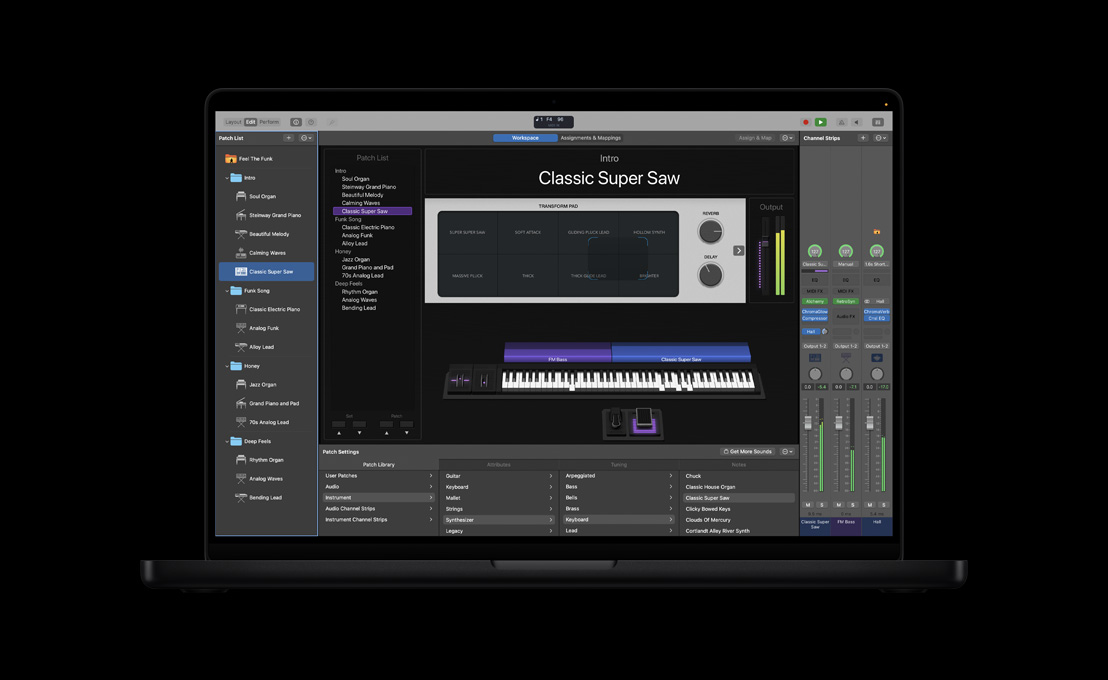
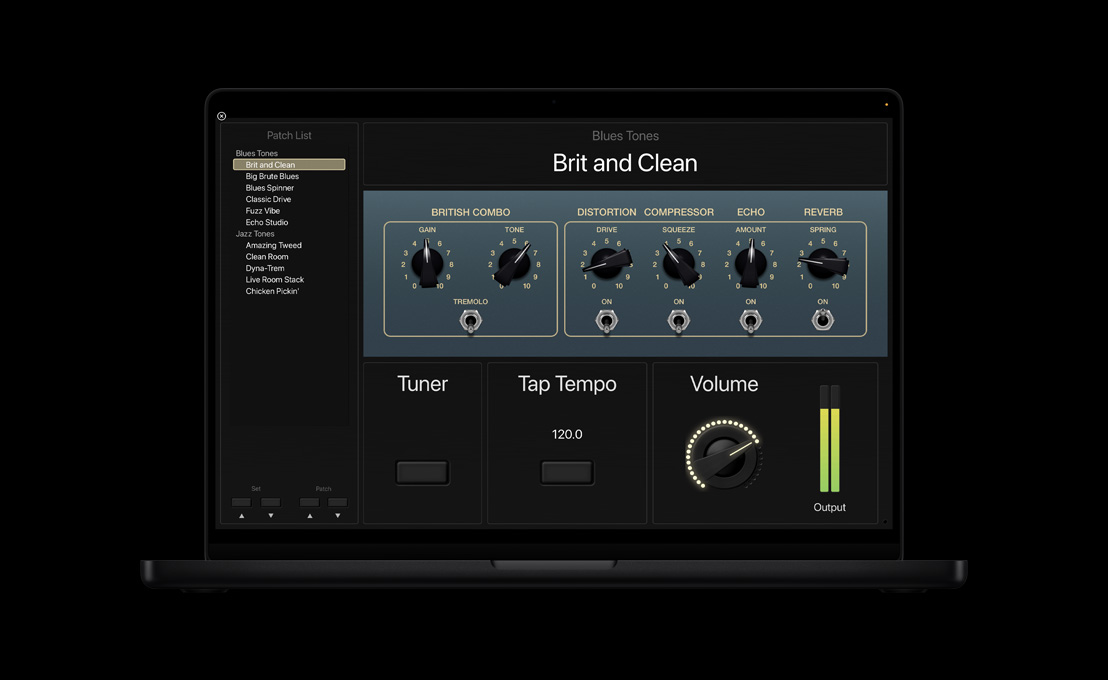
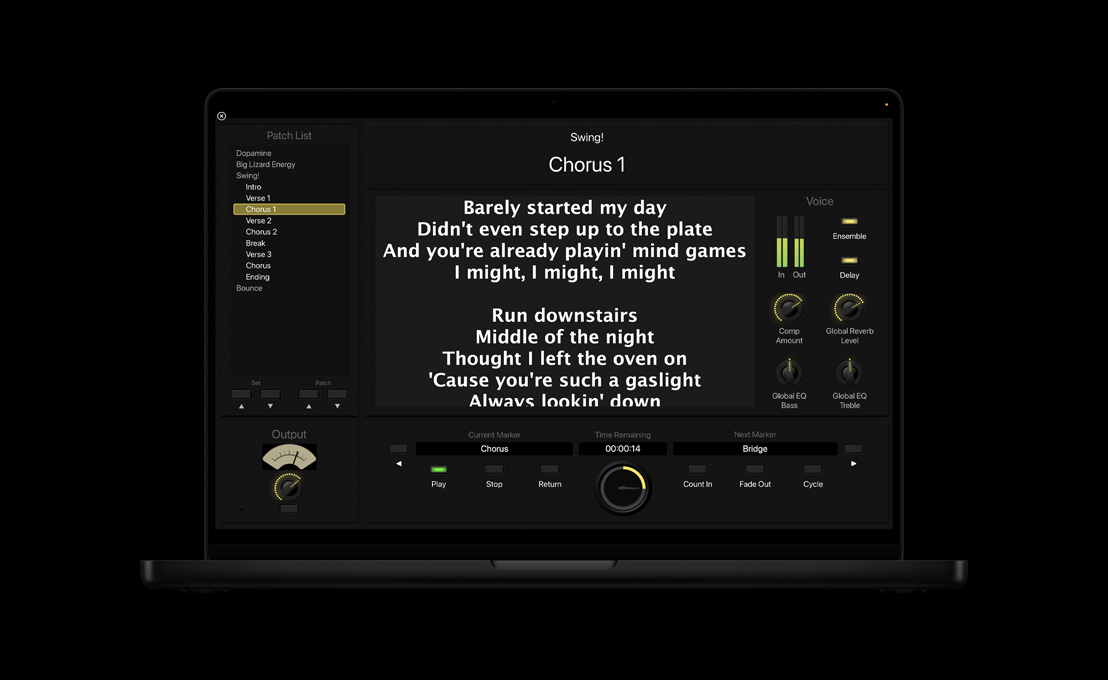
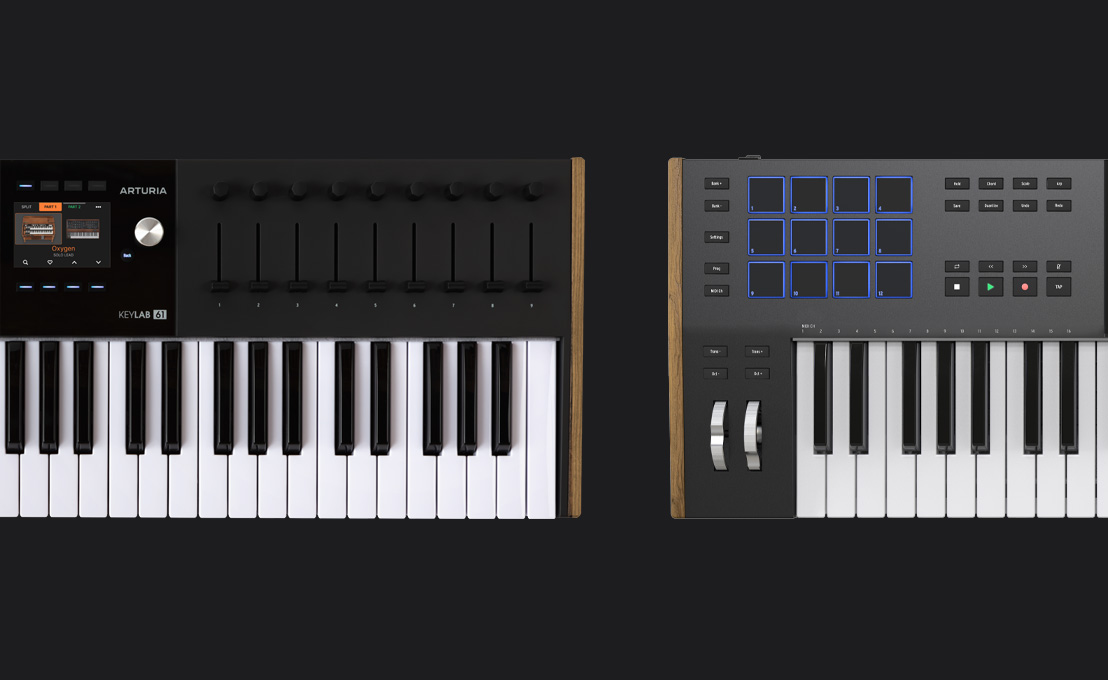
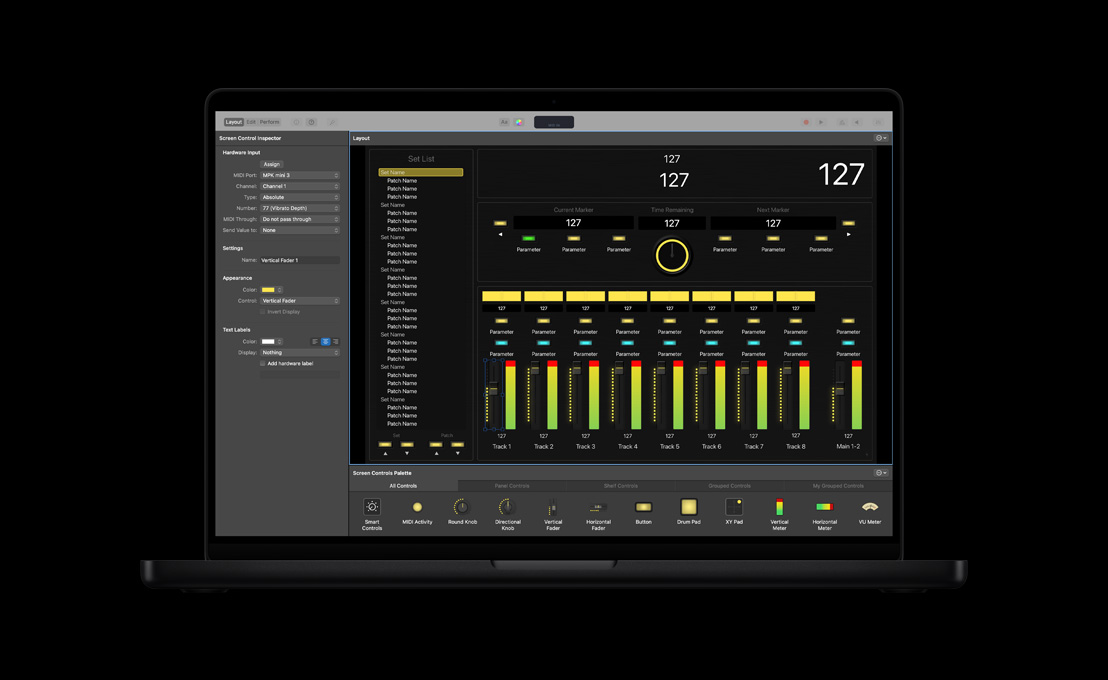
Take it from studio to MainStage.

-
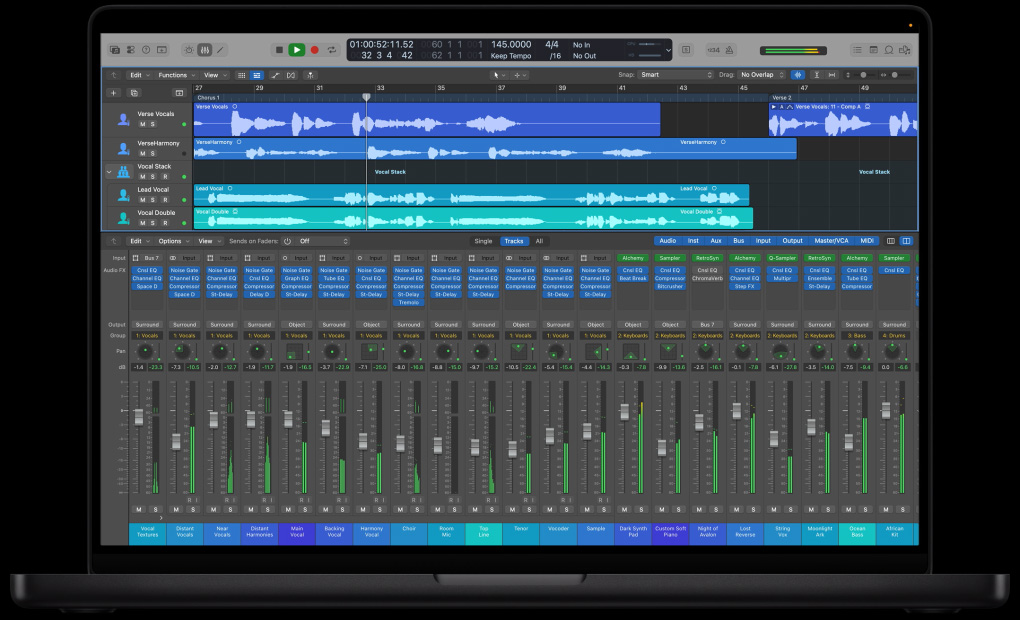
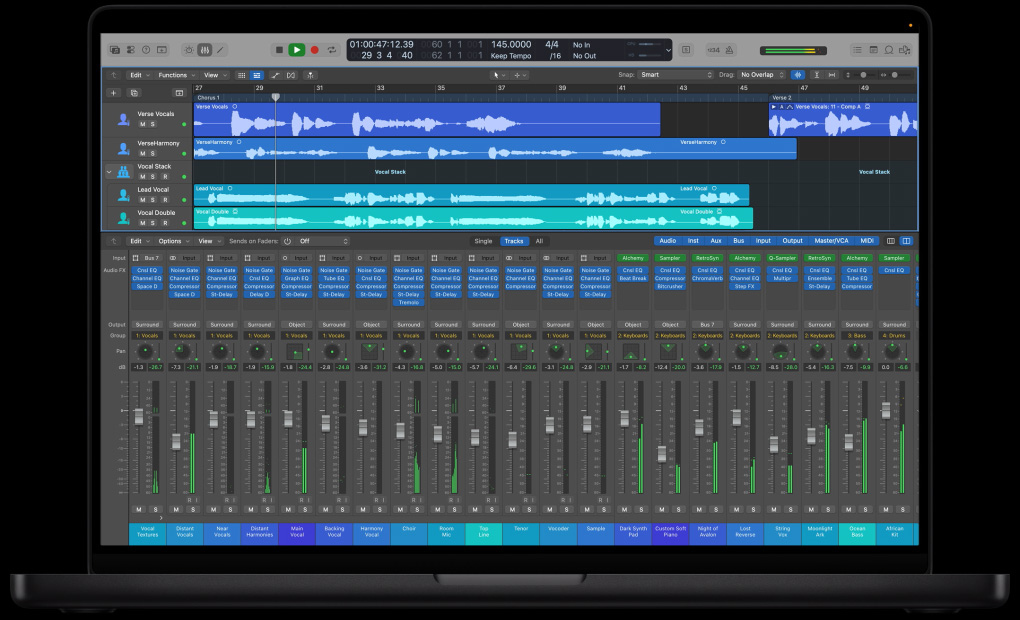
Logic Pro Mixer.
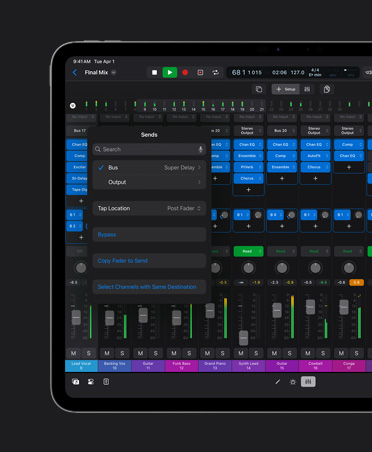
Bring the different parts of your song into focus using the powerful mixer. And shape your sound with a complete suite of professional plug‑ins.
-
Control signal flow.
Group, route, and send signals wherever you want. Use Track Stacks to organize tracks, and make your mixes come alive with dynamic automation.
-
Spatial Audio.
Create fully immersive Spatial Audio mixes using integrated Dolby Atmos tools, then export them as industry-standard ADM files ready to submit for Apple Music and other streaming services.4

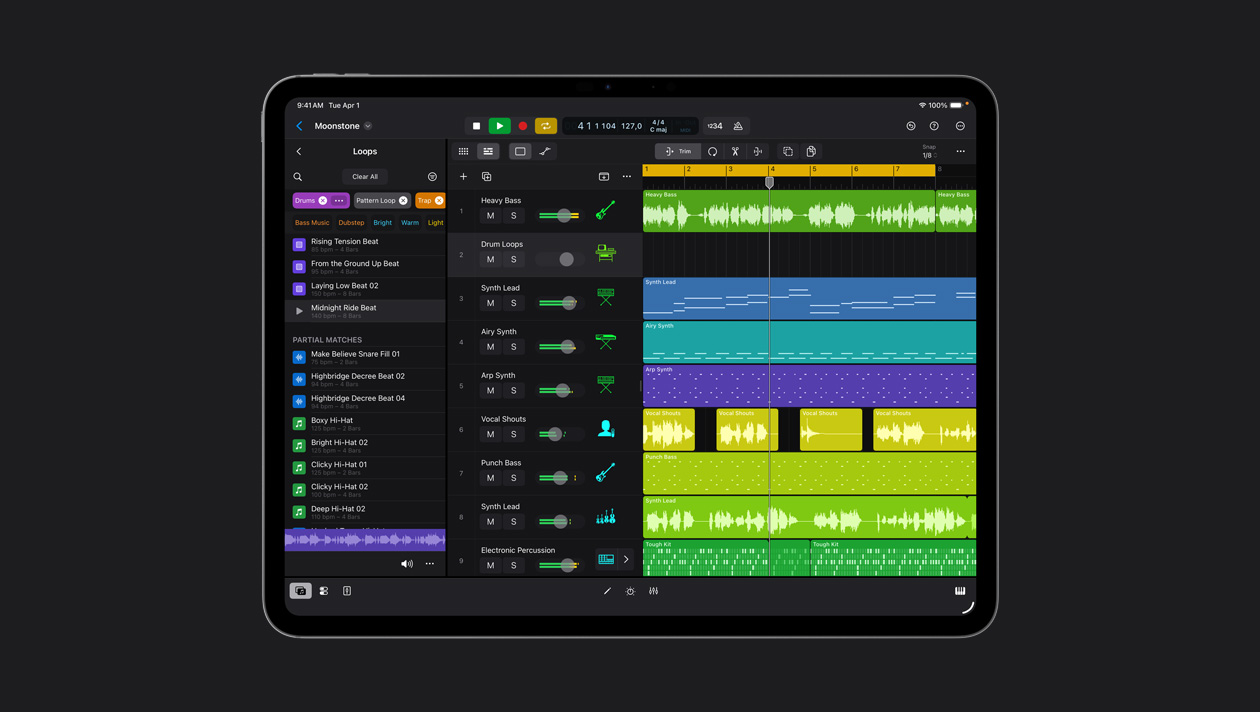
Intelligent awareness of the massive Logic Pro Sound Library helps you find loops and sounds fast with natural language search or discover similar ones with a simple drag and drop. No tags, guesses, or filters required.
Play Surfaces provide expressive control over software instruments, all with the power of touch. Tap piano keys, drum pads, chord strips — even swipe to strum guitars — to turn your iPad into all kinds of instruments.
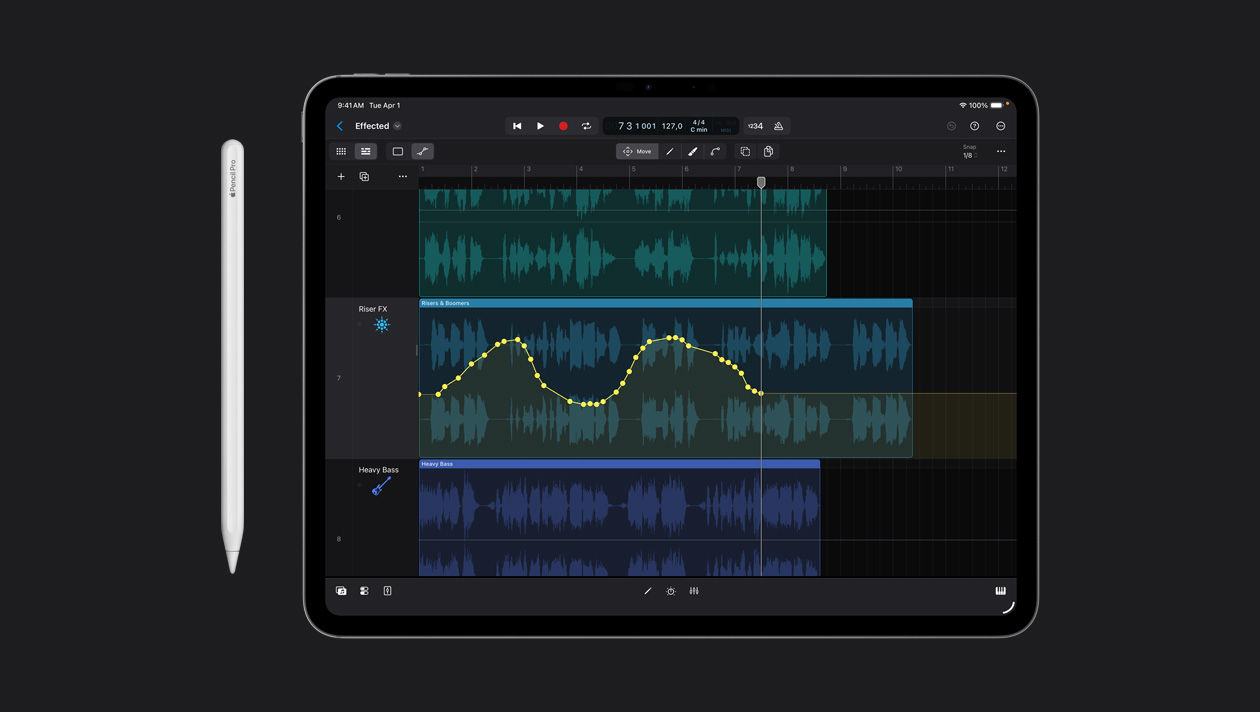
Transform your tracks by drawing detailed automation and making precise edits using Apple Pencil.5
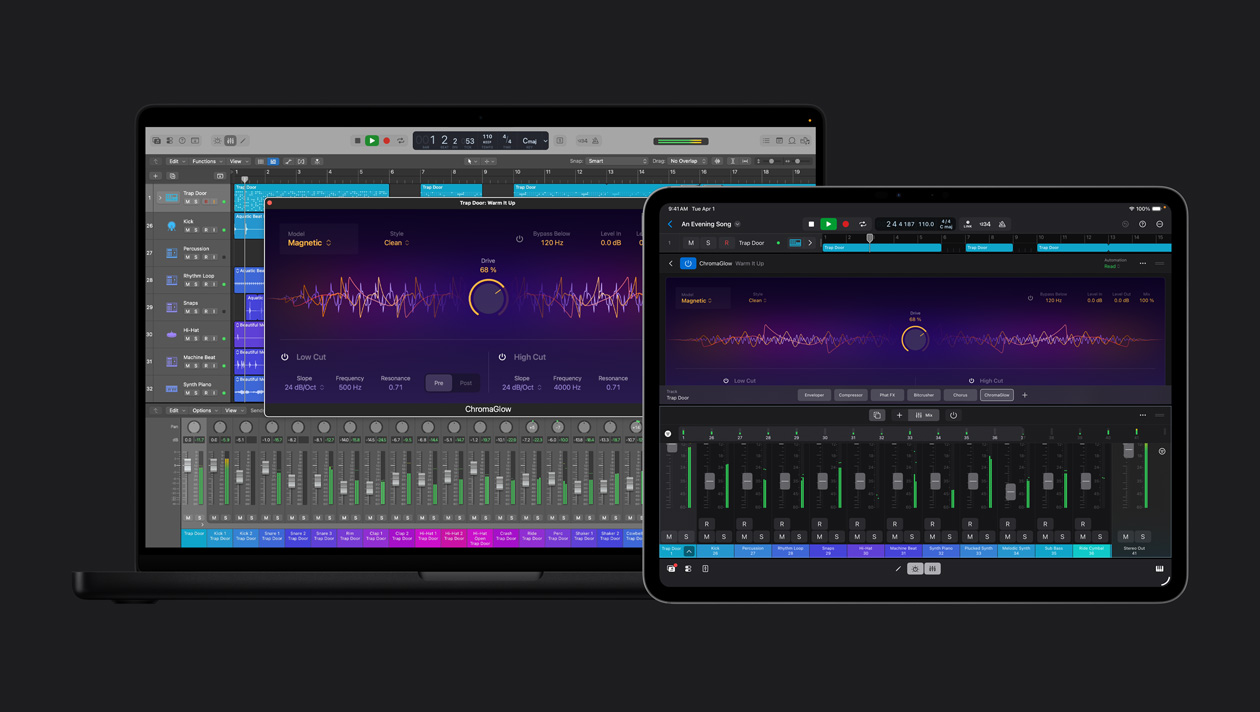
Easily move your projects between Mac and iPad to create, refine, and release your work — in the studio or on the road.
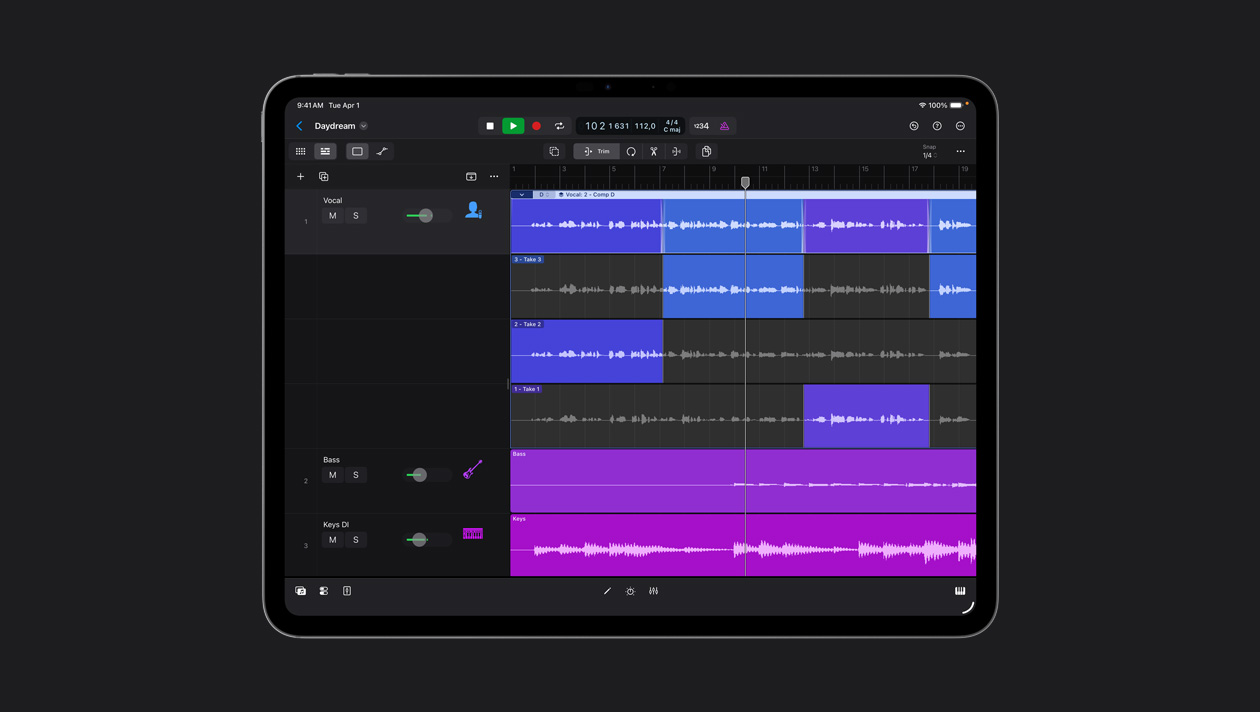
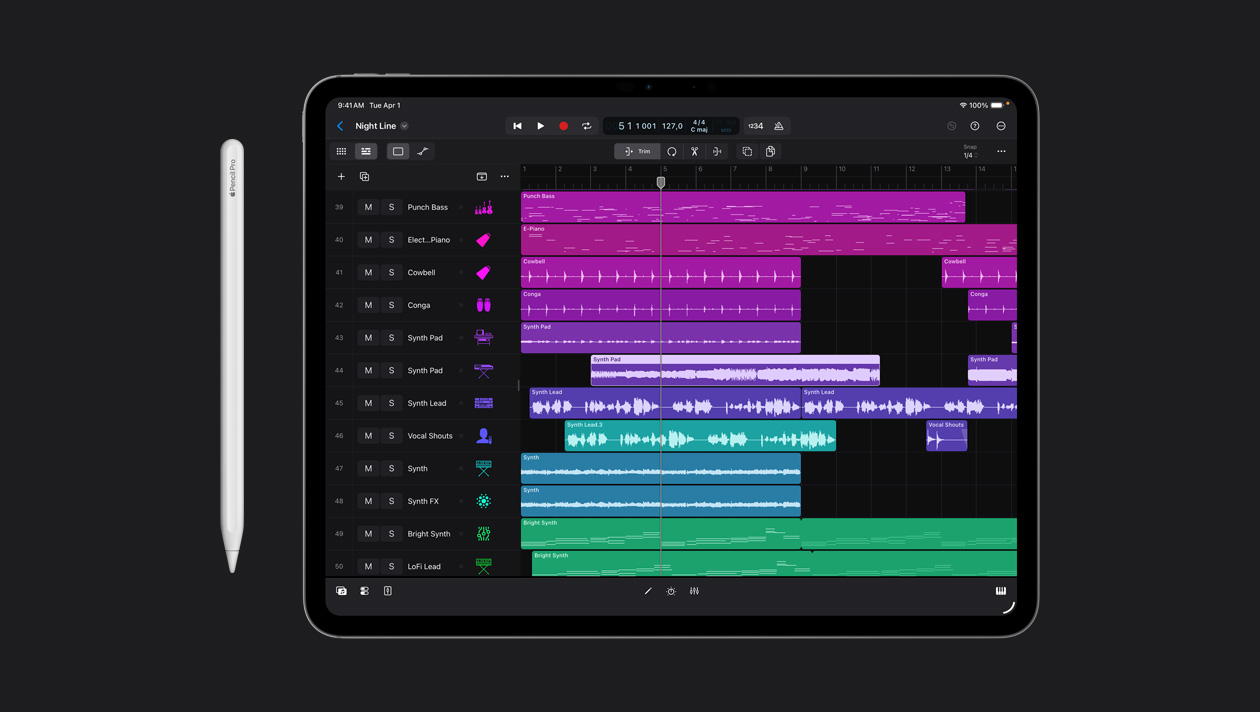
Comp anywhere you go using touch or Apple Pencil and piece together the perfect performance from your favorite takes.
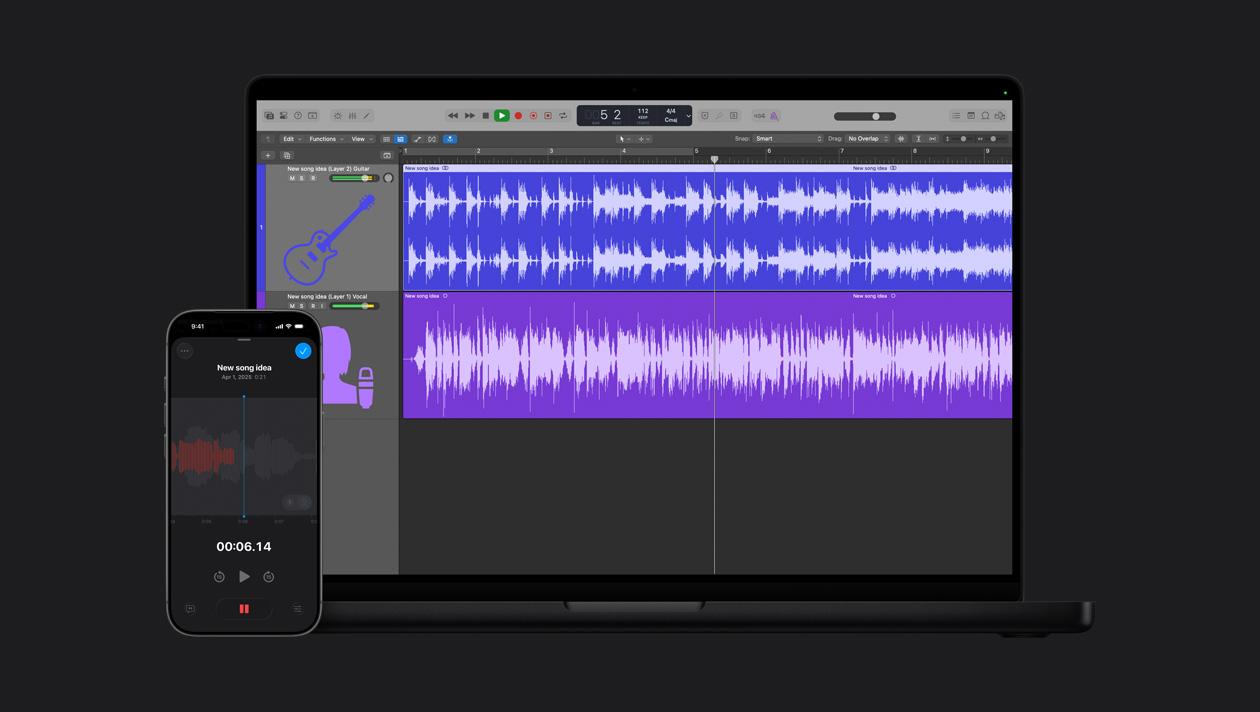
Vocalists can layer a vocal track on top of an existing instrumental recording — without the need for headphones.6 Then Logic Pro can import a layered file and automatically create vocal and instrumental tracks that you can develop into a final song.
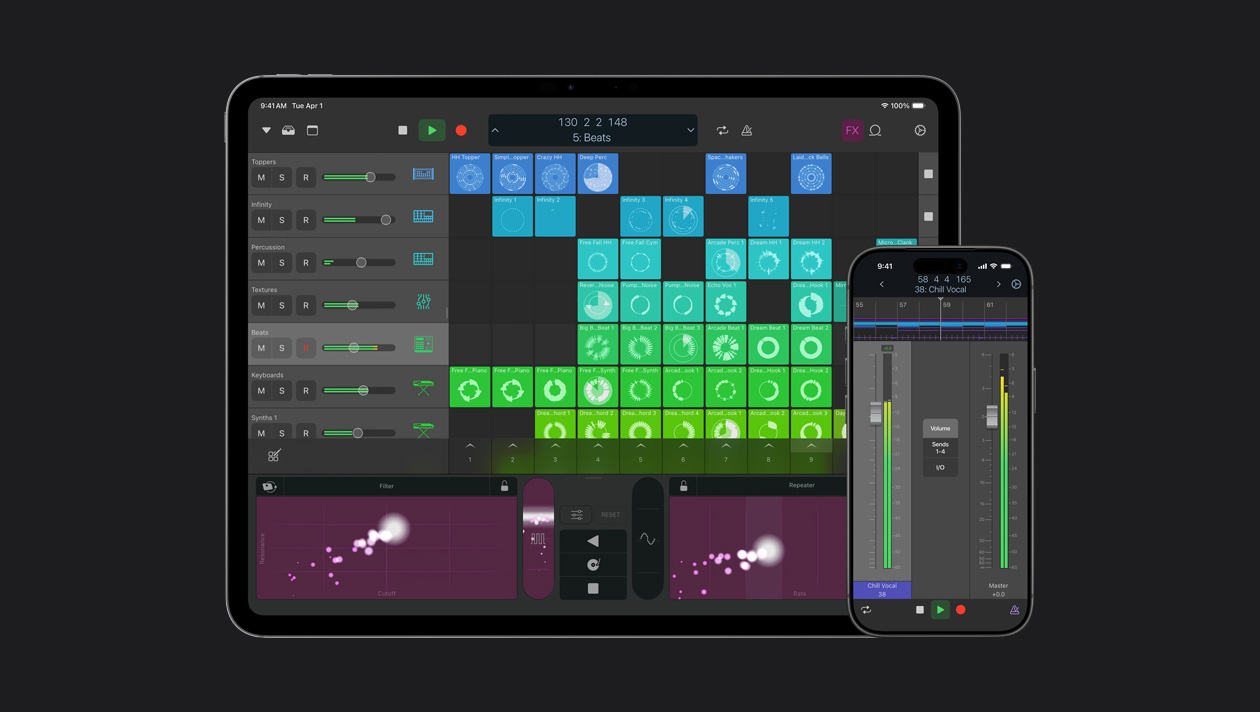
Control Logic Pro on your Mac with Multi-Touch gestures using iPhone or iPad. Play software instruments, mix tracks, and control features like Live Loops and Remix FX — from anywhere in the room.
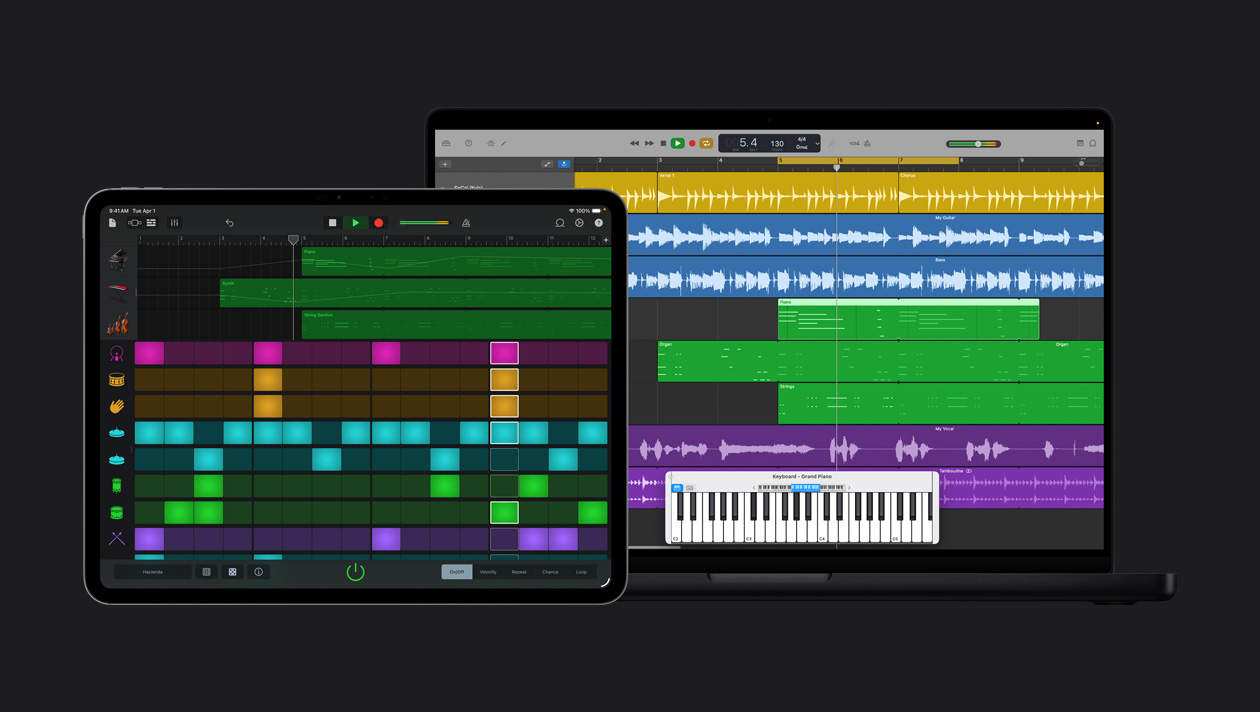
Open a GarageBand project in Logic Pro and tap into the power of built-in editing tools and plug-ins, so you can take your songs even further.