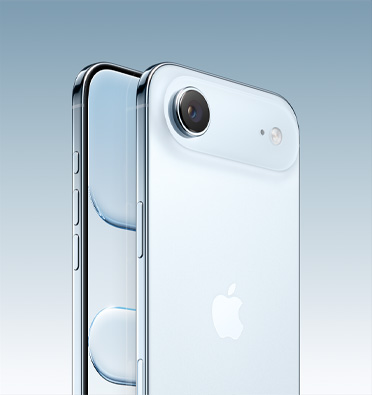
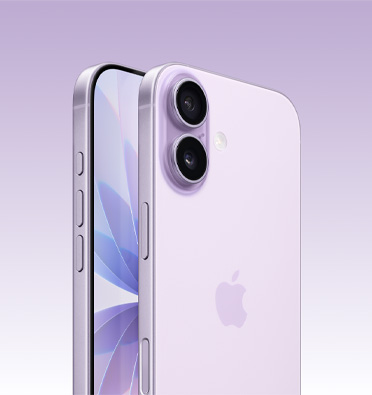
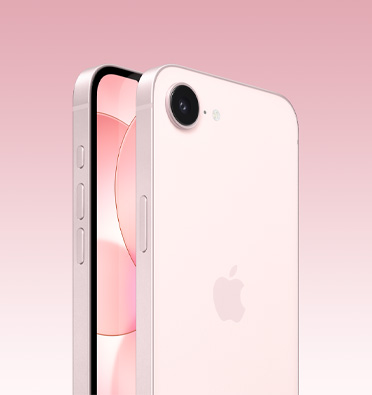
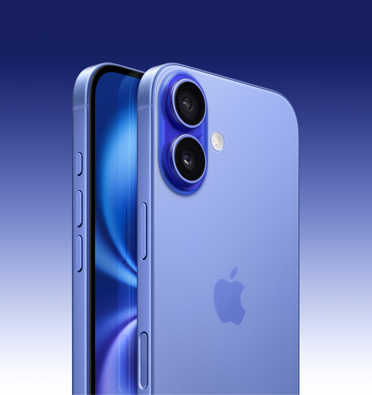
Select an iPhone 5s
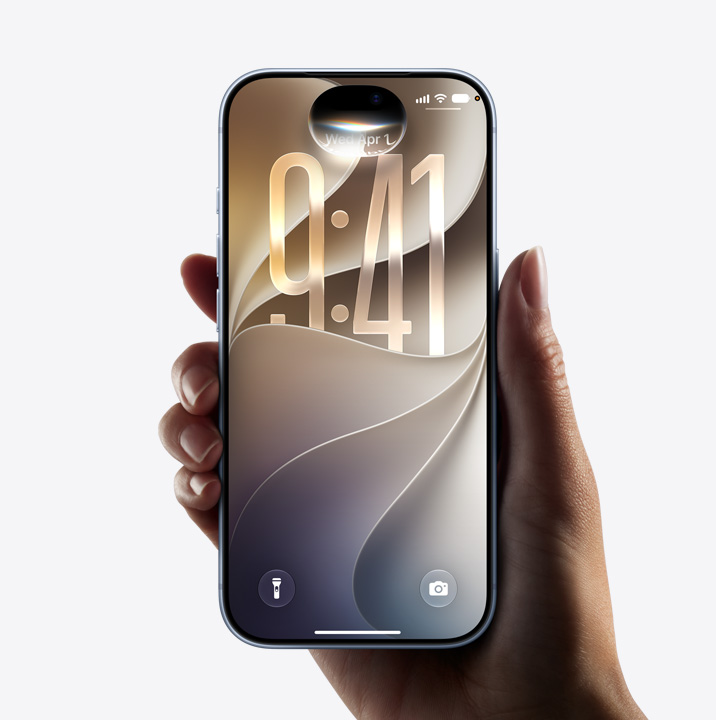
iPhone 5s at a glance.
Touch ID fingerprint identity sensor.
Put your finger on the Home button, and just like that your iPhone unlocks. Your fingerprint can also approve purchases from iTunes or the App Store.
A7 and M7 chips.
The 64-bit A7 chip delivers fast CPU and graphics performance. And the M7 motion coprocessor handles specific tasks to make iPhone 5s more power efficient.
8-megapixel iSight camera.
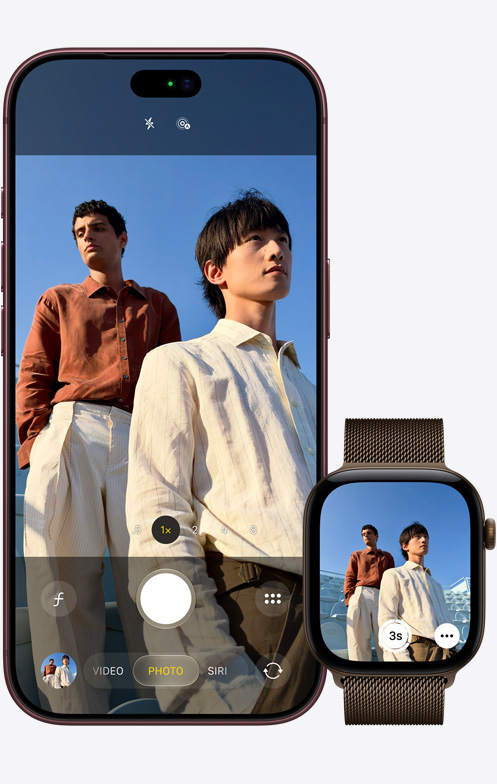
A large sensor and wide ƒ/2.2 aperture. True Tone flash. Burst mode and slo-mo video. The 8-megapixel iSight camera makes it easy to get a great shot.
Fast LTE wireless.
iPhone 5s supports fast LTE bands around the world.
The most advanced mobile experience. Now even more so.
iOS 9 is full of enhancements you’ll appreciate every day. The more you do with iOS 9, the more you’ll wonder how you ever did without it.
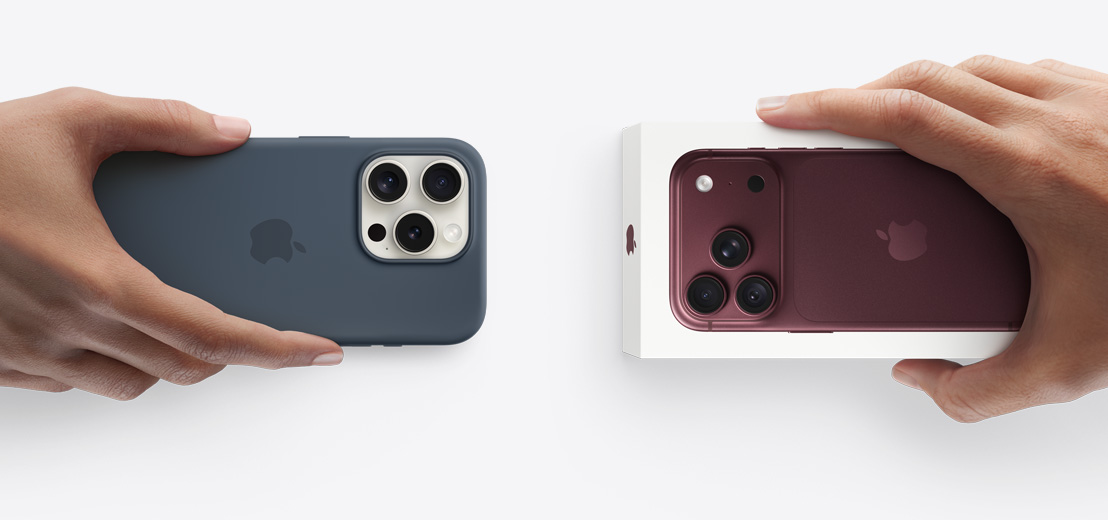
What’s in the box
- iPhone 5s with iOS 9
- Apple EarPods with Remote and Mic
- Lightning to USB Cable
- 5W USB Power Adapter
Warranty
Every iPhone includes 90 days of free telephone technical support and a one-year limited warranty.
AppleCare+ for iPhone.
AppleCare+ for iPhone extends your coverage to two years from the original purchase date of your iPhone and adds up to two incidents of accidental damage coverage. Just add AppleCare+ during the checkout process.
Learn more about AppleCare+
16GB or 32GB storage?
What’s the difference in storage sizes?
iPhone 5s comes in two storage sizes: 16GB and 32GB. The term “GB” stands for gigabytes. The more gigabytes you have, the more content you can store on your iPhone, such as apps, games, photos, HD videos, music, and movies. For example, if you have a large music or photo library or lots of apps, it’s a good idea to consider an iPhone with a larger storage capacity. If you rarely download apps or you don’t take many photos or videos, an iPhone with a smaller capacity may be better for you. When deciding which size to choose, be sure to consider how your storage needs may change over time. Check the storage capacity of your current iPhone and see how much storage you’re using. Go to Settings > General > Usage
Frequently Asked Questions
-
Which U.S. mobile phone carriers provide iPhone service?
AT&T, Sprint, T-Mobile, and Verizon Wireless are the national wireless carriers for iPhone in the United States. Apple.com and the Apple Store sell iPhone models for use on these networks. You can also purchase iPhone from an authorized Apple reseller.
-
Are there differences between an iPhone for AT&T or T-Mobile and an iPhone for Sprint or Verizon Wireless?
iPhone offers the same innovative features regardless of the wireless carrier you choose. If you choose AT&T or T-Mobile as your wireless carrier, your iPhone 6s, iPhone 6s Plus, iPhone 6, iPhone 6 Plus, or iPhone 5s will use GSM cellular technology for voice services and either GSM or LTE cellular technology for data services. All these devices can roam internationally on many GSM carriers around the world. See below for more details.
If you choose Sprint or Verizon Wireless as your wireless carrier, your iPhone 6s, iPhone 6s Plus, iPhone 6, iPhone 6 Plus, or iPhone 5s will use CDMA cellular technology for voice services and either CDMA or LTE cellular technology for data services. An iPhone 6s, iPhone 6s Plus, iPhone 6, iPhone 6 Plus, or iPhone 5s activated on Sprint or Verizon Wireless also has the ability to roam internationally on GSM networks using the provided SIM. For details on LTE network support, please see www.apple.com/iphone/LTE.
-
If I lose my iPhone, can I buy a replacement iPhone?
Yes. You can purchase a replacement iPhone from apple.com, an Apple Store, or your carrier’s store. Your new iPhone price will depend on your carrier and contract situation.
-
When I buy from apple.com, does my iPhone come ready to use?
Yes, if you have selected an iPhone for use on AT&T, Sprint, or Verizon. When your iPhone arrives, all you have to do is turn it on and follow the onscreen instructions to set it up. If you have selected an iPhone for T-Mobile, it will come with the appropriate nano-SIM, but you will need to contact T-Mobile or visit an Apple Store to activate your iPhone. If you have selected an unlocked GSM phone, you can insert your own nano-SIM card or obtain one from the supported GSM carrier of your choice and activate it in order to use your iPhone.
-
If I already have a contract, how can I find out the price I’ll pay for a new iPhone?
The fastest way to find out about the price you'll pay for a new iPhone is to use your carrier's account status checker, which we offer for AT&T, Sprint, and Verizon. The account status checker will access your carrier account and show you the prices available to you. For T-Mobile contracts, you can check your eligibility by signing in to your account at My T-Mobile.
-
Can I use an iPhone when traveling internationally?
iPhone 6s, iPhone 6s Plus, iPhone 6, iPhone 6 Plus, and iPhone 5s are world phones, so you can use them almost anywhere. Whether you are a GSM or CDMA network customer, you can roam internationally on GSM networks around the world. AT&T customers can roam in over 225 countries. T-Mobile customers can roam in over 200 countries. Sprint customers can roam in over 200 countries. Verizon Wireless customers can roam in over 200 countries. Availability of LTE data varies in some countries and depends on carrier support for certain LTE radio frequencies. Contact your wireless carrier for more information regarding international roaming policies and rates.
Information on iPhone 6s and iPhone 6s Plus support for LTE networks by carrier and country
Technical Specifications
| Finish |
|
|||
|---|---|---|---|---|
| Capacity2 |
|
|||
| Weight and Dimensions3 |
Height: 4.87 inches (123.8 mm) Width: 2.31 inches (58.6 mm) Depth: 0.30 inch (7.6 mm) Weight: 3.95 ounces (112 grams) |
|||
| Cellular and Wireless |
|
|||
| Location |
|
|||
| Touch ID | Fingerprint identity sensor built into the Home button | |||
| Display |
Retina display
|
|||
| iSight Camera |
|
|||
| Video Recording |
|
|||
| FaceTime Camera |
|
|||
| Video Calling4 |
|
|||
| Audio Calling4 |
|
|||
| External Buttons and Connectors |
External Buttons and Controls
Connectors and Input/Output
|
|||
| Power and Battery6 |
|
|||
| Audio Playback |
|
|||
| TV and Video |
|
|||
| Headphones |
|
|||
|
Rating for Hearing Aids |
|
|||
| Mail Attachment Support |
Viewable Document Types
.jpg, .tiff, .gif (images); .doc and .docx (Microsoft Word); .htm and .html (web pages); .key (Keynote); .numbers (Numbers); .pages (Pages); .pdf (Preview and Adobe Acrobat); .ppt and .pptx (Microsoft PowerPoint); .txt (text); .rtf (rich text format); .vcf (contact information); .xls and .xlsx (Microsoft Excel); .zip; .ics |
|||
| Sensors |
|
|||
| Built-in Apps |
Camera Photos Health Messages Phone FaceTime Music Wallet Safari Maps Calendar iTunes Store App Store Notes News Contacts iBooks Game Center Weather Reminders Clock Videos Stocks Calculator Voice Memos Compass Podcasts Watch Tips iCloud Drive |
|||
| Free Apps from Apple7 |
iMovie Pages Keynote Numbers iTunes U GarageBand Apple Store Trailers Remote Find My iPhone Find My Friends |
|||
| System Requirements |
|
|||
| Environmental Requirements |
|
|||
| Languages |
Language Support
English (Australia, Canada, UK, U.S.), Chinese (Simplified, Traditional, Traditional Hong Kong), French (Canada, France), German, Italian, Japanese, Korean, Spanish (Mexico, Spain), Arabic, Catalan, Croatian, Czech, Danish, Dutch, Finnish, Greek, Hebrew, Hindi, Hungarian, Indonesian, Malay, Norwegian, Polish, Portuguese (Brazil, Portugal), Romanian, Russian, Slovak, Swedish, Thai, Turkish, Ukrainian, Vietnamese QuickType keyboard supportEnglish (Australia, Canada, India, UK, U.S.), Chinese - Simplified (Handwriting, Pinyin, Stroke), Chinese - Traditional (Cangjie, Handwriting, Pinyin, Stroke, Sucheng, Zhuyin), French (Canada, France, Switzerland), German (Germany, Switzerland), Italian, Japanese (Kana, Romaji), Korean, Spanish, Arabic, Bengali, Bulgarian, Catalan, Cherokee, Croatian, Czech, Danish, Dutch, Emoji, Estonian, Filipino, Finnish, Flemish, Greek, Hawaiian, Hebrew, Hindi, Hungarian, Icelandic, Indonesian, Latvian, Lithuanian, Macedonian, Malay, Marathi, Norwegian, Polish, Portuguese (Brazil, Portugal), Romanian, Russian, Serbian (Cyrillic, Latin), Slovak, Slovenian, Swedish, Tamil, Thai, Turkish, Ukrainian, Urdu, Vietnamese QuickType keyboard support with predictive input9English (Australia, Canada, India, UK, U.S.), Chinese (Simplified, Traditional), French (Canada, France, Switzerland), German (Germany, Switzerland), Italian, Japanese, Korean, Russian, Spanish (Mexico, Spain), Portuguese (Brazil, Portugal), Thai, Turkish Dictation languagesEnglish (Australia, Canada, India, Ireland, New Zealand, Philippines, Singapore, South Africa, UK, U.S.), Spanish (Chile, Colombia, Mexico, Spain, U.S.), French (Belgium, Canada, France, Switzerland), German (Austria, Germany, Switzerland), Italian (Italy, Switzerland), Japanese, Korean, Mandarin (Mainland China, Taiwan), Cantonese (Hong Kong), Arabic, Catalan, Croatian, Czech, Danish, Dutch (Belgium, Netherlands), Finnish, Greek, Hebrew, Hungarian, Indonesian, Malaysian, Norwegian, Polish, Portuguese (Brazil, Portugal), Romanian, Russian, Slovakian, Swedish, Turkish, Thai, Ukrainian, Vietnamese Siri languagesEnglish (Australia, Canada, India, New Zealand, Singapore, UK, U.S.), Spanish (Mexico, Spain, U.S.), French (Belgium, Canada, France, Switzerland), German (Austria, Germany, Switzerland), Italian (Italy, Switzerland), Japanese, Korean, Mandarin (Mainland China, Taiwan), Cantonese (Hong Kong), Swedish (Sweden), Danish (Denmark), Dutch (Belgium, Netherlands), Norwegian (Norway), Russian (Russia), Turkish (Turkey), Thai (Thailand), Portuguese (Brazil) Definition dictionary supportEnglish, Chinese (Simplified), French, German, Hindi, Italian, Japanese, Korean, Spanish, Dutch, Norwegian, Portuguese (Brazil), Russian, Swedish, Thai, Turkish Bilingual dictionary supportChinese (Simplified), French, German, Japanese, Korean, Spanish Spell checkEnglish (Australia, Canada, UK, U.S.), French, German, Italian, Spanish, Danish, Dutch, Polish, Portuguese (Brazil, Portugal), Russian, Swedish, Turkish |
|||
| Accessories |
AccessoriesFind all the latest accessories to get even more out of your iPhone. Buy now (iPhone Accessories) Lightning to 30-pin AdapterConnect your current accessories to iPhone 5s, iPhone 5c, and iPhone 5 using this adapter. Buy now (Lightning to 30-pin Adapter) Other Accessories |
|||
- *To identify your iPhone model number, see http://support.apple.com/kb/HT3939. For details on LTE support, contact your carrier and see www.apple.com/iphone/LTE.
- Requires an installment agreement or a 2-year contract and plan (which may include restrictions on switching service providers and roaming, even after contract expiration); sold separately to qualified customers. Credit check required; must be 18 or older; upgrade or activation fee from your wireless service provider may apply. Wireless service is provided by and is the sole responsibility of your wireless service provider. Some capabilities are not available in all areas and depend on your wireless plan and service provider network. Service may not be available in all areas or at the signal strength, rates, speeds, or bandwidth as demonstrated. Some features may require added fees. Contact your wireless service provider for more details. Customers who want to upgrade from another phone or replace a previous-generation iPhone should check with their wireless service provider for pricing options. For those who are not qualified customers, are not eligible for an early upgrade, are purchasing an unlocked iPhone, or wish to buy an iPhone as a gift, see your carrier, an Apple Retail Store Specialist, apple.com, or an Apple Authorized Reseller for pricing. In CA and RI, sales tax is collected on the unbundled price of iPhone. Wi‑Fi Internet access required for some features; fees may apply. Use constitutes acceptance of Apple’s software license agreement. Warranty information is also available at www.apple.com/legal/warranty/iphone. Unauthorized modification of your iPhone software violates the software license agreement. Inability to use an iPhone due to unauthorized modifications is not covered under your warranty.
- 1GB = 1 billion bytes; actual formatted capacity less.
- Size and weight vary by configuration and manufacturing process.
- FaceTime calling requires a FaceTime-enabled device for the caller and recipient and a Wi-Fi connection. Availability over a cellular network depends on carrier policies; data charges may apply.
- LTE and Wi-Fi calling are available in selected markets and through selected carriers. Speeds are based on theoretical throughput and vary based on site conditions. For details on LTE support, contact your carrier and see www.apple.com/iphone/LTE.
- All battery claims depend on network configuration and many other factors; actual results will vary. Battery has limited recharge cycles and may eventually need to be replaced by Apple service provider. Battery life and charge cycles vary by use and settings. See www.apple.com/batteries and www.apple.com/iphone/battery.html for more information.
- iMovie, GarageBand, Pages, Numbers, and Keynote are free on the App Store for qualifying iOS 9 compatible devices with initial activation on or after September 1, 2013. See www.apple.com/ios/whats-new for iOS 9 compatible devices. Downloading apps requires an Apple ID.
- Wireless broadband recommended; fees may apply.
- Customized suggestions based on recipient and app are not available for Chinese (Simplified, Traditional), Japanese, Korean, and Thai.
Some features may not be available for all countries or all areas. Click here to see complete list.
Application and service availability and pricing are subject to change.