


-
New Siri AI. An even more capable AI assistant with expanded intelligence to be more helpful every day.1

-
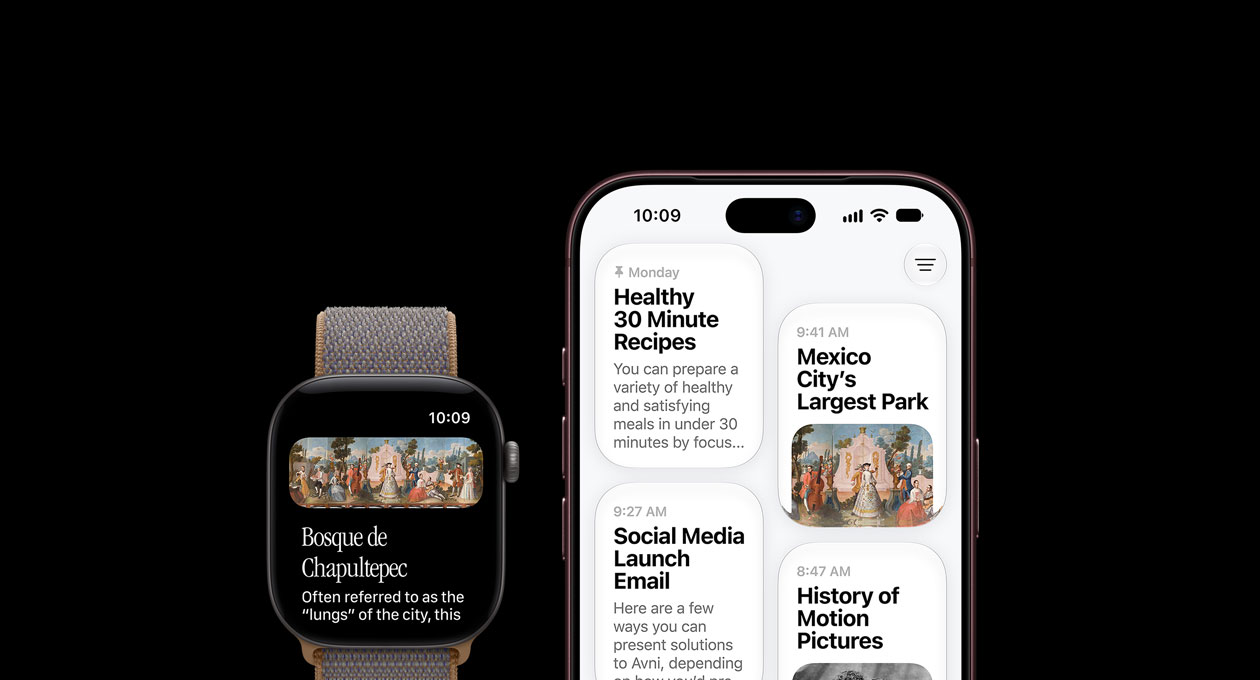
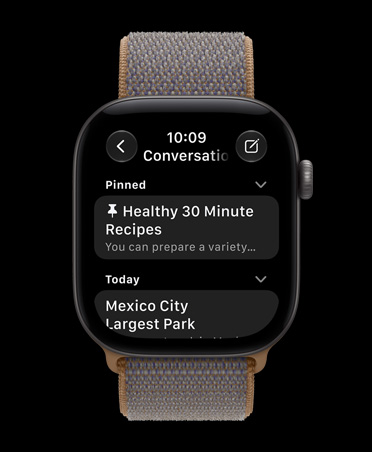
Revisit your conversations with Siri all in one place with a dedicated Siri app.
-
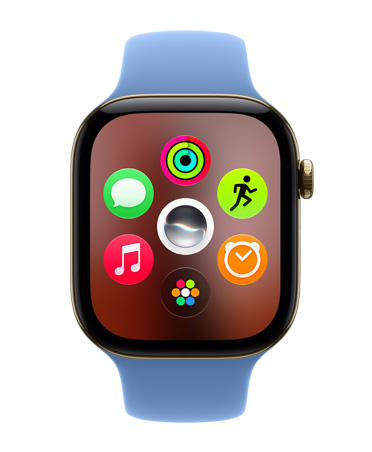
Get to your go-to apps faster with a new dynamic app grid.

-
Open a Smart Stack widget with one hand using a new single tap gesture.

-
Workout Buddy keeps you motivated with new insights from your fitness data.2


-
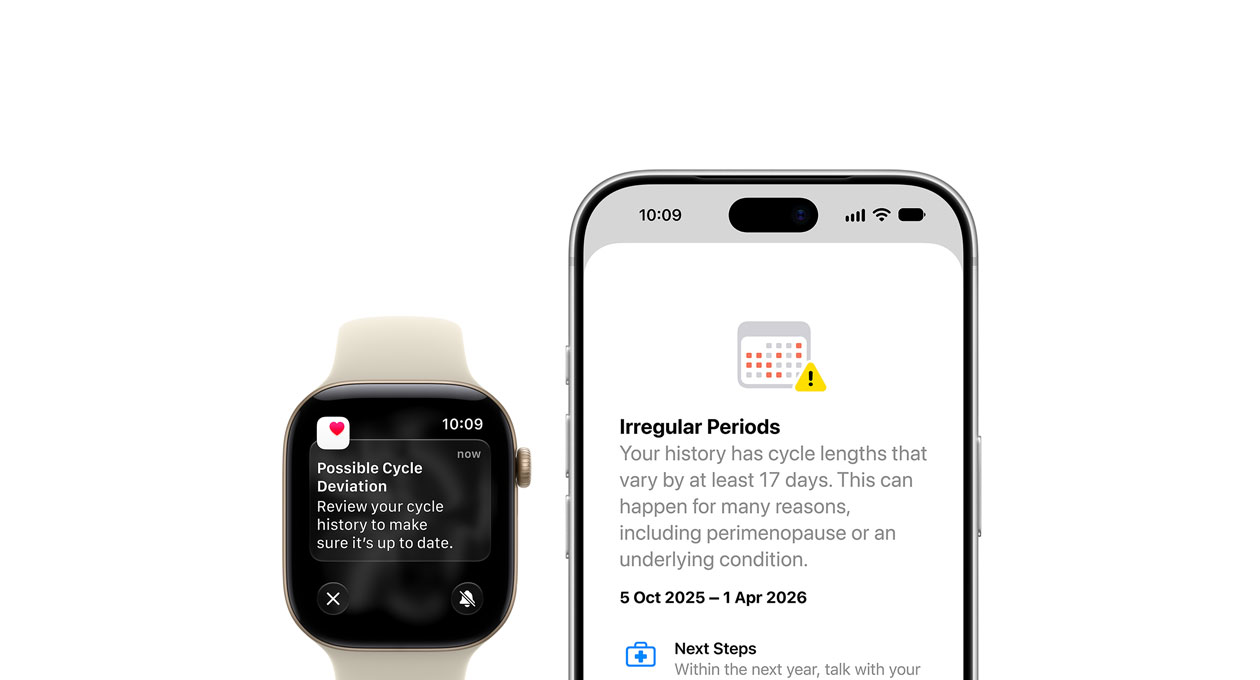
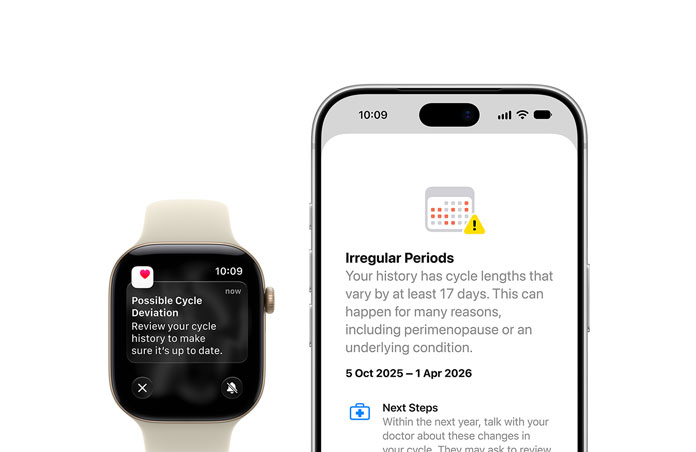
Cycle Tracking in the Health app features perimenopause and menopause support.3
-
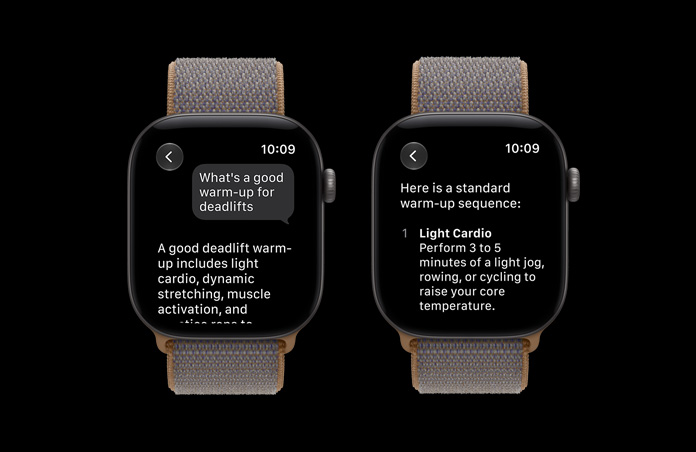
Just ask Siri AI.
Powered by Apple Intelligence, Siri AI is your conversational AI assistant with entirely new capabilities on Apple Watch.1 Ask open-ended questions, brainstorm ideas for workout routines and more, and engage in natural, back-and-forth conversations.
-
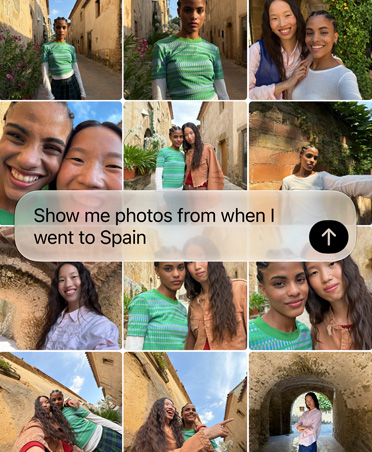
Siri understands your personal context.
Siri AI can find relevant answers to what you’re looking for just by asking. Search for your driver’s license number, easily find the door code for your upcoming house rental or pull up the details from a note you saved.
-
Take action in apps.
Share your flight details with your family, play the song your trainer recommended or set a new goal for your Activity rings — without having to look around for them.

-
Tap into broad world knowledge.
While you’re on the go, ask about virtually any topic that’s on your mind, from workout ideas to wellness tips. Siri AI can reference information online to give you detailed, up-to-date insights.

-
Introducing the Siri app.
A dedicated app brings together all your conversations in one place, so you can ask a question on your iPhone and pick up where you left off on your Apple Watch. You can also pin conversations for easy access or start a new one right from your wrist.
-
New dynamic app grid.
This automatically highlights Siri-suggested apps, including your most popular and recently used ones — with the Siri app always front and centre.
-
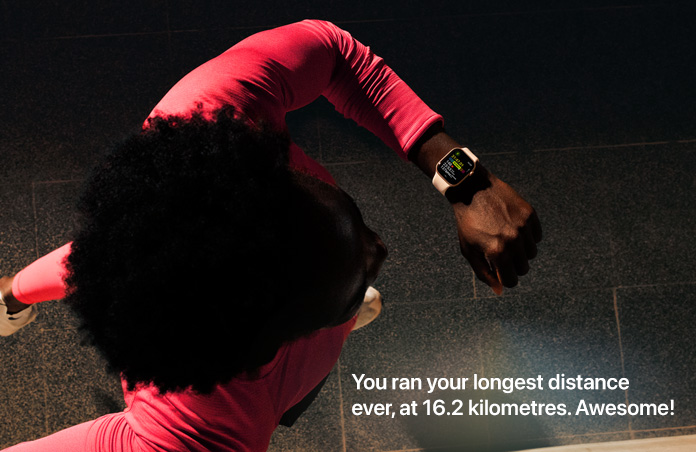
New Workout Buddy insights.
Workout Buddy delivers motivation based on your fitness history with new data insights, including your progress for pace, distance and workout duration.2


-
Workout Buddy without your iPhone nearby.
Stay motivated during your workouts without anything in your pocket or hand.
-
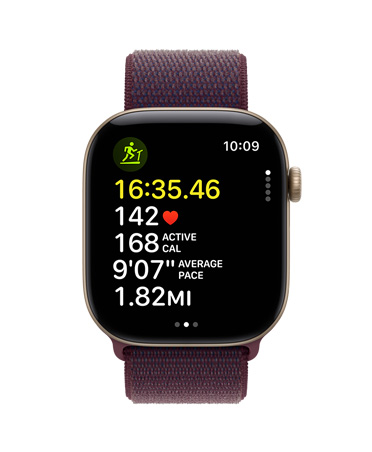
Even more accurate kilometres for indoor runs and walks.
Improved motion tracking algorithms help measure the distance of your treadmill runs and walks more precisely right from your wrist.
-
Workout Buddy in Spanish.
Get help boosting your fitness with personalised motivation in a language that feels natural to you.

-
Perimenopause and menopause support.
Cycle Tracking in the Health app can provide notifications when your logged cycle patterns are suggestive of perimenopause. You can track related symptoms and find support with educational resources.3
-
New tap gesture.
Tap your index finger and thumb together once to select a widget in the Smart Stack and quickly see what’s relevant to you — even if your other hand is occupied.

-
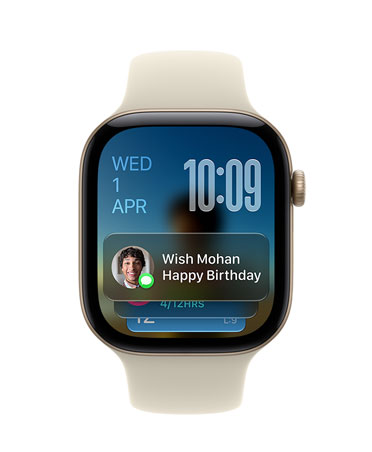
New Smart Stack suggestions.
More widgets appear in your Smart Stack when they’re relevant. Wish a close contact happy birthday, see the location of your parked car, change your sleep alarm before selected holidays.
-
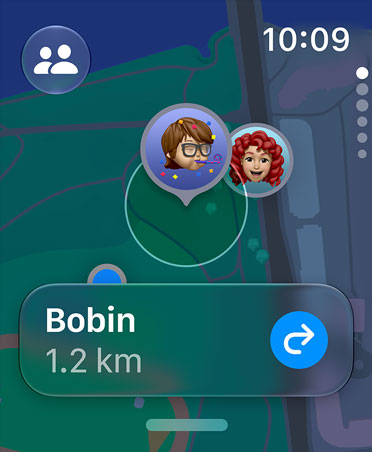
More intuitive Find My app.
Find Devices, Find People and Find Items are now streamlined into the Find My app. So everything you care about is easier to locate on a map-centric view.
-
Design refinements.
Updated Liquid Glass ensures exceptional readability with more uniform refraction and improved contrast.

-
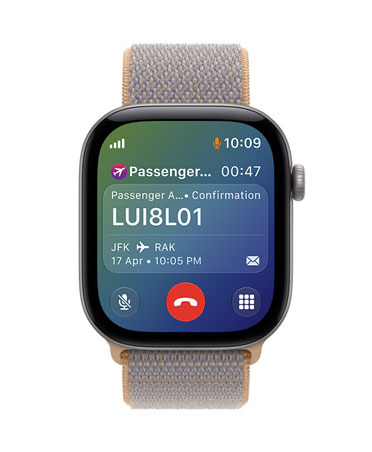
Get relevant information while on a call.
Call Context can proactively surface relevant information from across your apps when calling a business — like a confirmation code from Mail when you call an airline.
-
General improvements.
Music playback on Apple Watch now starts faster. The step count in the Fitness app syncs with steps counted in the Health app, and battery optimisations may be suggested.
watchOS 27 features And so much more.

Wallet app.
Create custom passes for any membership or card that uses a QR code or barcode — like your library card — then easily access it in the Wallet app or pin it in the Smart Stack.

Child Safety.
A Child Account puts you in control with built-in protections. And with Apple Watch For Your Kids, you can set up an Apple Watch for your child4 — even if they don’t yet have an iPhone — so they can stay connected, active, healthy and safe.
