-
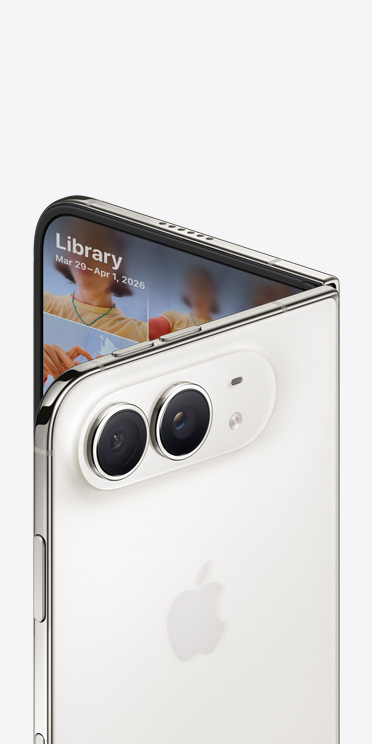
iPhone Duo
Hello, hello.

-
iPhone 18 Pro
Pro further.

-
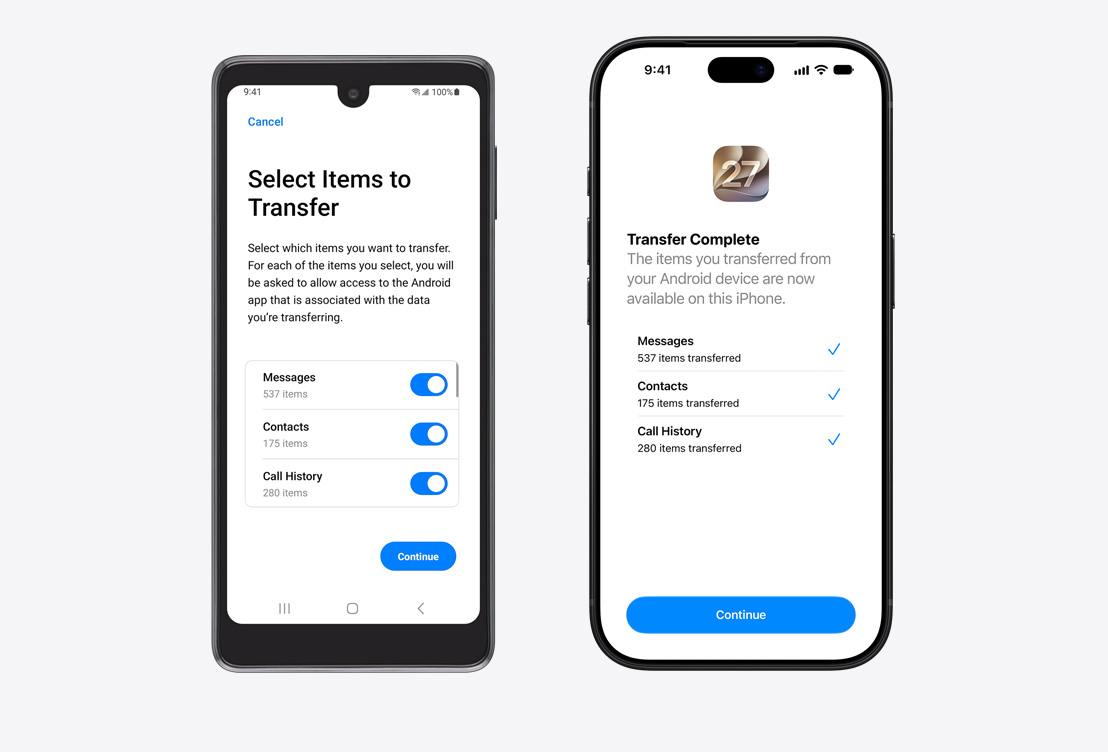
Getting Started
Switching from Android to iPhone is simple.

-
Designed to Last
iPhone holds its value longer than other smartphones.
-
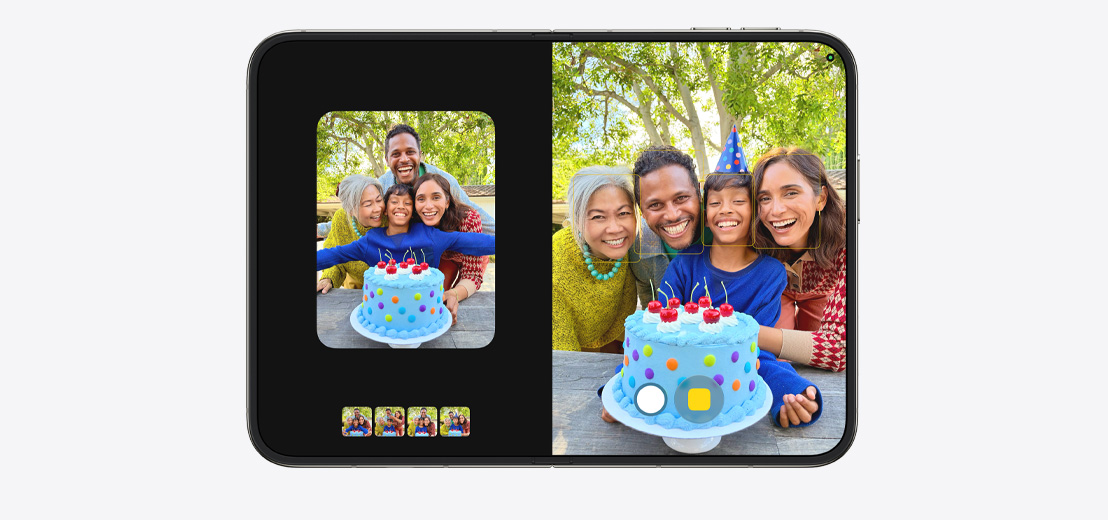
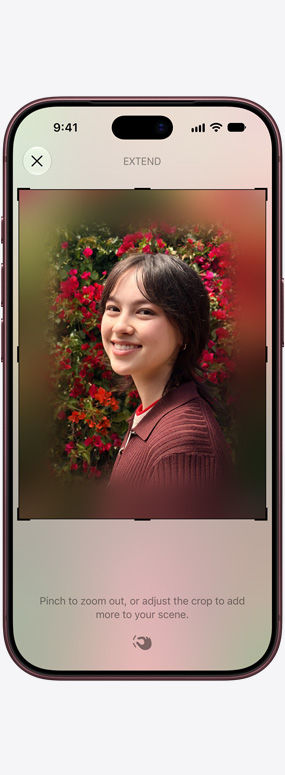
Cutting-Edge Cameras
Picture your best
photos and videos.
-
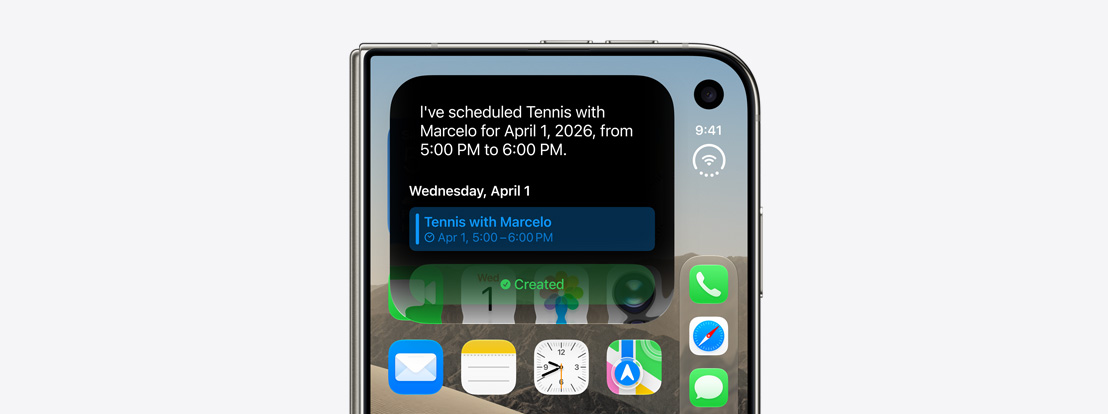
Apple Intelligence and Siri AI
Helpful in all the
right places.
-
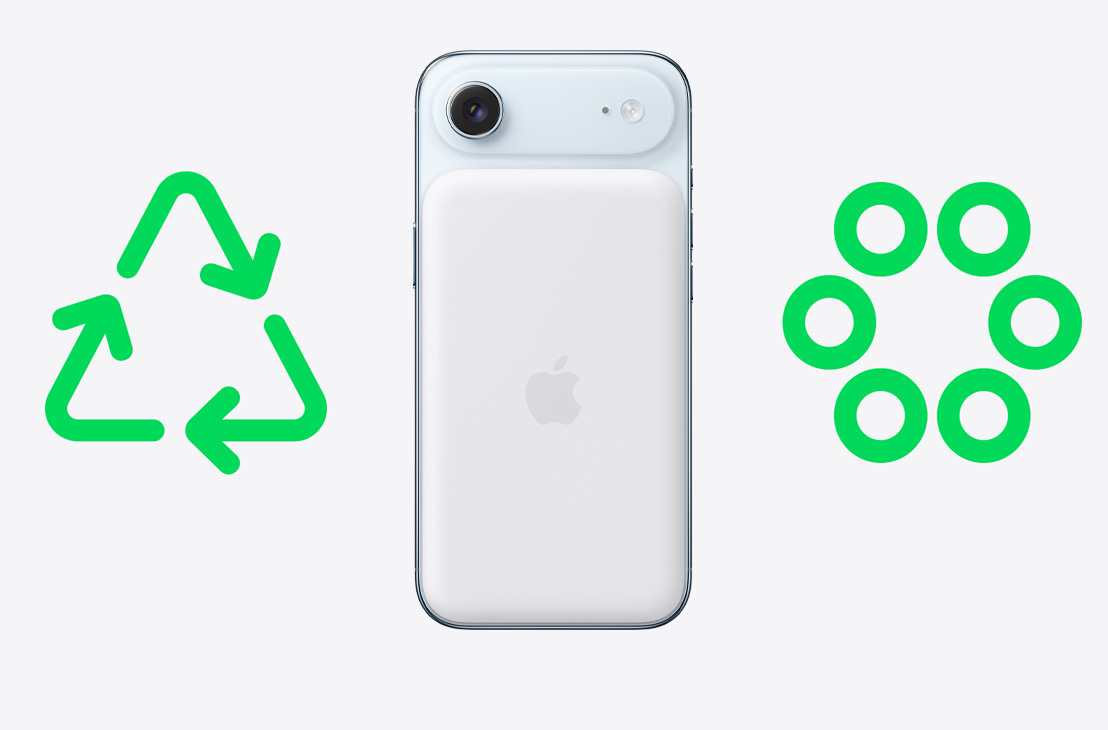
Environment
Designed with the earth in mind.
-
Privacy
Your data.
Just where you want it.
-
Peace of Mind
Helpful features.
On and off the grid.











-
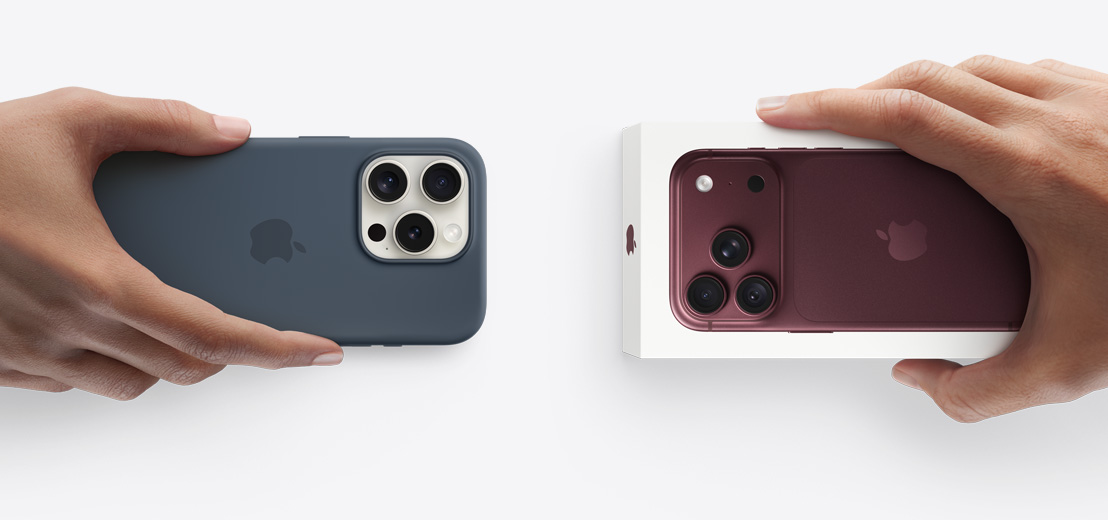
New iPhone Duo

- Star White
- Night Sky
The largest display of any iPhone. Foldable. Posable. And durable.
-
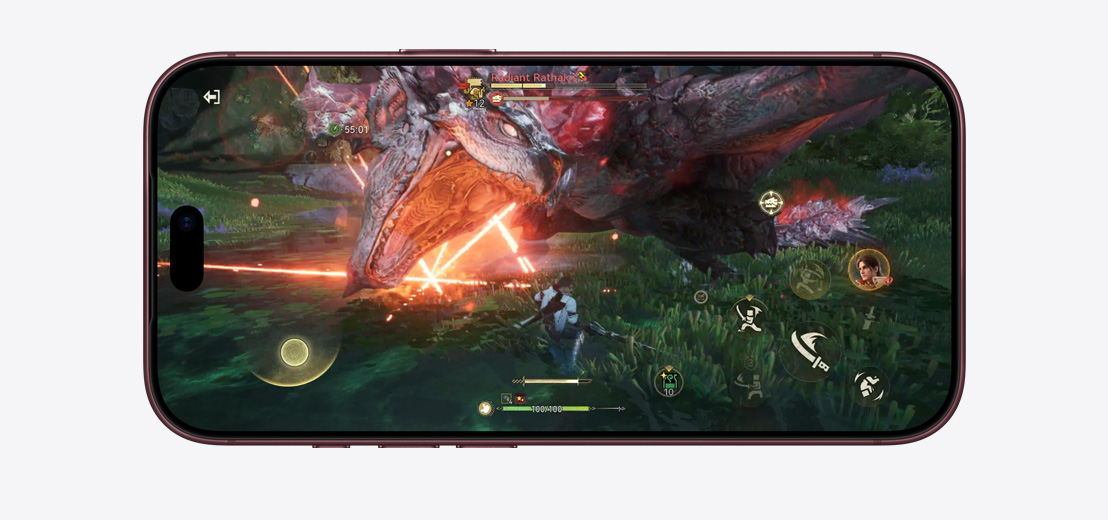
New iPhone 18 Pro

- Burgundy
- Glacier
- Silver
- Black
The ultimate performance and camera of any iPhone, with exceptional battery life.
-
iPhone Air
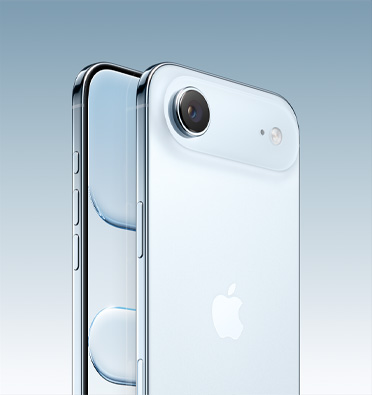
- Sky Blue
- Light Gold
- Cloud White
- Space Black
Incredibly light and thin with pro performance.
-
iPhone 17

- Lavender
- Sage
- Mist Blue
- White
- Black
Powerful, durable and delightful.
-
iPhone 17e

- Soft Pink
- White
- Black
Feature stacked.
Value packed. -
iPhone 16

- Ultramarine
- Teal
- Pink
- White
- Black
Amazing performance.
Durable design.
-
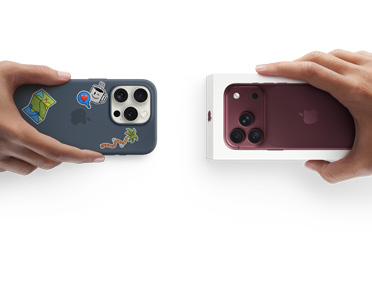
Apple Trade In
Save on a new iPhone with a trade‑in.
Get credit towards your next iPhone when you trade in an eligible device.*
-
Financing
0% interest.
No monthly fees for
up to 24 months.Pay for your new iPhone over time with Afterpay Pay Monthly. Plus, trade in an eligible device to lower your payments. Terms apply.◊

-
Carrier Deals
Apple. Your one‑stop shop for incredible carrier deals.
Get A$2,099 off any iPhone when you stay connected with Vodafone.**

-
Personal Setup
Make the most of your iPhone with an online session.
Talk one on one with a Specialist to set up your device and discover new features.
-
Guided Shopping
Shop with a Specialist.
Whether you shop in store or online, our Specialists can help you pick something perfect.

-
Apple Store App
Explore a shopping experience designed around you.
Use the app to get a more personal way to shop.

-
Apple Trade In
Save on a new iPhone with a trade‑in.
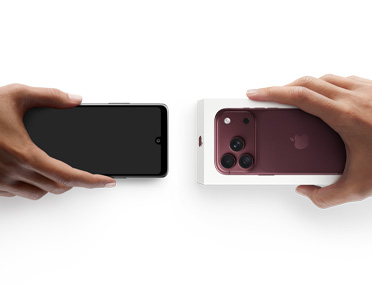
With Apple Trade In, you can get credit towards a new iPhone when you trade in your eligible Android phone.*
-
Financing
Pay over time with Afterpay Pay Monthly.◊
Pay for your new iPhone with 0% interest and no monthly fees for up to 24 months.
-
Carrier Deals
Apple. Your one‑stop shop for incredible carrier deals.
Get A$1,399 off any iPhone when you stay connected with Vodafone.**
-
Personal Setup
Make the most of your iPhone with an online session.
Talk one on one with a Specialist to set up your device and discover new features.
-
Guided Shopping
Shop with a Specialist.
Whether you shop in store or online, our Specialists can help you pick something perfect.
-
Apple Store App
Explore a shopping experience designed around you.
Use the app to get a more personal way to shop.
Upgrade to iPhone.

-
Design
Beautiful. Durable.
Different by design.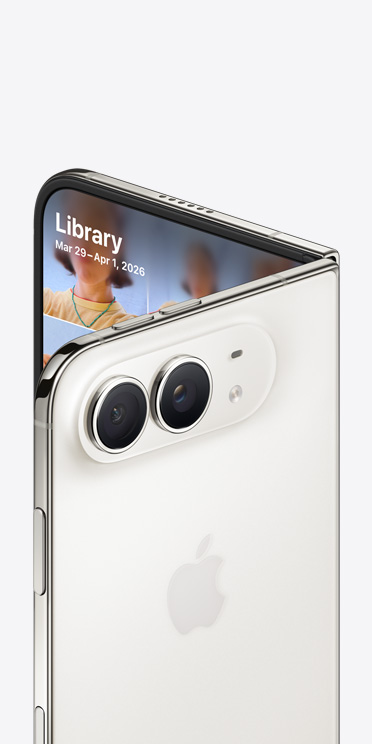
-
Cutting-Edge Cameras
Picture your best
photos and videos.
-
Chip and Battery Life
Fast that lasts.

-
Apple Intelligence and Siri AI
Helpful in all the
right places.
-
Environment
Designed with the earth in mind.
-
Privacy
Your data.
Just where you want it.
-
Peace of Mind
Helpful features.
On and off the grid.
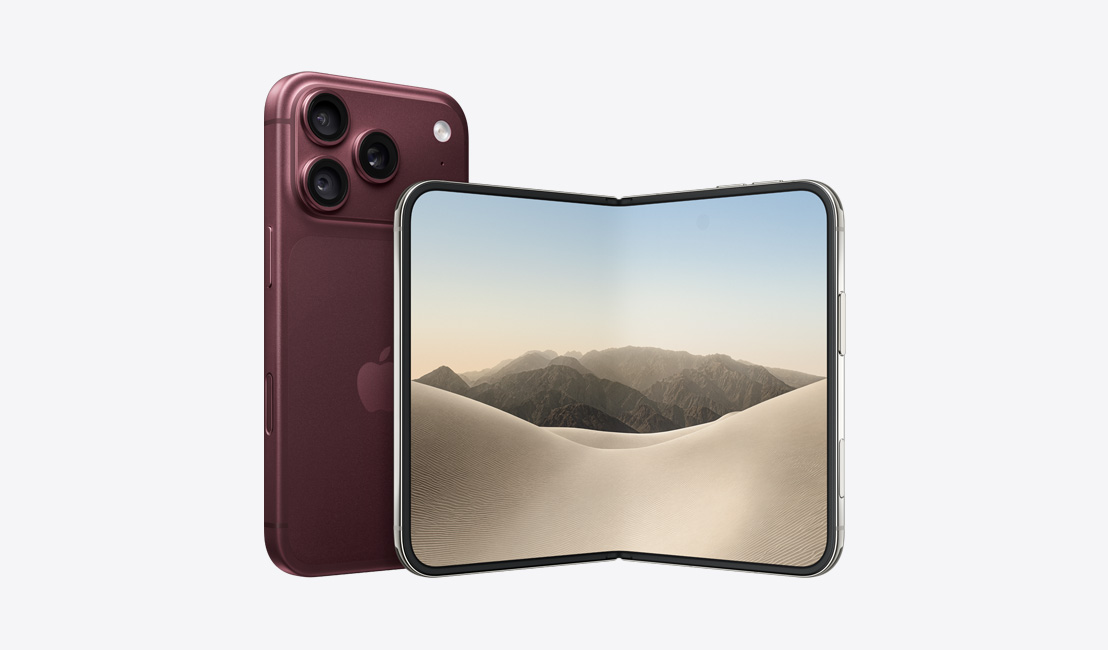


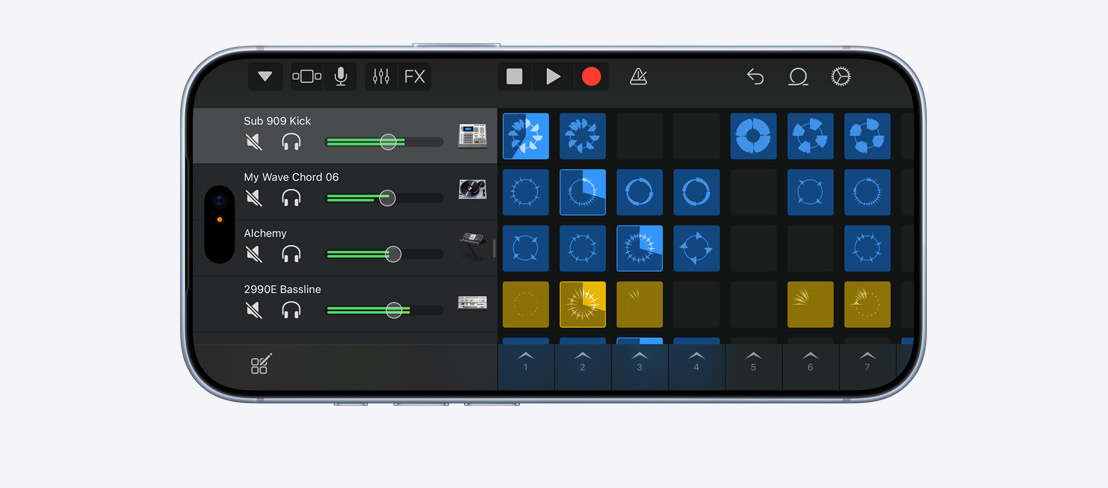


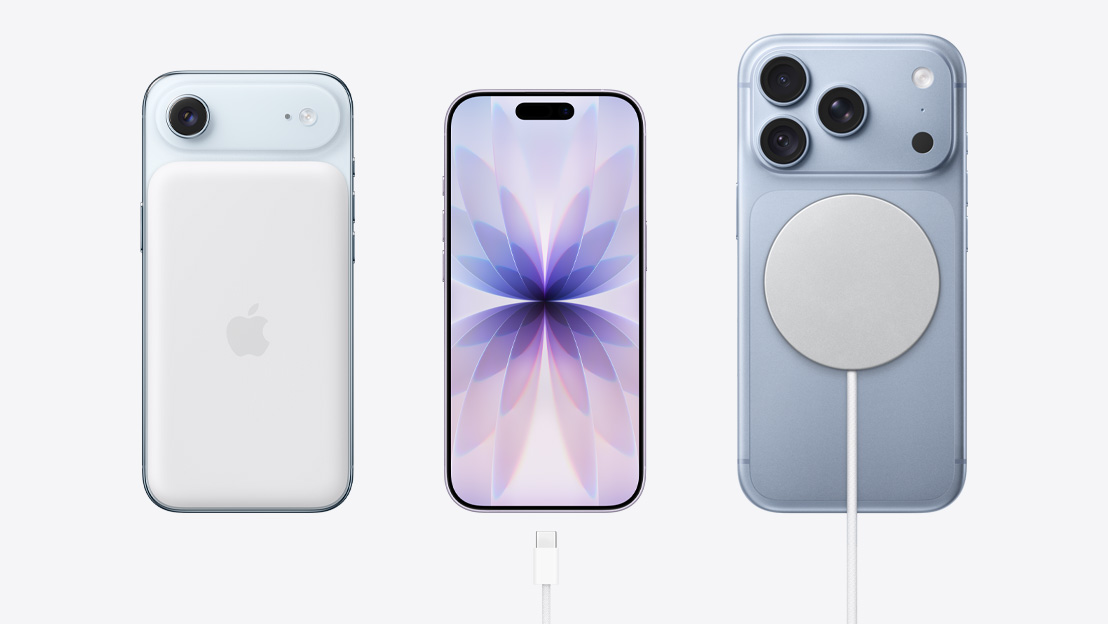
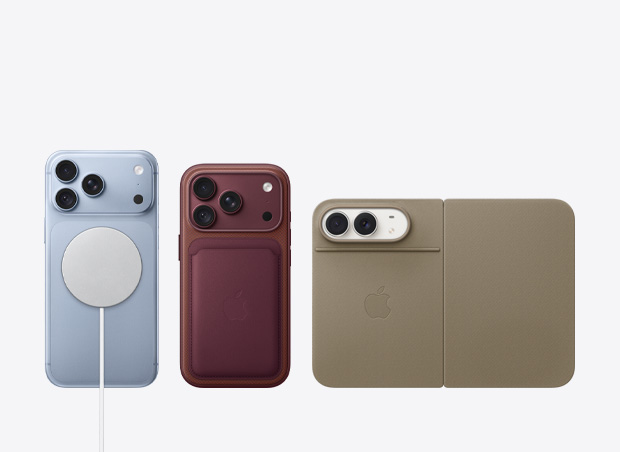

Significant others.
-
With iPhone Mirroring, you can view your iPhone screen on your Mac and control it without picking up your phone. Continuity features also let you answer calls or messages straight from your Mac. You can even copy images, video or text from your iPhone and paste it all into a different app on your Mac. And with iCloud, you can access your files from either device.

-
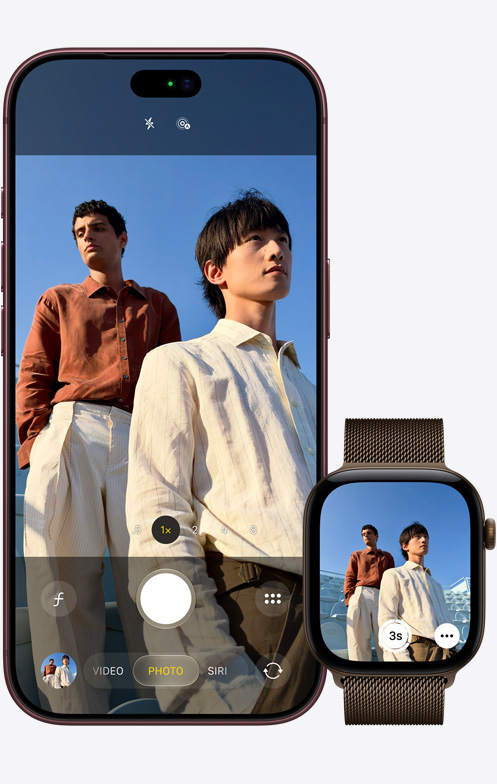
Misplaced your iPhone? The latest Apple Watch models can show you its approximate distance and direction.13 To set up a group photo on your iPhone, join the group and use Apple Watch as a viewfinder to snap the shot. And when you take a call on your Apple Watch, just tap your iPhone to continue the conversation there.
-
Set up AirPods on iPhone with just a tap. You’ll love Adaptive Audio, which automatically tailors the noise control for you to provide the best listening experience across different environments and interactions throughout the day.
