
Better ways
ahead.

Navigation.
Clean and simple.

A world of
ways to
explore
the world.

Guides to all the
right places.

Works seamlessly
across
your
Apple devices.

Shows you around
without following
you around.

Navigation


Driving.
Your ultimate road trip.
Driving
Maps gives you at-a-glance information to make every drive a good one. Route planning provides ETAs for future departures based on expected traffic. As you drive, you see real-time traffic, current speed limits and nearby speed cameras. Turning lanes, cycle, bus and taxi lanes, central reservations and pedestrian crossings are displayed in incredible detail. When you approach a complex intersection, Maps switches to a 3D road-level perspective to simplify what’s ahead. Lane guidance prepares you for turns and exits, so you can avoid wrong turns and missed exits. If you drive an electric vehicle, Maps can assess your charge level, elevation and compatible charging stops along your route.1

Public Transport.
Hit all the
right stops.
Public Transport
Getting around town is a breeze with Maps. See real-time information about public transport arrival and departure times, service suspensions, current locations of buses and trains, and connections.2 You can even be alerted when you’re approaching your stop. Nearby departures are just a tap away, and you can pin your favourite lines so the closest ones always show up at the top.
See where Public Transport is available
Walking.
A heightened
way to hoof it.


Walking
Use augmented reality and Indoor Maps to stay on point when you’re on foot. Just raise your iPhone to scan the buildings in the area, and Maps will show step-by-step guidance in augmented reality.3 You can also use Indoor Maps to easily find your way around major airports and shopping centres all over the world. See which restaurants are past security at the airport, where the nearest toilets are, or what floor your favourite chain store is on at the retail park.
See where Indoor Maps is available

Cycling.
Be ready
for
any path,
lane,
hill or obstacle.
Cycling
Keep rolling with cycling directions that include an elevation profile of your route.4 Maps will let you know if there’s a steep incline along your way, if you need to carry your bike up stairs, or if there’s a safer, easier route that avoids busy roads. And with voice guidance and Haptic Feedback on Apple Watch, you can stay even more focused on the path ahead.

Exploration

Detailed city experiences.
A better way to get your bearings.
Detailed City Experiences
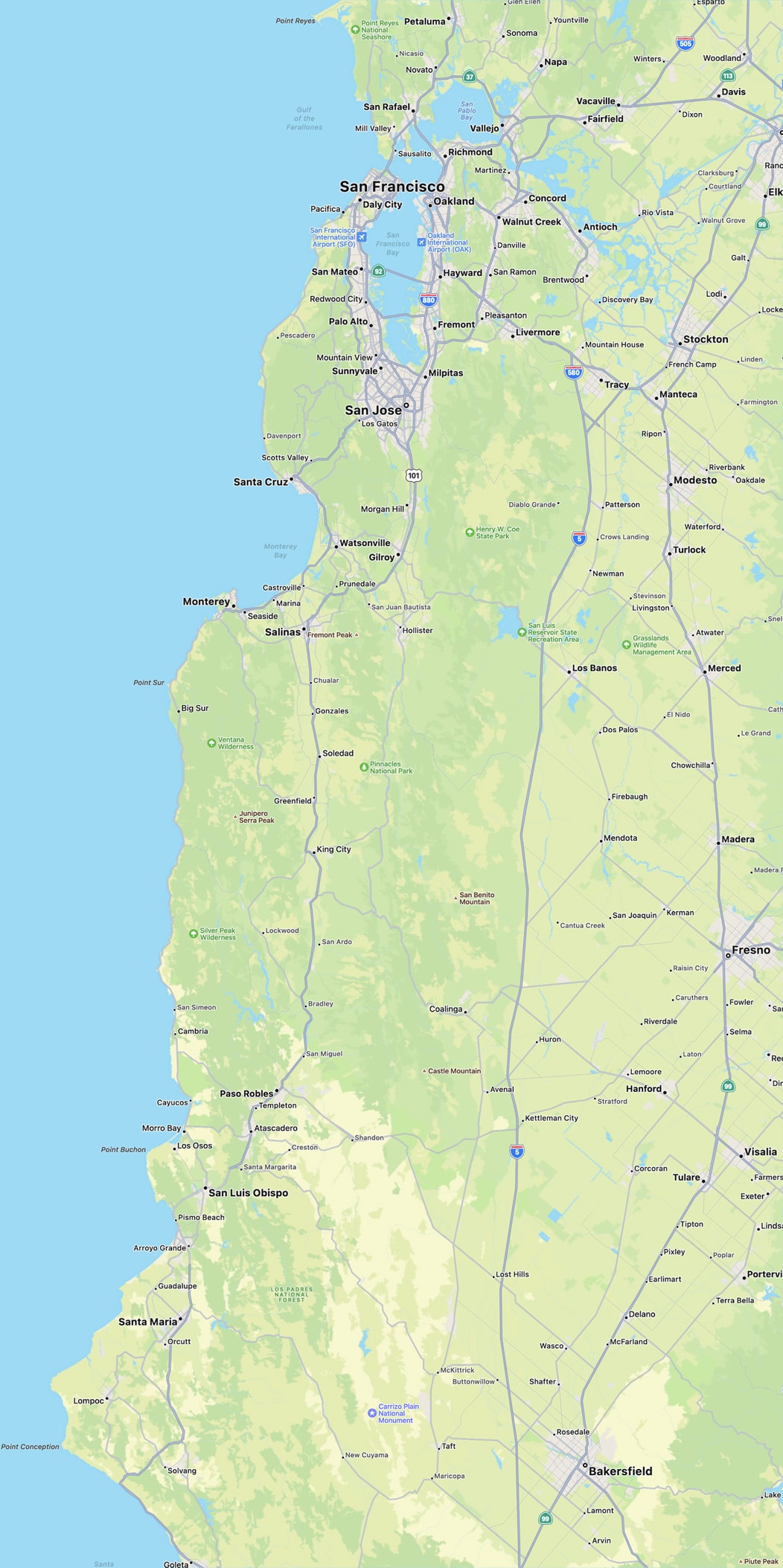
Explore San Francisco, Los Angeles, New York and London — with more cities coming soon — in unprecedented detail for elevation, neighbourhoods, buildings, trees, and road features like crossings and turning lanes. Visit amazing 3D landmarks like the Golden Gate Bridge in both the day and dark mode maps.

Look Around.
Go there before you get there.

Look Around
Explore selected cities with an interactive 3D street-level experience and a smooth, seamless 360‑degree view. Use Look Around to scope out the parking situation by that hot new brunch place, locate landmarks near a meeting place, or get a feel for the neighbourhoods in a new city. Precise views let you know what to expect when you get there — so you can make the most of every outing.


Interactive globe.
Mountains
and deserts
and rainforests. Oh my.
Interactive Globe
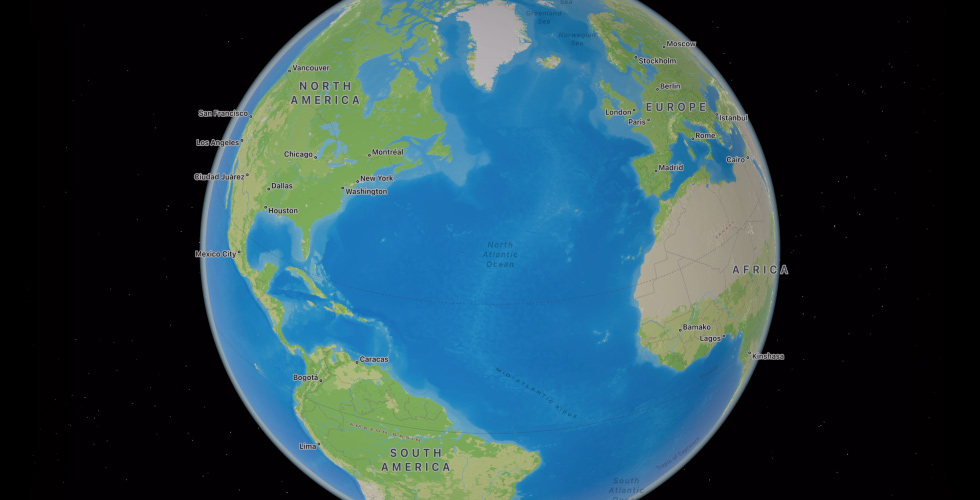
Discover Earth’s natural beauty with a rich and interactive 3D globe. Explore amazing textures and contours, with vibrant details of mountain ranges, deserts, forests, oceans and more.3 The most remote and precious locales on the planet are now readily accessible.

Place cards.
More ways to learn and interact.

Place Cards
Choose a destination, and its interactive place card shows you everything you need at a glance. See basics like address, opening hours, website and phone number, along with details like price range, photo galleries, associated Guides, accepted payment types — even whether you can take your dog. Launch Flyover or Look Around to get a sense of the location and surroundings. You can even quickly and securely rent a bike, pay for parking, order food and more with just a tap.

Search.
Find the right spot. Right now.
Search
It’s quick and easy to find just what you’re looking for in Maps. Use ultra-targeted filters to search for restaurants by cuisine, price range and whether they offer takeaway. Or choose to see only places that are open right now. Want to broaden your search? Just move the map, and your search results update automatically. Want something closer to home? Tap Nearby to find local places in categories like Restaurants, Petrol Stations, Coffee, Hotels, Bars, Fast Food, Supermarkets and Shopping Centres. Locations are displayed on the map with colourful badges, making it even easier to pinpoint your picks.

Flyover.
Get a bird’s-eye view.

Flyover
Get a whole new perspective on selected major cities with photorealistic, immersive 3D views. Move your iPhone or iPad through space to experience a city from above, or take a closer look at cities and their landmarks in high resolution as you zoom, pan, tilt and rotate. It’s exploration elevated.
See where Flyover is availableExpertise
Guides.
Oh, the places you’ll know.

Guides
Guides help you find amazing things to see and do in cities around the world.5 Just tap the Explore Guides button to access nearly 1,000 expertly curated Guides, and find and save the ones that catch your eye. Curated Guides automatically update when new places are added, so you always have the latest recommendations at your fingertips. You can also create your own Guides and share them with friends and family.

Curation.
Get to the good stuff.

Curation
Interested in boho-chic gastropubs in Rio? Family-friendly rock pools near Cape Town? A film star’s best-kept secrets for Palm Springs? We’ve got you covered. Guides tap into the local culture for the ultimate insider experience wherever you eat, shop, meet friends or explore in cities around the world.


Editorial experts.
Follow the leaders.
Editorial Experts
We’ve partnered with some of the most trusted and experienced names in travel and publishing to create distinctive collections of must‑see city attractions. Current Guides are constantly being updated, and new ones are always on the way — so you’re sure to find the latest and greatest, wherever you go.

Integration
Seamless
experience.
Go from device
to device with the greatest of ease.

Seamless Experience
Enjoy a smooth, uninterrupted experience across all the Apple devices you use to get around. Haptic Feedback on Apple Watch nudges you in the right direction so you don’t have to get out your iPhone when you’re on foot or on your bike. Calendar alerts on your Mac let you know when it’s time to stop working and go. Just say the word, and HomePod finds directions and sends them to your iPhone on your way out the door. And Maps also syncs automatically with Siri, Spotlight, Messages and Weather to give you relevant information at all the right moments.

CarPlay.
Eyes on the road, not your device.
CarPlay
CarPlay brings the power and simplicity of Maps behind the wheel. It can make intelligent suggestions based on data you already store on your device, like addresses from your email, text messages, contacts and calendars. And with a detailed map, turn‑by‑turn spoken directions and immersive 3D experiences, it’s easier than ever to get where you need to go.
Issues and incidents.
Have a tip? Just tap.

Issues and Incidents
Incorrect lunch hours listed at your favourite café? Old mattress in the middle of the road? Whatever issue you encounter, it’s fast and easy to report it in Maps. Edit and submit updated information about a business directly in the place card interface. And report an accident or hazard safely and easily with Siri. Just say “There’s an accident up ahead” or “There’s something on the road” and Siri will file the incident for you. If an incident displayed on the map has been cleared, you can report that too — all while keeping your hands free and your focus on the road.

Settings.
Quickly get to your go‑tos.
Settings
Open Maps and tap your user account photo at the bottom of the screen to see your most used settings — like preferred mode of transport, reported issues and favourites — all in one place. And when you open Maps on your devices or on your dashboard with CarPlay, it displays the places you visit most — so you’re always just a tap away from home, work, the gym, your kid’s school, the nearest petrol station or your favourite restaurant.

Privacy
Data protection.
Keep your location
history, history.


Data Protection
Maps delivers a great experience without Apple knowing which shops, neighbourhoods or clinics you visit. Because Maps doesn’t include a sign-in, where you go isn’t associated with your Apple ID at all. And personalised features, like locating your parked car, are created directly on your device. Data used to improve navigation, such as routes and search terms, is not associated with your identity. Instead, that information is based on random identifiers that are constantly changing.

In case you missed anything.
-
Maps is available in over two hundred regions around the world. For information on which features are available where you are, visit the Feature Availability page.
-
Maps doesn’t associate your data with your Apple ID, and Apple doesn’t keep a history of where you’ve been. Personalised features, like locating your parked car, are initiated directly on your device. Data used to improve navigation, such as routes and search terms, is not associated with your identity. Instead, that information is based on random identifiers that are constantly changing.
-
Curated Guides are lists of places created by trusted partners to help you find great places to eat, shop, meet friends or just explore. Maps offers more than 1,000 curated Guides in cities around the world. In iOS 15, tap Explore Guides in Maps to see Guides recommended by Maps editors.
-
Apple offers two ways for developers to integrate Maps into their products.
MapKit allows you to integrate Maps into your iOS, iPadOS or macOS apps. You can display map or satellite imagery, add annotations and overlays, call out points of interest, determine information for map coordinates and more.
MapKit JS brings interactive maps to your website — complete with annotations, overlays and interfaces for Maps services like search and directions.
-
Apple conducts ground surveys using vehicles and portable systems to build and maintain Apple Maps, support the Look Around feature, and improve other Apple products and services. Privacy is protected by censoring faces and licence plates in published images. You can find more about our collection practices at maps.apple.com/imagecollection/gb.