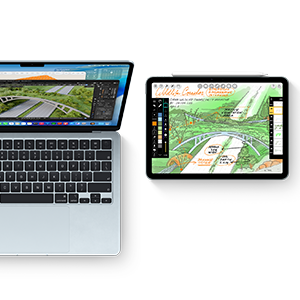
A+ battery life.
Work where inspiration strikes. With Mac, you get long battery life — so you can stay focused without needing to plug in.1
No matter what you do, ace it with Mac. Count on exceptional performance, long battery life and effortless multitasking — from your first class to your next chapter.


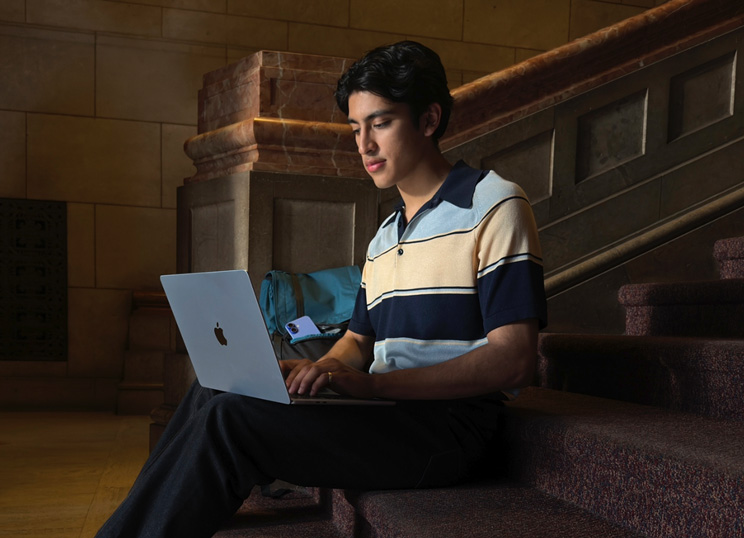
Work where inspiration strikes. With Mac, you get long battery life — so you can stay focused without needing to plug in.1

Mac helps you take on whatever class throws your way with the incredible speed, responsiveness and breakthrough performance of Apple silicon.
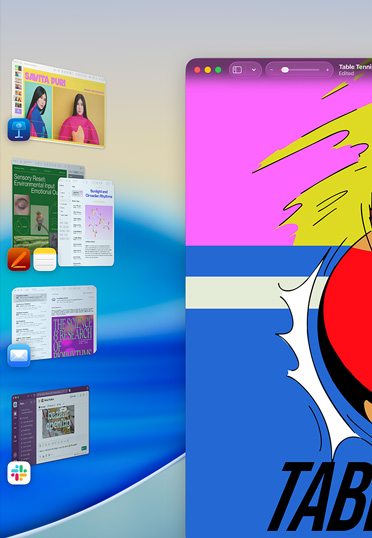
Use window tiling to arrange windows side by side, so you can manage multiple tasks and move between apps effortlessly.

Apple silicon delivers impressive speed and AI performance, while fast unified memory and storage enable quick access to files. Mac can handle what you need now and is ready for what’s next.

Writing Tools in Apple Intelligence can instantly make your email and notes more concise, rewrite them until the tone and wording are just right, and summarise selected text with a click or tap.2

With iPhone Mirroring, see and use what’s on your iPhone from your Mac. You can also drag and drop files between devices.

Made with durable recycled aluminium, Mac is designed to stand up to whatever college throws at it. So you can rely on it long after graduation.

Regular macOS updates deliver new features and help ensure that your device runs smoothly and securely for years to come.
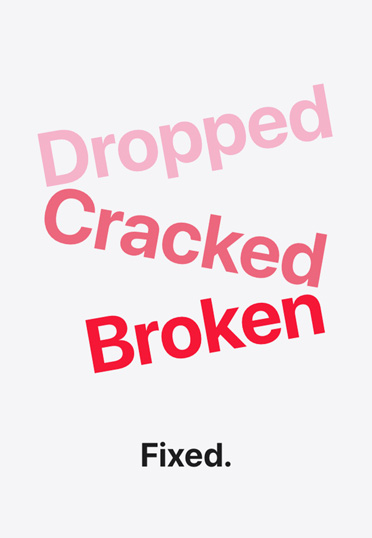
Students get special pricing on AppleCare+, which offers one-stop support and service for your devices.
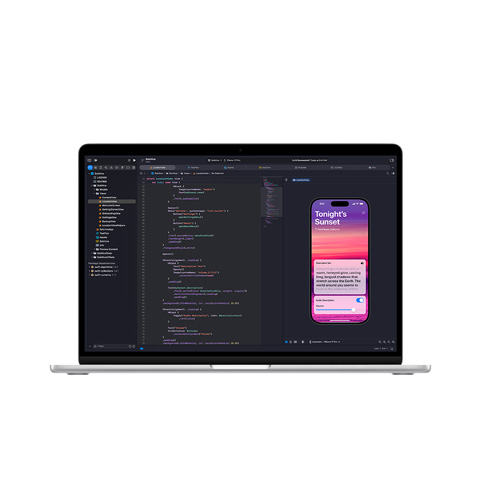
Xcode
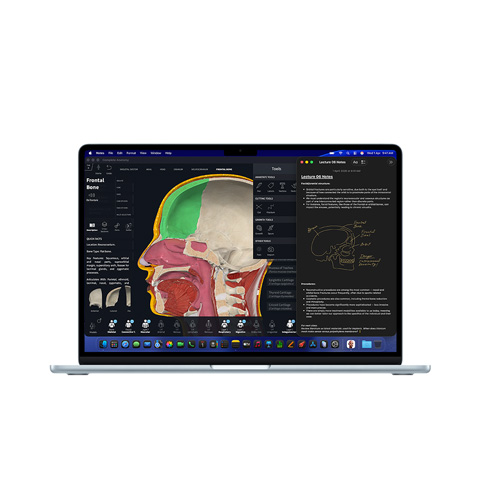
Complete Anatomy, Notes
Keynote, Msty Studio
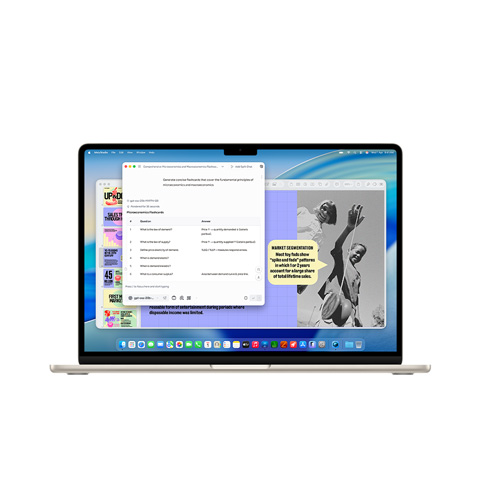
Zoom, Keynote, Microsoft Excel
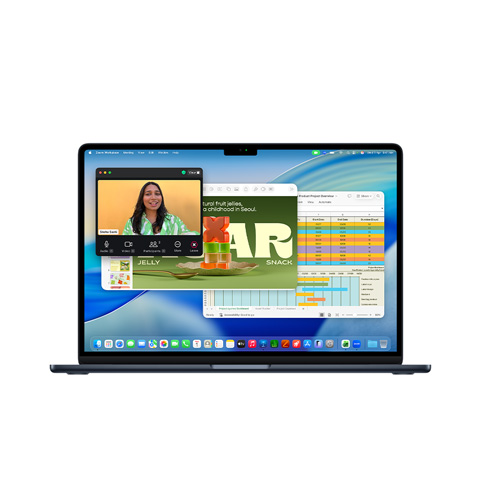
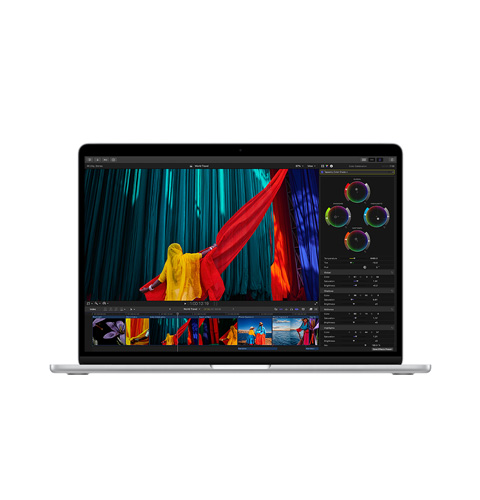
Final Cut Pro
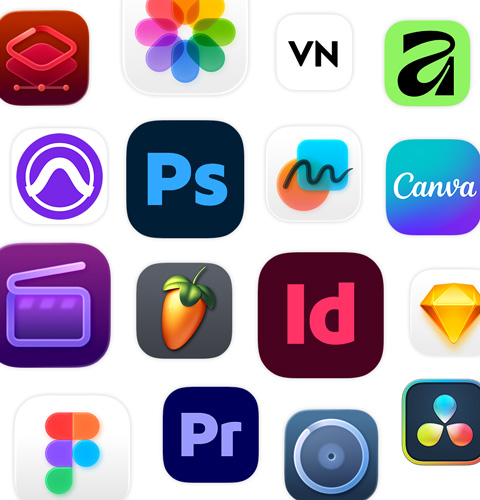
Start coding with Python. Develop and distribute apps with Xcode. Develop software and experiences with Docker, PyTorch and Unity Editor. And work on data analysis with NumPy, Pandas and more.
Analyse data with MATLAB, create designs with Blender and handle complex computational processes with Wolfram Mathematica and COMSOL Multiphysics.
Make quick work of your to-do list with AI-powered workflows like ChatGPT integration into Apple Intelligence and generative AI apps including Gemini and Canva AI.
Run your favourite productivity apps — from Google Workspace with Gemini, Goodnotes and Microsoft 365 to Notability and Slack.
Whether you’re designing a zine or creating a full-length film, apps like Final Cut Pro and Pixelmator Pro bring your projects — and side hustles — to life. Unlock our full collection of creativity apps with Apple Creator Studio.

Kabeer uses Mac for several workflows simultaneously — from coding with AI tools to testing his payment app.

Ananya uses Mac to complete her college assignments, build presentations and edit content for her sustainable kitchenware brand.

Marjorie uses Mac to run intensive data analyses for her classes and to edit videos for social media.

Gaurav uses Mac to build prototypes, write code and design the UI for his emergency response app.

Yassin uses Mac to run powerful coding apps for his AI coursework and for his start-up that fights heart disease.
Mac is built to run powerful apps and comes in multiple models and sizes,
each with several ports to connect high‑speed accessories and external displays.

with education savings*
with education savings*

with education savings*

with education savings*

with education savings*
Let us help you find what you need and answer all your questions, one-to-one, at an Apple Store or online.
Choose extra‑powerful chip, more memory or additional storage to suit your needs.
Get one-to-one guidance with data transfer, the latest features and more.
Get Apple Creator Studio for ₹199 per month for students and educators.4
Every Apple product is built from the ground up to protect your privacy and to give you the freedom to choose what you share and how you share it.
Our products and services are designed for everyone, with built-in features to help you do what you love, your way.
Apple products are made from recycled materials and shipped in 100% fibre-based packaging.