Apple Wallet

Carry
one thing. Everything.

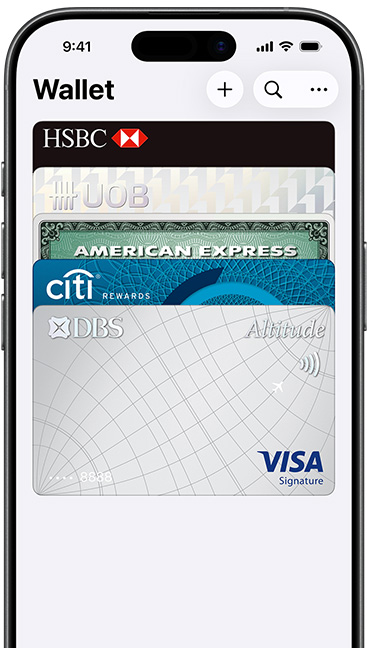
The Wallet app lives on your iPhone. It’s where you securely keep your credit and debit cards, public transport cards, boarding passes, tickets, car keys and more — all in one place. And it all works with iPhone or Apple Watch, so you can take less with you but always bring more.
Payments
and Rewards

Start here.
Pay anywhere.

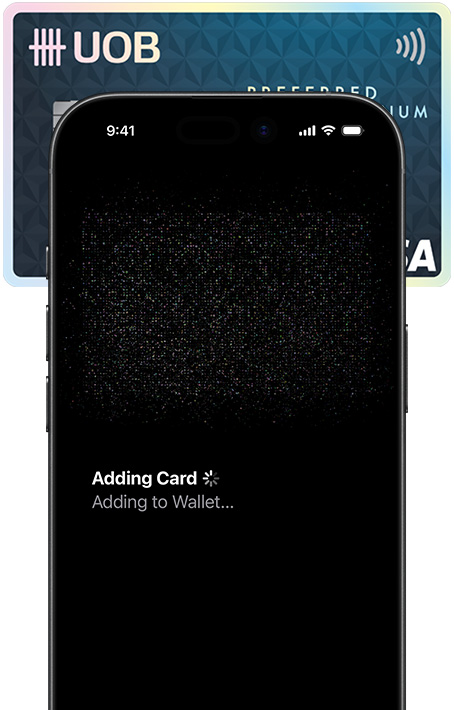
Add a credit
or debit card.
With no
added effort.

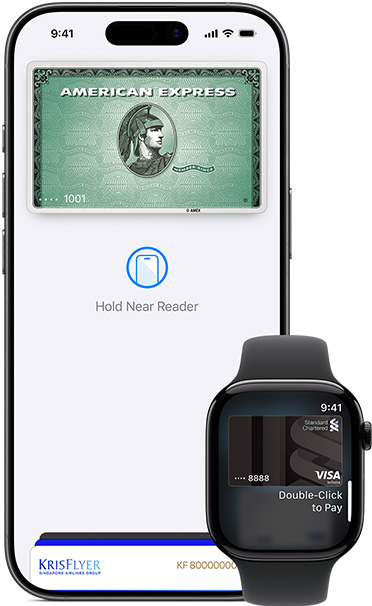
Apple Pay.
Pay the new-
fashioned way.

Pay
in stores

Pay
online

Pay
in apps

No physical
cards to lose.

Win, win, win.

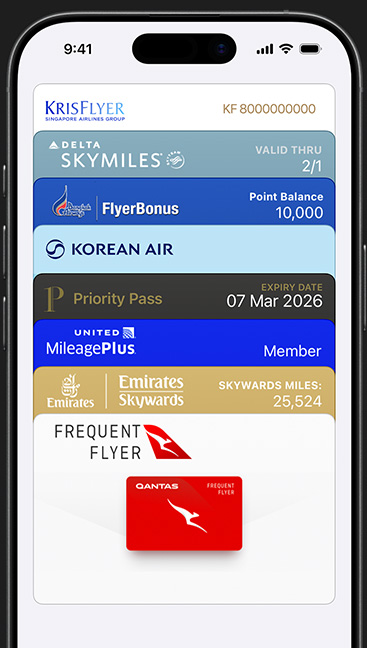
Rewards
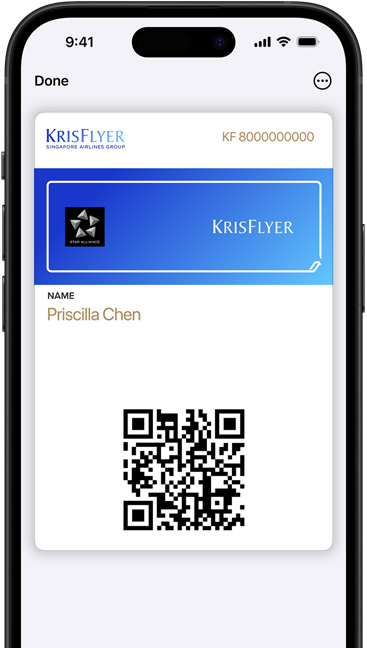
and loyalty.
You reap what
you store.

Transport and Travel
Your even more mobile device.

Public
Transport
Cards.

Tap.
Ride.
You’ve
arrived.

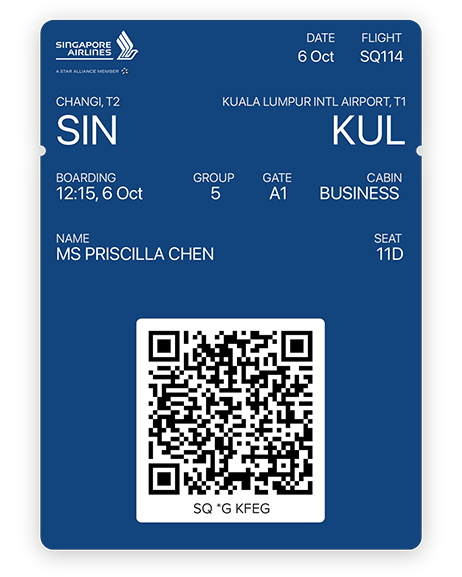
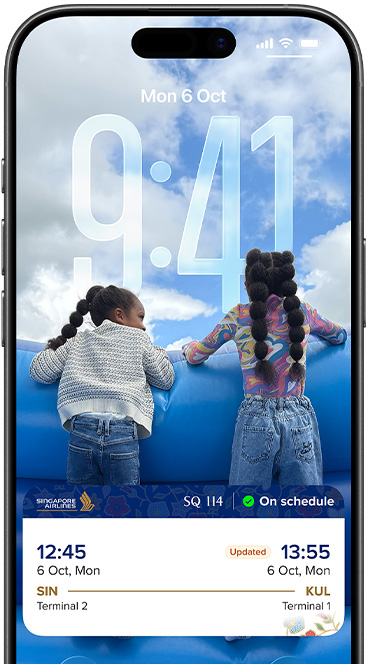
Boarding
passes.

Easier on
the fly.

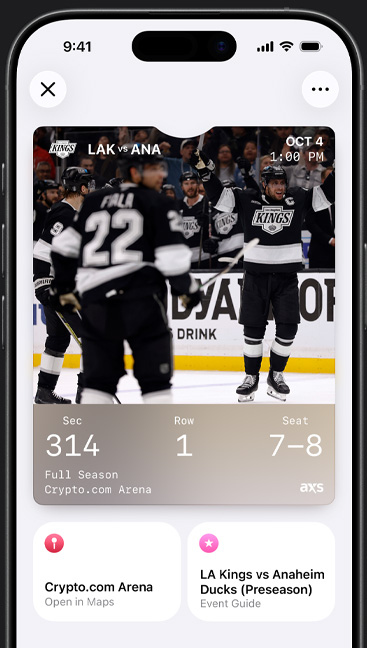
Sport and
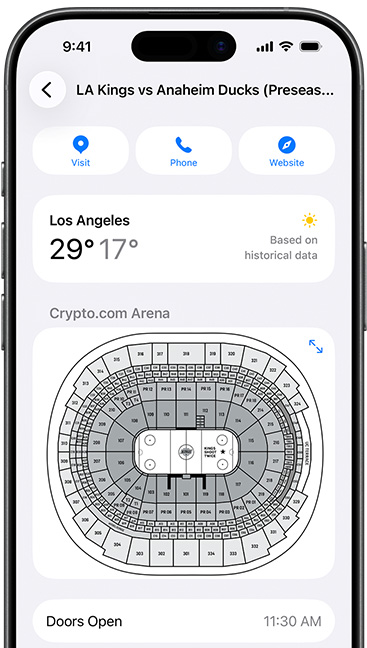
live events.

Just show.
And go.

Keys
Now with
less key.

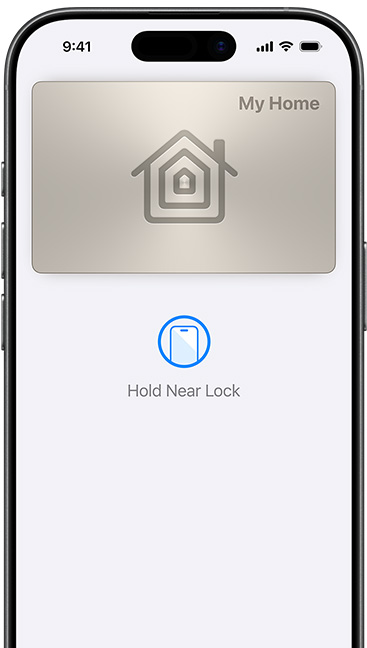
Home key.
So nice
to come
home to.

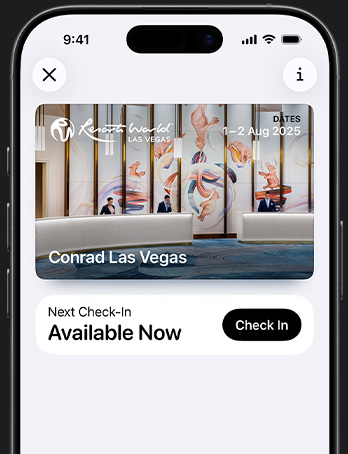
Hotel key.
A new level of room service.

Car key.
Leave the keys. Take the wheel.

The wall around Wallet.

Wallet takes full advantage of the privacy and security built into iPhone, which is designed to protect your identity and keep what’s yours yours. When you make a purchase, Apple Pay uses a unique transaction code, so your actual card number is never shared by Apple with a merchant or stored on Apple servers. And there’s no need to carry physical cards or touch buttons in stores. So it’s safe to say you’ll feel safer.

Questions? Answers.

  • Apple Wallet is an app on iPhone and Apple Watch that securely and conveniently organises your credit and debit cards, public transport cards, boarding passes, tickets, keys, rewards cards and more — all in one place.

  • Your actual card numbers are never shared by Apple with merchants or stored on Apple servers. And your card information is securely associated with your Apple Account — helping you add and manage your cards and passes across devices.

  • It’s easy to use different cards and passes in Apple Wallet. Some passes can automatically appear based on time and location, like a boarding pass when you arrive at the airport.

    If you have a credit, debit, prepaid, store or rewards card in Wallet that works with Apple Pay, just double-click the Home button to open Wallet and use your card from the reader. On iPhone X or later, double-click the side button. Learn more

    You can even use your iPhone or Apple Watch as a car key. Learn more

  • Apple Pay is the safe way to pay and make secure purchases in stores, in apps and on the web. Apple Wallet is the place where you store your credit or debit cards so you can use them with Apple Pay.

Apple Pay

Pay the Apple way.

Learn more