
Final Cut Pro
感動の
Final Cut Proなら、
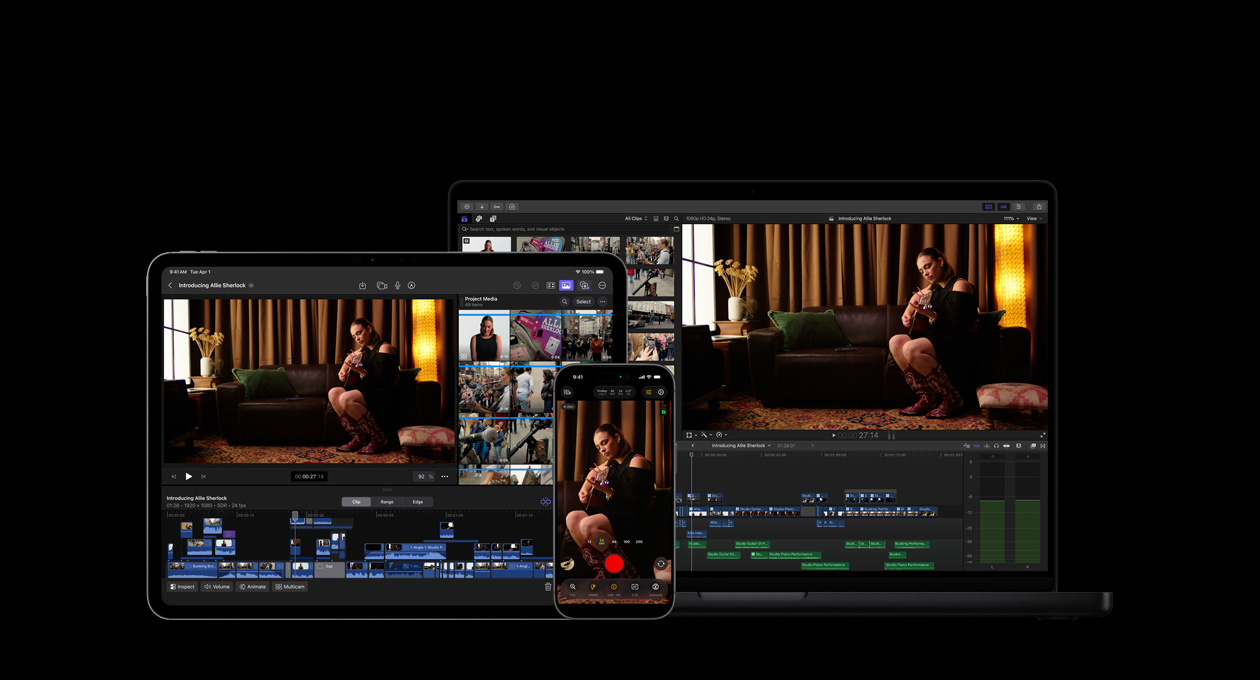

-
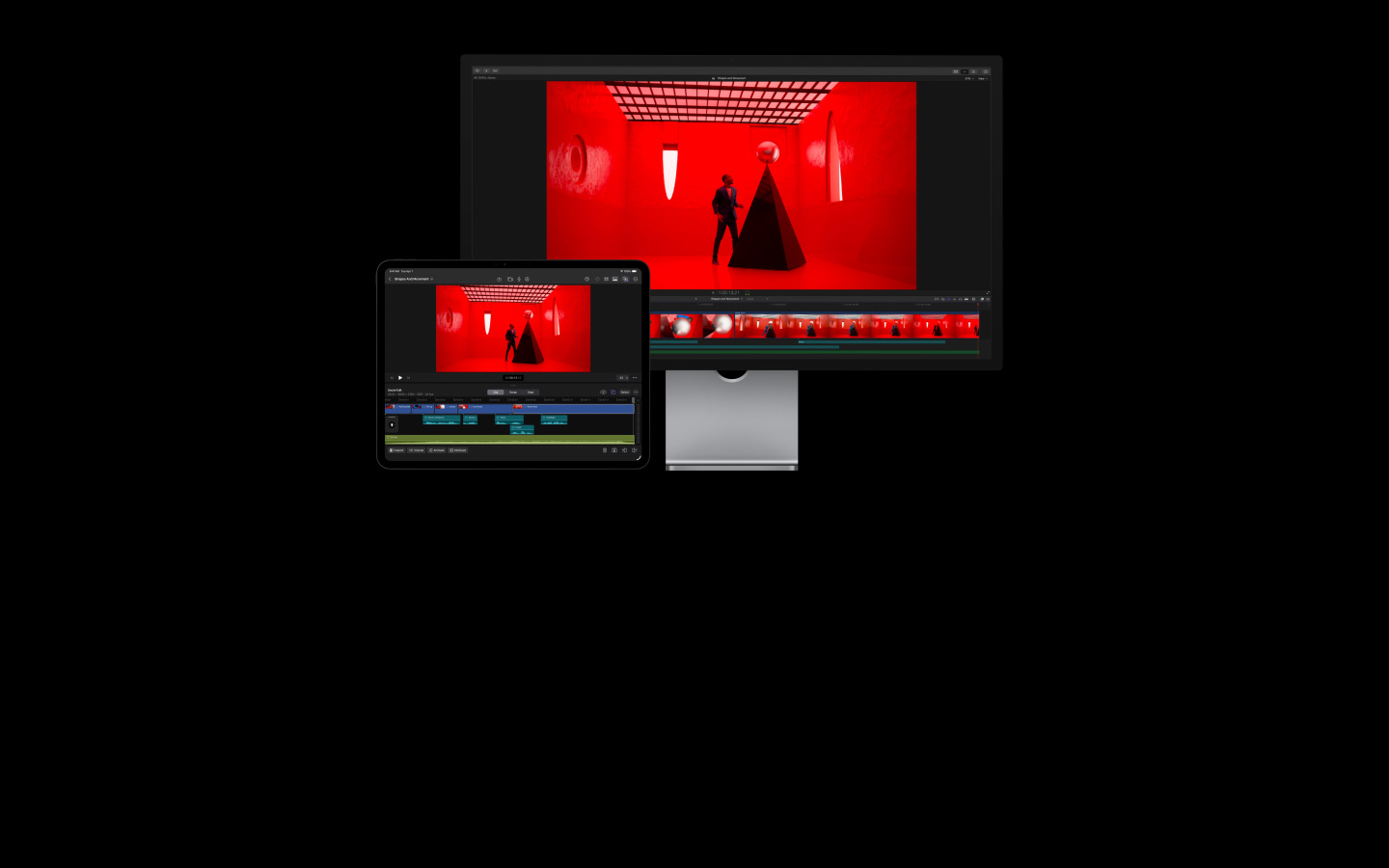
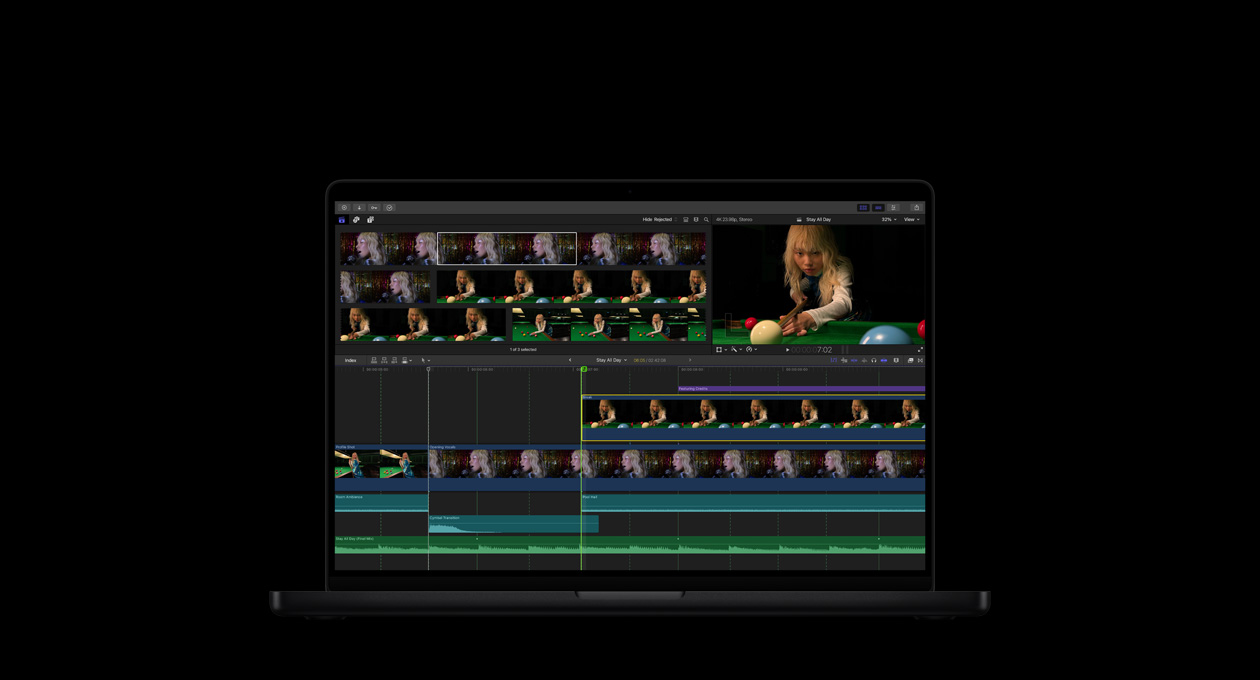
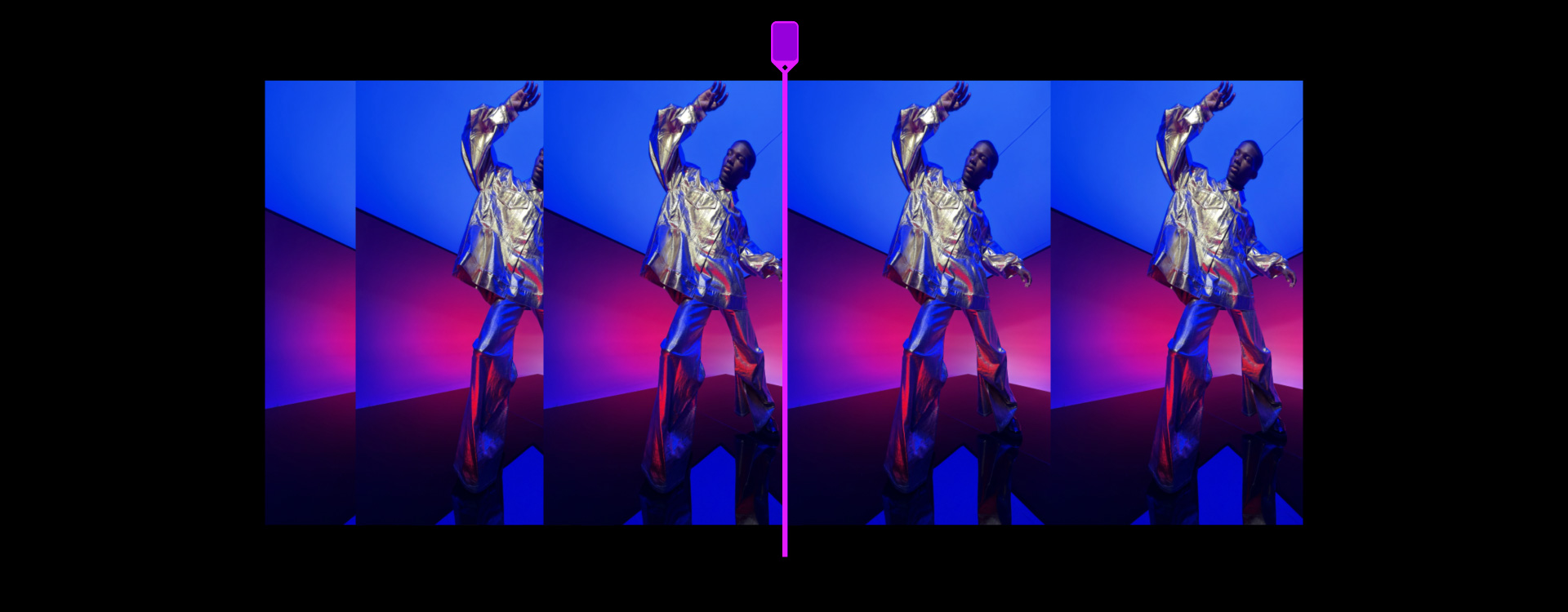
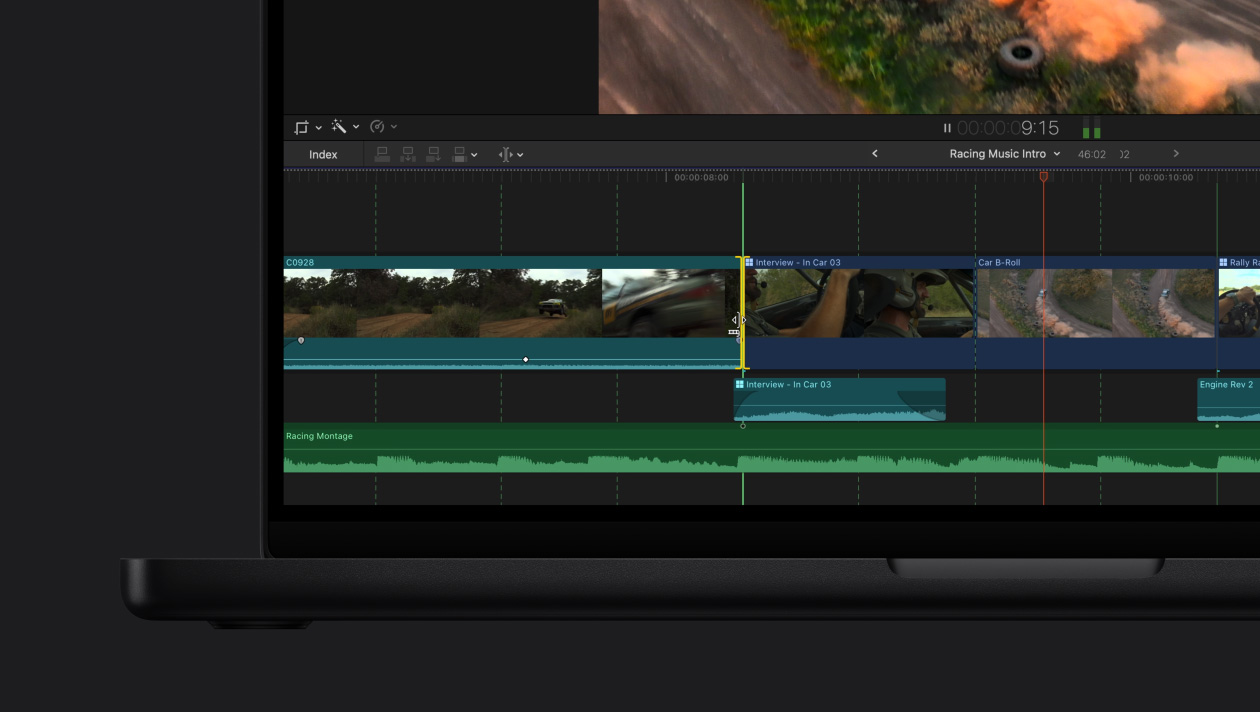
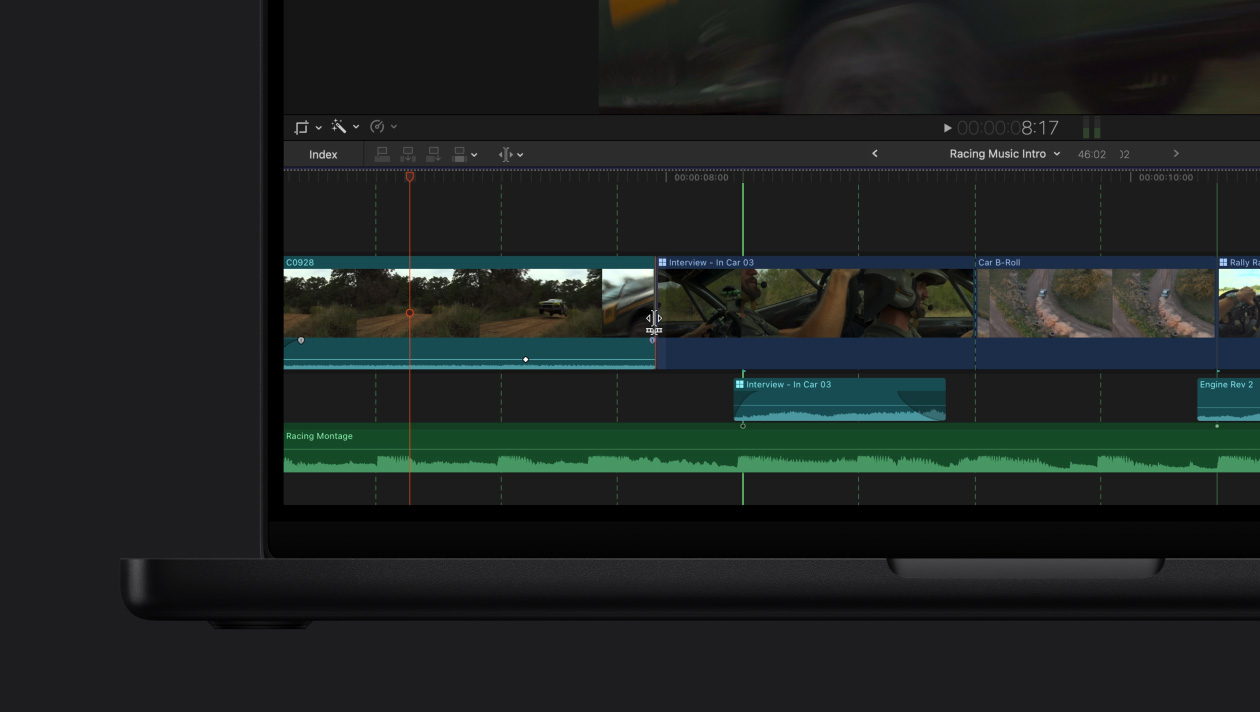
マグネティックタイムラインですばやく柔軟に編集。
すべての同期を保ちながら、クリップを移動したりトリミングできます。編集やストーリーのアイデアをあれこれ試しましょう。
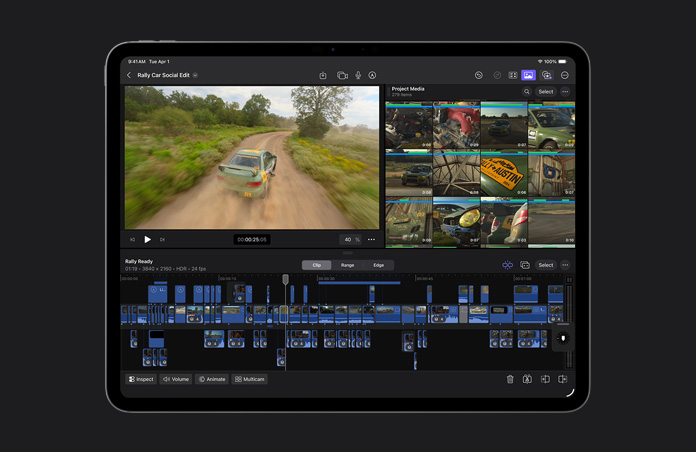
-
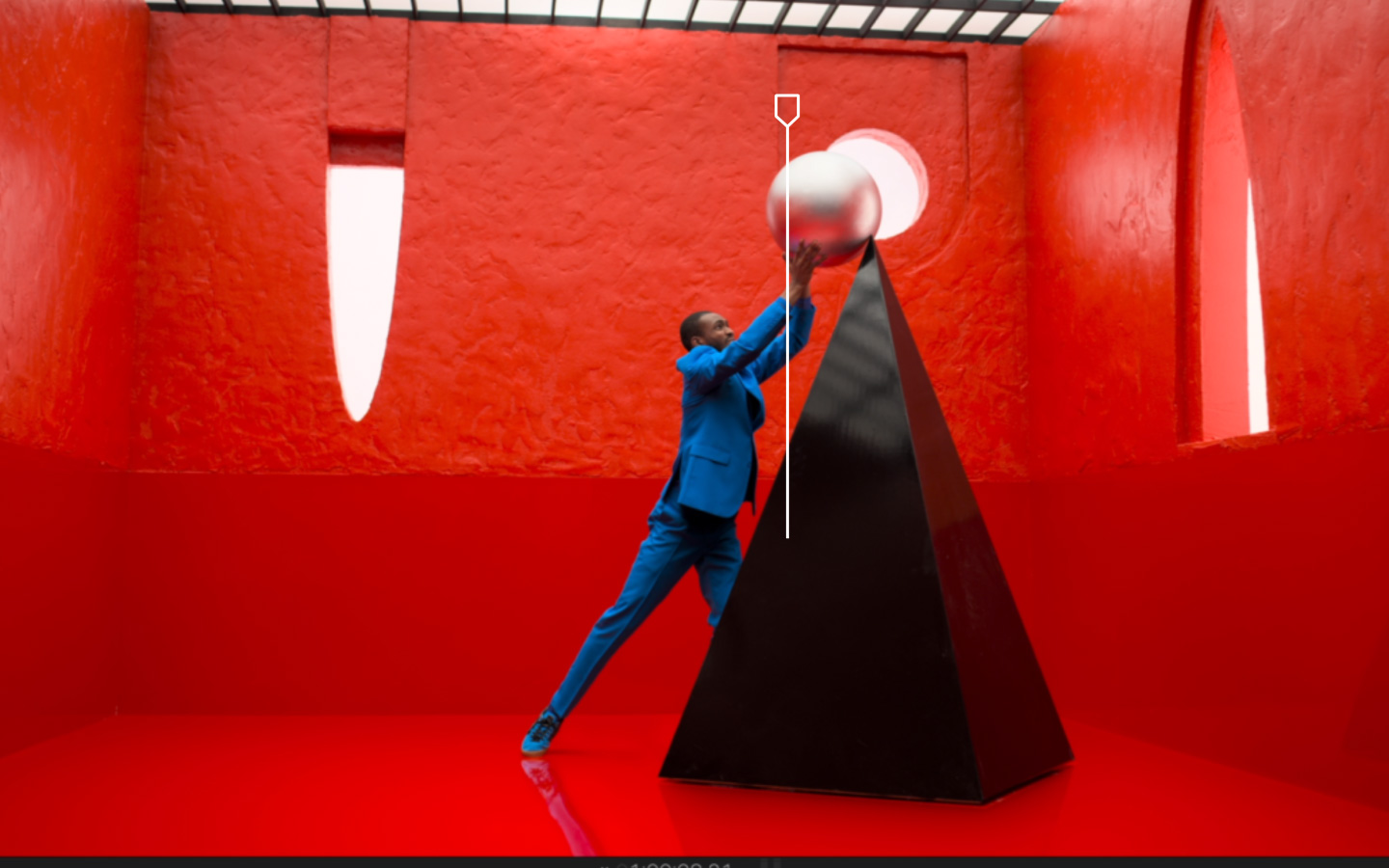
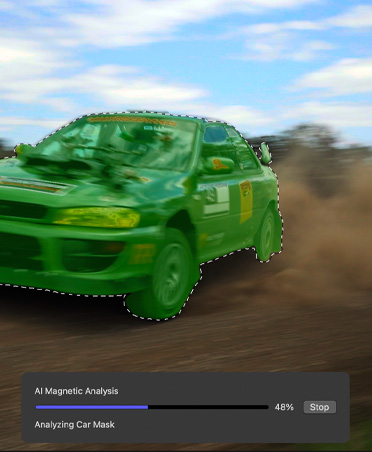
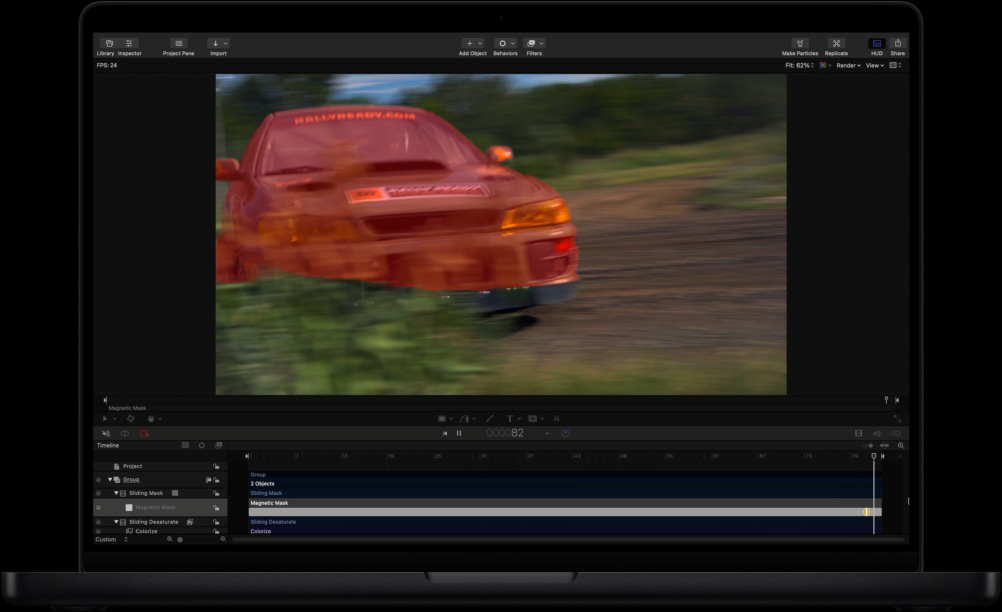
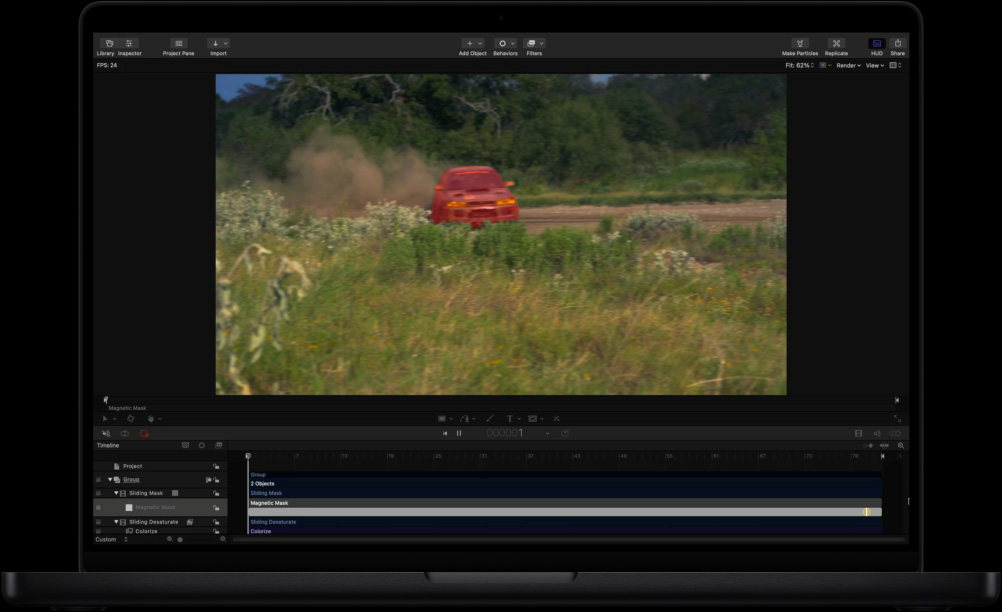
マグネティックマスクで分離。
グリーンスクリーンや複雑なロトスコープを使わずに、人やオブジェクトを背景から分離できます。
-
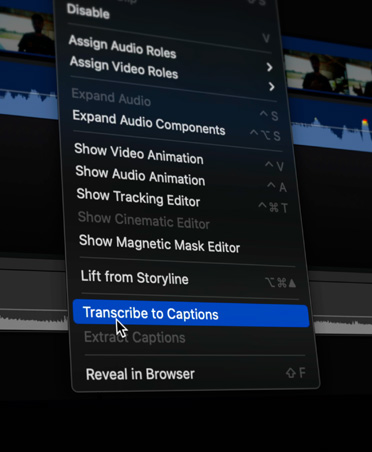
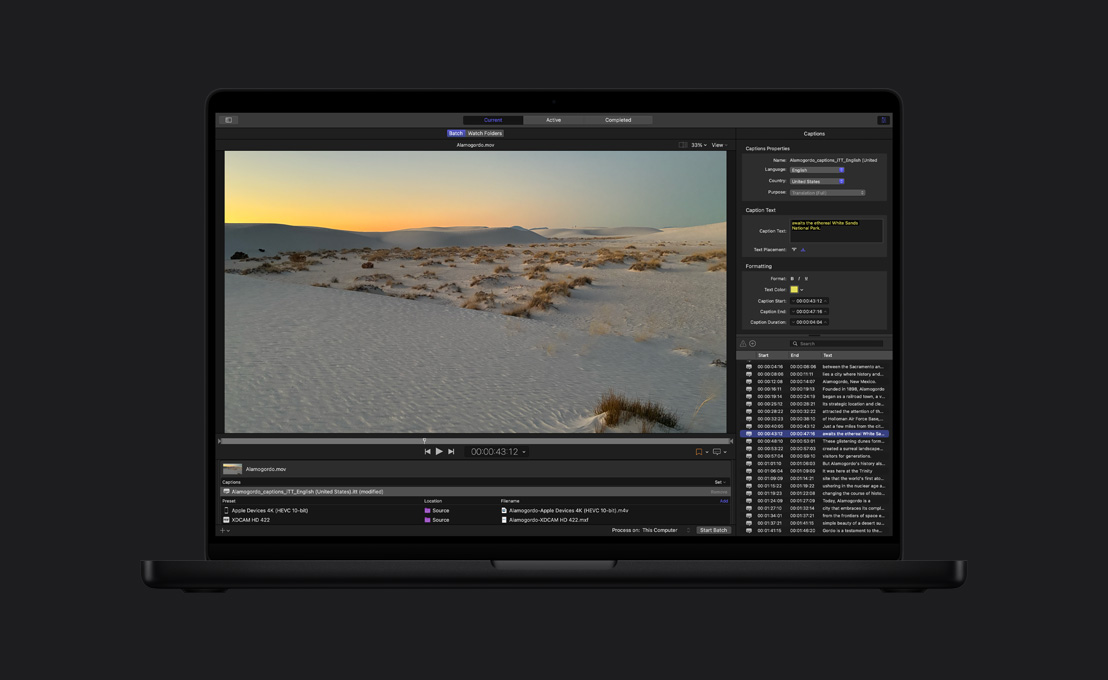
自動キャプション。
Final Cut Proは人の声を分析して、正確なキャプションを瞬時に生成します。

-
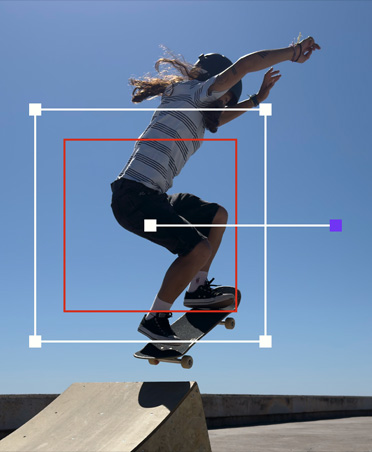
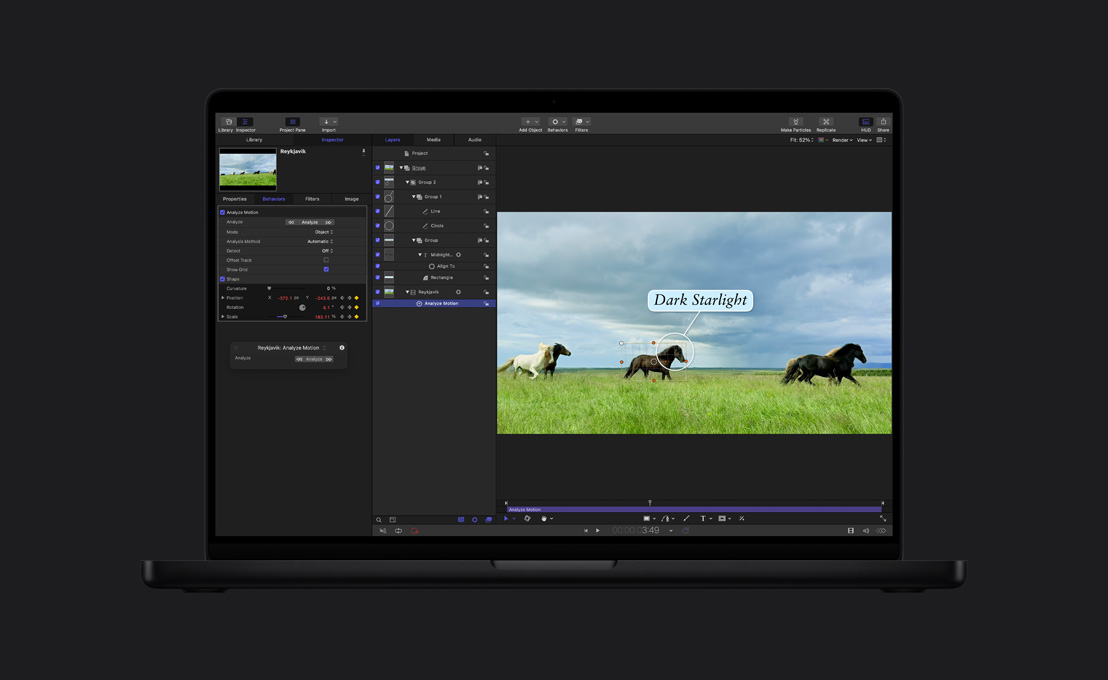
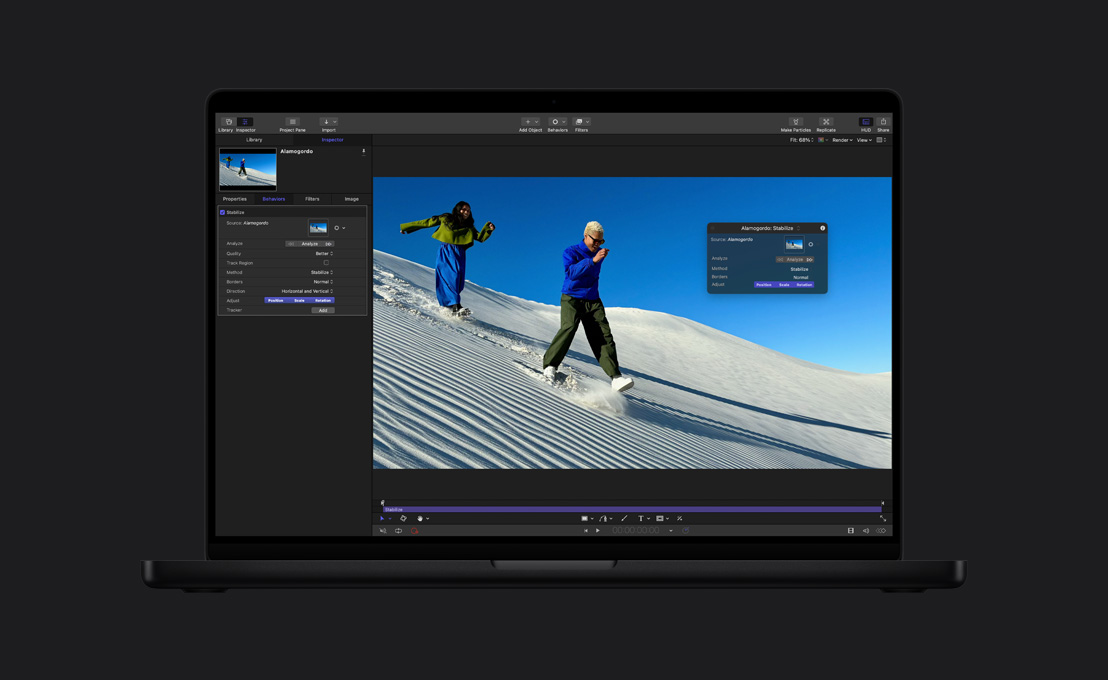
動きを自動的にトラッキング。
オブジェクト・トラッカーが人、オブジェクト、顔の動きをマッピングするので、ショット内での動きに合わせてエフェクトやタイトルを加えたり、調整できます。
-
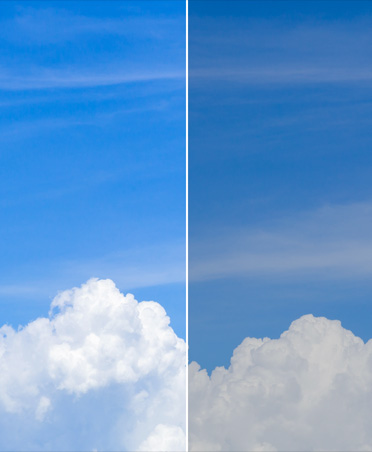
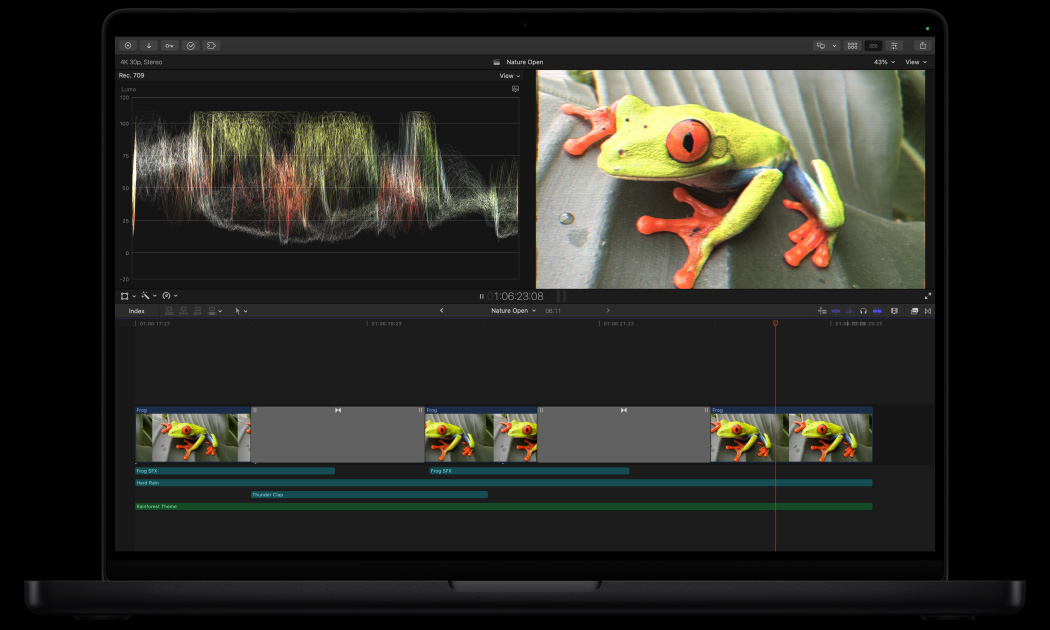
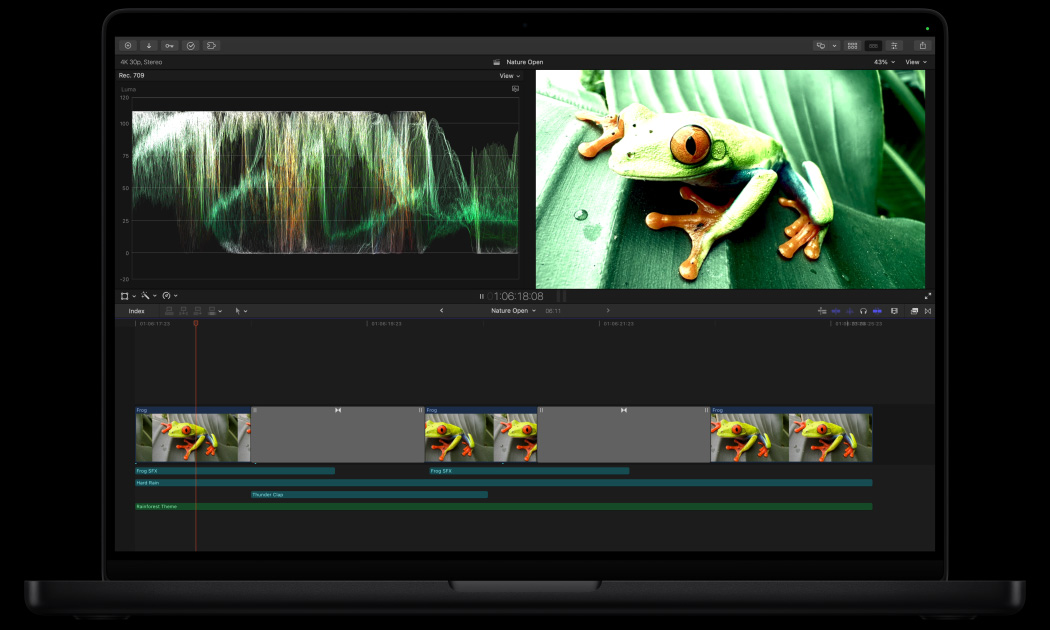
ワンクリックでカラーグレーディング。
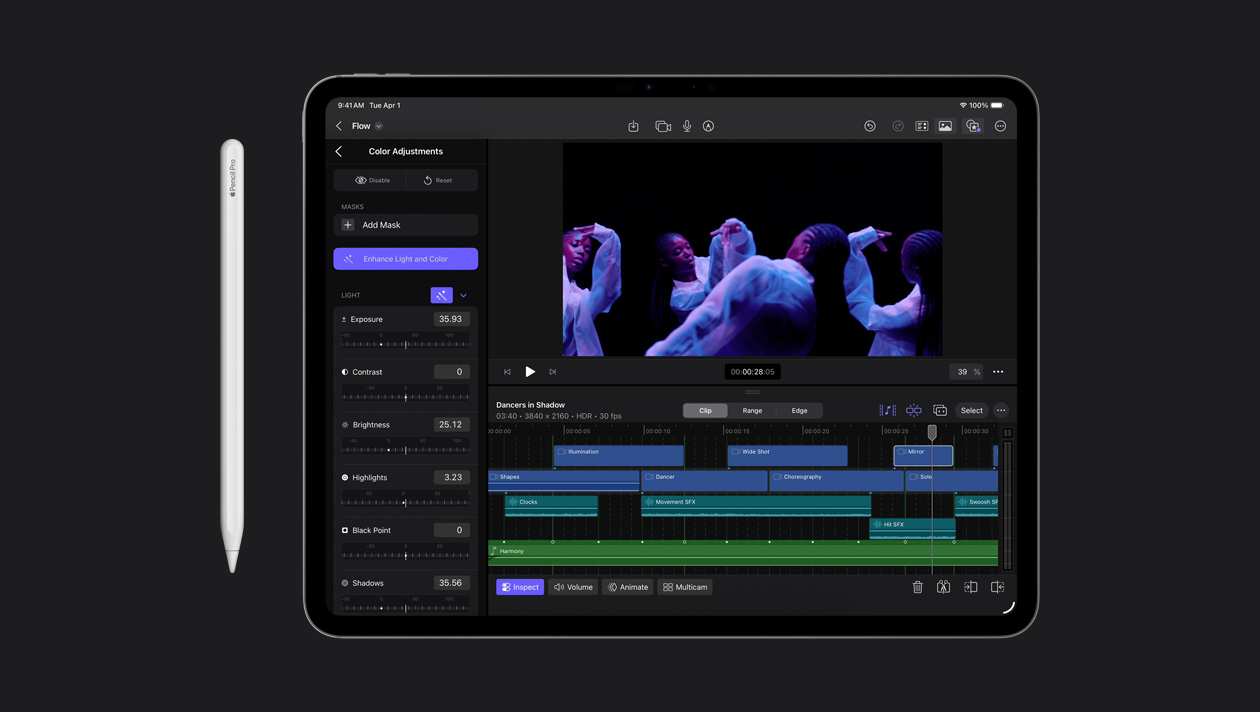
機械学習を活用した「ライトとカラーの補正」エフェクトで、ビデオや静止画像のカラーバランス、コントラスト、ブライトネスを自動補正できます。
-
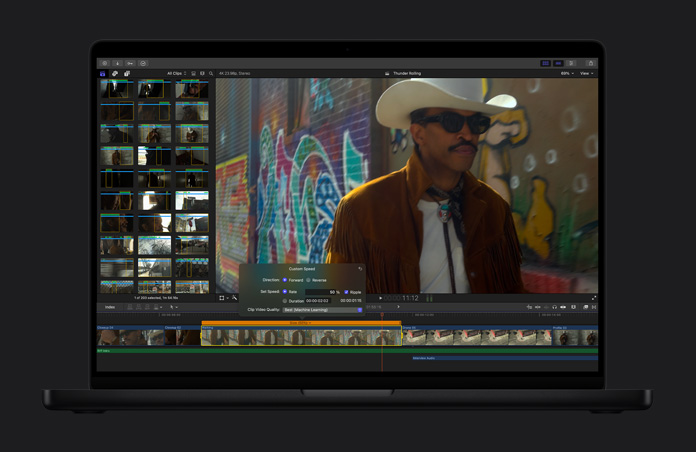
ビデオをスローモーションに。
「スローモーションをスムージング」機能は、ビデオフレームの生成とブレンドを賢く実行。最高品質の動きをもたらし、プロジェクトをよりドラマチックにします。
-
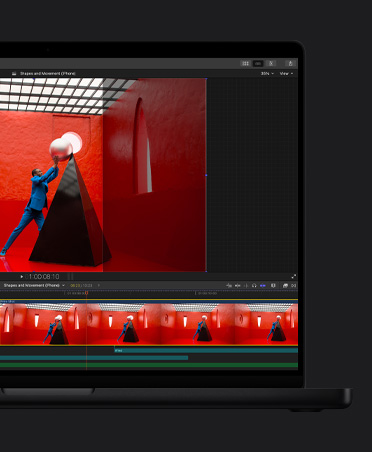
クリップを自動でリフレーム。
Mac、iPhone、iPadだけでなく、お気に入りのすべてのSNSですぐに共有できるように、ビデオがあらゆるアスペクト比にシームレスに調整されます。
ビート検出で
-
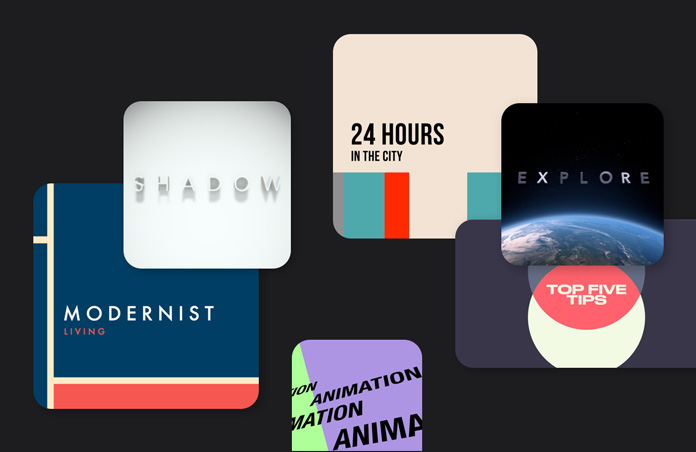
グラフィックスとトランジション。
縦向きでも横向きでも柔軟にカスタマイズできる、ダイナミックなビデオコンテンツ。幅広いオプションがそろったライブラリにアクセスできます。
-
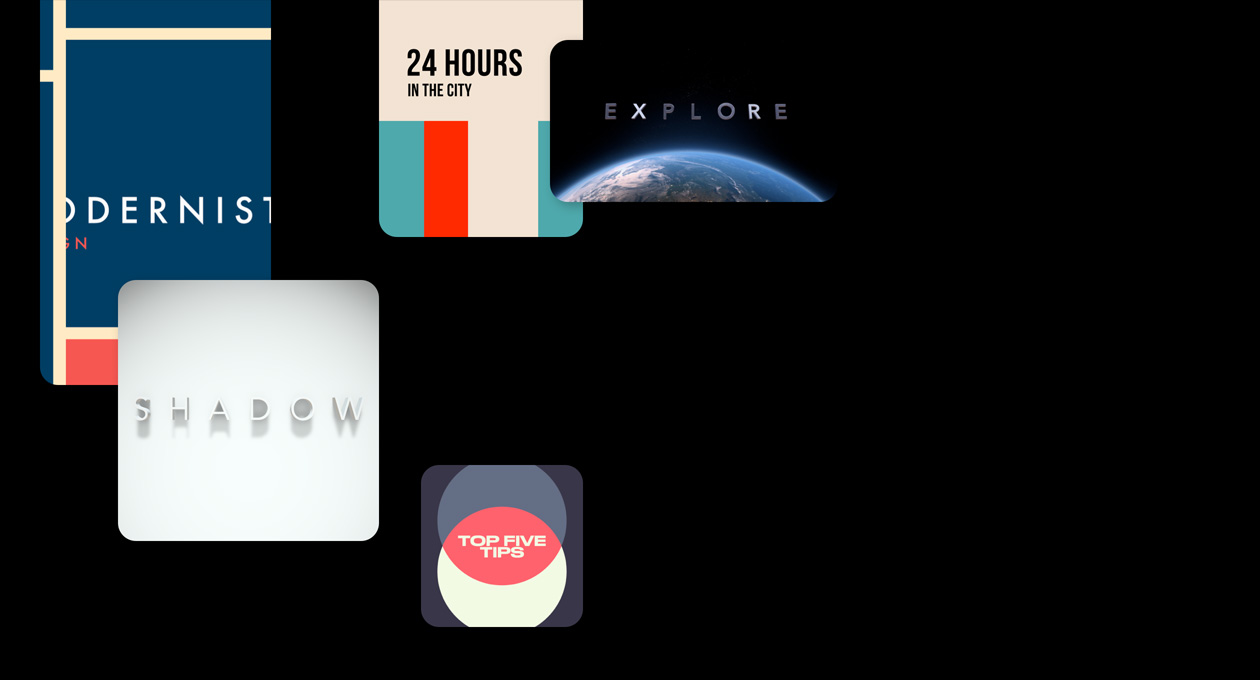
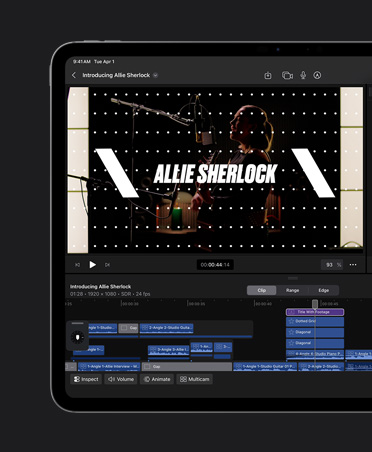
ダイナミックなタイトル。
テーマ付きのタイトル、下3分の1、バンパーをカスタマイズして、プロジェクトを引き立てましょう。
-
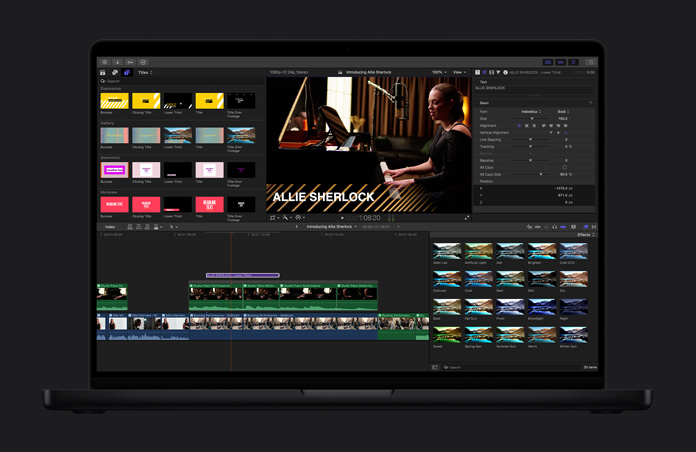
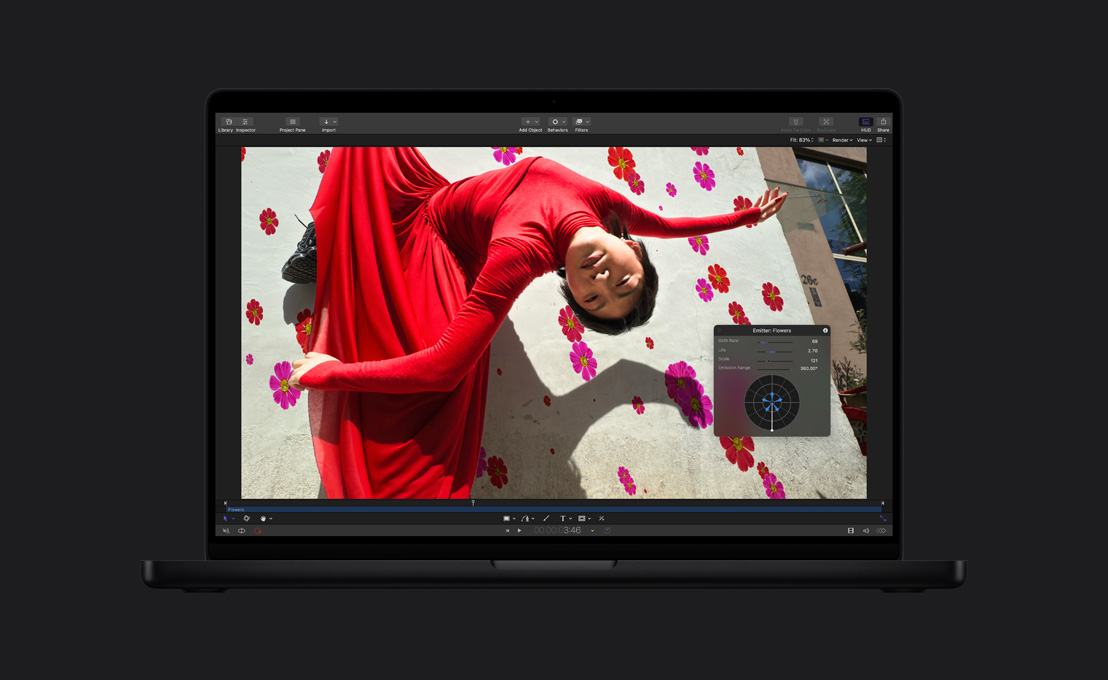
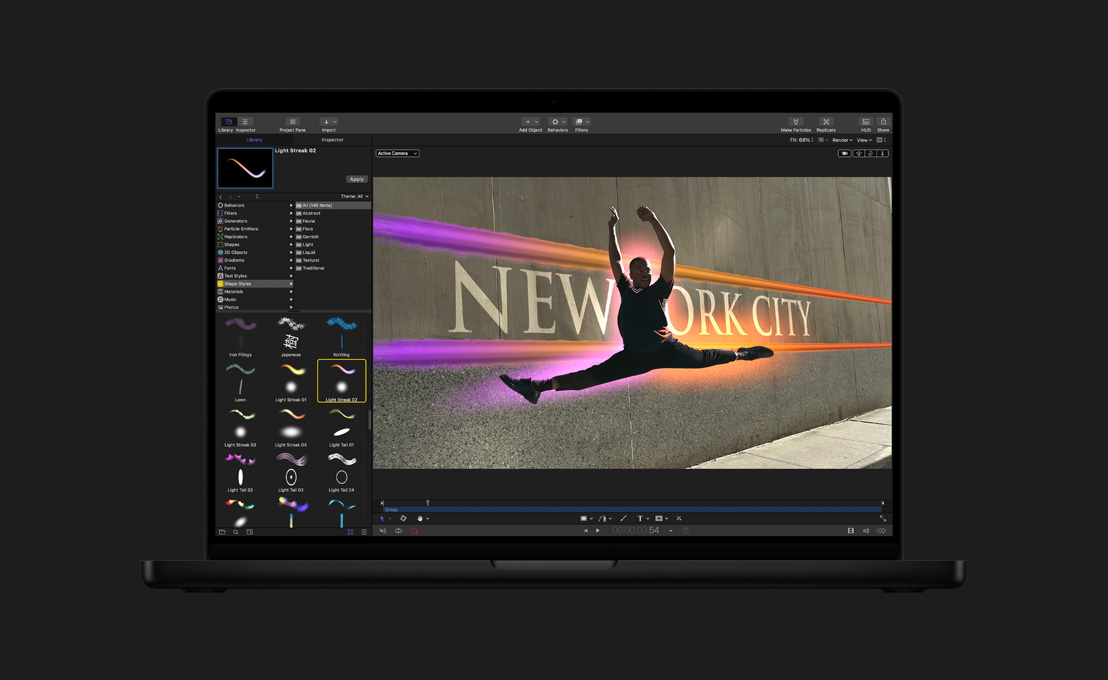
パワフルなエフェクト。
ドラッグ&ドロップするだけで、驚くようなビジュアルが生まれます。数えきれないほどの他社製ツールを使えば、できることが広がります。
-
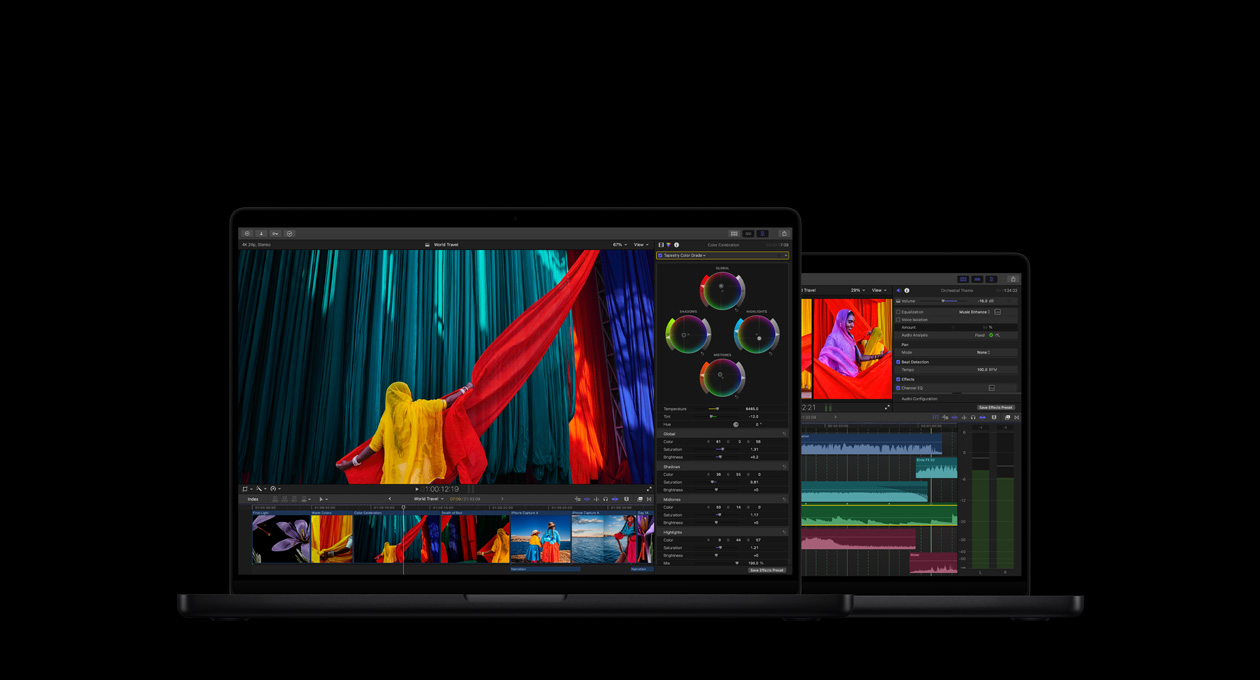
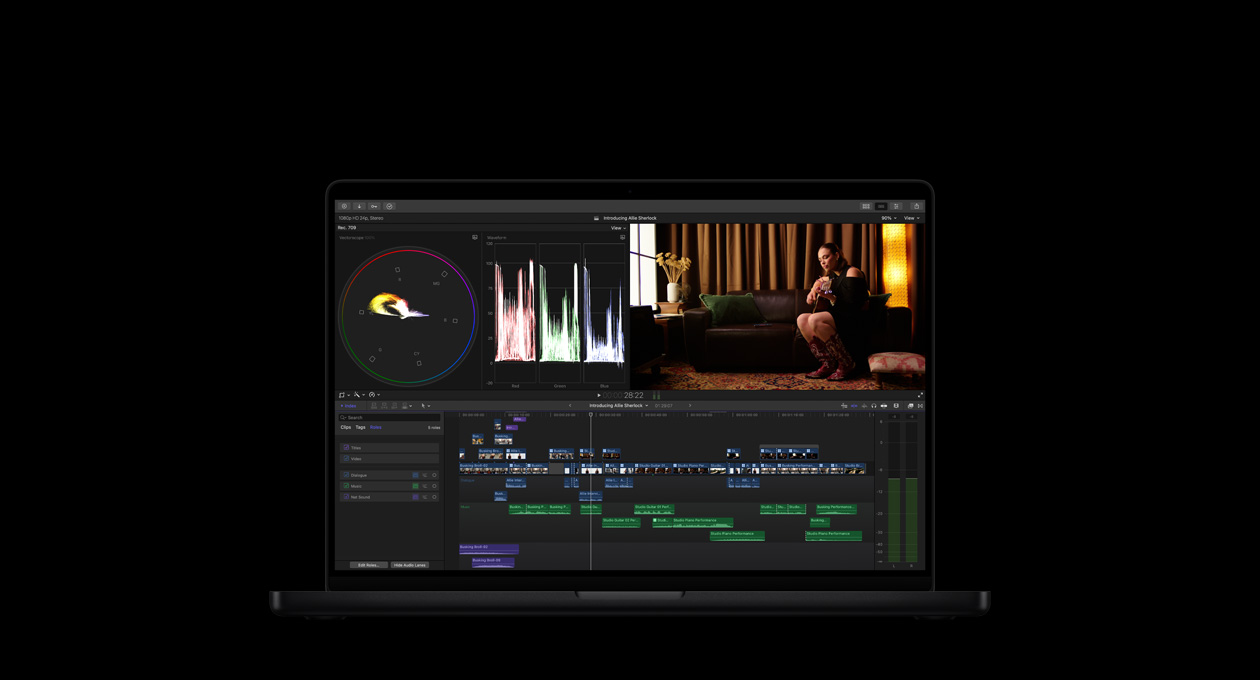
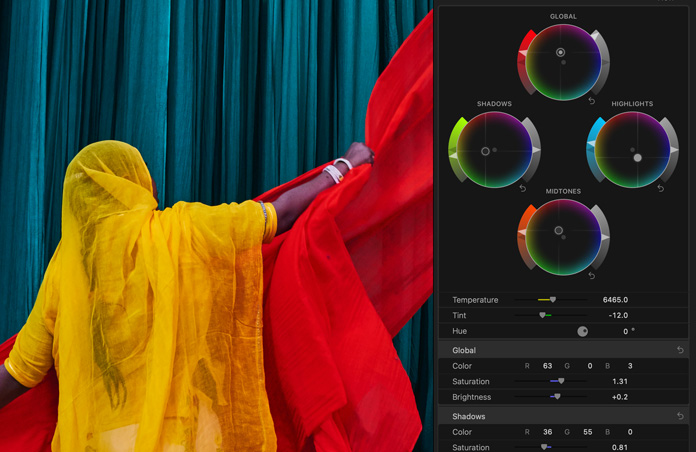
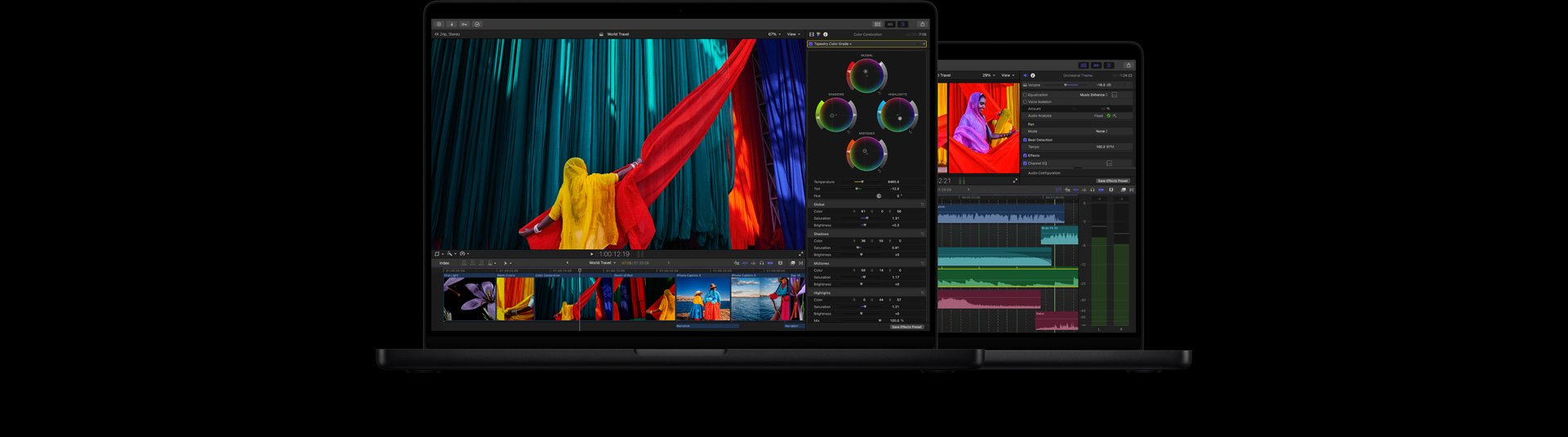
カラーグレーディングを完璧に。
カラーカーブ、ヒュー/サチュレーションカーブ、カラーホイールを持つカラーインスペクタ、LUTの適用機能など。プロ仕様のツールを使って、プロジェクトを最高に美しく仕上げられます。

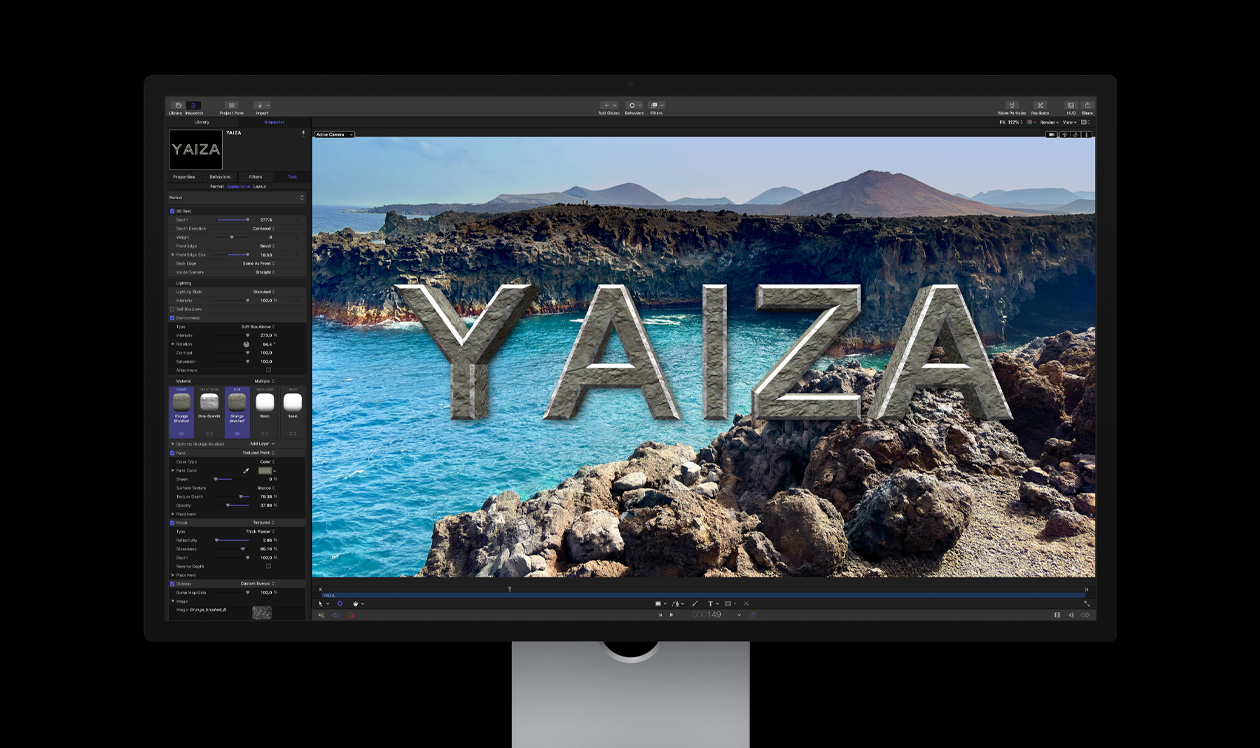
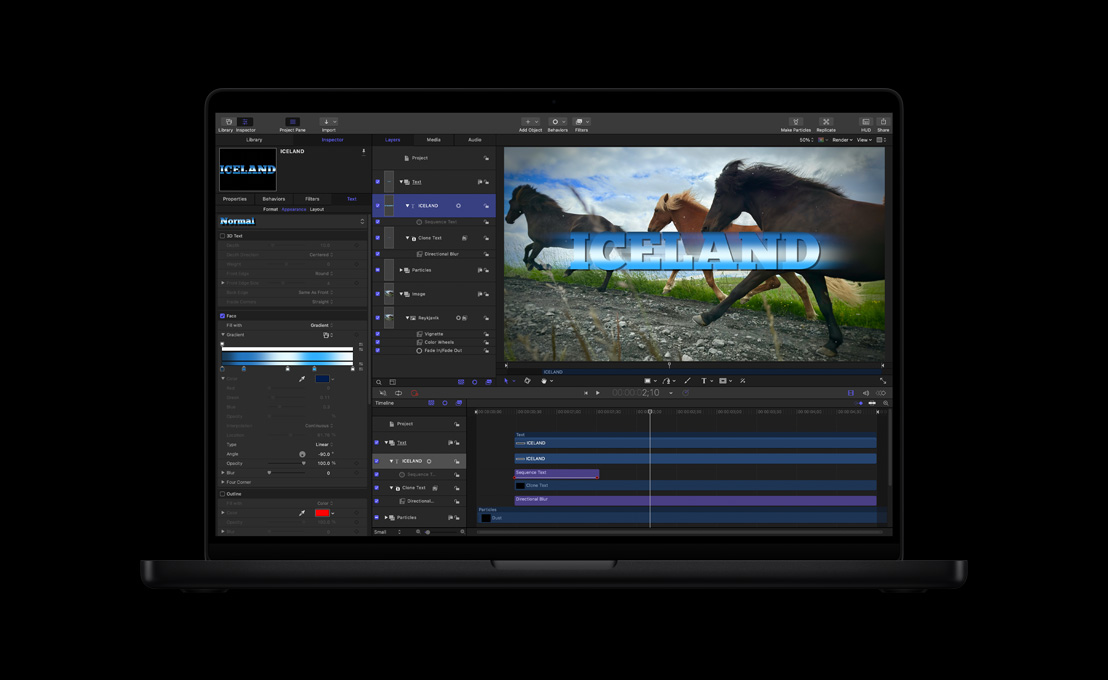
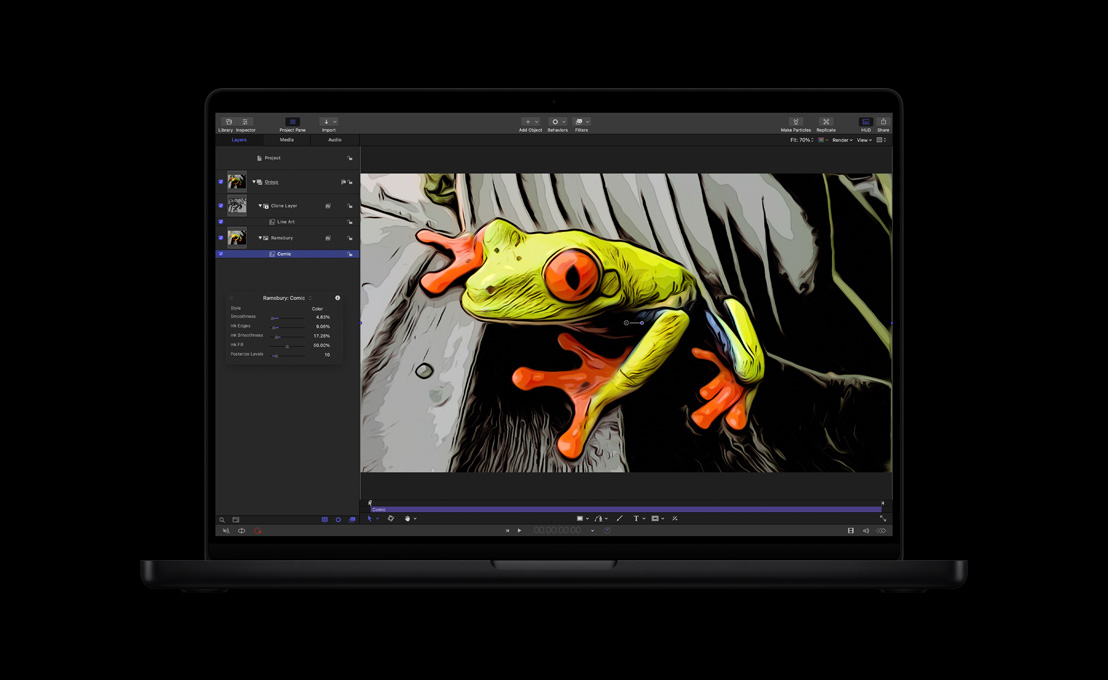
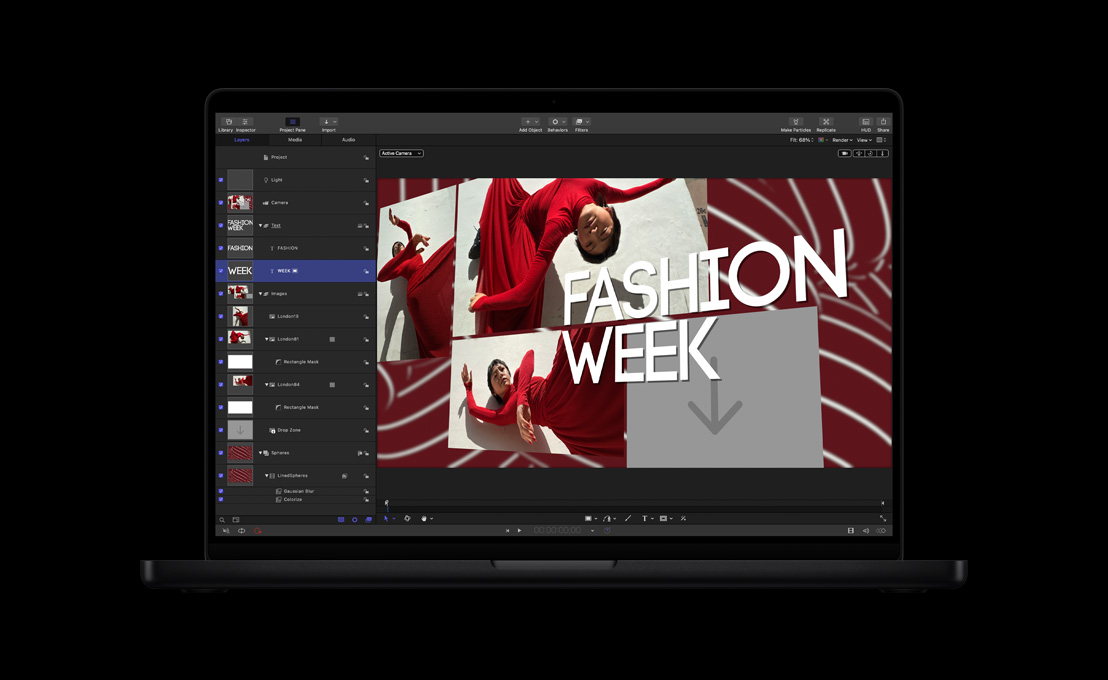
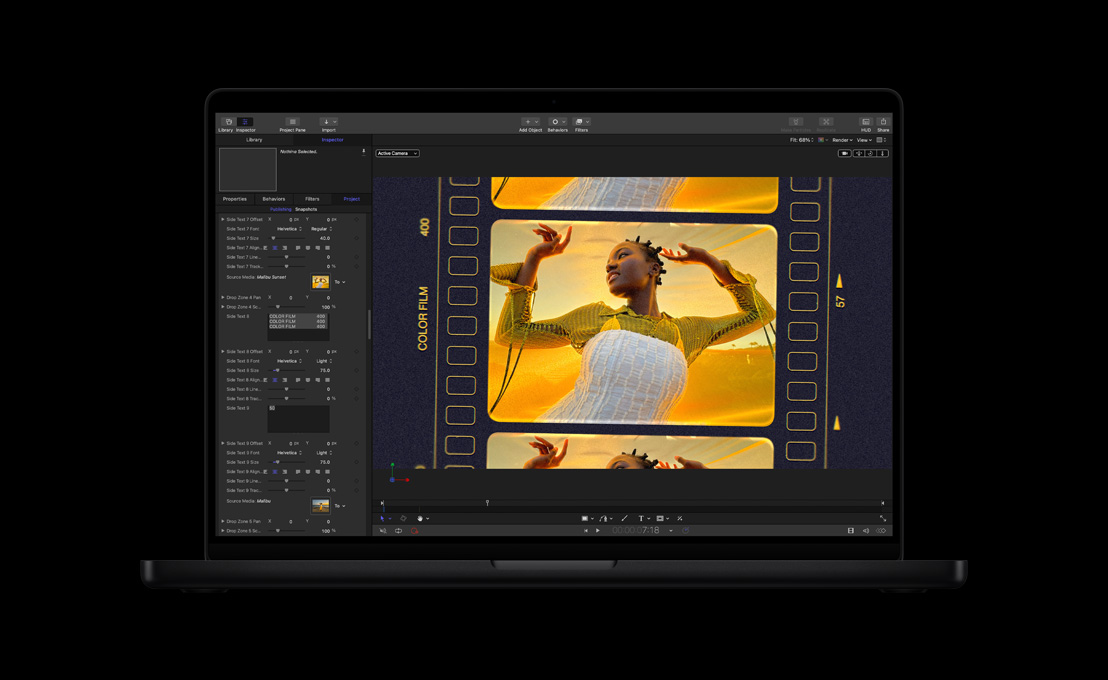
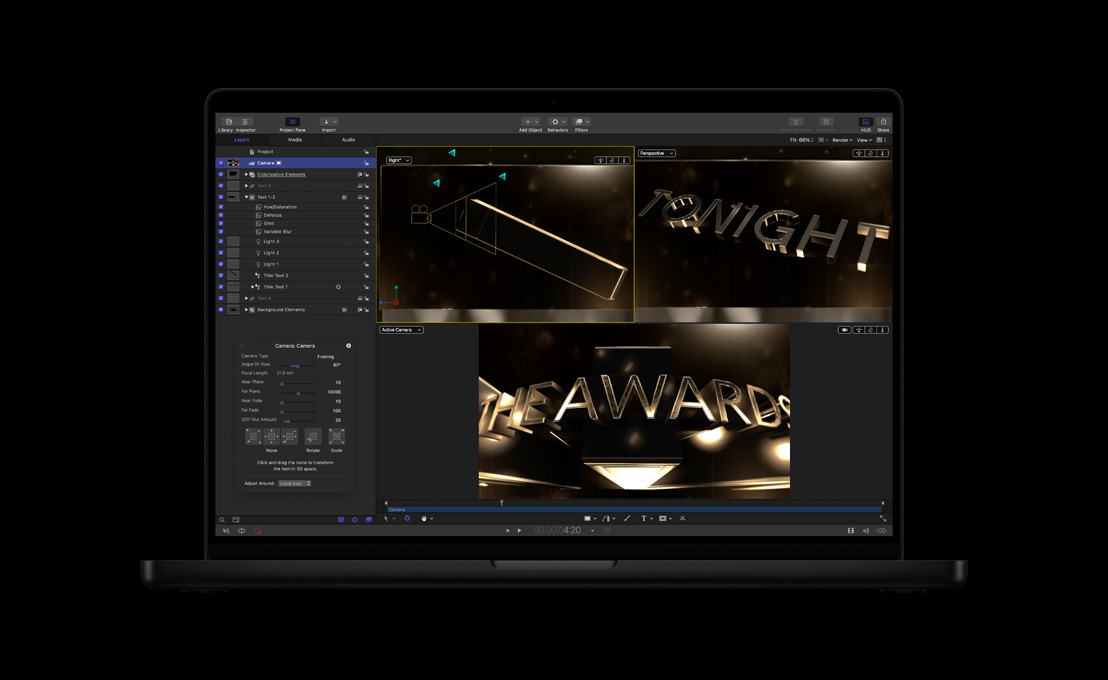
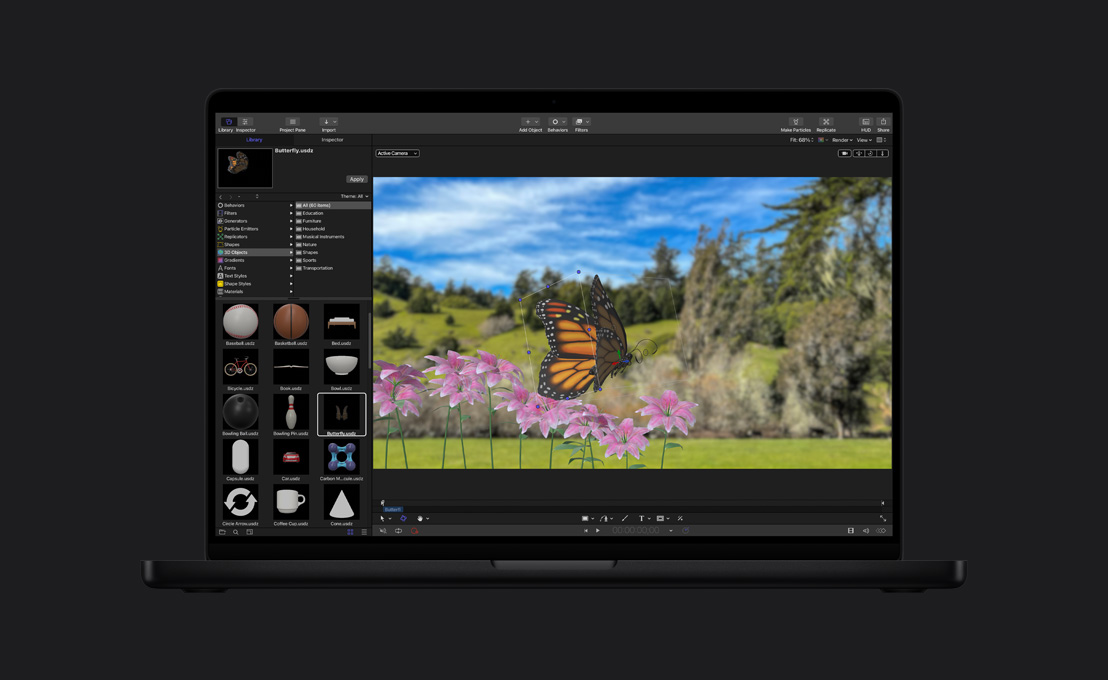
Motion。心まで

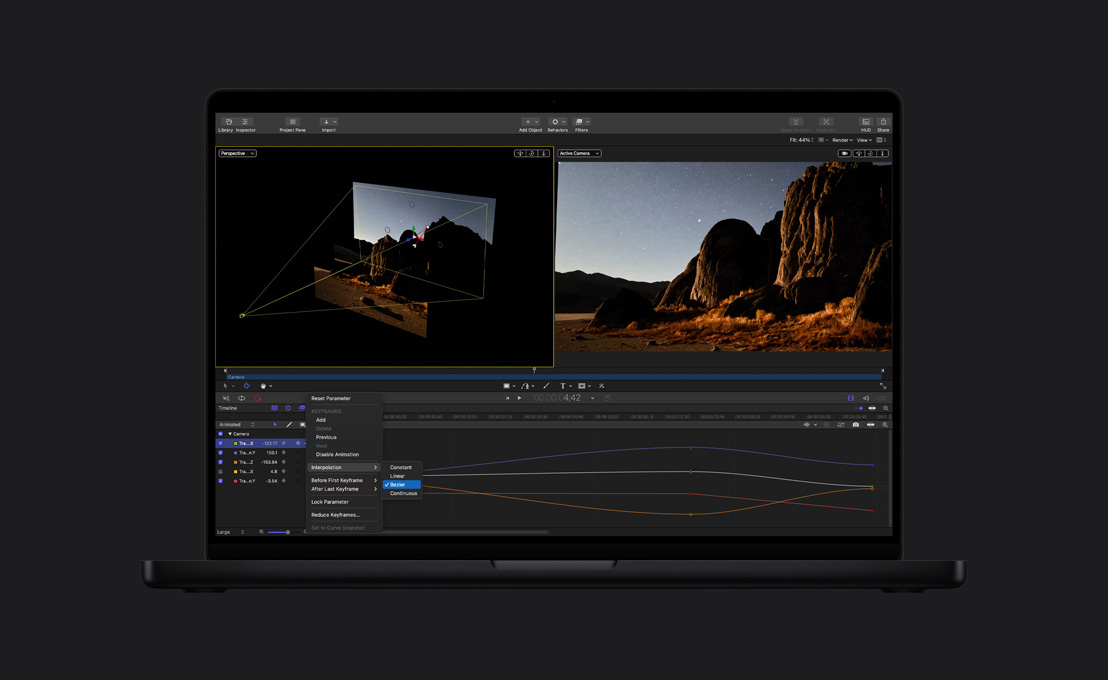
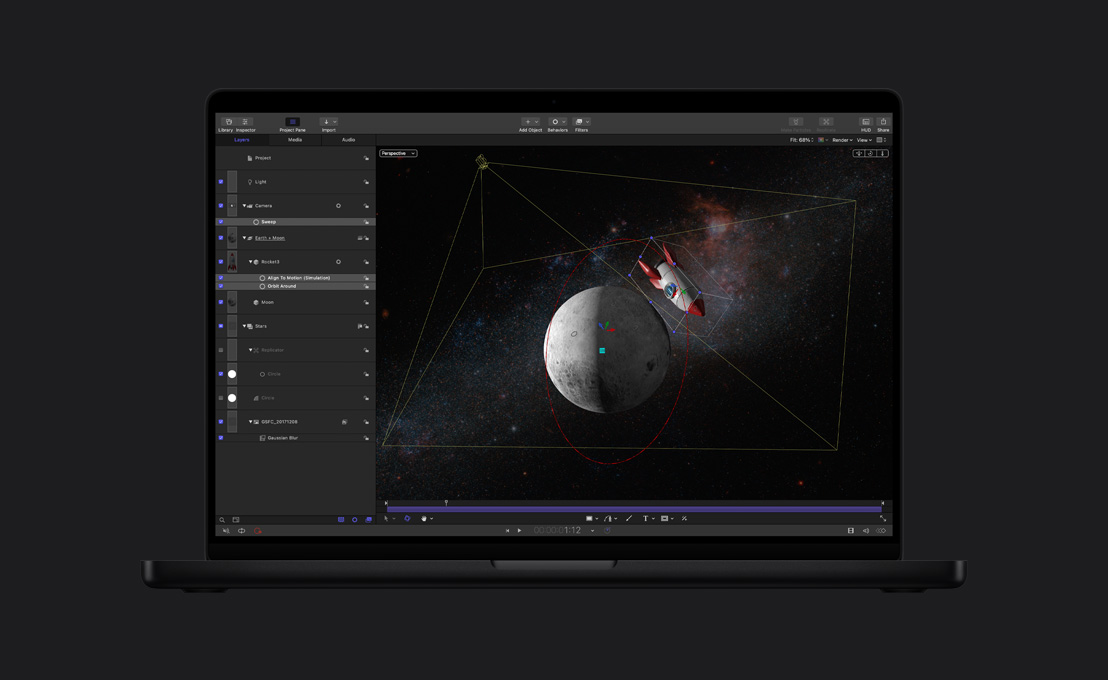
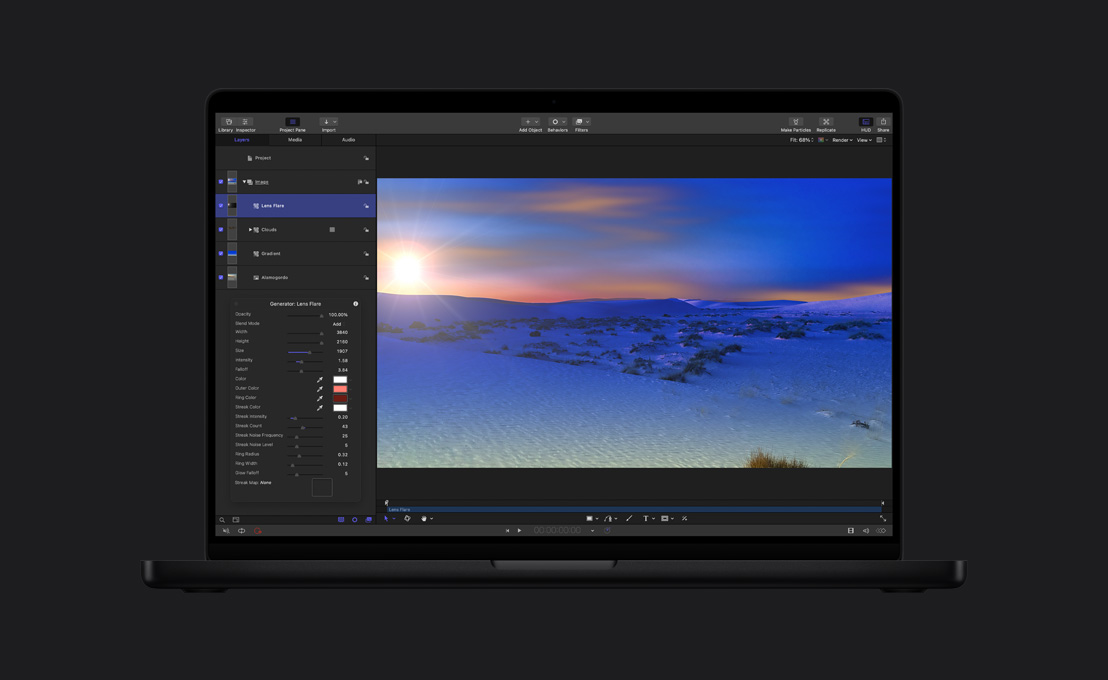


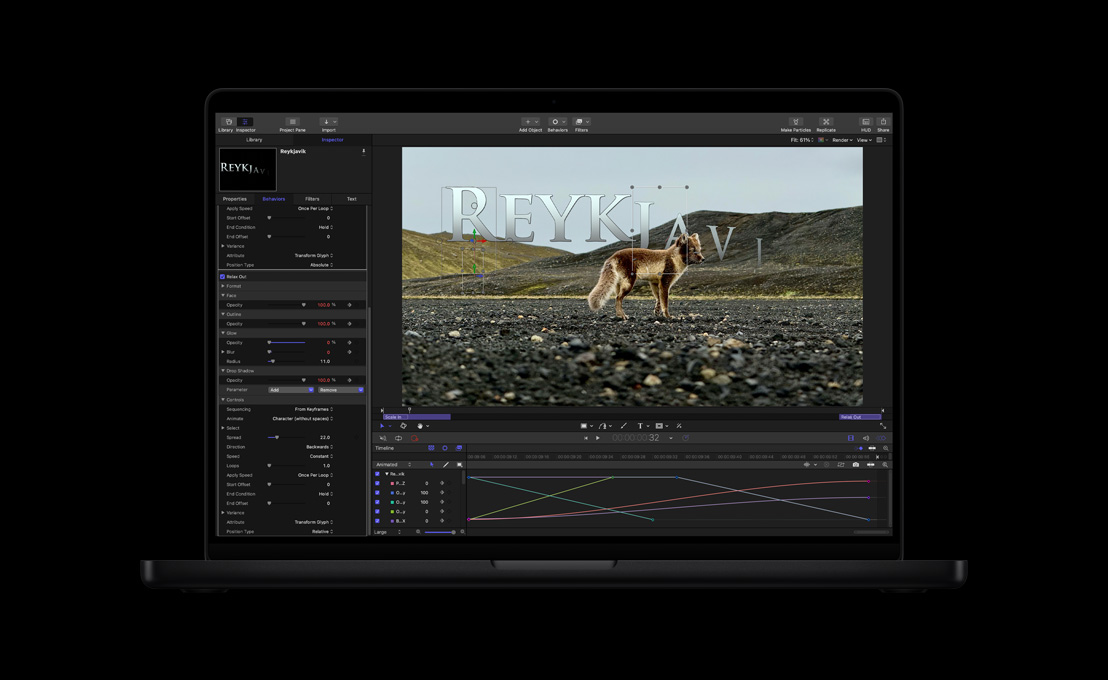


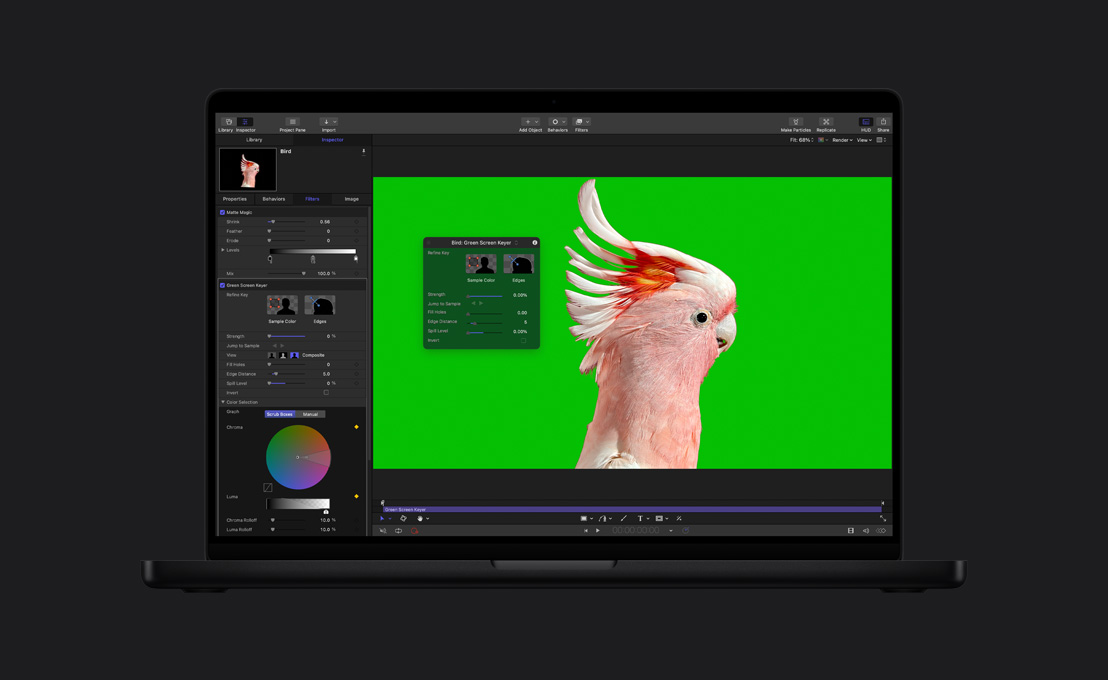

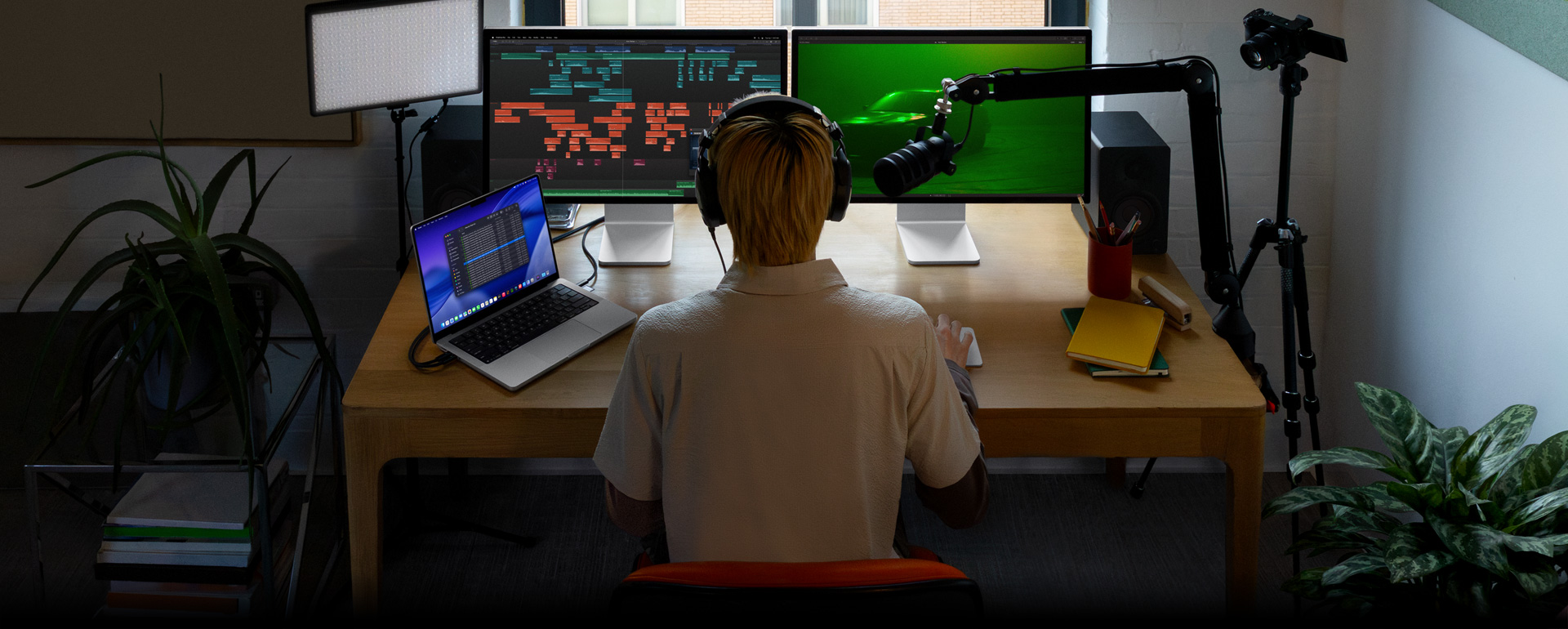
-
オーディオ編集ツール。
オーディオの圧縮、EQ、
より大胆なエフェクトのための プラグインがそろったライブラリから好きなものを選べます。Logic Proのようなプロ向けオーディオアプリに書き出して、高度なオーディオミキシングを行うこともできます。 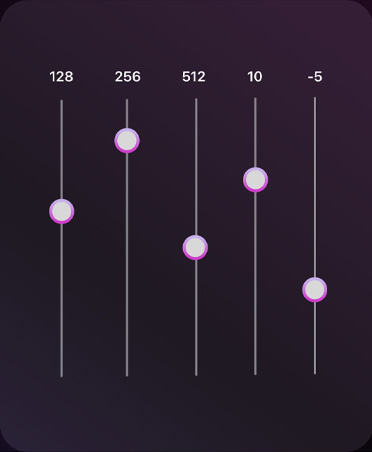
-
Logic Proのエフェクトを使う。
アプリを切り替える必要はありません。Final Cut Proには、Logic Proのパワフルなオーディオプラグインを幅広く用意。他社製のオーディオプラグインも使え
ます6。 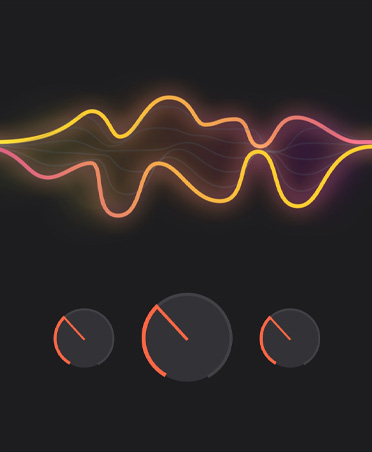
-
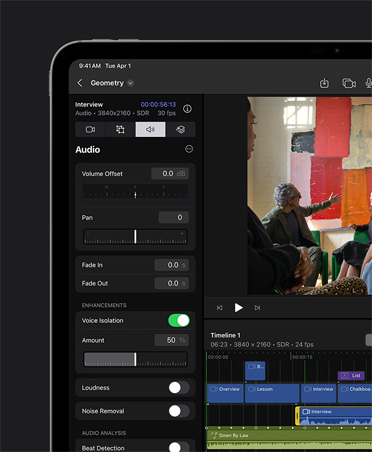
声を分離。
背景ノイズを取り除き、よりクリアな音声にすることで、きれいなサウンドに編集できます。
-
iPad上で、音楽を映像にシンクロさせる。
サウンドトラックが、あなたの プロジェクトの長さにダイナミックに適応。シーンの展開に合わせて拡張したり移動して、同期を保ちます。 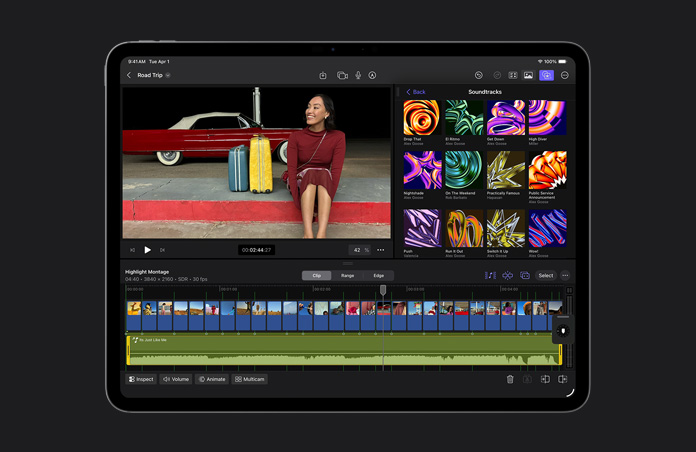
-
ファイルを最適化する。
ビデオをApple ProResにトランスコードすると、編集時のパフォーマンスが向上。レンダリングにかかる時間も短くなり、合成を行った際の色品質も高まります。
-
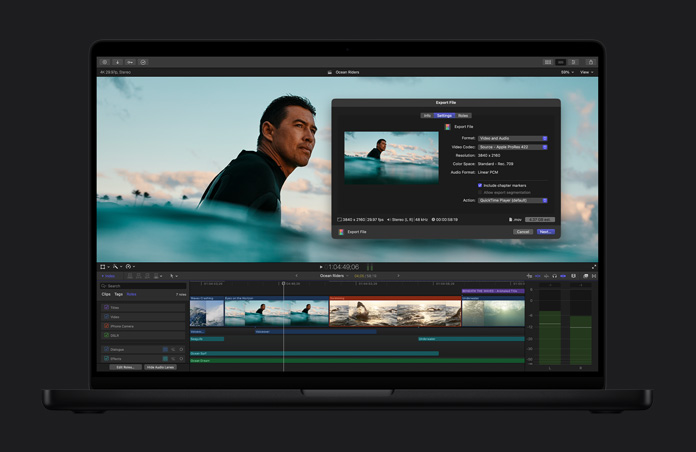
高品質で共有する。
完成したプロジェクトは、ポストプロダクションの最終段階、放送、配信に使用できるプロ品質のファイルとして書き出せます。
-
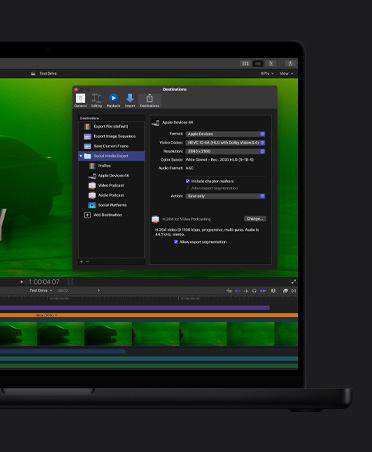
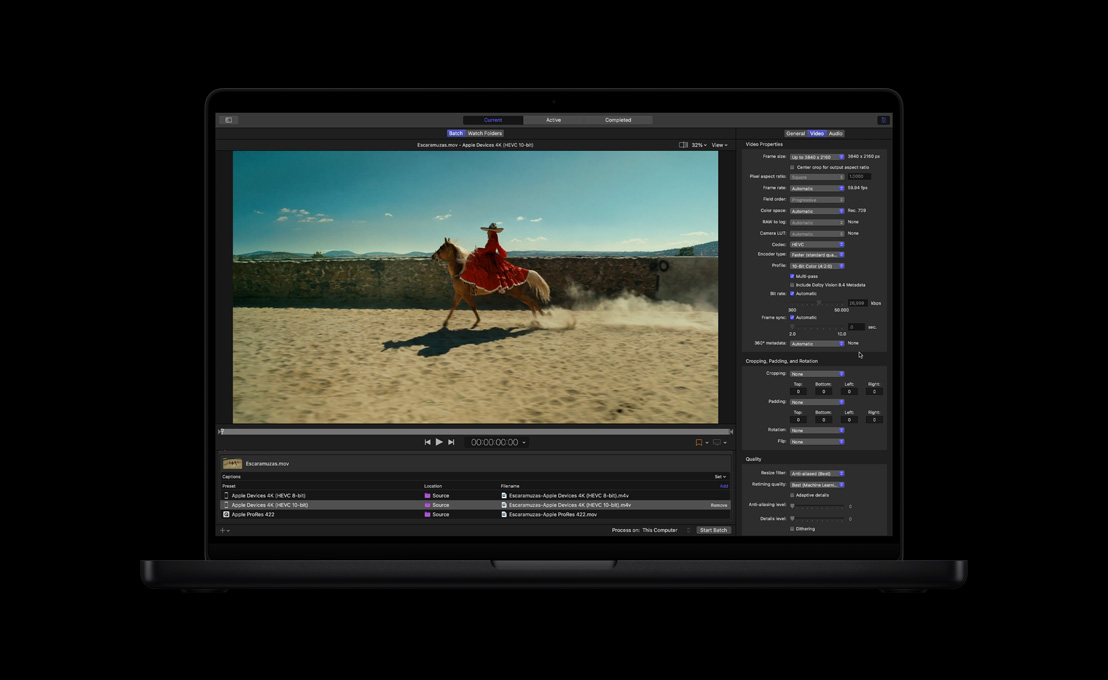
一括で書き出す。
モバイルデバイスやSNSなどの様々な出力先に合わせて、複数のプロジェクト、クリップ、クリップ範囲を同時に書き出せます。

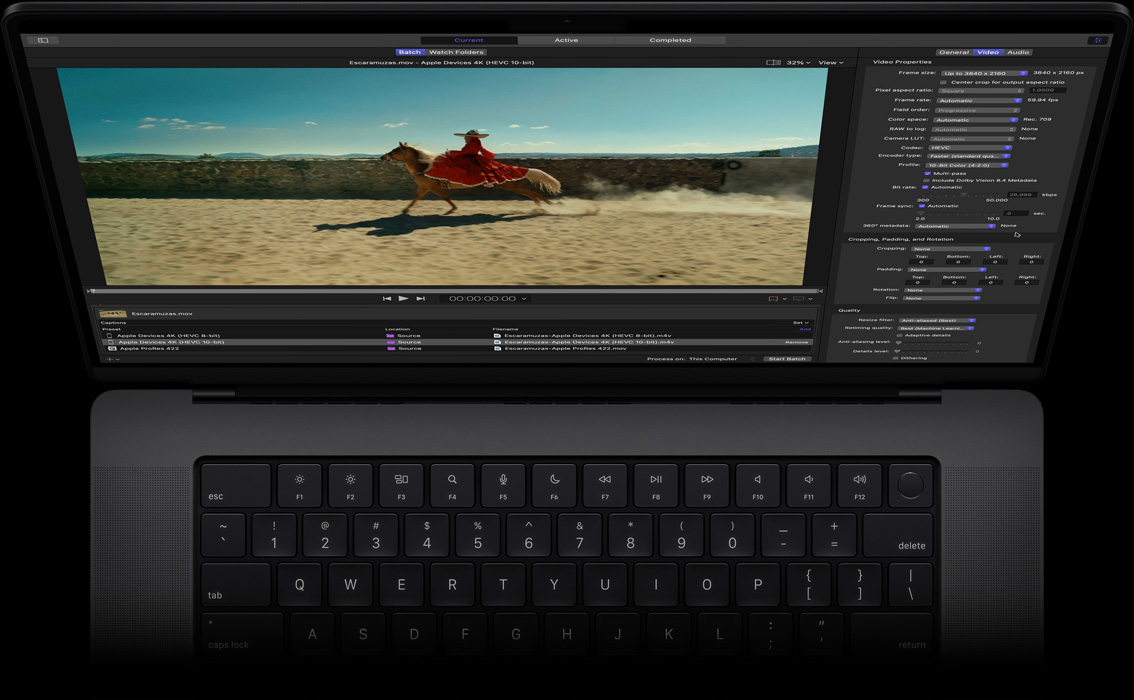
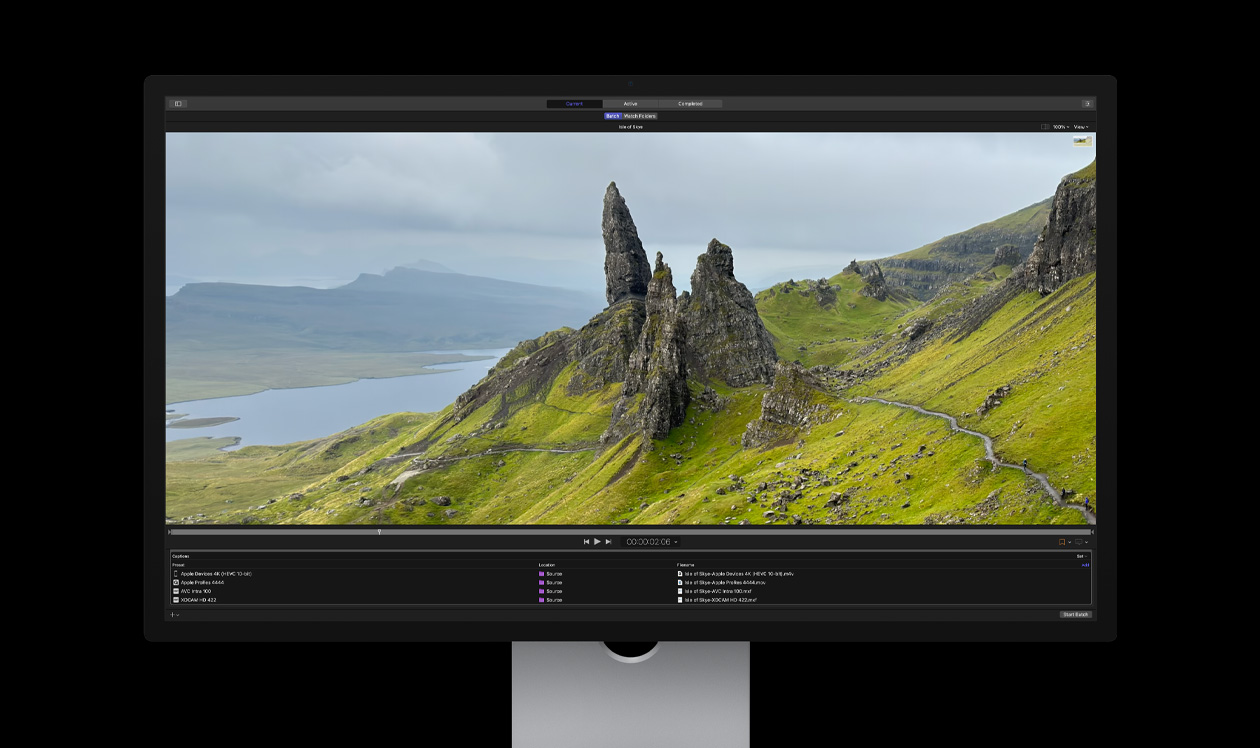
Compressor。


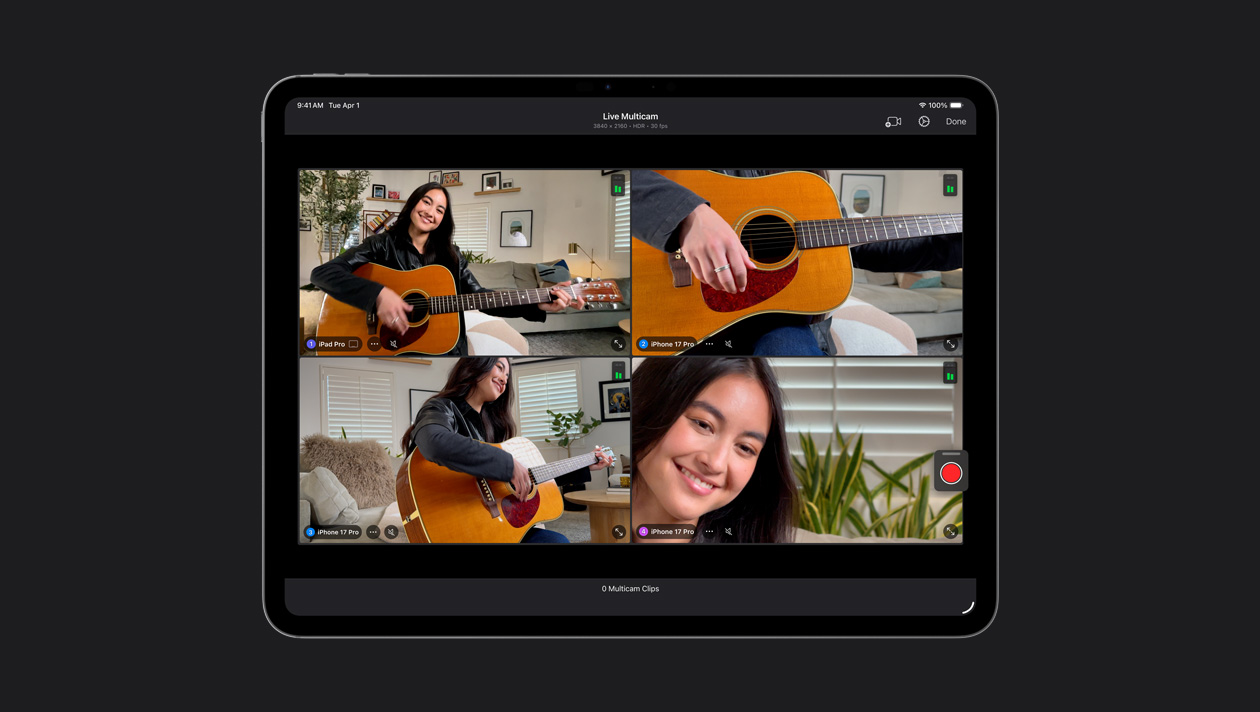
最大4台のiPhoneまたは
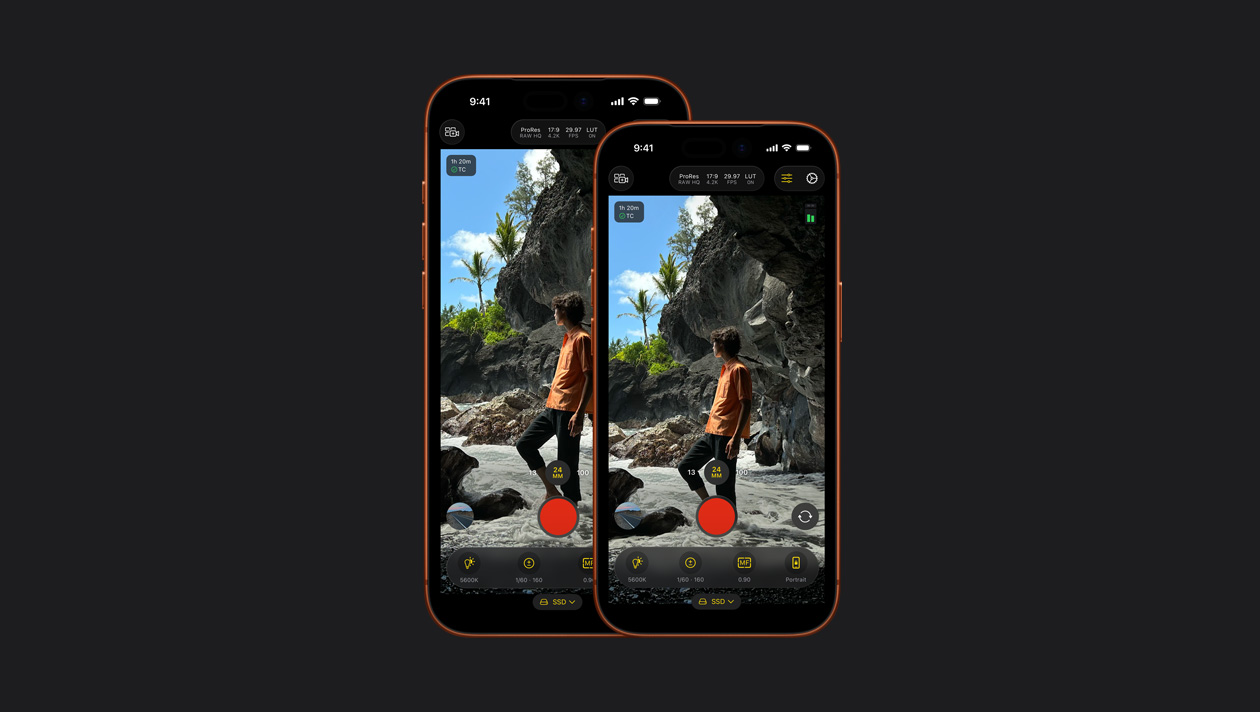
ISO、シャッタースピード、ホワイトバランスなどを
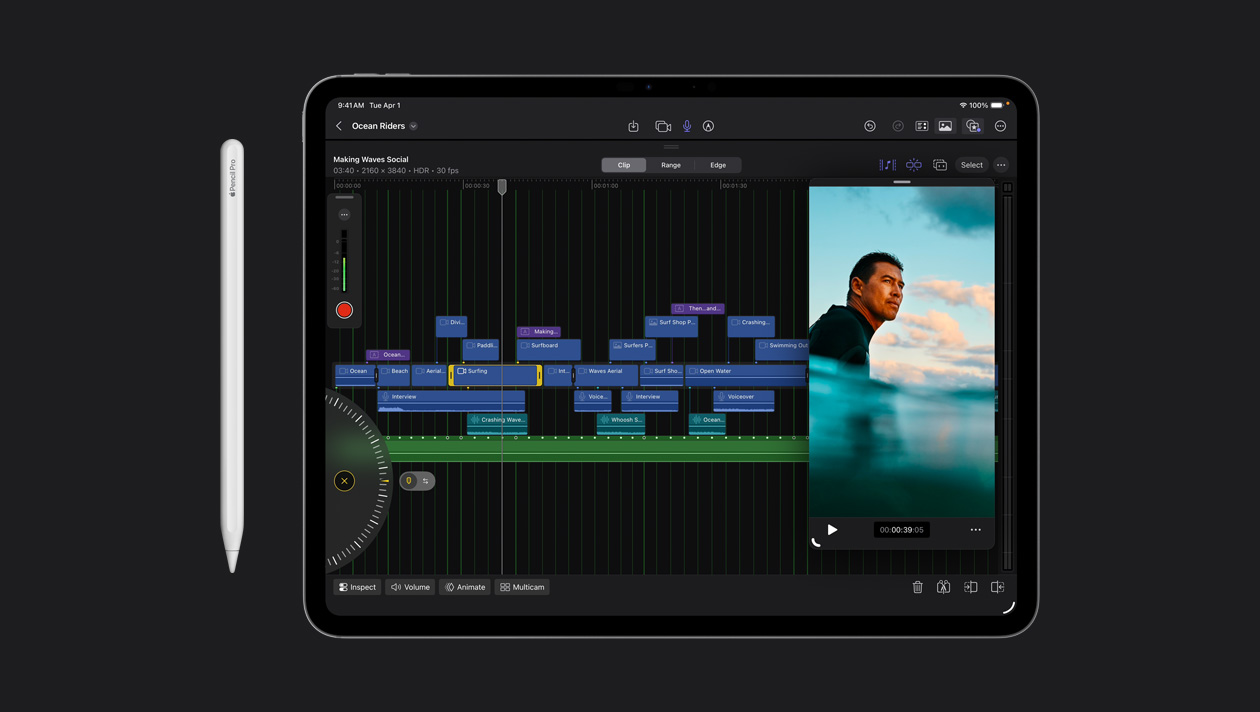
フレーム単位の正確な編集を、指で
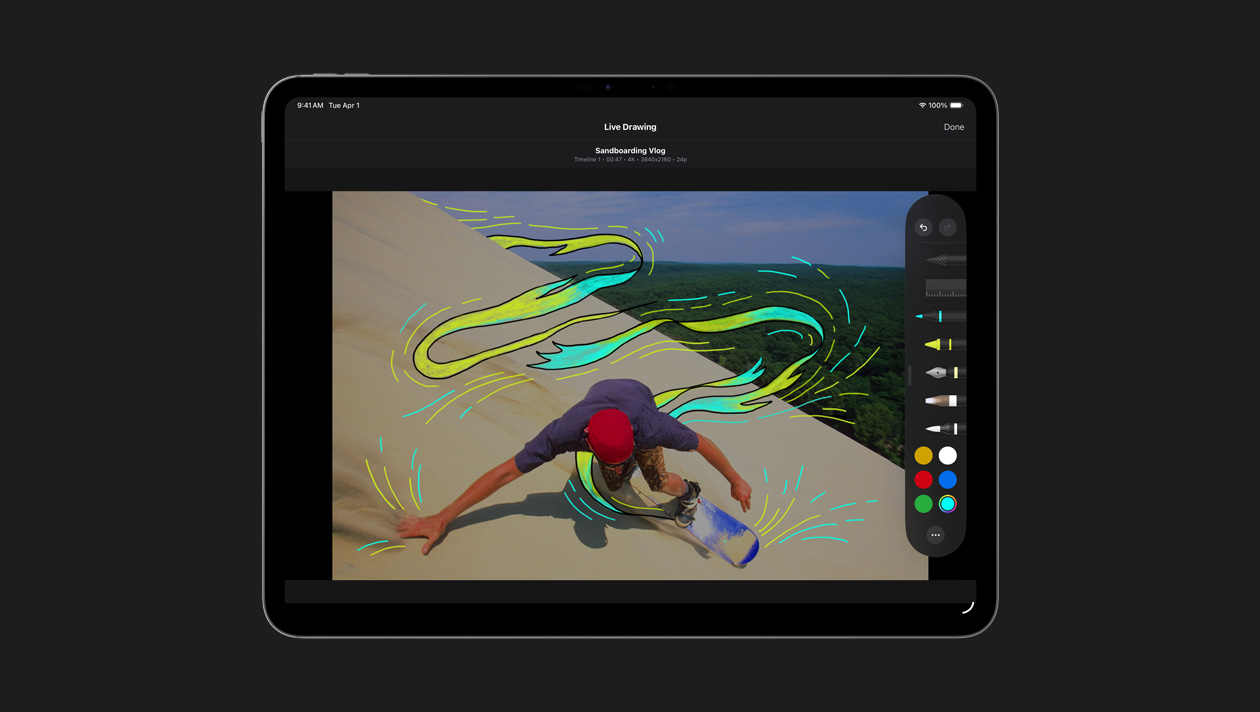
映像に直接スケッチを加えたり、
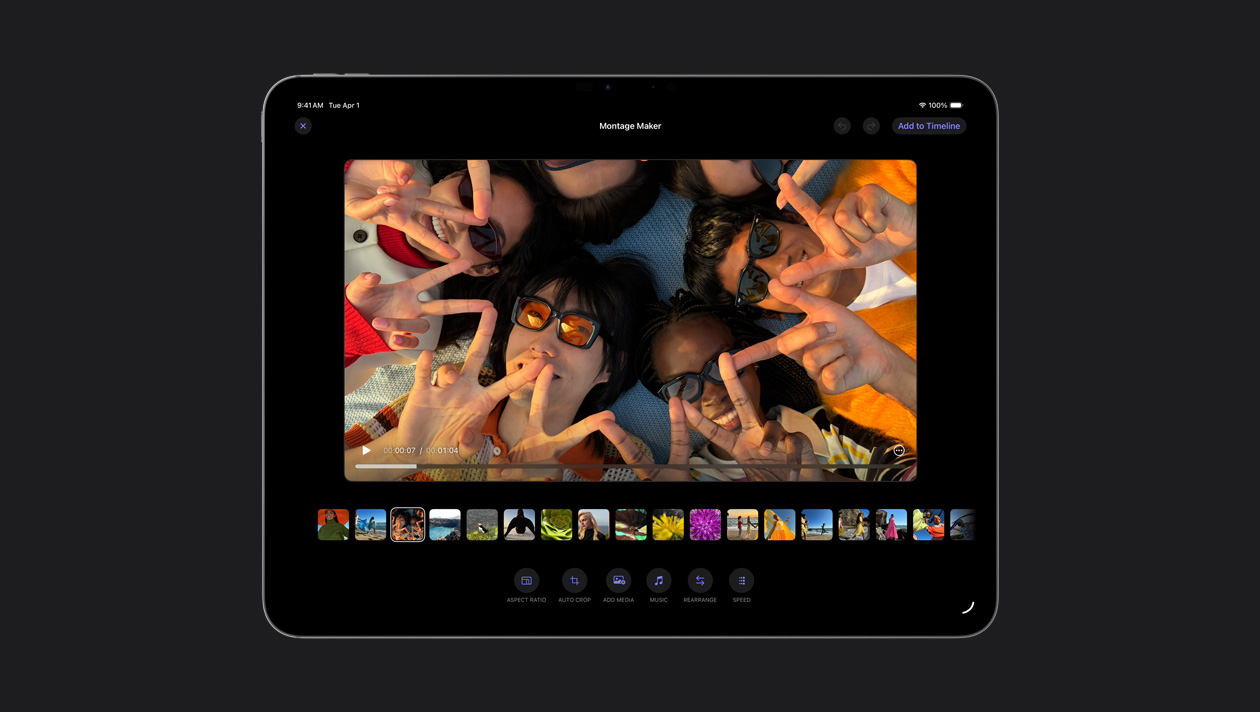
モンタージュメーカーは、最も
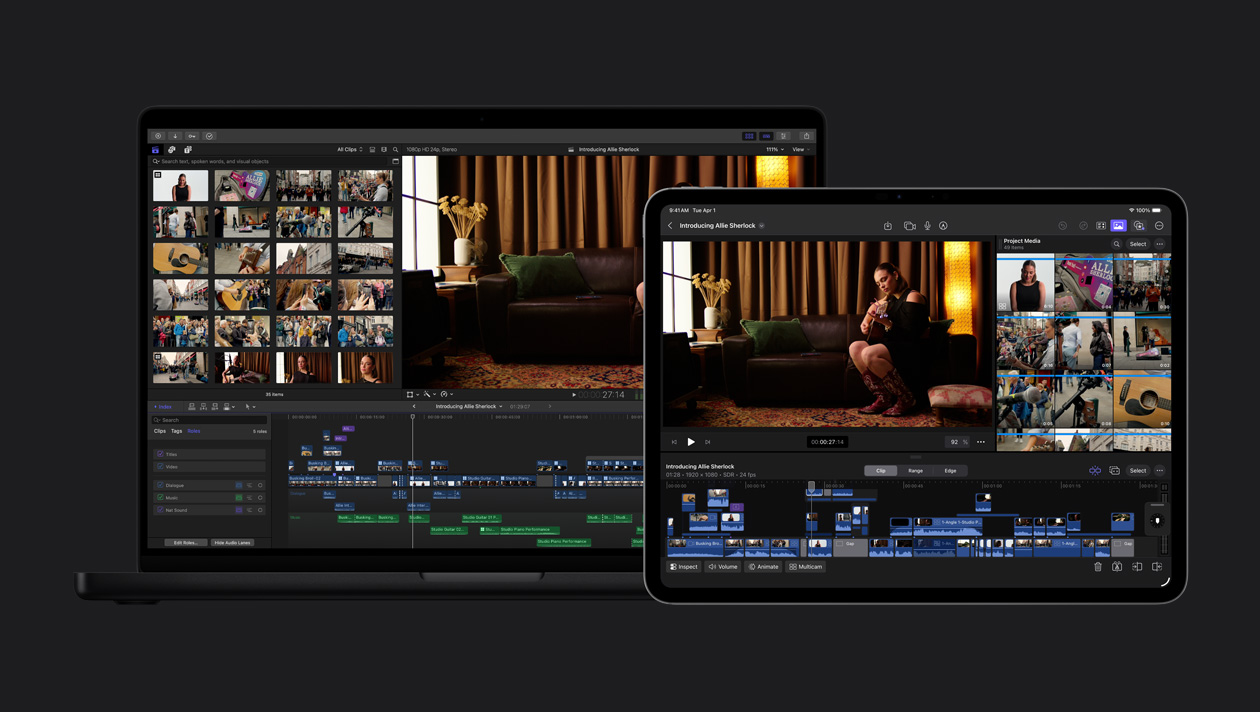
iPad上のプロジェクトを
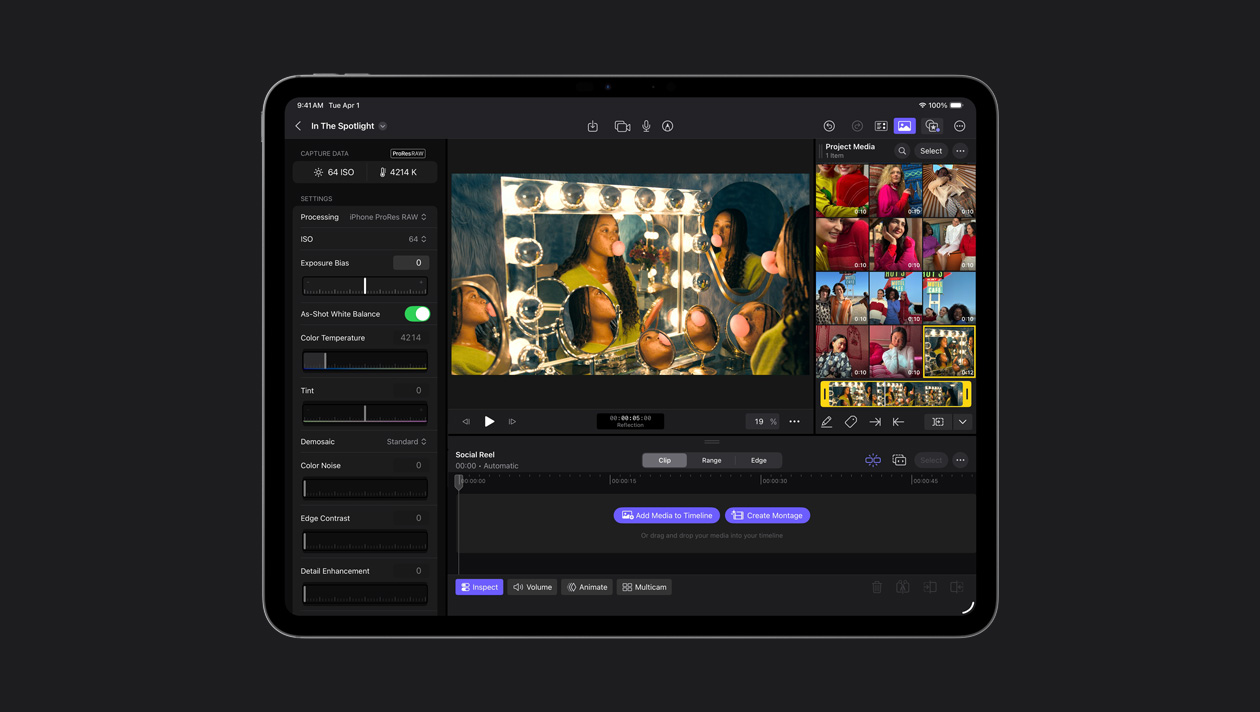
Final Cut Cameraを使うとProRes RAWで
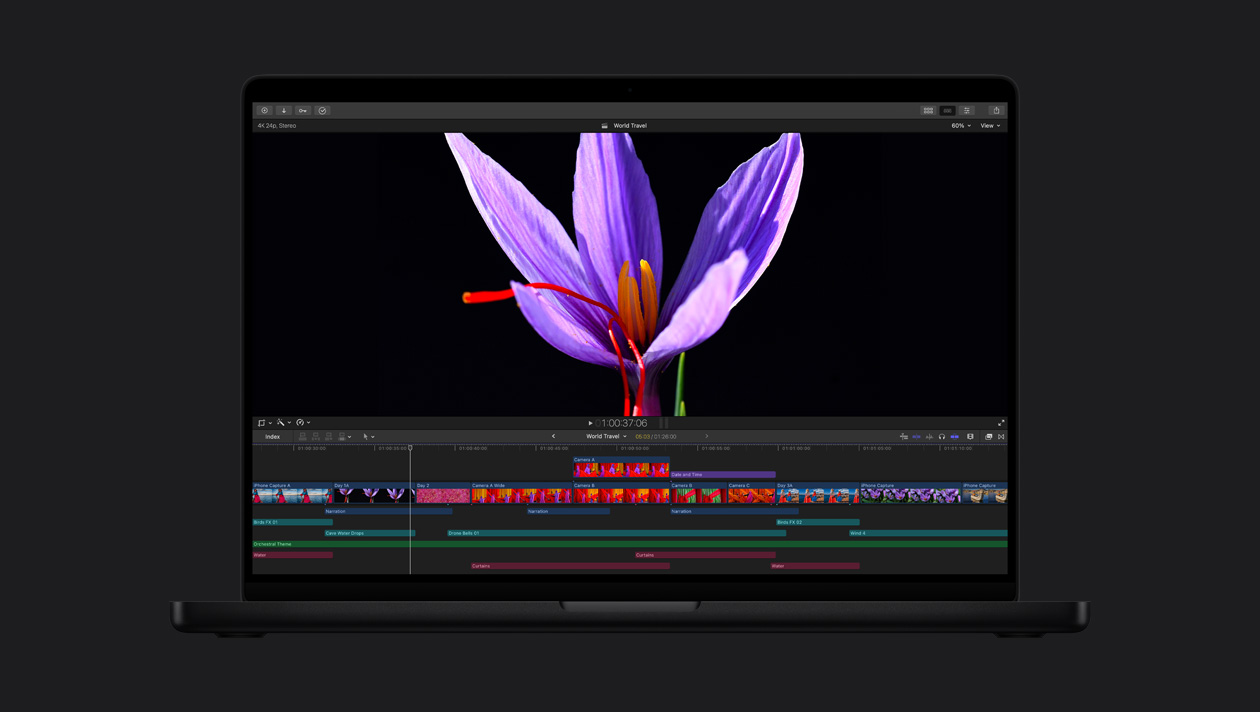
業界トップクラスのLiquid Retina
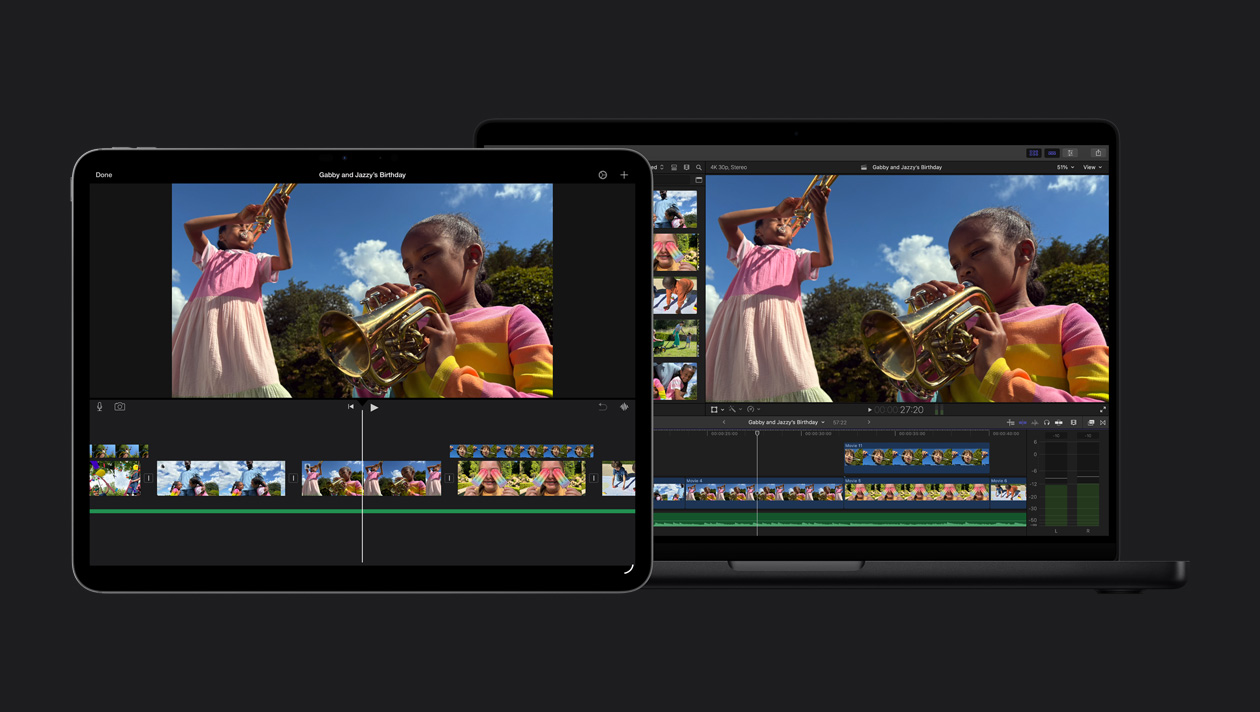
iMovieのプロジェクトを