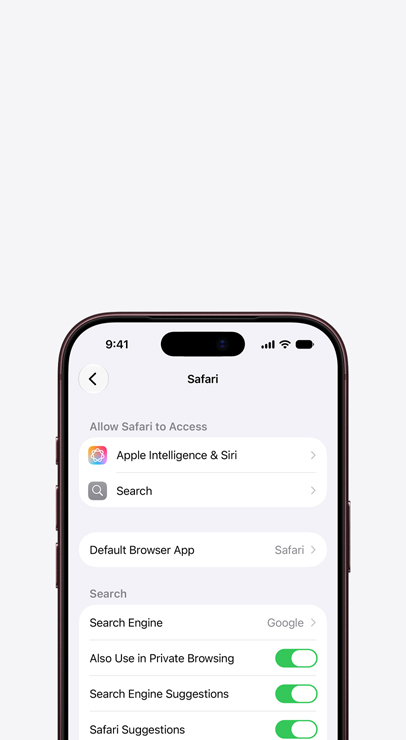
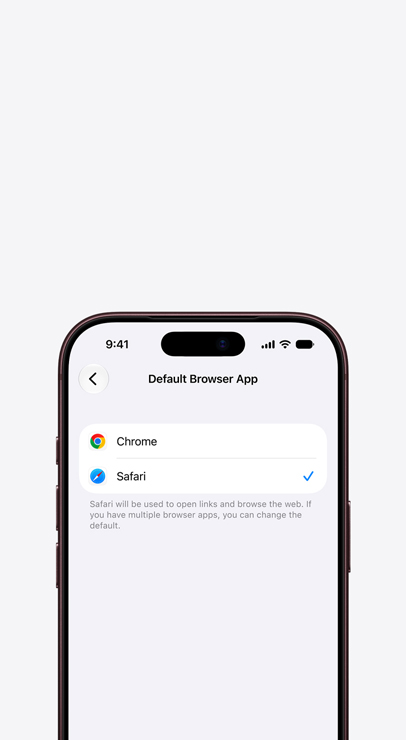
-
Safari offers up to 5 hours more video streaming on your Mac compared with Chrome.1


-
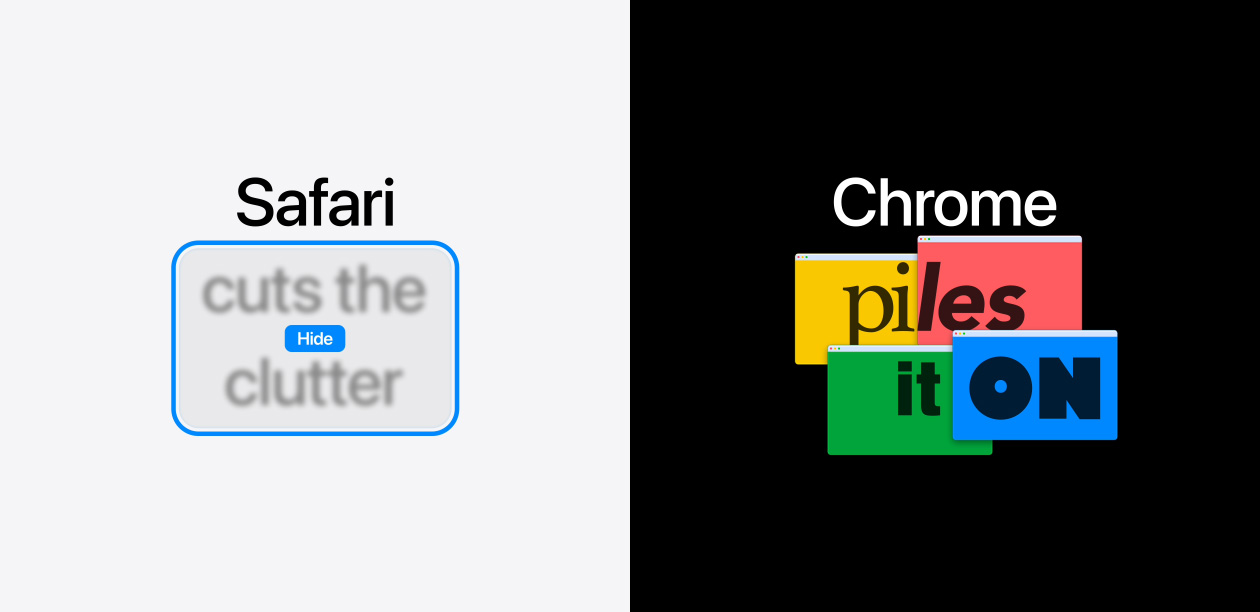
Chrome doesn’t remember which distractions you want to keep hidden.2

-
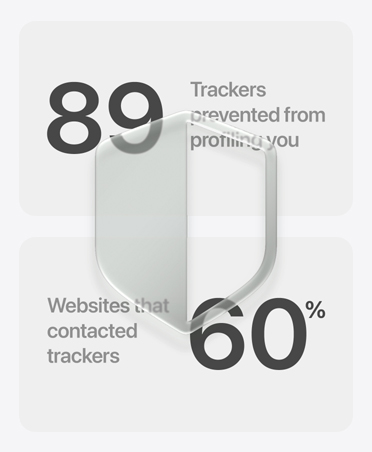
Chrome lets more third-party trackers follow you across the web and collect and sell your data to advertisers.


-
Safari is up to 35% faster than Chrome when loading frequently visited sites on Mac.3


| Feature |

|

|
|---|---|---|
| Faster page loads on frequently visited sites when browsing on Mac3 |

|

|
| All-day video streaming on Mac with a single charge1 |
|
|
| Better rendering performance of animated content4 |
|
|
| Quicker JavaScript performance on advanced web apps4 |
|
|
| Blocks third-party cookies from tracking you by default |
|
|
| Fights tracking with machine learning |
|
|
| Blocks known trackers in Private Browsing |
|
|
| Lets you hide annoying distractions and remembers your preferences2 |
|
|
| 4K HDR video playback on Mac for YouTube, Netflix, and Apple TV5 |
|
|
-
Battery life.
Safari lets you stream video all day on a single charge on Mac. That gives you up to 5 hours more playback compared with Chrome.1
-
Built for Apple.
Safari is designed to run on your Apple devices. It’s geared to get the most out of your battery life and deliver long-lasting power.
-
4K video streaming.
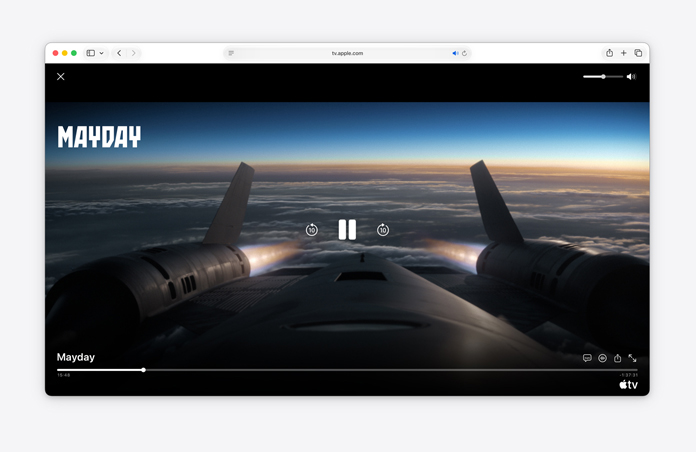
See your favorite shows and films in their best light. Safari supports in-browser 4K HDR video playback on your Mac for YouTube, Netflix, and Apple TV.5 And it runs efficiently for longer battery life.
-
The world’s fastest browser.6
Plus, Safari is up to 35% faster than Chrome when loading frequently visited websites on your Mac.3
-
Helps block trackers.
Built‑in protections like Intelligent Tracking Prevention are designed to help stop data‑collection companies from watching and profiling you based on your browsing activity.
-
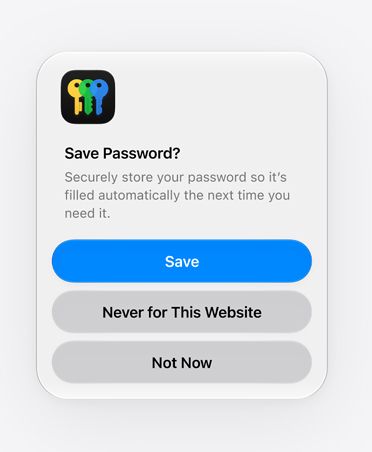
Password monitoring and authentication.
Your passwords can be securely saved in Safari, and easily autofilled using Touch ID or Face ID. If your passwords are compromised in a third-party data leak, Safari will alert you.
-
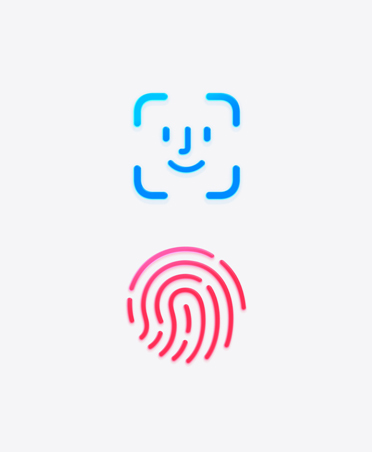
Passwords are so passé.
Safari offers passkeys, which make signing in easier and more secure. Passkeys are end‑to‑end encrypted and never stored in the cloud, helping to keep you safe from phishing and data leaks.
-
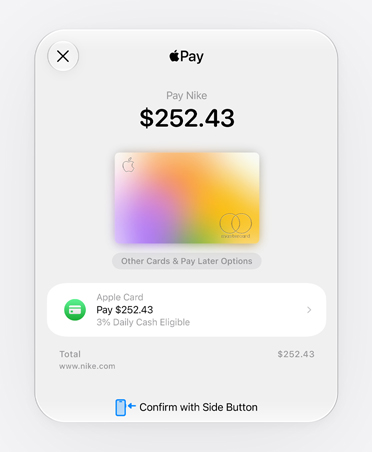
Secure payments.
When you make a payment using Apple Pay, merchants never see your credit card number, reducing exposure to fraud.
-
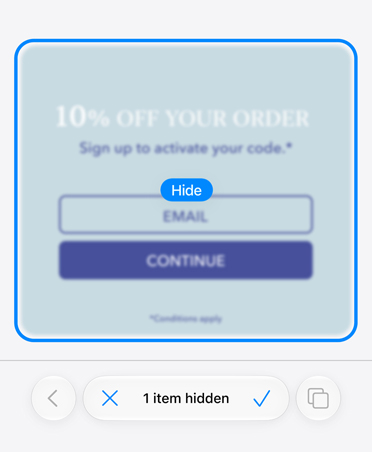
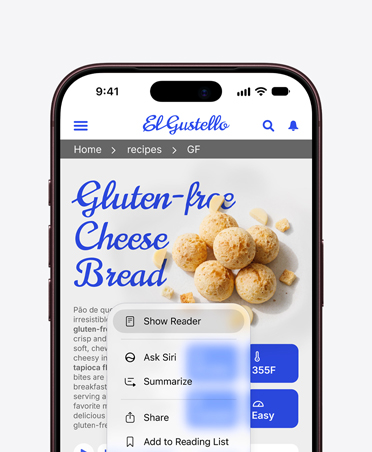
Hide distracting items.
With Distraction Control you can tap to hide any element on a page that’s bothering you. Safari remembers your choice the next time you visit and hides the items again until you choose to see them.2
-
Reader Mode.
Removes things like navigation menus, pop-ups, and other unnecessary distractions, leaving only the content you came to enjoy.
-
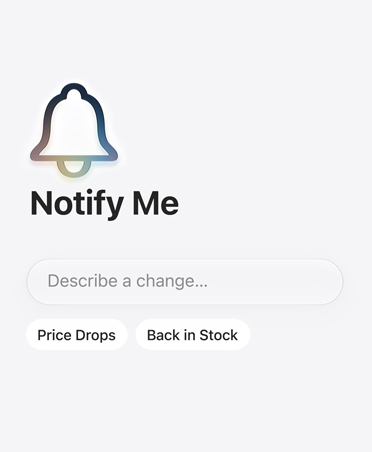
Notify Me.
With Apple Intelligence, Safari can periodically check a web page for updates and notify you so you can take action — like price changes or item availability.7
-
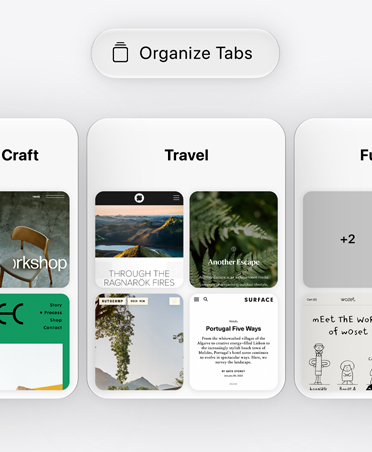
Organize by topic.
Safari uses Apple Intelligence to analyze web pages and organize your tabs by topic. As you browse, Safari continues to add new tabs to existing topics, keeping everything neat and tidy.7
-
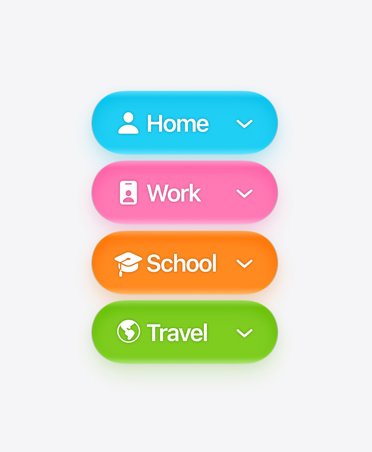
Same browser. Different you.
Safari Profiles allow you to create separate profiles, like Personal and Work. Activities like browsing history, Tab Groups, and favorites are separated and saved in each of your profiles.
-
Pick up where you left off.
Safari works seamlessly across your Apple devices, automatically syncing your passwords, bookmarks, history, tabs, and more. Safari treats them as a single, continuous experience, rather than separate browsers.